Zum Inhalt springen
HitLight
Showtec · Moving Head

Showtec Phantom 130 Spot

DMX-Tabelle, 2 DMX-Modi und eine 3D-Vorschau. 12 / 16 DMX-Kanäle.
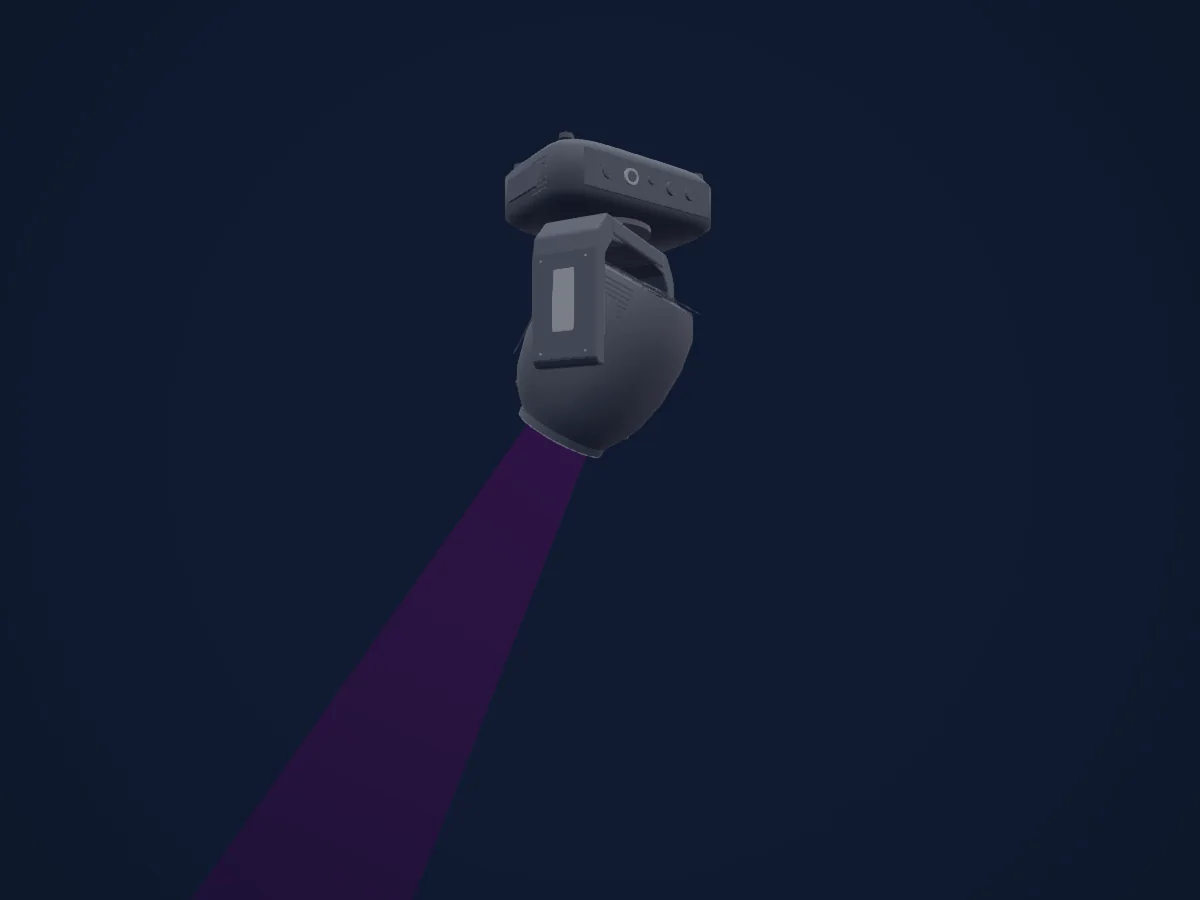
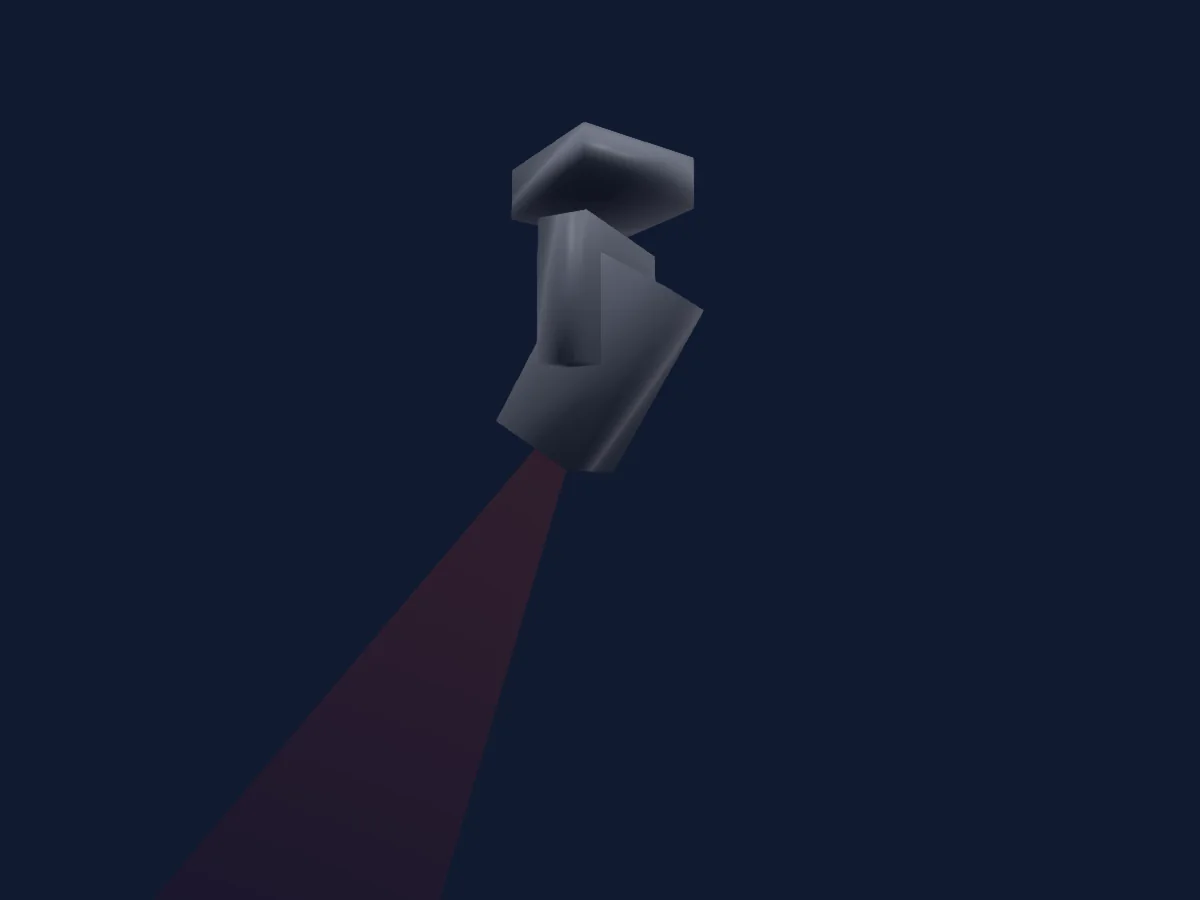
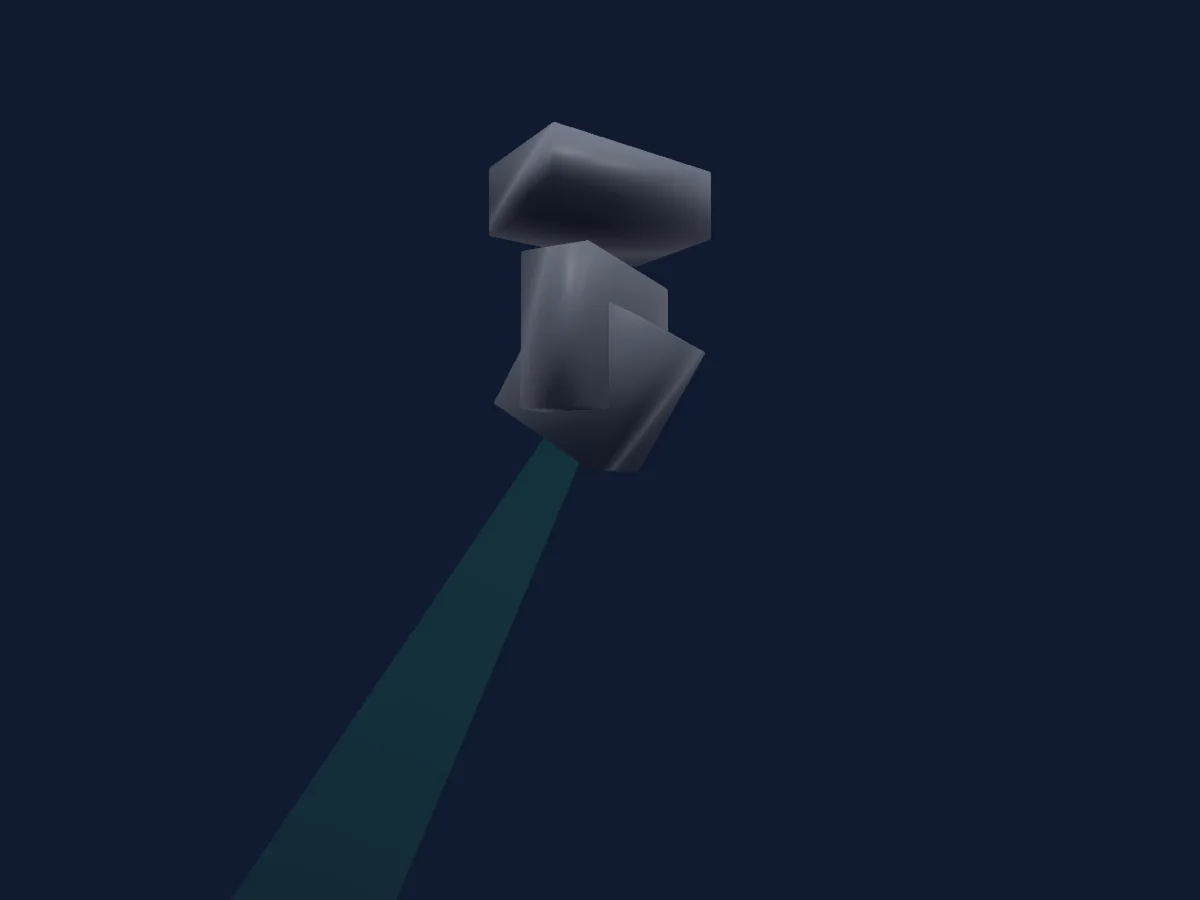
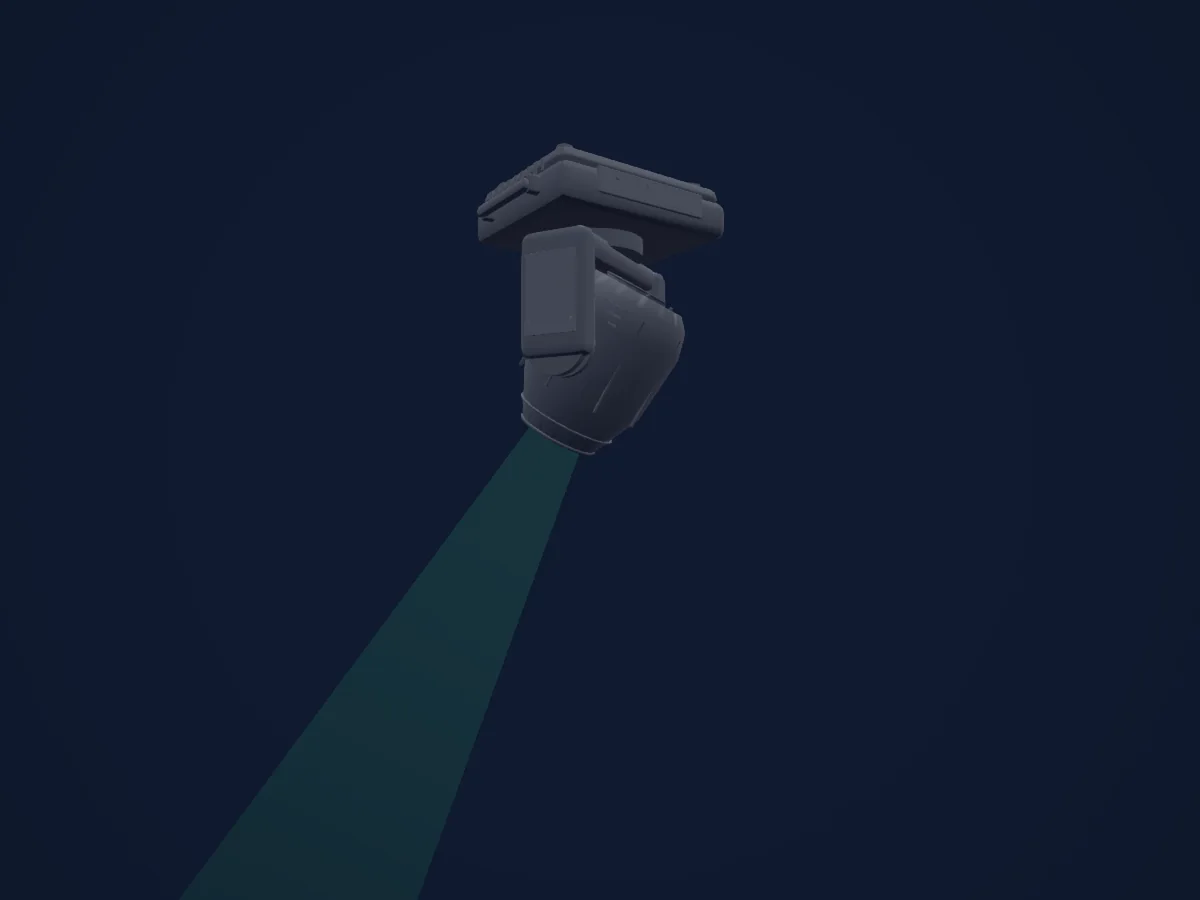
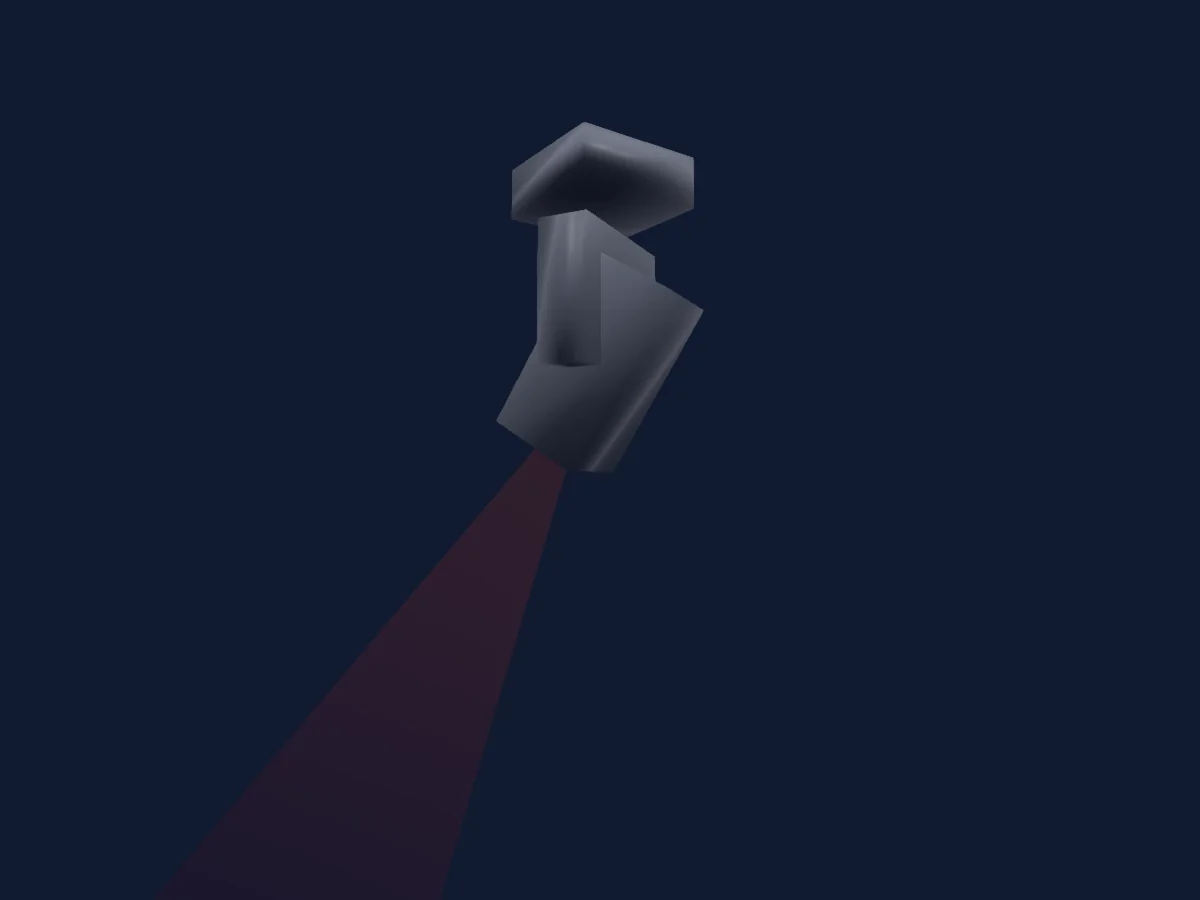
Showtec Phantom 130 Spot, gerendert in HitLight

Was er kann

  • Fokus
  • Prisma
  • Zoom
  • Dimmer
  • Pan und Tilt
  • Bewegungsgeschwindigkeit
  • Gobo-Rotation

Sicherheitsrelevante Funktionen: Scheinwerfer-Reset. Prüfe vor einer Show, wie sie sich an deinem eigenen Scheinwerfer verhalten.

DMX-Modi und Kanaltabellen

DMX-Modi von Showtec Phantom 130 Spot
ModusKanäleIn HitLight
12CH12Bereit in HitLight
16CH16Bereit in HitLight

12CH

Bereit in HitLight

12 DMX-Kanäle · Diese Tabelle als CSV herunterladen

DMX-Kanaltabelle für 12CH
KanalFunktionStandardDMX-Werte
1Pan1280–255
2Tilt1280–255
3Dimmer00–255
4Shutter / Strobe8
8 Wertebereiche
  • 0–7 Not functional
  • 8–15 Open
  • 16–131 Synchronized strobe, from low to high frequency
  • 132–167 Fast close/slow open strobe, from low to high frequency
  • 168–203 Slow close/fast open strobe, from low to high frequency
  • 204–239 Pulse strobe, from low to high frequency
  • 240–250 Random strobe effect, from low to high frequency
  • 251–255 Open
5Color Wheel0
19 Wertebereiche
  • 0–7 Open / White (wheel slot 1)
  • 8–15 Red (wheel slot 2)
  • 16–23 Yellow (wheel slot 3)
  • 24–31 Green (wheel slot 4)
  • 32–39 Orange (wheel slot 5)
  • 40–47 Pink (wheel slot 6)
  • 48–55 Light Green (wheel slot 7)
  • 56–63 Light Blue (wheel slot 8)
  • 64–83 Gradual split color White/Red
  • 84–99 Gradual split color Red/Yellow
  • 100–114 Gradual split color Yellow/Green
  • 115–130 Gradual split color Green/Orange
  • 131–146 Gradual split color Orange/Pink
  • 147–161 Gradual split color Pink/Light Green
  • 162–177 Gradual split color Light Green/Light Blue
  • 178–189 Gradual split color Light Blue/White
  • 190–221 Clockwise rotation (CW) rainbow effect from fast to slow
  • 222–223 Stop
  • 224–255 Counterclockwise rotation (CCW) rainbow effect from slow to fast
6Gobo0
19 Wertebereiche
  • 0–7 Open / White (wheel slot 1)
  • 8–15 Gobo 1 (Glass) (wheel slot 2)
  • 16–23 Gobo 2 (Metal) (wheel slot 3)
  • 24–31 Gobo 3 (Metal) (wheel slot 4)
  • 32–39 Gobo 4 (Metal) (wheel slot 5)
  • 40–47 Gobo 5 (Metal) (wheel slot 6)
  • 48–55 Gobo 6 (Metal) (wheel slot 7)
  • 56–63 Gobo 7 (Metal) (wheel slot 8)
  • 64–71 Gobo Shake 7 from slow to fast
  • 72–79 Gobo Shake 6 from slow to fast
  • 80–87 Gobo Shake 5 from slow to fast
  • 88–95 Gobo Shake 4 from slow to fast
  • 96–103 Gobo Shake 3 from slow to fast
  • 104–111 Gobo Shake 2 from slow to fast
  • 112–119 Gobo Shake 1 from slow to fast
  • 120–127 Open / White (wheel slot 1)
  • 128–189 Clockwise rotation (CW) rainbow effect from slow to fast
  • 190–193 Stop
  • 194–255 Counterclockwise rotation (CCW) rainbow effect from slow to fast
7Gobo Rotation0
5 Wertebereiche
  • 0–63 Gobo indexing
  • 64–145 Clockwise rotation (CW) from slow to fast
  • 146–149 Stop
  • 150–231 Counterclockwise rotation (CCW) from slow to fast
  • 232–255 Gobo bouncing, from quick short bounce to longer rotation bounce
8Gobo 20
19 Wertebereiche
  • 0–7 Open / White (wheel slot 1)
  • 8–15 Gobo 1 (Metal) (wheel slot 2)
  • 16–23 Gobo 2 (Metal) (wheel slot 3)
  • 24–31 Gobo 3 (Metal) (wheel slot 4)
  • 32–39 Gobo 4 (Metal) (wheel slot 5)
  • 40–47 Gobo 5 (Metal) (wheel slot 6)
  • 48–55 Gobo 6 (Metal) (wheel slot 7)
  • 56–63 Gobo 7 (Metal) (wheel slot 8)
  • 64–71 Gobo Shake 7 from slow to fast
  • 72–79 Gobo Shake 6 from slow to fast
  • 80–87 Gobo Shake 5 from slow to fast
  • 88–95 Gobo Shake 4 from slow to fast
  • 96–103 Gobo Shake 3 from slow to fast
  • 104–111 Gobo Shake 2 from slow to fast
  • 112–119 Gobo Shake 1 from slow to fast
  • 120–127 Open / White (wheel slot 1)
  • 128–189 Counterclockwise rotation (CCW) rainbow effect from slow to fast
  • 190–193 Stop
  • 194–255 Clockwise rotation (CW) rainbow effect from slow to fast
9Prism0
10 Wertebereiche
  • 0–3 Not functional
  • 4–6 Prism 1 (6-facet circular prism)
  • 7–65 Prism 1 clockwise rotation (CW) prism effect from slow to fast
  • 66–123 Prism 1 counterclockwise rotation (CCW) prism effect from slow to fast
  • 124–127 Prism 1
  • 128–131 Not functional
  • 132–134 Prism 2 (5-facet linear prism)
  • 135–193 Prism 2 clockwise rotation (CW) prism effect from slow to fast
  • 194–251 Prism 2 counterclockwise rotation (CCW) prism effect from slow to fast
  • 252–255 Prism 2
10Focus00–255
11Zoom00–255
12Control0
17 Wertebereiche
  • 0–7 No Function
  • 8–23 Built-in Program 1
  • 24–39 Built-in Program 2
  • 40–55 Built-in Program 3
  • 56–71 Built-in Program 4
  • 72–87 Built-in Program 5
  • 88–103 Built-in Program 6
  • 104–119 Built-in Program 7
  • 120–135 Built-in Program 8
  • 136–151 Sound-controlled Program 1
  • 152–167 Sound-controlled Program 2
  • 168–183 Sound-controlled Program 3
  • 184–199 Sound-controlled Program 4
  • 200–215 Sound-controlled Program 5
  • 216–231 Sound-controlled Program 6
  • 232–247 Sound-controlled Program 7
  • 248–255 Sound-controlled Program 8

16CH

Bereit in HitLight

16 DMX-Kanäle · Diese Tabelle als CSV herunterladen

DMX-Kanaltabelle für 16CH
KanalFunktionStandardDMX-Werte
1Pan1280–255
2Tilt1280–255
3Pan Fine0Feinbyte von Pan
4Tilt Fine0Feinbyte von Tilt
5Pan Tilt Speed00–255
6Dimmer00–255
7Shutter / Strobe8
8 Wertebereiche
  • 0–7 Not functional
  • 8–15 Open
  • 16–131 Synchronized strobe, from low to high frequency
  • 132–167 Fast close/slow open strobe, from low to high frequency
  • 168–203 Slow close/fast open strobe, from low to high frequency
  • 204–239 Pulse strobe, from low to high frequency
  • 240–250 Random strobe effect, from low to high frequency
  • 251–255 Open
8Color Wheel0
19 Wertebereiche
  • 0–7 Open / White (wheel slot 1)
  • 8–15 Red (wheel slot 2)
  • 16–23 Yellow (wheel slot 3)
  • 24–31 Green (wheel slot 4)
  • 32–39 Orange (wheel slot 5)
  • 40–47 Pink (wheel slot 6)
  • 48–55 Light Green (wheel slot 7)
  • 56–63 Light Blue (wheel slot 8)
  • 64–83 Gradual split color White/Red
  • 84–99 Gradual split color Red/Yellow
  • 100–114 Gradual split color Yellow/Green
  • 115–130 Gradual split color Green/Orange
  • 131–146 Gradual split color Orange/Pink
  • 147–161 Gradual split color Pink/Light Green
  • 162–177 Gradual split color Light Green/Light Blue
  • 178–189 Gradual split color Light Blue/White
  • 190–221 Clockwise rotation (CW) rainbow effect from fast to slow
  • 222–223 Stop
  • 224–255 Counterclockwise rotation (CCW) rainbow effect from slow to fast
9Gobo0
19 Wertebereiche
  • 0–7 Open / White (wheel slot 1)
  • 8–15 Gobo 1 (Glass) (wheel slot 2)
  • 16–23 Gobo 2 (Metal) (wheel slot 3)
  • 24–31 Gobo 3 (Metal) (wheel slot 4)
  • 32–39 Gobo 4 (Metal) (wheel slot 5)
  • 40–47 Gobo 5 (Metal) (wheel slot 6)
  • 48–55 Gobo 6 (Metal) (wheel slot 7)
  • 56–63 Gobo 7 (Metal) (wheel slot 8)
  • 64–71 Gobo Shake 7 from slow to fast
  • 72–79 Gobo Shake 6 from slow to fast
  • 80–87 Gobo Shake 5 from slow to fast
  • 88–95 Gobo Shake 4 from slow to fast
  • 96–103 Gobo Shake 3 from slow to fast
  • 104–111 Gobo Shake 2 from slow to fast
  • 112–119 Gobo Shake 1 from slow to fast
  • 120–127 Open / White (wheel slot 1)
  • 128–189 Clockwise rotation (CW) rainbow effect from slow to fast
  • 190–193 Stop
  • 194–255 Counterclockwise rotation (CCW) rainbow effect from slow to fast
10Gobo Rotation0
5 Wertebereiche
  • 0–63 Gobo indexing
  • 64–145 Clockwise rotation (CW) from slow to fast
  • 146–149 Stop
  • 150–231 Counterclockwise rotation (CCW) from slow to fast
  • 232–255 Gobo bouncing, from quick short bounce to longer rotation bounce
11Gobo 20
19 Wertebereiche
  • 0–7 Open / White (wheel slot 1)
  • 8–15 Gobo 1 (Metal) (wheel slot 2)
  • 16–23 Gobo 2 (Metal) (wheel slot 3)
  • 24–31 Gobo 3 (Metal) (wheel slot 4)
  • 32–39 Gobo 4 (Metal) (wheel slot 5)
  • 40–47 Gobo 5 (Metal) (wheel slot 6)
  • 48–55 Gobo 6 (Metal) (wheel slot 7)
  • 56–63 Gobo 7 (Metal) (wheel slot 8)
  • 64–71 Gobo Shake 7 from slow to fast
  • 72–79 Gobo Shake 6 from slow to fast
  • 80–87 Gobo Shake 5 from slow to fast
  • 88–95 Gobo Shake 4 from slow to fast
  • 96–103 Gobo Shake 3 from slow to fast
  • 104–111 Gobo Shake 2 from slow to fast
  • 112–119 Gobo Shake 1 from slow to fast
  • 120–127 Open / White (wheel slot 1)
  • 128–189 Counterclockwise rotation (CCW) rainbow effect from slow to fast
  • 190–193 Stop
  • 194–255 Clockwise rotation (CW) rainbow effect from slow to fast
12Prism0
10 Wertebereiche
  • 0–3 Not functional
  • 4–6 Prism 1 (6-facet circular prism)
  • 7–65 Prism 1 clockwise rotation (CW) prism effect from slow to fast
  • 66–123 Prism 1 counterclockwise rotation (CCW) prism effect from slow to fast
  • 124–127 Prism 1
  • 128–131 Not functional
  • 132–134 Prism 2 (5-facet linear prism)
  • 135–193 Prism 2 clockwise rotation (CW) prism effect from slow to fast
  • 194–251 Prism 2 counterclockwise rotation (CCW) prism effect from slow to fast
  • 252–255 Prism 2
13Focus00–255
14Zoom00–255
15Control0
17 Wertebereiche
  • 0–7 Not functional
  • 8–15 Blackout during Pan/Tilt movement
  • 16–23 Blackout during color wheel movement
  • 24–31 Blackout during gobo wheel movement
  • 32–39 Blackout during Pan-Tilt/color wheel movement
  • 40–47 Blackout during Pan-Tilt/gobo wheel movement
  • 48–55 Blackout during Pan-Tilt/color wheel movement/gobo wheel movement
  • 56–95 Not functional
  • 96–103 Reset Pan
  • 104–111 Reset Tilt
  • 112–119 Color wheel reset
  • 120–127 Gobo wheel reset
  • 128–135 Not functional
  • 136–143 Reset prism
  • 144–151 Focus/zoom reset
  • 152–159 Reset all
  • 160–255 Not functional
16Control0
17 Wertebereiche
  • 0–7 No Function
  • 8–23 Built-in Program 1
  • 24–39 Built-in Program 2
  • 40–55 Built-in Program 3
  • 56–71 Built-in Program 4
  • 72–87 Built-in Program 5
  • 88–103 Built-in Program 6
  • 104–119 Built-in Program 7
  • 120–135 Built-in Program 8
  • 136–151 Sound-controlled Program 1
  • 152–167 Sound-controlled Program 2
  • 168–183 Sound-controlled Program 3
  • 184–199 Sound-controlled Program 4
  • 200–215 Sound-controlled Program 5
  • 216–231 Sound-controlled Program 6
  • 232–247 Sound-controlled Program 7
  • 248–255 Sound-controlled Program 8

Showtec Phantom 130 Spot in HitLight verwenden

  1. Öffne Scheinwerfer hinzufügen und suche nach Showtec Phantom 130 Spot.
  2. Wähle den DMX-Modus, der im Menü des Scheinwerfers eingestellt ist. HitLight gibt ihm die niedrigste freie Startadresse in seinem Universum, die zur Kanalzahl des Modus passt.
  3. Prüfe Modus und Steuerung an deinem echten Scheinwerfer, bevor du ihn live einsetzt.

Spielstätten mit Showtec Phantom 130 Spot

Ihre gespeicherten Lichtaufbauten enthalten dieses Scheinwerfermodell. Klären Sie die aktuelle Ausstattung mit der Spielstätte.

Die Tabellen stammen aus der GDTF-Beschreibung des Scheinwerfers, umgewandelt für die HitLight-Bibliothek. HitLight ist nicht mit Showtec verbunden.

Fixture model: gdtf-showtec-phantom-130-spot-202611022505
Original HitLight primitive reconstruction from exact Showtec40072 photographs and manual drawing. Planning approximation; fine fittings, qualified legacy rest envelope and source photometry are not hardware calibrated. No manufacturer mesh, photo texture, logo or original manual redistributed.
Creator: HitLight

Patche ihn und lass die Musik das Licht steuern.

HitLight findet diese Scheinwerfer in seiner Bibliothek, patcht sie auf die nächste freie Adresse und zeigt deine Lichtanlage in 3D, bevor ein einziges Licht eingesteckt ist.

HitLight öffnen ↗HitLight herunterladen