Saltar al contenido
HitLight
Showtec · Cabeza móvil

Showtec Phantom 130 Spot

Tabla DMX, 2 modos DMX y vista previa en 3D. 12 / 16 canales DMX.
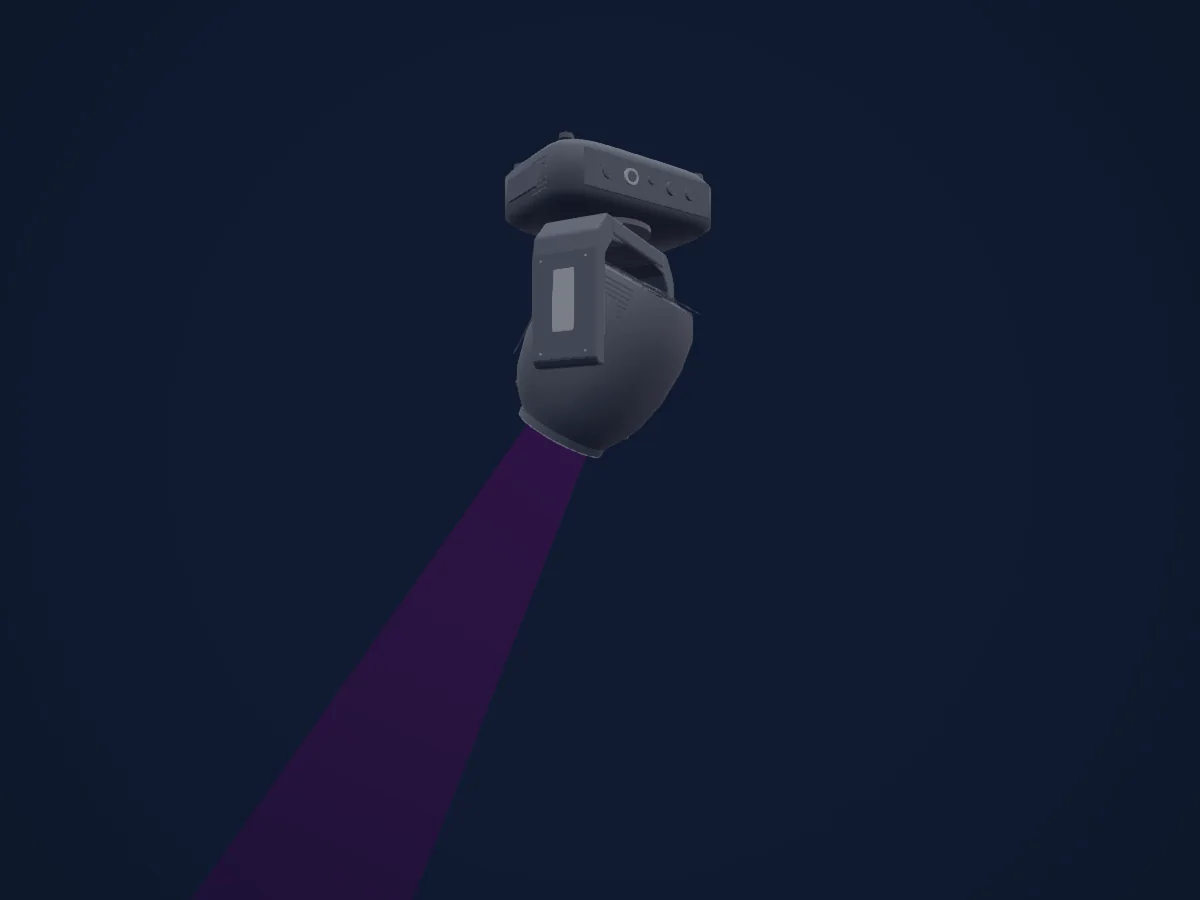
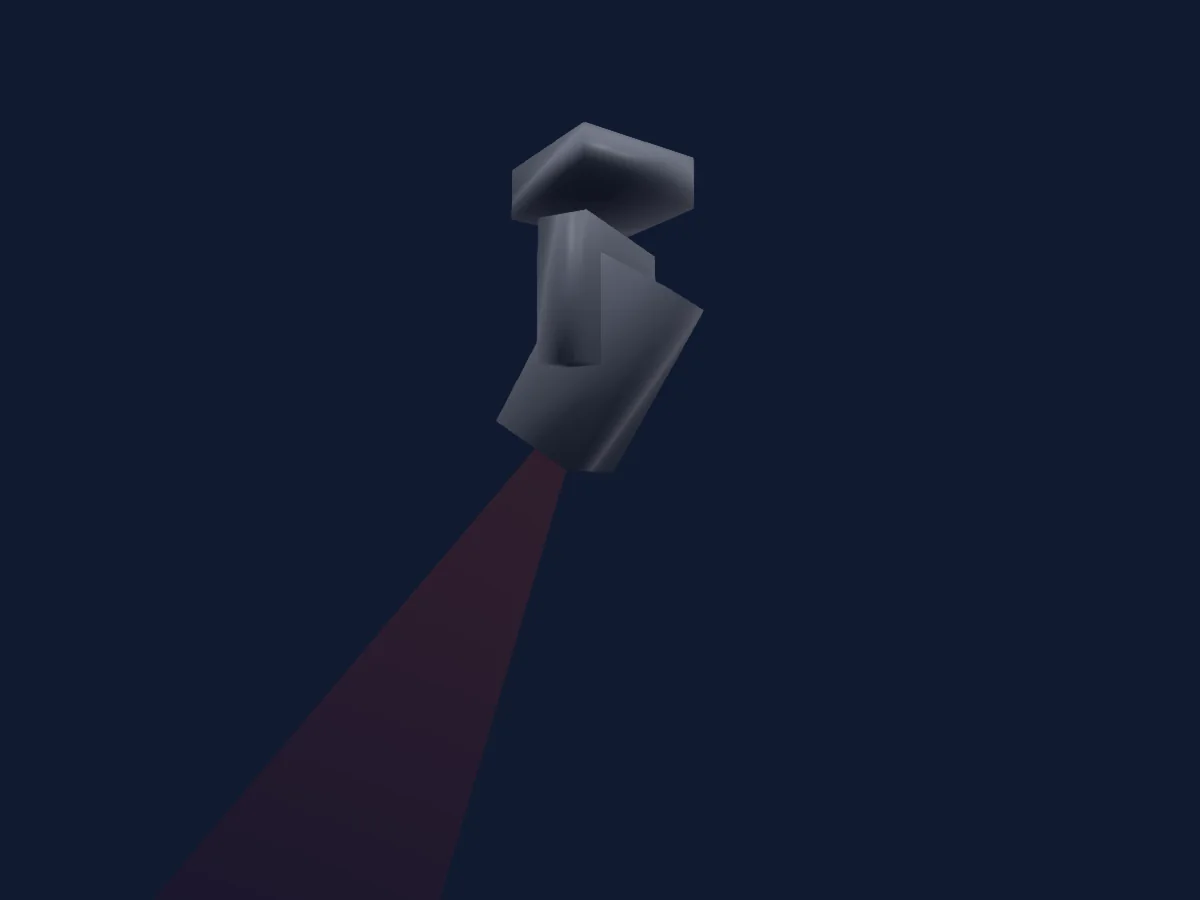
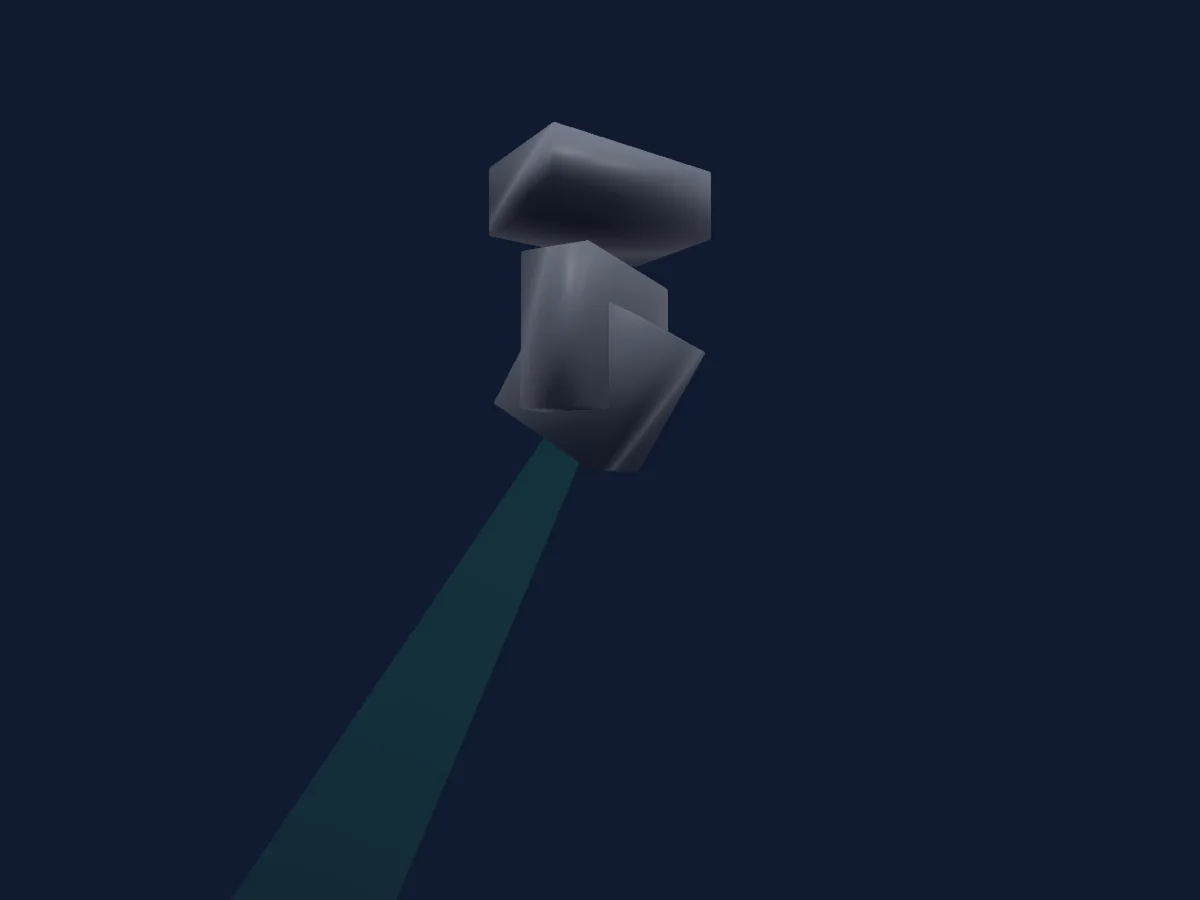
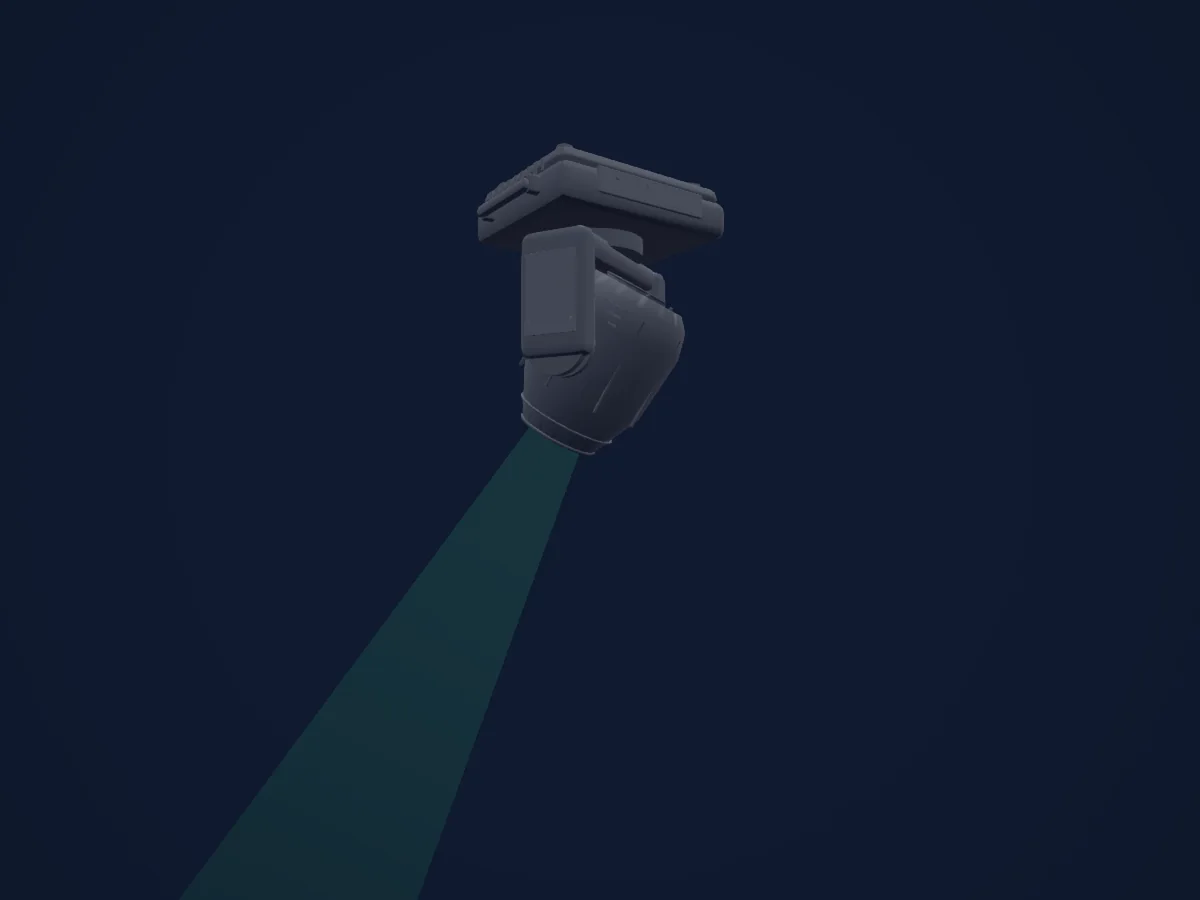
Showtec Phantom 130 Spot renderizado en HitLight

Lo que puede hacer

  • Foco
  • Prisma
  • Zoom
  • Intensidad
  • Pan y tilt
  • Velocidad de movimiento
  • Rotación de gobos

Funciones relevantes para la seguridad: Reinicio del foco. Comprueba cómo se comportan en tu propio foco antes de un espectáculo.

Modos DMX y tablas de canales

Modos DMX de Showtec Phantom 130 Spot
ModoCanalesEn HitLight
12CH12Listo en HitLight
16CH16Listo en HitLight

12CH

Listo en HitLight

12 canales DMX · Descargar esta tabla en CSV

Tabla de canales DMX de 12CH
CanalFunciónPredeterminadoValores DMX
1Pan1280–255
2Tilt1280–255
3Dimmer00–255
4Shutter / Strobe8
8 rangos de valores
  • 0–7 Not functional
  • 8–15 Open
  • 16–131 Synchronized strobe, from low to high frequency
  • 132–167 Fast close/slow open strobe, from low to high frequency
  • 168–203 Slow close/fast open strobe, from low to high frequency
  • 204–239 Pulse strobe, from low to high frequency
  • 240–250 Random strobe effect, from low to high frequency
  • 251–255 Open
5Color Wheel0
19 rangos de valores
  • 0–7 Open / White (wheel slot 1)
  • 8–15 Red (wheel slot 2)
  • 16–23 Yellow (wheel slot 3)
  • 24–31 Green (wheel slot 4)
  • 32–39 Orange (wheel slot 5)
  • 40–47 Pink (wheel slot 6)
  • 48–55 Light Green (wheel slot 7)
  • 56–63 Light Blue (wheel slot 8)
  • 64–83 Gradual split color White/Red
  • 84–99 Gradual split color Red/Yellow
  • 100–114 Gradual split color Yellow/Green
  • 115–130 Gradual split color Green/Orange
  • 131–146 Gradual split color Orange/Pink
  • 147–161 Gradual split color Pink/Light Green
  • 162–177 Gradual split color Light Green/Light Blue
  • 178–189 Gradual split color Light Blue/White
  • 190–221 Clockwise rotation (CW) rainbow effect from fast to slow
  • 222–223 Stop
  • 224–255 Counterclockwise rotation (CCW) rainbow effect from slow to fast
6Gobo0
19 rangos de valores
  • 0–7 Open / White (wheel slot 1)
  • 8–15 Gobo 1 (Glass) (wheel slot 2)
  • 16–23 Gobo 2 (Metal) (wheel slot 3)
  • 24–31 Gobo 3 (Metal) (wheel slot 4)
  • 32–39 Gobo 4 (Metal) (wheel slot 5)
  • 40–47 Gobo 5 (Metal) (wheel slot 6)
  • 48–55 Gobo 6 (Metal) (wheel slot 7)
  • 56–63 Gobo 7 (Metal) (wheel slot 8)
  • 64–71 Gobo Shake 7 from slow to fast
  • 72–79 Gobo Shake 6 from slow to fast
  • 80–87 Gobo Shake 5 from slow to fast
  • 88–95 Gobo Shake 4 from slow to fast
  • 96–103 Gobo Shake 3 from slow to fast
  • 104–111 Gobo Shake 2 from slow to fast
  • 112–119 Gobo Shake 1 from slow to fast
  • 120–127 Open / White (wheel slot 1)
  • 128–189 Clockwise rotation (CW) rainbow effect from slow to fast
  • 190–193 Stop
  • 194–255 Counterclockwise rotation (CCW) rainbow effect from slow to fast
7Gobo Rotation0
5 rangos de valores
  • 0–63 Gobo indexing
  • 64–145 Clockwise rotation (CW) from slow to fast
  • 146–149 Stop
  • 150–231 Counterclockwise rotation (CCW) from slow to fast
  • 232–255 Gobo bouncing, from quick short bounce to longer rotation bounce
8Gobo 20
19 rangos de valores
  • 0–7 Open / White (wheel slot 1)
  • 8–15 Gobo 1 (Metal) (wheel slot 2)
  • 16–23 Gobo 2 (Metal) (wheel slot 3)
  • 24–31 Gobo 3 (Metal) (wheel slot 4)
  • 32–39 Gobo 4 (Metal) (wheel slot 5)
  • 40–47 Gobo 5 (Metal) (wheel slot 6)
  • 48–55 Gobo 6 (Metal) (wheel slot 7)
  • 56–63 Gobo 7 (Metal) (wheel slot 8)
  • 64–71 Gobo Shake 7 from slow to fast
  • 72–79 Gobo Shake 6 from slow to fast
  • 80–87 Gobo Shake 5 from slow to fast
  • 88–95 Gobo Shake 4 from slow to fast
  • 96–103 Gobo Shake 3 from slow to fast
  • 104–111 Gobo Shake 2 from slow to fast
  • 112–119 Gobo Shake 1 from slow to fast
  • 120–127 Open / White (wheel slot 1)
  • 128–189 Counterclockwise rotation (CCW) rainbow effect from slow to fast
  • 190–193 Stop
  • 194–255 Clockwise rotation (CW) rainbow effect from slow to fast
9Prism0
10 rangos de valores
  • 0–3 Not functional
  • 4–6 Prism 1 (6-facet circular prism)
  • 7–65 Prism 1 clockwise rotation (CW) prism effect from slow to fast
  • 66–123 Prism 1 counterclockwise rotation (CCW) prism effect from slow to fast
  • 124–127 Prism 1
  • 128–131 Not functional
  • 132–134 Prism 2 (5-facet linear prism)
  • 135–193 Prism 2 clockwise rotation (CW) prism effect from slow to fast
  • 194–251 Prism 2 counterclockwise rotation (CCW) prism effect from slow to fast
  • 252–255 Prism 2
10Focus00–255
11Zoom00–255
12Control0
17 rangos de valores
  • 0–7 No Function
  • 8–23 Built-in Program 1
  • 24–39 Built-in Program 2
  • 40–55 Built-in Program 3
  • 56–71 Built-in Program 4
  • 72–87 Built-in Program 5
  • 88–103 Built-in Program 6
  • 104–119 Built-in Program 7
  • 120–135 Built-in Program 8
  • 136–151 Sound-controlled Program 1
  • 152–167 Sound-controlled Program 2
  • 168–183 Sound-controlled Program 3
  • 184–199 Sound-controlled Program 4
  • 200–215 Sound-controlled Program 5
  • 216–231 Sound-controlled Program 6
  • 232–247 Sound-controlled Program 7
  • 248–255 Sound-controlled Program 8

16CH

Listo en HitLight

16 canales DMX · Descargar esta tabla en CSV

Tabla de canales DMX de 16CH
CanalFunciónPredeterminadoValores DMX
1Pan1280–255
2Tilt1280–255
3Pan Fine0Byte fino de Pan
4Tilt Fine0Byte fino de Tilt
5Pan Tilt Speed00–255
6Dimmer00–255
7Shutter / Strobe8
8 rangos de valores
  • 0–7 Not functional
  • 8–15 Open
  • 16–131 Synchronized strobe, from low to high frequency
  • 132–167 Fast close/slow open strobe, from low to high frequency
  • 168–203 Slow close/fast open strobe, from low to high frequency
  • 204–239 Pulse strobe, from low to high frequency
  • 240–250 Random strobe effect, from low to high frequency
  • 251–255 Open
8Color Wheel0
19 rangos de valores
  • 0–7 Open / White (wheel slot 1)
  • 8–15 Red (wheel slot 2)
  • 16–23 Yellow (wheel slot 3)
  • 24–31 Green (wheel slot 4)
  • 32–39 Orange (wheel slot 5)
  • 40–47 Pink (wheel slot 6)
  • 48–55 Light Green (wheel slot 7)
  • 56–63 Light Blue (wheel slot 8)
  • 64–83 Gradual split color White/Red
  • 84–99 Gradual split color Red/Yellow
  • 100–114 Gradual split color Yellow/Green
  • 115–130 Gradual split color Green/Orange
  • 131–146 Gradual split color Orange/Pink
  • 147–161 Gradual split color Pink/Light Green
  • 162–177 Gradual split color Light Green/Light Blue
  • 178–189 Gradual split color Light Blue/White
  • 190–221 Clockwise rotation (CW) rainbow effect from fast to slow
  • 222–223 Stop
  • 224–255 Counterclockwise rotation (CCW) rainbow effect from slow to fast
9Gobo0
19 rangos de valores
  • 0–7 Open / White (wheel slot 1)
  • 8–15 Gobo 1 (Glass) (wheel slot 2)
  • 16–23 Gobo 2 (Metal) (wheel slot 3)
  • 24–31 Gobo 3 (Metal) (wheel slot 4)
  • 32–39 Gobo 4 (Metal) (wheel slot 5)
  • 40–47 Gobo 5 (Metal) (wheel slot 6)
  • 48–55 Gobo 6 (Metal) (wheel slot 7)
  • 56–63 Gobo 7 (Metal) (wheel slot 8)
  • 64–71 Gobo Shake 7 from slow to fast
  • 72–79 Gobo Shake 6 from slow to fast
  • 80–87 Gobo Shake 5 from slow to fast
  • 88–95 Gobo Shake 4 from slow to fast
  • 96–103 Gobo Shake 3 from slow to fast
  • 104–111 Gobo Shake 2 from slow to fast
  • 112–119 Gobo Shake 1 from slow to fast
  • 120–127 Open / White (wheel slot 1)
  • 128–189 Clockwise rotation (CW) rainbow effect from slow to fast
  • 190–193 Stop
  • 194–255 Counterclockwise rotation (CCW) rainbow effect from slow to fast
10Gobo Rotation0
5 rangos de valores
  • 0–63 Gobo indexing
  • 64–145 Clockwise rotation (CW) from slow to fast
  • 146–149 Stop
  • 150–231 Counterclockwise rotation (CCW) from slow to fast
  • 232–255 Gobo bouncing, from quick short bounce to longer rotation bounce
11Gobo 20
19 rangos de valores
  • 0–7 Open / White (wheel slot 1)
  • 8–15 Gobo 1 (Metal) (wheel slot 2)
  • 16–23 Gobo 2 (Metal) (wheel slot 3)
  • 24–31 Gobo 3 (Metal) (wheel slot 4)
  • 32–39 Gobo 4 (Metal) (wheel slot 5)
  • 40–47 Gobo 5 (Metal) (wheel slot 6)
  • 48–55 Gobo 6 (Metal) (wheel slot 7)
  • 56–63 Gobo 7 (Metal) (wheel slot 8)
  • 64–71 Gobo Shake 7 from slow to fast
  • 72–79 Gobo Shake 6 from slow to fast
  • 80–87 Gobo Shake 5 from slow to fast
  • 88–95 Gobo Shake 4 from slow to fast
  • 96–103 Gobo Shake 3 from slow to fast
  • 104–111 Gobo Shake 2 from slow to fast
  • 112–119 Gobo Shake 1 from slow to fast
  • 120–127 Open / White (wheel slot 1)
  • 128–189 Counterclockwise rotation (CCW) rainbow effect from slow to fast
  • 190–193 Stop
  • 194–255 Clockwise rotation (CW) rainbow effect from slow to fast
12Prism0
10 rangos de valores
  • 0–3 Not functional
  • 4–6 Prism 1 (6-facet circular prism)
  • 7–65 Prism 1 clockwise rotation (CW) prism effect from slow to fast
  • 66–123 Prism 1 counterclockwise rotation (CCW) prism effect from slow to fast
  • 124–127 Prism 1
  • 128–131 Not functional
  • 132–134 Prism 2 (5-facet linear prism)
  • 135–193 Prism 2 clockwise rotation (CW) prism effect from slow to fast
  • 194–251 Prism 2 counterclockwise rotation (CCW) prism effect from slow to fast
  • 252–255 Prism 2
13Focus00–255
14Zoom00–255
15Control0
17 rangos de valores
  • 0–7 Not functional
  • 8–15 Blackout during Pan/Tilt movement
  • 16–23 Blackout during color wheel movement
  • 24–31 Blackout during gobo wheel movement
  • 32–39 Blackout during Pan-Tilt/color wheel movement
  • 40–47 Blackout during Pan-Tilt/gobo wheel movement
  • 48–55 Blackout during Pan-Tilt/color wheel movement/gobo wheel movement
  • 56–95 Not functional
  • 96–103 Reset Pan
  • 104–111 Reset Tilt
  • 112–119 Color wheel reset
  • 120–127 Gobo wheel reset
  • 128–135 Not functional
  • 136–143 Reset prism
  • 144–151 Focus/zoom reset
  • 152–159 Reset all
  • 160–255 Not functional
16Control0
17 rangos de valores
  • 0–7 No Function
  • 8–23 Built-in Program 1
  • 24–39 Built-in Program 2
  • 40–55 Built-in Program 3
  • 56–71 Built-in Program 4
  • 72–87 Built-in Program 5
  • 88–103 Built-in Program 6
  • 104–119 Built-in Program 7
  • 120–135 Built-in Program 8
  • 136–151 Sound-controlled Program 1
  • 152–167 Sound-controlled Program 2
  • 168–183 Sound-controlled Program 3
  • 184–199 Sound-controlled Program 4
  • 200–215 Sound-controlled Program 5
  • 216–231 Sound-controlled Program 6
  • 232–247 Sound-controlled Program 7
  • 248–255 Sound-controlled Program 8

Usar Showtec Phantom 130 Spot en HitLight

  1. Abre Añadir foco y busca Showtec Phantom 130 Spot.
  2. Elige el modo DMX configurado en el menú del propio foco. HitLight le asigna la dirección inicial libre más baja de su universo en la que cabe el número de canales del modo.
  3. Comprueba el modo y los controles con tu foco real antes de usarlo en directo.

Salas con Showtec Phantom 130 Spot

Sus montajes guardados incluyen este modelo de aparato. Confirma el equipo actual con la sala.

Las tablas proceden de la descripción GDTF del foco, convertida para la biblioteca de HitLight. HitLight no está vinculado a Showtec.

Fixture model: gdtf-showtec-phantom-130-spot-202611022505
Original HitLight primitive reconstruction from exact Showtec40072 photographs and manual drawing. Planning approximation; fine fittings, qualified legacy rest envelope and source photometry are not hardware calibrated. No manufacturer mesh, photo texture, logo or original manual redistributed.
Creator: HitLight

Conéctalo y deja que la música mueva las luces.

HitLight encuentra estos focos en su biblioteca, los conecta en la siguiente dirección libre y muestra tu montaje en 3D antes de enchufar una sola luz.

Abrir HitLight ↗Descargar HitLight