 HitLight
Terbly SLC IP
DMX-Tabelle, 1 DMX-Modus und eine 3D-Vorschau. 73 DMX-Kanäle.
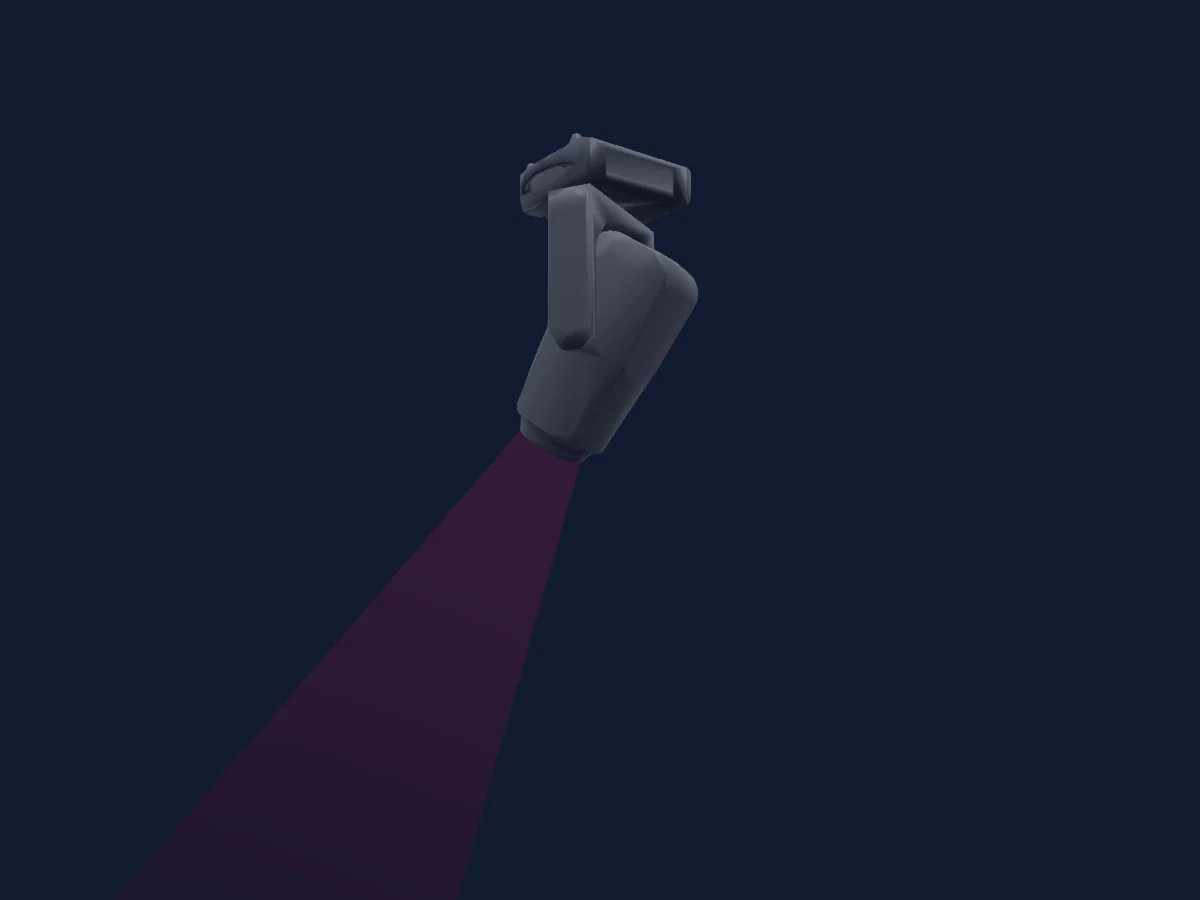
Was er kann
- Fokus
- Frost
- Iris
- Prisma
- Prismenrotation
- Zoom
- Zusätzliche LED-Farben
- Farbtemperatur
- Farbrad
- Strobe
- Dimmer
- Pixelsteuerung
- Pan und Tilt
- Bewegungsgeschwindigkeit
- Animationsrad
- Gobos
- Gobo-Rotation
DMX-Modi und Kanaltabellen
| Modus | Kanäle | In HitLight |
|---|---|---|
| Extended | 73 | Bereit in HitLight |
Extended
Bereit in HitLight73 DMX-Kanäle · Diese Tabelle als CSV herunterladen
| Kanal | Funktion | Standard | DMX-Werte |
|---|---|---|---|
| 1 | Pan | 128 | 0–255 |
| 2 | Pan Fine | 0 | Feinbyte von Pan |
| 3 | Tilt | 128 | 0–255 |
| 4 | Tilt Fine | 0 | Feinbyte von Tilt |
| 5 | Position MSpeed | 0 | 0–255 |
| 6 | Shutter / Strobe | 63 | 11 Wertebereiche
|
| 7 | Dimmer | 0 | 0–255 |
| 8 | Dimmer Fine | 0 | Feinbyte von Dimmer |
| 9 | Red | 255 | 0–255 |
| 10 | Red Fine | 255 | Feinbyte von Red |
| 11 | Green | 255 | 0–255 |
| 12 | Green Fine | 255 | Feinbyte von Green |
| 13 | Blue | 255 | 0–255 |
| 14 | Blue Fine | 255 | Feinbyte von Blue |
| 15 | Color Add GY | 255 | 0–255 |
| 16 | Color Add GY Fine | 255 | Feinbyte von Color Add GY |
| 17 | Color Add RY | 255 | 0–255 |
| 18 | Color Add RY Fine | 255 | Feinbyte von Color Add RY |
| 19 | Color Add C | 255 | 0–255 |
| 20 | Color Add C Fine | 255 | Feinbyte von Color Add C |
| 21 | Dimmer Curve | 0 | 0–255 |
| 22 | C TO | 0 | 0–255 |
| 23 | Color Mix Mode | 0 | 0–255 |
| 24 | Tint | 0 | 0–255 |
| 25 | Zoom | 127 | 0–255 |
| 26 | Zoom Fine | 127 | Feinbyte von Zoom |
| 27 | Focus | 127 | 0–255 |
| 28 | Focus Fine | 127 | Feinbyte von Focus |
| 29 | Focus1Distance | 0 | 0–255 |
| 30 | Focus1Adjust | 128 | 0–255 |
| 31 | Color Wheel | 0 | 13 Wertebereiche
|
| 32 | Color Wheel Fine | 0 | Feinbyte von Color Wheel |
| 33 | Gobo | 0 | 22 Wertebereiche
|
| 34 | Gobo Rotation | 0 | 9 Wertebereiche
|
| 35 | Gobo Rotation Fine | 0 | Feinbyte von Gobo Rotation |
| 36 | Gobo 2 | 0 | 22 Wertebereiche
|
| 37 | Gobo Rotation 2 | 0 | 9 Wertebereiche
|
| 38 | Gobo Rotation 2 Fine | 0 | Feinbyte von Gobo Rotation 2 |
| 39 | Gobo 3 | 0 | 18 Wertebereiche
|
| 40 | Animation Wheel1 | 0 | 0–255 |
| 41 | Animation Wheel1Pos | 0 | 0–255 |
| 42 | Iris | 0 | 0–255 |
| 43 | Iris Fine | 0 | Feinbyte von Iris |
| 44 | Prism | 0 | 2 Wertebereiche
|
| 45 | Prism Rotation | 0 | 0–255 |
| 46 | Prism Rotation Fine | 0 | Feinbyte von Prism Rotation |
| 47 | Prism | 0 | 2 Wertebereiche
|
| 48 | Prism Rotation | 0 | 0–255 |
| 49 | Prism Rotation Fine | 0 | Feinbyte von Prism Rotation |
| 50 | Frost1 | 0 | 0–255 |
| 51 | Frost2 | 0 | 0–255 |
| 52 | Blade2A | 0 | 0–255 |
| 53 | Blade2A Fine | 0 | Feinbyte von Blade2A |
| 54 | Blade2B | 0 | 0–255 |
| 55 | Blade2B Fine | 0 | Feinbyte von Blade2B |
| 56 | Blade4A | 0 | 0–255 |
| 57 | Blade4A Fine | 0 | Feinbyte von Blade4A |
| 58 | Blade4B | 0 | 0–255 |
| 59 | Blade4B Fine | 0 | Feinbyte von Blade4B |
| 60 | Blade3A | 0 | 0–255 |
| 61 | Blade3A Fine | 0 | Feinbyte von Blade3A |
| 62 | Blade3B | 0 | 0–255 |
| 63 | Blade3B Fine | 0 | Feinbyte von Blade3B |
| 64 | Blade1A | 0 | 0–255 |
| 65 | Blade1A Fine | 0 | Feinbyte von Blade1A |
| 66 | Blade1B | 0 | 0–255 |
| 67 | Blade1B Fine | 0 | Feinbyte von Blade1B |
| 68 | Shaper Rot | 128 | 0–255 |
| 69 | Shaper Rot Fine | 128 | Feinbyte von Shaper Rot |
| 70 | Frame MSpeed | 0 | 0–255 |
| 71 | Shaper Macros | 0 | 0–255 |
| 72 | Color Macro1 | 0 | 0–255 |
| 73 | Control1 | 0 | 0–255 |
Terbly SLC IP in HitLight verwenden
- Öffne Scheinwerfer hinzufügen und suche nach Terbly SLC IP.
- Wähle den DMX-Modus, der im Menü des Scheinwerfers eingestellt ist. HitLight gibt ihm die niedrigste freie Startadresse in seinem Universum, die zur Kanalzahl des Modus passt.
- Prüfe Modus und Steuerung an deinem echten Scheinwerfer, bevor du ihn live einsetzt.
Ähnliche Scheinwerfer
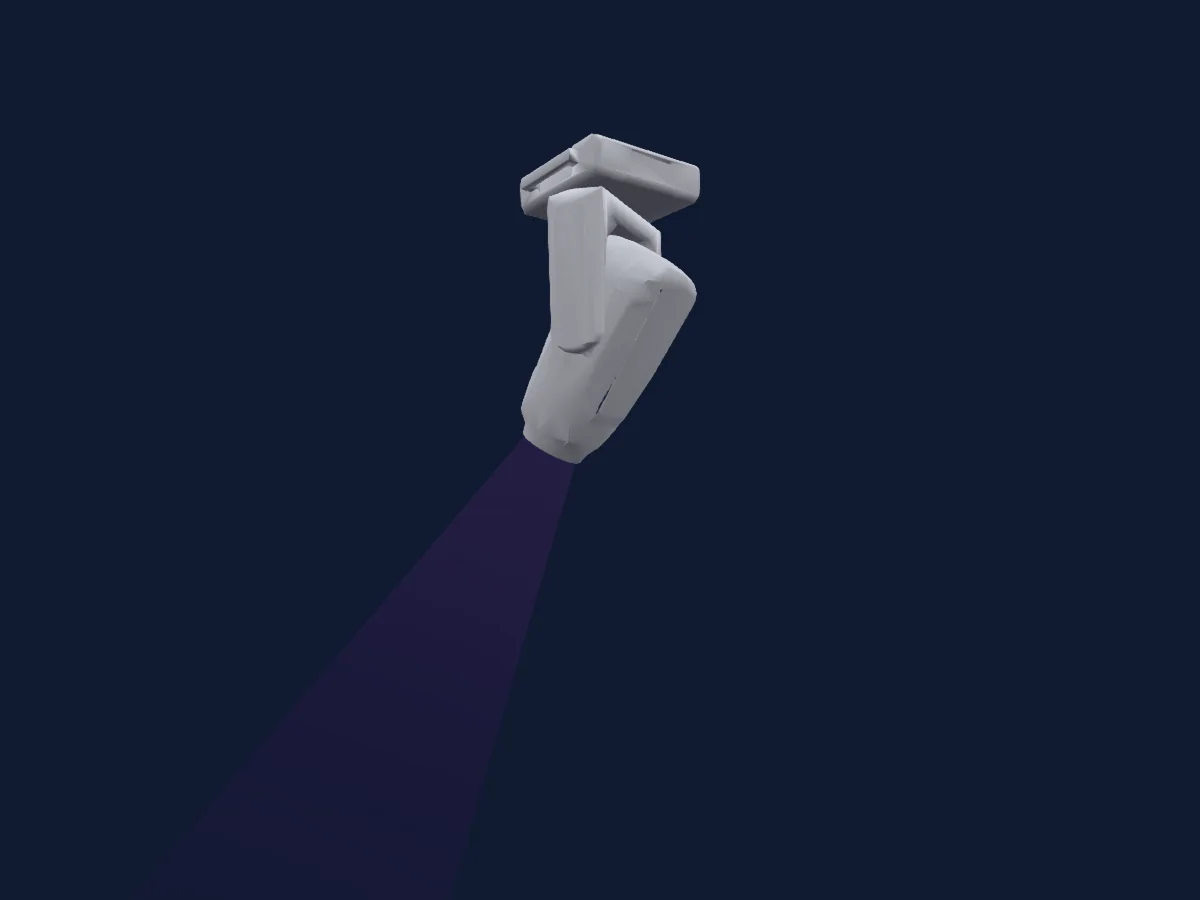
Profilscheinwerfer
Terbly GL6H-S
40 / 61 DMX-Kanäle
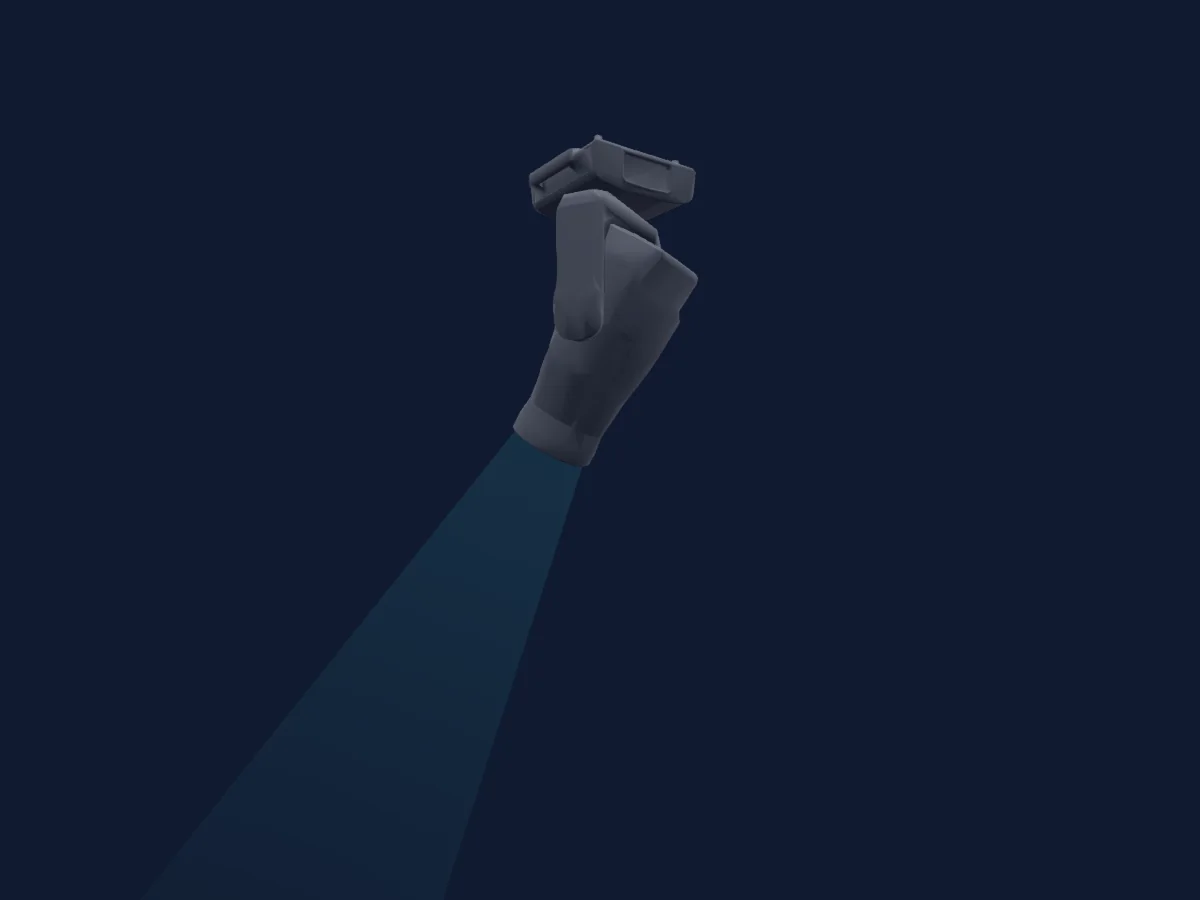
Profilscheinwerfer
Terbly SL5000WP IP
36 / 56 DMX-Kanäle
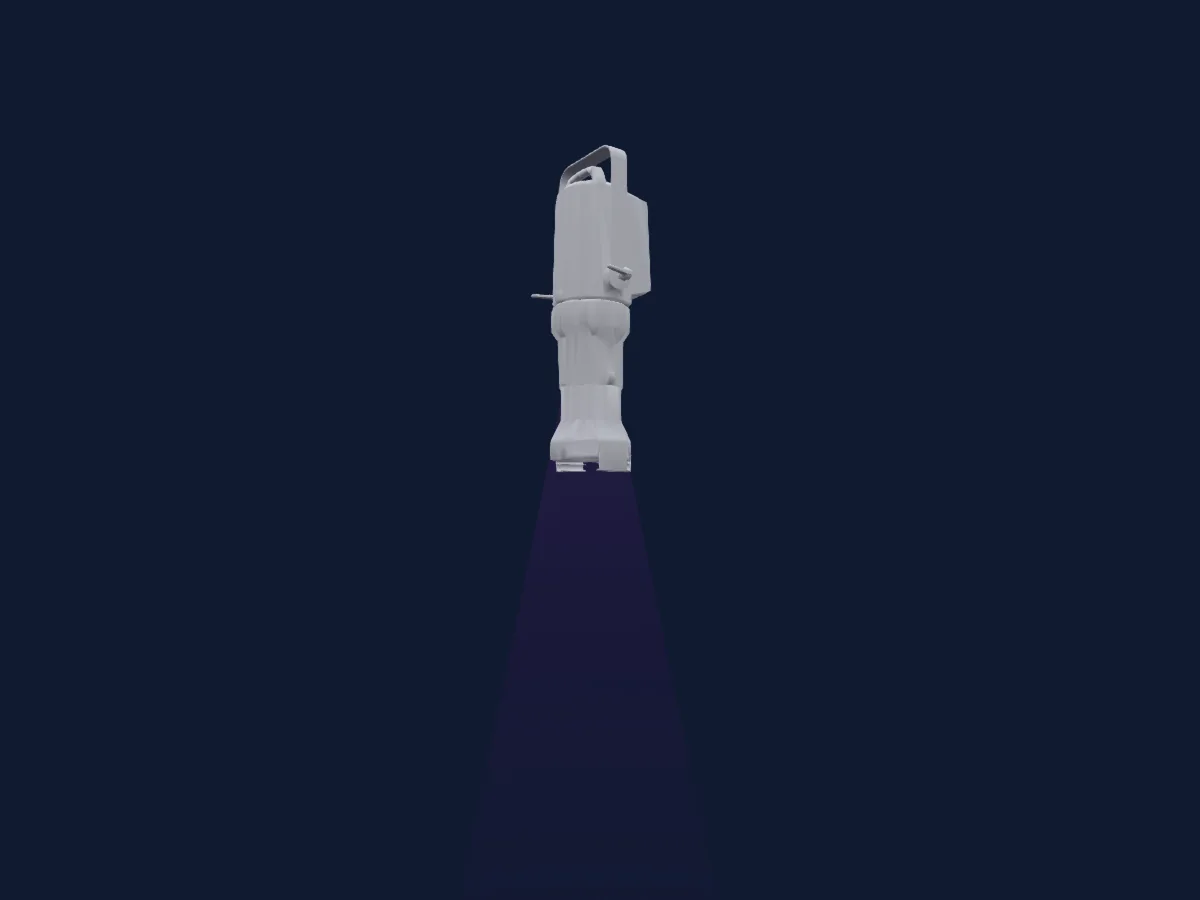
Profilscheinwerfer
Terbly T180C 26Deg
5 / 6 / 8 / 13 / 19 DMX-Kanäle
Profilscheinwerfer
Terbly GL6
39 / 59 DMX-Kanäle
Profilscheinwerfer
Terbly SL5000PH ULTRA
40 / 62 DMX-Kanäle
Profilscheinwerfer
Terbly GL9P IP
43 / 44 / 68 / 69 DMX-Kanäle
Die Tabellen stammen aus der GDTF-Beschreibung des Scheinwerfers, umgewandelt für die HitLight-Bibliothek. HitLight ist nicht mit Terbly verbunden.