Saltar al contenido
HitLight
Clay Paky · Cabeza móvil

Clay Paky Aleda B-EYE K10

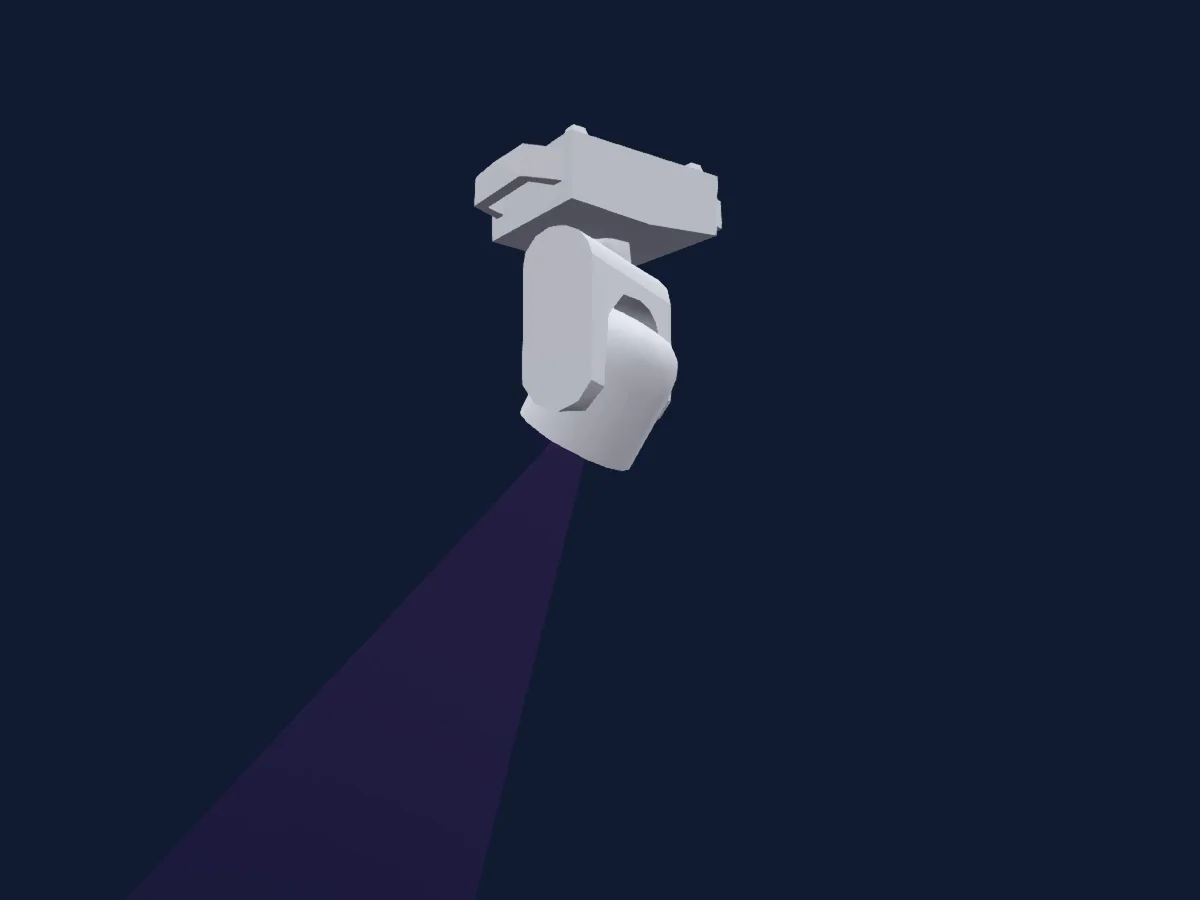
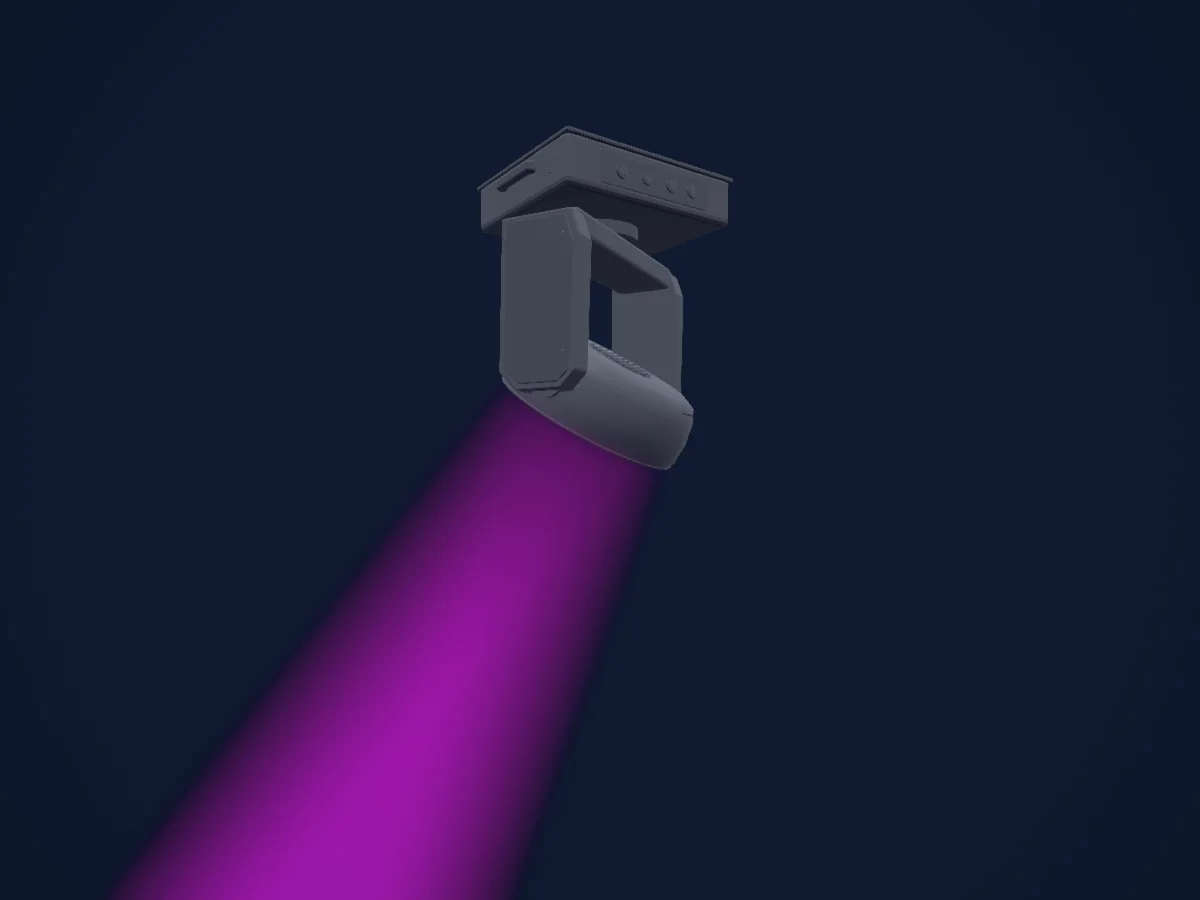
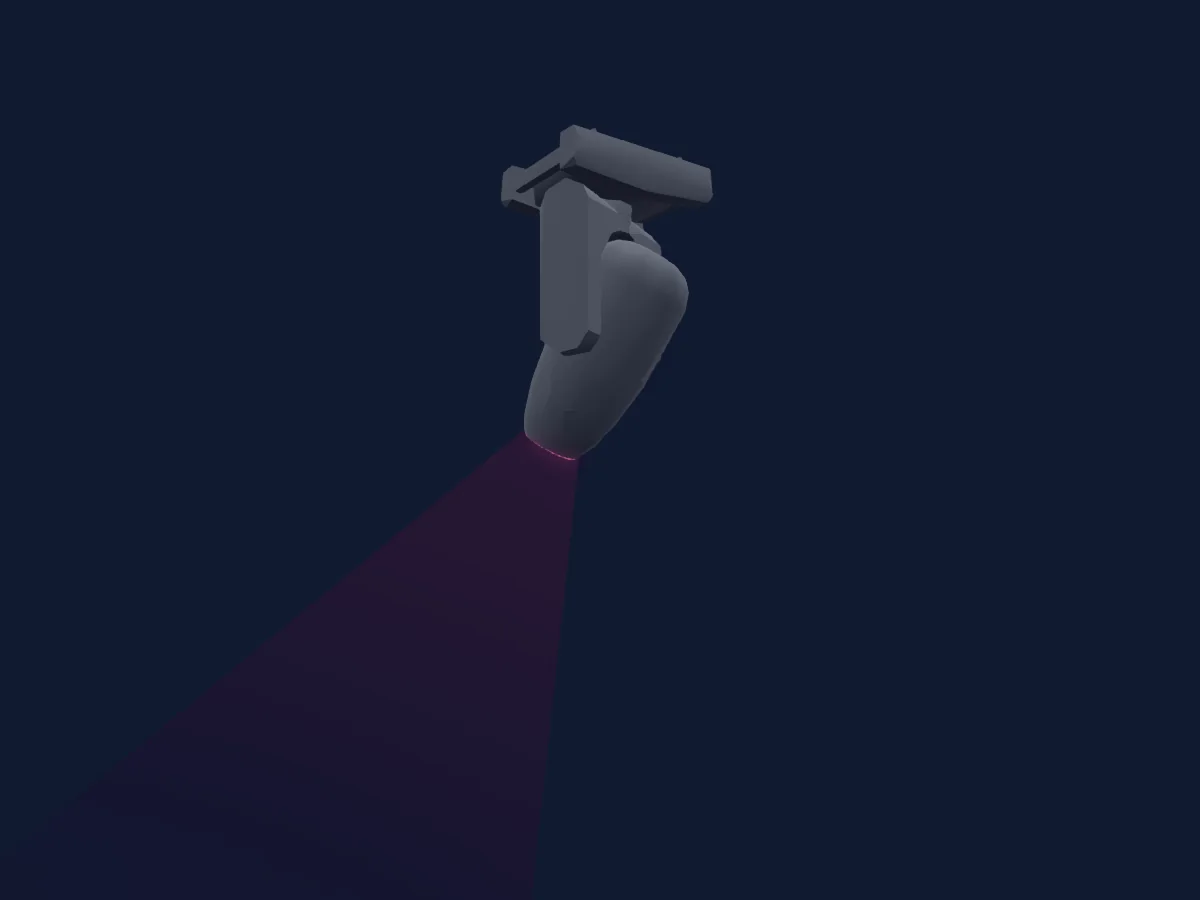
Tabla DMX, 2 modos DMX y vista previa en 3D. 21 / 35 canales DMX.
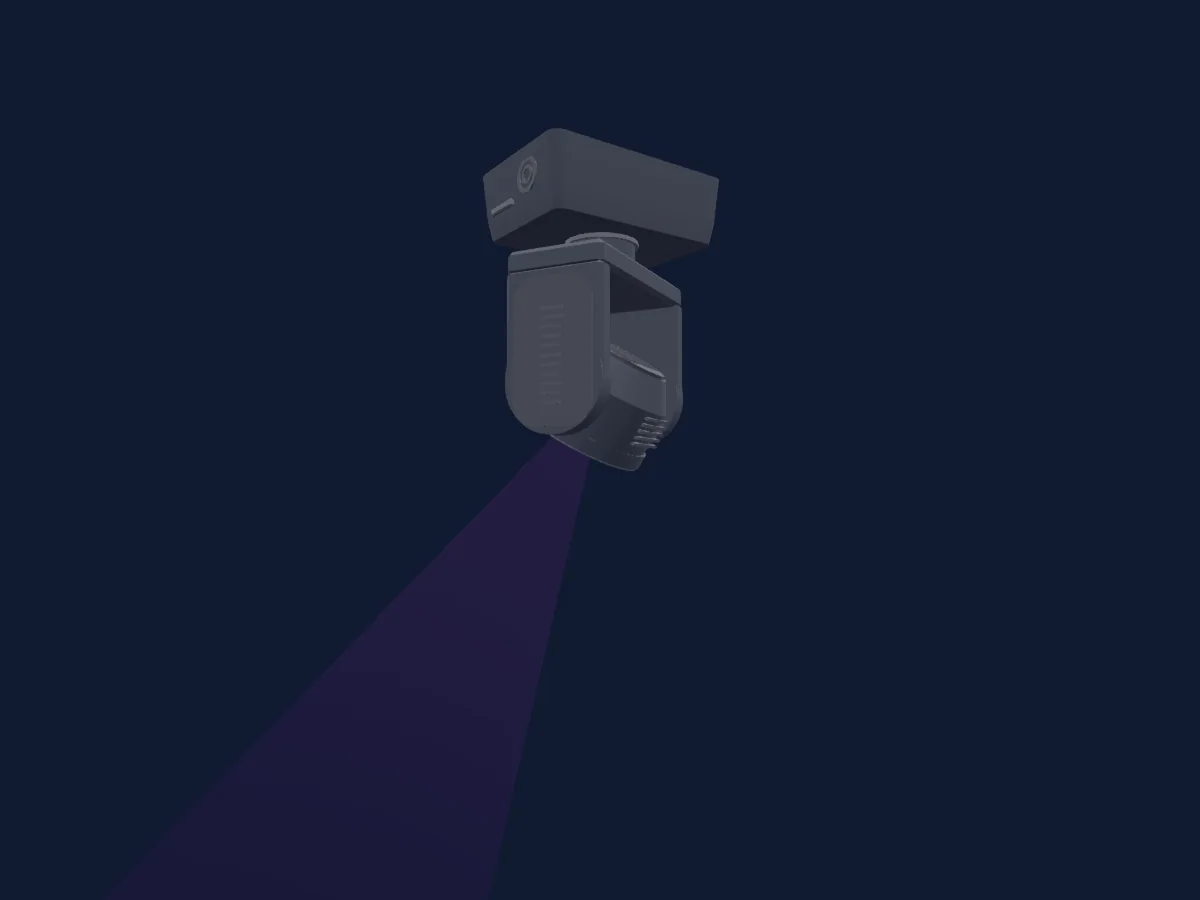
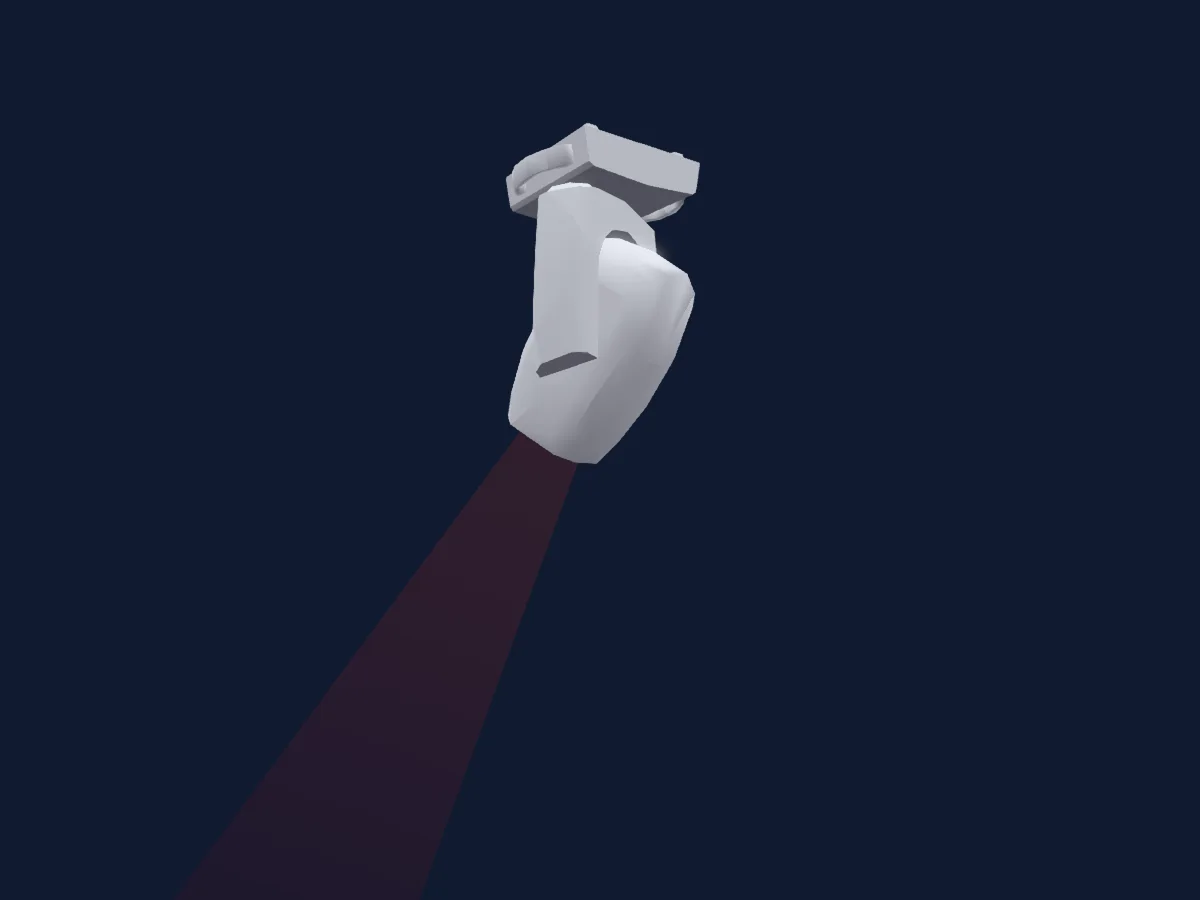
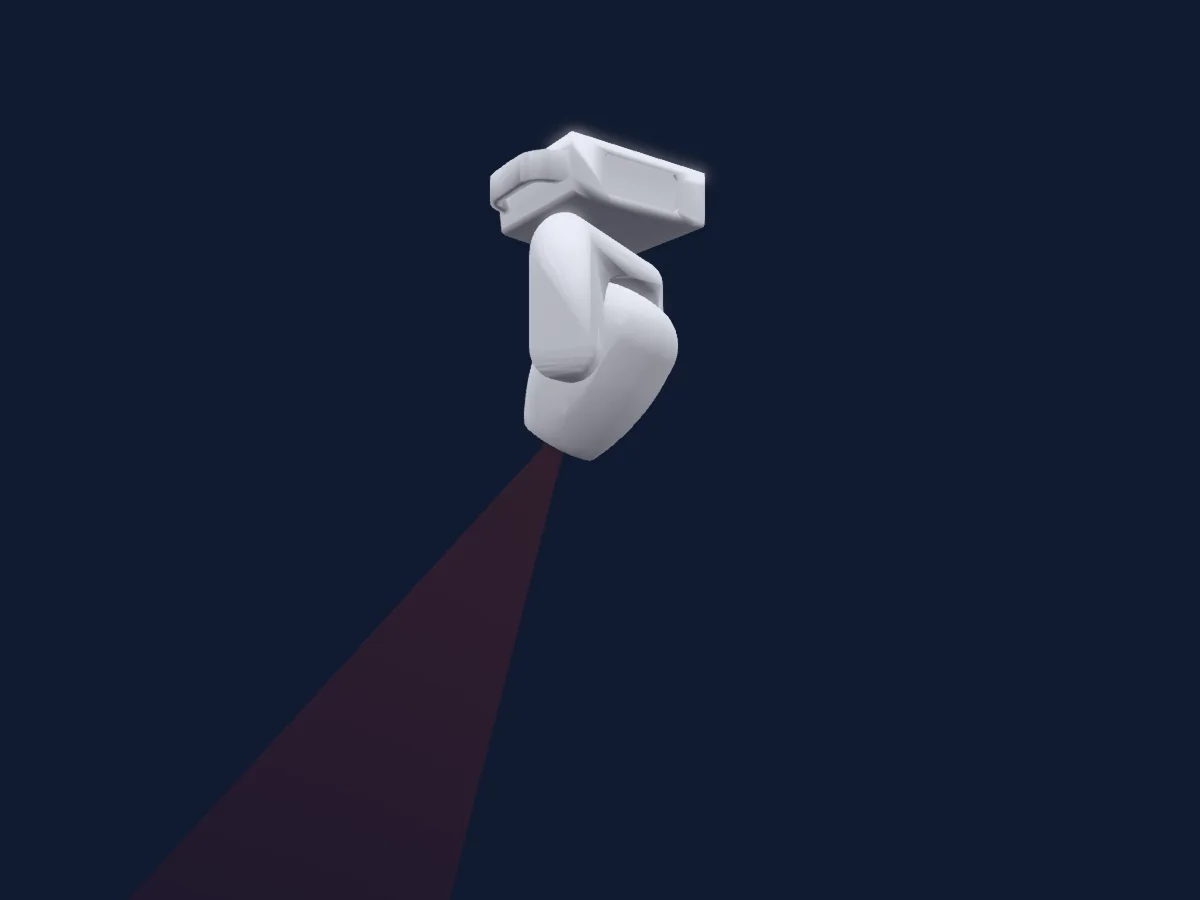
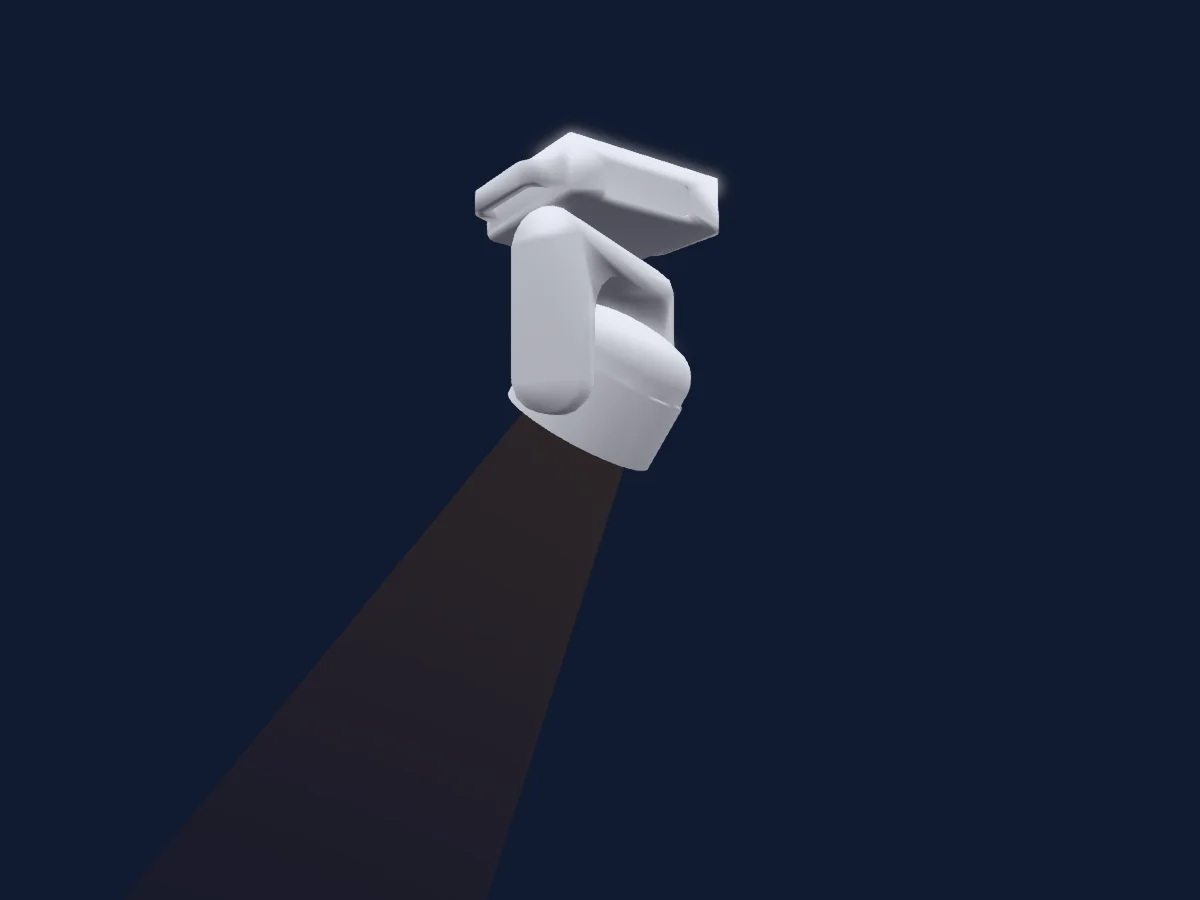
Clay Paky Aleda B-EYE K10 renderizado en HitLight

Lo que puede hacer

  • Zoom
  • Colores LED adicionales
  • Mezcla de color RGB
  • Temperatura de color
  • Rueda de color
  • Estrobo
  • Intensidad
  • Control de píxeles
  • Pan y tilt

Funciones relevantes para la seguridad: Reinicio del foco. Comprueba cómo se comportan en tu propio foco antes de un espectáculo.

Modos DMX y tablas de canales

Modos DMX de Clay Paky Aleda B-EYE K10
ModoCanalesEn HitLight
Standard21Listo en HitLight
Shapes35Listo en HitLight

Standard

Listo en HitLight

21 canales DMX · Descargar esta tabla en CSV

Tabla de canales DMX de Standard
CanalFunciónPredeterminadoValores DMX
1Red2550–255
2Red Fine255Byte fino de Red
3Green2550–255
4Green Fine255Byte fino de Green
5Blue2550–255
6Blue Fine255Byte fino de Blue
7White00–255
8White Fine0Byte fino de White
9C TO0
9 rangos de valores
  • 0–9 No CTO
  • 10–53 8000K
  • 54–98 7000K
  • 99–116 6000K
  • 117–143 5600K
  • 144–187 5000K
  • 188–223 4000K
  • 224–254 3200K
  • 255–255 2500K
10Color Macro100–255
11Shutter / Strobe106
19 rangos de valores
  • 0–3 Closed
  • 4–23 Strobe · x1 Strb>> 1–5.61 Hz
  • 24–43 Strobe · x2 Strb>> 5.85–10.5 Hz
  • 44–63 Strobe · x3 Strb>> 10.7–15.3 Hz
  • 64–83 Strobe · x4 Strb>> 15.5–20.2 Hz
  • 84–103 Strobe · x5 Strb>> 20.4–25 Hz
  • 104–107 Open
  • 108–127 x1 PulseC>>
  • 128–147 x2 PulseC>>
  • 148–167 x3 PulseC>>
  • 168–187 x4 PulseC>>
  • 188–207 x5 PulseC>>
  • 208–212 Open
  • 213–220 Random · x1 RndStrb>> 1–5.42 Hz
  • 221–228 Random · x2 RndStrb>> 6.05–10.5 Hz
  • 229–235 Random · x3 RndStrb>> 11.1–14.9 Hz
  • 236–243 Random · x4 RndStrb>> 15.5–19.9 Hz
  • 244–251 Random · x5 RndStrb>> 20.6–25 Hz
  • 252–255 Open
12Dimmer0
2 rangos de valores
  • 0–254 Closed
  • 255–255 Open
13Dimmer Fine0Byte fino de Dimmer
14Pan1280–255
15Pan Fine0Byte fino de Pan
16Tilt1280–255
17Tilt Fine0Byte fino de Tilt
18Function0
35 rangos de valores
  • 0–11 No Function
  • 12–24 Fast Pan/Tilt
  • 25–37 Normal Pan/Tilt
  • 38–42 Dimmer Curve 1
  • 43–47 Dimmer Curve 2
  • 48–52 Dimmer Curve 3
  • 53–57 Dimmer Curve 4
  • 58–62 Gamma Curve 1
  • 63–67 Gamma Curve 2
  • 68–72 Gamma Curve 3
  • 73–77 Halo OFF
  • 78–82 Halo 750W
  • 83–87 Halo 1000W
  • 88–92 Halo 1200W
  • 93–97 Halo 2000W
  • 98–102 Halo 2500W
  • 103–105 Pixel Map ON
  • 106–163 No Function
  • 164–164 1000Hz
  • 165–165 1500Hz
  • 166–166 2400Hz
  • 167–167 3700Hz
  • 168–168 5600Hz
  • 169–169 9400Hz
  • 170–170 15100Hz
  • 171–171 21400Hz
  • 172–172 31000Hz
  • 173–173 43700Hz
  • 174–176 No Function
  • 177–178 Emulate K20 OFF
  • 179–180 Emulate K20 ON
  • 181–182 Standard
  • 183–184 Silent
  • 185–186 Theather
  • 187–255 No Function
19Fixture Global Reset0
4 rangos de valores
  • 0–25 No Function
  • 26–76 Zoom Reset
  • 77–127 Position Reset
  • 128–255 Reset
20Zoom0
2 rangos de valores
  • 0–254 Narrow
  • 255–255 Wide
21Zoom Pos0
16 rangos de valores
  • 0–31 0 deg
  • 32–63 15 deg
  • 64–95 30 deg
  • 96–126 45 deg
  • 127–127 60 deg
  • 128–140 x5 Rot Zoom<<
  • 141–152 x4 Rot Zoom<<
  • 153–165 x3 Rot Zoom<<
  • 166–177 x2 Rot Zoom<<
  • 178–190 x1 Rot Zoom<<
  • 191–192 Rot Zoom><
  • 193–205 x1 Rot Zoom>>
  • 206–217 x2 Rot Zoom>>
  • 218–230 x3 Rot Zoom>>
  • 231–242 x4 Rot Zoom>>
  • 243–255 x5 Rot Zoom>>

Shapes

Listo en HitLight

35 canales DMX · Descargar esta tabla en CSV

Tabla de canales DMX de Shapes
CanalFunciónPredeterminadoValores DMX
1Red2550–255
2Red Fine255Byte fino de Red
3Green2550–255
4Green Fine255Byte fino de Green
5Blue2550–255
6Blue Fine255Byte fino de Blue
7White00–255
8White Fine0Byte fino de White
9C TO0
9 rangos de valores
  • 0–9 No CTO
  • 10–53 8000K
  • 54–98 7000K
  • 99–116 6000K
  • 117–143 5600K
  • 144–187 5000K
  • 188–223 4000K
  • 224–254 3200K
  • 255–255 2500K
10Color Macro100–255
11Shutter / Strobe106
19 rangos de valores
  • 0–3 Closed
  • 4–23 Strobe · x1 Strb>> 1–5.61 Hz
  • 24–43 Strobe · x2 Strb>> 5.85–10.5 Hz
  • 44–63 Strobe · x3 Strb>> 10.7–15.3 Hz
  • 64–83 Strobe · x4 Strb>> 15.5–20.2 Hz
  • 84–103 Strobe · x5 Strb>> 20.4–25 Hz
  • 104–107 Open
  • 108–127 x1 PulseC>>
  • 128–147 x2 PulseC>>
  • 148–167 x3 PulseC>>
  • 168–187 x4 PulseC>>
  • 188–207 x5 PulseC>>
  • 208–212 Open
  • 213–220 Random · x1 RndStrb>> 1–5.42 Hz
  • 221–228 Random · x2 RndStrb>> 6.05–10.5 Hz
  • 229–235 Random · x3 RndStrb>> 11.1–14.9 Hz
  • 236–243 Random · x4 RndStrb>> 15.5–19.9 Hz
  • 244–251 Random · x5 RndStrb>> 20.6–25 Hz
  • 252–255 Open
12Dimmer0
2 rangos de valores
  • 0–254 Closed
  • 255–255 Open
13Dimmer Fine0Byte fino de Dimmer
14Pan1280–255
15Pan Fine0Byte fino de Pan
16Tilt1280–255
17Tilt Fine0Byte fino de Tilt
18Function0
35 rangos de valores
  • 0–11 No Function
  • 12–24 Fast Pan/Tilt
  • 25–37 Normal Pan/Tilt
  • 38–42 Dimmer Curve 1
  • 43–47 Dimmer Curve 2
  • 48–52 Dimmer Curve 3
  • 53–57 Dimmer Curve 4
  • 58–62 Gamma Curve 1
  • 63–67 Gamma Curve 2
  • 68–72 Gamma Curve 3
  • 73–77 Halo OFF
  • 78–82 Halo 750W
  • 83–87 Halo 1000W
  • 88–92 Halo 1200W
  • 93–97 Halo 2000W
  • 98–102 Halo 2500W
  • 103–105 Pixel Map ON
  • 106–163 No Function
  • 164–164 1000Hz
  • 165–165 1500Hz
  • 166–166 2400Hz
  • 167–167 3700Hz
  • 168–168 5600Hz
  • 169–169 9400Hz
  • 170–170 15100Hz
  • 171–171 21400Hz
  • 172–172 31000Hz
  • 173–173 43700Hz
  • 174–176 No Function
  • 177–178 Emulate K20 OFF
  • 179–180 Emulate K20 ON
  • 181–182 Standard
  • 183–184 Silent
  • 185–186 Theather
  • 187–255 No Function
19Fixture Global Reset0
4 rangos de valores
  • 0–25 No Function
  • 26–76 Zoom Reset
  • 77–127 Position Reset
  • 128–255 Reset
20Zoom255
2 rangos de valores
  • 0–254 Narrow
  • 255–255 Wide
21Beam Shaper0
16 rangos de valores
  • 0–31 0 deg
  • 32–63 15 deg
  • 64–95 30 deg
  • 96–126 45 deg
  • 127–127 60 deg
  • 128–140 x5 Rot Zoom<<
  • 141–152 x4 Rot Zoom<<
  • 153–165 x3 Rot Zoom<<
  • 166–177 x2 Rot Zoom<<
  • 178–190 x1 Rot Zoom<<
  • 191–192 Rot Zoom><
  • 193–205 x1 Rot Zoom>>
  • 206–217 x2 Rot Zoom>>
  • 218–230 x3 Rot Zoom>>
  • 231–242 x4 Rot Zoom>>
  • 243–255 x5 Rot Zoom>>
22Shape Selection00–255
23Shape Speed160
24 rangos de valores
  • 0–4 0 deg
  • 5–9 30 deg
  • 10–15 60 deg
  • 16–20 90 deg
  • 21–25 120 deg
  • 26–31 150 deg
  • 32–36 180 deg
  • 37–41 210 deg
  • 42–46 240 deg
  • 47–52 270 deg
  • 53–57 300 deg
  • 58–62 330 deg
  • 63–63 360 deg
  • 64–82 x5 Speed<<
  • 83–101 x4 Speed<<
  • 102–120 x3 Speed<<
  • 121–139 x2 Speed<<
  • 140–158 x1 Speed<<
  • 159–160 Speed><
  • 161–179 x1 Speed>>
  • 180–198 x2 Speed>>
  • 199–217 x3 Speed>>
  • 218–236 x4 Speed>>
  • 237–255 x5 Speed>>
24Shape Fade0
9 rangos de valores
  • 0–15 Snap
  • 16–53 Gamma 050
  • 54–91 Gamma 075
  • 92–129 Gamma 100
  • 130–167 Gamma 125
  • 168–206 Gamma 150
  • 207–244 Gamma 175
  • 245–245 Gamma 200
  • 246–255 Gamma Auto
25Red2550–255
26Green2550–255
27Blue2550–255
28White00–255
29Dimmer0
2 rangos de valores
  • 0–254 Closed
  • 255–255 Open
30Dimmer0
2 rangos de valores
  • 0–254 Closed
  • 255–255 Open
31Shape Transition0
7 rangos de valores
  • 0–4 No Fade
  • 5–72 100 ms
  • 73–112 500 ms
  • 113–170 1s
  • 171–215 2s
  • 216–254 3s
  • 255–255 4s
32Shape Offset0
2 rangos de valores
  • 0–254 Zero
  • 255–255 Max
33Shutter / Strobe106
19 rangos de valores
  • 0–3 Closed
  • 4–23 SHP Strobe · x1 Strb>> 1–5.61 Hz
  • 24–43 SHP Strobe · x2 Strb>> 5.85–10.5 Hz
  • 44–63 SHP Strobe · x3 Strb>> 10.7–15.3 Hz
  • 64–83 SHP Strobe · x4 Strb>> 15.5–20.2 Hz
  • 84–103 SHP Strobe · x5 Strb>> 20.4–25 Hz
  • 104–107 Open
  • 108–127 x1 PulseC>>
  • 128–147 x2 PulseC>>
  • 148–167 x3 PulseC>>
  • 168–187 x4 PulseC>>
  • 188–207 x5 PulseC>>
  • 208–212 Open
  • 213–220 SHP Random · x1 RndStrb>> 1–5.42 Hz
  • 221–228 SHP Random · x2 RndStrb>> 6.05–10.5 Hz
  • 229–235 SHP Random · x3 RndStrb>> 11.1–14.9 Hz
  • 236–243 SHP Random · x4 RndStrb>> 15.5–19.9 Hz
  • 244–251 SHP Random · x5 RndStrb>> 20.6–25 Hz
  • 252–255 Open
34Shutter / Strobe106
19 rangos de valores
  • 0–3 Closed
  • 4–23 BG Strobe · x1 Strb>> 1–5.61 Hz
  • 24–43 BG Strobe · x2 Strb>> 5.85–10.5 Hz
  • 44–63 BG Strobe · x3 Strb>> 10.7–15.3 Hz
  • 64–83 BG Strobe · x4 Strb>> 15.5–20.2 Hz
  • 84–103 BG Strobe · x5 Strb>> 20.4–25 Hz
  • 104–107 Open
  • 108–127 x1 PulseC>>
  • 128–147 x2 PulseC>>
  • 148–167 x3 PulseC>>
  • 168–187 x4 PulseC>>
  • 188–207 x5 PulseC>>
  • 208–212 Open
  • 213–220 BG Random · x1 RndStrb>> 1–5.42 Hz
  • 221–228 BG Random · x2 RndStrb>> 6.05–10.5 Hz
  • 229–235 BG Random · x3 RndStrb>> 11.1–14.9 Hz
  • 236–243 BG Random · x4 RndStrb>> 15.5–19.9 Hz
  • 244–251 BG Random · x5 RndStrb>> 20.6–25 Hz
  • 252–255 Open
35Shape Selection0
18 rangos de valores
  • 0–8 BG Shape OFF
  • 9–9 Pixel 1
  • 10–10 Ring 2
  • 11–11 Ring 3
  • 12–12 Ring 4
  • 13–13 Pixel 1 + Ring 2
  • 14–14 Pixel 1 + Ring 2-3
  • 15–15 Pixel 1 + Ring 2-3-4
  • 16–16 Ring 2-3-4
  • 17–17 Ring 3-4
  • 18–18 Pixel 1 + Ring 4
  • 19–19 Ring 2-3
  • 20–20 Pixel 1 + Ring 3
  • 21–21 Ring 2-4
  • 22–22 Pixel 1 + Ring 3-4
  • 23–23 Pixel 1 + Ring 2-4
  • 24–254 No Selection
  • 255–255 Mirror Effect

Usar Clay Paky Aleda B-EYE K10 en HitLight

  1. Abre Añadir foco y busca Clay Paky Aleda B-EYE K10.
  2. Elige el modo DMX configurado en el menú del propio foco. HitLight le asigna la dirección inicial libre más baja de su universo en la que cabe el número de canales del modo.
  3. Comprueba el modo y los controles con tu foco real antes de usarlo en directo.

Salas con Clay Paky Aleda B-EYE K10

Sus montajes guardados incluyen este modelo de aparato. Confirma el equipo actual con la sala.

Recintos con este foco en su montaje guardado ↗

Las tablas proceden de la descripción GDTF del foco, convertida para la biblioteca de HitLight. HitLight no está vinculado a Clay Paky.

Fixture model: gdtf-clay-paky-aleda-b-eye-k10-96718
Creator: HitLight
Modifications: Made in-house by HitLight: procedural geometry from .context/catalog-fixes/20261104/housings/build.ts (hitlight-authored-housing-v1, primitives from scripts/gdtf/lib/housingGeometry.ts), authored from the published profile frame and the manufacturer's stated dimensions. No third-party meshes, photos or generated models.

Conéctalo y deja que la música mueva las luces.

HitLight encuentra estos focos en su biblioteca, los conecta en la siguiente dirección libre y muestra tu montaje en 3D antes de enchufar una sola luz.

Abrir HitLight ↗Descargar HitLight