Saltar al contenido
HitLight
Clay Paky · Recorte

Clay Paky Arolla Aqua S-LT

Tabla DMX, 2 modos DMX y vista previa en 3D. 44 / 54 canales DMX.
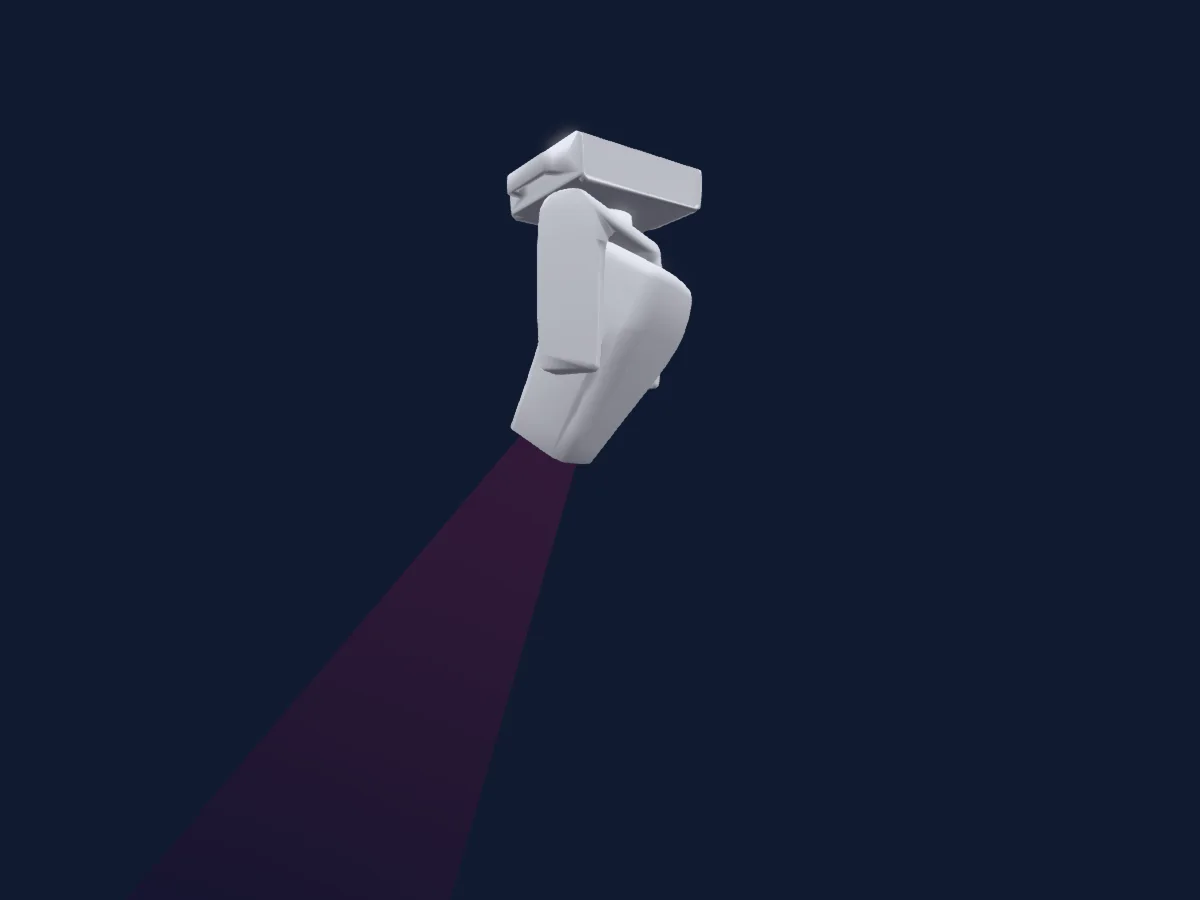
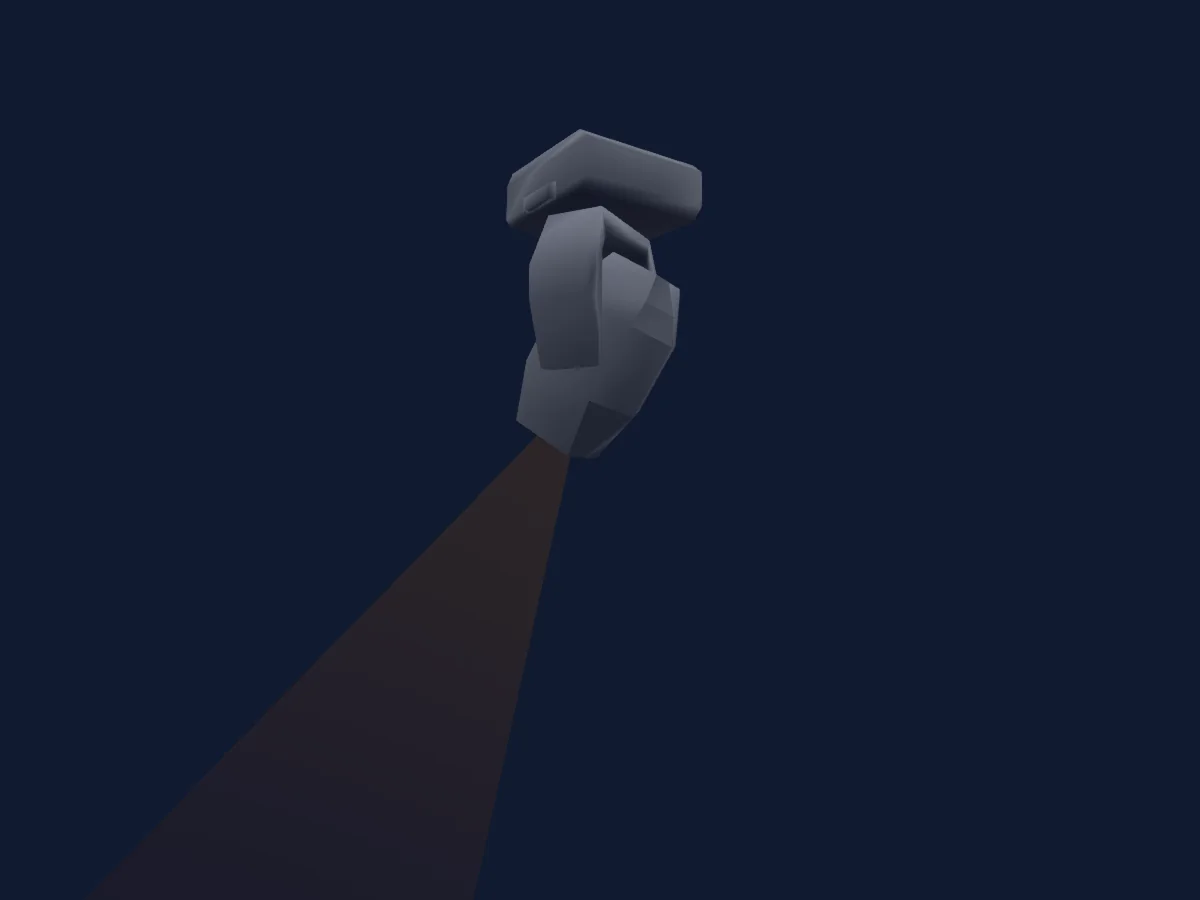
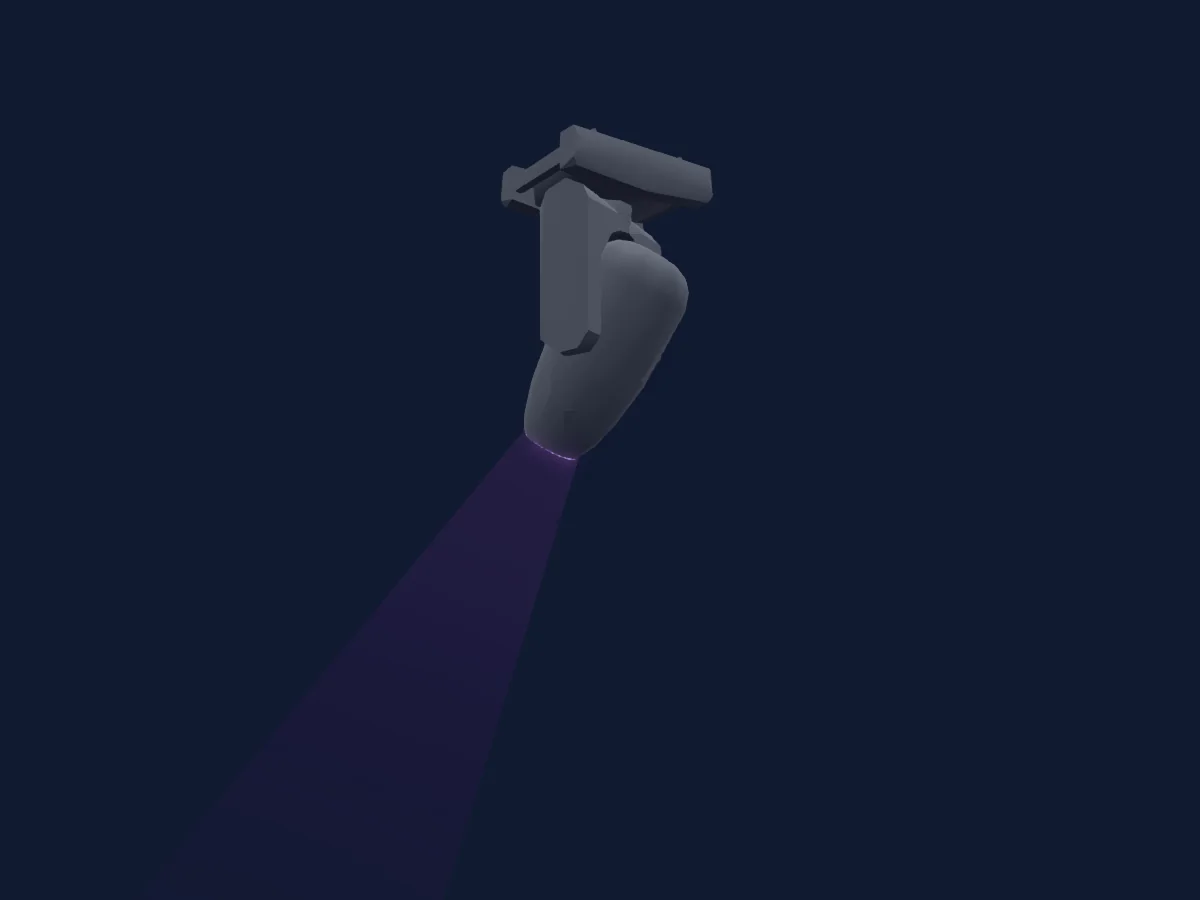
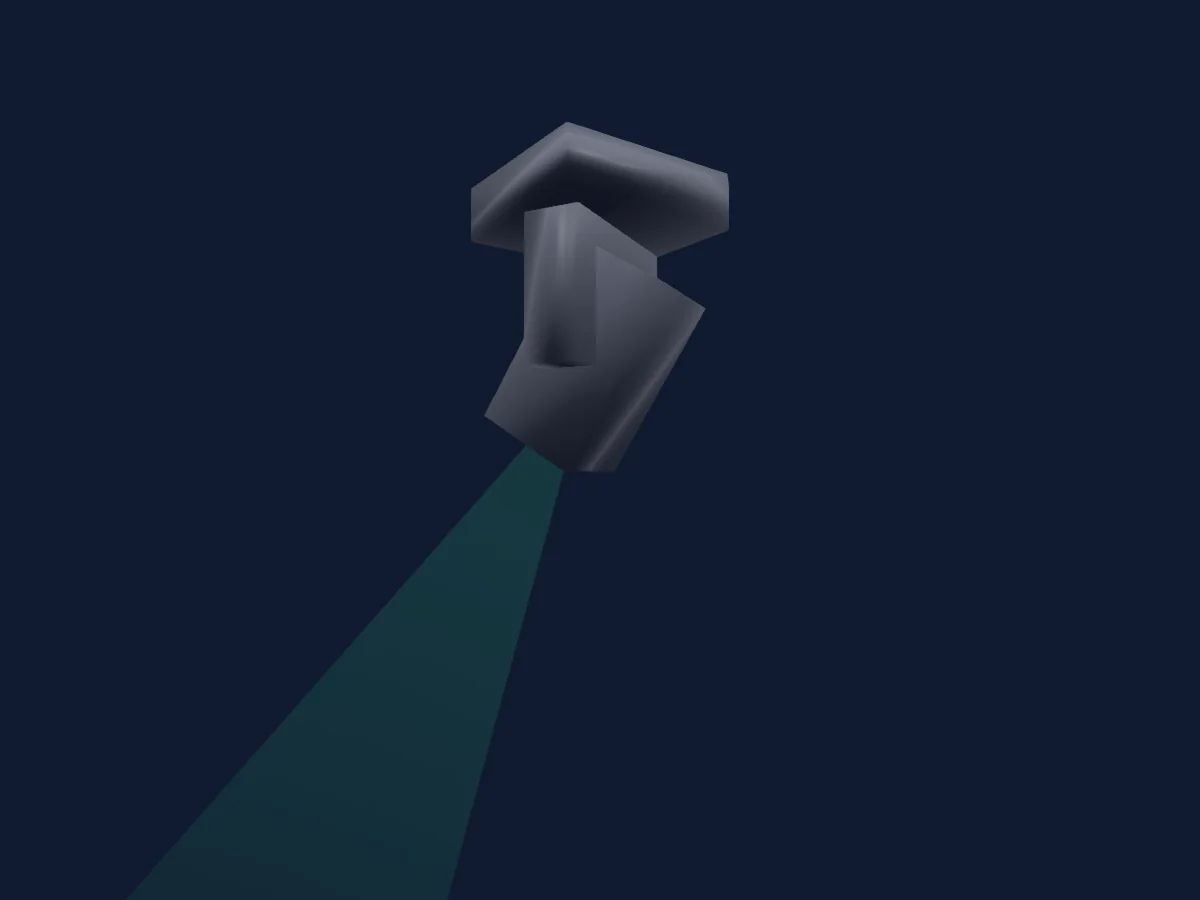
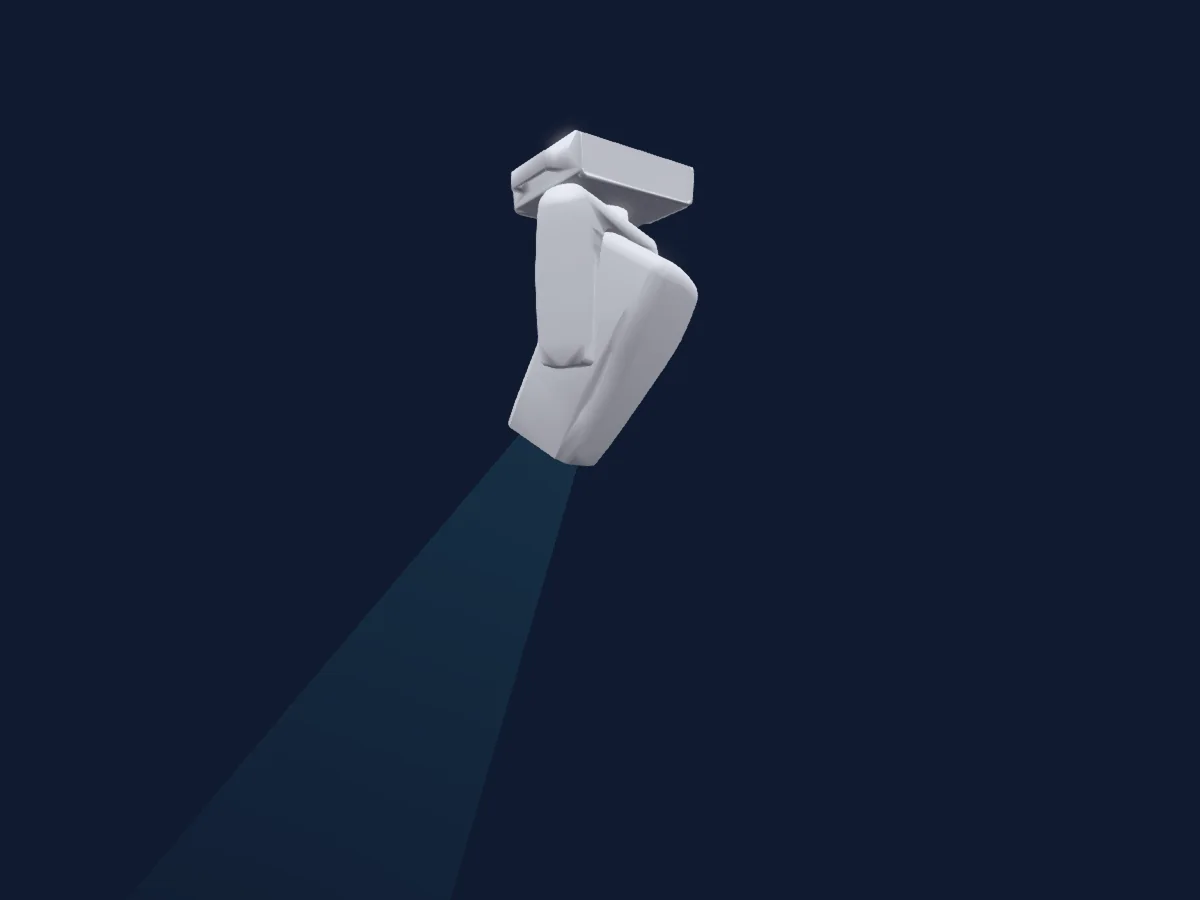
Clay Paky Arolla Aqua S-LT renderizado en HitLight

Lo que puede hacer

  • Foco
  • Frost
  • Iris
  • Prisma
  • Rotación del prisma
  • Mezcla de color CMY
  • Temperatura de color
  • Rueda de color
  • Estrobo
  • Intensidad
  • Rueda de animación
  • Gobos
  • Rotación de gobos

Funciones relevantes para la seguridad: Reinicio del foco · Funciones de servicio. Comprueba cómo se comportan en tu propio foco antes de un espectáculo.

Modos DMX y tablas de canales

Modos DMX de Clay Paky Arolla Aqua S-LT
ModoCanalesEn HitLight
Basic44Listo en HitLight
Standard54Listo en HitLight

Basic

Listo en HitLight

44 canales DMX · Descargar esta tabla en CSV

Tabla de canales DMX de Basic
CanalFunciónPredeterminadoValores DMX
1Cyan0
2 rangos de valores
  • 0–254 0%
  • 255–255 100%
2Magenta0
2 rangos de valores
  • 0–254 0%
  • 255–255 100%
3Yellow0
2 rangos de valores
  • 0–254 0%
  • 255–255 100%
4C TO0
2 rangos de valores
  • 0–9 OFF
  • 10–255 CTO
5Tint0
4 rangos de valores
  • 0–0 Off
  • 1–126 -1/2Green>Neutral
  • 127–128 Neutral
  • 129–255 Neutral>+1/2Green
6Color Wheel0
17 rangos de valores
  • 0–4 Open (wheel slot 1)
  • 5–9 Open/DkRed (wheel slot 1)
  • 10–14 Dark Red (wheel slot 2)
  • 15–19 DkRed/Blue (wheel slot 2)
  • 20–24 Blue (wheel slot 3)
  • 25–29 Blue/Green (wheel slot 3)
  • 30–34 Green (wheel slot 4)
  • 35–39 Green/HMGreen (wheel slot 4)
  • 40–44 Half Minus Green (wheel slot 5)
  • 45–49 HMGreen/DOrange (wheel slot 5)
  • 50–54 Deep Orange (wheel slot 6)
  • 55–59 DpOrange/DpBlue (wheel slot 6)
  • 60–64 Deep Blue (wheel slot 7)
  • 65–69 DpBlue/Open (wheel slot 7)
  • 70–127 Scroll
  • 128–254 0 deg
  • 255–255 360 deg
7Shutter / Strobe104
11 rangos de valores
  • 0–3 Closed
  • 4–102 Linear Strobe · Slow 1–24.8 Hz
  • 103–103 Linear Strobe · Fast 25 Hz
  • 104–107 Open
  • 108–206 Linear Pulse · Slow 1–24.8 Hz
  • 207–207 Linear Pulse · Fast 25 Hz
  • 208–212 Open
  • 213–225 Random · Low Frequency 1 Hz
  • 226–238 Random · Medium Frequency 1 Hz
  • 239–251 Random · High Frequency 1 Hz
  • 252–255 Open
8Dimmer0
2 rangos de valores
  • 0–254 Close
  • 255–255 Open
9Dimmer Fine0Byte fino de Dimmer
10Iris131
12 rangos de valores
  • 5–127 Min to Max
  • 128–131 Open
  • 132–132 Pulse - Slow
  • 133–170 Pulse Slow - Fast
  • 171–171 Pulse - Fast
  • 172–172 Pulse Open Slow
  • 173–210 Pulse Open
  • 211–211 Pulse open Fast
  • 212–212 Pulse Close Slow
  • 213–250 Pulse Close Slow to Fast
  • 251–251 Pulse Close Fast
  • 252–255 Open
11Gobo0
22 rangos de valores
  • 0–5 Open (wheel slot 1)
  • 6–10 Gobo 1 (wheel slot 2)
  • 11–15 Gobo 2 (wheel slot 3)
  • 16–20 Gobo 3 (wheel slot 4)
  • 21–25 Gobo 4 (wheel slot 5)
  • 26–30 Gobo 5 (wheel slot 6)
  • 31–35 Gobo 6 (wheel slot 7)
  • 36–40 Gobo 7 (wheel slot 8)
  • 41–45 Gobo 8 (wheel slot 9)
  • 46–50 Gobo 9 (wheel slot 10)
  • 51–61 GbShk 1 (wheel slot 2)
  • 62–72 GbShk 2 (wheel slot 3)
  • 73–83 GbShk 3 (wheel slot 4)
  • 84–94 GbShk 4 (wheel slot 5)
  • 95–105 GbShk 5 (wheel slot 6)
  • 106–116 GbShk 6 (wheel slot 7)
  • 117–127 GbShk 7 (wheel slot 8)
  • 128–138 GbShk 8 (wheel slot 9)
  • 139–150 GbShk 9 (wheel slot 10)
  • 151–200 FW Fast>Slow
  • 201–205 Stop
  • 206–255 BW Slow>Fast
12Gobo 20
18 rangos de valores
  • 0–10 Open (wheel slot 1)
  • 11–15 Gobo 1 (wheel slot 2)
  • 16–20 Gobo 2 (wheel slot 3)
  • 21–25 Gobo 3 (wheel slot 4)
  • 26–30 Gobo 4 (wheel slot 5)
  • 31–35 Gobo 5 (wheel slot 6)
  • 36–40 Gobo 6 (wheel slot 7)
  • 41–45 Gobo 7 (wheel slot 8)
  • 46–60 GbShk 1
  • 61–75 GbShk 2
  • 76–90 GbShk 3
  • 91–105 GbShk 4
  • 106–120 GbShk 5
  • 121–135 GbShk 6
  • 136–150 GbShk 7
  • 151–200 FW Fast>Slow
  • 201–205 Stop
  • 206–255 BW Slow>Fast
13Gobo Rotation 20
5 rangos de valores
  • 0–126 0
  • 127–127 540
  • 128–190 FW Fast>Slow
  • 191–192 Stop
  • 193–255 BW Slow>Fast
14Prism128
5 rangos de valores
  • 0–0 Open (wheel slot 1)
  • 1–127 Prism1 (wheel slot 2)
  • 128–128 Open (wheel slot 1)
  • 129–254 Prism2 (wheel slot 3)
  • 255–255 Open (wheel slot 1)
15Prism Rotation0
5 rangos de valores
  • 0–126 0 (wheel slot 2)
  • 127–127 540 (wheel slot 2)
  • 128–190 CW Fast>Slow (wheel slot 2)
  • 191–192 Stop (wheel slot 2)
  • 193–255 CCW Slow>Fast (wheel slot 2)
16Animation Wheel10
2 rangos de valores
  • 0–0 Open (wheel slot 1)
  • 1–255 Animation (wheel slot 2)
17Animation Wheel1Pos Rotate0
4 rangos de valores
  • 0–3 Stop (wheel slot 2)
  • 4–127 FW Slow>Fast (wheel slot 2)
  • 128–131 Stop (wheel slot 2)
  • 132–255 BW Slow>Fast (wheel slot 2)
18Frost10
2 rangos de valores
  • 0–0 Open (wheel slot 1)
  • 1–255 Light Frost (wheel slot 2)
19Frost20
2 rangos de valores
  • 0–0 Open (wheel slot 1)
  • 1–255 Heavy Frost (wheel slot 2)
20Focus0
2 rangos de valores
  • 0–254 Distant
  • 255–255 Near
21Focus Fine0Byte fino de Focus
22Zoom0
3 rangos de valores
  • 0–127 Narrow
  • 128–254 Home
  • 255–255 Wide
23Zoom Fine0Byte fino de Zoom
24Blade1A0
3 rangos de valores
  • 0–127 Min 1A
  • 128–254 Center
  • 255–255 Max 1A
25Blade1Rot128
5 rangos de valores
  • 0–0 -25
  • 1–127 -25 - 0
  • 128–128 0
  • 129–254 0 - 25
  • 255–255 25
26Blade2A0
3 rangos de valores
  • 0–127 Min 2A
  • 128–254 Center
  • 255–255 Max 2A
27Blade2Rot128
5 rangos de valores
  • 0–0 - 25
  • 1–127 -25- 0
  • 128–128 0
  • 129–254 0 - 25
  • 255–255 25
28Blade3A0
3 rangos de valores
  • 0–127 Min 3A
  • 128–254 Center
  • 255–255 Max 3A
29Blade3Rot128
5 rangos de valores
  • 0–0 -25
  • 1–127 -25- 0
  • 128–128 0
  • 129–254 0 - 25
  • 255–255 30
30Blade4A0
3 rangos de valores
  • 0–127 MIn 4A
  • 128–254 Center
  • 255–255 Max 4A
31Blade4Rot128
5 rangos de valores
  • 0–0 -25
  • 1–127 -25- 0
  • 128–128 0
  • 129–254 0 - 25
  • 255–255 25
32Shaper Rot128
5 rangos de valores
  • 0–0 Left
  • 1–127 Left> Center
  • 128–128 Center
  • 129–254 Center> Right
  • 255–255 Right
33Shaper Macros0
36 rangos de valores
  • 0–3 Off
  • 4–11 Macro 1
  • 12–18 Macro 2
  • 19–25 Macro 3
  • 26–32 Macro 4
  • 33–39 Macro 5
  • 40–47 Macro 6
  • 48–54 Macro 7
  • 55–61 Macro 8
  • 62–68 Macro 9
  • 69–75 Macro 10
  • 76–82 Macro 11
  • 83–90 Macro 12
  • 91–97 Macro 13
  • 98–104 Macro 14
  • 105–111 Macro 15
  • 112–118 Macro 16
  • 119–125 Macro 17
  • 126–133 Macro 18
  • 134–140 Macro 19
  • 141–147 Macro 20
  • 148–154 Macro 21
  • 155–161 Macro 22
  • 162–168 Macro 23
  • 169–176 Macro 24
  • 177–183 Macro 25
  • 184–190 Macro 26
  • 191–197 Macro 27
  • 198–204 Macro 28
  • 205–211 Macro 29
  • 212–219 Macro 30
  • 220–226 Macro 31
  • 227–233 Macro 32
  • 234–240 Macro 33
  • 241–247 Macro 34
  • 248–255 Macro 35
34Shaper Macros Speed0
2 rangos de valores
  • 0–254 Slow
  • 255–255 Fast
35Pan1270–255
36Pan Fine255Byte fino de Pan
37Pan Rotate0
4 rangos de valores
  • 0–3 No Rotation
  • 4–125 CW Fast>Slow
  • 126–129 Stop
  • 130–255 CCW Slow>Fast
38Tilt1270–255
39Tilt Fine255Byte fino de Tilt
40Tilt Rotate0
4 rangos de valores
  • 0–3 No Rotation
  • 4–125 FW Fast>Slow
  • 126–129 Stop
  • 130–255 BW Slow>Fast
41Fixture Global Reset0
4 rangos de valores
  • 0–25 Unused Range
  • 26–76 Effect Reset
  • 77–127 Pan / Tilt Reset
  • 128–255 Complete Reset
42Function0
35 rangos de valores
  • 0–5 Home-Zero
  • 6–11 Freq 600Hz
  • 12–17 Freq 1200Hz
  • 18–22 Freq 2000Hz
  • 23–28 Freq 4000Hz
  • 29–34 Freq 6000Hz
  • 35–40 Freq 20000Hz #
  • 41–50 Dim Curve 1 #
  • 51–60 Dim Curve 2
  • 61–70 Dim Curve 3
  • 71–75 Dim Curve 4
  • 76–80 Dim Curve 5
  • 81–90 Fan Constant
  • 91–100 Fan Auto #
  • 101–110 Fan Silent
  • 111–120 Fan Theatre
  • 121–125 Sunsafe OFF #
  • 126–130 Sunsafe ON
  • 131–135 Dimmer Fade OFF #
  • 136–140 Dimmer Fade ON
  • 141–145 CMY Shortcut OFF
  • 146–160 CMY Shortcut ON #
  • 171–180 P/T Smooth OFF
  • 181–190 P/T Smooth ON #
  • 191–195 P/T Slow
  • 196–200 P/T Med
  • 201–205 P/T Fast #
  • 206–210 P/T Follow Spot
  • 211–215 Z/F Speed STD #
  • 216–220 Z/F Speed Fast
  • 221–230 CMY Normal
  • 231–240 CMY Fast #
  • 241–246 Display OFF #
  • 247–252 Display ON
  • 253–255 Default Function Recall
43Dummy00–255
44Dummy Fine0Byte fino de Dummy

Standard

Listo en HitLight

54 canales DMX · Descargar esta tabla en CSV

Tabla de canales DMX de Standard
CanalFunciónPredeterminadoValores DMX
1Cyan0
2 rangos de valores
  • 0–254 0%
  • 255–255 100%
2Cyan Fine0Byte fino de Cyan
3Magenta0
2 rangos de valores
  • 0–254 0%
  • 255–255 100%
4Magenta Fine0Byte fino de Magenta
5Yellow0
2 rangos de valores
  • 0–254 0%
  • 255–255 100%
6Yellow Fine0Byte fino de Yellow
7C TO0
2 rangos de valores
  • 0–9 OFF
  • 10–255 CTO
8C TO Fine0Byte fino de C TO
9Tint0
4 rangos de valores
  • 0–0 Off
  • 1–126 -1/2Green>Neutral
  • 127–128 Neutral
  • 129–255 Neutral>+1/2Green
10Color1Mode0
3 rangos de valores
  • 0–85 Whole Color
  • 86–170 Half Color
  • 171–255 Linear Path
11Color Wheel0
17 rangos de valores
  • 0–6 Open (wheel slot 1)
  • 7–12 Open/DkRed (wheel slot 1)
  • 13–18 Dark Red (wheel slot 2)
  • 19–24 DkRed/Blue (wheel slot 2)
  • 25–30 Blue (wheel slot 3)
  • 31–36 Blue/Green (wheel slot 3)
  • 37–42 Green (wheel slot 4)
  • 43–48 Green/HMGreen (wheel slot 4)
  • 49–54 Half Minus Green (wheel slot 5)
  • 55–60 HMGreen/DOrange (wheel slot 5)
  • 61–66 Deep Orange (wheel slot 6)
  • 67–72 DpOrange/DpBlue (wheel slot 6)
  • 73–84 Deep Blue (wheel slot 7)
  • 85–89 Open (wheel slot 1)
  • 90–127 Scroll
  • 128–254 0 deg
  • 255–255 360 deg
12Shutter / Strobe104
11 rangos de valores
  • 0–3 Closed
  • 4–102 Linear Strobe · Slow 1–24.8 Hz
  • 103–103 Linear Strobe · Fast 25 Hz
  • 104–107 Open
  • 108–206 Linear Pulse · Slow 1–24.8 Hz
  • 207–207 Linear Pulse · Fast 25 Hz
  • 208–212 Open
  • 213–225 Random · Low Frequency 1 Hz
  • 226–238 Random · Medium Frequency 1 Hz
  • 239–251 Random · High Frequency 1 Hz
  • 252–255 Open
13Dimmer0
2 rangos de valores
  • 0–254 Close
  • 255–255 Open
14Dimmer Fine0Byte fino de Dimmer
15Iris131
12 rangos de valores
  • 5–127 Min to Max
  • 128–131 Open
  • 132–132 Pulse - Slow
  • 133–170 Pulse Slow - Fast
  • 171–171 Pulse - Fast
  • 172–172 Pulse Open Slow
  • 173–210 Pulse Open
  • 211–211 Pulse open Fast
  • 212–212 Pulse Close Slow
  • 213–250 Pulse Close Slow to Fast
  • 251–251 Pulse Close Fast
  • 252–255 Open
16Gobo1Wheel Mode0
2 rangos de valores
  • 0–127 Whole
  • 128–255 Shake Slow>Fast
17Gobo0
13 rangos de valores
  • 0–15 Open (wheel slot 1)
  • 16–30 Gobo 1 (wheel slot 2)
  • 31–45 Gobo 2 (wheel slot 3)
  • 46–60 Gobo 3 (wheel slot 4)
  • 61–75 Gobo 4 (wheel slot 5)
  • 76–90 Gobo 5 (wheel slot 6)
  • 91–105 Gobo 6 (wheel slot 7)
  • 106–120 Gobo 7 (wheel slot 8)
  • 121–135 Gobo 8 (wheel slot 9)
  • 136–150 Gobo 9 (wheel slot 10)
  • 151–200 FW Fast>Slow
  • 201–205 Stop
  • 206–255 BW Slow>Fast
18Gobo2Wheel Mode0
2 rangos de valores
  • 0–127 Whole
  • 128–255 Shake Slow>Fast
19Gobo 20
11 rangos de valores
  • 0–18 Open (wheel slot 1)
  • 19–37 Gobo 1 (wheel slot 2)
  • 38–56 Gobo 2 (wheel slot 3)
  • 57–75 Gobo 3 (wheel slot 4)
  • 76–94 Gobo 4 (wheel slot 5)
  • 95–113 Gobo 5 (wheel slot 6)
  • 114–132 Gobo 6 (wheel slot 7)
  • 133–150 Gobo 7 (wheel slot 8)
  • 151–200 FW Fast>Slow
  • 201–205 Stop
  • 206–255 BW Slow>Fast
20Gobo Rotation 20
5 rangos de valores
  • 0–126 0
  • 127–127 540
  • 128–190 FW Fast>Slow
  • 191–192 Stop
  • 193–255 BW Slow>Fast
21Gobo Rotation 2 Fine0Byte fino de Gobo Rotation 2
22Prism128
5 rangos de valores
  • 0–0 Open (wheel slot 1)
  • 1–127 Prism1 (wheel slot 2)
  • 128–128 Open (wheel slot 1)
  • 129–254 Prism2 (wheel slot 3)
  • 255–255 Open (wheel slot 1)
23Prism Rotation0
5 rangos de valores
  • 0–126 0 (wheel slot 2)
  • 127–127 540 (wheel slot 2)
  • 128–190 CW Fast>Slow (wheel slot 2)
  • 191–192 Stop (wheel slot 2)
  • 193–255 CCW Slow>Fast (wheel slot 2)
24Animation Wheel10
2 rangos de valores
  • 0–0 Open (wheel slot 1)
  • 1–255 Animation (wheel slot 2)
25Animation Wheel1Pos Rotate0
4 rangos de valores
  • 0–3 Stop (wheel slot 2)
  • 4–127 FW Slow>Fast (wheel slot 2)
  • 128–131 Stop (wheel slot 2)
  • 132–255 BW Slow>Fast (wheel slot 2)
26Frost10
2 rangos de valores
  • 0–0 Open (wheel slot 1)
  • 1–255 Light Frost (wheel slot 2)
27Frost20
2 rangos de valores
  • 0–0 Open (wheel slot 1)
  • 1–255 Heavy Frost (wheel slot 2)
28Focus0
2 rangos de valores
  • 0–254 Distant
  • 255–255 Near
29Focus Fine0Byte fino de Focus
30Zoom0
3 rangos de valores
  • 0–127 Narrow
  • 128–254 Home
  • 255–255 Wide
31Zoom Fine0Byte fino de Zoom
32Blade1A0
3 rangos de valores
  • 0–127 Min 1A
  • 128–254 Center
  • 255–255 Max 1A
33Blade1Rot128
5 rangos de valores
  • 0–0 -25
  • 1–127 -25 - 0
  • 128–128 0
  • 129–254 0 - 25
  • 255–255 25
34Blade2A0
3 rangos de valores
  • 0–127 Min 2A
  • 128–254 Center
  • 255–255 Max 2A
35Blade2Rot128
5 rangos de valores
  • 0–0 - 25
  • 1–127 -25- 0
  • 128–128 0
  • 129–254 0 - 25
  • 255–255 25
36Blade3A0
3 rangos de valores
  • 0–127 Min 3A
  • 128–254 Center
  • 255–255 Max 3A
37Blade3Rot128
5 rangos de valores
  • 0–0 -25
  • 1–127 -25- 0
  • 128–128 0
  • 129–254 0 - 25
  • 255–255 30
38Blade4A0
3 rangos de valores
  • 0–127 MIn 4A
  • 128–254 Center
  • 255–255 Max 4A
39Blade4Rot128
5 rangos de valores
  • 0–0 -25
  • 1–127 -25- 0
  • 128–128 0
  • 129–254 0 - 25
  • 255–255 25
40Shaper Rot128
5 rangos de valores
  • 0–0 Left
  • 1–127 Left> Center
  • 128–128 Center
  • 129–254 Center> Right
  • 255–255 Right
41Shaper Macros0
36 rangos de valores
  • 0–3 Off
  • 4–11 Macro 1
  • 12–18 Macro 2
  • 19–25 Macro 3
  • 26–32 Macro 4
  • 33–39 Macro 5
  • 40–47 Macro 6
  • 48–54 Macro 7
  • 55–61 Macro 8
  • 62–68 Macro 9
  • 69–75 Macro 10
  • 76–82 Macro 11
  • 83–90 Macro 12
  • 91–97 Macro 13
  • 98–104 Macro 14
  • 105–111 Macro 15
  • 112–118 Macro 16
  • 119–125 Macro 17
  • 126–133 Macro 18
  • 134–140 Macro 19
  • 141–147 Macro 20
  • 148–154 Macro 21
  • 155–161 Macro 22
  • 162–168 Macro 23
  • 169–176 Macro 24
  • 177–183 Macro 25
  • 184–190 Macro 26
  • 191–197 Macro 27
  • 198–204 Macro 28
  • 205–211 Macro 29
  • 212–219 Macro 30
  • 220–226 Macro 31
  • 227–233 Macro 32
  • 234–240 Macro 33
  • 241–247 Macro 34
  • 248–255 Macro 35
42Shaper Macros Speed0
2 rangos de valores
  • 0–254 Slow
  • 255–255 Fast
43Pan1270–255
44Pan Fine255Byte fino de Pan
45Pan Rotate0
2 rangos de valores
  • 0–0 No Rotation
  • 1–255 Rot Slow>Fast
46Pan Direction0
2 rangos de valores
  • 0–127 CCW
  • 128–255 CW
47Tilt1270–255
48Tilt Fine255Byte fino de Tilt
49Tilt Rotate0
2 rangos de valores
  • 0–0 No Rotation
  • 1–255 Rot Slow>Fast
50Tilt Direction0
2 rangos de valores
  • 0–127 FW
  • 128–255 BW
51Fixture Global Reset0
4 rangos de valores
  • 0–25 Unused Range
  • 26–76 Effect Reset
  • 77–127 Pan / Tilt Reset
  • 128–255 Complete Reset
52Function0
35 rangos de valores
  • 0–5 Home-Zero
  • 6–11 Freq 600Hz
  • 12–17 Freq 1200Hz
  • 18–22 Freq 2000Hz
  • 23–28 Freq 4000Hz
  • 29–34 Freq 6000Hz
  • 35–40 Freq 20000Hz #
  • 41–50 Dim Curve 1 #
  • 51–60 Dim Curve 2
  • 61–70 Dim Curve 3
  • 71–75 Dim Curve 4
  • 76–80 Dim Curve 5
  • 81–90 Fan Constant
  • 91–100 Fan Auto #
  • 101–110 Fan Silent
  • 111–120 Fan Theatre
  • 121–125 Sunsafe OFF #
  • 126–130 Sunsafe ON
  • 131–135 Dimmer Fade OFF #
  • 136–140 Dimmer Fade ON
  • 141–145 CMY Shortcut OFF
  • 146–160 CMY Shortcut ON #
  • 171–180 P/T Smooth OFF
  • 181–190 P/T Smooth ON #
  • 191–195 P/T Slow
  • 196–200 P/T Med
  • 201–205 P/T Fast #
  • 206–210 P/T Follow Spot
  • 211–215 Z/F Speed STD #
  • 216–220 Z/F Speed Fast
  • 221–230 CMY Normal
  • 231–240 CMY Fast #
  • 241–246 Display OFF #
  • 247–252 Display ON
  • 253–255 Default Function Recall
53Dummy00–255
54Dummy Fine0Byte fino de Dummy

Usar Clay Paky Arolla Aqua S-LT en HitLight

  1. Abre Añadir foco y busca Clay Paky Arolla Aqua S-LT.
  2. Elige el modo DMX configurado en el menú del propio foco. HitLight le asigna la dirección inicial libre más baja de su universo en la que cabe el número de canales del modo.
  3. Comprueba el modo y los controles con tu foco real antes de usarlo en directo.

Las tablas proceden de la descripción GDTF del foco, convertida para la biblioteca de HitLight. HitLight no está vinculado a Clay Paky.

Conéctalo y deja que la música mueva las luces.

HitLight encuentra estos focos en su biblioteca, los conecta en la siguiente dirección libre y muestra tu montaje en 3D antes de enchufar una sola luz.

Abrir HitLight ↗Descargar HitLight