 HitLight
Elation PLATINUM 1200 WASH
Tabla DMX, 3 modos DMX y vista previa en 3D. 17 / 35 / 93 canales DMX.
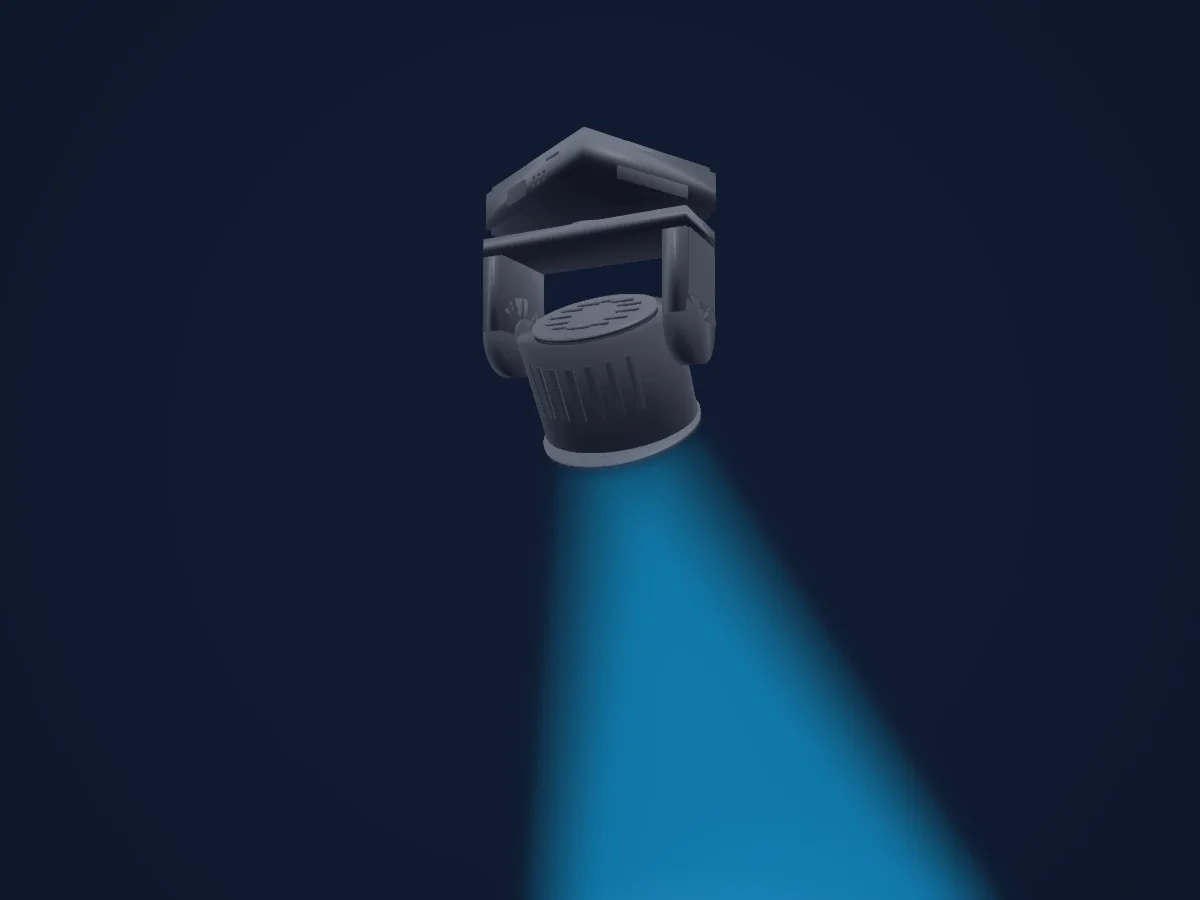
Lo que puede hacer
- Zoom
- Colores LED adicionales
- Mezcla de color RGB
- Rueda de color
- Velocidad de efecto
- Estrobo
- Intensidad
- Control de píxeles
- Pan y tilt
- Velocidad de movimiento
Funciones relevantes para la seguridad: Reinicio del foco · Programas de efectos integrados. Comprueba cómo se comportan en tu propio foco antes de un espectáculo.
Modos DMX y tablas de canales
| Modo | Canales | En HitLight |
|---|---|---|
| BASIC | 17 | Listo en HitLight |
| STAND | 35 | Listo en HitLight |
| EXTEND | 93 | Listo en HitLight |
BASIC
Listo en HitLight17 canales DMX · Descargar esta tabla en CSV
| Canal | Función | Predeterminado | Valores DMX |
|---|---|---|---|
| 1 | Pan | 128 | 0–255 |
| 2 | Tilt | 128 | 0–255 |
| 3 | Red | 0 | 0–255 |
| 4 | Green | 0 | 0–255 |
| 5 | Blue | 0 | 0–255 |
| 6 | White | 0 | 0–255 |
| 7 | Color Macro1 | 0 | 31 rangos de valores
|
| 8 | Shutter / Strobe | 32 | 8 rangos de valores
|
| 9 | Dimmer | 0 | 0–255 |
| 10 | Dimmer Curve | 0 | 6 rangos de valores
|
| 11 | Zoom | 0 | 0–255 |
| 12 | Effect | 0 | 16 rangos de valores
|
| 13 | Effect Speed | 126 | 3 rangos de valores
|
| 14 | Effects1Fade | 0 | 0–255 |
| 15 | Color Settings Reset | 0 | 3 rangos de valores
|
| 16 | Position MSpeed | 0 | 3 rangos de valores
|
| 17 | Fixture Global Reset | 0 | 15 rangos de valores
|
STAND
Listo en HitLight35 canales DMX · Descargar esta tabla en CSV
| Canal | Función | Predeterminado | Valores DMX |
|---|---|---|---|
| 1 | Pan | 128 | 0–255 |
| 2 | Pan Fine | 0 | Byte fino de Pan |
| 3 | Tilt | 128 | 0–255 |
| 4 | Tilt Fine | 0 | Byte fino de Tilt |
| 5 | Red | 0 | 0–255 |
| 6 | Red Fine | 0 | Byte fino de Red |
| 7 | Green | 0 | 0–255 |
| 8 | Green Fine | 0 | Byte fino de Green |
| 9 | Blue | 0 | 0–255 |
| 10 | Blue Fine | 0 | Byte fino de Blue |
| 11 | White | 0 | 0–255 |
| 12 | White Fine | 0 | Byte fino de White |
| 13 | Red | 0 | 0–255 |
| 14 | Green | 0 | 0–255 |
| 15 | Blue | 0 | 0–255 |
| 16 | White | 0 | 0–255 |
| 17 | Red | 0 | 0–255 |
| 18 | Green | 0 | 0–255 |
| 19 | Blue | 0 | 0–255 |
| 20 | White | 0 | 0–255 |
| 21 | Red | 0 | 0–255 |
| 22 | Green | 0 | 0–255 |
| 23 | Blue | 0 | 0–255 |
| 24 | White | 0 | 0–255 |
| 25 | Color Macro1 | 0 | 31 rangos de valores
|
| 26 | Shutter / Strobe | 32 | 8 rangos de valores
|
| 27 | Dimmer | 0 | 0–255 |
| 28 | Dimmer Curve | 0 | 6 rangos de valores
|
| 29 | Zoom | 0 | 0–255 |
| 30 | Effect | 0 | 16 rangos de valores
|
| 31 | Effect Speed | 126 | 3 rangos de valores
|
| 32 | Effects1Fade | 0 | 0–255 |
| 33 | Color Settings Reset | 0 | 3 rangos de valores
|
| 34 | Position MSpeed | 0 | 3 rangos de valores
|
| 35 | Fixture Global Reset | 0 | 15 rangos de valores
|
EXTEND
Listo en HitLight93 canales DMX · Descargar esta tabla en CSV
| Canal | Función | Predeterminado | Valores DMX |
|---|---|---|---|
| 1 | Pan | 128 | 0–255 |
| 2 | Pan Fine | 0 | Byte fino de Pan |
| 3 | Tilt | 128 | 0–255 |
| 4 | Tilt Fine | 0 | Byte fino de Tilt |
| 5 | Red | 0 | 0–255 |
| 6 | Green | 0 | 0–255 |
| 7 | Blue | 0 | 0–255 |
| 8 | White | 0 | 0–255 |
| 9 | Red | 0 | 0–255 |
| 10 | Green | 0 | 0–255 |
| 11 | Blue | 0 | 0–255 |
| 12 | White | 0 | 0–255 |
| 13 | Red | 0 | 0–255 |
| 14 | Green | 0 | 0–255 |
| 15 | Blue | 0 | 0–255 |
| 16 | White | 0 | 0–255 |
| 17 | Red | 0 | 0–255 |
| 18 | Green | 0 | 0–255 |
| 19 | Blue | 0 | 0–255 |
| 20 | White | 0 | 0–255 |
| 21 | Red | 0 | 0–255 |
| 22 | Green | 0 | 0–255 |
| 23 | Blue | 0 | 0–255 |
| 24 | White | 0 | 0–255 |
| 25 | Red | 0 | 0–255 |
| 26 | Green | 0 | 0–255 |
| 27 | Blue | 0 | 0–255 |
| 28 | White | 0 | 0–255 |
| 29 | Red | 0 | 0–255 |
| 30 | Green | 0 | 0–255 |
| 31 | Blue | 0 | 0–255 |
| 32 | White | 0 | 0–255 |
| 33 | Red | 0 | 0–255 |
| 34 | Green | 0 | 0–255 |
| 35 | Blue | 0 | 0–255 |
| 36 | White | 0 | 0–255 |
| 37 | Red | 0 | 0–255 |
| 38 | Green | 0 | 0–255 |
| 39 | Blue | 0 | 0–255 |
| 40 | White | 0 | 0–255 |
| 41 | Red | 0 | 0–255 |
| 42 | Green | 0 | 0–255 |
| 43 | Blue | 0 | 0–255 |
| 44 | White | 0 | 0–255 |
| 45 | Red | 0 | 0–255 |
| 46 | Green | 0 | 0–255 |
| 47 | Blue | 0 | 0–255 |
| 48 | White | 0 | 0–255 |
| 49 | Red | 0 | 0–255 |
| 50 | Green | 0 | 0–255 |
| 51 | Blue | 0 | 0–255 |
| 52 | White | 0 | 0–255 |
| 53 | Red | 0 | 0–255 |
| 54 | Green | 0 | 0–255 |
| 55 | Blue | 0 | 0–255 |
| 56 | White | 0 | 0–255 |
| 57 | Red | 0 | 0–255 |
| 58 | Green | 0 | 0–255 |
| 59 | Blue | 0 | 0–255 |
| 60 | White | 0 | 0–255 |
| 61 | Red | 0 | 0–255 |
| 62 | Green | 0 | 0–255 |
| 63 | Blue | 0 | 0–255 |
| 64 | White | 0 | 0–255 |
| 65 | Red | 0 | 0–255 |
| 66 | Green | 0 | 0–255 |
| 67 | Blue | 0 | 0–255 |
| 68 | White | 0 | 0–255 |
| 69 | Red | 0 | 0–255 |
| 70 | Green | 0 | 0–255 |
| 71 | Blue | 0 | 0–255 |
| 72 | White | 0 | 0–255 |
| 73 | Red | 0 | 0–255 |
| 74 | Green | 0 | 0–255 |
| 75 | Blue | 0 | 0–255 |
| 76 | White | 0 | 0–255 |
| 77 | Red | 0 | 0–255 |
| 78 | Green | 0 | 0–255 |
| 79 | Blue | 0 | 0–255 |
| 80 | White | 0 | 0–255 |
| 81 | Color Macro1 | 0 | 31 rangos de valores
|
| 82 | Shutter / Strobe | 32 | 8 rangos de valores
|
| 83 | Dimmer | 0 | 0–255 |
| 84 | Dimmer Fine | 0 | Byte fino de Dimmer |
| 85 | Dimmer Curve | 0 | 0–255 |
| 86 | Zoom | 0 | 0–255 |
| 87 | Zoom Fine | 0 | Byte fino de Zoom |
| 88 | Effect | 0 | 16 rangos de valores
|
| 89 | Effect Speed | 126 | 0–255 |
| 90 | Effects1Fade | 0 | 0–255 |
| 91 | Color Settings Reset | 0 | 0–255 |
| 92 | Position MSpeed | 0 | 0–255 |
| 93 | Fixture Global Reset | 0 | 0–255 |
Usar Elation PLATINUM 1200 WASH en HitLight
- Abre Añadir foco y busca Elation PLATINUM 1200 WASH.
- Elige el modo DMX configurado en el menú del propio foco. HitLight le asigna la dirección inicial libre más baja de su universo en la que cabe el número de canales del modo.
- Comprueba el modo y los controles con tu foco real antes de usarlo en directo.
Salas con Elation PLATINUM 1200 WASH
Sus montajes guardados incluyen este modelo de aparato. Confirma el equipo actual con la sala.
- Divadlo Komedie Praha, Chequia
Focos relacionados
Elation Fuze Wash Z120
Elation DARTZ 360
Elation Chorus Line 16
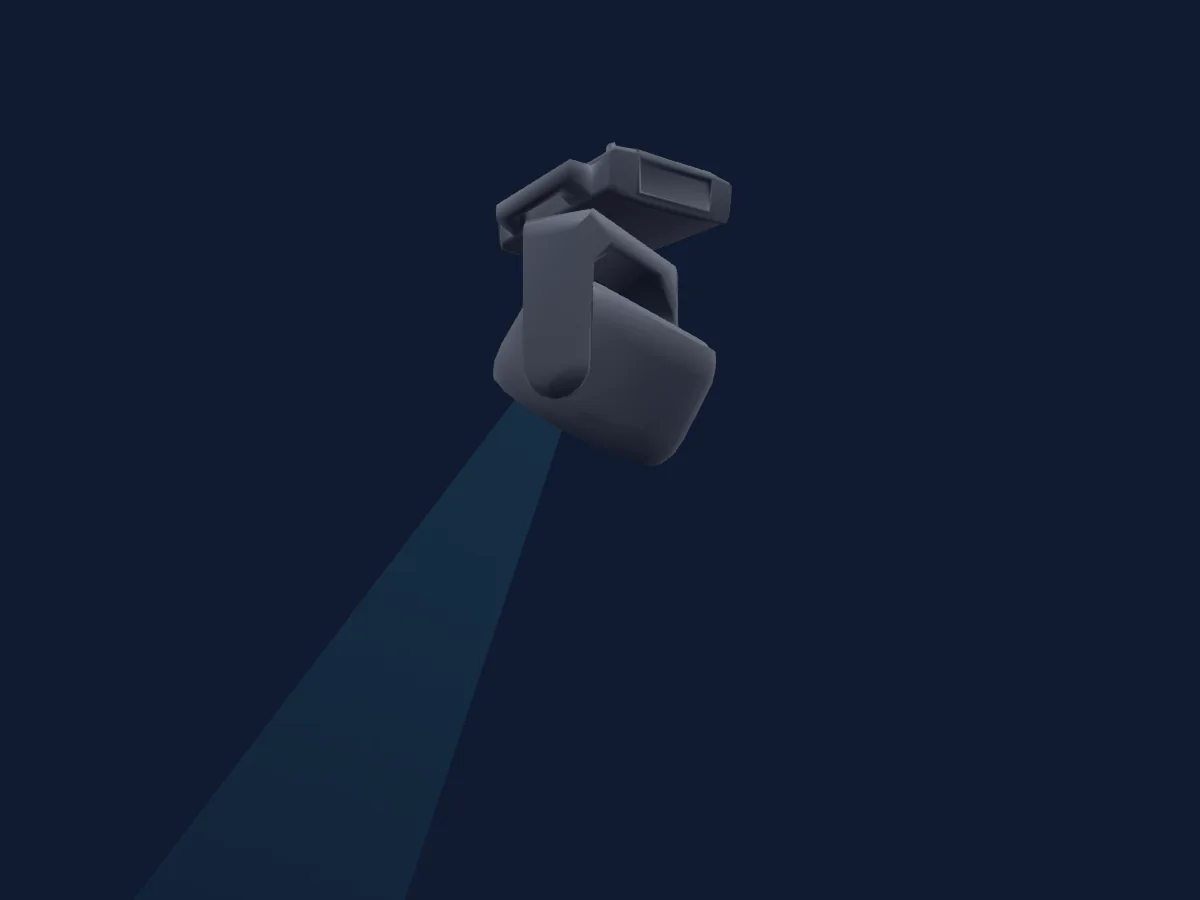
Elation Proteus Rayzor 1960
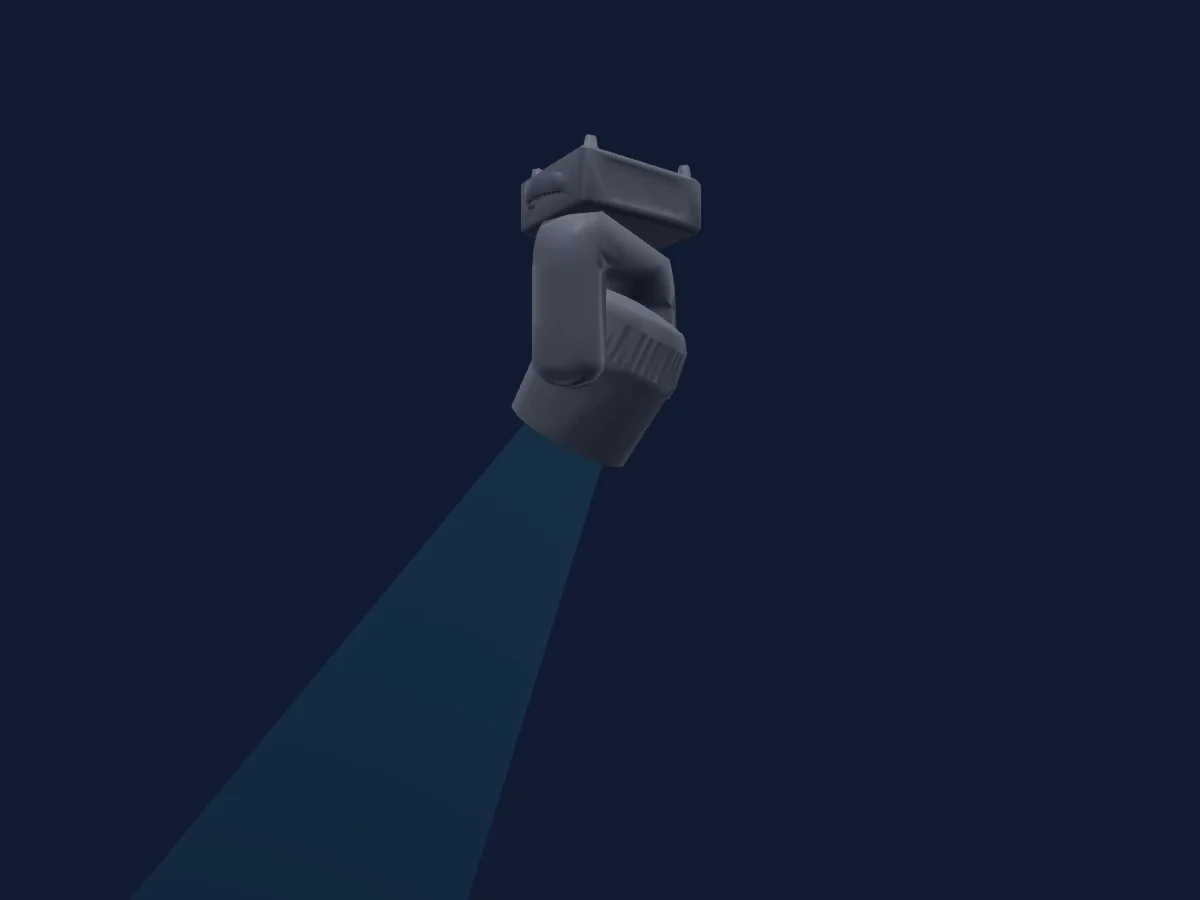
Elation Fuze Wash 575
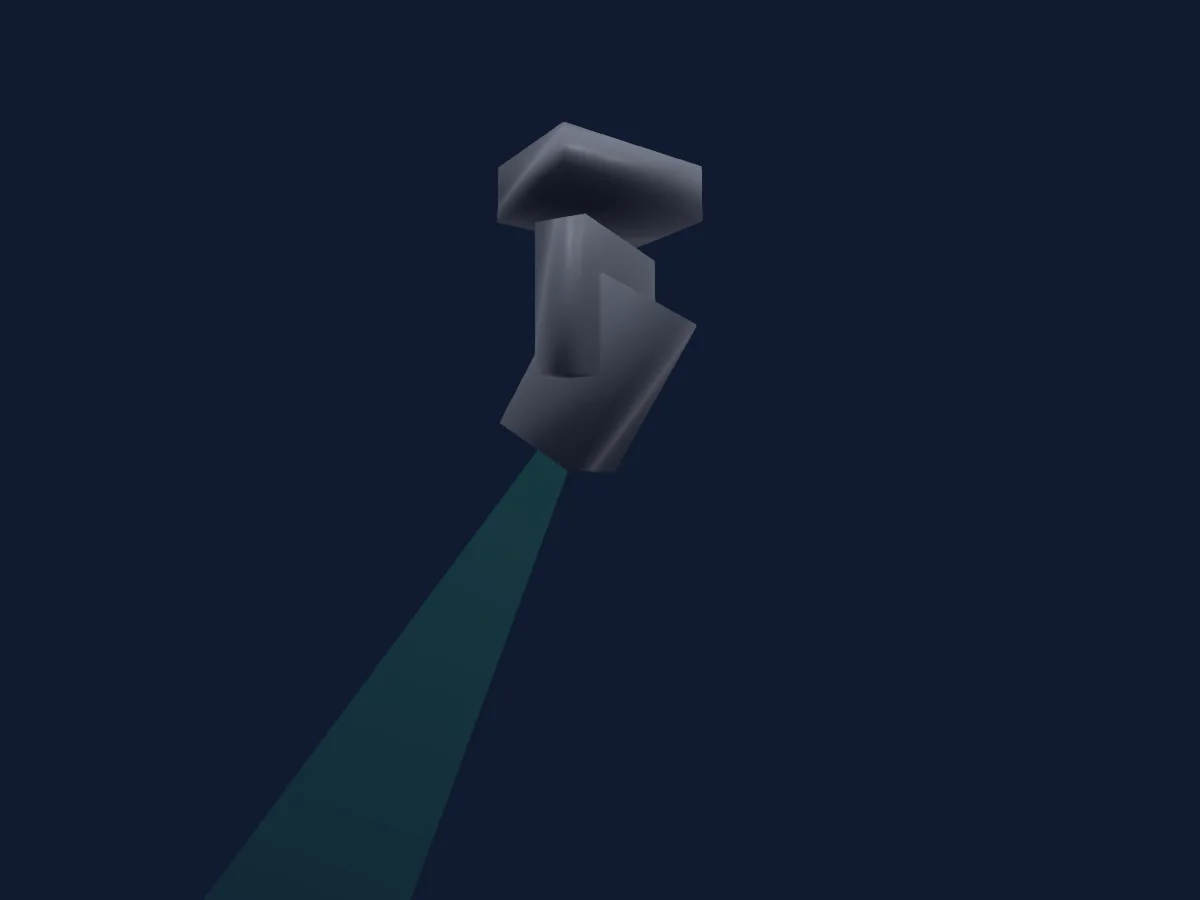
Elation Smarty Hybrid
Las tablas proceden de la descripción GDTF del foco, convertida para la biblioteca de HitLight. HitLight no está vinculado a Elation.
Fixture model: gdtf-elation-platinum-1200-wash-2611120403
Original HitLight geometry, scripted locally by the HitLight fixture agent from the manufacturer manual's published dimensions and pixel map and the product photograph. No manufacturer CAD, third-party mesh, photo texture or logo is incorporated. Approximate planning model; not hardware verified.
Creator: HitLight