 HitLight
UKing ZQ02360 120W LED Moving Head Beam with Halo
Tabla DMX, 1 modo DMX y vista previa en 3D. 15 canales DMX.
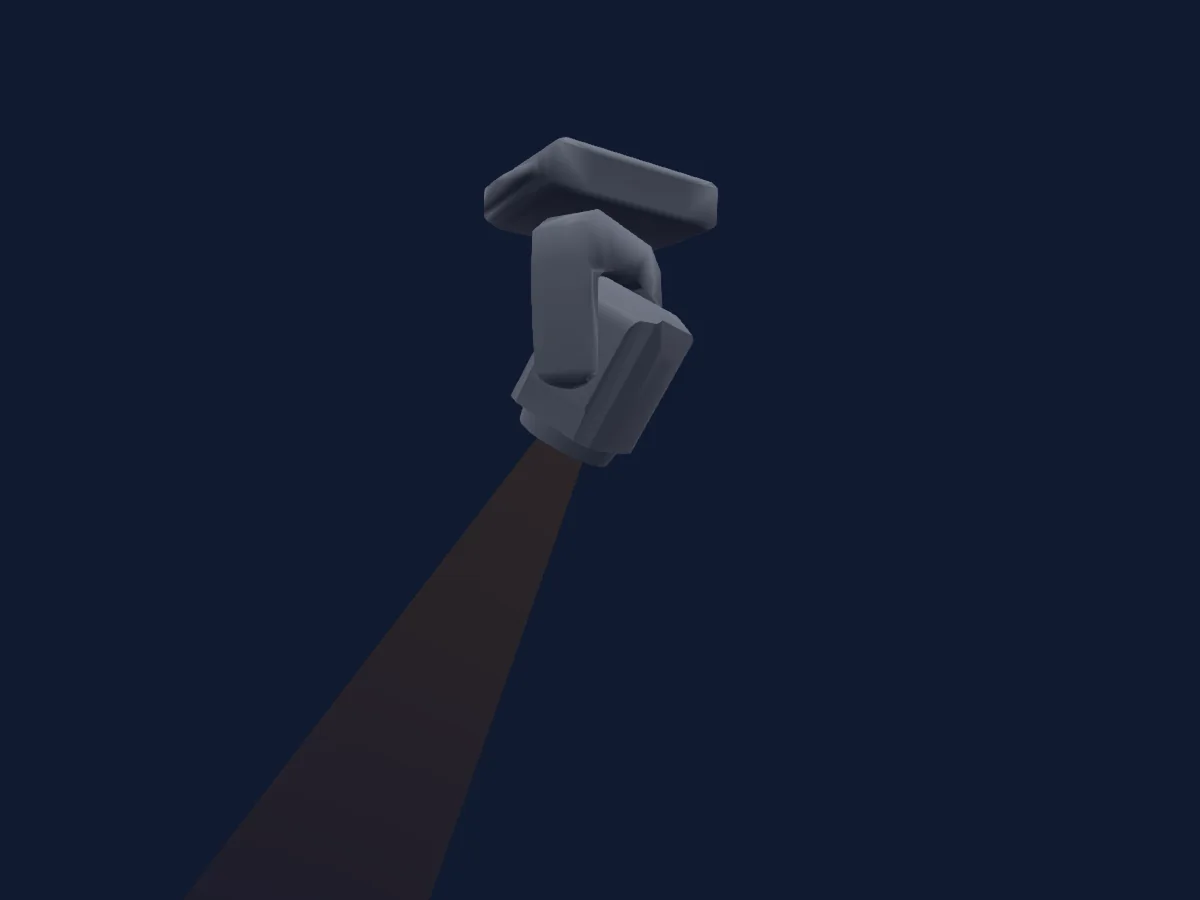
Lo que puede hacer
- Foco
- Prisma
- Rueda de color
- Velocidad de efecto
- Estrobo
- Intensidad
- Pan y tilt
- Velocidad de movimiento
- Gobos
Funciones relevantes para la seguridad: Reinicio del foco · Estrobo · Programas de efectos integrados. Comprueba cómo se comportan en tu propio foco antes de un espectáculo.
Modos DMX y tablas de canales
| Modo | Canales | En HitLight |
|---|---|---|
| 12Ch | 15 | Listo en HitLight |
12Ch
Listo en HitLight15 canales DMX · Descargar esta tabla en CSV
| Canal | Función | Predeterminado | Valores DMX |
|---|---|---|---|
| 1 | Pan | 128 | 0–255 |
| 2 | Pan Fine | 0 | Byte fino de Pan |
| 3 | Tilt | 128 | 0–255 |
| 4 | Tilt Fine | 0 | Byte fino de Tilt |
| 5 | Position MSpeed | 0 | 0–255 |
| 6 | Dimmer | 0 | 3 rangos de valores
|
| 7 | Shutter / Strobe | 0 | 4 rangos de valores
|
| 8 | Color Wheel | 0 | 10 rangos de valores
|
| 9 | Gobo | 0 | 18 rangos de valores
|
| 10 | Prism | 0 | 3 rangos de valores
|
| 11 | Focus | 0 | 0–255 |
| 12 | Effect 2 | 0 | 37 rangos de valores
|
| 13 | Effect Speed 2 | 0 | 0–255 |
| 14 | Effect 3 | 0 | 3 rangos de valores
|
| 15 | Function | 0 | 5 rangos de valores
|
Usar UKing ZQ02360 120W LED Moving Head Beam with Halo en HitLight
- Abre Añadir foco y busca UKing ZQ02360 120W LED Moving Head Beam with Halo.
- Elige el modo DMX configurado en el menú del propio foco. HitLight le asigna la dirección inicial libre más baja de su universo en la que cabe el número de canales del modo.
- Comprueba el modo y los controles con tu foco real antes de usarlo en directo.
Focos relacionados
Cabeza móvil
UKing ZQ02102 Zoom Wash with LED Halo
17 / 25 canales DMX
Cabeza móvil
UKING ZQ06143 290W WASH
13 canales DMX
Cabeza móvil
UKing ZQ02040 Beam
13 canales DMX
Cabeza móvil
UKing ZQ02376 200W LED Moving Head Beam with LED halo v4
14 canales DMX
Cabeza móvil
UKing ZQ02001
9 / 11 canales DMX
Cabeza móvil
UKing ZQ02376 200W LED Moving Head Beam with LED halo v3
14 canales DMX
Las tablas proceden de la descripción GDTF del foco, convertida para la biblioteca de HitLight. HitLight no está vinculado a UKing.