 HitLight
UKing ZQ02360 120W LED Moving Head Beam with Halo
Tabella DMX, 1 modalità DMX e anteprima 3D. 15 canali DMX.
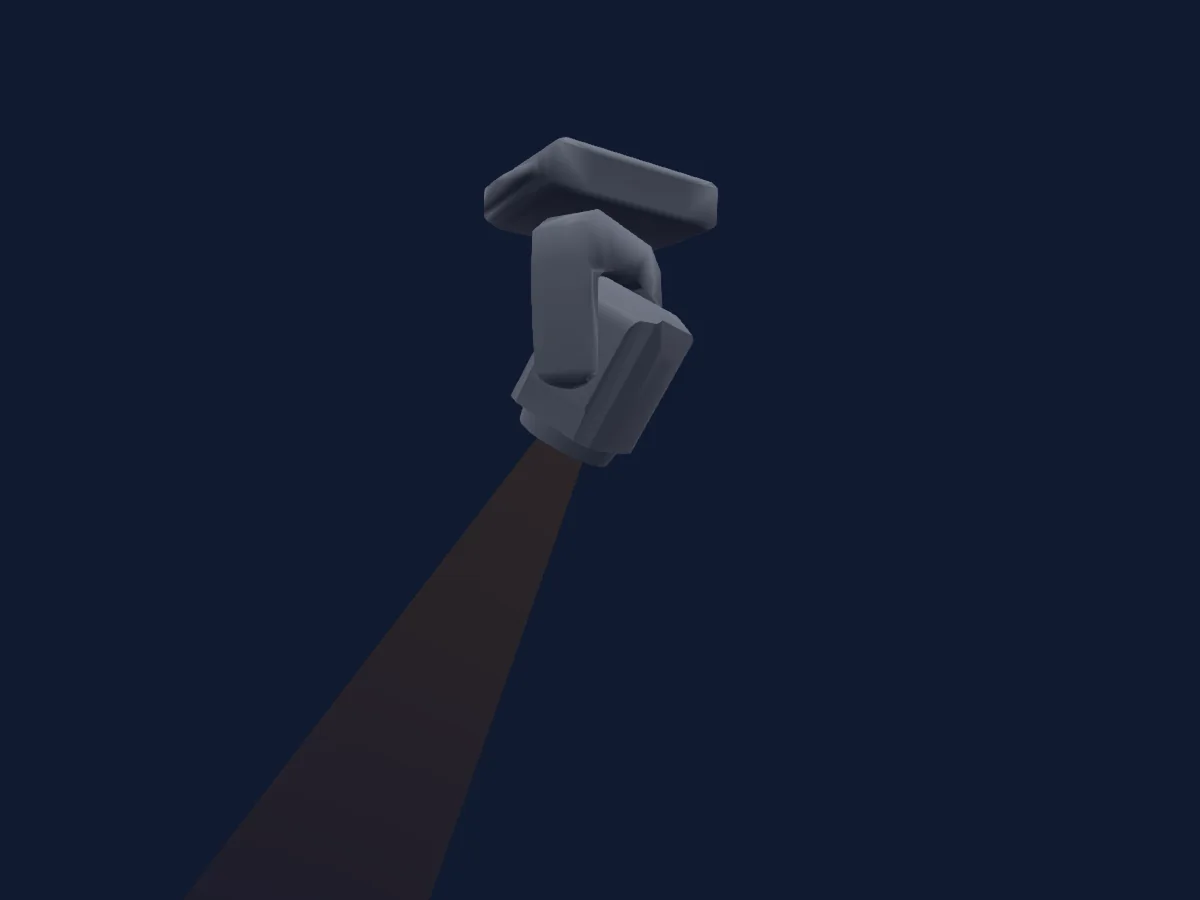
Cosa può fare
- Messa a fuoco
- Prisma
- Ruota colori
- Velocità degli effetti
- Strobo
- Intensità
- Pan e tilt
- Velocità di movimento
- Gobo
Funzioni rilevanti per la sicurezza: Reset del faro · Strobo · Programmi di effetti integrati. Verifica come si comportano sul tuo faro prima di uno spettacolo.
Modalità DMX e tabelle dei canali
| Modalità | Canali | In HitLight |
|---|---|---|
| 12Ch | 15 | Pronto in HitLight |
12Ch
Pronto in HitLight15 canali DMX · Scarica questa tabella in CSV
| Canale | Funzione | Predefinito | Valori DMX |
|---|---|---|---|
| 1 | Pan | 128 | 0–255 |
| 2 | Pan Fine | 0 | Byte fine di Pan |
| 3 | Tilt | 128 | 0–255 |
| 4 | Tilt Fine | 0 | Byte fine di Tilt |
| 5 | Position MSpeed | 0 | 0–255 |
| 6 | Dimmer | 0 | 3 intervalli di valori
|
| 7 | Shutter / Strobe | 0 | 4 intervalli di valori
|
| 8 | Color Wheel | 0 | 10 intervalli di valori
|
| 9 | Gobo | 0 | 18 intervalli di valori
|
| 10 | Prism | 0 | 3 intervalli di valori
|
| 11 | Focus | 0 | 0–255 |
| 12 | Effect 2 | 0 | 37 intervalli di valori
|
| 13 | Effect Speed 2 | 0 | 0–255 |
| 14 | Effect 3 | 0 | 3 intervalli di valori
|
| 15 | Function | 0 | 5 intervalli di valori
|
Usare UKing ZQ02360 120W LED Moving Head Beam with Halo in HitLight
- Apri Aggiungi faro e cerca UKing ZQ02360 120W LED Moving Head Beam with Halo.
- Scegli la modalità DMX impostata nel menu del faro. HitLight gli assegna il primo indirizzo iniziale libero del suo universo in cui entra il numero di canali della modalità.
- Verifica modalità e controlli sul tuo faro reale prima dell’uso dal vivo.
Fari correlati
Testa mobile
UKing ZQ02102 Zoom Wash with LED Halo
17 / 25 canali DMX
Testa mobile
UKING ZQ06143 290W WASH
13 canali DMX
Testa mobile
UKing ZQ02040 Beam
13 canali DMX
Testa mobile
UKing ZQ02376 200W LED Moving Head Beam with LED halo v4
14 canali DMX
Testa mobile
UKing ZQ02001
9 / 11 canali DMX
Testa mobile
UKing ZQ02376 200W LED Moving Head Beam with LED halo v3
14 canali DMX
Le tabelle provengono dalla descrizione GDTF del faro, convertita per la libreria di HitLight. HitLight non è affiliato a UKing.