 HitLight
ADB C201
DMX chart, 2 DMX modes and a 3D preview. 1 / 2 DMX channels.
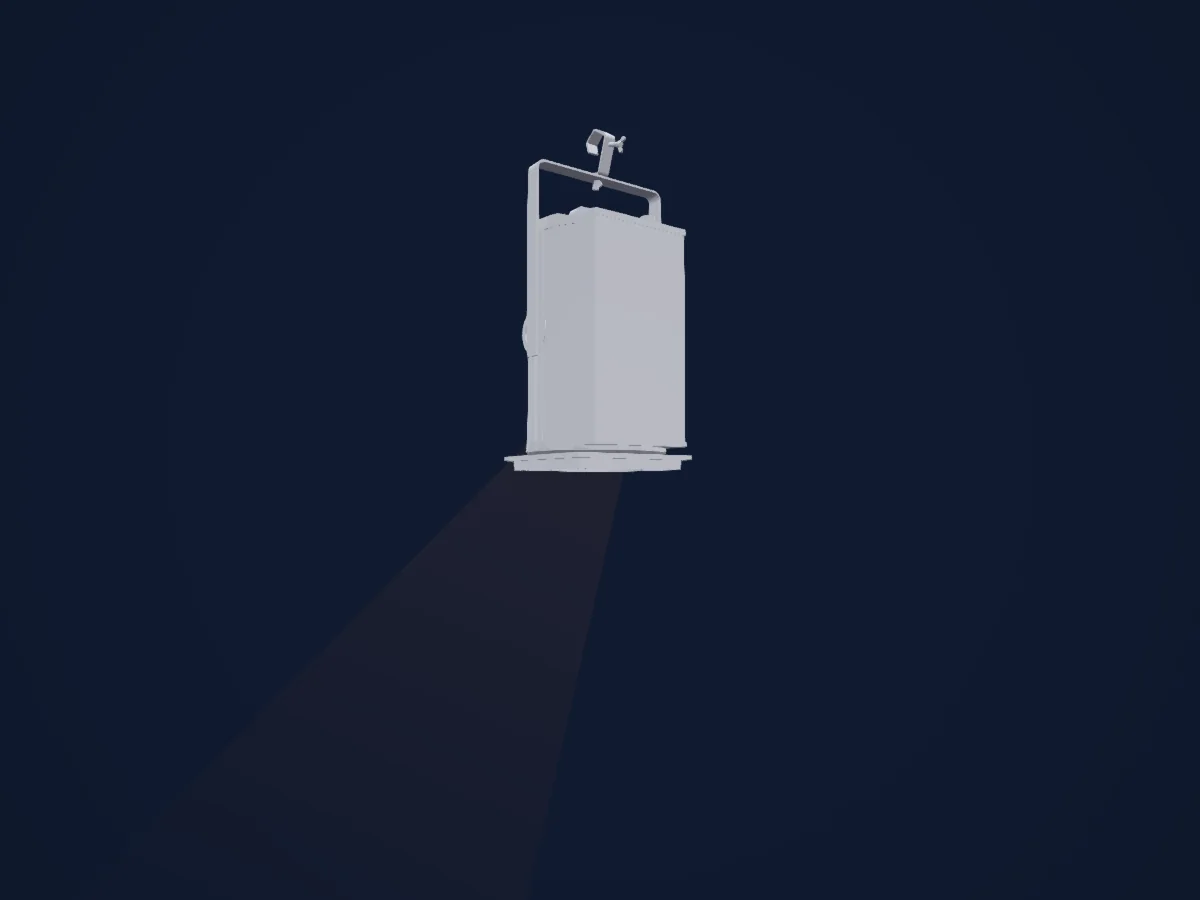
What it can do
- Dimmer
DMX modes and channel charts
8BIT DIMM
Ready in HitLight1 DMX channel · Download this chart as CSV
| Channel | Function | Default | DMX values |
|---|---|---|---|
| 1 | Dimmer | 0 | 0–255 |
16BIT
Ready in HitLight2 DMX channels · Download this chart as CSV
| Channel | Function | Default | DMX values |
|---|---|---|---|
| 1 | Dimmer | 0 | 0–255 |
| 2 | Dimmer Fine | 0 | Fine byte of Dimmer |
Use the ADB C201 in HitLight
- Open Add fixture and search for ADB C201.
- Choose the DMX mode set in the fixture’s own menu. HitLight gives it the lowest free start address on its universe that fits the mode’s channel count.
- Check the mode and controls against your real fixture before live use.
Venues with the ADB C201
Their saved rigs list this fixture model. Confirm the current equipment with the venue.
- ARGEkultur Salzburg, Austria
- Cultuurhuis Stroming Berlare, Belgium
- Fil (Le) Saint-Etienne, France
- Koninklijke Stadsschouwburg Brugge Brugge, Belgium
- Le 360 Paris Music Factory Paris, France
- Stadthalle am Schloss Aschaffenburg, Germany
- МЛАДЕЖКИ ТЕАТЪР „НИКОЛАЙ БИНЕВ“ София, Bulgaria
Related fixtures
Spot
ADB C101
1 / 2 DMX channels
Spot
ADB DS 101
1 DMX channel
Spot
ADB F101
1 DMX channel
Profile spot
ADB WARP
1 DMX channel
Profile spot
ADB DN205
1 DMX channel
Cyc light
ADB ACP 1001
1 DMX channel
Charts come from the fixture’s GDTF description as converted for the HitLight library. HitLight is not affiliated with ADB.