Skip to content
HitLight
Blizzard Lighting LLC · Effect light

Blizzard Lighting LLC SkyBox G2 EXA

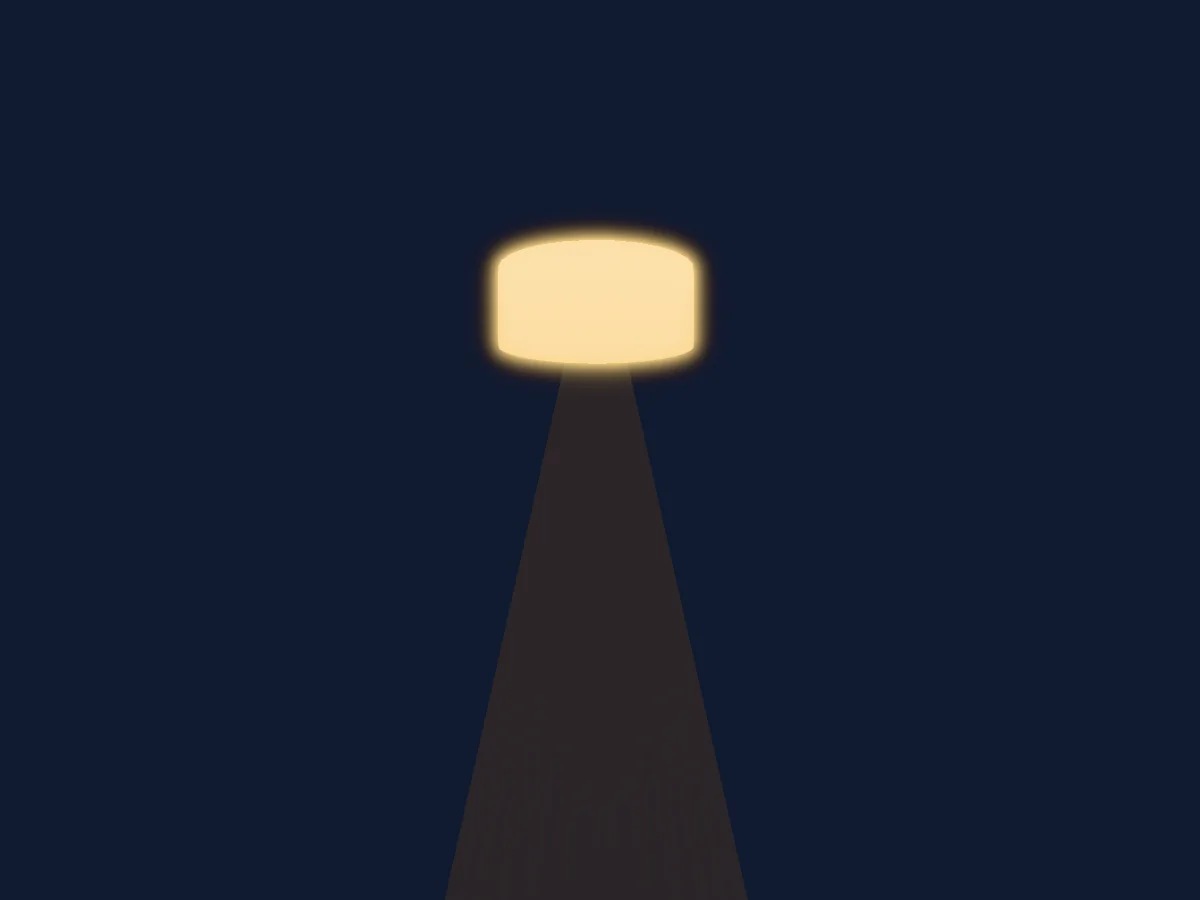
DMX chart, 3 DMX modes and a 3D preview. 6 / 8 / 12 DMX channels.
What it can do

  • Extra LED colours
  • RGB colour mixing
  • Colour wheel
  • Effect speed
  • Strobe
  • Dimmer

DMX modes and channel charts

DMX modes of Blizzard Lighting LLC SkyBox G2 EXA
ModeChannelsIn HitLight
6 Channel6Ready in HitLight
8 Channel8Ready in HitLight
12 Channel12Ready in HitLight

6 Channel

Ready in HitLight

6 DMX channels · Download this chart as CSV

DMX channel chart for 6 Channel
ChannelFunctionDefaultDMX values
1Red00–255
2Green00–255
3Blue00–255
4Amber00–255
5White00–255
6UV00–255

8 Channel

Ready in HitLight

8 DMX channels · Download this chart as CSV

DMX channel chart for 8 Channel
ChannelFunctionDefaultDMX values
1Dimmer00–255
2Red00–255
3Green00–255
4Blue00–255
5Amber00–255
6White00–255
7UV00–255
8Shutter / Strobe0
8 value ranges
  • 0–5 No strobe
  • 6–20 Non-synchronous strobe (slow <-> fast)
  • 21–60 Synchronous strobe (slow <-> fast)
  • 61–100 Non-synchronous strobe (slow <-> fast) · Electronic sine wave (slow <-> fast) 7.44–12 Hz
  • 101–140 Random strobe (slow <-> fast)
  • 141–180 Opening pulse (slow <-> fast)
  • 181–220 Closing pulse (slow <-> fast)
  • 221–255 Electronic square wave (slow <-> fast) strobe 1–12 Hz

12 Channel

Ready in HitLight

12 DMX channels · Download this chart as CSV

DMX channel chart for 12 Channel
ChannelFunctionDefaultDMX values
1Dimmer00–255
2Red00–255
3Green00–255
4Blue00–255
5Amber00–255
6White00–255
7UV00–255
8Shutter / Strobe0
8 value ranges
  • 0–5 No strobe
  • 6–20 Non-synchronous strobe (slow <-> fast)
  • 21–60 Synchronous strobe (slow <-> fast)
  • 61–100 Non-synchronous strobe (slow <-> fast) · Electronic sine wave (slow <-> fast) 7.44–12 Hz
  • 101–140 Random strobe (slow <-> fast)
  • 141–180 Opening pulse (slow <-> fast)
  • 181–220 Closing pulse (slow <-> fast)
  • 221–255 Electronic square wave (slow <-> fast) strobe 1–12 Hz
9Color Wheel 20
64 value ranges
  • 0–4 No Function (wheel slot 69)
  • 5–9 Color 1 (custom color 1 in menu) (wheel slot 2)
  • 10–14 Color 2 (custom color 2 in menu) (wheel slot 3)
  • 15–19 Color 3 (custom color 3 in menu) (wheel slot 4)
  • 20–24 Color 4 (custom color 4 in menu) (wheel slot 5)
  • 25–29 Color 5 (custom color 5 in menu) (wheel slot 6)
  • 30–34 Color 6 (custom color 6 in menu) (wheel slot 7)
  • 35–39 Color 7 (custom color 7 in menu) (wheel slot 8)
  • 40–44 Color 8 (custom color 8 in menu) (wheel slot 9)
  • 45–49 Color 9 (custom color 9 in menu) (wheel slot 10)
  • 50–54 Color 10 (custom color 10 in menu) (wheel slot 11)
  • 55–59 Auto 1 (wheel slot 12)
  • 60–64 Auto 2 (wheel slot 13)
  • 65–69 Auto 3 (wheel slot 14)
  • 70–74 Auto 4 (wheel slot 15)
  • 75–79 Auto 5 (wheel slot 16)
  • 80–82 No Function (wheel slot 69)
  • 83–85 Red (wheel slot 18)
  • 86–88 Green (wheel slot 19)
  • 89–91 Blue (wheel slot 20)
  • 92–94 Amber (wheel slot 21)
  • 95–97 White (wheel slot 22)
  • 98–100 UV (wheel slot 23)
  • 101–103 Yellow (wheel slot 24)
  • 104–106 Pink (wheel slot 25)
  • 107–109 Cyan (wheel slot 26)
  • 110–112 Orange (wheel slot 27)
  • 113–115 Violet (wheel slot 28)
  • 116–118 Golden (wheel slot 29)
  • 119–121 2700K White (wheel slot 30)
  • 122–124 3200K White (wheel slot 31)
  • 125–127 4000K White (wheel slot 32)
  • 128–130 5500K White (wheel slot 33)
  • 131–133 6500K White (wheel slot 34)
  • 134–136 RGBA (wheel slot 35)
  • 137–139 No Function (wheel slot 69)
  • 140–142 R27 Medium Red (wheel slot 37)
  • 143–145 R26 Light Red (wheel slot 38)
  • 146–148 R19 Fire (wheel slot 39)
  • 149–151 R22 Deep Amber (wheel slot 40)
  • 152–154 R23 Orange (wheel slot 41)
  • 155–157 R18 Flame (wheel slot 42)
  • 158–160 R04 Medium Bastard Amber (wheel slot 43)
  • 161–163 R01 Light Bastard Amber (wheel slot 44)
  • 164–166 R02 Bastard Amber (wheel slot 45)
  • 167–169 R14 Medium Straw (wheel slot 46)
  • 170–172 R10 Medium Yellow (wheel slot 47)
  • 173–175 R96 Lime (wheel slot 48)
  • 176–178 R388 Gaslight Green (wheel slot 49)
  • 179–181 R86 Pea Green (wheel slot 50)
  • 182–184 R389 Chroma Green (wheel slot 51)
  • 185–187 R92 Turquoise (wheel slot 52)
  • 188–190 R90 Dark Yellow Green (wheel slot 53)
  • 191–193 R393 Emerald Green (wheel slot 54)
  • 194–196 R73 Peacock Blue (wheel slot 55)
  • 197–199 R64 Light Steel Blue (wheel slot 56)
  • 200–202 R67 Light Sky Blue (wheel slot 57)
  • 203–205 R72 Azure Blue (wheel slot 58)
  • 206–208 R70 Nile Blue (wheel slot 59)
  • 209–211 R66 Cool Blue (wheel slot 60)
  • 212–214 R54 Special Lavender (wheel slot 61)
  • 215–217 R52 Light Lavender (wheel slot 62)
  • 218–220 R57 Lavender (wheel slot 63)
  • 221–223 R59 Indigo (wheel slot 64)
10Effect Speed00–255
11Color Wheel0
14 value ranges
  • 0–10 No Function (wheel slot 1)
  • 11–11 Blue (wheel slot 14)
  • 12–50 Blue (+ green) (wheel slot 3)
  • 51–51 Cyan (wheel slot 4)
  • 52–90 Cyan (- blue) (wheel slot 5)
  • 91–91 Green (wheel slot 6)
  • 92–130 Green (+ red) (wheel slot 7)
  • 131–131 Yellow (wheel slot 8)
  • 132–170 Yellow (- green) (wheel slot 9)
  • 171–171 Red (wheel slot 10)
  • 172–210 Red (+ blue) (wheel slot 11)
  • 211–211 Magenta (wheel slot 12)
  • 212–250 Magenta (- red) (wheel slot 13)
  • 251–255 Blue (wheel slot 14)
12Funktion0
10 value ranges
  • 0–10 Default (as set in the LED menu)
  • 11–20 Linear curve
  • 21–30 Square law curve
  • 31–40 Inverse square law curve
  • 41–50 S-curve
  • 51–60 Linear curve (smooth)
  • 61–70 Square law curve (smooth)
  • 71–80 Inverse square law curve (smooth)
  • 81–90 S-curve (smooth)
  • 91–255 Default (as set in the LED menu)

Use the Blizzard Lighting LLC SkyBox G2 EXA in HitLight

  1. Open Add fixture and search for Blizzard Lighting LLC SkyBox G2 EXA.
  2. Choose the DMX mode set in the fixture’s own menu. HitLight gives it the lowest free start address on its universe that fits the mode’s channel count.
  3. Check the mode and controls against your real fixture before live use.

Charts come from the fixture’s GDTF description as converted for the HitLight library. HitLight is not affiliated with Blizzard Lighting LLC.

Patch it, then let the music run the lights.

HitLight finds these fixtures in its library, patches them on the next free address and previews your rig in 3D before a single light is plugged in.

Open HitLight ↗Download HitLight