 HitLight
Bombee LED RGBW Deco Driver
DMX chart, 1 DMX mode and a 3D preview. 4 DMX channels.
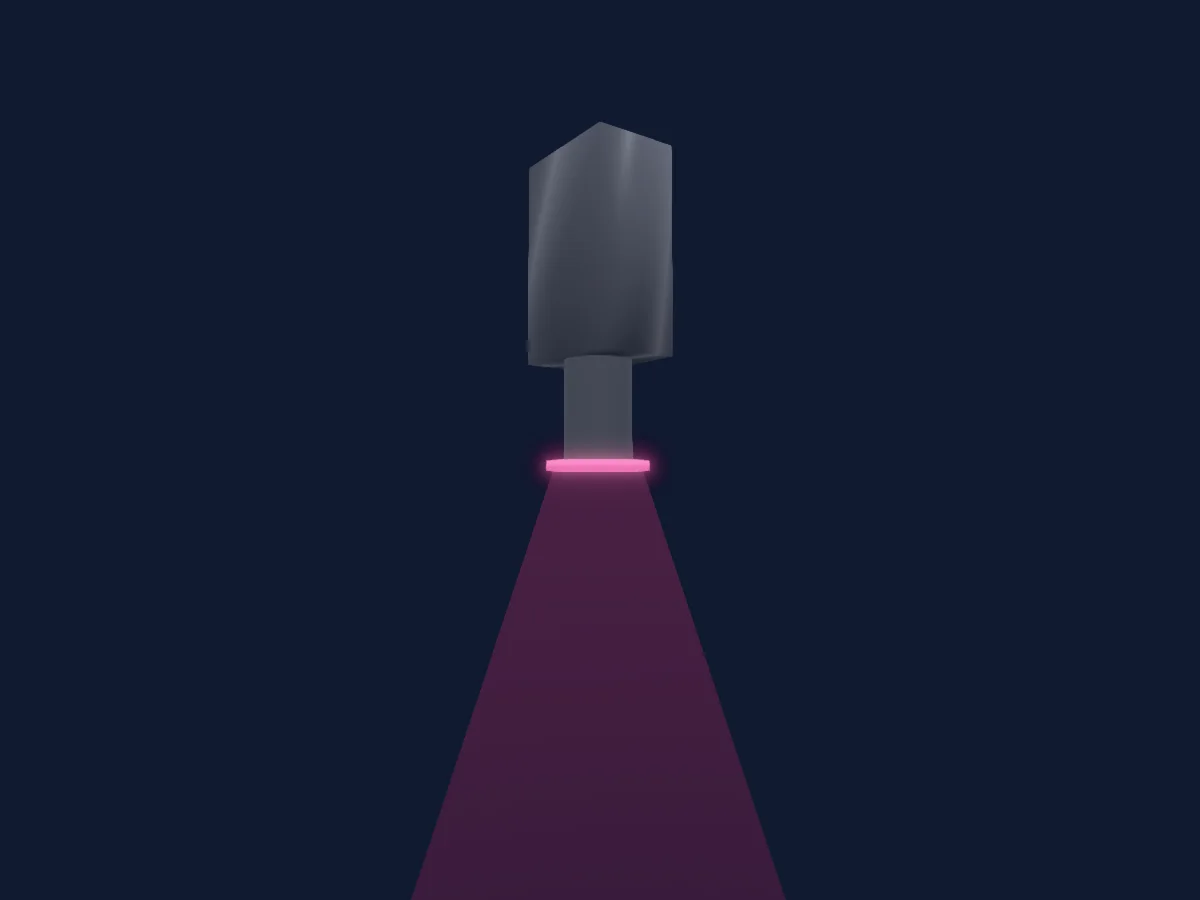
What it can do
- Extra LED colours
- RGB colour mixing
DMX modes and channel charts
| Mode | Channels | In HitLight |
|---|---|---|
| 4 Chn | 4 | Ready in HitLight |
4 Chn
Ready in HitLight4 DMX channels · Download this chart as CSV
| Channel | Function | Default | DMX values |
|---|---|---|---|
| 1 | Red | 255 | 0–255 |
| 2 | Green | 255 | 0–255 |
| 3 | Blue | 255 | 0–255 |
| 4 | White | 255 | 0–255 |
Use the Bombee LED RGBW Deco Driver in HitLight
- Open Add fixture and search for Bombee LED RGBW Deco Driver.
- Choose the DMX mode set in the fixture’s own menu. HitLight gives it the lowest free start address on its universe that fits the mode’s channel count.
- Check the mode and controls against your real fixture before live use.
Related fixtures
PAR
Bombee Mini SUN-7
4 / 9 DMX channels
PAR
Bombee Bombtron 500mm
4 DMX channels
PAR
Bombee Bombtron 1000mm
4 DMX channels
Laser
Bombee Laser Beam 300IP
16 DMX channels
Effect light
Bombee Retro bar
1 / 3 / 13 / 14 / 21 DMX channels
Hazer
Bombee HazeKit
4 DMX channels
Charts come from the fixture’s GDTF description as converted for the HitLight library. HitLight is not affiliated with Bombee.