Skip to content
HitLight
Cameo · PAR

Cameo Q-Spot 40 RGBW (original body)

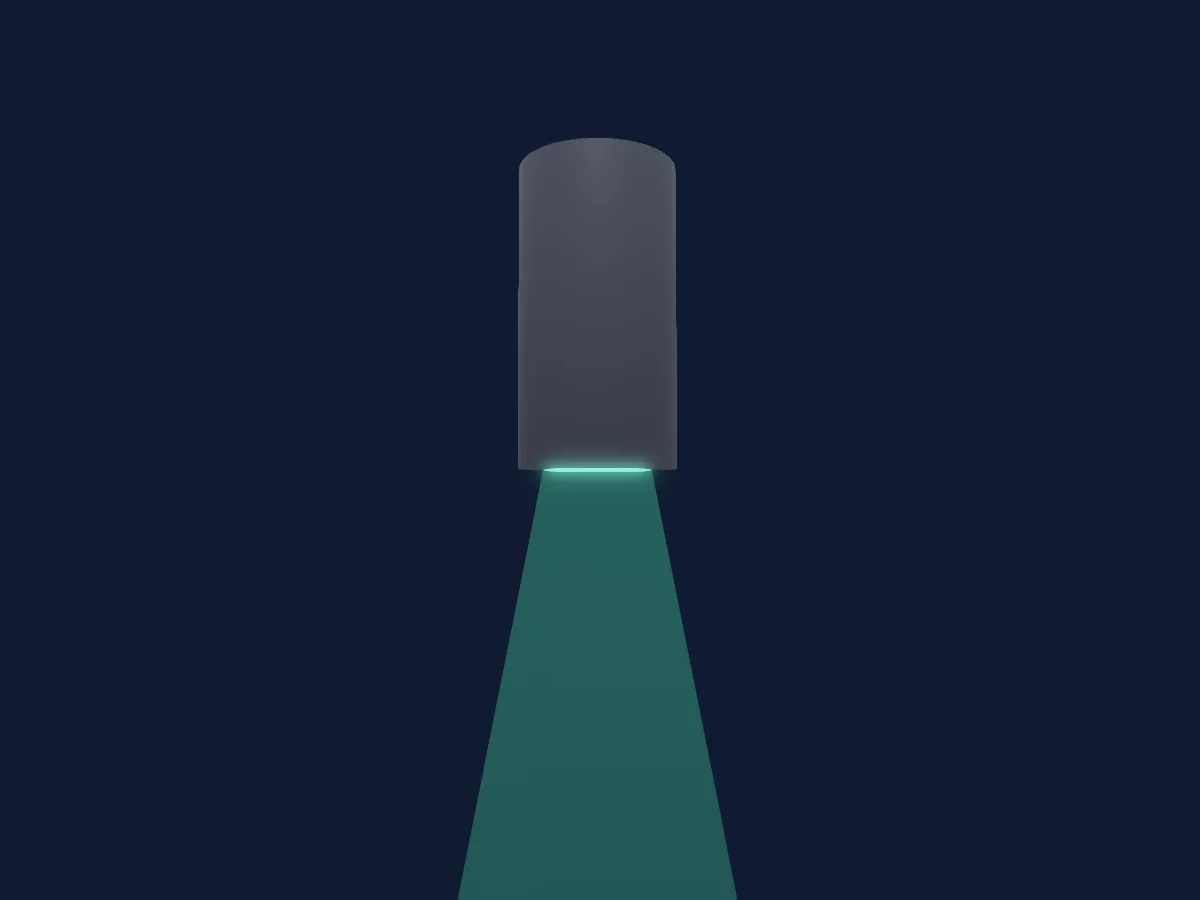
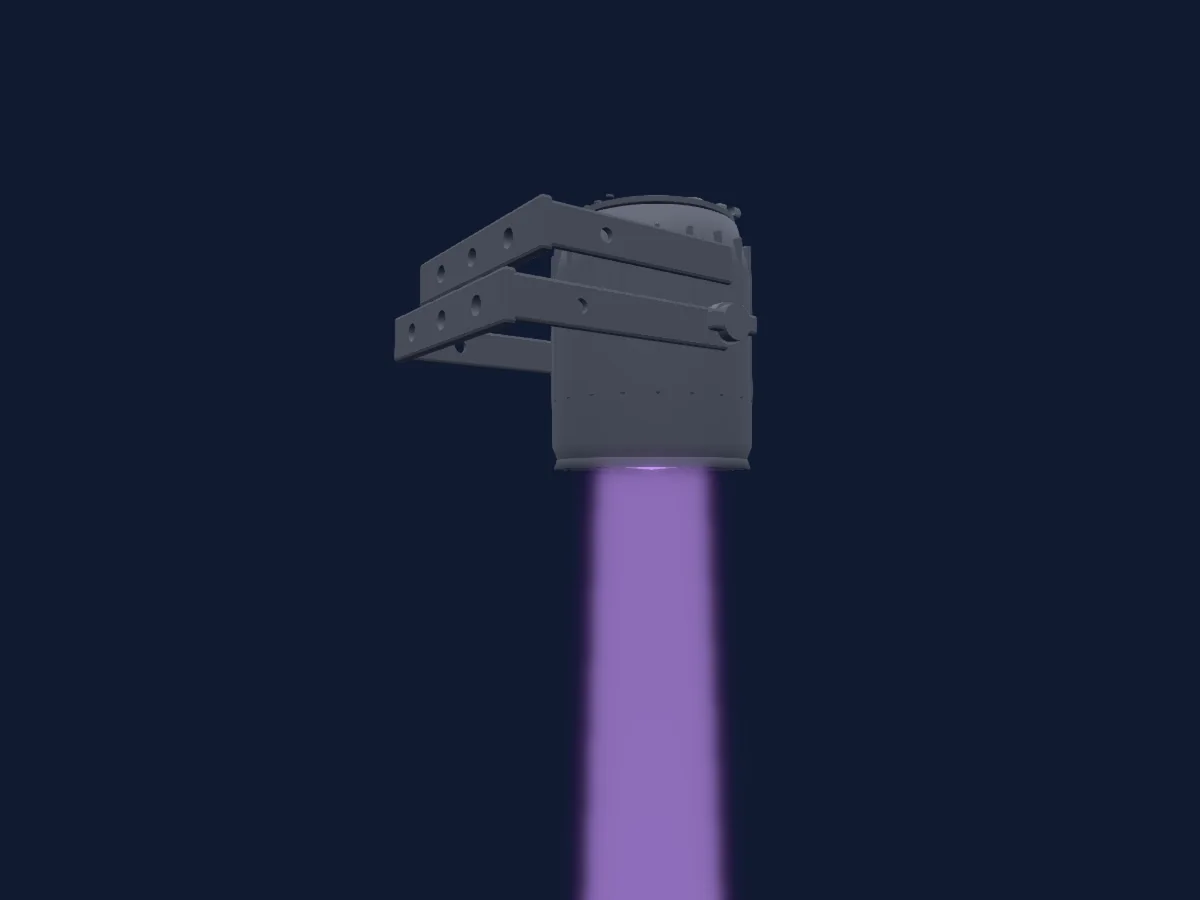
DMX chart, 6 DMX modes and a 3D preview. 2 / 3 / 4 / 9 DMX channels.
What it can do

  • Extra LED colours
  • RGB colour mixing
  • Colour temperature
  • Colour wheel
  • Strobe
  • Dimmer

DMX modes and channel charts

DMX modes of Cameo Q-Spot 40 RGBW (original body)
ModeChannelsIn HitLight
2ch Mode2Ready in HitLight
3ch Mode 13Ready in HitLight
3ch Mode 2 RGB3Ready in HitLight
4ch Mode RGBW4Ready in HitLight
9ch manual Rev03 — initial values selected by author9Ready in HitLight
9ch Mode9Ready in HitLight

2ch Mode

Ready in HitLight

2 DMX channels · Download this chart as CSV

DMX channel chart for 2ch Mode
ChannelFunctionDefaultDMX values
1Dimmer0
2 value ranges
  • 0–254 Closed
  • 255–255 Open
2Color Wheel0
23 value ranges
  • 0–5 Colour off (wheel slot 1)
  • 6–13 Red (wheel slot 2)
  • 14–21 Amber (wheel slot 3)
  • 22–29 Yellow warm (wheel slot 4)
  • 30–37 Yellow (wheel slot 5)
  • 38–45 Green (wheel slot 6)
  • 46–53 Turquoise (wheel slot 7)
  • 54–61 Cyan (wheel slot 8)
  • 62–69 Blue (wheel slot 9)
  • 70–77 Lavender (wheel slot 10)
  • 78–85 Mauve (wheel slot 11)
  • 86–93 Magenta (wheel slot 12)
  • 94–101 Pink (wheel slot 13)
  • 102–109 Warm White (wheel slot 14)
  • 110–117 White (wheel slot 15)
  • 118–125 Cold White (wheel slot 16)
  • 126–127 Color Jumping Stop
  • 128–128 Color Jumping Speed slow
  • 129–190 Color Jumping
  • 191–191 Color Jumping Speed fast
  • 192–192 Color Fading Speed slow
  • 193–254 Color Fading Speed
  • 255–255 Color Fading Speed fast

3ch Mode 1

Ready in HitLight

3 DMX channels · Download this chart as CSV

DMX channel chart for 3ch Mode 1
ChannelFunctionDefaultDMX values
1Dimmer0
2 value ranges
  • 0–254 Closed
  • 255–255 Open
2Color Wheel0
23 value ranges
  • 0–5 Colour off (wheel slot 1)
  • 6–13 Red (wheel slot 2)
  • 14–21 Amber (wheel slot 3)
  • 22–29 Yellow warm (wheel slot 4)
  • 30–37 Yellow (wheel slot 5)
  • 38–45 Green (wheel slot 6)
  • 46–53 Turquoise (wheel slot 7)
  • 54–61 Cyan (wheel slot 8)
  • 62–69 Blue (wheel slot 9)
  • 70–77 Lavender (wheel slot 10)
  • 78–85 Mauve (wheel slot 11)
  • 86–93 Magenta (wheel slot 12)
  • 94–101 Pink (wheel slot 13)
  • 102–109 Warm White (wheel slot 14)
  • 110–117 White (wheel slot 15)
  • 118–125 Cold White (wheel slot 16)
  • 126–127 Color Jumping Stop
  • 128–128 Color Jumping Speed slow
  • 129–190 Color Jumping
  • 191–191 Color Jumping Speed fast
  • 192–192 Color Fading Speed slow
  • 193–254 Color Fading Speed
  • 255–255 Color Fading Speed fast
3Shutter / Strobe6
2 value ranges
  • 0–5 Shutter open
  • 6–255 Strobe Slow 0-20Hz

3ch Mode 2 RGB

Ready in HitLight

3 DMX channels · Download this chart as CSV

DMX channel chart for 3ch Mode 2 RGB
ChannelFunctionDefaultDMX values
1Red255
2 value ranges
  • 0–254 0%
  • 255–255 100%
2Green255
2 value ranges
  • 0–254 0%
  • 255–255 100%
3Blue255
2 value ranges
  • 0–254 0%
  • 255–255 100%

4ch Mode RGBW

Ready in HitLight

4 DMX channels · Download this chart as CSV

DMX channel chart for 4ch Mode RGBW
ChannelFunctionDefaultDMX values
1Red255
2 value ranges
  • 0–254 0%
  • 255–255 100%
2Green255
2 value ranges
  • 0–254 0%
  • 255–255 100%
3Blue255
2 value ranges
  • 0–254 0%
  • 255–255 100%
4White255
2 value ranges
  • 0–254 0%
  • 255–255 100%

9ch manual Rev03 — initial values selected by author

Ready in HitLight

9 DMX channels · Download this chart as CSV

DMX channel chart for 9ch manual Rev03 — initial values selected by author
ChannelFunctionDefaultDMX values
1Dimmer00–255
2Dimmer Fine0Fine byte of Dimmer
3Shutter / Strobe0
9 value ranges
  • 0–5 Strobe open
  • 6–10 Strobe closed
  • 11–33 Pulse random slow to fast
  • 34–56 Ramp up random slow to fast
  • 57–79 Ramp down random slow to fast
  • 80–102 Random strobe slow to fast
  • 103–127 Strobe break 5s to 1s
  • 128–250 Strobe slow to fast <1Hz to 20Hz
  • 251–255 Strobe open
4Red00–255
5Green00–255
6Blue00–255
7White00–255
8Color Macro10
19 value ranges
  • 0–5 Colour off
  • 6–13 Red
  • 14–21 Amber
  • 22–29 Yellow warm
  • 30–37 Yellow
  • 38–45 Green
  • 46–53 Turquoise
  • 54–61 Cyan
  • 62–69 Blue
  • 70–77 Lavender
  • 78–85 Mauve
  • 86–93 Magenta
  • 94–101 Pink
  • 102–109 Warm White
  • 110–117 White
  • 118–125 Cold White
  • 126–127 Colour jumping stop
  • 128–191 Colour jumping slow to fast
  • 192–255 Colour fading slow to fast
9Color Macro20
2 value ranges
  • 0–5 Colour temperature off
  • 6–255 Cold to warm affects colours

9ch Mode

Ready in HitLight

9 DMX channels · Download this chart as CSV

DMX channel chart for 9ch Mode
ChannelFunctionDefaultDMX values
1Dimmer0
2 value ranges
  • 0–254 Closed
  • 255–255 Open
2Dimmer Fine0Fine byte of Dimmer
3Shutter / Strobe0
25 value ranges
  • 0–5 Strobe open
  • 6–10 Strobe closed
  • 11–17 RandomPulse 1/3 Slow
  • 18–24 RandomPulse 2/3 Medium
  • 25–33 RandomPulse 3/3 Fast
  • 34–40 Ramp Up Random Slow To Fast · Ramp Up 1/3 Slow 0.1–2.8 Hz
  • 41–47 Ramp Up Random Slow To Fast · Ramp Up 2/3 Medium 3.25–5.95 Hz
  • 48–56 Ramp Up Random Slow To Fast · Ramp Up 3/3 Fast 6.4–10 Hz
  • 57–64 Ramp Down Random Slow To Fast · Ramp Down 1/3 Slow 0.1–3.25 Hz
  • 65–72 Ramp Down Random Slow To Fast · Ramp Down 2/3 Medium 3.7–6.85 Hz
  • 73–79 Ramp Down Random Slow To Fast · Ramp Down 3/3 Fast 7.3–10 Hz
  • 80–87 Random Strobe 1/3 Slow
  • 88–95 Random Strobe 2/3 Medium
  • 96–102 Random Strobe 3/3 Fast
  • 103–110 Strobe Break 5s
  • 111–118 Strobe Break Medium
  • 119–127 Strobe Break 1s
  • 128–128 Strobe 0Hz
  • 129–149 Strobe 2/7
  • 150–170 Strobe 3/7
  • 171–191 Strobe 4/7
  • 192–212 Strobe 5/7
  • 213–249 Strobe 6/7
  • 250–250 Strobe 20Hz
  • 251–255 Shutter Open
4Red255
2 value ranges
  • 0–254 0%
  • 255–255 100%
5Green255
2 value ranges
  • 0–254 0%
  • 255–255 100%
6Blue255
2 value ranges
  • 0–254 0%
  • 255–255 100%
7White255
2 value ranges
  • 0–254 0%
  • 255–255 100%
8Color Wheel0
23 value ranges
  • 0–5 Colour off (wheel slot 1)
  • 6–13 Red (wheel slot 2)
  • 14–21 Amber (wheel slot 3)
  • 22–29 Yellow warm (wheel slot 4)
  • 30–37 Yellow (wheel slot 5)
  • 38–45 Green (wheel slot 6)
  • 46–53 Turquoise (wheel slot 7)
  • 54–61 Cyan (wheel slot 8)
  • 62–69 Blue (wheel slot 9)
  • 70–77 Lavender (wheel slot 10)
  • 78–85 Mauve (wheel slot 11)
  • 86–93 Magenta (wheel slot 12)
  • 94–101 Pink (wheel slot 13)
  • 102–109 Warm White (wheel slot 14)
  • 110–117 White (wheel slot 15)
  • 118–125 Cold White (wheel slot 16)
  • 126–127 Color Jumping Stop
  • 128–128 Color Jumping Speed slow
  • 129–190 Color Jumping
  • 191–191 Color Jumping Speed fast
  • 192–192 Color Fading Speed slow
  • 193–254 Color Fading Speed
  • 255–255 Color Fading Speed fast
9C TO0
4 value ranges
  • 0–5 Off
  • 6–6 cold
  • 7–254 cold to warm
  • 255–255 warm

Use the Cameo Q-Spot 40 RGBW (original body) in HitLight

  1. Open Add fixture and search for Cameo Q-Spot 40 RGBW (original body).
  2. Choose the DMX mode set in the fixture’s own menu. HitLight gives it the lowest free start address on its universe that fits the mode’s channel count.
  3. Check the mode and controls against your real fixture before live use.

Venues with the Cameo Q-Spot 40 RGBW (original body)

Their saved rigs list this fixture model. Confirm the current equipment with the venue.

Charts come from the fixture’s GDTF description as converted for the HitLight library. HitLight is not affiliated with Cameo.

Fixture model: gdtf-cameo-q-spot-40-rgbw-original-body-202611051002
Original HitLight primitive geometry and rendered images; manufacturer references only, no imported CAD, photo texture or manufacturer artwork. Approximate planning model; no hardware test.
Creator: HitLight

Patch it, then let the music run the lights.

HitLight finds these fixtures in its library, patches them on the next free address and previews your rig in 3D before a single light is plugged in.

Open HitLight ↗Download HitLight