 HitLight
CCT Lighting Turbo Silhouette
DMX chart, 1 DMX mode and a 3D preview. 1 DMX channel.
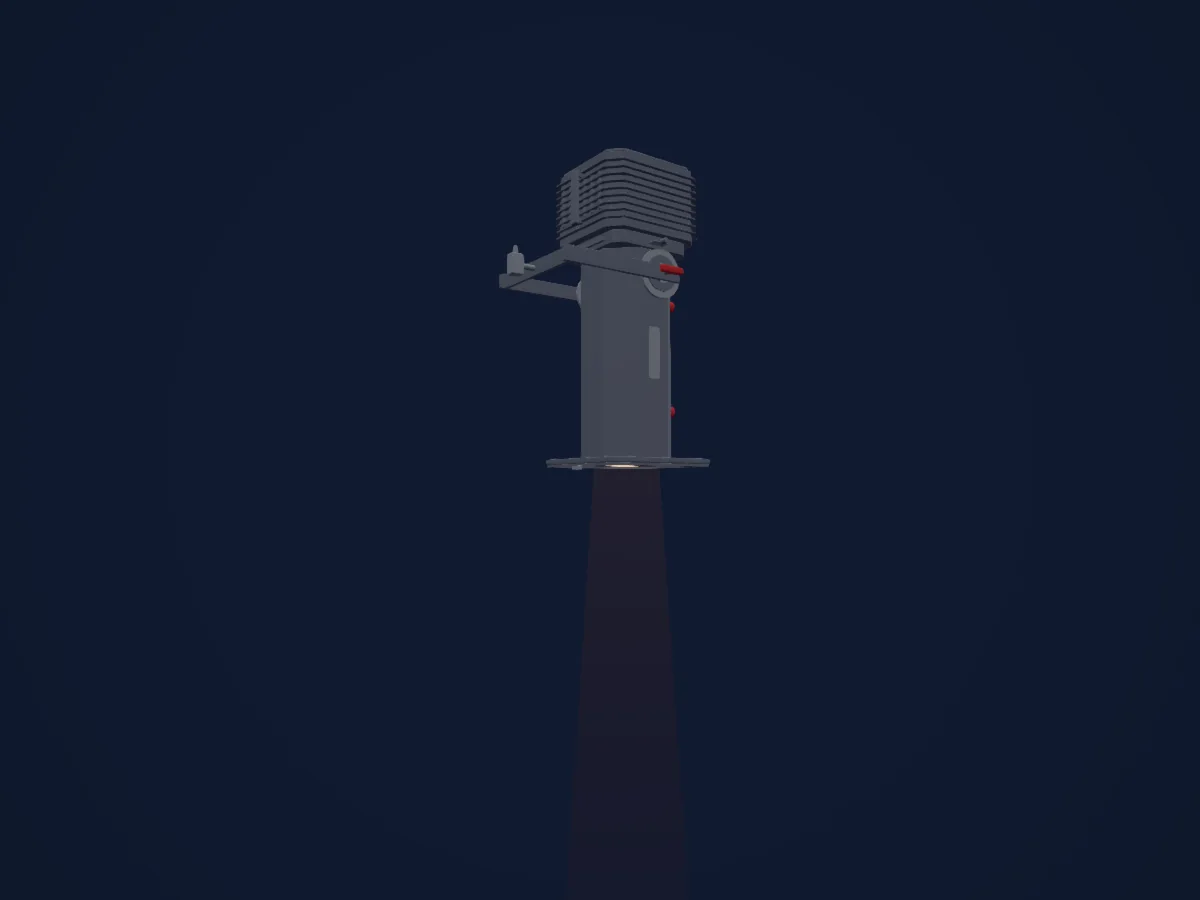
What it can do
- Dimmer
DMX modes and channel charts
| Mode | Channels | In HitLight |
|---|---|---|
| External dimmer (virtual) | 1 | Ready in HitLight |
External dimmer (virtual)
Ready in HitLight1 DMX channel · Download this chart as CSV
| Channel | Function | Default | DMX values |
|---|---|---|---|
| 1 | Dimmer | 0 | 0–255 |
Use the CCT Lighting Turbo Silhouette in HitLight
- Open Add fixture and search for CCT Lighting Turbo Silhouette.
- Choose the DMX mode set in the fixture’s own menu. HitLight gives it the lowest free start address on its universe that fits the mode’s channel count.
- Check the mode and controls against your real fixture before live use.
Venues with the CCT Lighting Turbo Silhouette
Their saved rigs list this fixture model. Confirm the current equipment with the venue.
- Haverhill Arts Centre Haverhill, United Kingdom
Related fixtures
Spot
CCT Lighting Starlette 1000 Fresnel
1 DMX channel

China
China Retro Mini P1 LED RGBW
32 DMX channels
Pluslite
Pluslite SAGOMA PL100PZT Tunable
1 / 2 / 3 / 5 DMX channels
Ayrton
Ayrton Huracan LT
44 / 46 / 70 DMX channels
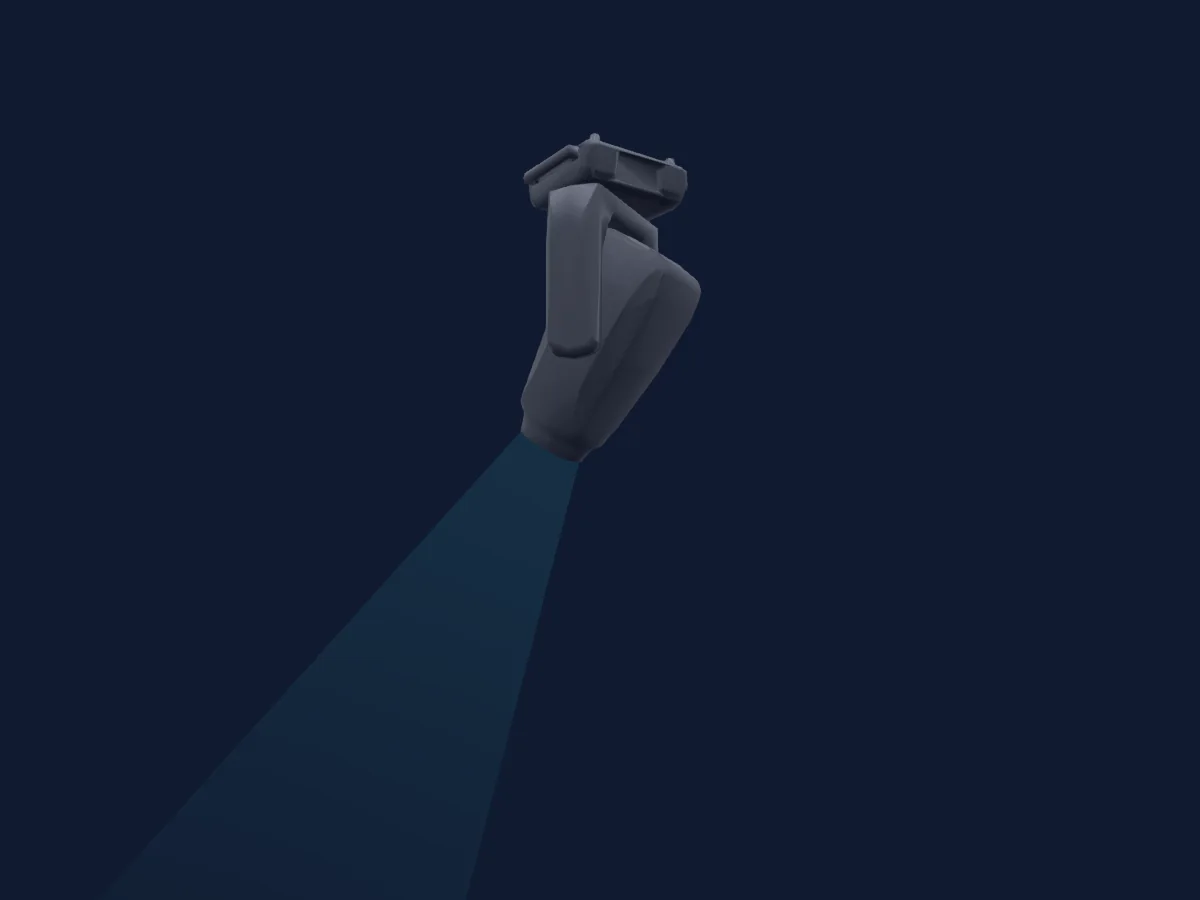
Terbly
Terbly SL18PH
40 / 62 DMX channels
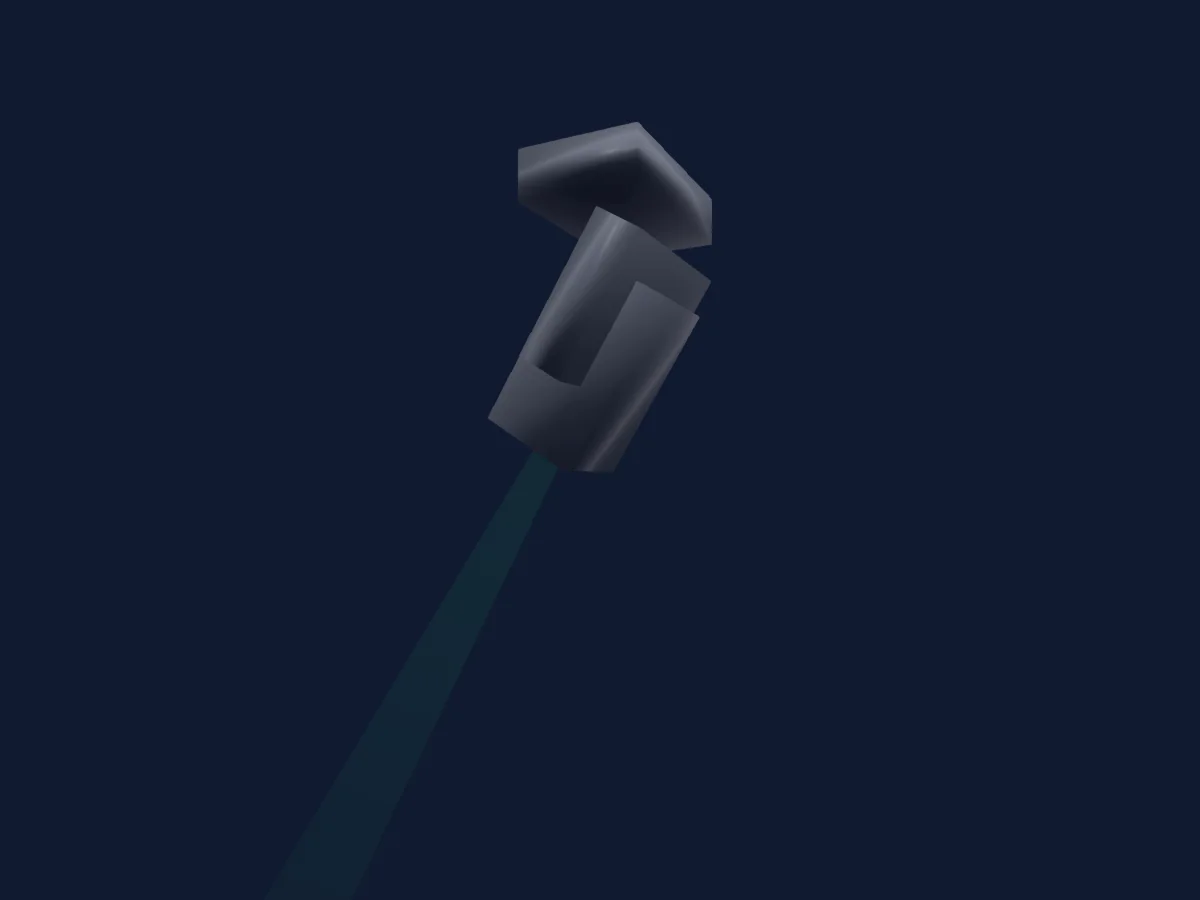
Silver Star
Silver Star SS9183SC-P6
29 DMX channels
Charts come from the fixture’s GDTF description as converted for the HitLight library. HitLight is not affiliated with CCT Lighting.
Fixture model: gdtf-cct-lighting-turbo-silhouette-2611120301
Original HitLight geometry, scripted locally by the HitLight fixture agent from the manufacturer's published range brochure, dimension drawing and archived product pages and photographs. No manufacturer CAD, third-party mesh, photo texture or logo is incorporated. Approximate planning model; not hardware verified.
Creator: HitLight