 HitLight
Chauvet Professional Ovation E-260 WW
DMX chart, 4 DMX modes and a 3D preview. 1 / 2 / 3 / 6 DMX channels.
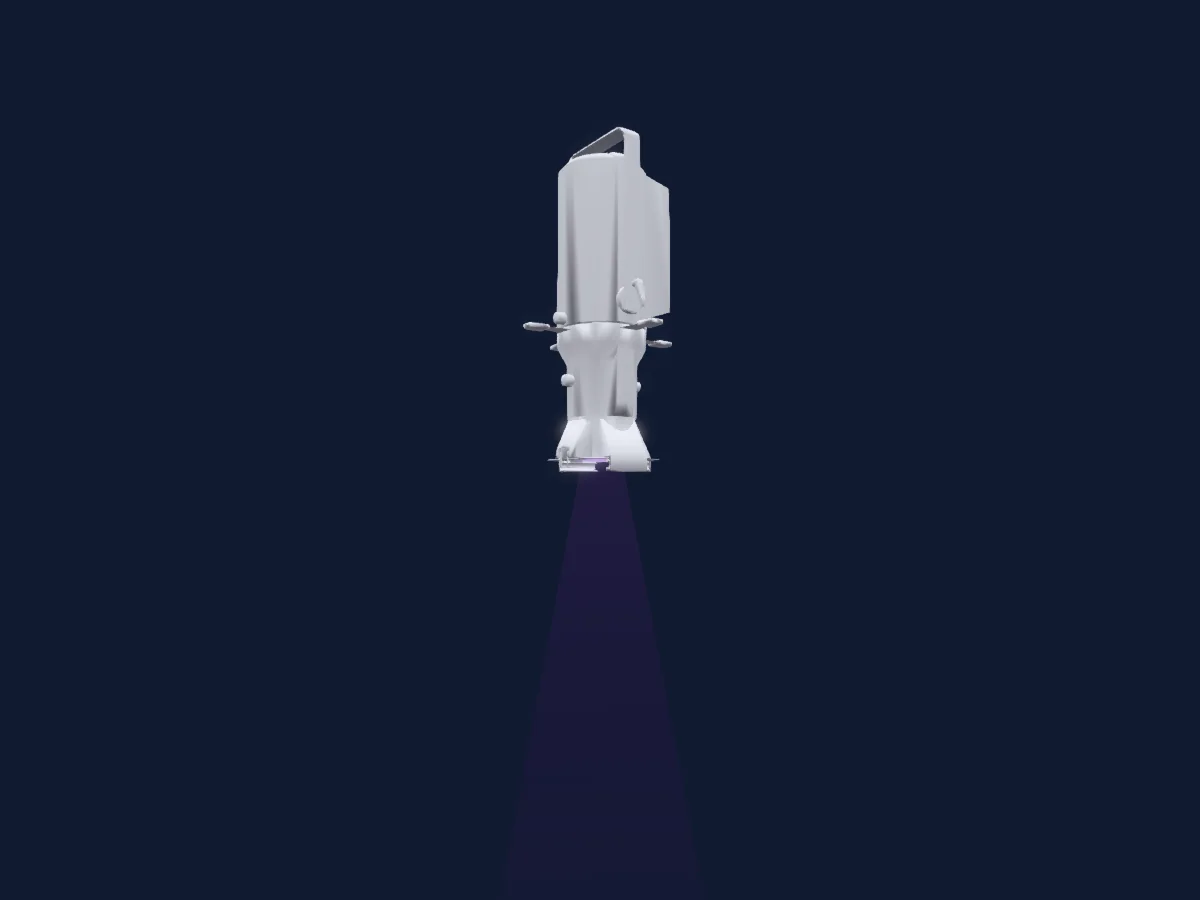
What it can do
- Effect speed
- Strobe
- Dimmer
Safety-relevant functions: Fixture reset · Strobe · Built-in effect programmes. Check how these behave on your own fixture before a show.
DMX modes and channel charts
| Mode | Channels | In HitLight |
|---|---|---|
| 1Ch Mode | 1 | Ready in HitLight |
| 2Ch Mode | 2 | Ready in HitLight |
| 3Ch Mode | 3 | Ready in HitLight |
| 6Ch Mode | 6 | Ready in HitLight |
1Ch Mode
Ready in HitLight1 DMX channel · Download this chart as CSV
| Channel | Function | Default | DMX values |
|---|---|---|---|
| 1 | Dimmer | 0 | 3 value ranges
|
2Ch Mode
Ready in HitLight2 DMX channels · Download this chart as CSV
| Channel | Function | Default | DMX values |
|---|---|---|---|
| 1 | Dimmer | 0 | 0–255 |
| 2 | Dimmer Fine | 0 | Fine byte of Dimmer |
3Ch Mode
Ready in HitLight3 DMX channels · Download this chart as CSV
| Channel | Function | Default | DMX values |
|---|---|---|---|
| 1 | Dimmer | 0 | 0–255 |
| 2 | Dimmer Fine | 0 | Fine byte of Dimmer |
| 3 | Shutter / Strobe | 0 | 2 value ranges
|
6Ch Mode
Ready in HitLight6 DMX channels · Download this chart as CSV
| Channel | Function | Default | DMX values |
|---|---|---|---|
| 1 | Dimmer | 0 | 0–255 |
| 2 | Dimmer Fine | 0 | Fine byte of Dimmer |
| 3 | Shutter / Strobe | 0 | 2 value ranges
|
| 4 | Effect | 0 | 5 value ranges
|
| 5 | Effect Speed | 0 | 3 value ranges
|
| 6 | Control1 | 0 | 15 value ranges
|
Use the Chauvet Professional Ovation E-260 WW in HitLight
- Open Add fixture and search for Chauvet Professional Ovation E-260 WW.
- Choose the DMX mode set in the fixture’s own menu. HitLight gives it the lowest free start address on its universe that fits the mode’s channel count.
- Check the mode and controls against your real fixture before live use.
Venues with the Chauvet Professional Ovation E-260 WW
Their saved rigs list this fixture model. Confirm the current equipment with the venue.
- Knox Community Arts Centre Bayswater, Australia
- Kulturplatz Davos Davos Platz, Switzerland
- Nicosia Municipal Theatre Nicosia, Cyprus
- PAARD Den Haag, Netherlands
- Stadttheater Aschaffenburg Aschaffenburg, Germany
- Wagga Wagga Civic Theatre Wagga Wagga, Australia
Related fixtures
Profile spot
Chauvet Professional Maverick Storm 2 Profile
32 / 48 DMX channels
Profile spot
Chauvet Professional Maverick Silens 2X Profile
32 / 33 / 41 / 42 DMX channels
Profile spot
Chauvet Professional Maverick Force S Spot
22 / 29 DMX channels
Profile spot
Chauvet Professional Rogue R3 Spot
19 / 25 DMX channels
Profile spot
Chauvet Professional Ovation Reve E2
1 / 5 / 6 / 7 / 8 / 10 / 11 / 14 / 15 / 17 / 20 DMX channels
Profile spot
Chauvet Professional Rogue R1e Spot
16 DMX channels
Charts come from the fixture’s GDTF description as converted for the HitLight library. HitLight is not affiliated with Chauvet Professional.