Skip to content
HitLight
CKC Lighting · Spot

CKC Lighting Fresnel 180TW

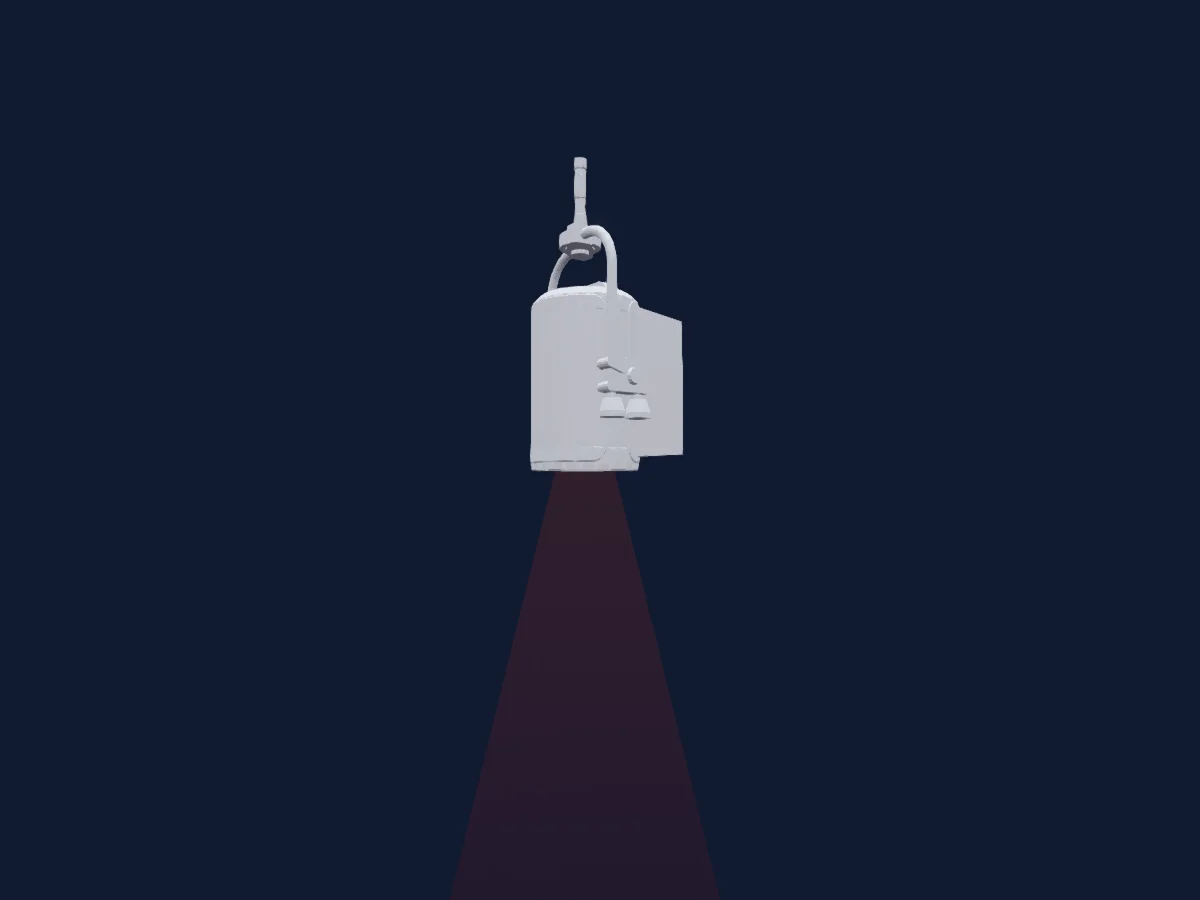
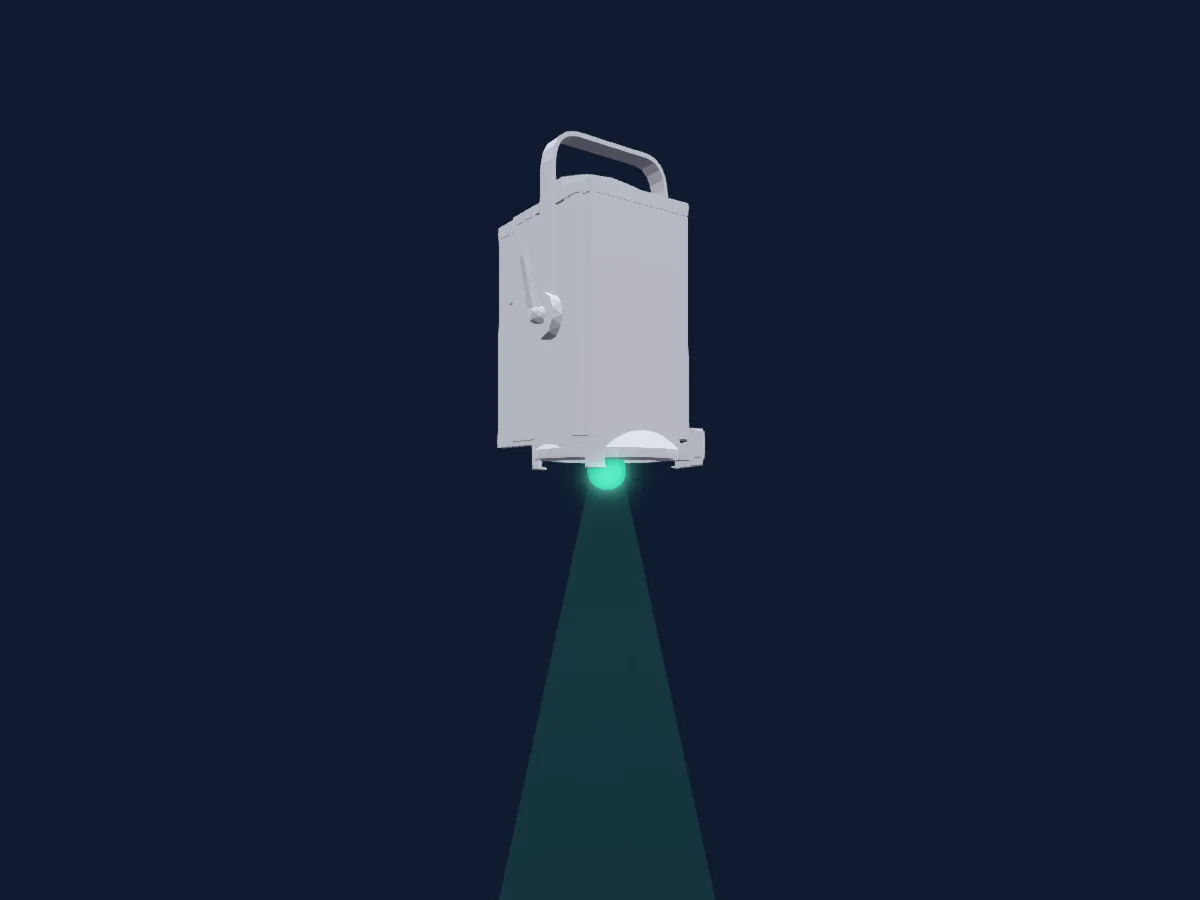
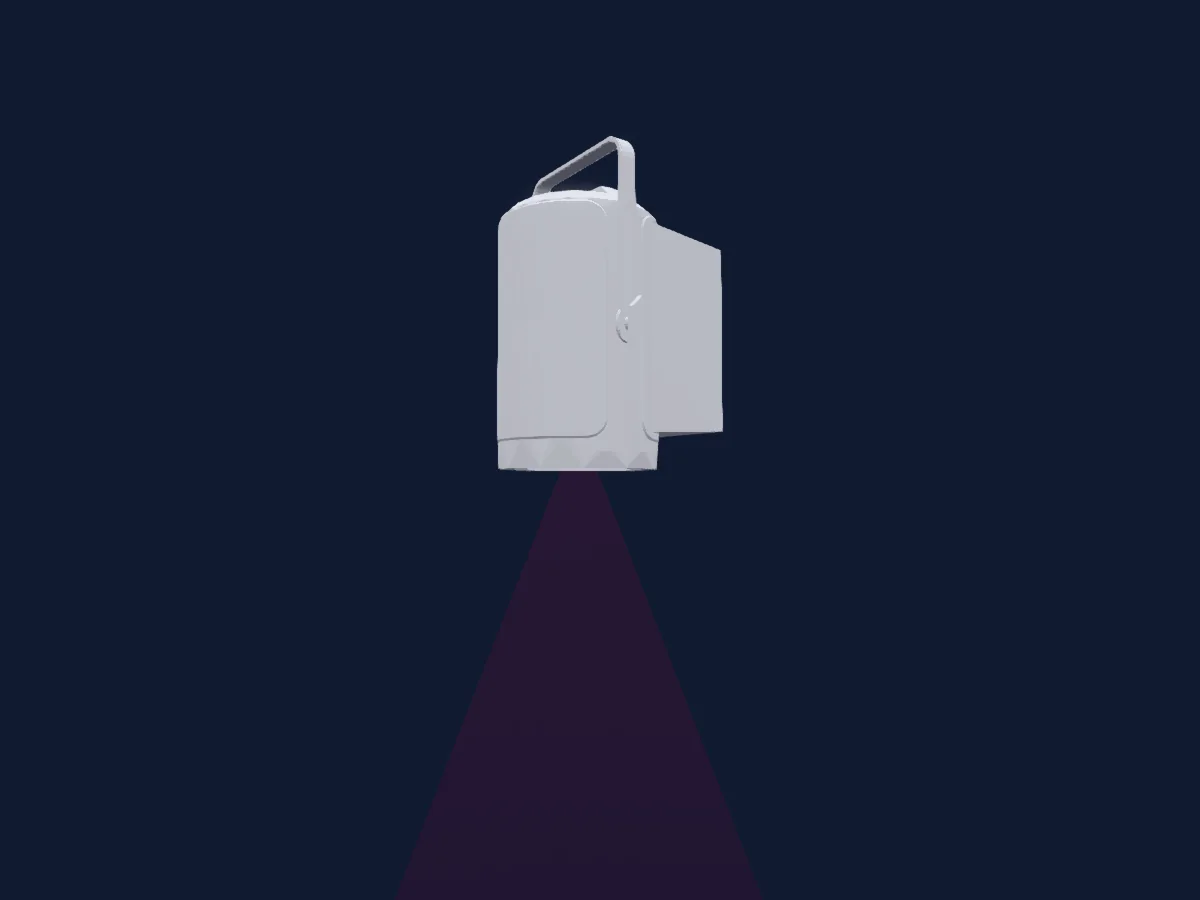
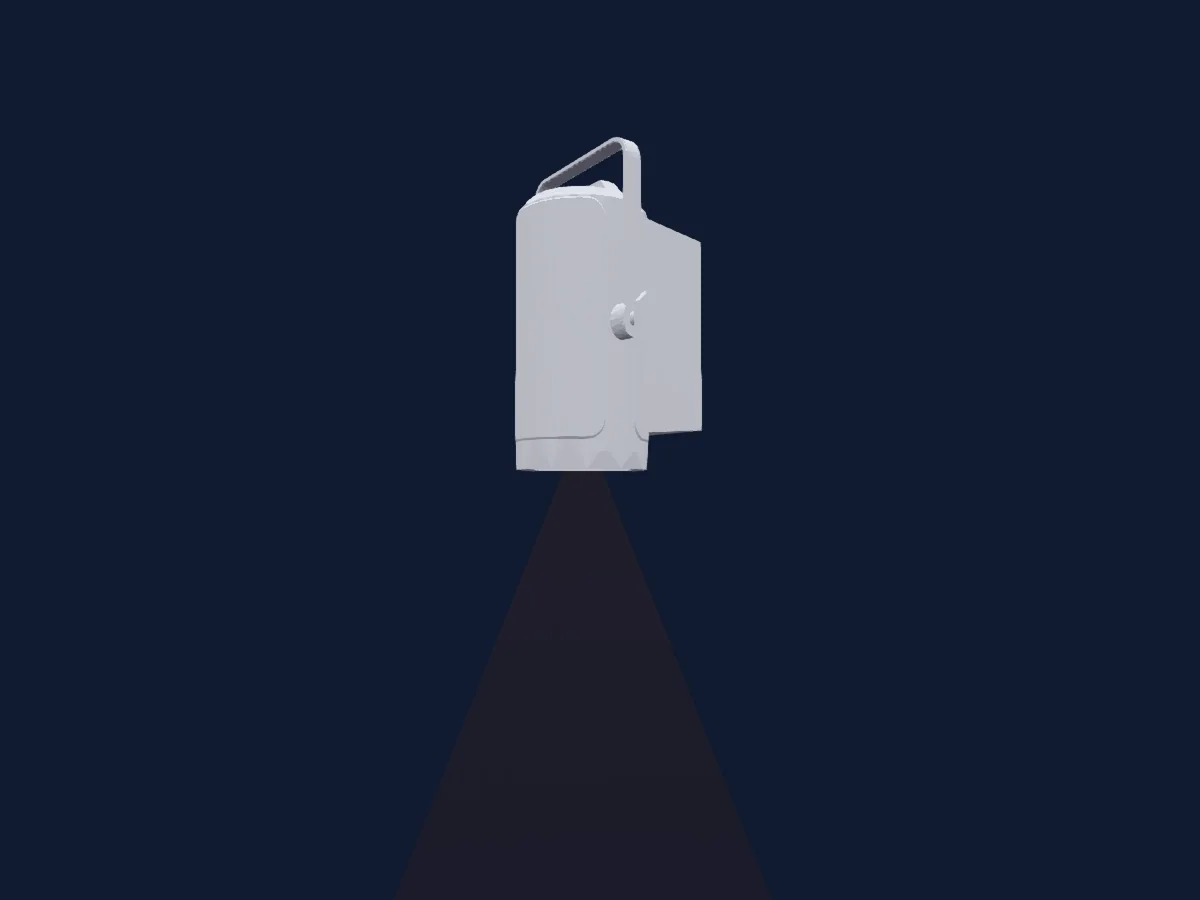
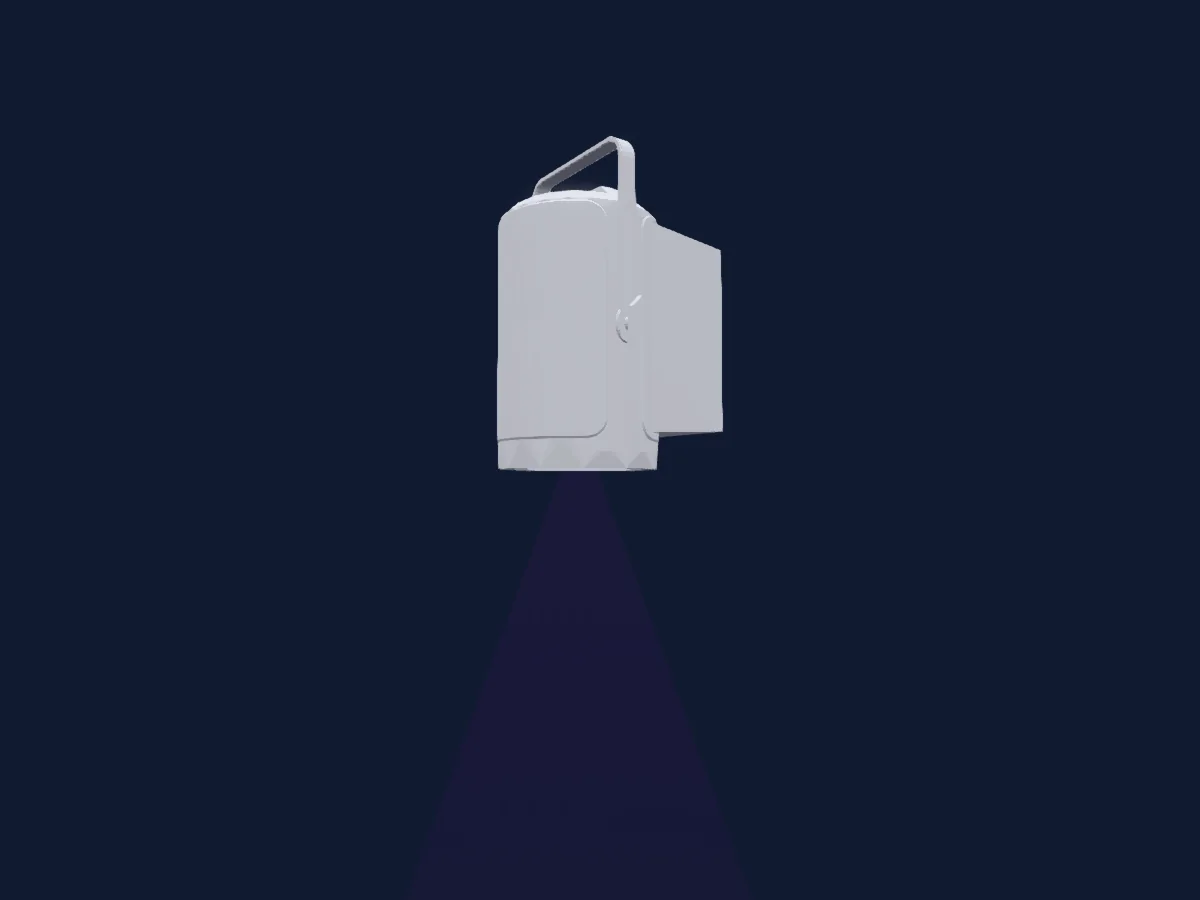
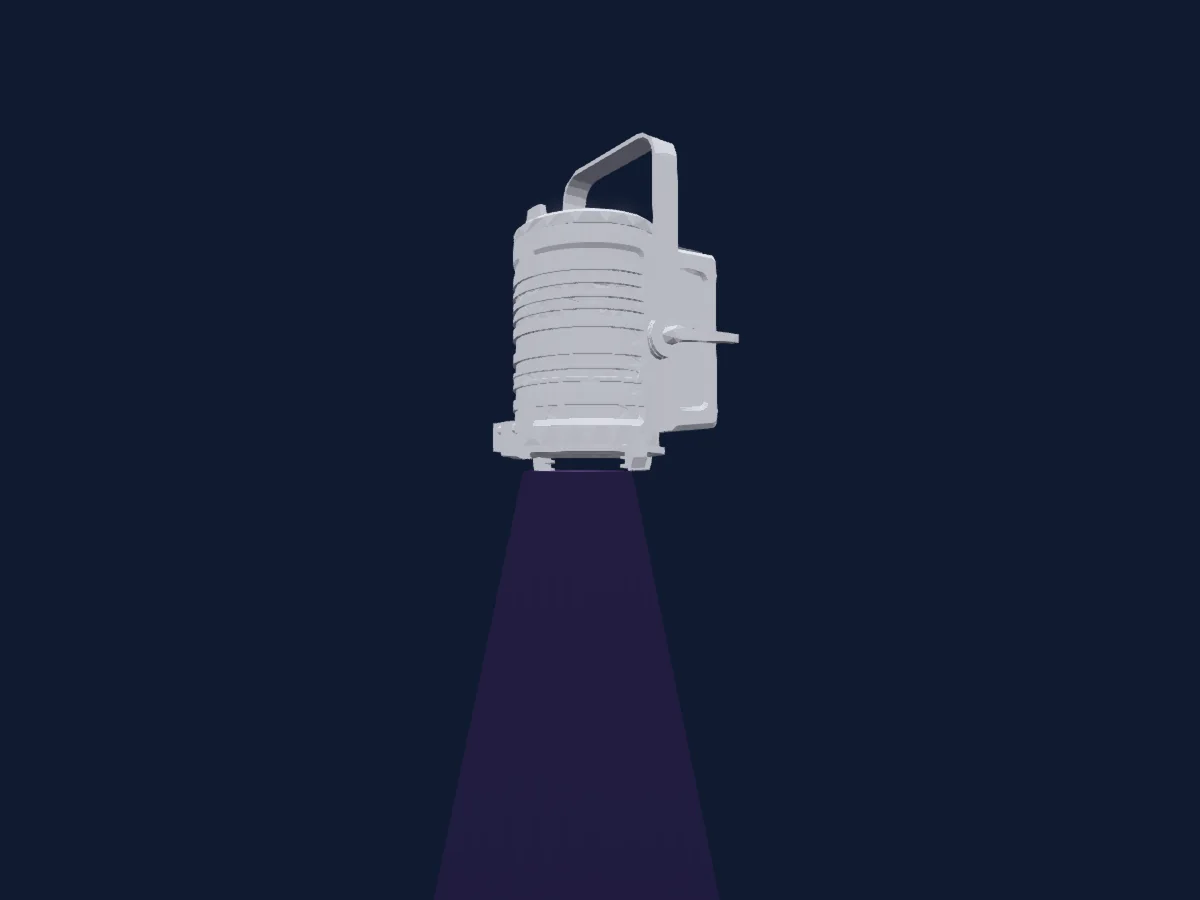
DMX chart, 7 DMX modes and a 3D preview. 1 / 3 / 6 / 11 / 13 DMX channels.
What it can do

  • Extra LED colours
  • RGB colour mixing
  • Colour temperature
  • Colour wheel
  • Strobe
  • Dimmer

Safety-relevant functions: Service functions · Strobe. Check how these behave on your own fixture before a show.

DMX modes and channel charts

DMX modes of CKC Lighting Fresnel 180TW
ModeChannelsIn HitLight
1CH Mode1Ready in HitLight
3CH Mode13Ready in HitLight
3CH Mode2 HSI3Ready in HitLight
3CH Mode3 CCT3Ready in HitLight
6CH Mode Direct6Ready in HitLight
11CH Mode2 HSI Fine11Ready in HitLight
13CH Mode Direct Mode Fine13Ready in HitLight

1CH Mode

Ready in HitLight

1 DMX channel · Download this chart as CSV

DMX channel chart for 1CH Mode
ChannelFunctionDefaultDMX values
1Dimmer0
6 value ranges
  • 0–50 0%
  • 51–101 20%
  • 102–152 40%
  • 153–203 60%
  • 204–254 80%
  • 255–255 100%

3CH Mode1

Ready in HitLight

3 DMX channels · Download this chart as CSV

DMX channel chart for 3CH Mode1
ChannelFunctionDefaultDMX values
1Dimmer0
6 value ranges
  • 0–50 0%
  • 51–101 20%
  • 102–152 40%
  • 153–203 60%
  • 204–254 80%
  • 255–255 100%
2Dimmer Fine0Fine byte of Dimmer
3Shutter / Strobe0
3 value ranges
  • 0–5 Strobe open
  • 6–254 Strobe slow
  • 255–255 Strobe fast

3CH Mode2 HSI

Ready in HitLight

3 DMX channels · Download this chart as CSV

DMX channel chart for 3CH Mode2 HSI
ChannelFunctionDefaultDMX values
1Dimmer0
6 value ranges
  • 0–50 0%
  • 51–101 20%
  • 102–152 40%
  • 153–203 60%
  • 204–254 80%
  • 255–255 100%
2H SBHue0
2 value ranges
  • 0–254 0*
  • 255–255 360*
3H SBSaturation0
2 value ranges
  • 0–254 100%
  • 255–255 0%

3CH Mode3 CCT

Ready in HitLight

3 DMX channels · Download this chart as CSV

DMX channel chart for 3CH Mode3 CCT
ChannelFunctionDefaultDMX values
1Dimmer0
6 value ranges
  • 0–50 0%
  • 51–101 20%
  • 102–152 40%
  • 153–203 60%
  • 204–254 80%
  • 255–255 100%
2C TO00–255
3Tint128
4 value ranges
  • 0–0 No function
  • 1–127 Magenta
  • 128–128 Neutral
  • 129–255 Green

6CH Mode Direct

Ready in HitLight

6 DMX channels · Download this chart as CSV

DMX channel chart for 6CH Mode Direct
ChannelFunctionDefaultDMX values
1Red00–255
2Green00–255
3Blue00–255
4Color Add RY00–255
5Color Add GY00–255
6Color Add C00–255

11CH Mode2 HSI Fine

Ready in HitLight

11 DMX channels · Download this chart as CSV

DMX channel chart for 11CH Mode2 HSI Fine
ChannelFunctionDefaultDMX values
1Dimmer0
6 value ranges
  • 0–50 0%
  • 51–101 20%
  • 102–152 40%
  • 153–203 60%
  • 204–254 80%
  • 255–255 100%
2Dimmer Fine0Fine byte of Dimmer
3Shutter / Strobe0
15 value ranges
  • 0–5 Strobe open
  • 6–10 Strobe closed
  • 11–32 Puls Random slow
  • 33–33 Puls Random fast
  • 34–55 Ramp up Random slow
  • 56–56 Ramp up Random fast
  • 57–78 Ramp down Random slow
  • 79–79 Ramp down Random fast
  • 80–101 Random slow
  • 102–102 Random fast
  • 103–126 Strobe Break Effect 5s
  • 127–127 Strobe Break Effect 1s
  • 128–249 Strobe slow
  • 250–250 Strobe fast
  • 251–255 Strobe open
4H SBHue0
2 value ranges
  • 0–254 0*
  • 255–255 360*
5H SBHue Fine0Fine byte of H SBHue
6H SBSaturation0
2 value ranges
  • 0–254 100%
  • 255–255 0%
7H SBSaturation Fine0Fine byte of H SBSaturation
8C TO0
2 value ranges
  • 0–5 no function
  • 6–255 2800K - 8000K
9Tint128
4 value ranges
  • 0–0 No function
  • 1–127 Magenta
  • 128–128 Neutral
  • 129–255 Green
10Color Macro10
21 value ranges
  • 0–5 Colour off (wheel slot 1)
  • 6–13 Red (wheel slot 2)
  • 14–21 Amber (wheel slot 3)
  • 22–29 Yellow warm (wheel slot 4)
  • 30–37 Yellow (wheel slot 5)
  • 38–45 Green (wheel slot 6)
  • 46–53 Turquoise (wheel slot 7)
  • 54–61 Cyan (wheel slot 8)
  • 62–69 Blue (wheel slot 9)
  • 70–77 Lavender (wheel slot 10)
  • 78–85 Mauve (wheel slot 11)
  • 86–93 Magenta (wheel slot 12)
  • 94–101 Pink (wheel slot 13)
  • 102–109 Warm White (wheel slot 14)
  • 110–117 White (wheel slot 15)
  • 118–125 Cold White (wheel slot 16)
  • 126–127 Colour Jumping Stop
  • 128–190 Jumping slow
  • 191–191 Jumping fast
  • 192–254 Fading slow
  • 255–255 Fading fast
11Control10
23 value ranges
  • 0–77 no function
  • 78–79 Dimmer Response LED (Hold 1*5s)
  • 80–81 Dimmer Response Halogen (Hold 1*5s)
  • 82–83 DTW (Redshift) on (Hold 1*5s)
  • 84–85 DTW (Redshift) off (Hold 1*5s)
  • 86–97 no function
  • 98–99 Silent Fan (Hold 3s)
  • 100–101 Auto Fan (Hold 3s)
  • 102–123 no function
  • 124–125 PWM 650 Hz (Hold 5s)
  • 126–127 PWM 1530 Hz (Hold 5s)
  • 128–129 PWM 3600 Hz (Hold 5s)
  • 130–131 PWM 12 kHz (Hold 5s)
  • 132–133 PWM 25 kHz (Hold 5s)
  • 134–143 no function
  • 144–145 Display on (Hold 3s)
  • 146–147 Display off (Hold 3s)
  • 148–167 no function
  • 168–169 Dimmer Curve Linear (Hold 3s)
  • 170–171 Dimmer Curve Exponential (Hold 3s)
  • 172–173 Dimmer Curve Logarithmic (Hold 3s)
  • 174–175 Dimmer Curve S-Curve (Hold 3s)
  • 176–255 no function

13CH Mode Direct Mode Fine

Ready in HitLight

13 DMX channels · Download this chart as CSV

DMX channel chart for 13CH Mode Direct Mode Fine
ChannelFunctionDefaultDMX values
1Dimmer0
6 value ranges
  • 0–50 0%
  • 51–101 20%
  • 102–152 40%
  • 153–203 60%
  • 204–254 80%
  • 255–255 100%
2Dimmer Fine0Fine byte of Dimmer
3Shutter / Strobe0
15 value ranges
  • 0–5 Strobe open
  • 6–10 Strobe closed
  • 11–32 Puls Random slow
  • 33–33 Puls Random fast
  • 34–55 Ramp up Random slow
  • 56–56 Ramp up Random fast
  • 57–78 Ramp down Random slow
  • 79–79 Ramp down Random fast
  • 80–101 Random slow
  • 102–102 Random fast
  • 103–126 Strobe Break Effect 5s
  • 127–127 Strobe Break Effect 1s
  • 128–249 Strobe slow
  • 250–250 Strobe fast
  • 251–255 Strobe open
4Red2550–255
5Green2550–255
6Blue2550–255
7Color Add RY2550–255
8Color Add GY2550–255
9Color Add C2550–255
10C TO0
2 value ranges
  • 0–5 no function
  • 6–255 2800K - 8000K
11Tint128
4 value ranges
  • 0–0 No function
  • 1–127 Magenta
  • 128–128 Neutral
  • 129–255 Green
12Color Macro10
21 value ranges
  • 0–5 Colour off (wheel slot 1)
  • 6–13 Red (wheel slot 2)
  • 14–21 Amber (wheel slot 3)
  • 22–29 Yellow warm (wheel slot 4)
  • 30–37 Yellow (wheel slot 5)
  • 38–45 Green (wheel slot 6)
  • 46–53 Turquoise (wheel slot 7)
  • 54–61 Cyan (wheel slot 8)
  • 62–69 Blue (wheel slot 9)
  • 70–77 Lavender (wheel slot 10)
  • 78–85 Mauve (wheel slot 11)
  • 86–93 Magenta (wheel slot 12)
  • 94–101 Pink (wheel slot 13)
  • 102–109 Warm White (wheel slot 14)
  • 110–117 White (wheel slot 15)
  • 118–125 Cold White (wheel slot 16)
  • 126–127 Colour Jumping Stop
  • 128–190 Jumping slow
  • 191–191 Jumping fast
  • 192–254 Fading slow
  • 255–255 Fading fast
13Control10
23 value ranges
  • 0–77 no function
  • 78–79 Dimmer Response LED (Hold 1*5s)
  • 80–81 Dimmer Response Halogen (Hold 1*5s)
  • 82–83 DTW (Redshift) on (Hold 1*5s)
  • 84–85 DTW (Redshift) off (Hold 1*5s)
  • 86–97 no function
  • 98–99 Silent Fan (Hold 3s)
  • 100–101 Auto Fan (Hold 3s)
  • 102–123 no function
  • 124–125 PWM 650 Hz (Hold 5s)
  • 126–127 PWM 1530 Hz (Hold 5s)
  • 128–129 PWM 3600 Hz (Hold 5s)
  • 130–131 PWM 12 kHz (Hold 5s)
  • 132–133 PWM 25 kHz (Hold 5s)
  • 134–143 no function
  • 144–145 Display on (Hold 3s)
  • 146–147 Display off (Hold 3s)
  • 148–167 no function
  • 168–169 Dimmer Curve Linear (Hold 3s)
  • 170–171 Dimmer Curve Exponential (Hold 3s)
  • 172–173 Dimmer Curve Logarithmic (Hold 3s)
  • 174–175 Dimmer Curve S-Curve (Hold 3s)
  • 176–255 no function

Use the CKC Lighting Fresnel 180TW in HitLight

  1. Open Add fixture and search for CKC Lighting Fresnel 180TW.
  2. Choose the DMX mode set in the fixture’s own menu. HitLight gives it the lowest free start address on its universe that fits the mode’s channel count.
  3. Check the mode and controls against your real fixture before live use.

Charts come from the fixture’s GDTF description as converted for the HitLight library. HitLight is not affiliated with CKC Lighting.

Patch it, then let the music run the lights.

HitLight finds these fixtures in its library, patches them on the next free address and previews your rig in 3D before a single light is plugged in.

Open HitLight ↗Download HitLight