Skip to content
HitLight
Clay Paky · Moving head

Clay Paky Mini-B Aqua PX

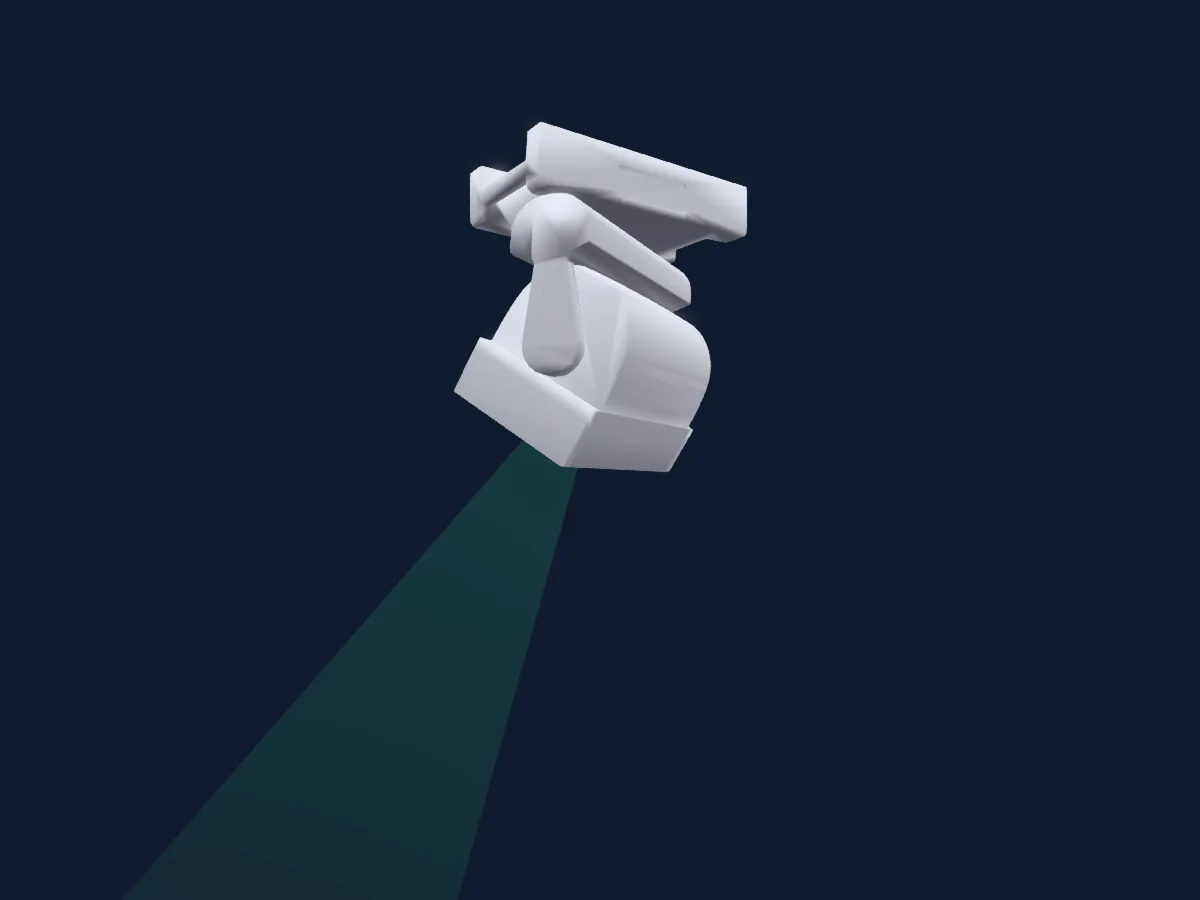
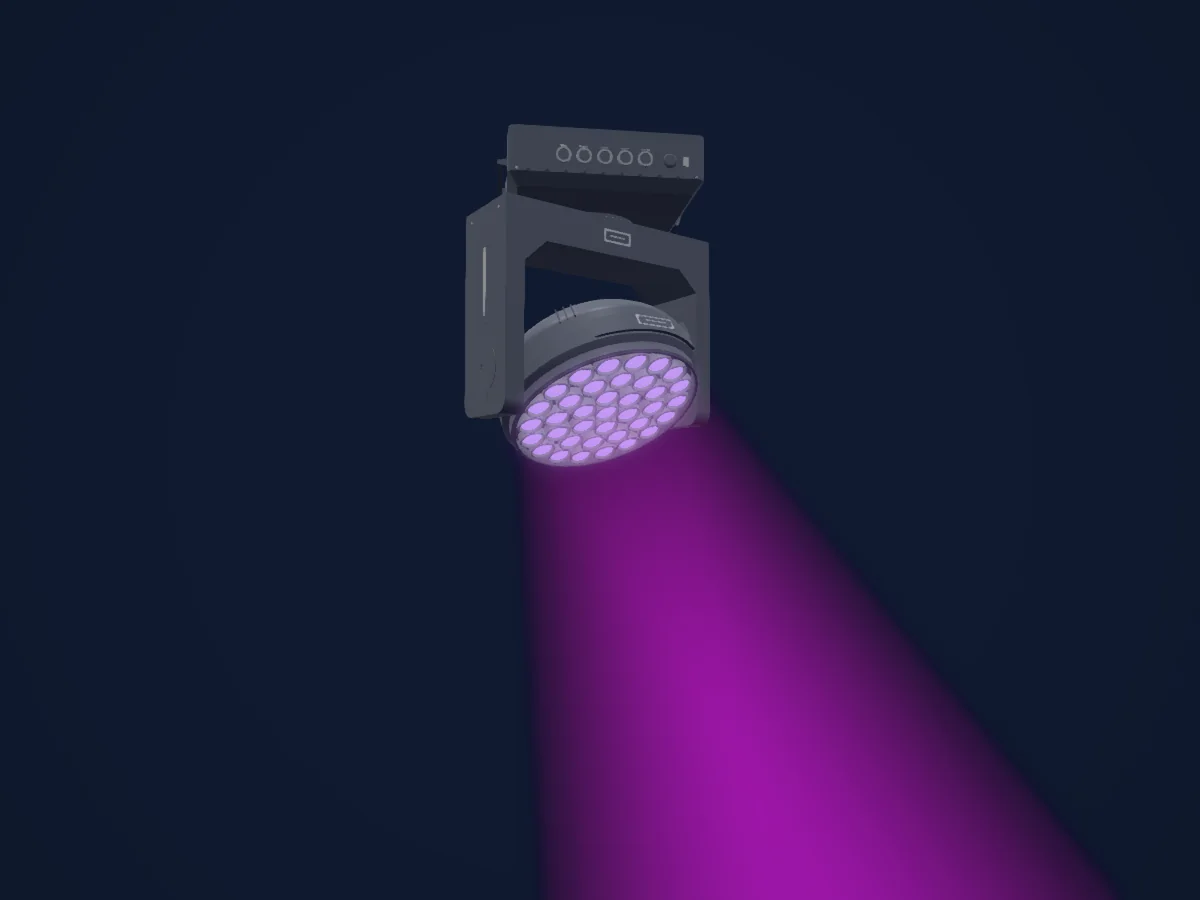
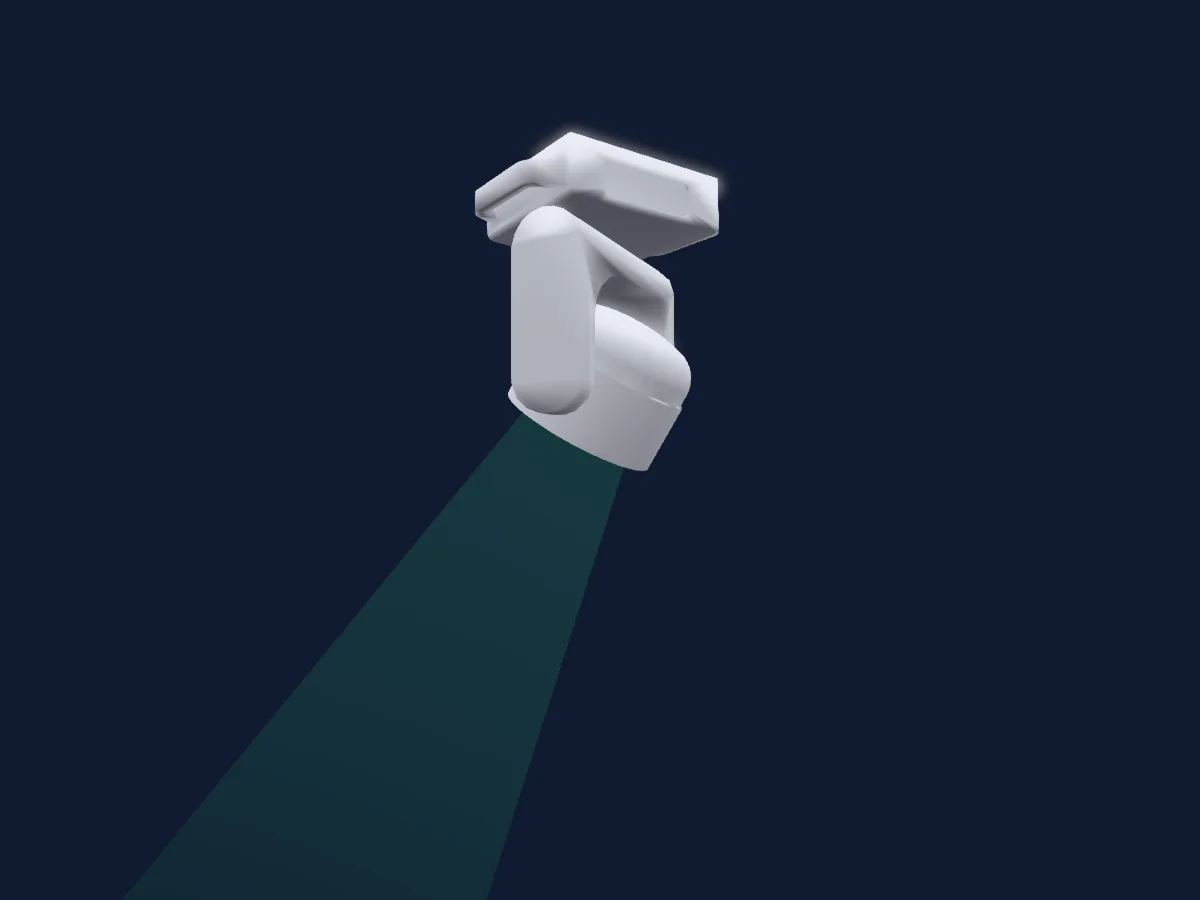
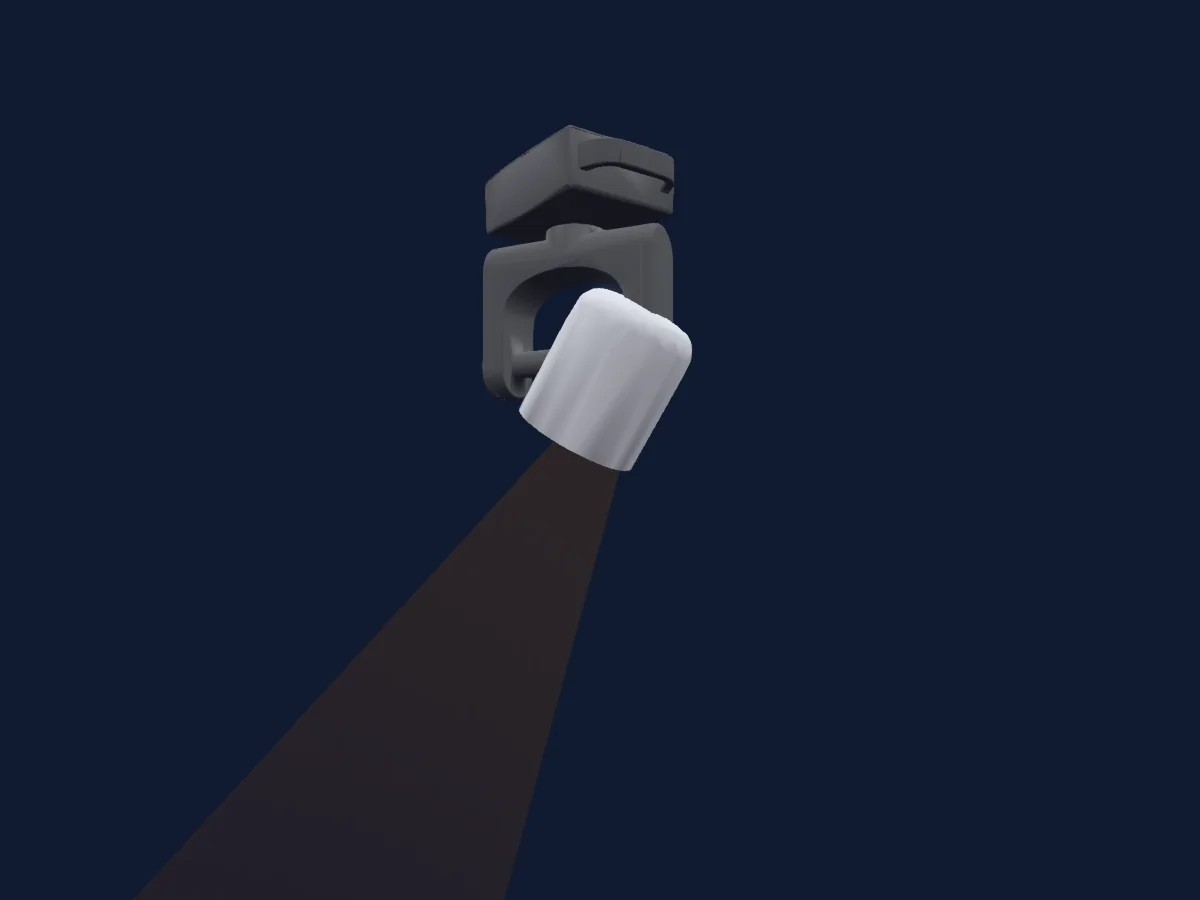
DMX chart, 6 DMX modes and a 3D preview. 3 / 4 / 15 / 19 / 31 / 37 DMX channels.
What it can do

  • Zoom
  • Extra LED colours
  • RGB colour mixing
  • Colour temperature
  • Strobe
  • Dimmer
  • Pixel control
  • Pan and tilt

Safety-relevant functions: Fixture reset · Strobe. Check how these behave on your own fixture before a show.

DMX modes and channel charts

DMX modes of Clay Paky Mini-B Aqua PX
ModeChannelsIn HitLight
RGB3Ready in HitLight
RGBW4Ready in HitLight
Basic15Ready in HitLight
Basic+RGBW19Ready in HitLight
Advanced31Ready in HitLight
Standard37Ready in HitLight

RGB

Ready in HitLight

3 DMX channels · Download this chart as CSV

DMX channel chart for RGB
ChannelFunctionDefaultDMX values
1Color RGBRed00–255
2Color RGBGreen00–255
3Color RGBBlue00–255

RGBW

Ready in HitLight

4 DMX channels · Download this chart as CSV

DMX channel chart for RGBW
ChannelFunctionDefaultDMX values
1Red00–255
2Green00–255
3Blue00–255
4White00–255

Basic

Ready in HitLight

15 DMX channels · Download this chart as CSV

DMX channel chart for Basic
ChannelFunctionDefaultDMX values
1Red0
2 value ranges
  • 0–254 0% (wheel slot 1)
  • 255–255 100%
2Green0
2 value ranges
  • 0–254 0% (wheel slot 1)
  • 255–255 100%
3Blue0
2 value ranges
  • 0–254 0% (wheel slot 1)
  • 255–255 100%
4White0
2 value ranges
  • 0–254 0% (wheel slot 1)
  • 255–255 100%
5C TO0
3 value ranges
  • 0–9 Off
  • 10–254 8000K (wheel slot 1)
  • 255–255 2700K
6Shutter / Strobe105
11 value ranges
  • 0–3 Closed (wheel slot 1)
  • 4–102 Slow
  • 103–103 Fast
  • 104–107 Open (wheel slot 1)
  • 108–206 Slow (wheel slot 1)
  • 207–207 Fast
  • 208–212 Open (wheel slot 1)
  • 213–225 Slow
  • 226–238 Medium
  • 239–251 Fast
  • 252–255 Open (wheel slot 1)
7Dimmer0
2 value ranges
  • 0–254 0% (wheel slot 1)
  • 255–255 100%
8Dimmer Fine0Fine byte of Dimmer
9Pan1280–255
10Pan Fine0Fine byte of Pan
11Tilt1280–255
12Tilt Fine0Fine byte of Tilt
13Zoom0
2 value ranges
  • 0–254 Narrow
  • 255–255 Wide
14Control10
40 value ranges
  • 0–1 None (wheel slot 1)
  • 2–3 Fans Auto (wheel slot 1)
  • 4–5 Fans SLN (wheel slot 1)
  • 6–7 Fans Theatre (wheel slot 1)
  • 8–9 Fans Constant (wheel slot 1)
  • 10–11 None (wheel slot 1)
  • 12–24 Fast
  • 25–37 Normal
  • 38–42 Dimmer Curve 1 (wheel slot 1)
  • 43–47 Dimmer Curve 2 (wheel slot 1)
  • 48–52 Dimmer Curve 3 (wheel slot 1)
  • 53–55 Dimmer Curve 4 (wheel slot 1)
  • 56–57 Dimmer Curve 5 (wheel slot 1)
  • 58–62 1
  • 63–67 1 point 5
  • 68–72 2 point 2
  • 73–74 Off (wheel slot 1)
  • 75–76 Factory
  • 77–78 Customized
  • 79–80 Set Custom Calib @FullWhite
  • 81–82 Set Custom Calib @3200K
  • 83–84 Set Custom Calib @5600K
  • 85–86 Save Custom Calib
  • 87–88 None
  • 89–90 Rev Map Off (wheel slot 1)
  • 91–92 Rev Map On (wheel slot 1)
  • 93–97 Pixel Map Off (wheel slot 1)
  • 98–102 Pixel Map RGB (wheel slot 1)
  • 103–107 Pixel Map RGBW (wheel slot 1)
  • 108–117 Zoom Reposition
  • 118–167 Free (wheel slot 1)
  • 168–188 600Hz (wheel slot 1)
  • 189–199 1200Hz (wheel slot 1)
  • 200–210 2000Hz (wheel slot 1)
  • 211–221 4000Hz (wheel slot 1)
  • 222–232 6000Hz (wheel slot 1)
  • 233–243 25000Hz (wheel slot 1)
  • 244–248 Display Off (wheel slot 1)
  • 249–253 Display On (wheel slot 1)
  • 254–255 Default Function Recall
15Fixture Global Reset0
4 value ranges
  • 0–25 No Function
  • 26–76 Zoom Reset
  • 77–127 Pan/Tilt Reset (wheel slot 1)
  • 128–255 Complete Reset

Basic+RGBW

Ready in HitLight

19 DMX channels · Download this chart as CSV

DMX channel chart for Basic+RGBW
ChannelFunctionDefaultDMX values
1Red0
2 value ranges
  • 0–254 0% (wheel slot 1)
  • 255–255 100%
2Green0
2 value ranges
  • 0–254 0% (wheel slot 1)
  • 255–255 100%
3Blue0
2 value ranges
  • 0–254 0% (wheel slot 1)
  • 255–255 100%
4White0
2 value ranges
  • 0–254 0% (wheel slot 1)
  • 255–255 100%
5C TO0
3 value ranges
  • 0–9 Off
  • 10–254 8000K (wheel slot 1)
  • 255–255 2700K
6Shutter / Strobe105
11 value ranges
  • 0–3 Closed (wheel slot 1)
  • 4–102 Slow
  • 103–103 Fast
  • 104–107 Open (wheel slot 1)
  • 108–206 Slow (wheel slot 1)
  • 207–207 Fast
  • 208–212 Open (wheel slot 1)
  • 213–225 Slow
  • 226–238 Medium
  • 239–251 Fast
  • 252–255 Open (wheel slot 1)
7Dimmer0
2 value ranges
  • 0–254 0% (wheel slot 1)
  • 255–255 100%
8Dimmer Fine0Fine byte of Dimmer
9Pan1280–255
10Pan Fine0Fine byte of Pan
11Tilt1280–255
12Tilt Fine0Fine byte of Tilt
13Zoom0
2 value ranges
  • 0–254 Narrow
  • 255–255 Wide
14Control10
40 value ranges
  • 0–1 None (wheel slot 1)
  • 2–3 Fans Auto (wheel slot 1)
  • 4–5 Fans SLN (wheel slot 1)
  • 6–7 Fans Theatre (wheel slot 1)
  • 8–9 Fans Constant (wheel slot 1)
  • 10–11 None (wheel slot 1)
  • 12–24 Fast
  • 25–37 Normal
  • 38–42 Dimmer Curve 1 (wheel slot 1)
  • 43–47 Dimmer Curve 2 (wheel slot 1)
  • 48–52 Dimmer Curve 3 (wheel slot 1)
  • 53–55 Dimmer Curve 4 (wheel slot 1)
  • 56–57 Dimmer Curve 5 (wheel slot 1)
  • 58–62 1
  • 63–67 1 point 5
  • 68–72 2 point 2
  • 73–74 Off (wheel slot 1)
  • 75–76 Factory
  • 77–78 Customized
  • 79–80 Set Custom Calib @FullWhite
  • 81–82 Set Custom Calib @3200K
  • 83–84 Set Custom Calib @5600K
  • 85–86 Save Custom Calib
  • 87–88 None
  • 89–90 Rev Map Off (wheel slot 1)
  • 91–92 Rev Map On (wheel slot 1)
  • 93–97 Pixel Map Off (wheel slot 1)
  • 98–102 Pixel Map RGB (wheel slot 1)
  • 103–107 Pixel Map RGBW (wheel slot 1)
  • 108–117 Zoom Reposition
  • 118–167 Free (wheel slot 1)
  • 168–188 600Hz (wheel slot 1)
  • 189–199 1200Hz (wheel slot 1)
  • 200–210 2000Hz (wheel slot 1)
  • 211–221 4000Hz (wheel slot 1)
  • 222–232 6000Hz (wheel slot 1)
  • 233–243 25000Hz (wheel slot 1)
  • 244–248 Display Off (wheel slot 1)
  • 249–253 Display On (wheel slot 1)
  • 254–255 Default Function Recall
15Fixture Global Reset0
4 value ranges
  • 0–25 No Function
  • 26–76 Zoom Reset
  • 77–127 Pan/Tilt Reset (wheel slot 1)
  • 128–255 Complete Reset
16Red00–255
17Green00–255
18Blue00–255
19White00–255

Advanced

Ready in HitLight

31 DMX channels · Download this chart as CSV

DMX channel chart for Advanced
ChannelFunctionDefaultDMX values
1Red0
2 value ranges
  • 0–254 0% (wheel slot 1)
  • 255–255 100%
2Green0
2 value ranges
  • 0–254 0% (wheel slot 1)
  • 255–255 100%
3Blue0
2 value ranges
  • 0–254 0% (wheel slot 1)
  • 255–255 100%
4White0
2 value ranges
  • 0–254 0% (wheel slot 1)
  • 255–255 100%
5C TO0
3 value ranges
  • 0–9 Off
  • 10–254 8000K (wheel slot 1)
  • 255–255 2700K
6Shutter / Strobe105
11 value ranges
  • 0–3 Closed (wheel slot 1)
  • 4–102 Slow
  • 103–103 Fast
  • 104–107 Open (wheel slot 1)
  • 108–206 Pulsation Slow (wheel slot 1)
  • 207–207 Pulsation Fast
  • 208–212 Open (wheel slot 1)
  • 213–225 Random Slow
  • 226–238 Random Medium
  • 239–251 Random Fast
  • 252–255 Open (wheel slot 1)
7Dimmer0
2 value ranges
  • 0–254 0% (wheel slot 1)
  • 255–255 100%
8Shutter / Strobe105
11 value ranges
  • 0–3 Closed (wheel slot 1)
  • 4–102 Slow
  • 103–103 Fast
  • 104–107 Open (wheel slot 1)
  • 108–206 Slow (wheel slot 1)
  • 207–207 Fast
  • 208–212 Open (wheel slot 1)
  • 213–225 Slow
  • 226–238 Medium
  • 239–251 Fast
  • 252–255 Open (wheel slot 1)
9Dimmer0
2 value ranges
  • 0–254 0% (wheel slot 1)
  • 255–255 100%
10Dimmer Fine0Fine byte of Dimmer
11Pan1280–255
12Pan Fine0Fine byte of Pan
13Tilt1280–255
14Tilt Fine0Fine byte of Tilt
15Zoom0
2 value ranges
  • 0–254 Narrow
  • 255–255 Wide
16Control10
40 value ranges
  • 0–1 None (wheel slot 1)
  • 2–3 Fans Auto (wheel slot 1)
  • 4–5 Fans SLN (wheel slot 1)
  • 6–7 Fans Theatre (wheel slot 1)
  • 8–9 Fans Constant (wheel slot 1)
  • 10–11 None (wheel slot 1)
  • 12–24 Fast
  • 25–37 Normal
  • 38–42 Dimmer Curve 1 (wheel slot 1)
  • 43–47 Dimmer Curve 2 (wheel slot 1)
  • 48–52 Dimmer Curve 3 (wheel slot 1)
  • 53–55 Dimmer Curve 4 (wheel slot 1)
  • 56–57 Dimmer Curve 5 (wheel slot 1)
  • 58–62 1
  • 63–67 1 point 5
  • 68–72 2 point 2
  • 73–74 Off (wheel slot 1)
  • 75–76 Factory
  • 77–78 Customized
  • 79–80 Set Custom Calib @FullWhite
  • 81–82 Set Custom Calib @3200K
  • 83–84 Set Custom Calib @5600K
  • 85–86 Save Custom Calib
  • 87–88 None
  • 89–90 Rev Map Off (wheel slot 1)
  • 91–92 Rev Map On (wheel slot 1)
  • 93–97 Pixel Mapping Off (wheel slot 1)
  • 98–102 Pixel Mapping RGB (wheel slot 1)
  • 103–107 Pixel Mapping RGBW (wheel slot 1)
  • 108–117 Zoom Reposition
  • 118–167 Free (wheel slot 1)
  • 168–188 600Hz (wheel slot 1)
  • 189–199 1200Hz (wheel slot 1)
  • 200–210 2000Hz (wheel slot 1)
  • 211–221 4000Hz (wheel slot 1)
  • 222–232 6000Hz (wheel slot 1)
  • 233–243 25000Hz (wheel slot 1)
  • 244–248 Display Off (wheel slot 1)
  • 249–253 Display On (wheel slot 1)
  • 254–255 Default Function Recall
17Fixture Global Reset0
4 value ranges
  • 0–25 No Function
  • 26–76 Zoom Reset
  • 77–127 Pan/Tilt Reset (wheel slot 1)
  • 128–255 Complete Reset
18Shape Mode0
3 value ranges
  • 0–5 Normal (wheel slot 1)
  • 6–130 Static (wheel slot 1)
  • 131–255 Dynamic (wheel slot 1)
19Shape Selection0
41 value ranges
  • 0–4 Shape 1
  • 5–9 Shape 2
  • 10–14 Shape 3
  • 15–19 Shape 4
  • 20–24 Shape 5
  • 25–29 Shape 6
  • 30–34 Shape 7
  • 35–39 Shape 8
  • 40–44 Shape 9
  • 45–49 Shape 10
  • 50–54 Shape 11
  • 55–59 Shape 12
  • 60–64 Shape 13
  • 65–69 Shape 14
  • 70–74 Shape 15
  • 75–79 Shape 16
  • 80–84 Shape 17
  • 85–89 Shape 18
  • 90–94 Shape 19
  • 95–99 Shape 20
  • 100–104 Shape 21
  • 105–109 Shape 22
  • 110–114 Shape 23
  • 115–119 Shape 24
  • 120–124 Shape 25
  • 125–129 Shape 26
  • 130–134 Shape 27
  • 135–139 Shape 28
  • 140–144 Shape 29
  • 145–149 Shape 30
  • 150–154 Shape 31
  • 155–159 Shape 32
  • 160–164 Shape 33
  • 165–169 Shape 34
  • 170–174 Shape 35
  • 175–179 Shape 36
  • 180–184 Shape 37
  • 185–189 Shape 38
  • 190–194 Shape 39
  • 195–199 Shape 40
  • 200–255 Shape 41
20Shape Speed0
3 value ranges
  • 0–124 Indexing
  • 125–130 Stop
  • 131–255 Backward Slow to Fast
21Shape Fade0
3 value ranges
  • 0–5 Off (wheel slot 1)
  • 6–130 Fade Control Fast to Slow (wheel slot 1)
  • 131–255 Wake Linearly Increase of Pixel Back to Front
22Shutter / Strobe105
11 value ranges
  • 0–3 Closed (wheel slot 1)
  • 4–102 Slow
  • 103–103 Fast
  • 104–107 Open (wheel slot 1)
  • 108–206 Slow (wheel slot 1)
  • 207–207 Fast
  • 208–212 Shape Slave when dimmer@0 (wheel slot 1)
  • 213–225 Slow
  • 226–238 Medium
  • 239–251 Fast
  • 252–255 Shape Master when dimmer@0 (wheel slot 1)
23Dimmer0
2 value ranges
  • 0–254 0% (wheel slot 1)
  • 255–255 100%
24Shape Crossfade00–255
25Red0
2 value ranges
  • 0–254 0% (wheel slot 1)
  • 255–255 100%
26Green0
2 value ranges
  • 0–254 0% (wheel slot 1)
  • 255–255 100%
27Blue0
2 value ranges
  • 0–254 0% (wheel slot 1)
  • 255–255 100%
28White0
2 value ranges
  • 0–254 0% (wheel slot 1)
  • 255–255 100%
29C TO0
3 value ranges
  • 0–9 Off
  • 10–254 8000K (wheel slot 1)
  • 255–255 2700K
30Shutter / Strobe105
11 value ranges
  • 0–3 Closed (wheel slot 1)
  • 4–102 Slow
  • 103–103 Fast
  • 104–107 Open (wheel slot 1)
  • 108–206 Slow (wheel slot 1)
  • 207–207 Fast
  • 208–212 Pixels Slave when dimmer@0 (wheel slot 1)
  • 213–225 Slow
  • 226–238 Medium
  • 239–251 Fast
  • 252–255 Pixels Master when dimmer@0 (wheel slot 1)
31Dimmer0
2 value ranges
  • 0–254 0% (wheel slot 1)
  • 255–255 100%

Standard

Ready in HitLight

37 DMX channels · Download this chart as CSV

DMX channel chart for Standard
ChannelFunctionDefaultDMX values
1Red0
2 value ranges
  • 0–254 0% (wheel slot 1)
  • 255–255 100%
2Red Fine0Fine byte of Red
3Green0
2 value ranges
  • 0–254 0% (wheel slot 1)
  • 255–255 100%
4Green Fine0Fine byte of Green
5Blue0
2 value ranges
  • 0–254 0% (wheel slot 1)
  • 255–255 100%
6Blue Fine0Fine byte of Blue
7White0
2 value ranges
  • 0–254 0% (wheel slot 1)
  • 255–255 100%
8White Fine0Fine byte of White
9C TO0
3 value ranges
  • 0–9 Off
  • 10–254 8000K (wheel slot 1)
  • 255–255 2700K
10Shutter / Strobe105
11 value ranges
  • 0–3 Closed (wheel slot 1)
  • 4–102 Slow
  • 103–103 Fast
  • 104–107 Open (wheel slot 1)
  • 108–206 Slow (wheel slot 1)
  • 207–207 Fast
  • 208–212 Open (wheel slot 1)
  • 213–225 Slow
  • 226–238 Medium
  • 239–251 Fast
  • 252–255 Open (wheel slot 1)
11Dimmer0
2 value ranges
  • 0–254 0% (wheel slot 1)
  • 255–255 100%
12Dimmer Fine0Fine byte of Dimmer
13Pan1280–255
14Pan Fine0Fine byte of Pan
15Tilt1280–255
16Tilt Fine0Fine byte of Tilt
17Zoom0
2 value ranges
  • 0–254 Narrow
  • 255–255 Wide
18Control10
40 value ranges
  • 0–1 None (wheel slot 1)
  • 2–3 Fans Auto (wheel slot 1)
  • 4–5 Fans SLN (wheel slot 1)
  • 6–7 Fans Theatre (wheel slot 1)
  • 8–9 Fans Constant (wheel slot 1)
  • 10–11 None (wheel slot 1)
  • 12–24 Fast
  • 25–37 Normal
  • 38–42 Dimmer Curve 1 (wheel slot 1)
  • 43–47 Dimmer Curve 2 (wheel slot 1)
  • 48–52 Dimmer Curve 3 (wheel slot 1)
  • 53–55 Dimmer Curve 4 (wheel slot 1)
  • 56–57 Dimmer Curve 5 (wheel slot 1)
  • 58–62 1
  • 63–67 1 point 5
  • 68–72 2 point 2
  • 73–74 Off (wheel slot 1)
  • 75–76 Factory
  • 77–78 Customized
  • 79–80 Set Custom Calib @FullWhite
  • 81–82 Set Custom Calib @3200K
  • 83–84 Set Custom Calib @5600K
  • 85–86 Save Custom Calib
  • 87–88 None
  • 89–90 Rev Map Off (wheel slot 1)
  • 91–92 Rev Map On (wheel slot 1)
  • 93–97 Pixel Map Off (wheel slot 1)
  • 98–102 Pixel Map RGB (wheel slot 1)
  • 103–107 Pixel Map RGBW (wheel slot 1)
  • 108–117 Zoom Reposition
  • 118–167 Free (wheel slot 1)
  • 168–188 600Hz (wheel slot 1)
  • 189–199 1200Hz (wheel slot 1)
  • 200–210 2000Hz (wheel slot 1)
  • 211–221 4000Hz (wheel slot 1)
  • 222–232 6000Hz (wheel slot 1)
  • 233–243 25000Hz (wheel slot 1)
  • 244–248 Display Off (wheel slot 1)
  • 249–253 Display On (wheel slot 1)
  • 254–255 Default Function Recall
19Fixture Global Reset0
4 value ranges
  • 0–25 No Function
  • 26–76 Zoom Reset
  • 77–127 Pan/Tilt Reset (wheel slot 1)
  • 128–255 Complete Reset
20Shape Mode0
3 value ranges
  • 0–5 Normal (wheel slot 1)
  • 6–130 Static (wheel slot 1)
  • 131–255 Dynamic (wheel slot 1)
21Shape Selection0
41 value ranges
  • 0–4 Shape 1
  • 5–9 Shape 2
  • 10–14 Shape 3
  • 15–19 Shape 4
  • 20–24 Shape 5
  • 25–29 Shape 6
  • 30–34 Shape 7
  • 35–39 Shape 8
  • 40–44 Shape 9
  • 45–49 Shape 10
  • 50–54 Shape 11
  • 55–59 Shape 12
  • 60–64 Shape 13
  • 65–69 Shape 14
  • 70–74 Shape 15
  • 75–79 Shape 16
  • 80–84 Shape 17
  • 85–89 Shape 18
  • 90–94 Shape 19
  • 95–99 Shape 20
  • 100–104 Shape 21
  • 105–109 Shape 22
  • 110–114 Shape 23
  • 115–119 Shape 24
  • 120–124 Shape 25
  • 125–129 Shape 26
  • 130–134 Shape 27
  • 135–139 Shape 28
  • 140–144 Shape 29
  • 145–149 Shape 30
  • 150–154 Shape 31
  • 155–159 Shape 32
  • 160–164 Shape 33
  • 165–169 Shape 34
  • 170–174 Shape 35
  • 175–179 Shape 36
  • 180–184 Shape 37
  • 185–189 Shape 38
  • 190–194 Shape 39
  • 195–199 Shape 40
  • 200–255 Shape 41
22Shape Speed0
3 value ranges
  • 0–124 Indexing
  • 125–130 Stop
  • 131–255 Backward Slow to Fast
23Shape Fade0
3 value ranges
  • 0–5 Off (wheel slot 1)
  • 6–130 Fade Control Fast to Slow (wheel slot 1)
  • 131–255 Wake Linearly Increase of Pixel Back to Front
24Shutter / Strobe105
11 value ranges
  • 0–3 Closed (wheel slot 1)
  • 4–102 Slow
  • 103–103 Fast
  • 104–107 Open (wheel slot 1)
  • 108–206 Slow (wheel slot 1)
  • 207–207 Fast
  • 208–212 Shape Slave when dimmer@0 (wheel slot 1)
  • 213–225 Slow
  • 226–238 Medium
  • 239–251 Fast
  • 252–255 Shape Master when dimmer@0 (wheel slot 1)
25Dimmer0
2 value ranges
  • 0–254 0% (wheel slot 1)
  • 255–255 100%
26Shape Crossfade00–255
27Red0
2 value ranges
  • 0–254 0% (wheel slot 1)
  • 255–255 100%
28Red Fine0Fine byte of Red
29Green0
2 value ranges
  • 0–254 0% (wheel slot 1)
  • 255–255 100%
30Green Fine0Fine byte of Green
31Blue0
2 value ranges
  • 0–254 0% (wheel slot 1)
  • 255–255 100%
32Blue Fine0Fine byte of Blue
33White0
2 value ranges
  • 0–254 0% (wheel slot 1)
  • 255–255 100%
34White Fine0Fine byte of White
35C TO0
3 value ranges
  • 0–9 Off
  • 10–254 8000K (wheel slot 1)
  • 255–255 2700K
36Shutter / Strobe105
11 value ranges
  • 0–3 Closed (wheel slot 1)
  • 4–102 Slow
  • 103–103 Fast
  • 104–107 Open (wheel slot 1)
  • 108–206 Slow (wheel slot 1)
  • 207–207 Fast
  • 208–212 Open (wheel slot 1)
  • 213–225 Slow
  • 226–238 Medium
  • 239–251 Fast
  • 252–255 Open (wheel slot 1)
37Dimmer0
2 value ranges
  • 0–254 0% (wheel slot 1)
  • 255–255 100%

Use the Clay Paky Mini-B Aqua PX in HitLight

  1. Open Add fixture and search for Clay Paky Mini-B Aqua PX.
  2. Choose the DMX mode set in the fixture’s own menu. HitLight gives it the lowest free start address on its universe that fits the mode’s channel count.
  3. Check the mode and controls against your real fixture before live use.

Charts come from the fixture’s GDTF description as converted for the HitLight library. HitLight is not affiliated with Clay Paky.

Patch it, then let the music run the lights.

HitLight finds these fixtures in its library, patches them on the next free address and previews your rig in 3D before a single light is plugged in.

Open HitLight ↗Download HitLight