 HitLight
Dea Production Led Strobe pixel
DMX chart, 1 DMX mode and a 3D preview. 3 DMX channels.
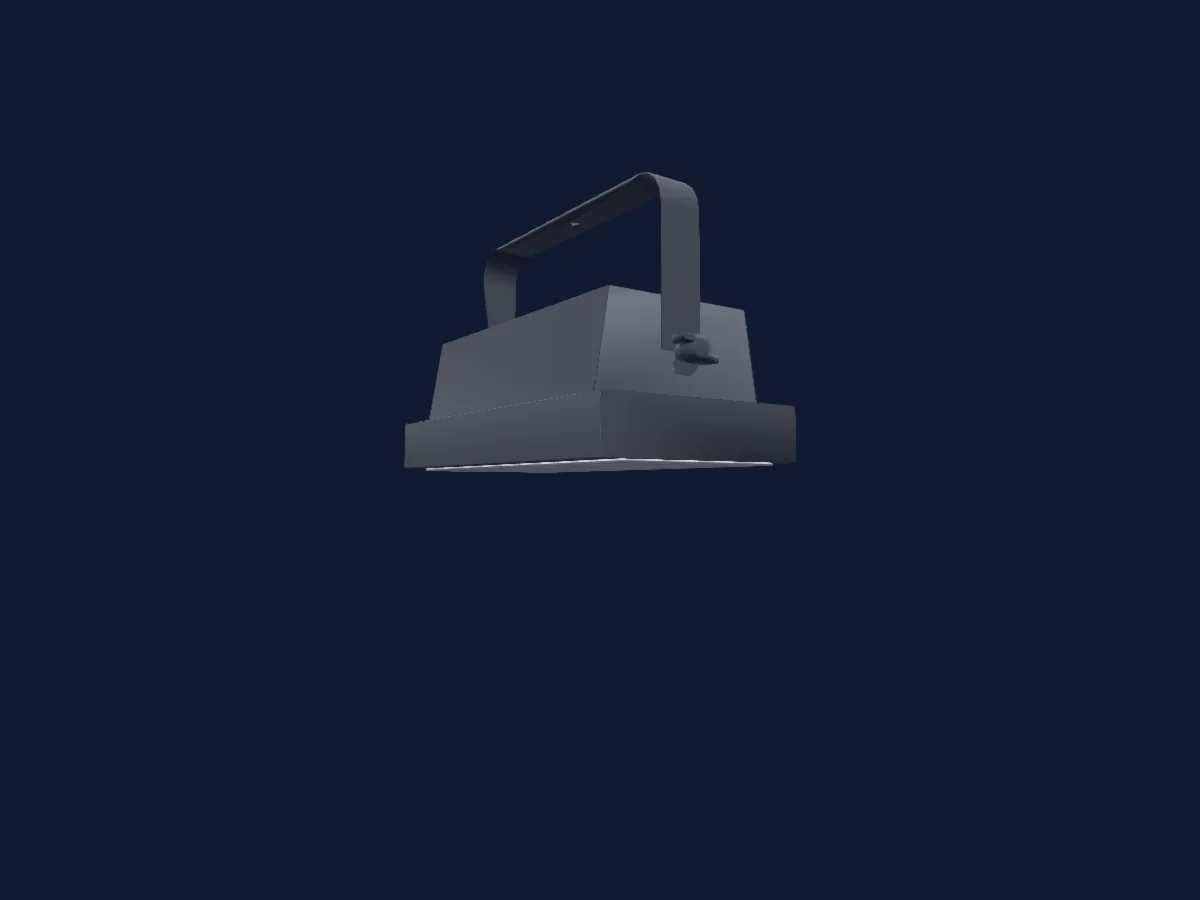
What it can do
- RGB colour mixing
DMX modes and channel charts
| Mode | Channels | In HitLight |
|---|---|---|
| 336 ch | 3 | Ready in HitLight |
336 ch
Ready in HitLight3 DMX channels · Download this chart as CSV
| Channel | Function | Default | DMX values |
|---|---|---|---|
| 1 | Color RGBRed | 0 | 0–255 |
| 2 | Color RGBGreen | 0 | 0–255 |
| 3 | Color RGBBlue | 0 | 0–255 |
Use the Dea Production Led Strobe pixel in HitLight
- Open Add fixture and search for Dea Production Led Strobe pixel.
- Choose the DMX mode set in the fixture’s own menu. HitLight gives it the lowest free start address on its universe that fits the mode’s channel count.
- Check the mode and controls against your real fixture before live use.
Related fixtures
Strobe
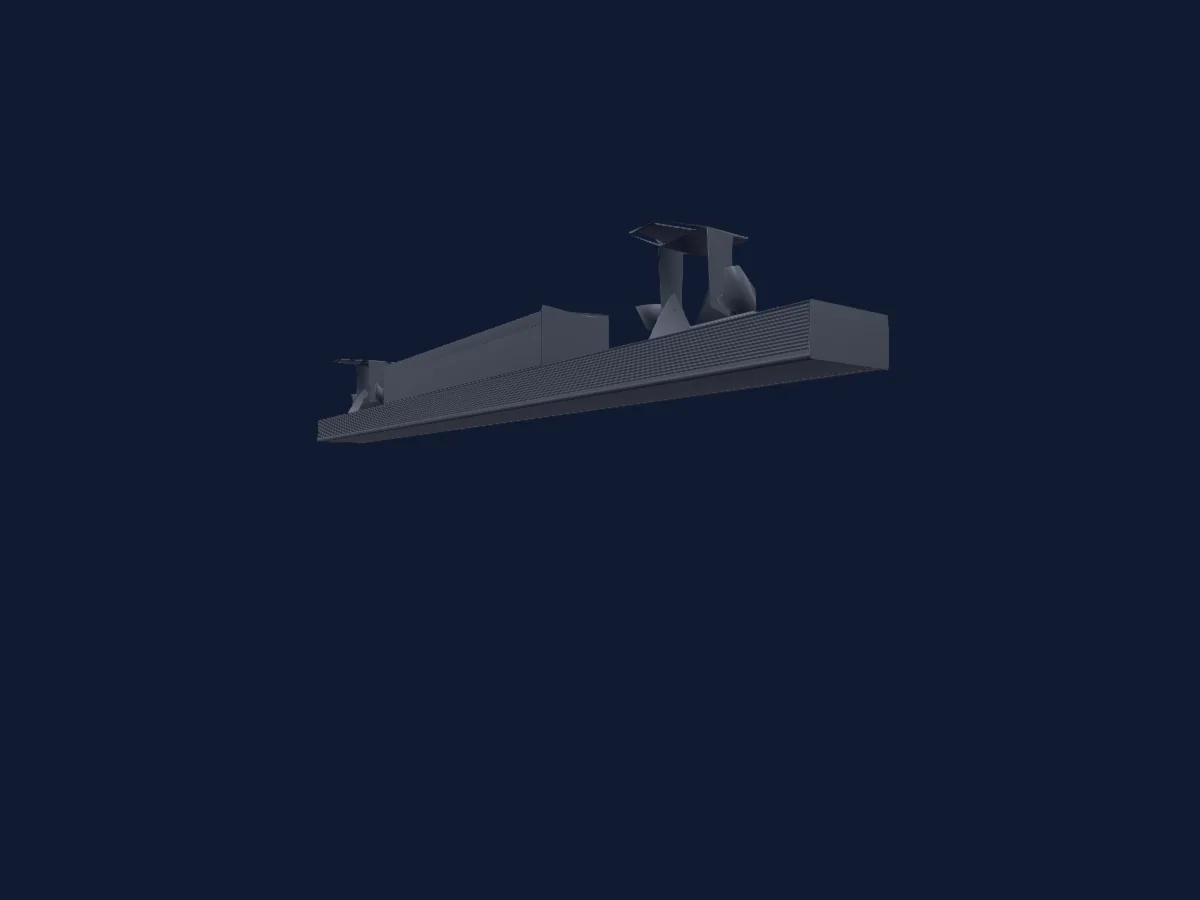
Dea Production Strobe Bar
3 / 6 / 9 / 13 / 18 / 20 / 26 / 38 / 43 / 45 / 78 / 80 / 127 / 129 DMX channels
Strobe
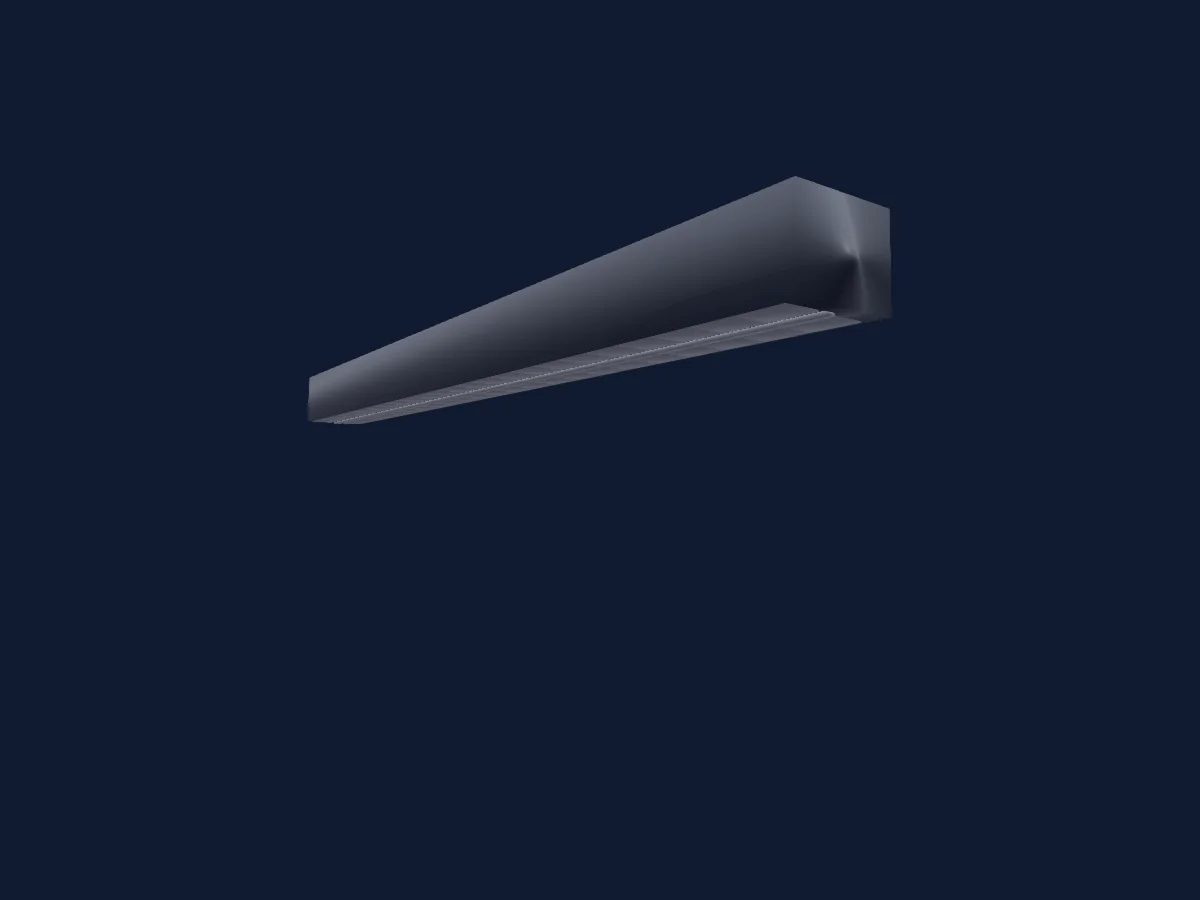
Dea Production StrobeBar pxl
145 DMX channels
Strobe
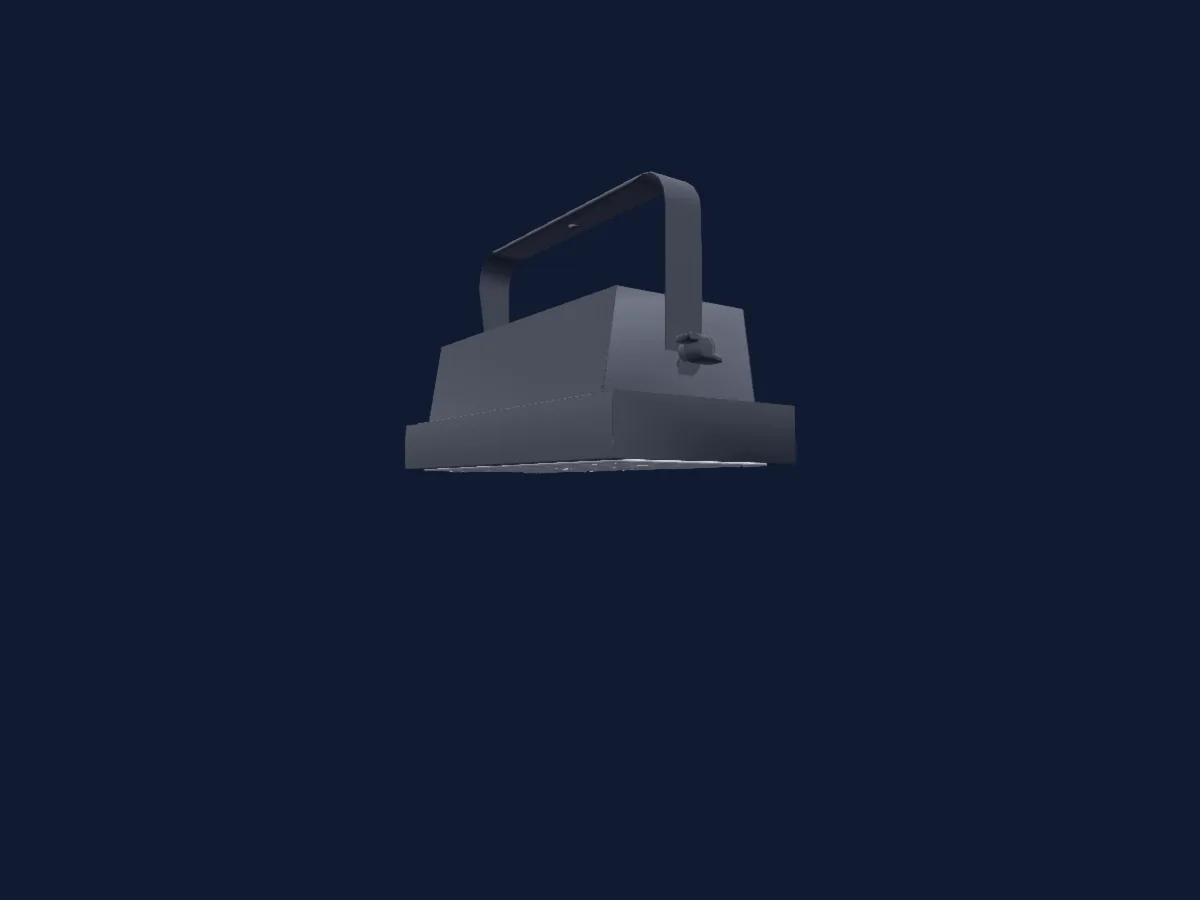
Dea Production Led Strobe FX1
3 DMX channels
Strobe
Dea Production Strobe Bar192
3 / 4 / 6 / 13 DMX channels
Moving head
Dea Production ak-650
22 DMX channels
Moving head
Dea Production LLP400
19 DMX channels
Charts come from the fixture’s GDTF description as converted for the HitLight library. HitLight is not affiliated with Dea Production.