 HitLight
DTS Lighting SCENA S 300/500
DMX chart, 1 DMX mode and a 3D preview. 1 DMX channel.
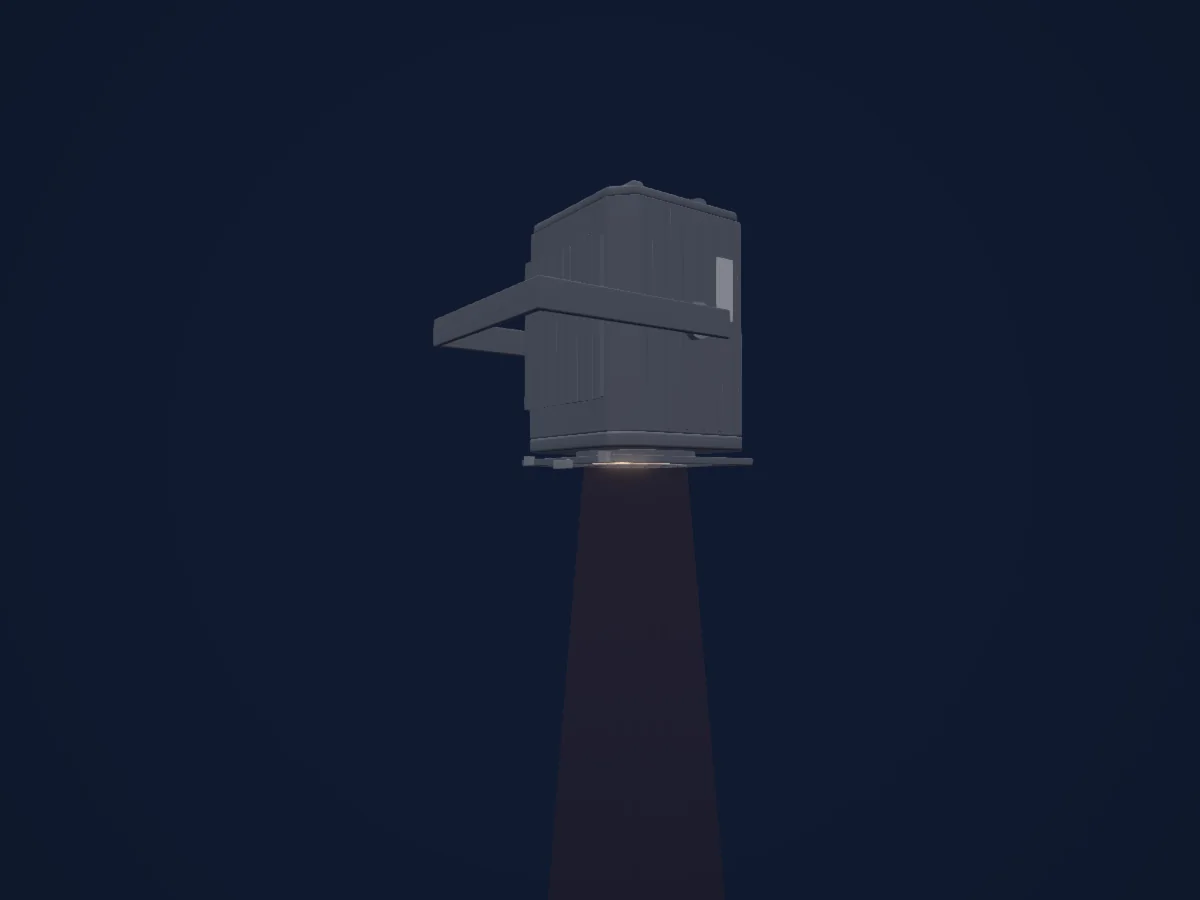
What it can do
- Dimmer
DMX modes and channel charts
| Mode | Channels | In HitLight |
|---|---|---|
| External dimmer (virtual) | 1 | Ready in HitLight |
External dimmer (virtual)
Ready in HitLight1 DMX channel · Download this chart as CSV
| Channel | Function | Default | DMX values |
|---|---|---|---|
| 1 | Dimmer | 0 | 0–255 |
Use the DTS Lighting SCENA S 300/500 in HitLight
- Open Add fixture and search for DTS Lighting SCENA S 300/500.
- Choose the DMX mode set in the fixture’s own menu. HitLight gives it the lowest free start address on its universe that fits the mode’s channel count.
- Check the mode and controls against your real fixture before live use.
Venues with the DTS Lighting SCENA S 300/500
Their saved rigs list this fixture model. Confirm the current equipment with the venue.
- E-WERK Freiburg Freiburg im Breisgau, Germany
- Иркутский областной театра кукол «Аистёнок» Иркутск, Russia
- Оренбургский государственный областной театр кукол Оренбург, Russia
Related fixtures
Spot
DTS Lighting TENORE 3 HDW
2 / 6 DMX channels
Spot
DTS Lighting TENORE 1 HDW
2 / 6 DMX channels
Spot
DTS Lighting TENORE 1 HQS
5 / 10 / 12 / 13 / 17 DMX channels
Profile spot
DTS Lighting Profilo Led 200 FC
4 / 6 / 10 DMX channels
Profile spot
DTS Lighting Scena LED 80 CT
2 / 6 / 7 DMX channels
PAR
DTS Lighting Brick FC
4 / 6 / 10 DMX channels
Charts come from the fixture’s GDTF description as converted for the HitLight library. HitLight is not affiliated with DTS Lighting.
Fixture model: gdtf-dts-lighting-scena-s-300-500-2611075002
Original HitLight geometry, scripted locally by the HitLight fixture agent from published dimensions and product photographs. No manufacturer CAD, third-party mesh, photo texture or logo is incorporated. Approximate planning model; not hardware verified.
Creator: HitLight