 HitLight
ETC D40 Vivid
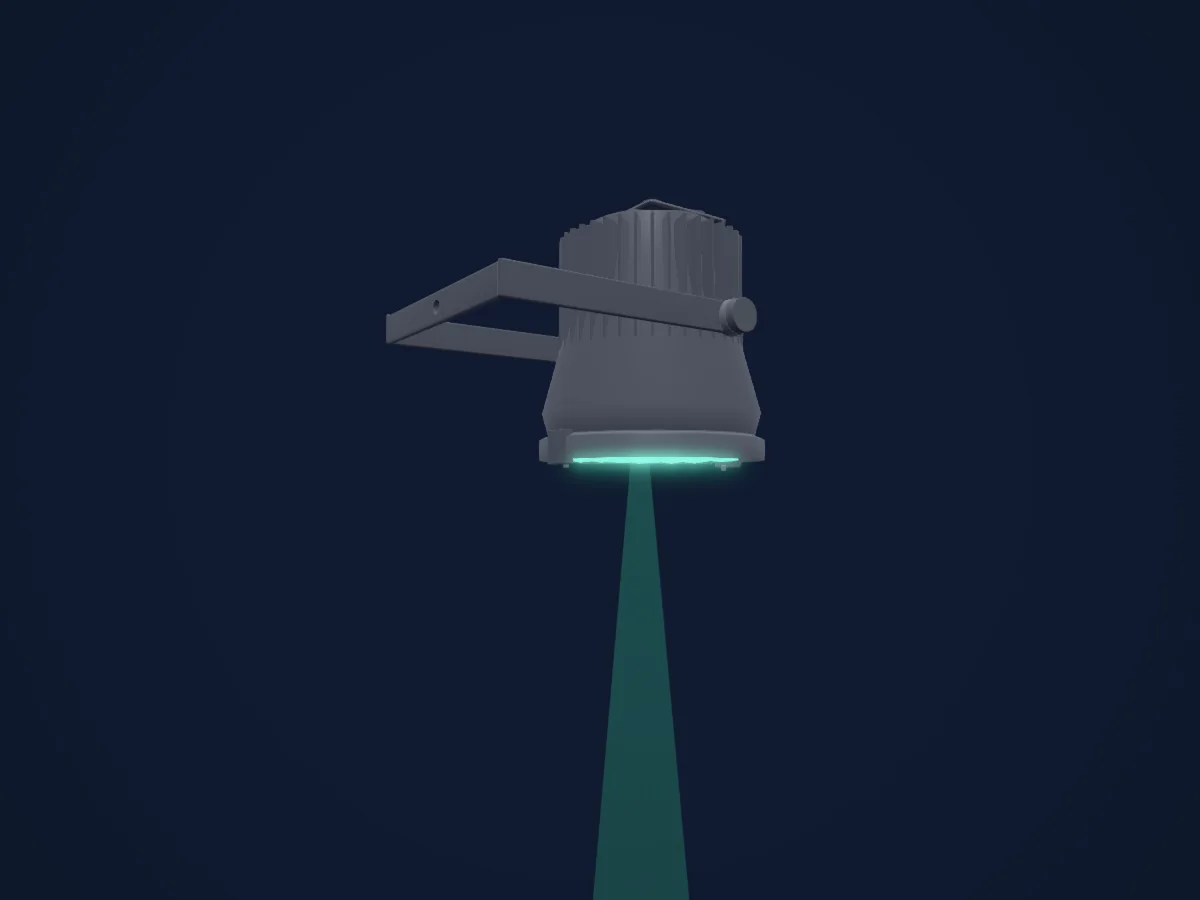
DMX chart, 18 DMX modes and a 3D preview. 3 / 4 / 5 / 6 / 8 / 9 / 14 DMX channels.
What it can do
- Extra LED colours
- Hue and saturation
- RGB colour mixing
- Colour temperature
- Dimmer
DMX modes and channel charts
| Mode | Channels | In HitLight |
|---|---|---|
| RGB | 3 | Ready in HitLight |
| Studio | 3 | Ready in HitLight |
| HSI | 4 | Ready in HitLight |
| HSI Strobe | 5 | Ready in HitLight |
| RGB Strobe | 5 | Ready in HitLight |
| Studio Strobe | 5 | Ready in HitLight |
| HSIC | 6 | Ready in HitLight |
| HSIC Strobe | 6 | Ready in HitLight |
| Direct | 8 | Ready in HitLight |
| Direct Strobe | 9 | Ready in HitLight |
| HSI Plus7 | 14 | Ready in HitLight |
| HSI Strobe Plus7 | 14 | Ready in HitLight |
| HSIC Plus7 | 14 | Ready in HitLight |
| HSIC Strobe Plus7 | 14 | Ready in HitLight |
| RGB Plus7 | 14 | Ready in HitLight |
| RGB Strobe Plus7 | 14 | Ready in HitLight |
| Studio Plus7 | 14 | Ready in HitLight |
| Studio Strobe Plus7 | 14 | Ready in HitLight |
RGB
Ready in HitLight3 DMX channels · Download this chart as CSV
| Channel | Function | Default | DMX values |
|---|---|---|---|
| 1 | Red | 0 | 0–255 |
| 2 | Green | 0 | 0–255 |
| 3 | Blue | 0 | 0–255 |
Studio
Ready in HitLight3 DMX channels · Download this chart as CSV
| Channel | Function | Default | DMX values |
|---|---|---|---|
| 1 | Dimmer | 0 | 0–255 |
| 2 | C TC | 0 | 0–255 |
| 3 | Control | 128 | 4 value ranges
|
HSI
Ready in HitLight4 DMX channels · Download this chart as CSV
| Channel | Function | Default | DMX values |
|---|---|---|---|
| 1 | H SBHue | 0 | 0–255 |
| 2 | H SBHue Fine | 0 | Fine byte of H SBHue |
| 3 | H SBSaturation | 0 | 0–255 |
| 4 | H SBBrightness | 0 | 0–255 |
HSI Strobe
Ready in HitLight5 DMX channels · Download this chart as CSV
| Channel | Function | Default | DMX values |
|---|---|---|---|
| 1 | H SBHue | 0 | 0–255 |
| 2 | H SBHue Fine | 0 | Fine byte of H SBHue |
| 3 | H SBSaturation | 0 | 0–255 |
| 4 | H SBBrightness | 0 | 0–255 |
| 5 | Shutter / Strobe | 0 | 3 value ranges
|
RGB Strobe
Ready in HitLight5 DMX channels · Download this chart as CSV
| Channel | Function | Default | DMX values |
|---|---|---|---|
| 1 | Red | 0 | 0–255 |
| 2 | Green | 0 | 0–255 |
| 3 | Blue | 0 | 0–255 |
| 4 | No Feature | 0 | 0–255 |
| 5 | Shutter / Strobe | 0 | 3 value ranges
|
Studio Strobe
Ready in HitLight5 DMX channels · Download this chart as CSV
| Channel | Function | Default | DMX values |
|---|---|---|---|
| 1 | Dimmer | 0 | 0–255 |
| 2 | C TC | 0 | 0–255 |
| 3 | Control | 128 | 4 value ranges
|
| 4 | No Feature | 0 | 0–255 |
| 5 | Shutter / Strobe | 0 | 3 value ranges
|
HSIC
Ready in HitLight6 DMX channels · Download this chart as CSV
| Channel | Function | Default | DMX values |
|---|---|---|---|
| 1 | H SBHue | 0 | 0–255 |
| 2 | H SBHue Fine | 0 | Fine byte of H SBHue |
| 3 | H SBSaturation | 0 | 0–255 |
| 4 | H SBBrightness | 0 | 0–255 |
| 5 | No Feature | 0 | 0–255 |
| 6 | C TC | 0 | 0–255 |
HSIC Strobe
Ready in HitLight6 DMX channels · Download this chart as CSV
| Channel | Function | Default | DMX values |
|---|---|---|---|
| 1 | H SBHue | 0 | 0–255 |
| 2 | H SBHue Fine | 0 | Fine byte of H SBHue |
| 3 | H SBSaturation | 0 | 0–255 |
| 4 | H SBBrightness | 0 | 0–255 |
| 5 | Shutter / Strobe | 0 | 3 value ranges
|
| 6 | C TC | 0 | 0–255 |
Direct
Ready in HitLight8 DMX channels · Download this chart as CSV
| Channel | Function | Default | DMX values |
|---|---|---|---|
| 1 | Red | 0 | 0–255 |
| 2 | Color Add RO | 0 | 0–255 |
| 3 | Amber | 0 | 0–255 |
| 4 | Green | 0 | 0–255 |
| 5 | Color Add C | 0 | 0–255 |
| 6 | Blue | 0 | 0–255 |
| 7 | Color Add Indigo | 0 | 0–255 |
| 8 | Dimmer | 0 | 0–255 |
Direct Strobe
Ready in HitLight9 DMX channels · Download this chart as CSV
| Channel | Function | Default | DMX values |
|---|---|---|---|
| 1 | Red | 0 | 0–255 |
| 2 | Color Add RO | 0 | 0–255 |
| 3 | Amber | 0 | 0–255 |
| 4 | Green | 0 | 0–255 |
| 5 | Color Add C | 0 | 0–255 |
| 6 | Blue | 0 | 0–255 |
| 7 | Color Add Indigo | 0 | 0–255 |
| 8 | Dimmer | 0 | 0–255 |
| 9 | Shutter / Strobe | 0 | 3 value ranges
|
HSI Plus7
Ready in HitLight14 DMX channels · Download this chart as CSV
| Channel | Function | Default | DMX values |
|---|---|---|---|
| 1 | H SBHue | 0 | 0–255 |
| 2 | H SBHue Fine | 0 | Fine byte of H SBHue |
| 3 | H SBSaturation | 0 | 0–255 |
| 4 | H SBBrightness | 0 | 0–255 |
| 5 | No Feature | 0 | 0–255 |
| 6 | No Feature | 0 | 0–255 |
| 7 | Control | 0 | 2 value ranges
|
| 8 | No Feature | 128 | 3 value ranges
|
| 9 | No Feature | 128 | 3 value ranges
|
| 10 | No Feature | 128 | 3 value ranges
|
| 11 | No Feature | 128 | 3 value ranges
|
| 12 | No Feature | 128 | 3 value ranges
|
| 13 | No Feature | 128 | 3 value ranges
|
| 14 | No Feature | 128 | 3 value ranges
|
HSI Strobe Plus7
Ready in HitLight14 DMX channels · Download this chart as CSV
| Channel | Function | Default | DMX values |
|---|---|---|---|
| 1 | H SBHue | 0 | 0–255 |
| 2 | H SBHue Fine | 0 | Fine byte of H SBHue |
| 3 | H SBSaturation | 0 | 0–255 |
| 4 | H SBBrightness | 0 | 0–255 |
| 5 | Shutter / Strobe | 0 | 3 value ranges
|
| 6 | No Feature | 0 | 0–255 |
| 7 | Control | 0 | 2 value ranges
|
| 8 | No Feature | 128 | 3 value ranges
|
| 9 | No Feature | 128 | 3 value ranges
|
| 10 | No Feature | 128 | 3 value ranges
|
| 11 | No Feature | 128 | 3 value ranges
|
| 12 | No Feature | 128 | 3 value ranges
|
| 13 | No Feature | 128 | 3 value ranges
|
| 14 | No Feature | 128 | 3 value ranges
|
HSIC Plus7
Ready in HitLight14 DMX channels · Download this chart as CSV
| Channel | Function | Default | DMX values |
|---|---|---|---|
| 1 | H SBHue | 0 | 0–255 |
| 2 | H SBHue Fine | 0 | Fine byte of H SBHue |
| 3 | H SBSaturation | 0 | 0–255 |
| 4 | H SBBrightness | 0 | 0–255 |
| 5 | No Feature | 0 | 0–255 |
| 6 | C TC | 0 | 0–255 |
| 7 | Control | 0 | 2 value ranges
|
| 8 | No Feature | 128 | 3 value ranges
|
| 9 | No Feature | 128 | 3 value ranges
|
| 10 | No Feature | 128 | 3 value ranges
|
| 11 | No Feature | 128 | 3 value ranges
|
| 12 | No Feature | 128 | 3 value ranges
|
| 13 | No Feature | 128 | 3 value ranges
|
| 14 | No Feature | 128 | 3 value ranges
|
HSIC Strobe Plus7
Ready in HitLight14 DMX channels · Download this chart as CSV
| Channel | Function | Default | DMX values |
|---|---|---|---|
| 1 | H SBHue | 0 | 0–255 |
| 2 | H SBHue Fine | 0 | Fine byte of H SBHue |
| 3 | H SBSaturation | 0 | 0–255 |
| 4 | H SBBrightness | 0 | 0–255 |
| 5 | Shutter / Strobe | 0 | 3 value ranges
|
| 6 | C TC | 0 | 0–255 |
| 7 | Control | 0 | 2 value ranges
|
| 8 | No Feature | 128 | 3 value ranges
|
| 9 | No Feature | 128 | 3 value ranges
|
| 10 | No Feature | 128 | 3 value ranges
|
| 11 | No Feature | 128 | 3 value ranges
|
| 12 | No Feature | 128 | 3 value ranges
|
| 13 | No Feature | 128 | 3 value ranges
|
| 14 | No Feature | 128 | 3 value ranges
|
RGB Plus7
Ready in HitLight14 DMX channels · Download this chart as CSV
| Channel | Function | Default | DMX values |
|---|---|---|---|
| 1 | Red | 0 | 0–255 |
| 2 | Green | 0 | 0–255 |
| 3 | Blue | 0 | 0–255 |
| 4 | No Feature | 0 | 0–255 |
| 5 | No Feature | 0 | 0–255 |
| 6 | No Feature | 0 | 0–255 |
| 7 | Control | 0 | 2 value ranges
|
| 8 | No Feature | 128 | 3 value ranges
|
| 9 | No Feature | 128 | 3 value ranges
|
| 10 | No Feature | 128 | 3 value ranges
|
| 11 | No Feature | 128 | 3 value ranges
|
| 12 | No Feature | 128 | 3 value ranges
|
| 13 | No Feature | 128 | 3 value ranges
|
| 14 | No Feature | 128 | 3 value ranges
|
RGB Strobe Plus7
Ready in HitLight14 DMX channels · Download this chart as CSV
| Channel | Function | Default | DMX values |
|---|---|---|---|
| 1 | Red | 0 | 0–255 |
| 2 | Green | 0 | 0–255 |
| 3 | Blue | 0 | 0–255 |
| 4 | No Feature | 0 | 0–255 |
| 5 | Shutter / Strobe | 0 | 3 value ranges
|
| 6 | No Feature | 0 | 0–255 |
| 7 | Control | 0 | 2 value ranges
|
| 8 | No Feature | 128 | 3 value ranges
|
| 9 | No Feature | 128 | 3 value ranges
|
| 10 | No Feature | 128 | 3 value ranges
|
| 11 | No Feature | 128 | 3 value ranges
|
| 12 | No Feature | 128 | 3 value ranges
|
| 13 | No Feature | 128 | 3 value ranges
|
| 14 | No Feature | 128 | 3 value ranges
|
Studio Plus7
Ready in HitLight14 DMX channels · Download this chart as CSV
| Channel | Function | Default | DMX values |
|---|---|---|---|
| 1 | Dimmer | 0 | 0–255 |
| 2 | C TC | 0 | 0–255 |
| 3 | Control | 128 | 4 value ranges
|
| 4 | No Feature | 0 | 0–255 |
| 5 | No Feature | 0 | 0–255 |
| 6 | No Feature | 0 | 0–255 |
| 7 | Control | 0 | 2 value ranges
|
| 8 | No Feature | 128 | 3 value ranges
|
| 9 | No Feature | 128 | 3 value ranges
|
| 10 | No Feature | 128 | 3 value ranges
|
| 11 | No Feature | 128 | 3 value ranges
|
| 12 | No Feature | 128 | 3 value ranges
|
| 13 | No Feature | 128 | 3 value ranges
|
| 14 | No Feature | 128 | 3 value ranges
|
Studio Strobe Plus7
Ready in HitLight14 DMX channels · Download this chart as CSV
| Channel | Function | Default | DMX values |
|---|---|---|---|
| 1 | Dimmer | 0 | 0–255 |
| 2 | C TC | 0 | 0–255 |
| 3 | Control | 128 | 4 value ranges
|
| 4 | No Feature | 0 | 0–255 |
| 5 | Shutter / Strobe | 0 | 3 value ranges
|
| 6 | No Feature | 0 | 0–255 |
| 7 | Control | 0 | 2 value ranges
|
| 8 | No Feature | 128 | 3 value ranges
|
| 9 | No Feature | 128 | 3 value ranges
|
| 10 | No Feature | 128 | 3 value ranges
|
| 11 | No Feature | 128 | 3 value ranges
|
| 12 | No Feature | 128 | 3 value ranges
|
| 13 | No Feature | 128 | 3 value ranges
|
| 14 | No Feature | 128 | 3 value ranges
|
Use the ETC D40 Vivid in HitLight
- Open Add fixture and search for ETC D40 Vivid.
- Choose the DMX mode set in the fixture’s own menu. HitLight gives it the lowest free start address on its universe that fits the mode’s channel count.
- Check the mode and controls against your real fixture before live use.
Venues with the ETC D40 Vivid
Their saved rigs list this fixture model. Confirm the current equipment with the venue.
- Eccles Theater Salt Lake City, United States
- FIM Capitol Theatre Flint, United States
- Kulturkirken Jakob Oslo, Norway
Related fixtures
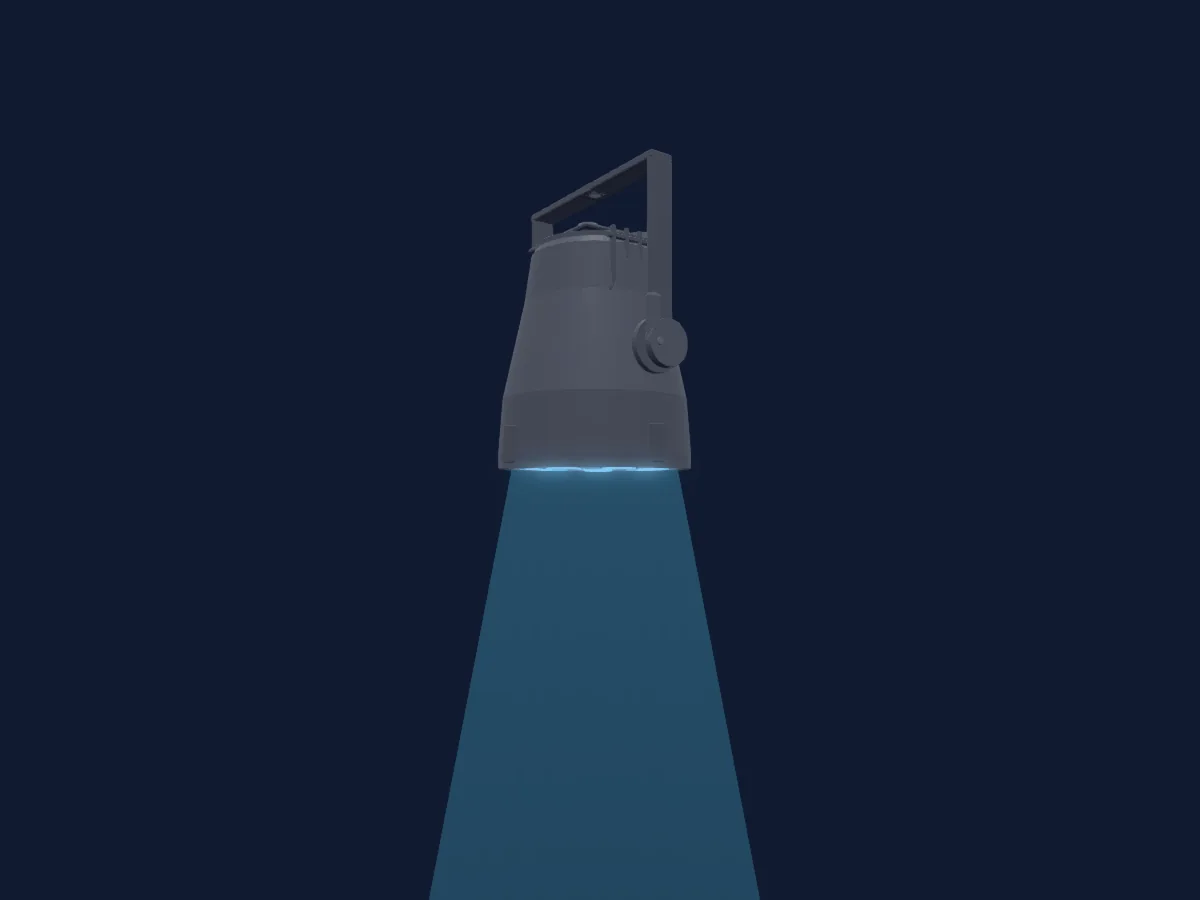
ETC ColorSource Par
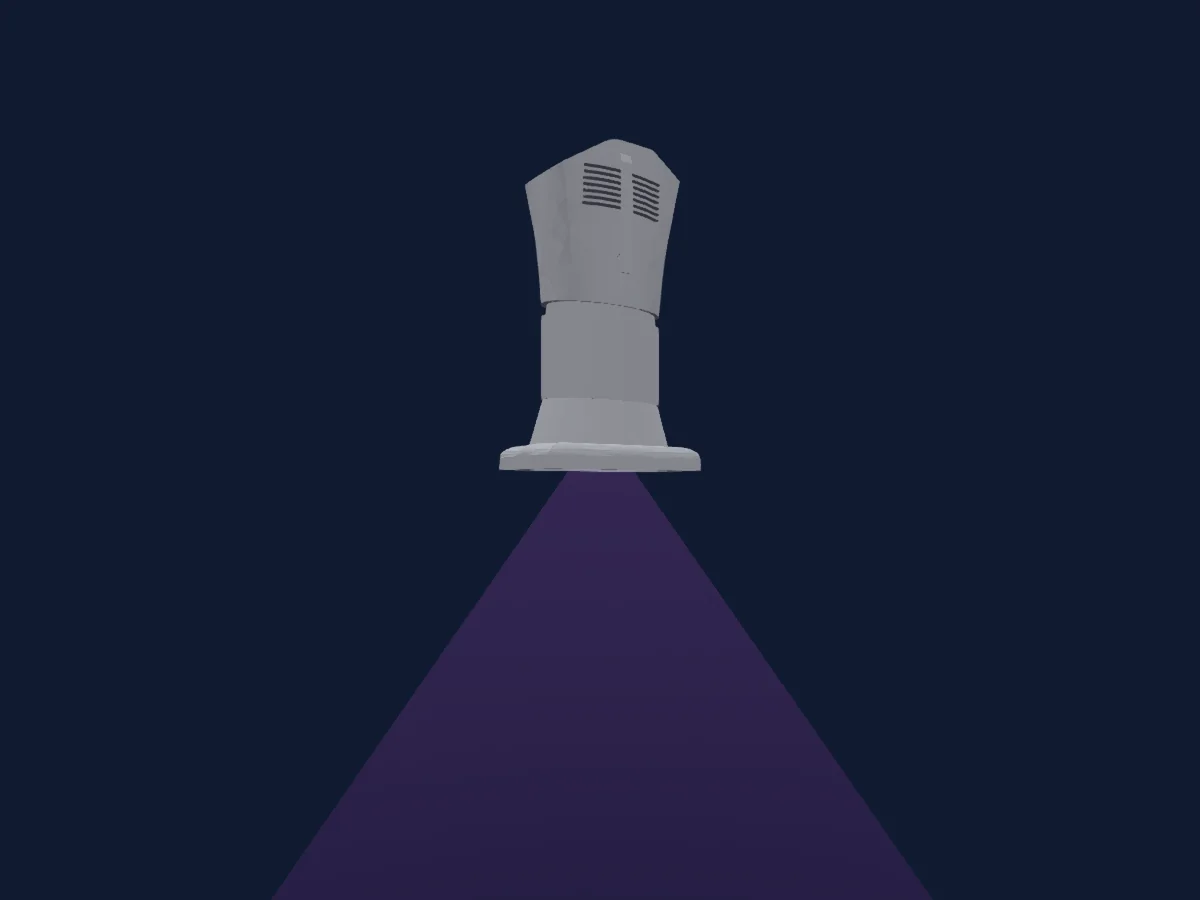
ETC S4 Series 3 Lustr X8 70Deg
ETC fos/4 PD16
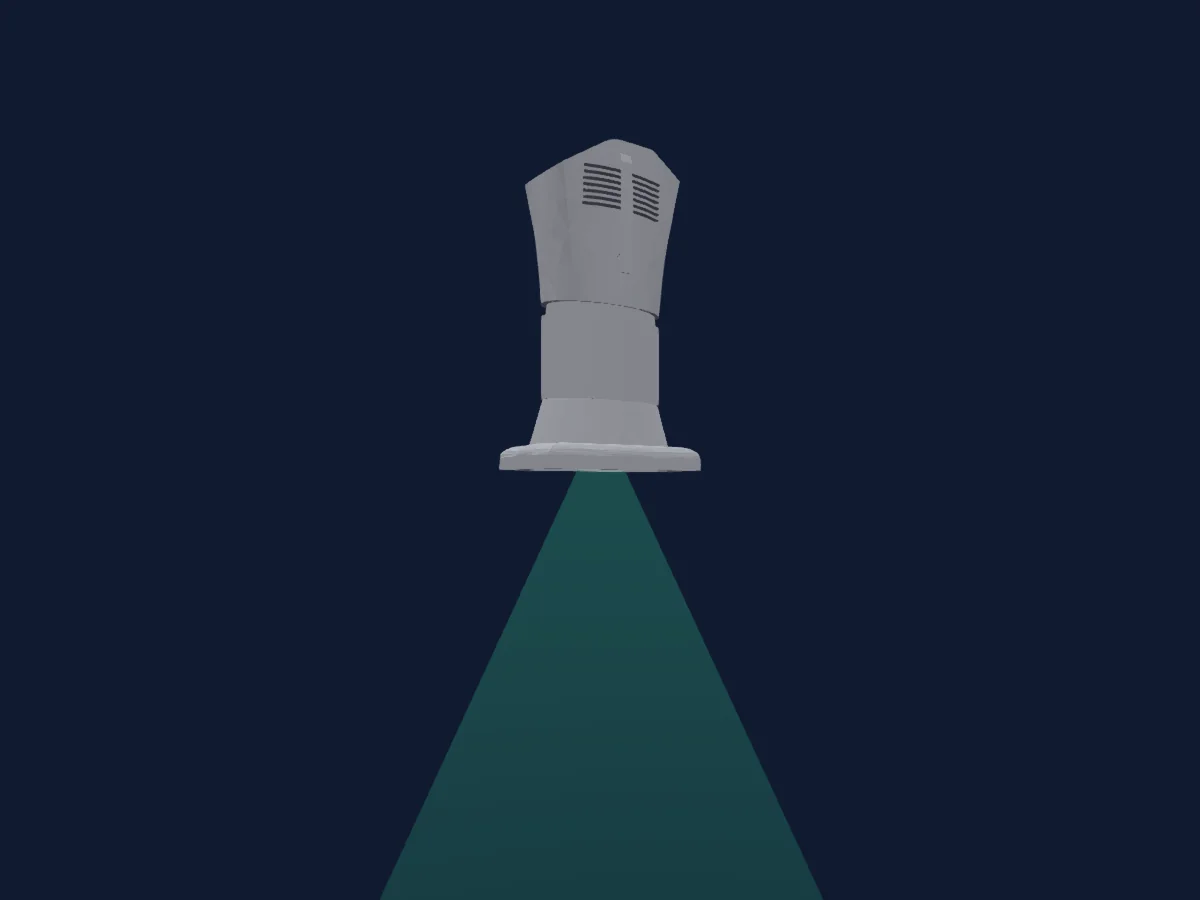
ETC S4 Series 3 Daylight HDR 50Deg
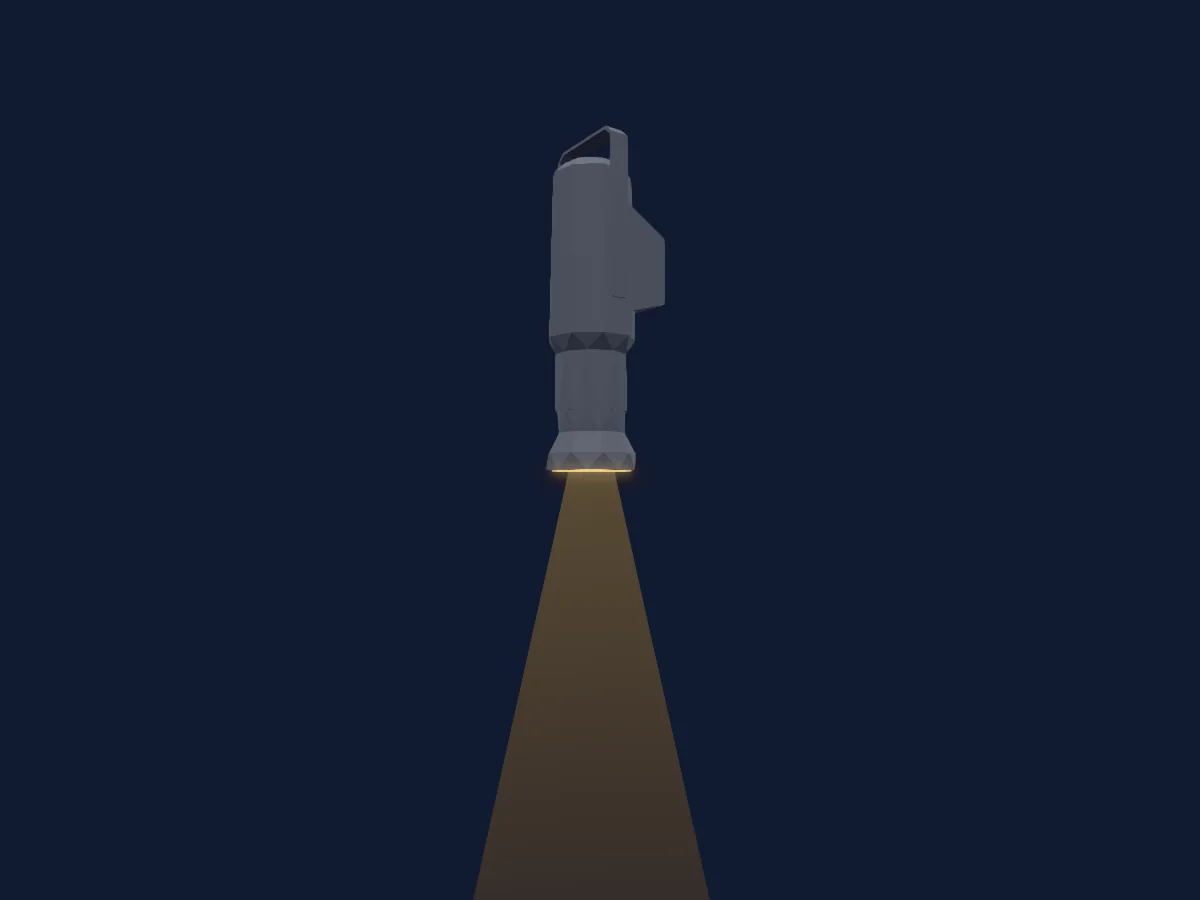
ETC S4 Series 1 Lustr
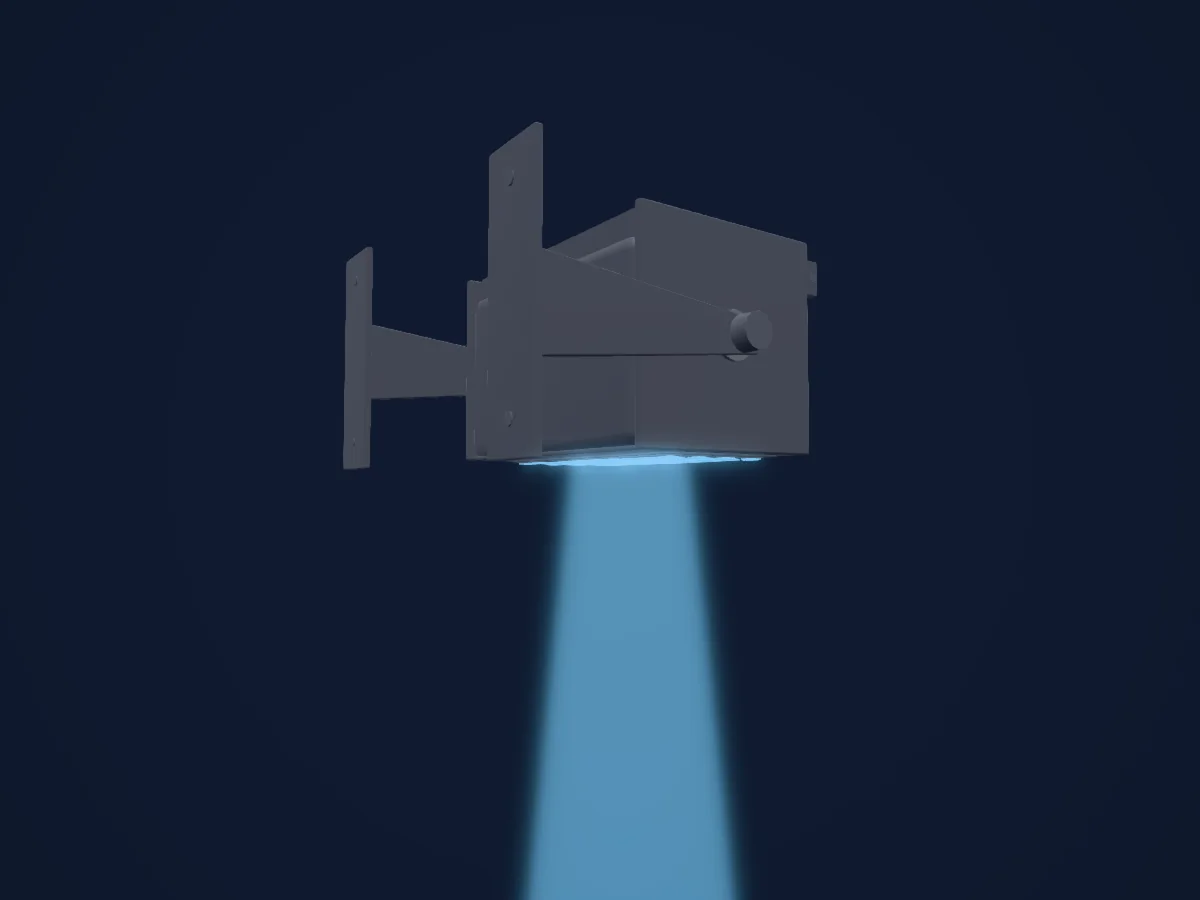
ETC Selador Lustr
Charts come from the fixture’s GDTF description as converted for the HitLight library. HitLight is not affiliated with ETC.
Fixture model: gdtf-etc-d40-vivid-2000061109
Original approximate HitLight D40 shared-family housing built from owned parametric source; Vivid native array and all18configurations transcribed separately from current manufacturer manual. No OEM mesh/image texture/logo is embedded. Manual pose, cooling/detail/optic packing remain estimates; no hardware or spectral/timing calibration.
Creator: HitLight