 HitLight
ETC Selador Vivid-R
DMX chart, 1 DMX mode and a 3D preview. 8 DMX channels.
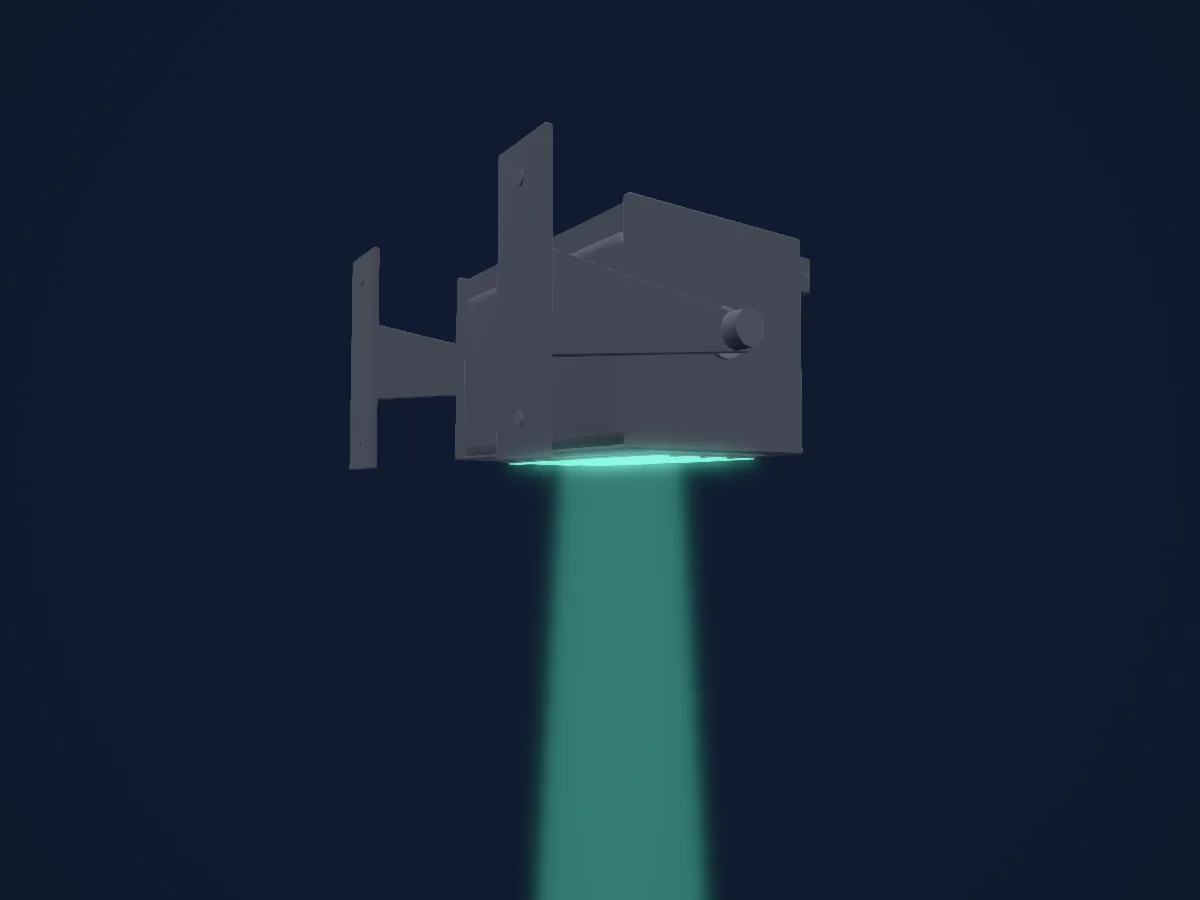
What it can do
- Extra LED colours
- RGB colour mixing
- Dimmer
DMX modes and channel charts
| Mode | Channels | In HitLight |
|---|---|---|
| 8-channel | 8 | Ready in HitLight |
8-channel
Ready in HitLight8 DMX channels · Download this chart as CSV
| Channel | Function | Default | DMX values |
|---|---|---|---|
| 1 | Red | 0 | 0–255 |
| 2 | Color Add RO | 0 | 0–255 |
| 3 | Amber | 0 | 0–255 |
| 4 | Green | 0 | 0–255 |
| 5 | Color Add C | 0 | 0–255 |
| 6 | Blue | 0 | 0–255 |
| 7 | Color Add Indigo | 0 | 0–255 |
| 8 | Dimmer | 0 | 0–255 |
Use the ETC Selador Vivid-R in HitLight
- Open Add fixture and search for ETC Selador Vivid-R.
- Choose the DMX mode set in the fixture’s own menu. HitLight gives it the lowest free start address on its universe that fits the mode’s channel count.
- Check the mode and controls against your real fixture before live use.
Venues with the ETC Selador Vivid-R
Their saved rigs list this fixture model. Confirm the current equipment with the venue.
- Arlene Schnitzer Concert Hall Portland, United States
- Berrie Center for Performing and Visual Arts Mahwah, United States
- Harris Center for the Arts Folsom, United States
- Lang Performing Arts Center - Pearson-Hall Theatre (Swarthmore College) Swarthmore, United States
- New York Live Arts New York, United States
- Parktheater Eindhoven Eindhoven, Netherlands
Related fixtures
PAR
ETC fos/4 PD8
1 / 3 / 7 / 8 / 10 / 11 DMX channels
PAR
ETC Desire D22 Studio HD
9 DMX channels
PAR
ETC Pro Eight-Cell
1 / 4 DMX channels
PAR
ETC Paletta 63
8 / 48 DMX channels
PAR
ETC ColorSource Linear Pearl 1
1 / 2 / 4 DMX channels
PAR
ETC fos/4 PD16
1 / 3 / 7 / 8 / 10 / 11 DMX channels
Charts come from the fixture’s GDTF description as converted for the HitLight library. HitLight is not affiliated with ETC.
Fixture model: gdtf-etc-selador-vivid-r-2611101031
Original HitLight geometry, scripted locally by the HitLight fixture agent from the manufacturer datasheet's published dimension table, drawings and product photograph. No manufacturer CAD, third-party mesh, photo texture or logo is incorporated. Approximate planning model; not hardware verified.
Creator: HitLight