 HitLight
ETC Source Four 14
DMX chart, 1 DMX mode and a 3D preview. 1 DMX channel.
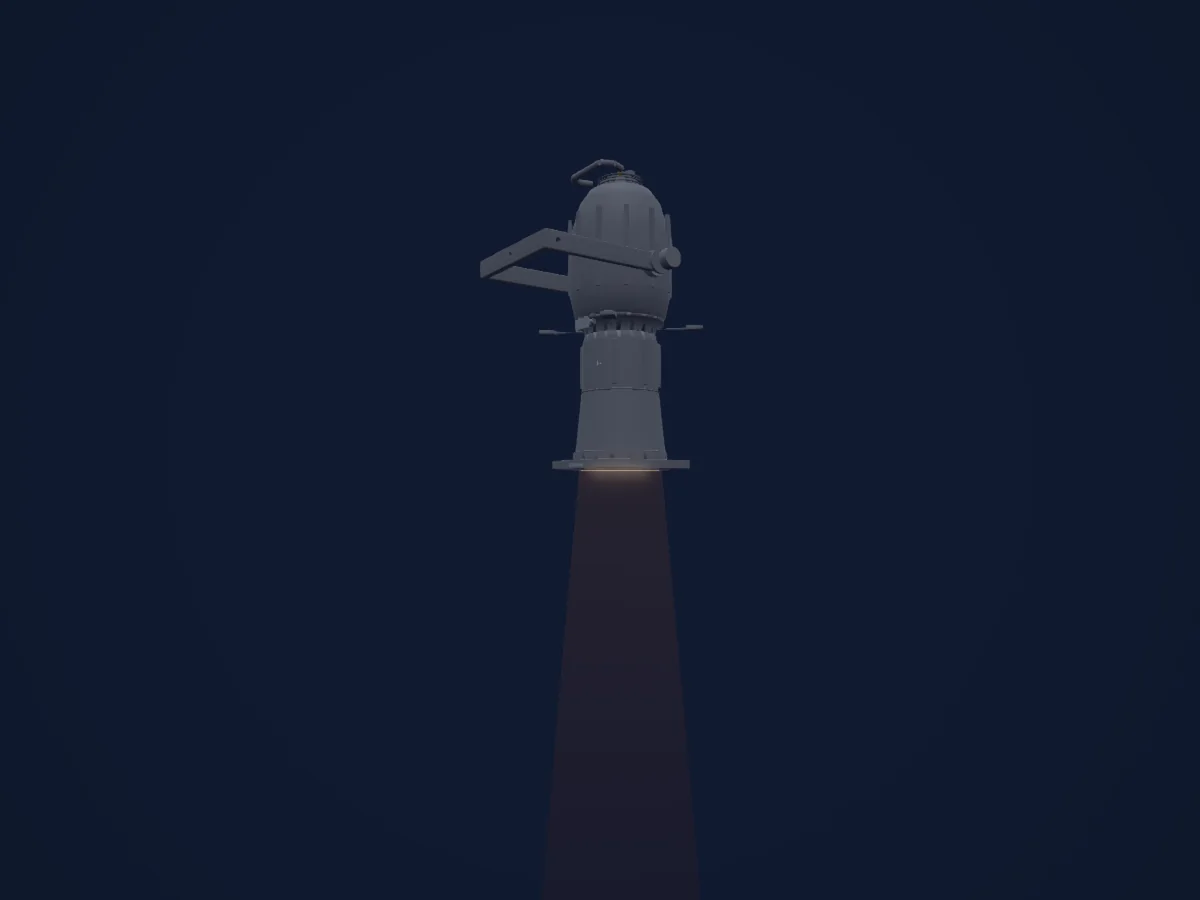
What it can do
- Dimmer
DMX modes and channel charts
| Mode | Channels | In HitLight |
|---|---|---|
| External dimmer (virtual) | 1 | Ready in HitLight |
External dimmer (virtual)
Ready in HitLight1 DMX channel · Download this chart as CSV
| Channel | Function | Default | DMX values |
|---|---|---|---|
| 1 | Dimmer | 0 | 0–255 |
Use the ETC Source Four 14 in HitLight
- Open Add fixture and search for ETC Source Four 14.
- Choose the DMX mode set in the fixture’s own menu. HitLight gives it the lowest free start address on its universe that fits the mode’s channel count.
- Check the mode and controls against your real fixture before live use.
Venues with the ETC Source Four 14
Their saved rigs list this fixture model. Confirm the current equipment with the venue.
- Annenberg Center for the Performing Arts Philadelphia, United States
- BMCC Tribeca Performing Arts Center New York, United States
- Centre In The Square Kitchener, Canada
- Chan Centre for the Performing Arts Vancouver, Canada
- Farquhar Auditorium Victoria, Canada
- FringeArts Philadelphia, United States
- Herbst Theatre San Francisco, United States
- Hylton Performing Arts Center Manassas, United States
- Kingsbury Hall Salt Lake City, United States
- Lang Performing Arts Center - Pearson-Hall Theatre (Swarthmore College) Swarthmore, United States
- Lehman Center for the Performing Arts Bronx, United States
- Madison Theatre at Molloy University Rockville Centre, United States
Related fixtures
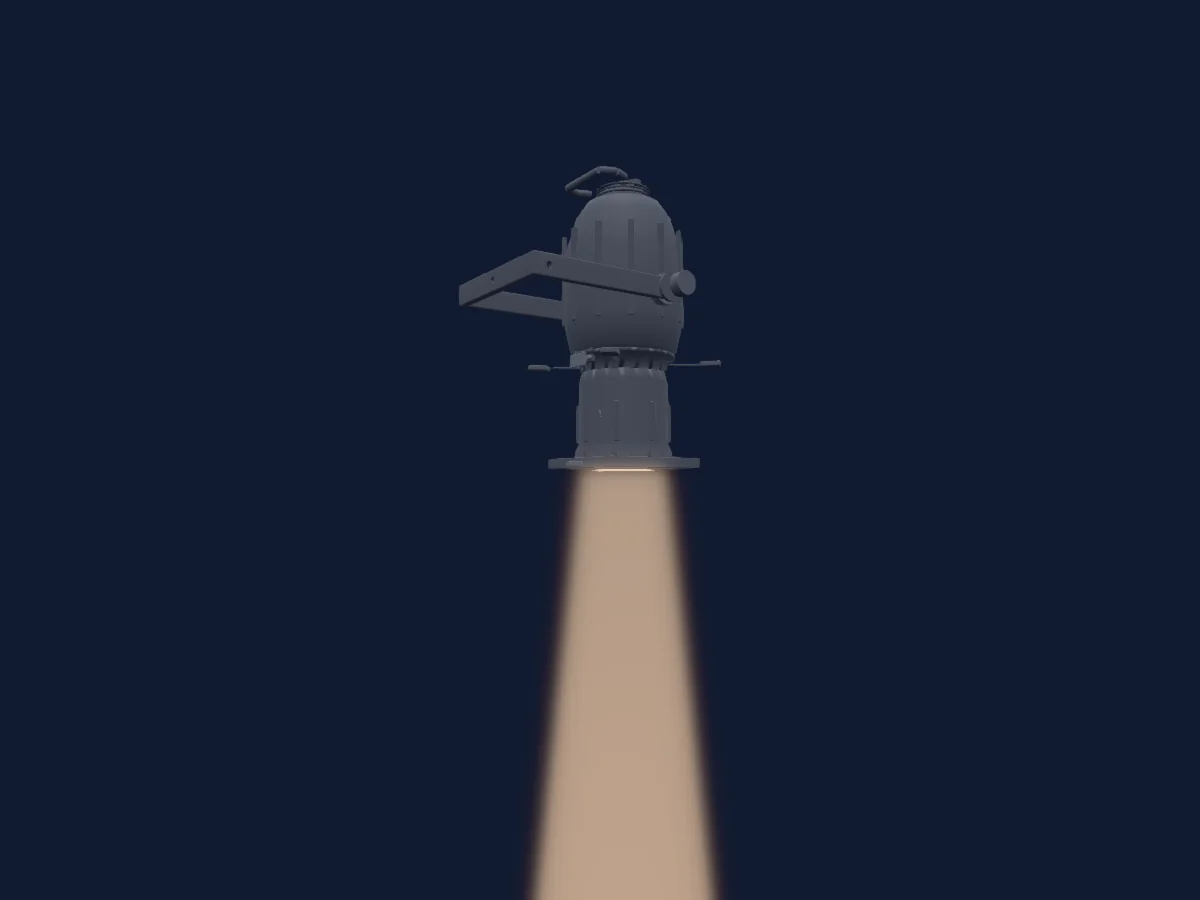
Profile spot
ETC Source Four 19
1 DMX channel
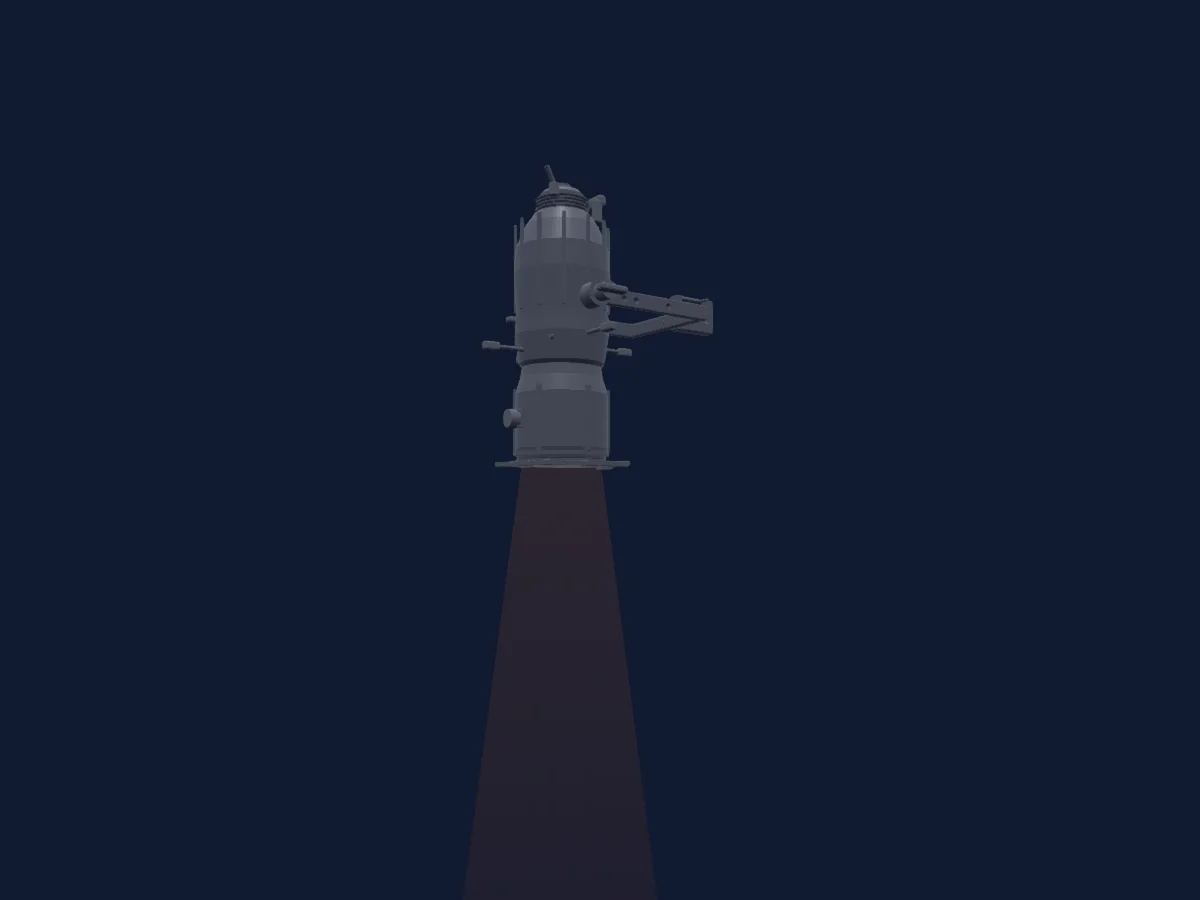
Profile spot
ETC Source Four 26
1 DMX channel
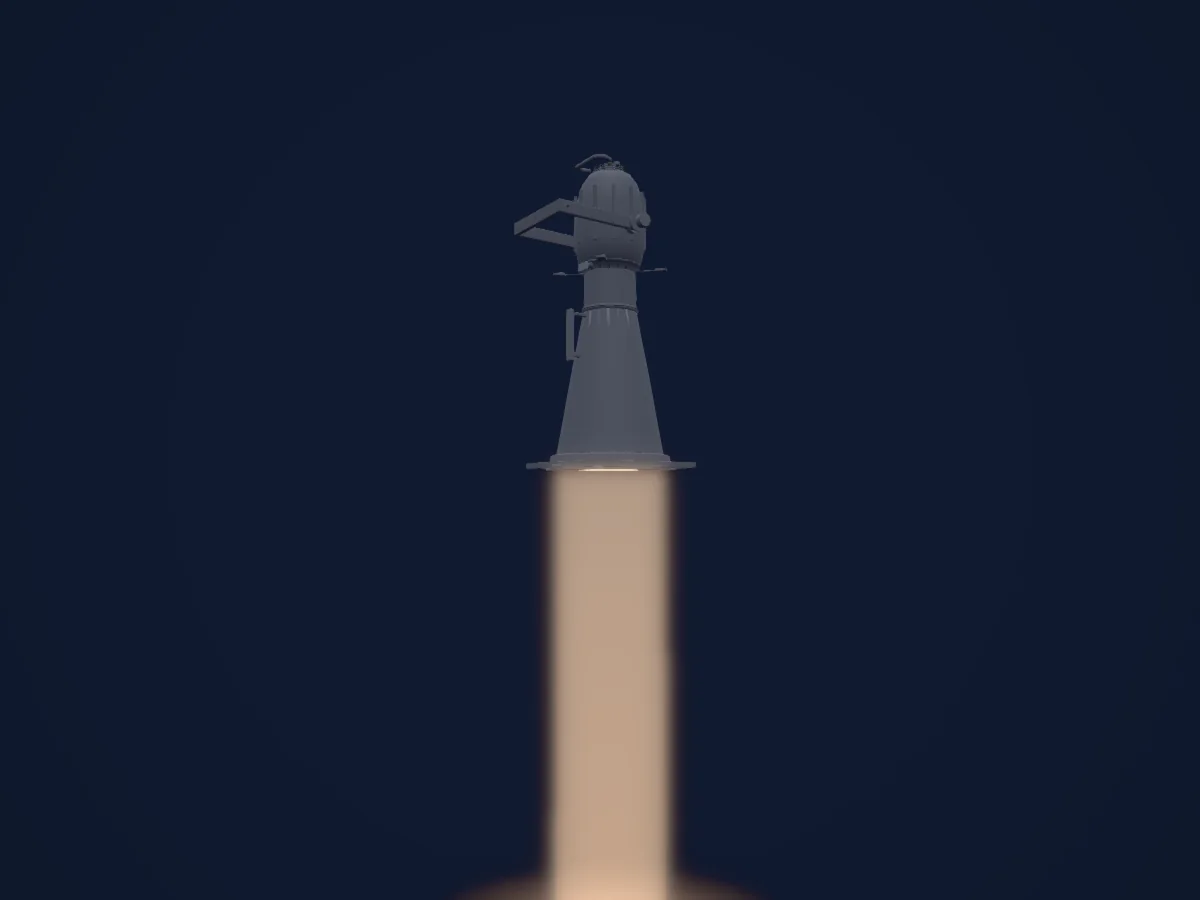
Profile spot
ETC Source Four 5
1 DMX channel
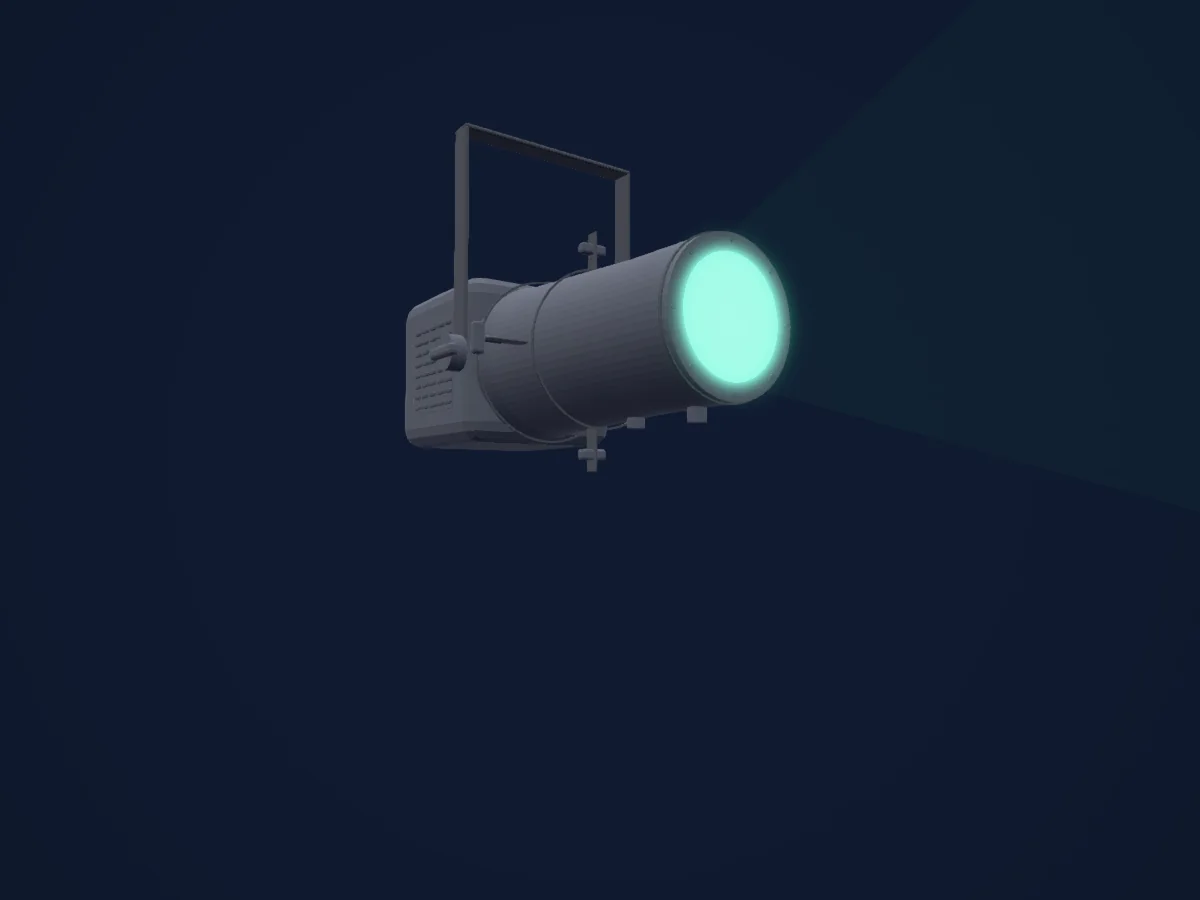
Profile spot
ETC ColorSource Spot Jr
1 / 3 / 5 / 6 DMX channels
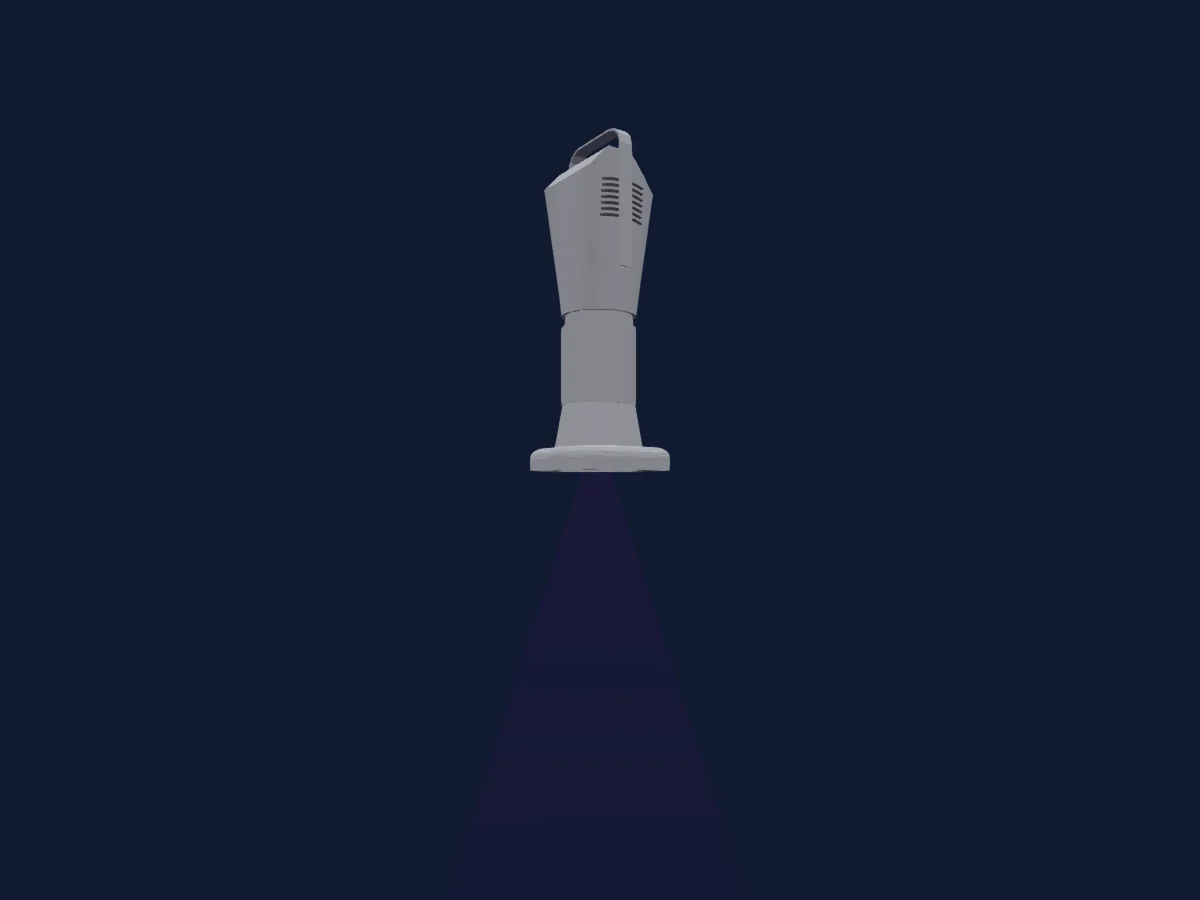
Profile spot
ETC S4 Series 3 Lustr X8 36Deg
1 / 3 / 7 / 8 / 9 / 11 / 12 / 16 / 21 DMX channels
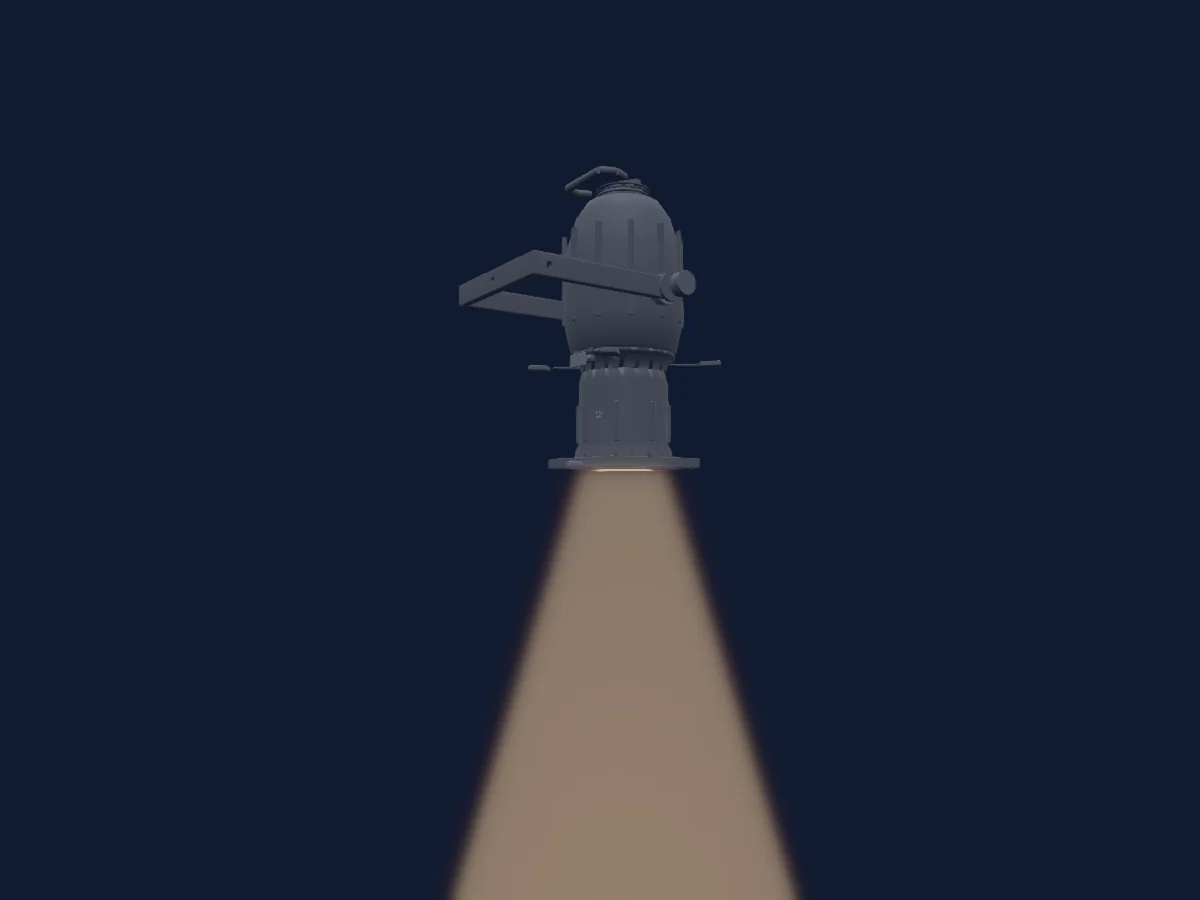
Profile spot
ETC Source Four 50
1 DMX channel
Charts come from the fixture’s GDTF description as converted for the HitLight library. HitLight is not affiliated with ETC.
Fixture model: gdtf-etc-source-four-14-2611047101
Original HitLight primitive exterior reconstruction from private manufacturer references. Approximate planning geometry; fine fittings/source homing/photometry not calibrated. No third-party mesh,photo texture,logo or original manual redistributed; not hardware verified.
Creator: HitLight