 HitLight
Flash 7X40W BIG EYE PRO
DMX chart, 3 DMX modes and a 3D preview. 17 / 22 / 23 DMX channels.
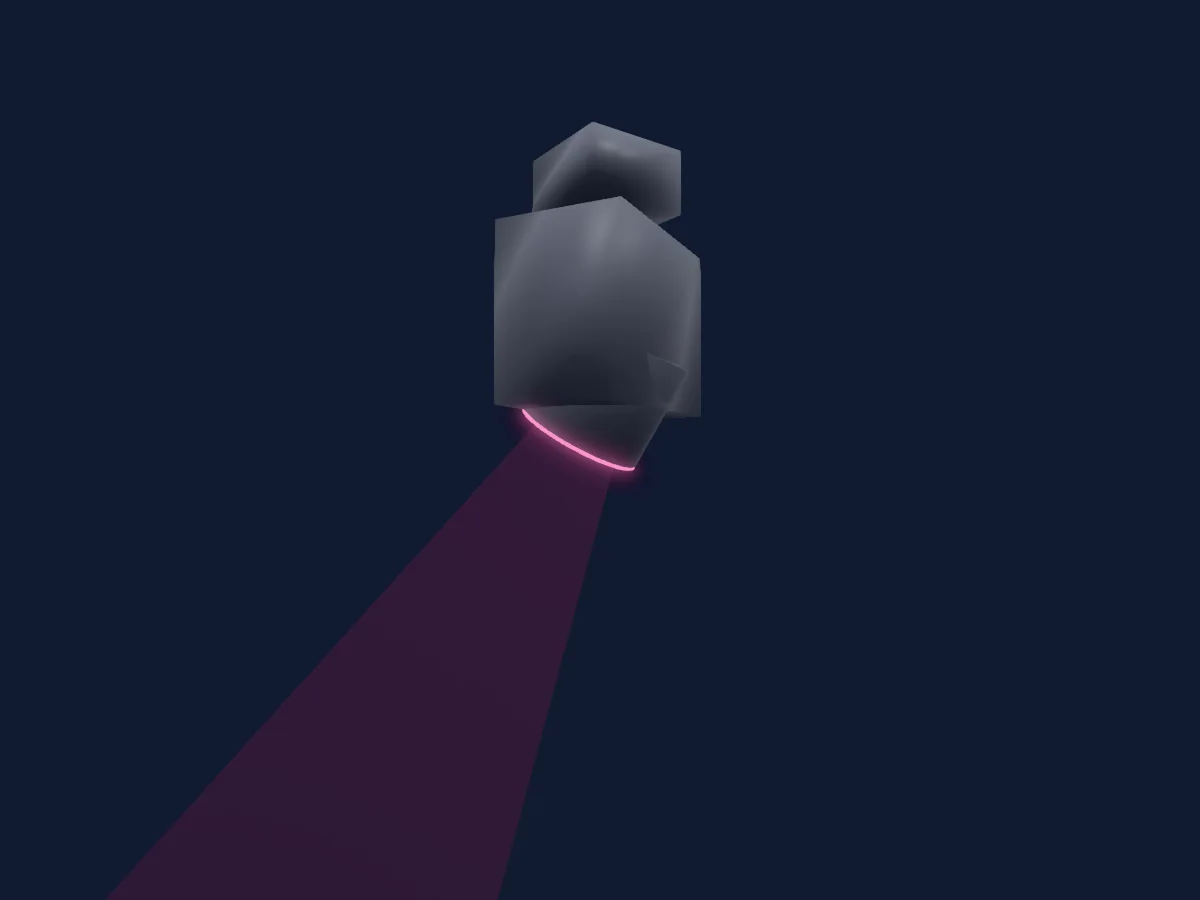
What it can do
- Zoom
- Extra LED colours
- RGB colour mixing
- Colour temperature
- Colour wheel
- Strobe
- Dimmer
- Pixel control
- Movement speed
Safety-relevant functions: Fixture reset · Strobe. Check how these behave on your own fixture before a show.
DMX modes and channel charts
| Mode | Channels | In HitLight |
|---|---|---|
| 17ch | 17 | Ready in HitLight |
| 22ch | 22 | Ready in HitLight |
| 23ch | 23 | Ready in HitLight |
17ch
Ready in HitLight17 DMX channels · Download this chart as CSV
| Channel | Function | Default | DMX values |
|---|---|---|---|
| 1 | Pan | 128 | 0–255 |
| 2 | Pan Fine | 0 | Fine byte of Pan |
| 3 | Tilt | 128 | 0–255 |
| 4 | Tilt Fine | 0 | Fine byte of Tilt |
| 5 | Position MSpeed | 0 | 2 value ranges
|
| 6 | Zoom | 128 | 2 value ranges
|
| 7 | Dimmer | 0 | 2 value ranges
|
| 8 | Shutter / Strobe | 0 | 4 value ranges
|
| 9 | Red | 255 | 0–255 |
| 10 | Green | 255 | 0–255 |
| 11 | Blue | 255 | 0–255 |
| 12 | White | 0 | 0–255 |
| 13 | Dimmer Curve | 0 | 4 value ranges
|
| 14 | Color Wheel | 0 | 21 value ranges
|
| 15 | Color Macro1 | 0 | 3 value ranges
|
| 16 | Color Macro1Rate | 0 | 2 value ranges
|
| 17 | Control1 | 0 | 2 value ranges
|
22ch
Ready in HitLight22 DMX channels · Download this chart as CSV
| Channel | Function | Default | DMX values |
|---|---|---|---|
| 1 | Pan | 128 | 0–255 |
| 2 | Pan Fine | 0 | Fine byte of Pan |
| 3 | Tilt | 128 | 0–255 |
| 4 | Tilt Fine | 0 | Fine byte of Tilt |
| 5 | Position MSpeed | 0 | 2 value ranges
|
| 6 | Zoom | 128 | 2 value ranges
|
| 7 | Dimmer | 0 | 2 value ranges
|
| 8 | Reserved 8 | 0 | 0–255 |
| 9 | Shutter / Strobe | 0 | 4 value ranges
|
| 10 | Red | 255 | 0–255 |
| 11 | Red Fine | 255 | Fine byte of Red |
| 12 | Green | 255 | 0–255 |
| 13 | Green Fine | 255 | Fine byte of Green |
| 14 | Blue | 255 | 0–255 |
| 15 | Blue Fine | 255 | Fine byte of Blue |
| 16 | White | 0 | 0–255 |
| 17 | White Fine | 0 | Fine byte of White |
| 18 | Dimmer Curve | 0 | 4 value ranges
|
| 19 | Color Wheel | 0 | 21 value ranges
|
| 20 | Color Macro1 | 0 | 3 value ranges
|
| 21 | Color Macro1Rate | 0 | 2 value ranges
|
| 22 | Control1 | 0 | 2 value ranges
|
23ch
Ready in HitLight23 DMX channels · Download this chart as CSV
| Channel | Function | Default | DMX values |
|---|---|---|---|
| 1 | Pan | 128 | 0–255 |
| 2 | Pan Fine | 0 | Fine byte of Pan |
| 3 | Tilt | 128 | 0–255 |
| 4 | Tilt Fine | 0 | Fine byte of Tilt |
| 5 | Position MSpeed | 0 | 2 value ranges
|
| 6 | Zoom | 128 | 2 value ranges
|
| 7 | Beam Shaper | 0 | 0–255 |
| 8 | Dimmer | 0 | 2 value ranges
|
| 9 | Shutter / Strobe | 0 | 4 value ranges
|
| 10 | Red | 255 | 0–255 |
| 11 | Green | 255 | 0–255 |
| 12 | Blue | 255 | 0–255 |
| 13 | White | 0 | 0–255 |
| 14 | C TO | 0 | 0–255 |
| 15 | Color Macro1 | 0 | 3 value ranges
|
| 16 | Color Wheel | 0 | 21 value ranges
|
| 17 | Color Effects1 | 0 | 4 value ranges
|
| 18 | Color Macro1Rate | 0 | 2 value ranges
|
| 19 | Red | 0 | 0–255 |
| 20 | Green | 0 | 0–255 |
| 21 | Blue | 0 | 0–255 |
| 22 | White | 0 | 0–255 |
| 23 | Control1 | 0 | 2 value ranges
|
Use the Flash 7X40W BIG EYE PRO in HitLight
- Open Add fixture and search for Flash 7X40W BIG EYE PRO.
- Choose the DMX mode set in the fixture’s own menu. HitLight gives it the lowest free start address on its universe that fits the mode’s channel count.
- Check the mode and controls against your real fixture before live use.
Related fixtures
Moving head
Flash HYBRID 17R 3W1 SWB v2
16 / 24 DMX channels
Moving head
Flash LED MOVING HEAD 150W 2-31* ROTO PRISM
20 DMX channels
Moving head
Flash EVENT WashRING600
10 / 15 / 18 / 21 / 25 / 37 / 46 DMX channels
Moving head
Flash Hybrid 10R
16 / 24 DMX channels
Moving head
Flash EVENT Moving Head 8R
16 DMX channels
Moving head
Flash BEAM 7R v1909
16 DMX channels
Charts come from the fixture’s GDTF description as converted for the HitLight library. HitLight is not affiliated with Flash.