 HitLight
FOS Technologies Linea Zoom
DMX chart, 1 DMX mode and a 3D preview. 8 DMX channels.
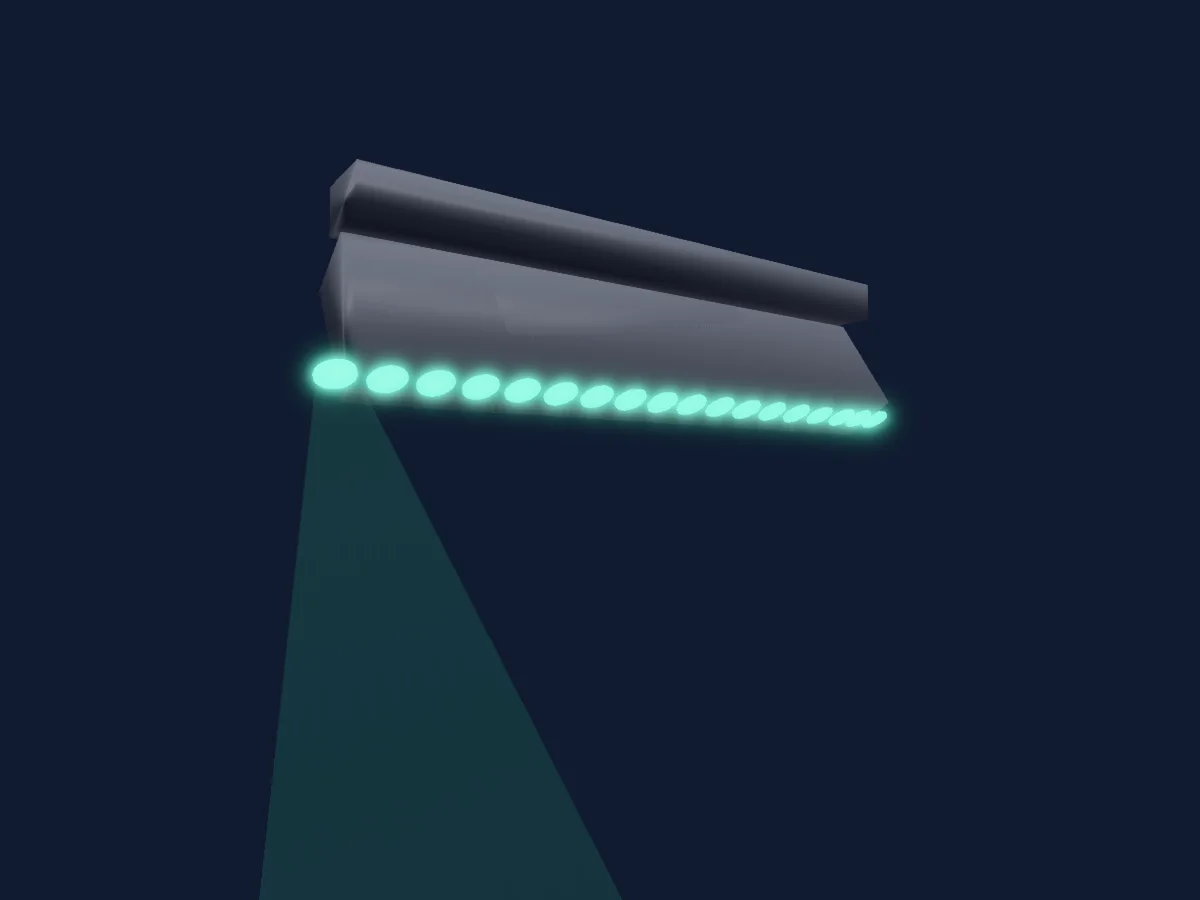
What it can do
- Zoom
- Extra LED colours
- RGB colour mixing
Safety-relevant functions: Fixture reset. Check how these behave on your own fixture before a show.
DMX modes and channel charts
| Mode | Channels | In HitLight |
|---|---|---|
| 76Ch | 8 | Ready in HitLight |
76Ch
Ready in HitLight8 DMX channels · Download this chart as CSV
| Channel | Function | Default | DMX values |
|---|---|---|---|
| 1 | Tilt | 128 | 3 value ranges
|
| 2 | Tilt Fine | 0 | Fine byte of Tilt |
| 3 | Zoom | 0 | 0–255 |
| 4 | Zoom | 0 | 0–255 |
| 5 | Red | 0 | 0–255 |
| 6 | Green | 0 | 0–255 |
| 7 | Blue | 0 | 0–255 |
| 8 | White | 0 | 0–255 |
Use the FOS Technologies Linea Zoom in HitLight
- Open Add fixture and search for FOS Technologies Linea Zoom.
- Choose the DMX mode set in the fixture’s own menu. HitLight gives it the lowest free start address on its universe that fits the mode’s channel count.
- Check the mode and controls against your real fixture before live use.
Related fixtures
Moving head
FOS Technologies FOS Q19 Ultra
24 DMX channels
Moving head
FOS Technologies FOS Wash LED Quad III
16 DMX channels
Moving head
FOS Technologies FOS Triton
20 DMX channels
Moving head
FOS Technologies FOS Iridium Wash
15 DMX channels
Moving head
FOS Technologies FOS Nitro BSW
15 / 17 DMX channels
Moving head
FOS Technologies Scorpio Wash
26 / 38 / 66 DMX channels
Charts come from the fixture’s GDTF description as converted for the HitLight library. HitLight is not affiliated with FOS Technologies.