 HitLight
FOS Technologies Nox
DMX chart, 1 DMX mode and a 3D preview. 22 DMX channels.
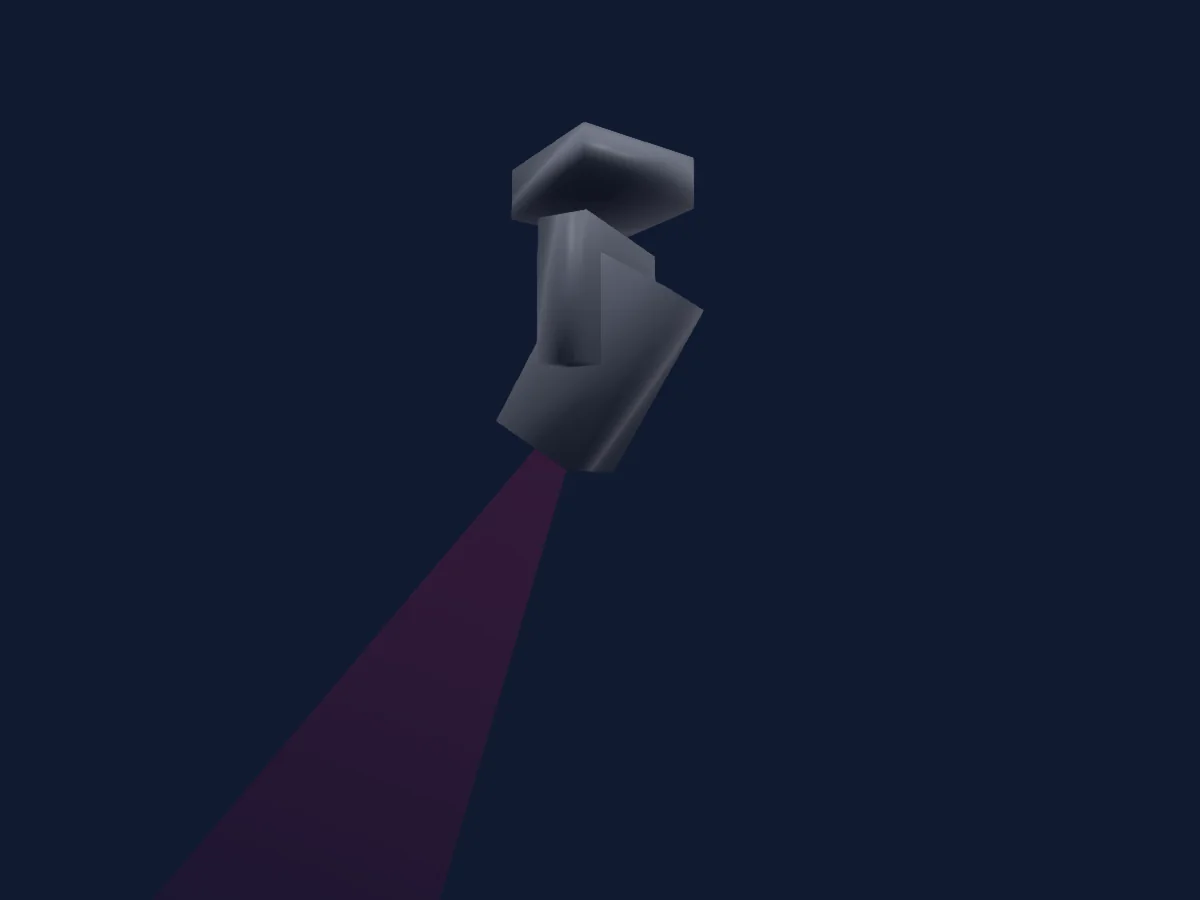
What it can do
- Focus
- Frost
- Iris
- Prism
- Zoom
- Colour temperature
- Colour wheel
- Dimmer
- Movement speed
- Gobos
- Gobo rotation
Safety-relevant functions: Fixture reset · Strobe. Check how these behave on your own fixture before a show.
DMX modes and channel charts
| Mode | Channels | In HitLight |
|---|---|---|
| 22CH MODE | 22 | Ready in HitLight |
22CH MODE
Ready in HitLight22 DMX channels · Download this chart as CSV
| Channel | Function | Default | DMX values |
|---|---|---|---|
| 1 | Pan | 128 | 0–255 |
| 2 | Pan Fine | 0 | Fine byte of Pan |
| 3 | Tilt | 128 | 0–255 |
| 4 | Tilt Fine | 0 | Fine byte of Tilt |
| 5 | Color Wheel | 0 | 5 value ranges
|
| 6 | Gobo | 0 | 16 value ranges
|
| 7 | Gobo1Wheel Index | 0 | 0–255 |
| 8 | Gobo 2 | 0 | 24 value ranges
|
| 9 | Shutter / Strobe | 255 | 0–255 |
| 10 | Dimmer | 0 | 2 value ranges
|
| 11 | Cyan | 0 | 0–255 |
| 12 | Magenta | 0 | 0–255 |
| 13 | Yellow | 0 | 0–255 |
| 14 | C TO | 0 | 0–255 |
| 15 | Focus | 0 | 0–255 |
| 16 | Zoom | 0 | 0–255 |
| 17 | Prism | 0 | 3 value ranges
|
| 18 | Prism1Select Spin | 190 | 0–255 |
| 19 | Iris | 0 | 0–255 |
| 20 | Frost1 | 0 | 0–255 |
| 21 | Position MSpeed | 255 | 0–255 |
| 22 | Function | 0 | 2 value ranges
|
Use the FOS Technologies Nox in HitLight
- Open Add fixture and search for FOS Technologies Nox.
- Choose the DMX mode set in the fixture’s own menu. HitLight gives it the lowest free start address on its universe that fits the mode’s channel count.
- Check the mode and controls against your real fixture before live use.
Related fixtures
Profile spot
FOS Technologies RGB Fan
11 DMX channels

Profile spot
FOS Technologies ARES
37 DMX channels

Profile spot
FOS Technologies Fos Profile 200w Led
1 DMX channel
Moving head
FOS Technologies FOS Odeum Wash
14 DMX channels

PAR
FOS Technologies FOS PAR COB 200W LED TW
2 / 4 DMX channels
PAR
FOS Technologies FOS Luminus Pro IP
6 / 8 / 12 DMX channels
Charts come from the fixture’s GDTF description as converted for the HitLight library. HitLight is not affiliated with FOS Technologies.