 HitLight
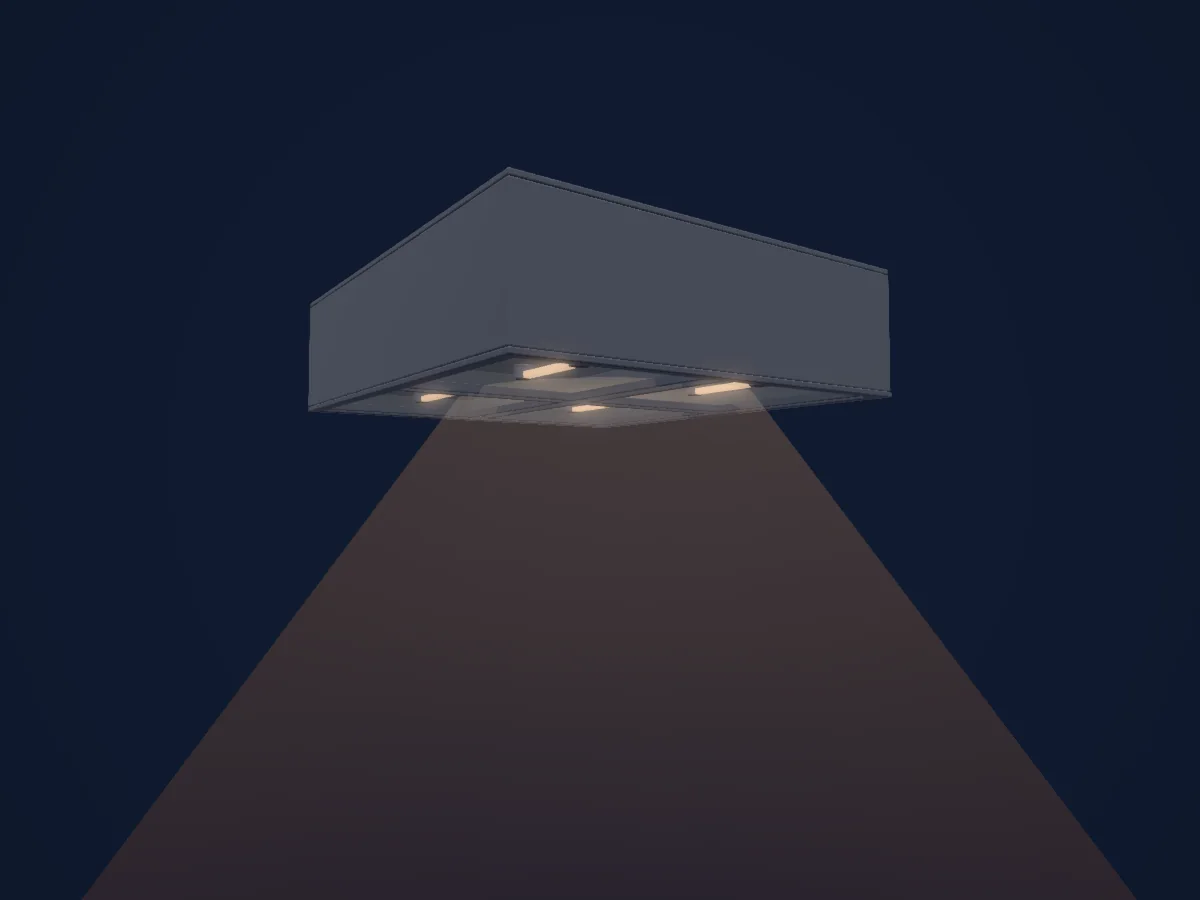
Generic Cyc Flood 4-Cell
DMX chart, 1 DMX mode and a 3D preview. 1 DMX channel.
What it can do
- Dimmer
DMX modes and channel charts
| Mode | Channels | In HitLight |
|---|---|---|
| Provisional external dimmer (virtual) | 1 | Ready in HitLight |
Provisional external dimmer (virtual)
Ready in HitLight1 DMX channel · Download this chart as CSV
| Channel | Function | Default | DMX values |
|---|---|---|---|
| 1 | Dimmer | 0 | 0–255 |
Use the Generic Cyc Flood 4-Cell in HitLight
- Open Add fixture and search for Generic Cyc Flood 4-Cell.
- Choose the DMX mode set in the fixture’s own menu. HitLight gives it the lowest free start address on its universe that fits the mode’s channel count.
- Check the mode and controls against your real fixture before live use.
Venues with the Generic Cyc Flood 4-Cell
Their saved rigs list this fixture model. Confirm the current equipment with the venue.
- Bathurst Memorial Entertainment Centre Bathurst, Australia
- CCN2 - Centre chorégraphique national de Grenoble GRENOBLE, France
- Deventer Schouwburg Deventer, Netherlands
- Großes Kulturhaus Bad Füssing Bad Füssing, Germany
- Narodno pozorište Sarajevo Sarajevo, Bosnia & Herzegovina
- Norris Theatre Rolling Hills Estates, United States
- Theater an der Blinke Leer, Germany
- Xinzhuang Culture and Arts Center New Taipei City (Xinzhuang District), Taiwan
Related fixtures
Generic LED PAR NICO IP
Generic 2Lite LED Blinder
Generic LHGL
Generic Basic LED PAR RGBDim
Generic DALI House Light
Generic RGBWAUV LED Par Light R2
Charts come from the fixture’s GDTF description as converted for the HitLight library. HitLight is not affiliated with Generic.
Fixture model: gdtf-generic-cyc-flood-4-cell-2611025102
Original approximate HitLight generic theatre instrument class housing, locally authored from basic primitives. No OEM mesh, image, photograph, logo or texture copied. Existing source profile/archive, provisional virtual intensity byte, aperture, mount, articulation and optical metadata retained verbatim. This class display does not identify an installed maker/model, lamp/power, optic or measured envelope. Manual fittings are illustrative; electrical dimming compatibility, hardware, photometry, rigging and clearance remain unverified. Source-specific donor identities and mode/patch/output exclusions must remain labelled.
Creator: HitLight