 HitLight
Generic LED par
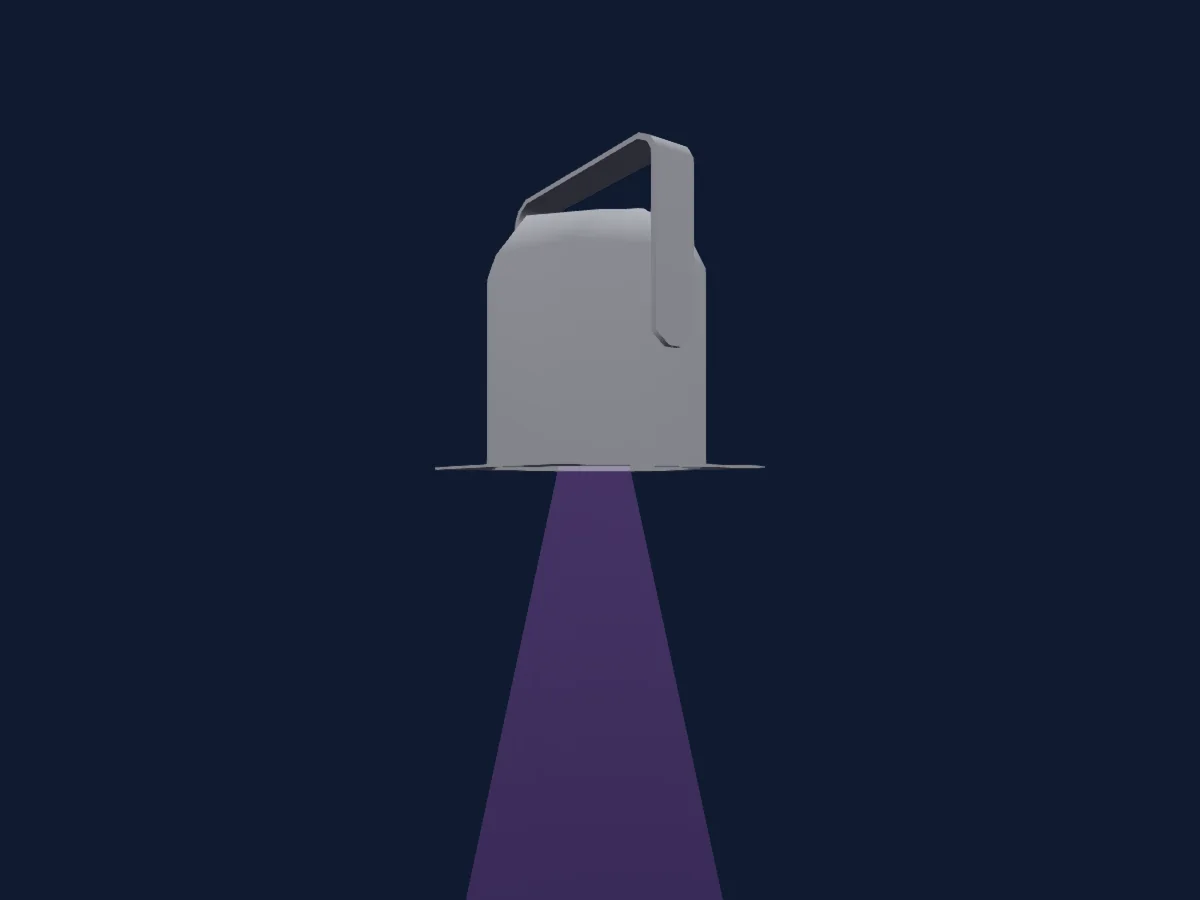
DMX chart, 1 DMX mode and a 3D preview. 4 DMX channels.
What it can do
- Extra LED colours
- RGB colour mixing
DMX modes and channel charts
| Mode | Channels | In HitLight |
|---|---|---|
| Standard | 4 | Ready in HitLight |
Standard
Ready in HitLight4 DMX channels · Download this chart as CSV
| Channel | Function | Default | DMX values |
|---|---|---|---|
| 1 | White | 0 | 0–255 |
| 2 | Blue | 0 | 0–255 |
| 3 | Green | 0 | 0–255 |
| 4 | Red | 0 | 0–255 |
Use the Generic LED par in HitLight
- Open Add fixture and search for Generic LED par.
- Choose the DMX mode set in the fixture’s own menu. HitLight gives it the lowest free start address on its universe that fits the mode’s channel count.
- Check the mode and controls against your real fixture before live use.
Venues with the Generic LED par
Their saved rigs list this fixture model. Confirm the current equipment with the venue.
- Cineteatro 2 de Julho Salvador, Brazil
- Clasijazz Almería, Spain
- Dělnický dům — Blansko Blansko, Czechia
- E-WERK Südufer Freiburg im Breisgau, Germany
- Gradsko kazalište Marina Držića Dubrovnik, Croatia
- Independance Club Madrid, Spain
- Kino Praha — Mazowiecki Teatr Muzyczny im. Jana Kiepury Warszawa, Poland
- La 2 Sevilla, Spain
- Le Singe Bienne-Biel, Switzerland
- Nova Jazz Cava Terrassa, Spain
- Palais des Glaces PARIS, France
- Pozorište lutaka Mostar Mostar, Bosnia & Herzegovina
Related fixtures
PAR
Generic RGBW8
4 DMX channels

PAR
Generic LED LSWC
4 DMX channels
PAR
Generic RGBWAUV LED Par Light
10 DMX channels
PAR
Generic 6-in-1 Par Light
6 / 10 DMX channels
PAR
Generic IRGB LED Par
4 DMX channels
PAR
Generic PAR 64 MFL (CP62)
1 / 2 DMX channels
Charts come from the fixture’s GDTF description as converted for the HitLight library. HitLight is not affiliated with Generic.