 HitLight
Generic PAR 36 ACL
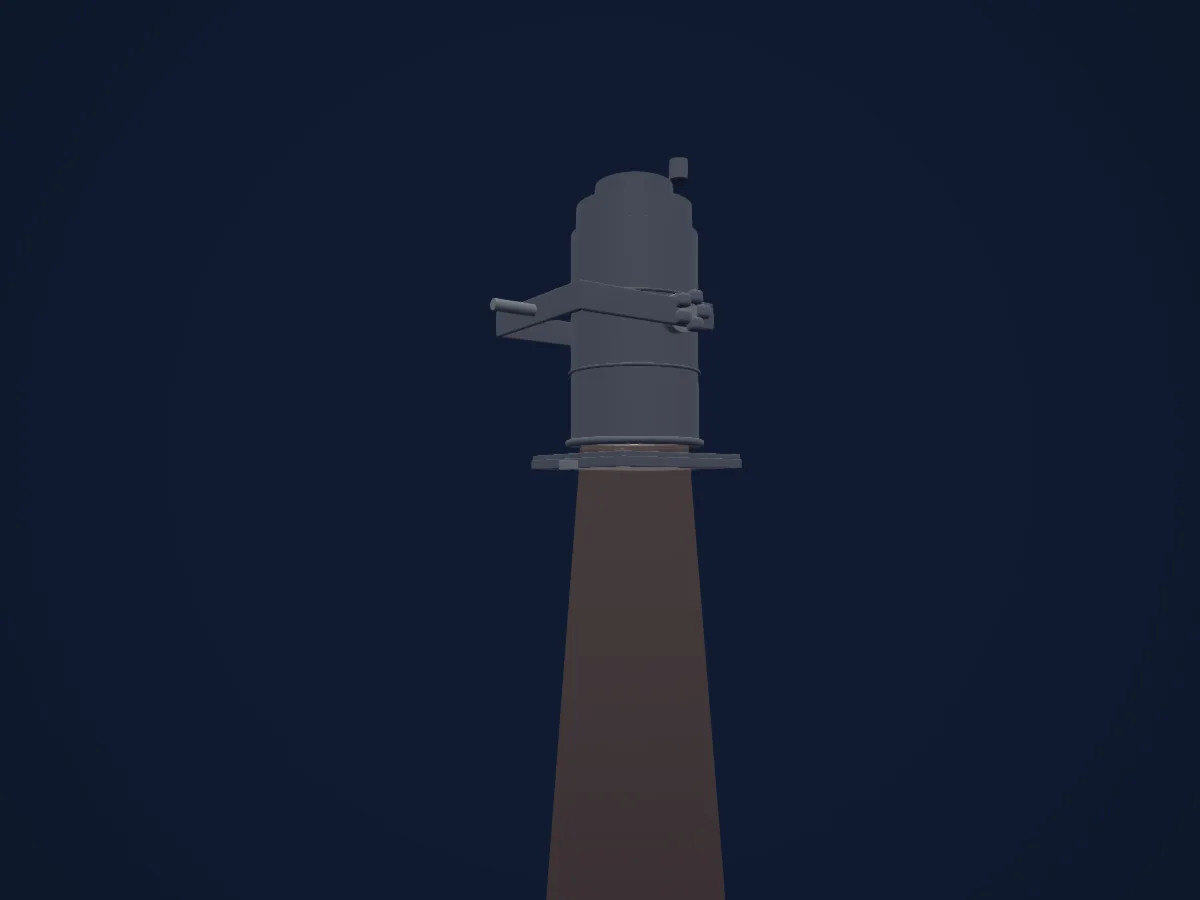
DMX chart, 1 DMX mode and a 3D preview. 1 DMX channel.
What it can do
- Dimmer
DMX modes and channel charts
| Mode | Channels | In HitLight |
|---|---|---|
| Provisional external dimmer (virtual) | 1 | Ready in HitLight |
Provisional external dimmer (virtual)
Ready in HitLight1 DMX channel · Download this chart as CSV
| Channel | Function | Default | DMX values |
|---|---|---|---|
| 1 | Dimmer | 0 | 0–255 |
Use the Generic PAR 36 ACL in HitLight
- Open Add fixture and search for Generic PAR 36 ACL.
- Choose the DMX mode set in the fixture’s own menu. HitLight gives it the lowest free start address on its universe that fits the mode’s channel count.
- Check the mode and controls against your real fixture before live use.
Venues with the Generic PAR 36 ACL
Their saved rigs list this fixture model. Confirm the current equipment with the venue.
- Le Bateau Ivre Tours, France
- Le Singe Bienne-Biel, Switzerland
- Lindenkeller Freising Freising, Germany
- Musiktheater Rex Bensheim, Germany
- Parkhaus Meiderich Duisburg, Germany
- Spectrum Club Augsburg, Germany
Related fixtures
PAR
Generic Dual PAR64 CP60
1 DMX channel
PAR
Generic Basic LED PAR56
7 DMX channels
PAR
Generic Basic LED PAR RGBDim
4 DMX channels
PAR
Generic Ronin 19x12W Ring Par
6 / 9 / 21 DMX channels
PAR
Generic Sunstrip 14pcs Uncolored
14 DMX channels
PAR
Generic RGBW led string
10 DMX channels
Charts come from the fixture’s GDTF description as converted for the HitLight library. HitLight is not affiliated with Generic.
Fixture model: gdtf-generic-par-36-acl-2611029204
Original HitLight generic PAR36 ACL planning housing. Representative Eurolite PAR36 long-can appearance; dimensions, small hardware and fixed ACL optics are class estimates. Clear aperture corrected without changing controls or optical mesh. No installed manufacturer, measured beam or hardware acceptance claimed; source documents/photos permissions unchanged.
Creator: HitLight