 HitLight
Generic PAR 64 VNSP (CP60)
DMX chart, 2 DMX modes and a 3D preview. 1 / 2 DMX channels.
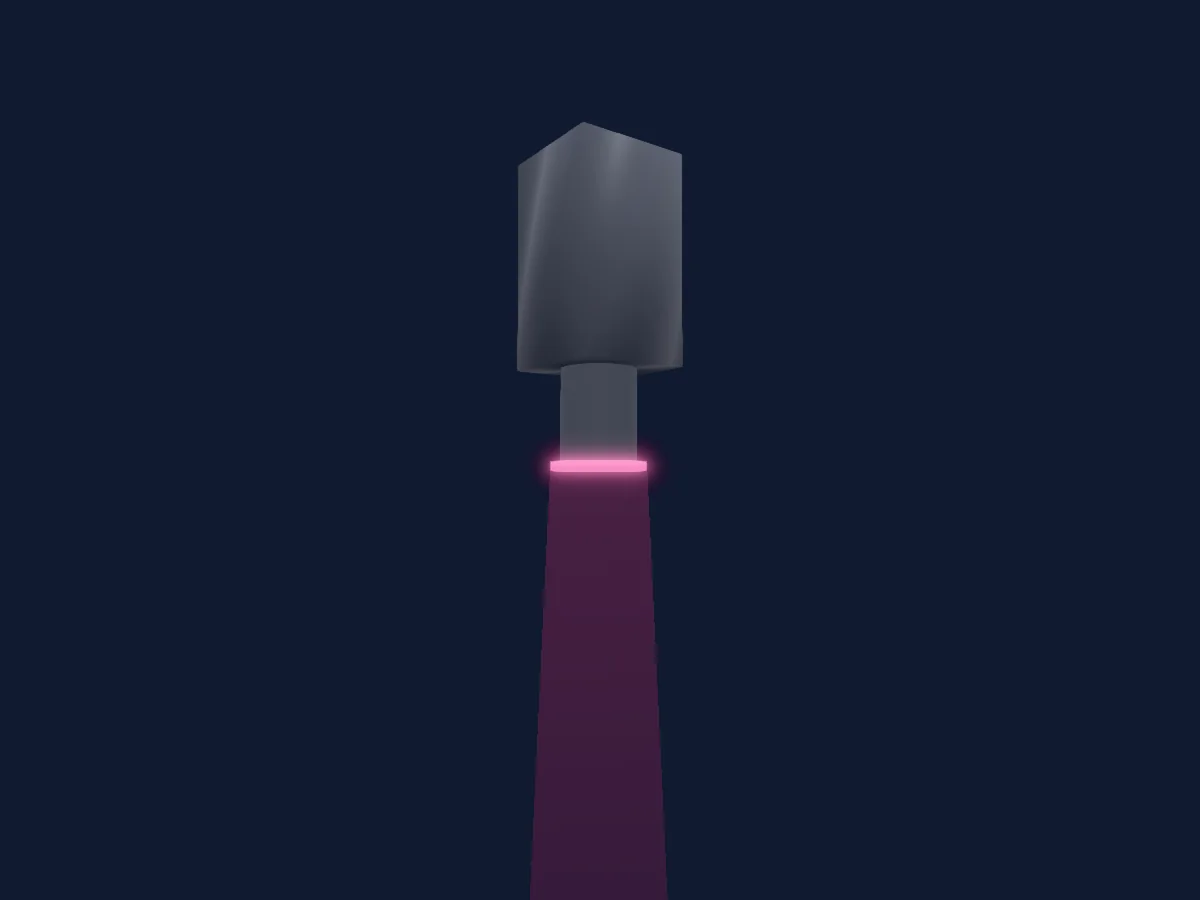
What it can do
- Dimmer
DMX modes and channel charts
| Mode | Channels | In HitLight |
|---|---|---|
| Dim 8Bit | 1 | Ready in HitLight |
| Dim 16Bit | 2 | Ready in HitLight |
Dim 8Bit
Ready in HitLight1 DMX channel · Download this chart as CSV
| Channel | Function | Default | DMX values |
|---|---|---|---|
| 1 | Dimmer | 0 | 13 value ranges
|
Dim 16Bit
Ready in HitLight2 DMX channels · Download this chart as CSV
| Channel | Function | Default | DMX values |
|---|---|---|---|
| 1 | Dimmer | 0 | 13 value ranges
|
| 2 | Dimmer Fine | 0 | Fine byte of Dimmer |
Use the Generic PAR 64 VNSP (CP60) in HitLight
- Open Add fixture and search for Generic PAR 64 VNSP (CP60).
- Choose the DMX mode set in the fixture’s own menu. HitLight gives it the lowest free start address on its universe that fits the mode’s channel count.
- Check the mode and controls against your real fixture before live use.
Venues with the Generic PAR 64 VNSP (CP60)
Their saved rigs list this fixture model. Confirm the current equipment with the venue.
- Centre In The Square Kitchener, Canada
- Gradsko kazalište Marina Držića Dubrovnik, Croatia
- Kafe Antzokia Bilbao, Spain
- Le Cri'art AUCH, France
- Le Zèbre de Belleville - Cabaret de Poussière PARIS, France
- Live Club Trezzo sull’Adda, Italy
- Paramount Theatre Oakland, United States
- Suzanne Dellal Centre for Dance and Theatre Tel Aviv-Yafo, Israel
- Theater am Hechtplatz Zürich, Switzerland
- Алтайский краевой театр драмы имени В.М. Шукшина Барнаул, Russia
- Челябинский государственный академический театр драмы им. Наума Орлова Челябинск, Russia
- 市川市文化会館 (Ichikawa City Cultural Hall) Ichikawa, Japan
Related fixtures
PAR
Generic LED Wall RGB single panel
4 DMX channels
PAR
Generic LED PAR NICO IP
8 DMX channels
PAR
Generic RGBW8
4 DMX channels
PAR
Generic RGBWAUV LED Par Light
10 DMX channels
PAR
Generic 6-in-1 Par Light
6 / 10 DMX channels
PAR
Generic WwCw 2-Instance
4 / 8 DMX channels
Charts come from the fixture’s GDTF description as converted for the HitLight library. HitLight is not affiliated with Generic.