 HitLight
Generic PC 1kW
DMX chart, 1 DMX mode and a 3D preview. 1 DMX channel.
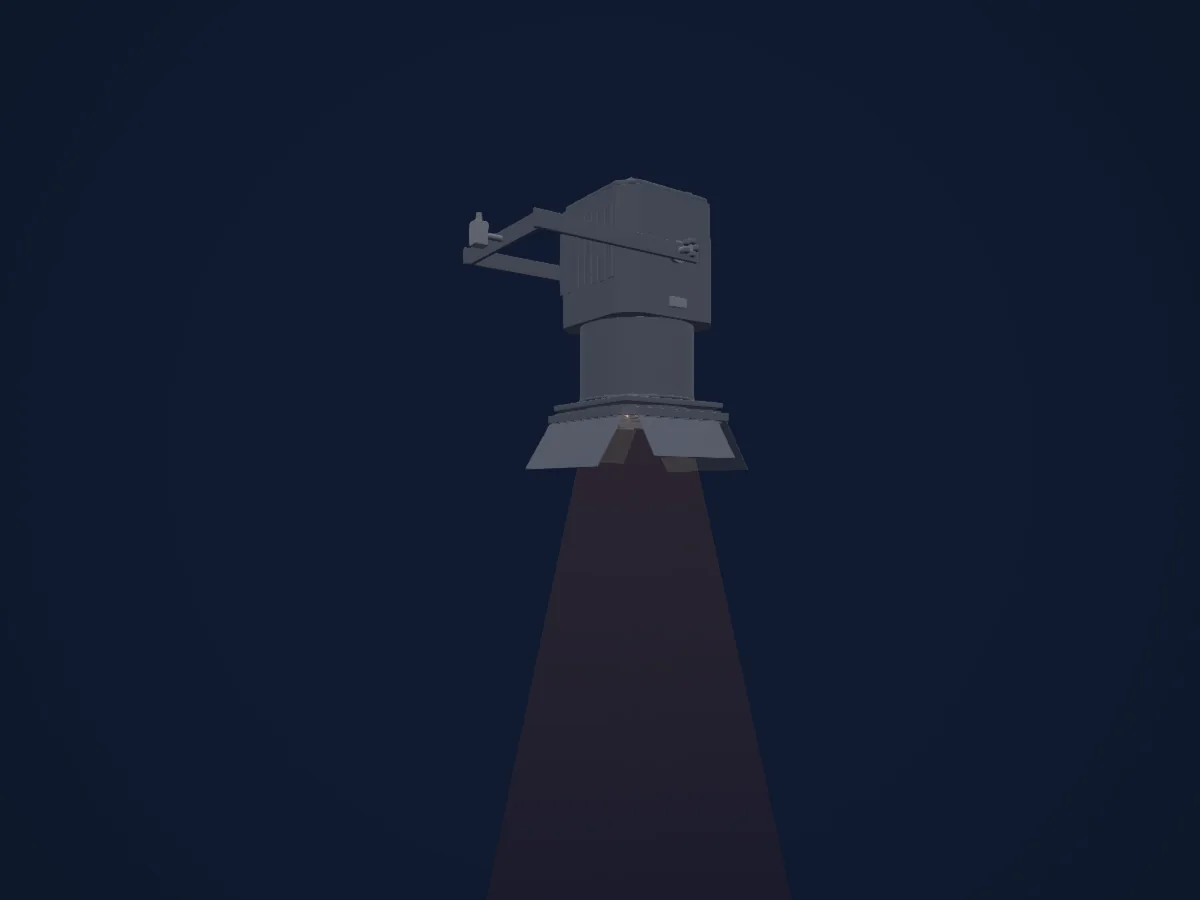
What it can do
- Dimmer
DMX modes and channel charts
| Mode | Channels | In HitLight |
|---|---|---|
| Provisional external dimmer (virtual) | 1 | Ready in HitLight |
Provisional external dimmer (virtual)
Ready in HitLight1 DMX channel · Download this chart as CSV
| Channel | Function | Default | DMX values |
|---|---|---|---|
| 1 | Dimmer | 0 | 0–255 |
Use the Generic PC 1kW in HitLight
- Open Add fixture and search for Generic PC 1kW.
- Choose the DMX mode set in the fixture’s own menu. HitLight gives it the lowest free start address on its universe that fits the mode’s channel count.
- Check the mode and controls against your real fixture before live use.
Venues with the Generic PC 1kW
Their saved rigs list this fixture model. Confirm the current equipment with the venue.
- Alter Schlachthof Wels Wels, Austria
- Asbl La Tricoterie Bruxelles, Belgium
- Auditori Sant Martí Barcelona, Spain
- Bambergsaal Villach, Austria
- Bitef teatar Beograd, Serbia
- CCN2 - Centre chorégraphique national de Grenoble GRENOBLE, France
- Center kulture Španski borci Ljubljana, Slovenia
- Compagnie Mises en scène / L'Entrepôt-L'Entrepôt AVIGNON, France
- Divadlo ABC Praha, Czechia
- Divadlo ABC / Městská divadla pražská Praha, Czechia
- Divadlo DISK Praha, Czechia
- Divadlo Komedie Praha, Czechia
Related fixtures
Spot
Generic Fresnel 1kW
1 DMX channel
Spot
Generic PC 500W
1 DMX channel
Spot
Generic Fresnel 2kW
1 DMX channel

Spot
Generic Temoin WHITE RAY
1 DMX channel
Spot
Generic PC 2kW
1 DMX channel
Spot
Generic Verfolger
2 DMX channels
Charts come from the fixture’s GDTF description as converted for the HitLight library. HitLight is not affiliated with Generic.
Fixture model: gdtf-generic-pc-1kw-2611025103
HitLight original generic 1kW PC class body. Representative RJ310HPC envelope/photo used as private reference only; no OEM mesh, logo, photo texture or installed manufacturer identity claimed.
Creator: HitLight