Skip to content
HitLight
GLP · PAR

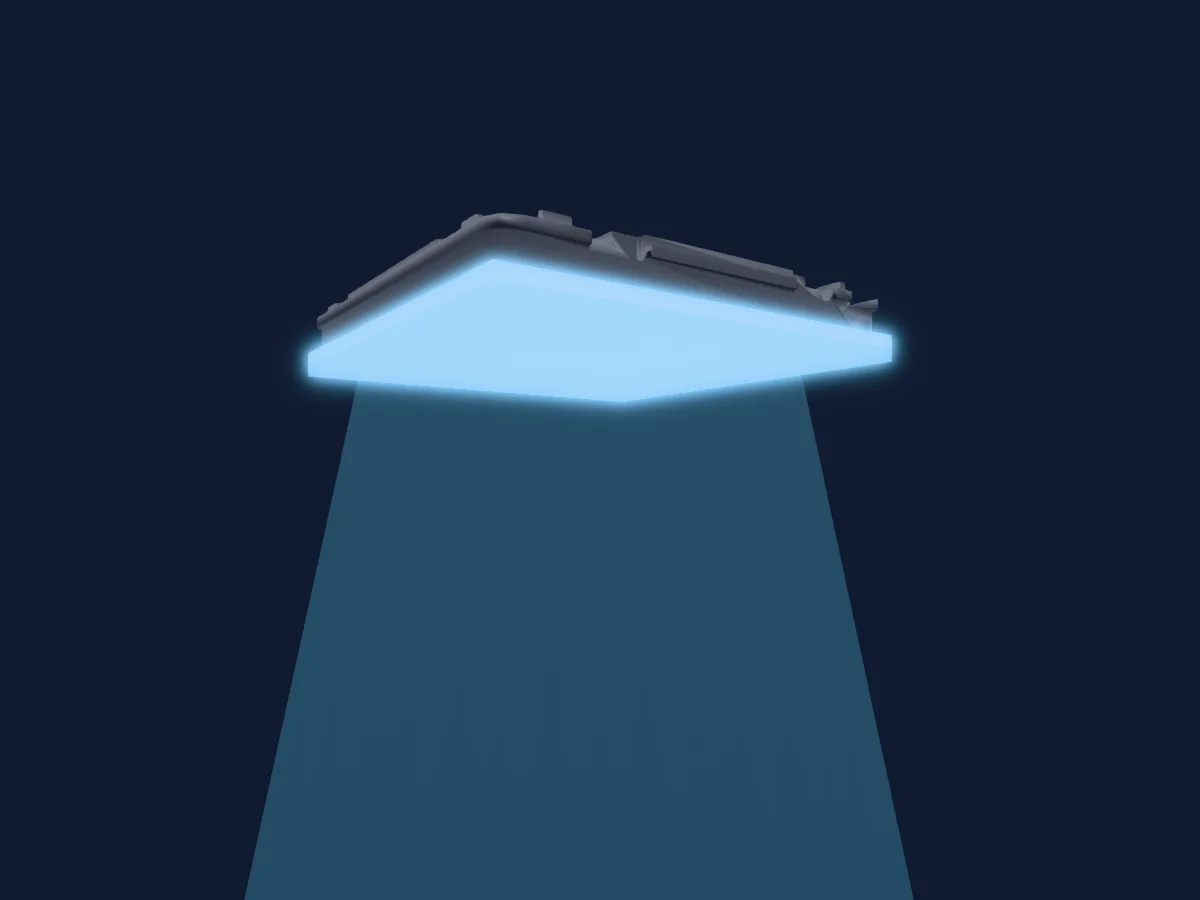
GLP Nexus Shapes Square

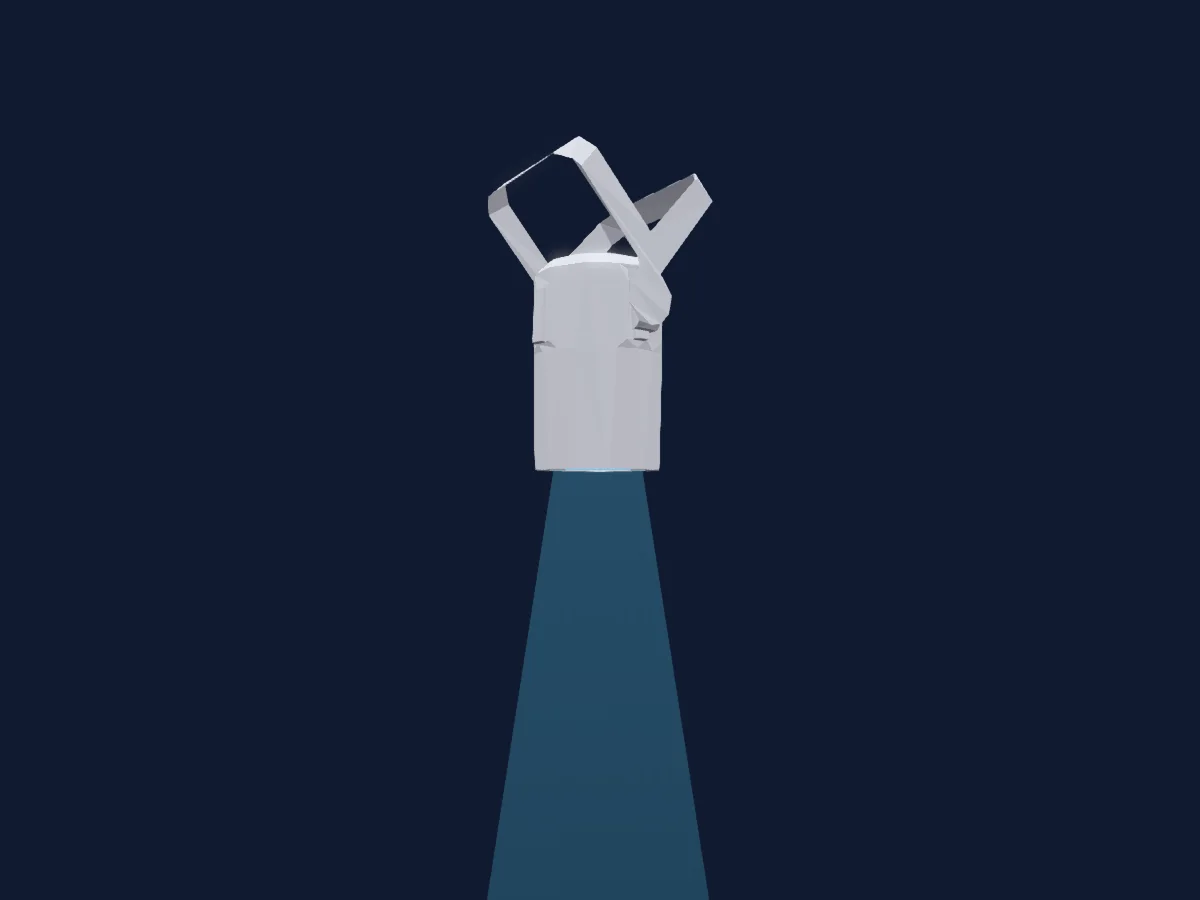
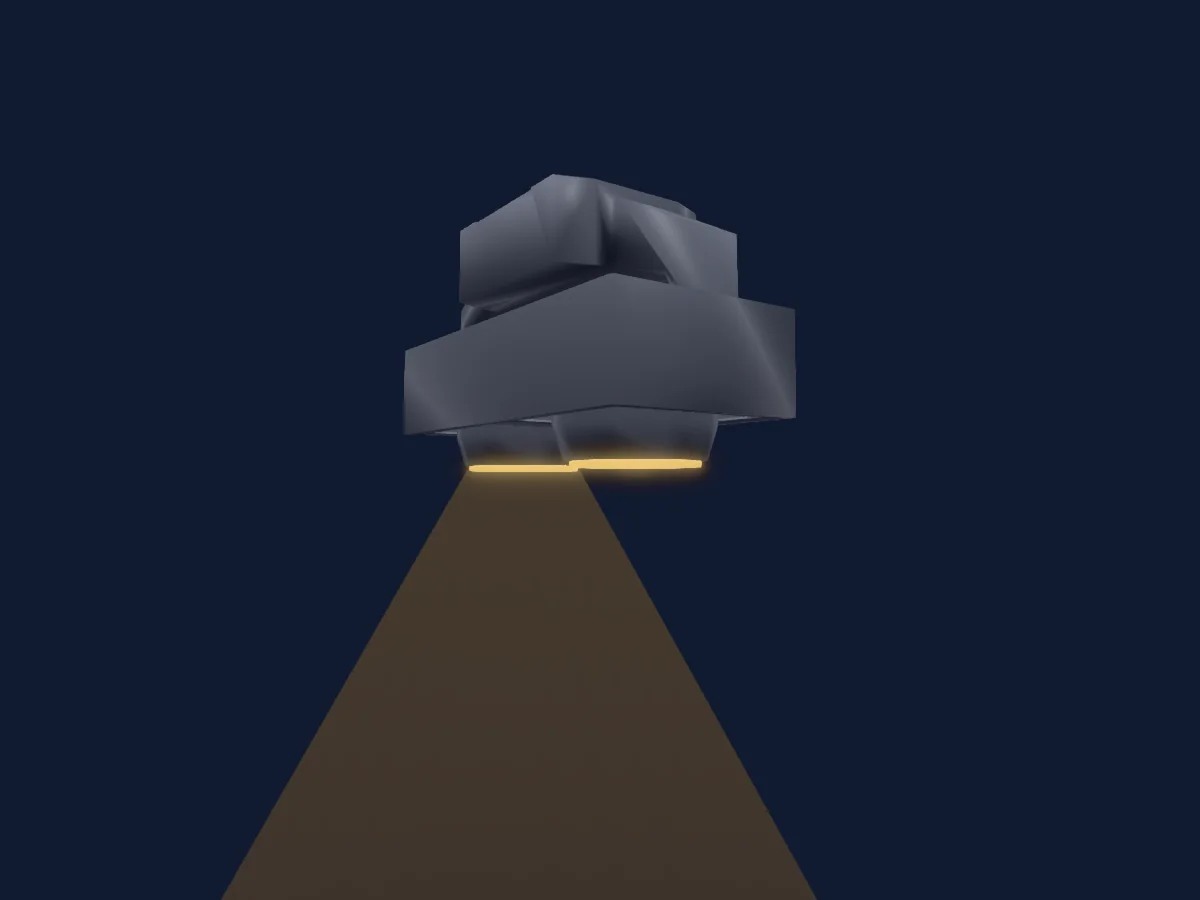
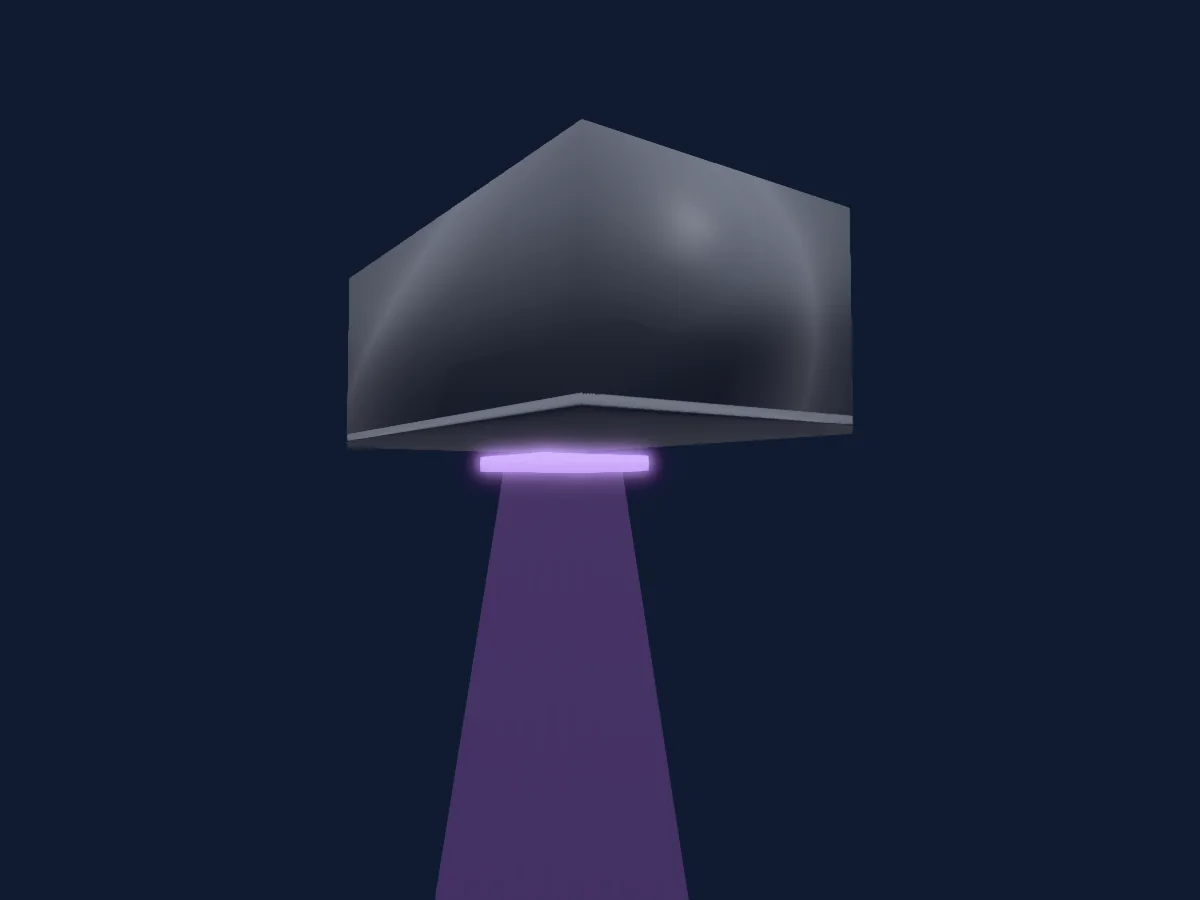
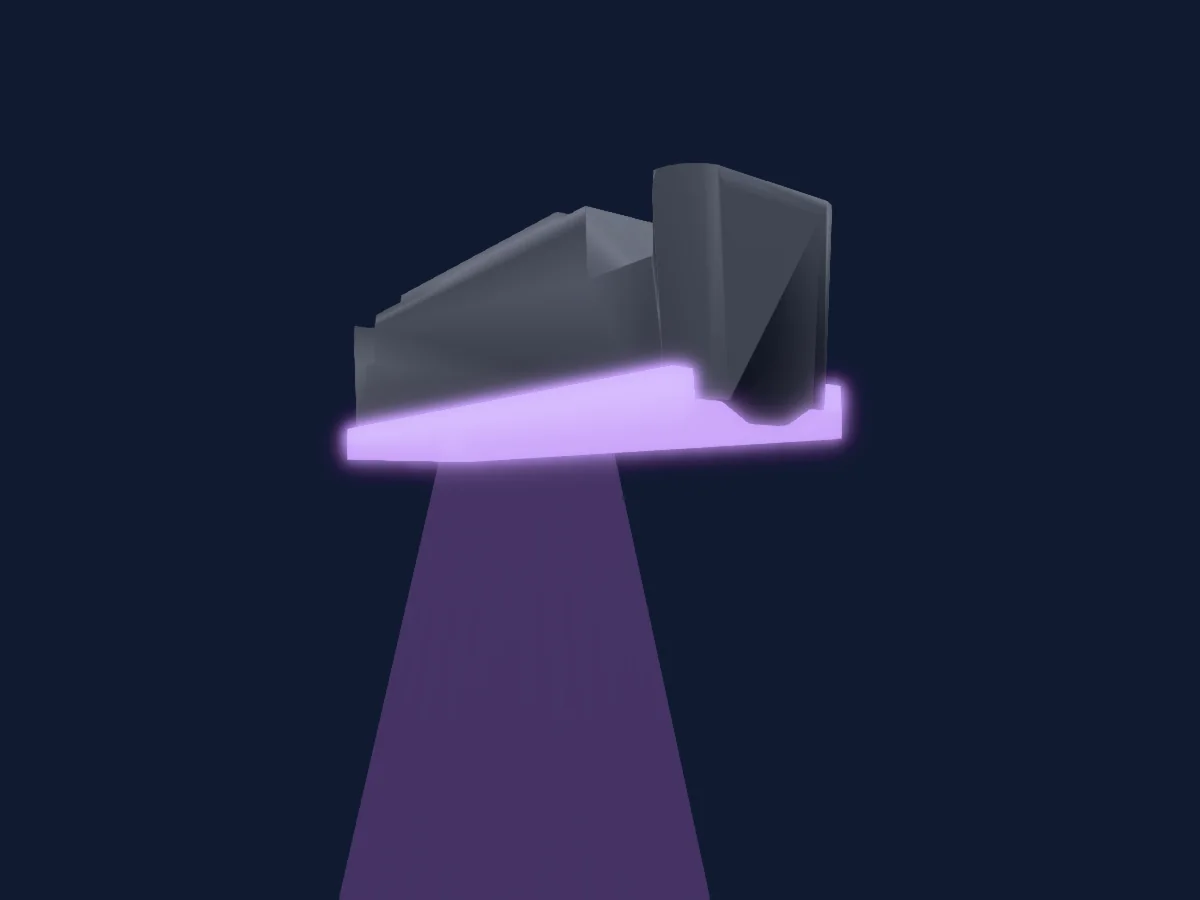
DMX chart, 6 DMX modes and a 3D preview. 3 / 5 / 8 / 17 / 22 DMX channels.
What it can do

  • Extra LED colours
  • RGB colour mixing
  • Colour temperature
  • Strobe
  • Dimmer
  • Pixel control

DMX modes and channel charts

DMX modes of GLP Nexus Shapes Square
ModeChannelsIn HitLight
M1 Compressed3Ready in HitLight
M1 Compressed virtual DIM3Ready in HitLight
M2 Simple5Ready in HitLight
M3 Normal8Ready in HitLight
M4 Patterns17Ready in HitLight
M5 Effect22Ready in HitLight

M1 Compressed

Ready in HitLight

3 DMX channels · Download this chart as CSV

DMX channel chart for M1 Compressed
ChannelFunctionDefaultDMX values
1Red00–255
2Green00–255
3Blue00–255

M1 Compressed virtual DIM

Ready in HitLight

3 DMX channels · Download this chart as CSV

DMX channel chart for M1 Compressed virtual DIM
ChannelFunctionDefaultDMX values
1Red2550–255
2Green2550–255
3Blue2550–255

M2 Simple

Ready in HitLight

5 DMX channels · Download this chart as CSV

DMX channel chart for M2 Simple
ChannelFunctionDefaultDMX values
1Dimmer0
5 value ranges
  • 0–62 Closed
  • 63–126 25%
  • 127–190 50%
  • 191–254 75%
  • 255–255 Open
2Shutter / Strobe255
25 value ranges
  • 0–4 Closed
  • 5–8 Single Flash
  • 9–9 Flash Single
  • 10–23 Pulse Slow
  • 24–38 Pulse Medium
  • 39–39 Pulse Fast
  • 40–53 Pulse Open Slow
  • 54–68 Pulse Open Med
  • 69–69 Pulse Open Fast
  • 70–83 Pulse Close Slow
  • 84–98 Pulse Close Med
  • 99–99 Pulse Close Fast
  • 100–113 Double Flash Slow
  • 114–128 Double Flash Med
  • 129–129 Double Flash Fast
  • 130–143 Random Pixel Slow
  • 144–158 Random Pixel Med
  • 159–159 Random Pixel Fast
  • 160–178 Random All Slow
  • 179–198 Random All Med
  • 199–199 Random All Fast
  • 200–224 Strobe Slow
  • 225–249 Strobe Med
  • 250–250 Strobe Fast
  • 255–255 Open
3Red2550–255
4Green2550–255
5Blue2550–255

M3 Normal

Ready in HitLight

8 DMX channels · Download this chart as CSV

DMX channel chart for M3 Normal
ChannelFunctionDefaultDMX values
1Dimmer0
5 value ranges
  • 0–62 Closed
  • 63–126 25%
  • 127–190 50%
  • 191–254 75%
  • 255–255 Open
2Shutter / Strobe255
25 value ranges
  • 0–4 Closed
  • 5–8 Single Flash
  • 9–9 Flash Single
  • 10–23 Pulse Slow
  • 24–38 Pulse Medium
  • 39–39 Pulse Fast
  • 40–53 Pulse Open Slow
  • 54–68 Pulse Open Med
  • 69–69 Pulse Open Fast
  • 70–83 Pulse Close Slow
  • 84–98 Pulse Close Med
  • 99–99 Pulse Close Fast
  • 100–113 Double Flash Slow
  • 114–128 Double Flash Med
  • 129–129 Double Flash Fast
  • 130–143 Random Pixel Slow
  • 144–158 Random Pixel Med
  • 159–159 Random Pixel Fast
  • 160–178 Random All Slow
  • 179–198 Random All Med
  • 199–199 Random All Fast
  • 200–224 Strobe Slow
  • 225–249 Strobe Med
  • 250–250 Strobe Fast
  • 255–255 Open
3Red2550–255
4Green2550–255
5Blue2550–255
6C TC0
12 value ranges
  • 0–9 Open White Point
  • 10–69 10000K
  • 70–114 8000K
  • 115–140 6500K
  • 141–188 5600K
  • 189–203 4000K
  • 204–212 3500K
  • 213–217 3200K
  • 218–226 3000K
  • 227–238 2700K
  • 239–254 2300K
  • 255–255 1800K
7Tint0
4 value ranges
  • 0–9 Open
  • 10–132 Full Minus Green
  • 133–254 Neutral
  • 255–255 Full Plus Green
8Color RGBQuality0
2 value ranges
  • 0–254 High Brightness
  • 255–255 High Quality

M4 Patterns

Ready in HitLight

17 DMX channels · Download this chart as CSV

DMX channel chart for M4 Patterns
ChannelFunctionDefaultDMX values
1Dimmer0
5 value ranges
  • 0–62 Closed
  • 63–126 25%
  • 127–190 50%
  • 191–254 75%
  • 255–255 Open
2Shutter / Strobe255
25 value ranges
  • 0–4 Closed
  • 5–8 Single Flash
  • 9–9 Flash Single
  • 10–23 Pulse Slow
  • 24–38 Pulse Medium
  • 39–39 Pulse Fast
  • 40–53 Pulse Open Slow
  • 54–68 Pulse Open Med
  • 69–69 Pulse Open Fast
  • 70–83 Pulse Close Slow
  • 84–98 Pulse Close Med
  • 99–99 Pulse Close Fast
  • 100–113 Double Flash Slow
  • 114–128 Double Flash Med
  • 129–129 Double Flash Fast
  • 130–143 Random Pixel Slow
  • 144–158 Random Pixel Med
  • 159–159 Random Pixel Fast
  • 160–178 Random All Slow
  • 179–198 Random All Med
  • 199–199 Random All Fast
  • 200–224 Strobe Slow
  • 225–249 Strobe Med
  • 250–250 Strobe Fast
  • 255–255 Open
3Red2550–255
4Green2550–255
5Blue2550–255
6C TC0
12 value ranges
  • 0–9 Open White Point
  • 10–69 10000K
  • 70–114 8000K
  • 115–140 6500K
  • 141–188 5600K
  • 189–203 4000K
  • 204–212 3500K
  • 213–217 3200K
  • 218–226 3000K
  • 227–238 2700K
  • 239–254 2300K
  • 255–255 1800K
7Tint0
4 value ranges
  • 0–9 Open
  • 10–132 Full Minus Green
  • 133–254 Neutral
  • 255–255 Full Plus Green
8Color RGBQuality0
2 value ranges
  • 0–254 High Brightness
  • 255–255 High Quality
9Dimmer00–255
10Shutter / Strobe255
25 value ranges
  • 0–4 Closed
  • 5–8 Single Flash
  • 9–9 Flash Single
  • 10–23 Pulse Slow
  • 24–38 Pulse Medium
  • 39–39 Pulse Fast
  • 40–53 Pulse Open Slow
  • 54–68 Pulse Open Med
  • 69–69 Pulse Open Fast
  • 70–83 Pulse Close Slow
  • 84–98 Pulse Close Med
  • 99–99 Pulse Close Fast
  • 100–113 Double Flash Slow
  • 114–128 Double Flash Med
  • 129–129 Double Flash Fast
  • 130–143 Random Pixel Slow
  • 144–158 Random Pixel Med
  • 159–159 Random Pixel Fast
  • 160–178 Random All Slow
  • 179–198 Random All Med
  • 199–199 Random All Fast
  • 200–224 Strobe Slow
  • 225–249 Strobe Med
  • 250–250 Strobe Fast
  • 255–255 Open
11Pattern Selection0
14 value ranges
  • 0–7 Open
  • 8–15 Outer Ring
  • 16–23 Spiral
  • 24–31 Walk Horizontal
  • 32–39 Walk Vertikal
  • 40–47 Walk
  • 48–55 Ring In Out
  • 56–63 Div Horizontal
  • 64–71 Div Vertical
  • 72–79 Div
  • 80–87 Propeller
  • 88–95 Clock
  • 96–103 Ring Alternate
  • 104–255 NoFunktion
12Pattern Mode0
16 value ranges
  • 0–15 Single - No Fade
  • 16–31 Single - Fade 1x
  • 32–47 Single - Fade 2x
  • 48–63 Single - Fade 3x
  • 64–79 Single Additive - No Fade
  • 80–95 Single Additive - Fade 1x
  • 96–111 Single Additive - Fade 2x
  • 112–127 Single Additive - Fade 3x
  • 128–143 Mirror - No Fade
  • 144–159 Mirror - Fade 1x
  • 160–175 Mirror - Fade 2x
  • 176–191 Mirror - Fade 3x
  • 192–207 Mirror Additive - No Fade
  • 208–223 Mirror Additive - Fade 1x
  • 224–239 Mirror Additive - Fade 2x
  • 240–255 Mirror Additive - Fade 3x
13Pattern Step Size0
15 value ranges
  • 0–15 12%
  • 16–31 19%
  • 32–47 25%
  • 48–63 31%
  • 64–79 38%
  • 80–111 44%
  • 112–127 50%
  • 128–143 56%
  • 144–159 62%
  • 160–175 69%
  • 176–191 75%
  • 192–207 81%
  • 208–223 87%
  • 224–239 94%
  • 240–255 100%
14Pattern Index Speed0
5 value ranges
  • 0–126 Index 0%
  • 127–127 Index 100%
  • 128–128 Static
  • 129–254 Slow
  • 255–255 Fast
15Red2550–255
16Green2550–255
17Blue2550–255

M5 Effect

Ready in HitLight

22 DMX channels · Download this chart as CSV

DMX channel chart for M5 Effect
ChannelFunctionDefaultDMX values
1Dimmer0
5 value ranges
  • 0–62 Closed
  • 63–126 25%
  • 127–190 50%
  • 191–254 75%
  • 255–255 Open
2Shutter / Strobe255
25 value ranges
  • 0–4 Closed
  • 5–8 Single Flash
  • 9–9 Flash Single
  • 10–23 Pulse Slow
  • 24–38 Pulse Medium
  • 39–39 Pulse Fast
  • 40–53 Pulse Open Slow
  • 54–68 Pulse Open Med
  • 69–69 Pulse Open Fast
  • 70–83 Pulse Close Slow
  • 84–98 Pulse Close Med
  • 99–99 Pulse Close Fast
  • 100–113 Double Flash Slow
  • 114–128 Double Flash Med
  • 129–129 Double Flash Fast
  • 130–143 Random Pixel Slow
  • 144–158 Random Pixel Med
  • 159–159 Random Pixel Fast
  • 160–178 Random All Slow
  • 179–198 Random All Med
  • 199–199 Random All Fast
  • 200–224 Strobe Slow
  • 225–249 Strobe Med
  • 250–250 Strobe Fast
  • 255–255 Open
3F XSpeed110
9 value ranges
  • 0–49 0_2x
  • 50–79 6x
  • 80–109 22x
  • 110–129 55x
  • 130–149 110x
  • 150–169 220x
  • 170–251 500x
  • 252–253 4600x
  • 254–255 Infinity (Static)
4F XGroup0
8 value ranges
  • 0–31 Group 0
  • 32–63 Group 1
  • 64–95 Group 2
  • 96–127 Group 3
  • 128–159 Group 4
  • 160–191 Group 5
  • 192–223 Group 6
  • 224–255 Group 7
5F XPixel ETyp00–255
6F XPixel EVariation0
7 value ranges
  • 0–36 Variation 00
  • 37–73 Variation 01
  • 74–110 Variation 02
  • 111–147 Variation 03
  • 148–184 Variation 04
  • 185–221 Variation 05
  • 222–255 Variation 06
7F XPixel ESize0
8 value ranges
  • 0–0 Size 100%
  • 1–7 Size 10%
  • 8–15 Size 20%
  • 16–71 Size 30%
  • 72–151 Size 100%
  • 152–231 Size 200%
  • 232–239 Size 300%
  • 240–255 Size 310%
8Red2550–255
9Green2550–255
10Blue2550–255
11F XPixel Stay Time24
15 value ranges
  • 0–15 0 ms
  • 16–31 20 ms
  • 32–47 40 ms
  • 48–63 60 ms
  • 64–79 80 ms
  • 80–111 100 ms
  • 112–127 120 ms
  • 128–143 140 ms
  • 144–159 160 ms
  • 160–175 180 ms
  • 176–191 200 ms
  • 192–207 220 ms
  • 208–223 240 ms
  • 224–239 260 ms
  • 240–255 280 ms
12F XPixel Fade Time0
15 value ranges
  • 0–15 0 ms
  • 16–31 20 ms
  • 32–47 40 ms
  • 48–63 60 ms
  • 64–79 80 ms
  • 80–111 100 ms
  • 112–127 120 ms
  • 128–143 140 ms
  • 144–159 160 ms
  • 160–175 180 ms
  • 176–191 200 ms
  • 192–207 220 ms
  • 208–223 240 ms
  • 224–239 260 ms
  • 240–255 280 ms
13Red2550–255
14Green2550–255
15Blue2550–255
16F XPixel Stay Time24
15 value ranges
  • 0–15 0 ms
  • 16–31 20 ms
  • 32–47 40 ms
  • 48–63 60 ms
  • 64–79 80 ms
  • 80–111 100 ms
  • 112–127 120 ms
  • 128–143 140 ms
  • 144–159 160 ms
  • 160–175 180 ms
  • 176–191 200 ms
  • 192–207 220 ms
  • 208–223 240 ms
  • 224–239 260 ms
  • 240–255 280 ms
17F XPixel Fade Time0
15 value ranges
  • 0–15 0 ms
  • 16–31 20 ms
  • 32–47 40 ms
  • 48–63 60 ms
  • 64–79 80 ms
  • 80–111 100 ms
  • 112–127 120 ms
  • 128–143 140 ms
  • 144–159 160 ms
  • 160–175 180 ms
  • 176–191 200 ms
  • 192–207 220 ms
  • 208–223 240 ms
  • 224–239 260 ms
  • 240–255 280 ms
18Red2550–255
19Green2550–255
20Blue2550–255
21F XPixel Stay Time24
15 value ranges
  • 0–15 0 ms
  • 16–31 20 ms
  • 32–47 40 ms
  • 48–63 60 ms
  • 64–79 80 ms
  • 80–111 100 ms
  • 112–127 120 ms
  • 128–143 140 ms
  • 144–159 160 ms
  • 160–175 180 ms
  • 176–191 200 ms
  • 192–207 220 ms
  • 208–223 240 ms
  • 224–239 260 ms
  • 240–255 280 ms
22F XPixel Fade Time0
15 value ranges
  • 0–15 0 ms
  • 16–31 20 ms
  • 32–47 40 ms
  • 48–63 60 ms
  • 64–79 80 ms
  • 80–111 100 ms
  • 112–127 120 ms
  • 128–143 140 ms
  • 144–159 160 ms
  • 160–175 180 ms
  • 176–191 200 ms
  • 192–207 220 ms
  • 208–223 240 ms
  • 224–239 260 ms
  • 240–255 280 ms

Use the GLP Nexus Shapes Square in HitLight

  1. Open Add fixture and search for GLP Nexus Shapes Square.
  2. Choose the DMX mode set in the fixture’s own menu. HitLight gives it the lowest free start address on its universe that fits the mode’s channel count.
  3. Check the mode and controls against your real fixture before live use.

Charts come from the fixture’s GDTF description as converted for the HitLight library. HitLight is not affiliated with GLP.

Patch it, then let the music run the lights.

HitLight finds these fixtures in its library, patches them on the next free address and previews your rig in 3D before a single light is plugged in.

Open HitLight ↗Download HitLight