Skip to content
HitLight
High End Systems · Moving head

High End Systems Hyperstar Trifusion

DMX chart, 1 DMX mode and a 3D preview. 39 DMX channels.
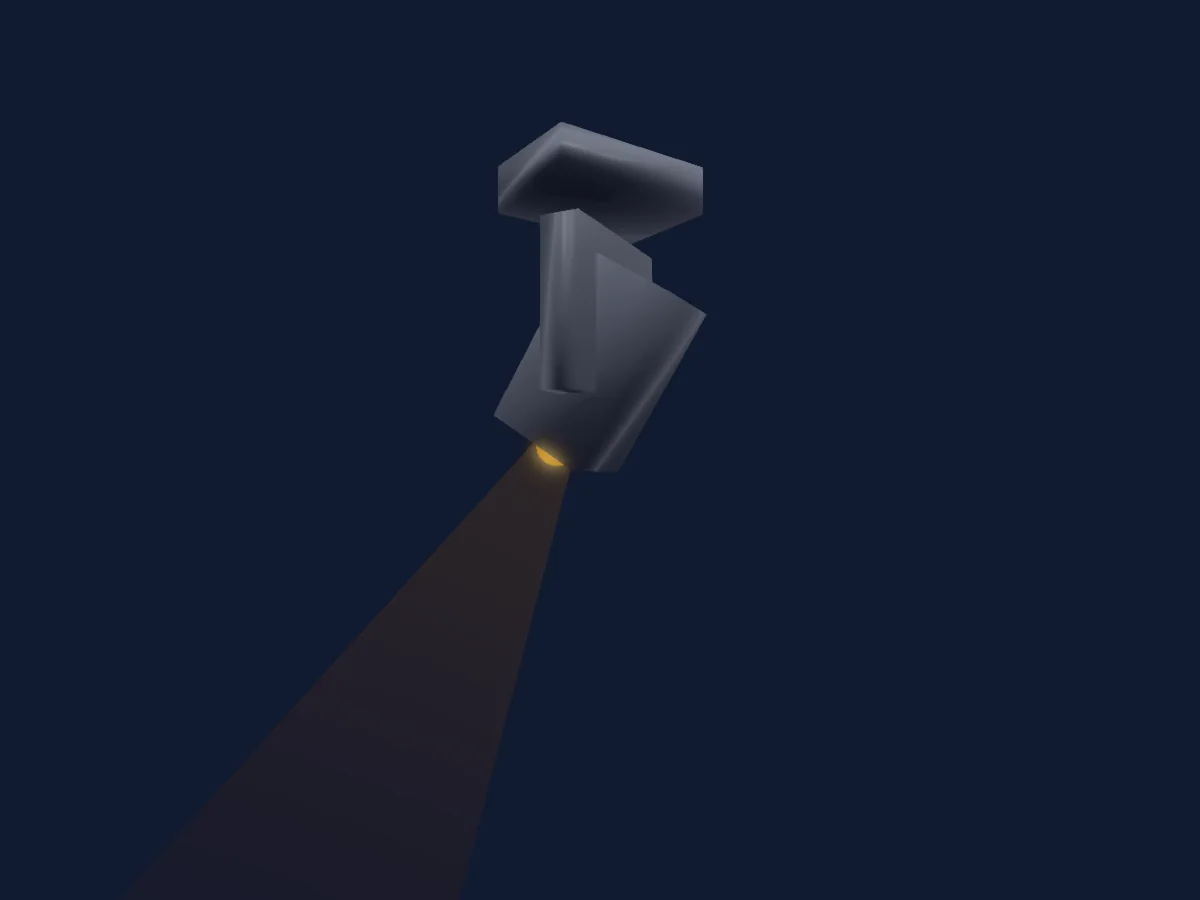
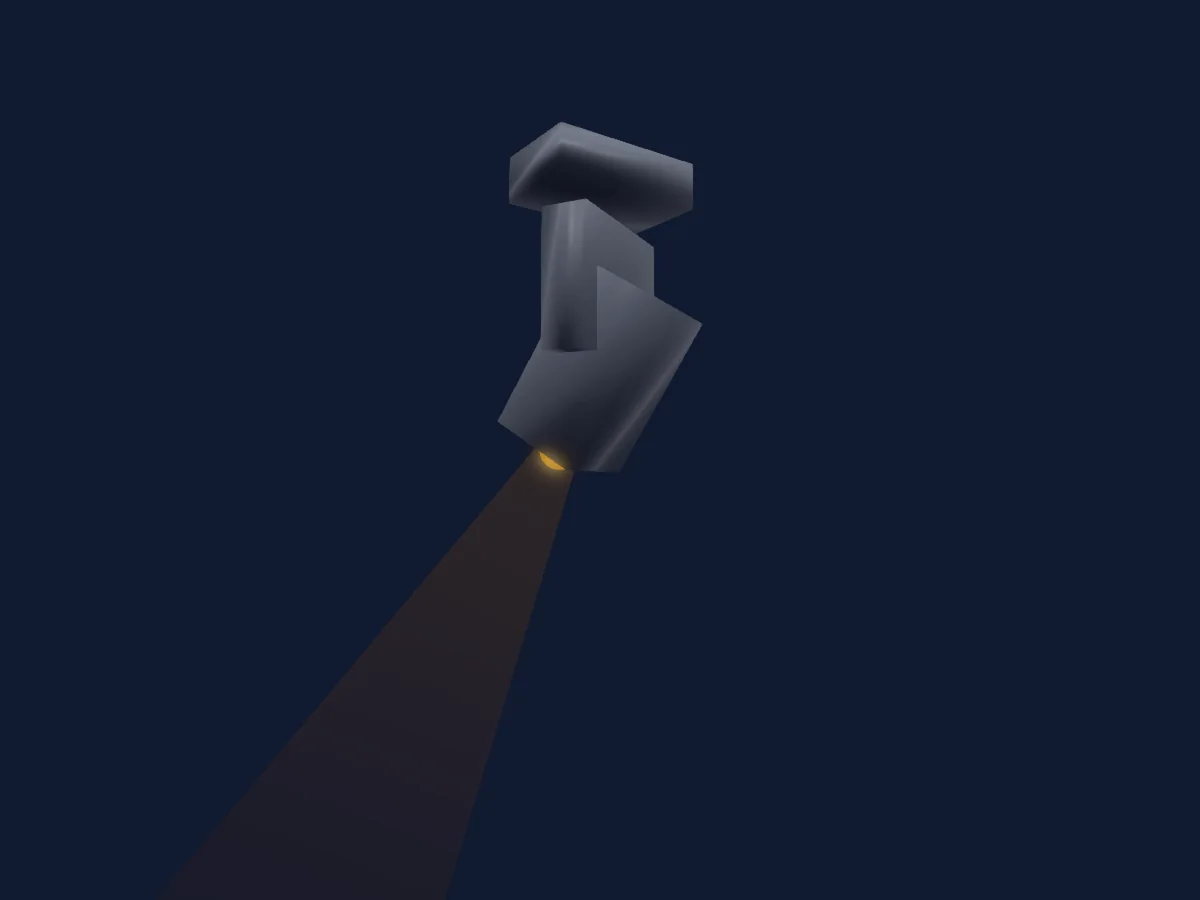
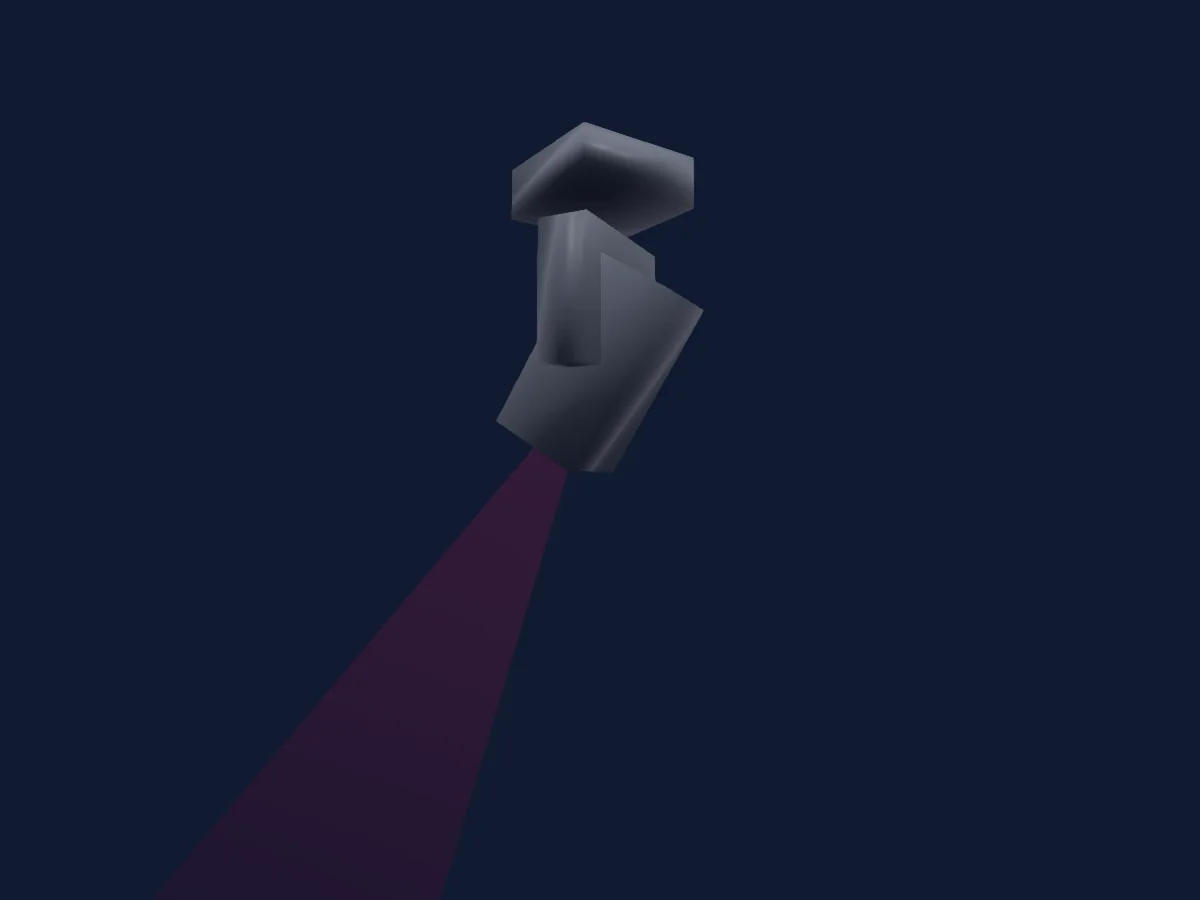
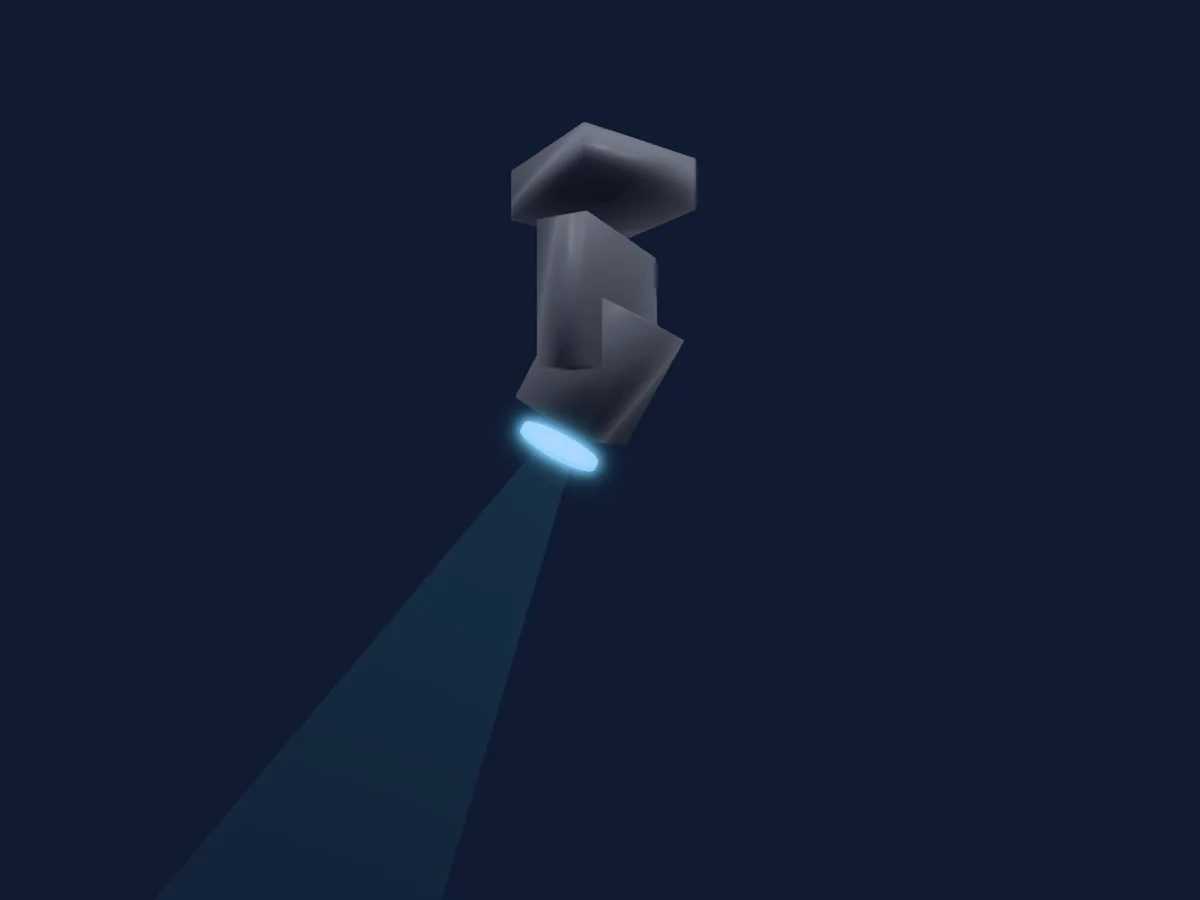
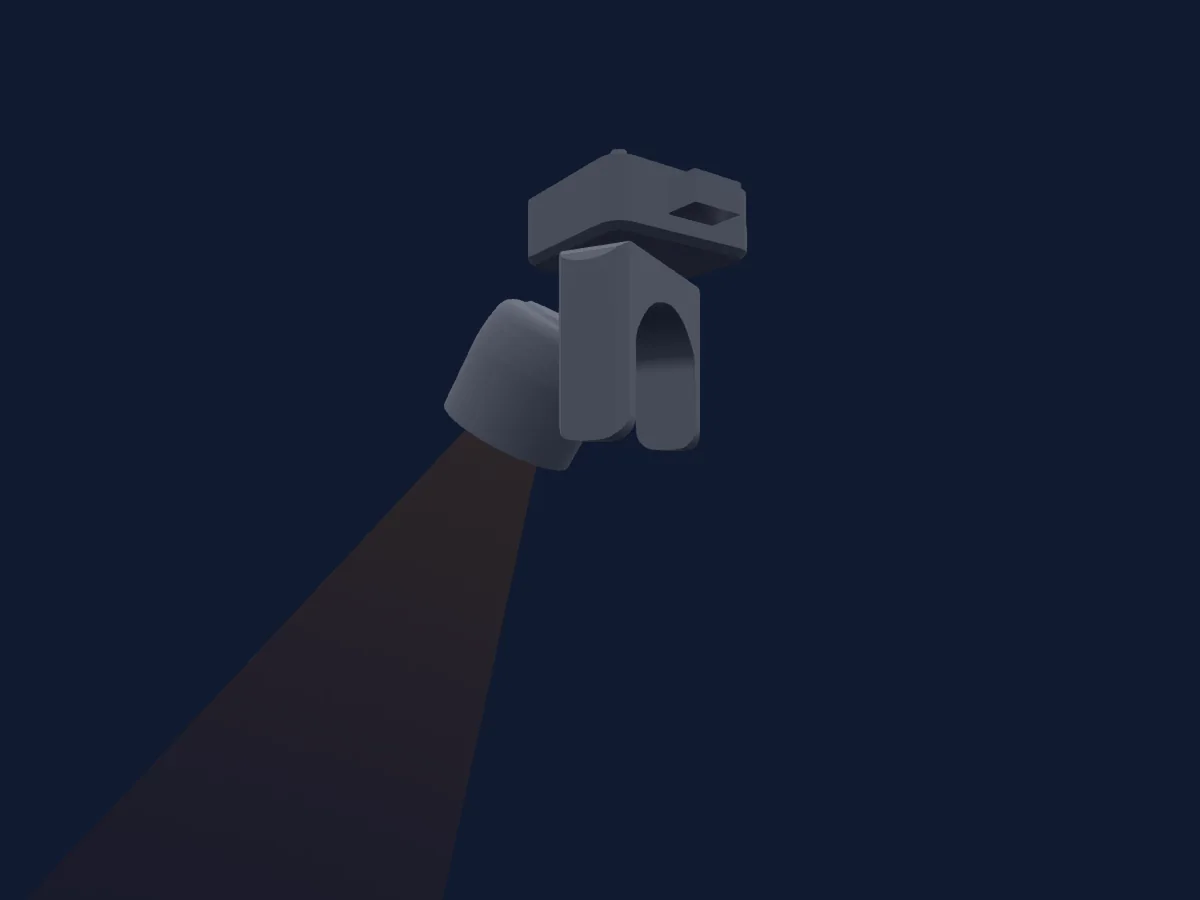
High End Systems Hyperstar Trifusion rendered in HitLight

What it can do

  • Fan
  • Frost
  • Prism
  • CMY colour mixing
  • Colour temperature
  • Colour wheel
  • Strobe
  • Dimmer
  • Animation wheel
  • Gobos

Safety-relevant functions: Haze or smoke output · Fixture reset · Service functions · Strobe. Check how these behave on your own fixture before a show.

DMX modes and channel charts

DMX modes of High End Systems Hyperstar Trifusion
ModeChannelsIn HitLight
Trifusion39Ready in HitLight

Trifusion

Ready in HitLight

39 DMX channels · Download this chart as CSV

DMX channel chart for Trifusion
ChannelFunctionDefaultDMX values
1Pan127
3 value ranges
  • 0–126 Min
  • 127–254 Home
  • 255–255 Max
2Pan Fine255Fine byte of Pan
3Tilt127
3 value ranges
  • 0–126 Min
  • 127–254 Home
  • 255–255 Max
4Tilt Fine255Fine byte of Tilt
5Color Mix Mode0
12 value ranges
  • 0–31 Pure Mix
  • 32–47 Cycle
  • 48–63 Random
  • 64–79 Pure Mix Fast
  • 80–95 Cycle Fast
  • 96–127 Random Fast
  • 128–159 Pure Mix
  • 160–175 Cycle
  • 176–191 Random
  • 192–207 Pure Mix Fast
  • 208–223 Cycle Fast
  • 224–255 Random Fast
6Cyan255
2 value ranges
  • 0–254 Open
  • 255–255 Full Saturation
7Magenta255
2 value ranges
  • 0–254 Open
  • 255–255 Full Saturation
8Yellow255
2 value ranges
  • 0–254 Open
  • 255–255 Full Saturation
9C TO255
2 value ranges
  • 0–254 Open
  • 255–255 Full Saturation
10Color Wheel1Mode0
12 value ranges
  • 0–15 Indexed
  • 16–31 Forward Spin
  • 32–47 Reverse Spin
  • 48–63 Continuous
  • 64–79 Scan
  • 80–127 Random
  • 128–143 Indexed
  • 144–159 Forward Spin
  • 160–175 Reverse Spin
  • 176–191 Continuous
  • 192–207 Scan
  • 208–255 Random
11Color Wheel10
25 value ranges
  • 0–3 Open (wheel slot 1)
  • 4–10 Slow
  • 11–21 Open/Red
  • 22–32 Red (wheel slot 2)
  • 33–43 Red/Blue
  • 44–54 Blue (wheel slot 3)
  • 55–65 Blue/Green
  • 66–76 Green (wheel slot 4)
  • 77–87 Green/Yellow
  • 88–98 Yellow (wheel slot 5)
  • 99–109 Yellow/Purple
  • 110–120 Purple (wheel slot 6)
  • 121–131 Purple/TM-30
  • 132–142 TM-30 (wheel slot 7)
  • 143–153 TM-30/Lavender
  • 154–164 Lavender (wheel slot 8)
  • 165–175 Lavender/Half CTO
  • 176–186 Half CTO (wheel slot 9)
  • 187–197 Half CTO/Full CTO
  • 198–208 Full CTO (wheel slot 10)
  • 209–219 Full CTO/Dark Blue
  • 220–230 Dark Blue (wheel slot 11)
  • 231–241 Dark Blue/Open
  • 242–254 Open (wheel slot 1)
  • 255–255 Fast
12Gobo Wheel1Mode0
10 value ranges
  • 0–15 Indexed
  • 16–31 Forward Spin
  • 32–47 Reverse Spin
  • 48–63 Scan
  • 64–127 Random
  • 128–143 Indexed
  • 144–159 Forward Spin
  • 160–175 Reverse Spin
  • 176–191 Scan
  • 192–255 Random
13Gobo Wheel10
13 value ranges
  • 0–3 Open (wheel slot 1)
  • 4–15 Slow
  • 16–31 Bar (wheel slot 2)
  • 32–47 Starvolver (wheel slot 3)
  • 48–63 Fracked (wheel slot 4)
  • 64–79 Broken Tunnel (wheel slot 5)
  • 80–95 Seashell (wheel slot 6)
  • 96–111 Glacial (wheel slot 7)
  • 112–127 Shower (wheel slot 8)
  • 128–143 Ice (wheel slot 9)
  • 144–159 Branch Out (wheel slot 10)
  • 160–254 Open (wheel slot 1)
  • 255–255 Fast
14Gobo1Mode0
5 value ranges
  • 0–15 Continuous
  • 16–31 Forward Spin
  • 32–47 Reverse Spin
  • 48–63 Forward Animate
  • 64–255 Reverse Animate
15Gobo0
4 value ranges
  • 0–3 0
  • 4–126 Slow
  • 127–254 180
  • 255–255 359
16Gobo Fine0Fine byte of Gobo
17Gobo Wheel2Mode0
10 value ranges
  • 0–15 Indexed
  • 16–31 Forward Spin
  • 32–47 Reverse Spin
  • 48–63 Scan
  • 64–127 Random
  • 128–143 Indexed
  • 144–159 Forward Spin
  • 160–175 Reverse Spin
  • 176–191 Scan
  • 192–255 Random
18Gobo Wheel20
25 value ranges
  • 0–3 Open (wheel slot 1)
  • 4–19 Slow
  • 20–21 Shattered (wheel slot 2)
  • 22–39 Shattered/MiscSpots
  • 40–43 MiscSpots (wheel slot 3)
  • 44–59 MiscSpots/Light Organic
  • 60–65 Light Organic (wheel slot 4)
  • 66–79 Light Organic/Thatch
  • 80–87 Thatch (wheel slot 5)
  • 88–99 Thatch/Across
  • 100–109 Across (wheel slot 6)
  • 110–119 Across/Triangles
  • 120–131 Triangles (wheel slot 7)
  • 132–139 Triangles/Daisey
  • 140–153 Daisey (wheel slot 8)
  • 154–159 Daisey/Small Aperture
  • 160–175 Small Aperture (wheel slot 9)
  • 176–179 Small Aperture/25% Aperture
  • 180–197 25% Aperture (wheel slot 10)
  • 198–199 25% Aperture/50% Aperture
  • 200–219 50% Aperture (wheel slot 11)
  • 220–239 75% Aperture (wheel slot 12)
  • 240–241 Open (wheel slot 1)
  • 242–254 75% Aperture/Open
  • 255–255 Fast
19Animation Insertion0
2 value ranges
  • 0–254 Removed
  • 255–255 Inserted
20Animation Wheel10
12 value ranges
  • 0–0 Stop
  • 1–62 Slow
  • 63–63 Fast
  • 64–64 Stop
  • 65–126 Slow
  • 127–127 Fast
  • 128–128 Stop
  • 129–190 Slow
  • 191–191 Fast
  • 192–192 Stop
  • 193–254 Slow
  • 255–255 Fast
21Prism1Mode0
6 value ranges
  • 0–15 Removed
  • 16–31 Continuous
  • 32–47 Forward Spin
  • 48–63 Reverse Spin
  • 64–79 Forward Animate
  • 80–255 Reverse Animate
22Prism127
4 value ranges
  • 0–3 0
  • 4–126 Slow
  • 127–254 180
  • 255–255 359
23Prism Fine255Fine byte of Prism
24Reserved 2400–255
25Frost10
2 value ranges
  • 0–254 Removed
  • 255–255 Soft Edge
26Reserved 2600–255
27Frost20
2 value ranges
  • 0–254 Removed
  • 255–255 Soft Edge
28Frost30
2 value ranges
  • 0–254 Removed
  • 255–255 Soft Edge
29Focus127
3 value ranges
  • 0–126 Min
  • 127–254 Home
  • 255–255 Max
30Focus Fine255Fine byte of Focus
31Zoom127
3 value ranges
  • 0–126 Min
  • 127–254 Home
  • 255–255 Max
32Zoom Fine255Fine byte of Zoom
33Strobe1Mode0
3 value ranges
  • 0–31 Normal
  • 32–63 Random
  • 64–255 Synchronous Random
34Strobe1255
4 value ranges
  • 0–23 Closed
  • 24–228 Slow
  • 229–254 Fast
  • 255–255 Open
35Dimmer0
3 value ranges
  • 0–126 Off
  • 127–254 50%
  • 255–255 Full
36Dimmer Fine0Fine byte of Dimmer
37Global MSpeed0
3 value ranges
  • 0–3 Disabled
  • 4–254 Longest
  • 255–255 Shortest
38Control10
9 value ranges
  • 0–15 Idle
  • 16–31 Pan and Tilt mSpeed Off
  • 32–47 Display Off (Hold 3)
  • 48–79 Display On (Hold 3)
  • 80–95 Home all (Hold 3)
  • 96–111 Shutdown (Hold 9)
  • 112–127 Disable Pan Tilt Motors (Hold 3)
  • 128–143 Dimming Mode - 2:4KHz (Hold 3)
  • 144–255 Dimming Mode - 16KHz (Hold 3)
39Fan0
5 value ranges
  • 0–15 Idle
  • 16–206 Slow
  • 207–207 Fast
  • 208–223 Auto
  • 224–255 Studio

Use the High End Systems Hyperstar Trifusion in HitLight

  1. Open Add fixture and search for High End Systems Hyperstar Trifusion.
  2. Choose the DMX mode set in the fixture’s own menu. HitLight gives it the lowest free start address on its universe that fits the mode’s channel count.
  3. Check the mode and controls against your real fixture before live use.

Charts come from the fixture’s GDTF description as converted for the HitLight library. HitLight is not affiliated with High End Systems.

Patch it, then let the music run the lights.

HitLight finds these fixtures in its library, patches them on the next free address and previews your rig in 3D before a single light is plugged in.

Open HitLight ↗Download HitLight