Skip to content
HitLight
LIGHT SKY · Moving head

LIGHT SKY IPL300

DMX chart, 1 DMX mode and a 3D preview. 23 DMX channels.
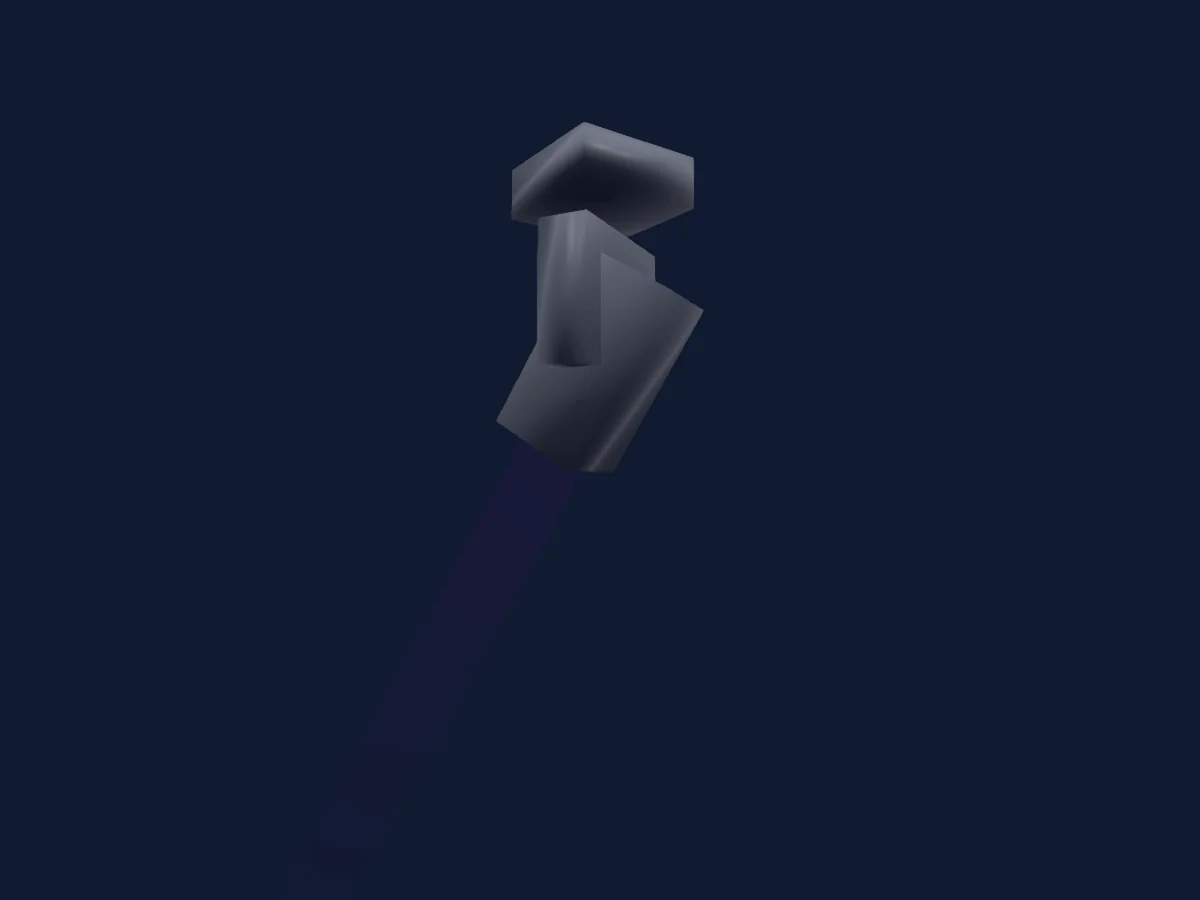
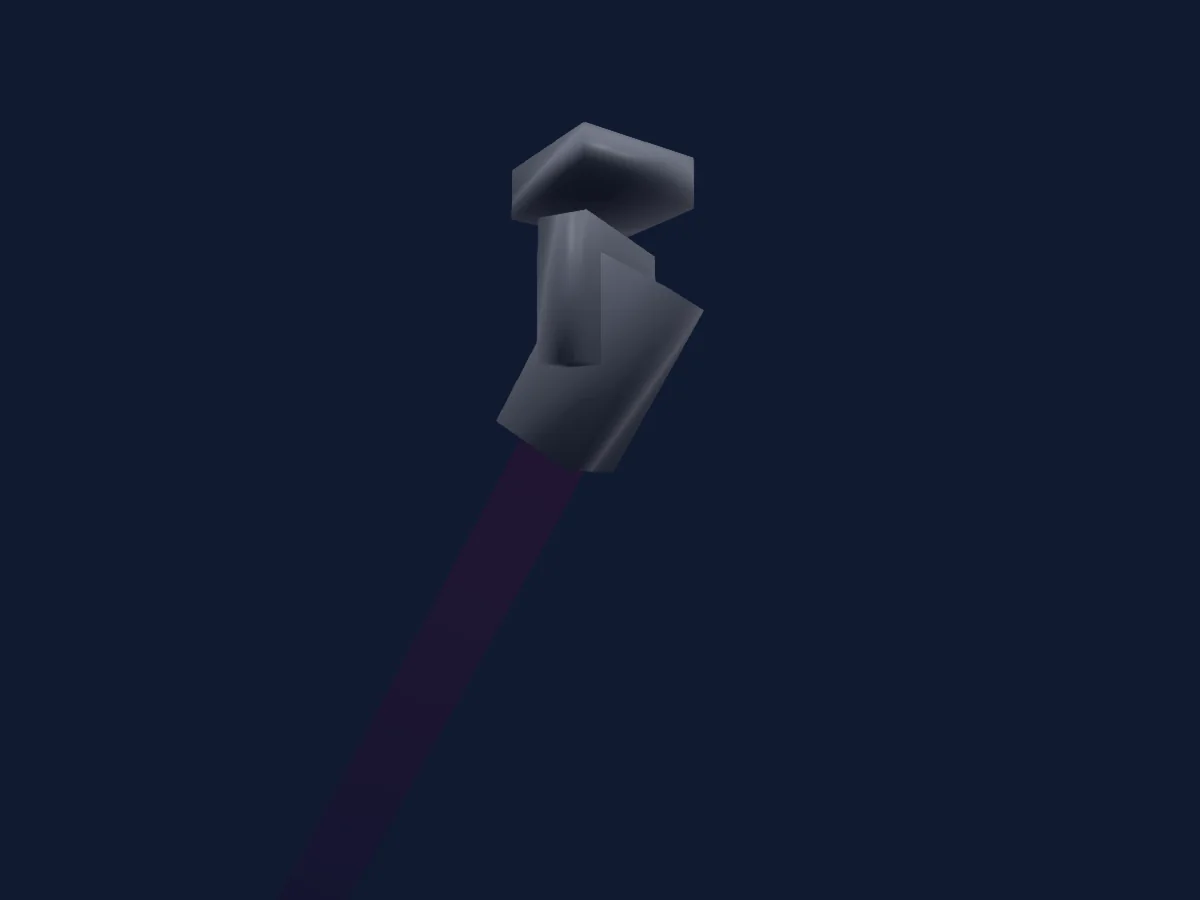
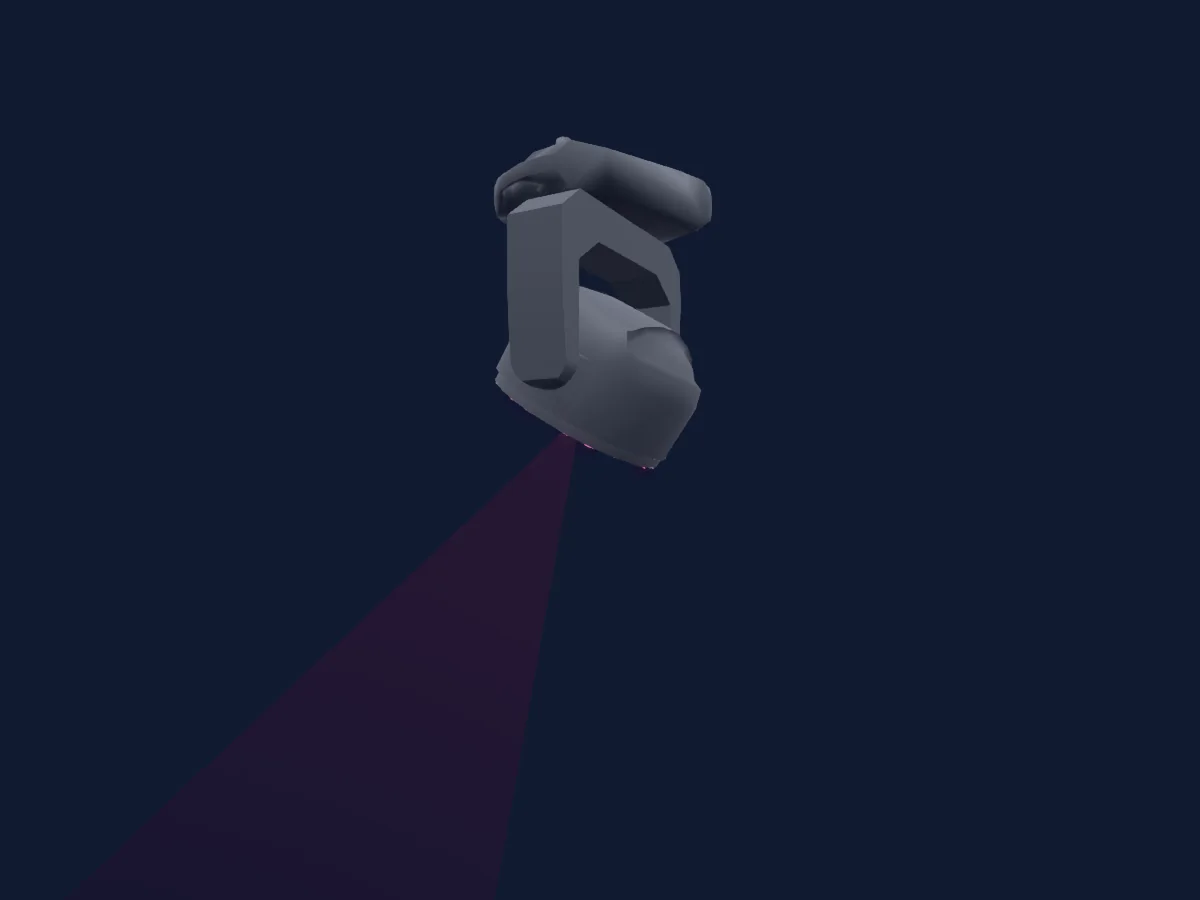
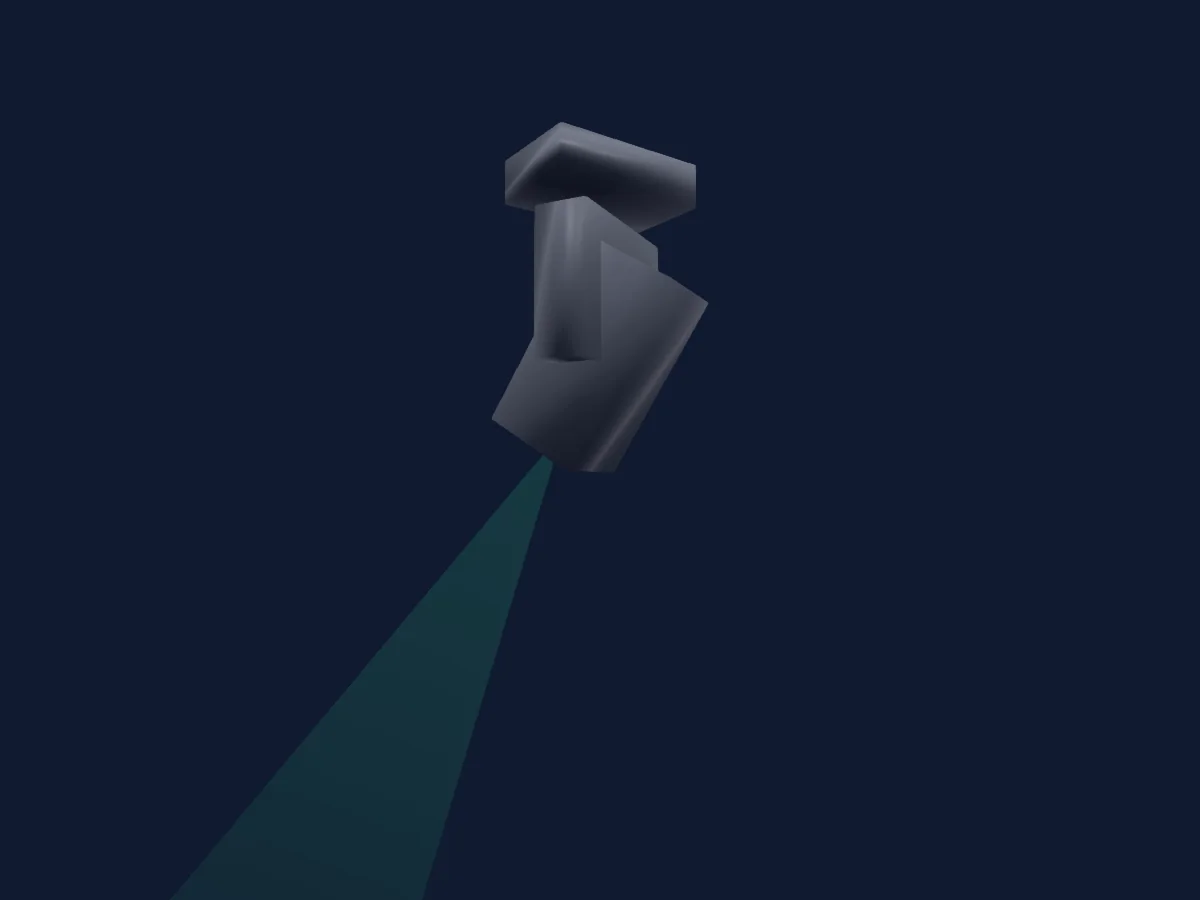
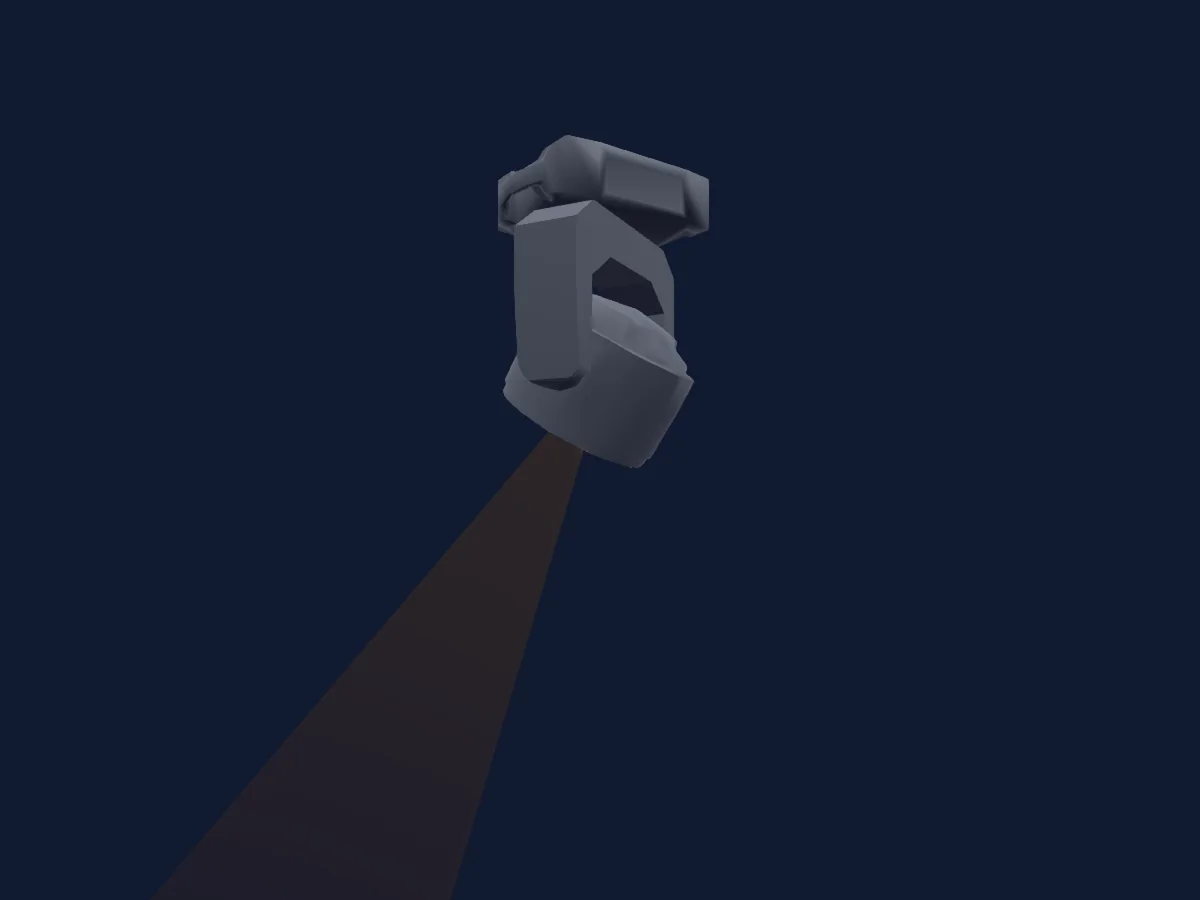
LIGHT SKY IPL300 rendered in HitLight

What it can do

  • Focus
  • Frost
  • Prism
  • Prism rotation
  • CMY colour mixing
  • Colour wheel
  • Strobe
  • Dimmer
  • Pan and tilt
  • Gobos
  • Gobo rotation

Safety-relevant functions: Fixture reset. Check how these behave on your own fixture before a show.

DMX modes and channel charts

DMX modes of LIGHT SKY IPL300
ModeChannelsIn HitLight
23CH23Ready in HitLight

23CH

Ready in HitLight

23 DMX channels · Download this chart as CSV

DMX channel chart for 23CH
ChannelFunctionDefaultDMX values
1Pan1280–255
2Pan Fine0Fine byte of Pan
3Tilt1280–255
4Tilt Fine0Fine byte of Tilt
5Tilt Rotate00–255
6Function0
23 value ranges
  • 0–25 No Function
  • 26–30 Head Reset
  • 31–35 P/T Reset
  • 36–49 All Reset
  • 50–59 HighOutput
  • 60–69 Standard
  • 70–79 Silent
  • 80–84 Dis Blink Off
  • 85–129 Dis Blink On
  • 130–139 P Invert On
  • 140–149 P Invert Off
  • 150–159 T Invert On
  • 160–169 T Invert Off
  • 170–177 1800Hz
  • 178–185 3600Hz
  • 186–193 7200Hz
  • 194–199 25000Hz
  • 200–204 Linear
  • 205–209 Square
  • 210–214 Inv-Square
  • 215–219 S-Curve
  • 220–229 Dim Fast
  • 230–255 Dim Smooth
7Cyan00–255
8Magenta00–255
9Yellow00–255
10Color Wheel0
18 value ranges
  • 0–8 White (wheel slot 1)
  • 9–17 Red (wheel slot 2)
  • 18–25 Orange (wheel slot 3)
  • 26–34 Aquamarine (wheel slot 4)
  • 35–42 Green (wheel slot 5)
  • 43–51 Light Green (wheel slot 6)
  • 52–59 Lavender (wheel slot 7)
  • 60–68 Pink (wheel slot 8)
  • 69–76 Yellow (wheel slot 9)
  • 77–85 Magenta (wheel slot 10)
  • 86–93 Cyan (wheel slot 11)
  • 94–102 CTO 260 (wheel slot 12)
  • 103–110 CTO 190 (wheel slot 13)
  • 111–119 CTB 8000 (wheel slot 14)
  • 120–127 Blue (wheel slot 15)
  • 128–190 >>>
  • 191–192 Stop
  • 193–255 <<<
11Gobo0
20 value ranges
  • 0–9 White (wheel slot 1)
  • 10–19 Gobo 1 (wheel slot 2)
  • 20–29 Gobo 2 (wheel slot 3)
  • 30–39 Gobo 3 (wheel slot 4)
  • 40–49 Gobo 4 (wheel slot 5)
  • 50–59 Gobo 5 (wheel slot 6)
  • 60–69 Gobo 6 (wheel slot 7)
  • 70–79 Gobo 7 (wheel slot 8)
  • 80–87 Gobo 1 Shake (wheel slot 2)
  • 88–95 Gobo 2 Shake (wheel slot 3)
  • 96–103 Gobo 3 Shake (wheel slot 4)
  • 104–111 Gobo 4 Shake (wheel slot 5)
  • 112–119 Gobo 5 Shake (wheel slot 6)
  • 120–127 Gobo 6 Shake (wheel slot 7)
  • 128–135 Gobo 7 Shake (wheel slot 8)
  • 136–193 >>>
  • 194–194 >>
  • 195–196 Stop
  • 197–254 <<
  • 255–255 <<<
12Gobo 20
20 value ranges
  • 0–9 White (wheel slot 1)
  • 10–19 Gobo 1 (wheel slot 2)
  • 20–29 Gobo 2 (wheel slot 3)
  • 30–39 Gobo 3 (wheel slot 4)
  • 40–49 Gobo 4 (wheel slot 5)
  • 50–59 Gobo 5 (wheel slot 6)
  • 60–69 Gobo 6 (wheel slot 7)
  • 70–79 Gobo 7 (wheel slot 8)
  • 80–87 Gobo 1 Shake (wheel slot 2)
  • 88–95 Gobo 2 Shake (wheel slot 3)
  • 96–103 Gobo 3 Shake (wheel slot 4)
  • 104–111 Gobo 4 Shake (wheel slot 5)
  • 112–119 Gobo 5 Shake (wheel slot 6)
  • 120–127 Gobo 6 Shake (wheel slot 7)
  • 128–135 Gobo 7 Shake (wheel slot 8)
  • 136–193 >>>
  • 194–194 >>
  • 195–196 Stop
  • 197–254 <<
  • 255–255 <<<
13Gobo Rotation 20
6 value ranges
  • 0–127 Gobo2Pos
  • 128–188 >>>
  • 189–189 >>
  • 190–193 Stop
  • 194–254 <<
  • 255–255 <<<
14Prism0
2 value ranges
  • 0–127 White (wheel slot 1)
  • 128–255 Prism 1 (wheel slot 2)
15Prism Rotation0
6 value ranges
  • 0–127 Prism1Pos
  • 128–189 >>>
  • 190–190 >>
  • 191–192 Stop
  • 193–254 <<
  • 255–255 <<<
16Prism0
2 value ranges
  • 0–127 White (wheel slot 1)
  • 128–255 Prism 2 (wheel slot 2)
17Prism Rotation0
6 value ranges
  • 0–127 Prism2Pos
  • 128–189 >>>
  • 190–190 >>
  • 191–192 Stop
  • 193–254 <<
  • 255–255 <<<
18Frost10
2 value ranges
  • 0–127 Frost Out
  • 128–255 Frost In
19Focus1270–255
20Focus Fine255Fine byte of Focus
21Dimmer0
2 value ranges
  • 0–254 Closed
  • 255–255 Open
22Dimmer Fine0Fine byte of Dimmer
23Shutter / Strobe255
12 value ranges
  • 0–9 Closed
  • 10–48 PulseClose · Slow 0.5–11.7 Hz
  • 49–49 PulseClose · Fast 12 Hz
  • 50–88 PulseOpen · Slow 0.5–11.7 Hz
  • 89–89 PulseOpen · Fast 12 Hz
  • 90–118 Pulse · Pluse Slow 0.5–11.6 Hz
  • 119–119 Pulse · Pluse Fast 12 Hz
  • 120–178 Random Slow
  • 179–179 Random Fast
  • 180–248 Strobe Slow
  • 249–249 Strobe Fast
  • 250–255 Open

Use the LIGHT SKY IPL300 in HitLight

  1. Open Add fixture and search for LIGHT SKY IPL300.
  2. Choose the DMX mode set in the fixture’s own menu. HitLight gives it the lowest free start address on its universe that fits the mode’s channel count.
  3. Check the mode and controls against your real fixture before live use.

Charts come from the fixture’s GDTF description as converted for the HitLight library. HitLight is not affiliated with LIGHT SKY.

Patch it, then let the music run the lights.

HitLight finds these fixtures in its library, patches them on the next free address and previews your rig in 3D before a single light is plugged in.

Open HitLight ↗Download HitLight