 HitLight
Look Solutions Unique 2-1
DMX chart, 1 DMX mode and a 3D preview. 2 DMX channels.
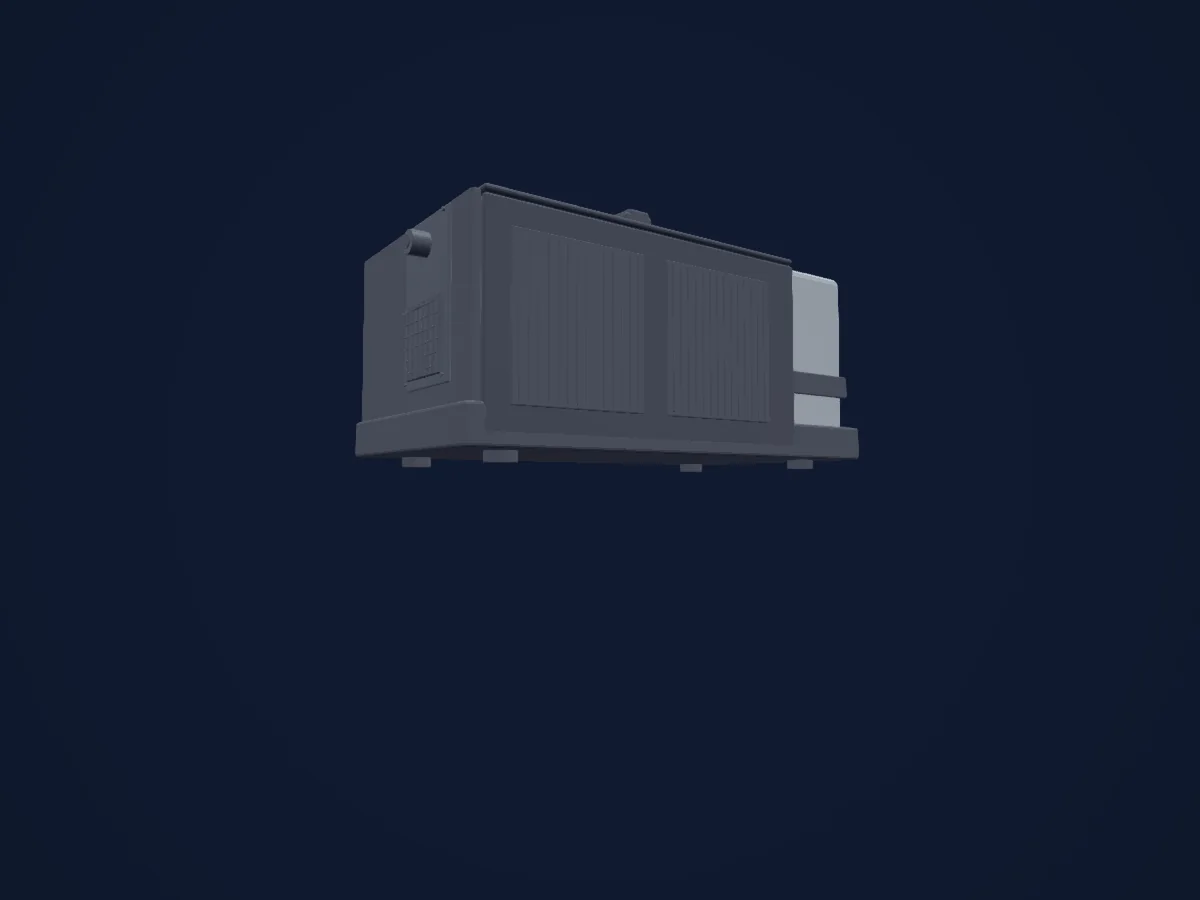
What it can do
- Fan
- Haze or smoke output
Safety-relevant functions: Haze or smoke output. Check how these behave on your own fixture before a show.
DMX modes and channel charts
| Mode | Channels | In HitLight |
|---|---|---|
| 2 Channel | 2 | Ready in HitLight |
2 Channel
Ready in HitLight2 DMX channels · Download this chart as CSV
| Channel | Function | Default | DMX values |
|---|---|---|---|
| 1 | Haze | 0 | 2 value ranges
|
| 2 | Fan | 0 | 2 value ranges
|
Use the Look Solutions Unique 2-1 in HitLight
- Open Add fixture and search for Look Solutions Unique 2-1.
- Choose the DMX mode set in the fixture’s own menu. HitLight gives it the lowest free start address on its universe that fits the mode’s channel count.
- Check the mode and controls against your real fixture before live use.
Venues with the Look Solutions Unique 2-1
Their saved rigs list this fixture model. Confirm the current equipment with the venue.
- A38 Hajó Budapest, Hungary
- Centrum św. Jana — Nadbałtyckie Centrum Kultury Gdańsk, Poland
- Divadlo Reduta / Reduta Theatre Brno, Czechia
- Dynamo Zürich, Switzerland
- La Gravière Les Acacias-Genève, Switzerland
- Lang Performing Arts Center - Pearson-Hall Theatre (Swarthmore College) Swarthmore, United States
- SMAC - Bords 2 Scènes - L'Orange Bleue VITRY LE FRANCOIS, France
- SMAC 07 / PÎLE Annonay, France
Related fixtures
Dj Power
Dj Power DFZ-2100
2 DMX channels
StairVille
StairVille HF-900 Haze Fogger
3 DMX channels
MDG
MDG ATMOSPHERE
2 DMX channels
COH
COH MDG ATMOSPHERE
4 DMX channels
StairVille
StairVille HZ-1500 Pro Hazer DMX
2 DMX channels
Briteq
Briteq BT-H2FOG Compact
2 DMX channels
Charts come from the fixture’s GDTF description as converted for the HitLight library. HitLight is not affiliated with Look Solutions.
Fixture model: gdtf-look-solutions-look-solutions-unique-2-1-68864
Creator: HitLight
Modifications: Original HitLight 3D housing: scripted parametric geometry modelled by HitLight from public product photos and the manufacturer's published dimensions. No manufacturer imagery, CAD, meshes or GDTF models are redistributed.