Skip to content
HitLight
Martin Professional · Profile spot

Martin Professional MAC Encore Performance CLD

DMX chart, 1 DMX mode and a 3D preview. 38 DMX channels.
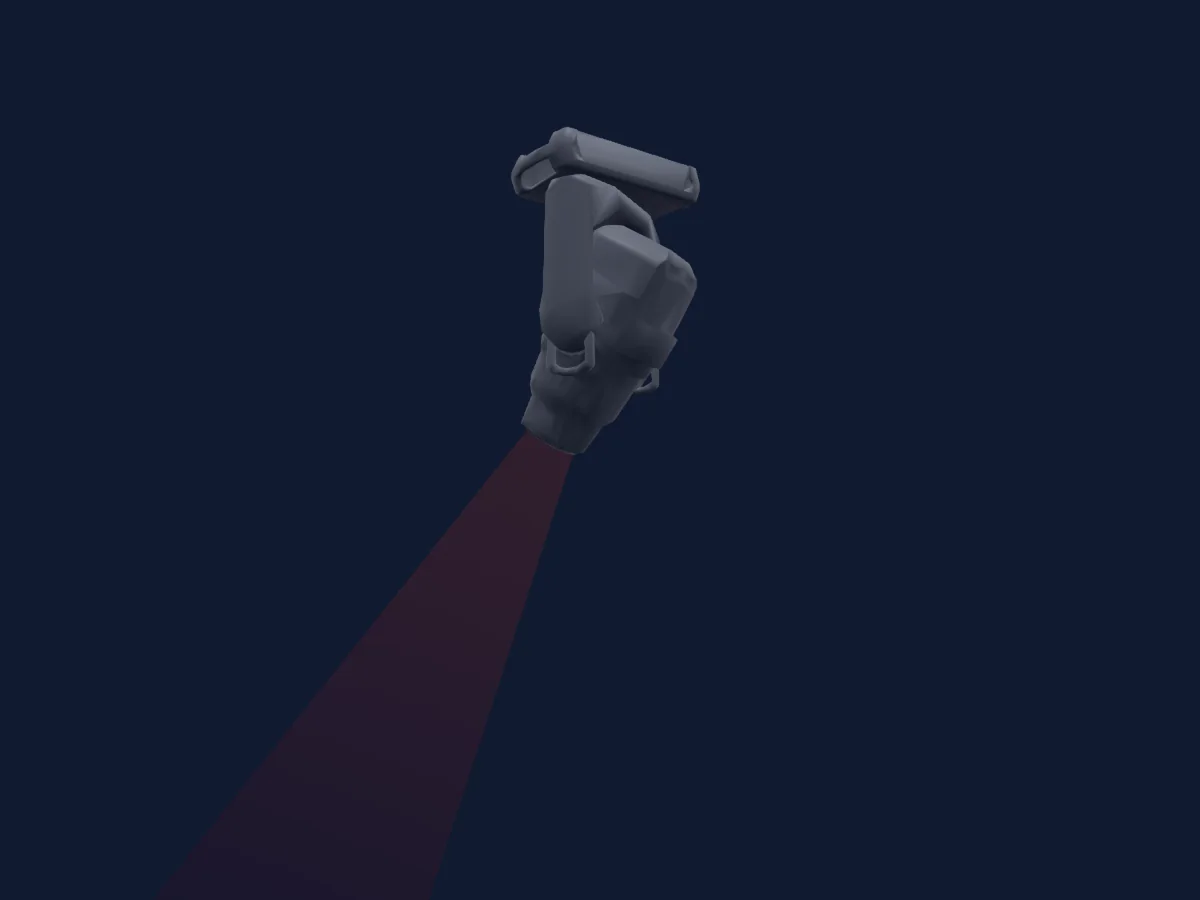
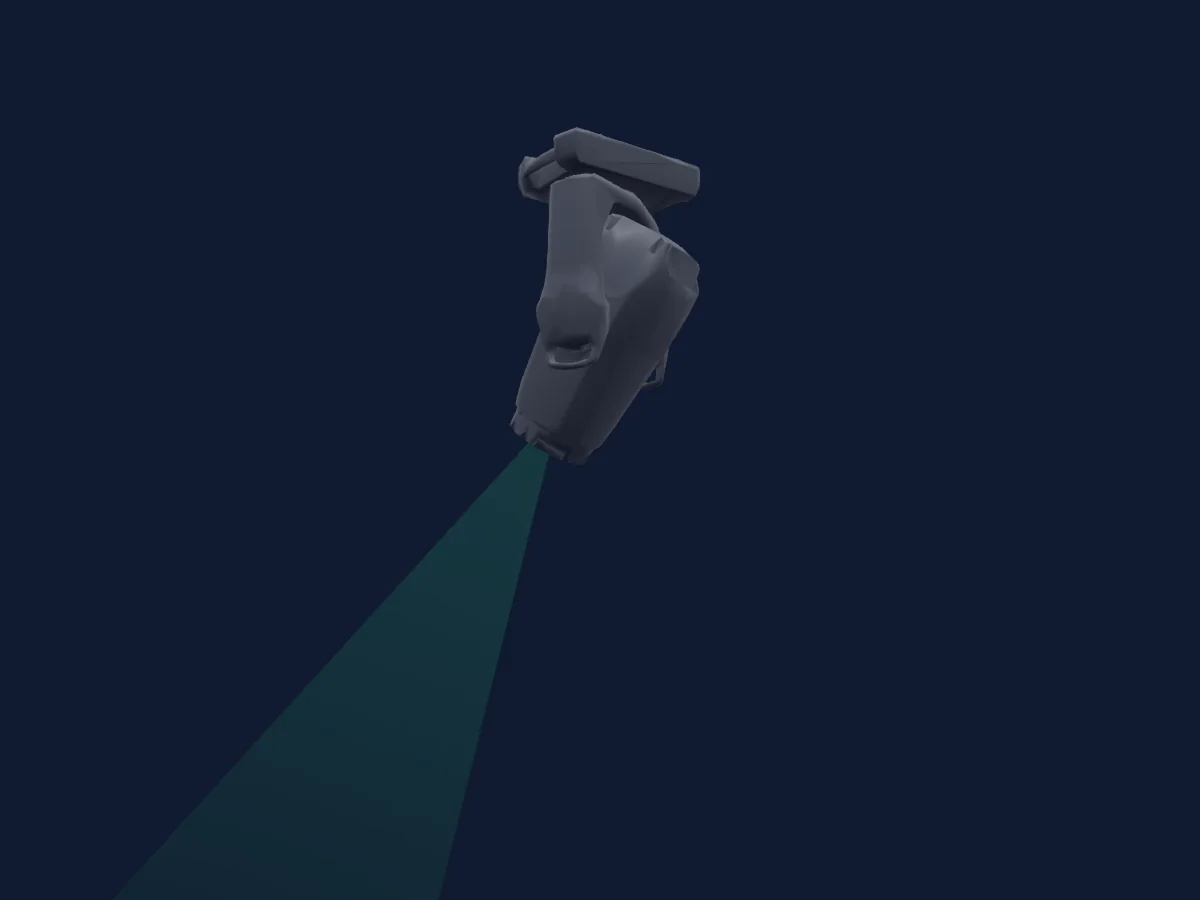
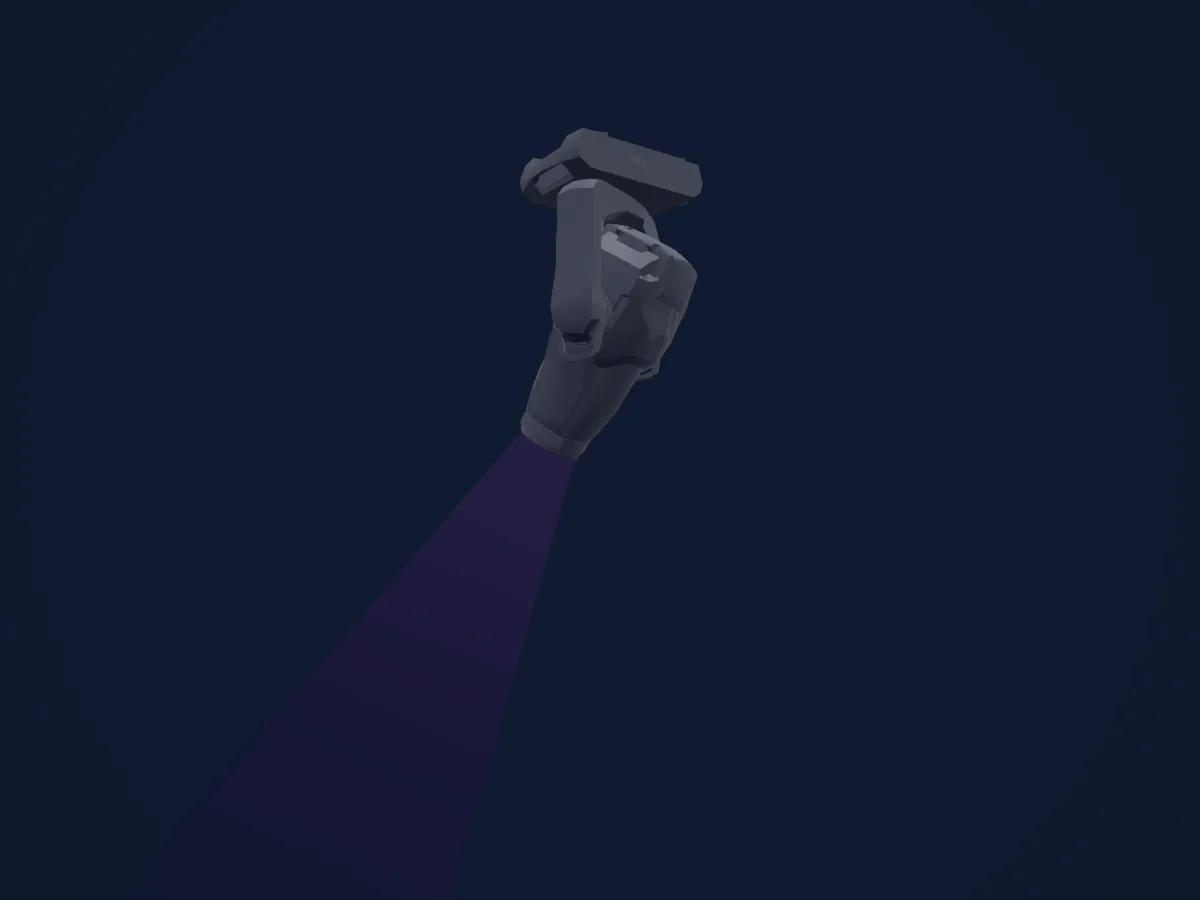
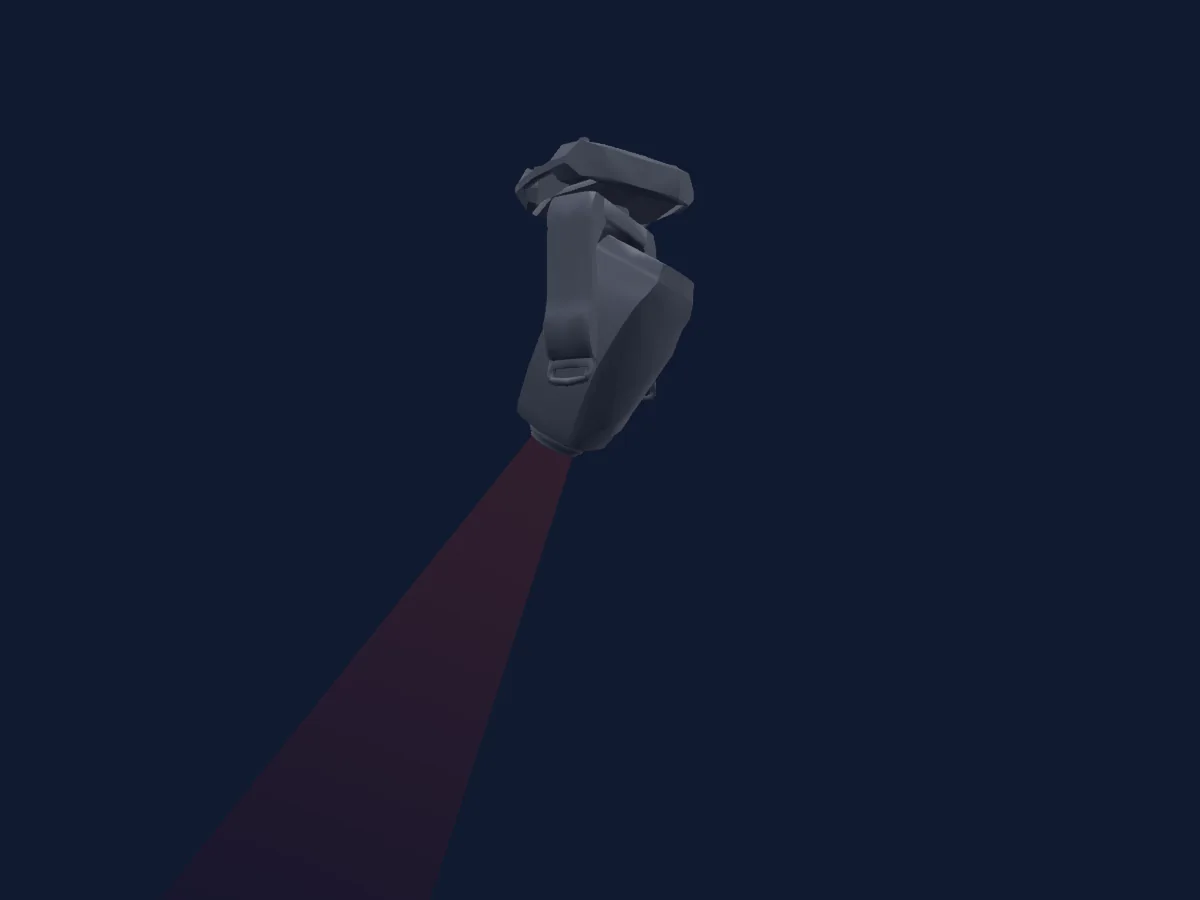
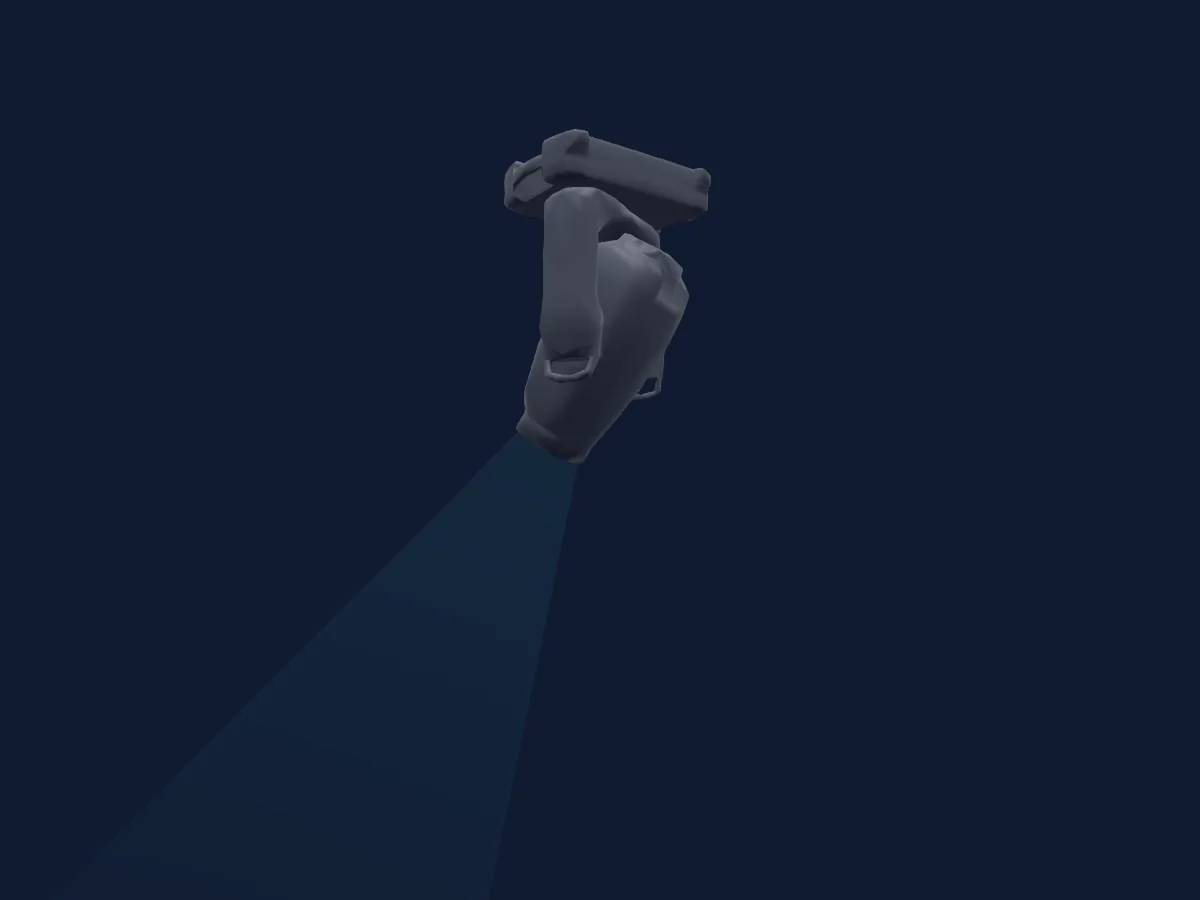
Martin Professional MAC Encore Performance CLD rendered in HitLight

What it can do

  • Focus
  • Frost
  • Iris
  • Zoom
  • CMY colour mixing
  • Colour temperature
  • Colour wheel
  • Effect speed
  • Strobe
  • Dimmer
  • Pan and tilt
  • Animation wheel
  • Gobos
  • Gobo rotation

Safety-relevant functions: Built-in effect programmes. Check how these behave on your own fixture before a show.

DMX modes and channel charts

DMX modes of Martin Professional MAC Encore Performance CLD
ModeChannelsIn HitLight
Basic38Ready in HitLight

Basic

Ready in HitLight

38 DMX channels · Download this chart as CSV

DMX channel chart for Basic
ChannelFunctionDefaultDMX values
1Shutter / Strobe30
9 value ranges
  • 0–19 Closed
  • 20–49 Open
  • 50–124 Strobe · Slow 1–10.4 Hz
  • 125–199 Strobe · Medium 10.5–19.9 Hz
  • 200–200 Strobe · Fast 20 Hz
  • 201–210 Open
  • 211–232 Strobe Random · Slow 1–10.1 Hz
  • 233–254 Strobe Random · Medium 10.5–19.6 Hz
  • 255–255 Strobe Random · Fast 20 Hz
2Dimmer0
5 value ranges
  • 0–63 Closed
  • 64–127 25%
  • 128–191 50%
  • 192–254 75%
  • 255–255 Open
3Dimmer Fine0Fine byte of Dimmer
4Cyan0
5 value ranges
  • 0–63 Min
  • 64–127 25%
  • 128–191 50%
  • 192–254 75%
  • 255–255 Max
5Magenta0
5 value ranges
  • 0–63 Min
  • 64–127 25%
  • 128–191 50%
  • 192–254 75%
  • 255–255 Max
6Yellow0
5 value ranges
  • 0–63 Min
  • 64–127 25%
  • 128–191 50%
  • 192–254 75%
  • 255–255 Max
7C TO0
5 value ranges
  • 0–63 Min
  • 64–127 25%
  • 128–191 50%
  • 192–254 75%
  • 255–255 Max
8Color Wheel0
26 value ranges
  • 0–6 Open (wheel slot 1)
  • 7–20 Blue (wheel slot 2)
  • 21–34 Green (wheel slot 3)
  • 35–48 Orange (wheel slot 4)
  • 49–62 Deep Magenta (wheel slot 5)
  • 63–76 Congo Blue (wheel slot 6)
  • 77–90 Red (wheel slot 7)
  • 91–104 Open (wheel slot 1)
  • 105–160 No Function
  • 161–163 Blue (wheel slot 2)
  • 164–166 Greeen (wheel slot 3)
  • 167–169 Orange (wheel slot 4)
  • 170–172 Deep Magenta (wheel slot 5)
  • 173–175 Congo Blue (wheel slot 6)
  • 176–178 Red (wheel slot 7)
  • 179–192 Open (wheel slot 1)
  • 193–202 CW Max
  • 203–213 CW Med
  • 214–214 CW Min
  • 215–221 Stop
  • 222–232 CCW Min
  • 233–242 CCW Med
  • 243–243 CCW Max
  • 244–248 Fast
  • 249–254 Medium
  • 255–255 Slow
9Gobo0
22 value ranges
  • 0–9 Open (wheel slot 1)
  • 10–14 Gobo 1 (wheel slot 2)
  • 15–19 Gobo 2 (wheel slot 3)
  • 20–24 Gobo 3 (wheel slot 4)
  • 25–29 Gobo 4 (wheel slot 5)
  • 30–34 Gobo 5 (wheel slot 6)
  • 35–39 Gobo 1 (wheel slot 2)
  • 40–44 Gobo 2 (wheel slot 3)
  • 45–49 Gobo 3 (wheel slot 4)
  • 50–54 Gobo 4 (wheel slot 5)
  • 55–59 Gobo 5 (wheel slot 6)
  • 60–89 Gobo 1 (wheel slot 2)
  • 90–119 Gobo 2 (wheel slot 3)
  • 120–149 Gobo 3 (wheel slot 4)
  • 150–179 Gobo 4 (wheel slot 5)
  • 180–209 Gobo 5 (wheel slot 6)
  • 210–220 CW Max
  • 221–231 CW Med
  • 232–232 CW Min
  • 233–243 CCW Min
  • 244–254 CCW Med
  • 255–255 CCW Max
10Gobo Rotation128
10 value ranges
  • 0–1 -180 deg
  • 2–62 CW Max
  • 63–63 CW Med
  • 64–124 -90 deg
  • 125–127 CW Min
  • 128–189 0 deg
  • 190–191 CCW Med
  • 192–251 90 deg
  • 252–254 CCW Max
  • 255–255 180 deg
11Gobo Rotation Fine0Fine byte of Gobo Rotation
12Animation Wheel10
15 value ranges
  • 0–5 Open (wheel slot 1)
  • 6–10 Horizontal Indexing (wheel slot 2)
  • 11–15 Horizontal Rotation (wheel slot 2)
  • 16–20 Vertical Rotation (wheel slot 2)
  • 21–25 Vertical Indexing (wheel slot 2)
  • 26–26 Angled Rotation Out (wheel slot 1)
  • 27–59 Angled Rotation Inserting (wheel slot 2)
  • 60–60 Angled Rotation Horizontal (wheel slot 2)
  • 61–109 Angled Rotation Diagonal (wheel slot 2)
  • 110–110 Angled Rotation Vertical (wheel slot 2)
  • 111–111 Angled Indexing Vertical (wheel slot 2)
  • 112–198 Angled Indexing Diagonal (wheel slot 2)
  • 199–199 Angled Indexing Horizontal (wheel slot 2)
  • 200–254 Angled Indexing Inserting (wheel slot 2)
  • 255–255 Angled Indexing Out (wheel slot 1)
13Animation Wheel1Pos128
11 value ranges
  • 0–2 180 deg
  • 3–63 CW Max
  • 64–125 90 deg
  • 126–126 CW Min
  • 127–127 Stop
  • 128–129 0 deg
  • 130–191 CCW Min
  • 192–252 -90 deg
  • 253–253 CCW Max
  • 254–254 Stop 90
  • 255–255 -180 deg
14Frost10
5 value ranges
  • 0–63 Open
  • 64–127 25%
  • 128–191 50%
  • 192–254 75%
  • 255–255 Full
15Iris0
5 value ranges
  • 0–63 Open
  • 64–127 25%
  • 128–191 50%
  • 192–254 75%
  • 255–255 Closed
16Zoom128
3 value ranges
  • 0–127 Wide
  • 128–254 Medium
  • 255–255 Narrow
17Zoom Fine0Fine byte of Zoom
18Focus128
3 value ranges
  • 0–127 Far
  • 128–254 Medium
  • 255–255 Near
19Focus Fine0Fine byte of Focus
20Blade4A0
3 value ranges
  • 0–127 Min
  • 128–254 Med
  • 255–255 Max
21Blade4Rot128
3 value ranges
  • 0–127 CCW Max
  • 128–254 Parallel
  • 255–255 CW Max
22Blade3A0
3 value ranges
  • 0–127 Min
  • 128–254 Med
  • 255–255 Max
23Blade3Rot128
3 value ranges
  • 0–127 CCW Max
  • 128–254 Parallel
  • 255–255 CW Max
24Blade2A0
3 value ranges
  • 0–127 Min
  • 128–254 Med
  • 255–255 Max
25Blade2Rot128
3 value ranges
  • 0–127 CCW Max
  • 128–254 Parallel
  • 255–255 CW Max
26Blade1A0
3 value ranges
  • 0–127 Min
  • 128–254 Med
  • 255–255 Max
27Blade1Rot128
3 value ranges
  • 0–127 CCW Max
  • 128–254 Parallel
  • 255–255 CW Max
28Shaper Rot128
3 value ranges
  • 0–127 CCW Max
  • 128–254 Parallel
  • 255–255 CW Max
29Pan1280–255
30Pan Fine0Fine byte of Pan
31Tilt1280–255
32Tilt Fine0Fine byte of Tilt
33Control100–255
34Effect0
64 value ranges
  • 0–0 No Effect
  • 1–1 Gobo X-Fade
  • 2–2 Stepper Motor
  • 3–5 No Function 1
  • 6–6 LED Frequency
  • 7–7 No Function 2
  • 8–8 Tick Tick Tick
  • 9–9 Tick Tock
  • 10–10 Wave
  • 11–11 Step
  • 12–12 Pulse
  • 13–13 2x Strobe
  • 14–14 3x Strobe
  • 15–15 Up Down Flash
  • 16–16 Up Flash Down Flash
  • 17–20 Random Levels
  • 21–21 Electric Arc
  • 22–22 Atomic Lighting
  • 23–23 Thunderstorm
  • 24–24 Welding
  • 25–29 No Function 3
  • 30–30 Stop Motion
  • 31–31 Movie Flicker
  • 32–32 Cross Chase
  • 33–33 Random Dimmers
  • 34–34 Shakey Dimmers
  • 35–35 Center Out Chase
  • 36–36 Negative Pulse
  • 37–37 Positive Pulse
  • 38–38 Rings In Out
  • 39–39 No Function 4
  • 40–40 Random Color Wave
  • 41–49 Random Color Step
  • 50–50 Rainbow Wave
  • 51–51 Rainbow Step
  • 52–52 Rainbow Pulse
  • 53–53 RGB Wave
  • 54–54 RGB Step
  • 55–55 RGB Pulse
  • 56–56 CMY Wave
  • 57–57 CMY Step
  • 58–58 CMY Pulse
  • 59–59 Mix to White Wave
  • 60–60 Mix to White Step
  • 61–61 Mix to White Pulse
  • 62–62 Random Bold
  • 63–63 Random Mix Step
  • 64–64 Random Mix Pulse
  • 65–65 Random Subtle
  • 66–66 RedWhiteBlue Wave
  • 67–69 RedWhiteBlue Step
  • 70–70 Color Wheel Full Step
  • 71–71 Color Wheel All Step
  • 72–72 Color Wheel Split Step
  • 73–73 Color Wheel Random Split Step
  • 74–74 Color Wheel Shaker
  • 75–75 Fire
  • 76–76 Water
  • 77–77 Ice
  • 78–78 Hot and Cold
  • 79–79 Warm and Fuzzy
  • 80–80 Iris Ramp
  • 81–81 Iris Step
  • 82–82 Iris Pulse
35Effect Speed128
7 value ranges
  • 0–63 Rev Max
  • 64–125 Rev Med
  • 126–126 Rev Min
  • 127–128 Stop
  • 129–191 Fwd Min
  • 192–254 Fwd Med
  • 255–255 Fwd Max
36Effect 20
64 value ranges
  • 0–0 No Effect
  • 1–1 Gobo X-Fade
  • 2–2 Stepper Motor
  • 3–5 No Function 1
  • 6–6 LED Frequency
  • 7–7 No Function 2
  • 8–8 Tick Tick Tick
  • 9–9 Tick Tock
  • 10–10 Wave
  • 11–11 Step
  • 12–12 Pulse
  • 13–13 2x Strobe
  • 14–14 3x Strobe
  • 15–15 Up Down Flash
  • 16–16 Up Flash Down Flash
  • 17–20 Random Levels
  • 21–21 Electric Arc
  • 22–22 Atomic Lighting
  • 23–23 Thunderstorm
  • 24–24 Welding
  • 25–29 No Function 3
  • 30–30 Stop Motion
  • 31–31 Movie Flicker
  • 32–32 Cross Chase
  • 33–33 Random Dimmers
  • 34–34 Shakey Dimmers
  • 35–35 Center Out Chase
  • 36–36 Negative Pulse
  • 37–37 Positive Pulse
  • 38–38 Rings In Out
  • 39–39 No Function 4
  • 40–40 Random Color Wave
  • 41–49 Random Color Step
  • 50–50 Rainbow Wave
  • 51–51 Rainbow Step
  • 52–52 Rainbow Pulse
  • 53–53 RGB Wave
  • 54–54 RGB Step
  • 55–55 RGB Pulse
  • 56–56 CMY Wave
  • 57–57 CMY Step
  • 58–58 CMY Pulse
  • 59–59 Mix to White Wave
  • 60–60 Mix to White Step
  • 61–61 Mix to White Pulse
  • 62–62 Random Bold
  • 63–63 Random Mix Step
  • 64–64 Random Mix Pulse
  • 65–65 Random Subtle
  • 66–66 RedWhiteBlue Wave
  • 67–69 RedWhiteBlue Step
  • 70–70 Color Wheel Full Step
  • 71–71 Color Wheel All Step
  • 72–72 Color Wheel Split Step
  • 73–73 Color Wheel Random Split Step
  • 74–74 Color Wheel Shaker
  • 75–75 Fire
  • 76–76 Water
  • 77–77 Ice
  • 78–78 Hot and Cold
  • 79–79 Warm and Fuzzy
  • 80–80 Iris Ramp
  • 81–81 Iris Step
  • 82–82 Iris Pulse
37Effect Speed 2128
7 value ranges
  • 0–63 Rev Max
  • 64–125 Rev Med
  • 126–126 Rev Min
  • 127–128 Stop
  • 129–191 Fwd Min
  • 192–254 Fwd Med
  • 255–255 Fwd Max
38Effects Sync36
39 value ranges
  • 0–0 No Sync
  • 1–1 Fixture Offset 10deg
  • 2–2 Fixture Offset 20deg
  • 3–3 Fixture Offset 30deg
  • 4–4 Fixture Offset 40deg
  • 5–5 Fixture Offset 50deg
  • 6–6 Fixture Offset 60deg
  • 7–7 Fixture Offset 70deg
  • 8–8 Fixture Offset 80deg
  • 9–9 Fixture Offset 90deg
  • 10–10 Fixture Offset 100deg
  • 11–11 Fixture Offset 110deg
  • 12–12 Fixture Offset 120deg
  • 13–13 Fixture Offset 130deg
  • 14–14 Fixture Offset 140deg
  • 15–15 Fixture Offset 150deg
  • 16–16 Fixture Offset 160deg
  • 17–17 Fixture Offset 170deg
  • 18–18 Fixture Offset 180deg
  • 19–19 Fixture Offset 190deg
  • 20–20 Fixture Offset 200deg
  • 21–21 Fixture Offset 210deg
  • 22–22 Fixture Offset 220deg
  • 23–23 Fixture Offset 230deg
  • 24–24 Fixtrue Offset 240deg
  • 25–25 Fixture Offset 250deg
  • 26–26 Fixture Offset 260deg
  • 27–27 Fixture Offset 270deg
  • 28–28 Fixture Offset 280deg
  • 29–29 Fixture Offset 290deg
  • 30–30 Fixture Offset 300deg
  • 31–31 Fixture Offset 310deg
  • 32–32 Fixture Offset 320deg
  • 33–33 Fixture Offset 330deg
  • 34–34 Fixture Offset 340deg
  • 35–35 Fixture Offset 350deg
  • 36–100 Synchronized
  • 101–120 Random Start
  • 121–255 Random Duration

Use the Martin Professional MAC Encore Performance CLD in HitLight

  1. Open Add fixture and search for Martin Professional MAC Encore Performance CLD.
  2. Choose the DMX mode set in the fixture’s own menu. HitLight gives it the lowest free start address on its universe that fits the mode’s channel count.
  3. Check the mode and controls against your real fixture before live use.

Venues with the Martin Professional MAC Encore Performance CLD

Their saved rigs list this fixture model. Confirm the current equipment with the venue.

Charts come from the fixture’s GDTF description as converted for the HitLight library. HitLight is not affiliated with Martin Professional.

Patch it, then let the music run the lights.

HitLight finds these fixtures in its library, patches them on the next free address and previews your rig in 3D before a single light is plugged in.

Open HitLight ↗Download HitLight