Skip to content
HitLight
PROLIGHT SPAIN · Effect light

PROLIGHT SPAIN ST 3000 LED

DMX chart, 3 DMX modes and a 3D preview. 3 / 4 / 14 DMX channels.
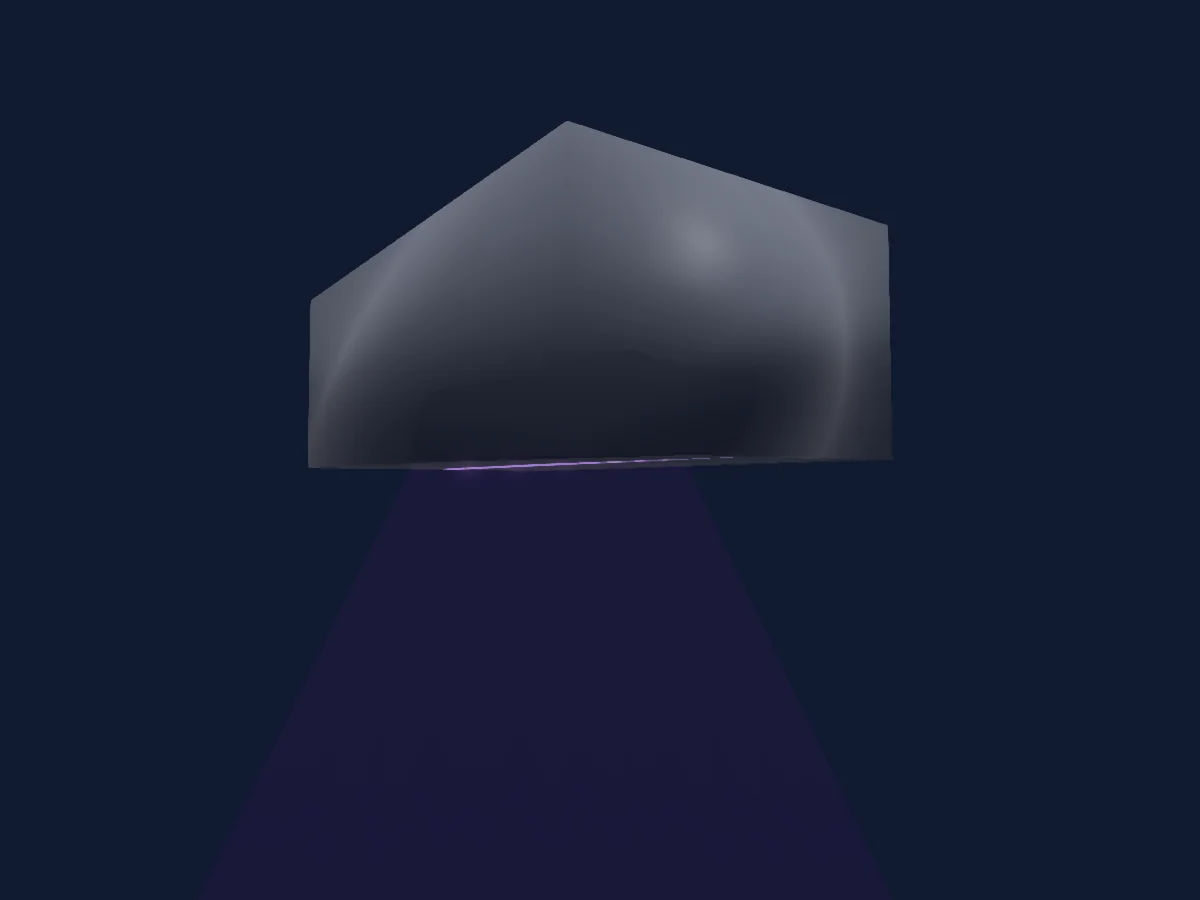
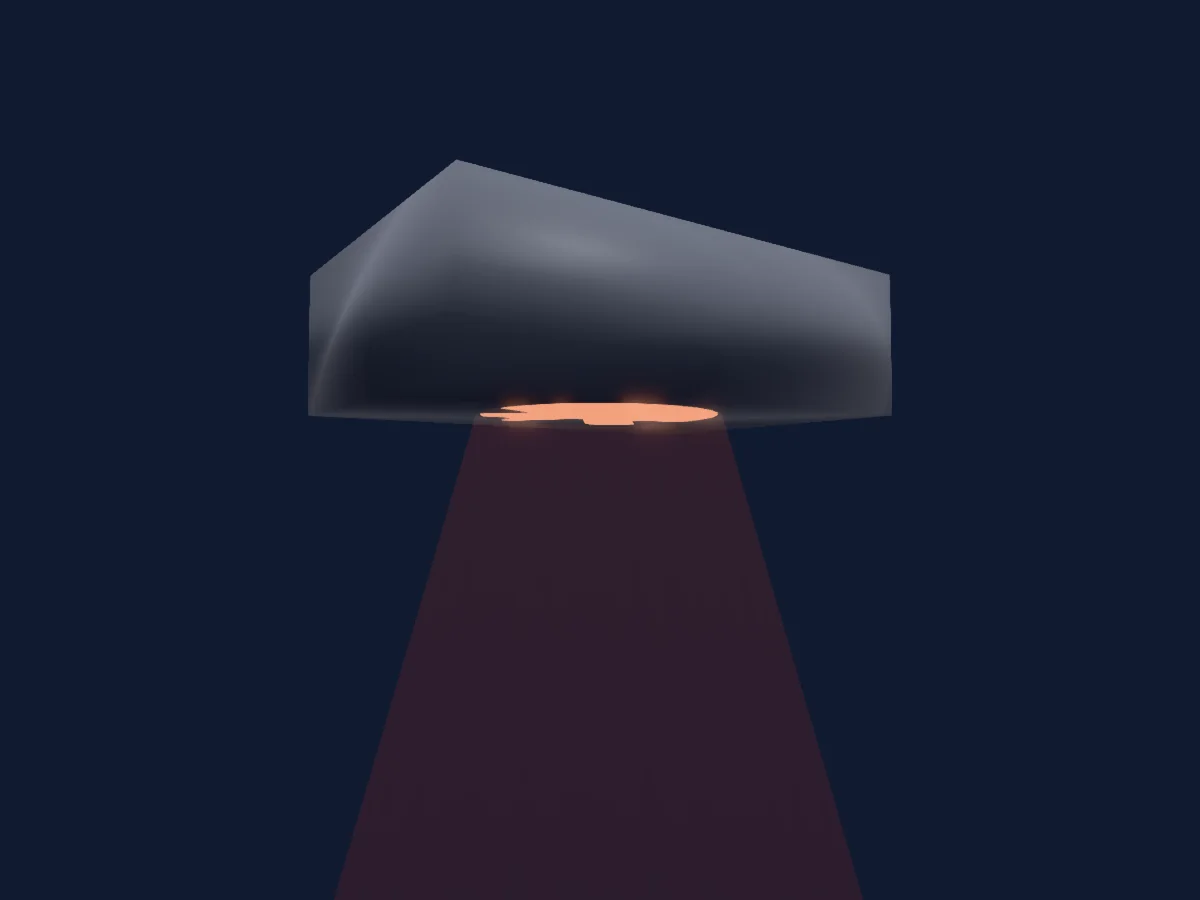
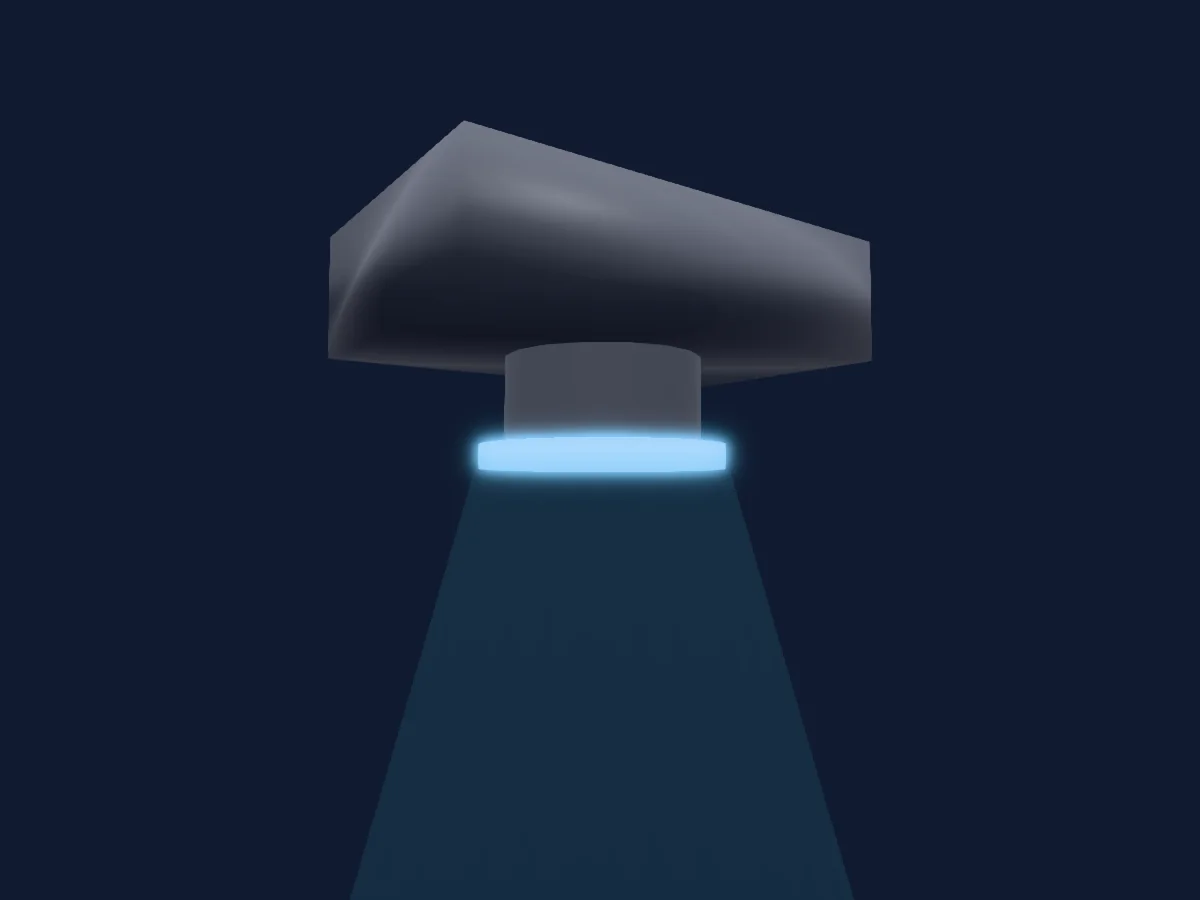
PROLIGHT SPAIN ST 3000 LED rendered in HitLight

What it can do

  • RGB colour mixing
  • Colour wheel
  • Effect speed
  • Strobe
  • Dimmer

Safety-relevant functions: Fixture reset · Built-in effect programmes. Check how these behave on your own fixture before a show.

DMX modes and channel charts

DMX modes of PROLIGHT SPAIN ST 3000 LED
ModeChannelsIn HitLight
3ch3Ready in HitLight
4ch4Ready in HitLight
14ch14Ready in HitLight

3ch

Ready in HitLight

3 DMX channels · Download this chart as CSV

DMX channel chart for 3ch
ChannelFunctionDefaultDMX values
1Dimmer00–255
2Strobe Duration00–255
3Shutter1Strobe1270–255

4ch

Ready in HitLight

4 DMX channels · Download this chart as CSV

DMX channel chart for 4ch
ChannelFunctionDefaultDMX values
1Dimmer00–255
2Strobe Duration00–255
3Shutter1Strobe1270–255
4Effect0
7 value ranges
  • 0–5 No effect
  • 6–42 Ramp up
  • 43–85 Ramp down
  • 86–128 Ramp up-down
  • 129–171 Random
  • 172–214 Lighting
  • 215–255 Spikes

14ch

Ready in HitLight

14 DMX channels · Download this chart as CSV

DMX channel chart for 14ch
ChannelFunctionDefaultDMX values
1Dimmer00–255
2Strobe Duration00–255
3Shutter1Strobe1270–255
4Effect0
7 value ranges
  • 0–5 No effect
  • 6–42 Ramp up
  • 43–85 Ramp down
  • 86–128 Ramp up-down
  • 129–171 Random
  • 172–214 Lighting
  • 215–255 Spikes
5Fixture Global Reset0
21 value ranges
  • 0–9 No function
  • 10–14 Reset
  • 15–22 No function
  • 23–23 Linear dim curve
  • 24–24 Sq law dim curve
  • 25–25 Inv sq law dim curve
  • 26–26 S-curve dim curve
  • 27–35 No function
  • 36–36 Enable video traking
  • 37–37 Disable video tracking
  • 38–51 No function
  • 52–52 Turn on display
  • 53–53 Turn off display
  • 54–54 Fan regulated
  • 55–55 Fan full
  • 56–56 Fan mid
  • 57–57 Fan low
  • 58–58 Fan u-low
  • 59–59 Strobe bhv led
  • 60–60 Strobe bhv xenon
  • 61–255 No function
6Effect0
2 value ranges
  • 0–0 No FX
  • 1–255 Fx selection
7Effect Speed0
7 value ranges
  • 0–0 <<<
  • 1–125 <<< from fast to slow
  • 126–126 <
  • 127–128 stop
  • 129–129 >
  • 130–254 >>> from slow to fast
  • 255–255 >>>
8Effects Sync0
41 value ranges
  • 0–0 No sync
  • 1–1 Offset 10 deg
  • 2–2 Offset 20 deg
  • 3–3 Offset 30 deg
  • 4–4 Offset 40 deg
  • 5–5 Offset 50 deg
  • 6–6 Offset 60 deg
  • 7–7 Offset 70 deg
  • 8–8 Offset 80 deg
  • 9–9 Offset 90 deg
  • 10–10 Offset 100 deg
  • 11–11 Offset 110 deg
  • 12–12 Offset 120 deg
  • 13–13 Offset 130 deg
  • 14–14 Offset 140 deg
  • 15–15 Offset 150 deg
  • 16–16 Offset 160 deg
  • 17–17 Offset 170 deg
  • 18–18 Offset 180 deg
  • 19–19 Offset 190 deg
  • 20–20 Offset 200 deg
  • 21–21 Offset 210 deg
  • 22–22 Offset 220 deg
  • 23–23 Offset 230 deg
  • 24–24 Offset 240 deg
  • 25–25 Offset 250 deg
  • 26–26 Offset 260 deg
  • 27–27 Offset 270 deg
  • 28–28 Offset 280 deg
  • 29–29 Offset 290 deg
  • 30–30 Offset 300 deg
  • 31–31 Offset 310 deg
  • 32–32 Offset 320 deg
  • 33–33 Offset 330 deg
  • 34–34 Offset 340 deg
  • 35–35 Offset 350 deg
  • 36–36 All fixtures synchronized
  • 37–100 No function
  • 101–120 Random start
  • 121–140 Random duration
  • 141–255 No function
9Shutter / Strobe30
9 value ranges
  • 0–19 Closed
  • 20–49 Open
  • 50–124 Strobe · min 0.1–7.45 Hz
  • 125–199 Strobe · med 7.55–14.9 Hz
  • 200–200 Strobe · max 15 Hz
  • 201–210 Open
  • 211–232 Random · min 0.1–7.21 Hz
  • 233–254 Random · med 7.55–14.7 Hz
  • 255–255 Random · max 15 Hz
10Dimmer00–255
11Red00–255
12Green00–255
13Blue00–255
14Color Wheel0
47 value ranges
  • 0–10 Open (wheel slot 1)
  • 11–15 Moroccan pink (wheel slot 2)
  • 16–20 Pink (wheel slot 3)
  • 21–25 Special rose pink (wheel slot 4)
  • 26–30 Follies pink (wheel slot 5)
  • 31–35 Fuchsia pink (wheel slot 6)
  • 36–40 Surprise pink (wheel slot 7)
  • 41–45 Congo blue (wheel slot 8)
  • 46–50 Tokio blue (wheel slot 9)
  • 51–55 Deep blue (wheel slot 10)
  • 56–60 Just blue (wheel slot 11)
  • 61–65 Medium blue (wheel slot 12)
  • 66–70 Double CT blue (wheel slot 13)
  • 71–75 Slate blue (wheel slot 14)
  • 76–80 Full CT blue (wheel slot 15)
  • 81–85 Half CT blue (wheel slot 16)
  • 86–90 Steel blue (wheel slot 17)
  • 91–95 Lighter blue (wheel slot 18)
  • 96–100 Light blue (wheel slot 19)
  • 101–105 Medium blue green (wheel slot 20)
  • 106–110 Dark green (wheel slot 21)
  • 111–115 Primary green (wheel slot 22)
  • 116–120 Moss green (wheel slot 23)
  • 121–125 Fern green (wheel slot 24)
  • 126–130 JAS green (wheel slot 25)
  • 131–135 Lime green (wheel slot 26)
  • 136–140 Spring yellow (wheel slot 27)
  • 141–145 Deep amber (wheel slot 28)
  • 146–150 Chrome orange (wheel slot 29)
  • 151–155 Orange (wheel slot 30)
  • 156–160 Gold amber (wheel slot 31)
  • 161–165 Millennium gold (wheel slot 32)
  • 166–170 Deep golden amber (wheel slot 33)
  • 171–175 Flame red (wheel slot 34)
  • 176–180 Magenta (wheel slot 35)
  • 181–185 Medium lavender (wheel slot 36)
  • 186–190 White (wheel slot 37)
  • 191–191 >>>
  • 192–213 >>> fast to slow
  • 214–214 >
  • 215–219 stop
  • 220–220 <
  • 221–242 <<< slow to fast
  • 243–243 <<<
  • 244–247 fast
  • 248–251 medium
  • 252–255 slow

Use the PROLIGHT SPAIN ST 3000 LED in HitLight

  1. Open Add fixture and search for PROLIGHT SPAIN ST 3000 LED.
  2. Choose the DMX mode set in the fixture’s own menu. HitLight gives it the lowest free start address on its universe that fits the mode’s channel count.
  3. Check the mode and controls against your real fixture before live use.

Charts come from the fixture’s GDTF description as converted for the HitLight library. HitLight is not affiliated with PROLIGHT SPAIN.

Patch it, then let the music run the lights.

HitLight finds these fixtures in its library, patches them on the next free address and previews your rig in 3D before a single light is plugged in.

Open HitLight ↗Download HitLight