 HitLight
Prolights DIAMOND19CC
DMX chart, 4 DMX modes and a 3D preview. 14 / 15 / 16 / 26 DMX channels.
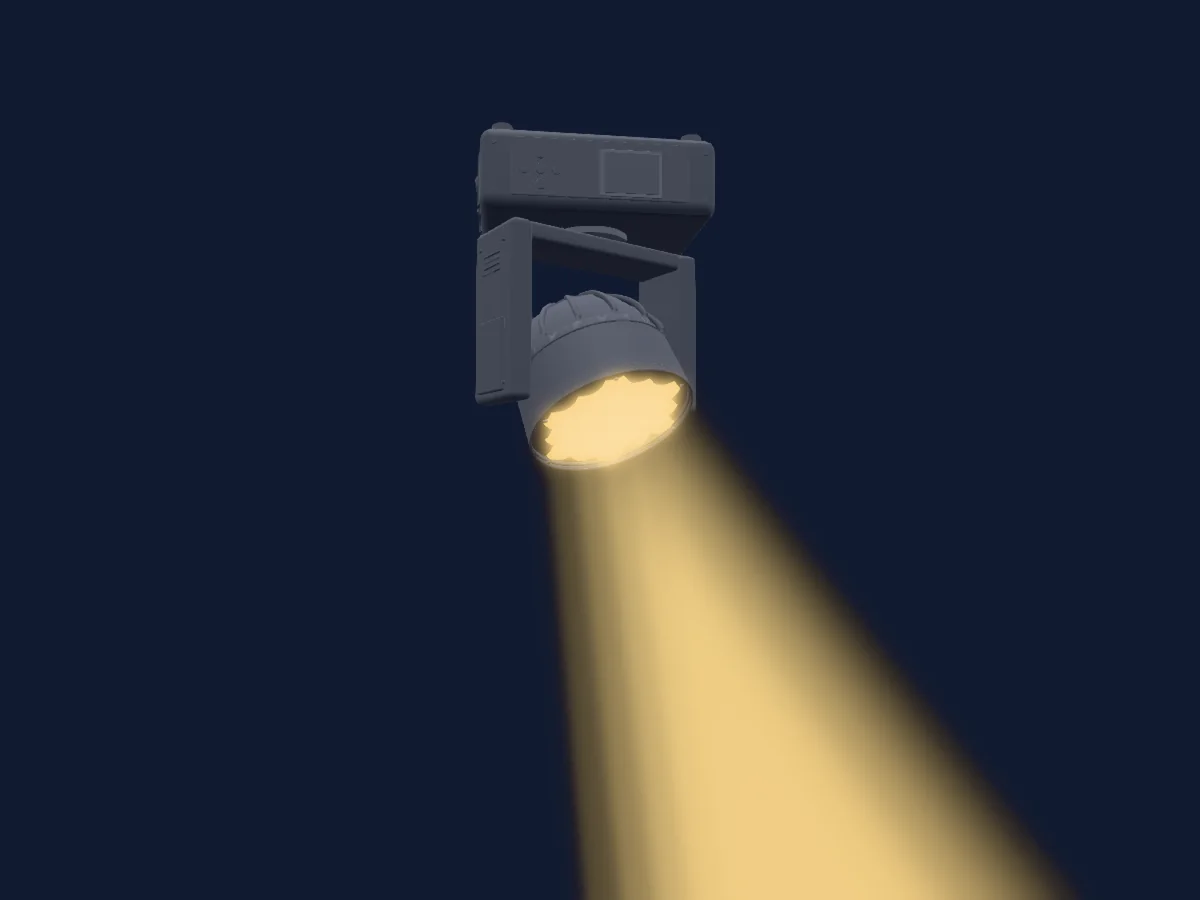
What it can do
- Zoom
- Extra LED colours
- RGB colour mixing
- Effect speed
- Dimmer
- Pixel control
- Pan and tilt
- Movement speed
Safety-relevant functions: Fixture reset · Service functions. Check how these behave on your own fixture before a show.
DMX modes and channel charts
| Mode | Channels | In HitLight |
|---|---|---|
| BAS-8 | 14 | Ready in HitLight |
| STAND | 15 | Ready in HitLight |
| BAS-16 | 16 | Ready in HitLight |
| EXT-1 provisional cells | 26 | Limited in HitLight |
BAS-8
Ready in HitLight14 DMX channels · Download this chart as CSV
| Channel | Function | Default | DMX values |
|---|---|---|---|
| 1 | Pan | 128 | 0–255 |
| 2 | Tilt | 128 | 0–255 |
| 3 | Pan Tilt Speed | 0 | 0–255 |
| 4 | Shutter / Strobe | 32 | 8 value ranges
|
| 5 | Dimmer | 0 | 0–255 |
| 6 | Control | 0 | 7 value ranges
|
| 7 | Effect Speed | 0 | 0–255 |
| 8 | Effect Speed 2 | 0 | 0–255 |
| 9 | Red | 0 | 0–255 |
| 10 | Green | 0 | 0–255 |
| 11 | Blue | 0 | 0–255 |
| 12 | White | 0 | 0–255 |
| 13 | Zoom | 0 | 0–255 |
| 14 | Control | 0 | 11 value ranges
|
STAND
Ready in HitLight15 DMX channels · Download this chart as CSV
| Channel | Function | Default | DMX values |
|---|---|---|---|
| 1 | Pan | 128 | 0–255 |
| 2 | Tilt | 128 | 0–255 |
| 3 | Pan Tilt Speed | 0 | 0–255 |
| 4 | Control | 0 | 5 value ranges
|
| 5 | Shutter / Strobe | 224 | 3 value ranges
|
| 6 | Dimmer | 0 | 0–255 |
| 7 | Control | 0 | 7 value ranges
|
| 8 | Effect Speed | 0 | 0–255 |
| 9 | Effect Speed 2 | 0 | 0–255 |
| 10 | Red | 0 | 0–255 |
| 11 | Green | 0 | 0–255 |
| 12 | Blue | 0 | 0–255 |
| 13 | White | 0 | 0–255 |
| 14 | Zoom | 0 | 0–255 |
| 15 | Control | 0 | 11 value ranges
|
BAS-16
Ready in HitLight16 DMX channels · Download this chart as CSV
| Channel | Function | Default | DMX values |
|---|---|---|---|
| 1 | Pan | 128 | 0–255 |
| 2 | Pan Fine | 0 | Fine byte of Pan |
| 3 | Tilt | 128 | 0–255 |
| 4 | Tilt Fine | 0 | Fine byte of Tilt |
| 5 | Pan Tilt Speed | 0 | 0–255 |
| 6 | Shutter / Strobe | 32 | 8 value ranges
|
| 7 | Dimmer | 0 | 0–255 |
| 8 | Control | 0 | 7 value ranges
|
| 9 | Effect Speed | 0 | 0–255 |
| 10 | Effect Speed 2 | 0 | 0–255 |
| 11 | Red | 0 | 0–255 |
| 12 | Green | 0 | 0–255 |
| 13 | Blue | 0 | 0–255 |
| 14 | White | 0 | 0–255 |
| 15 | Zoom | 0 | 0–255 |
| 16 | Control | 0 | 11 value ranges
|
EXT-1 provisional cells
Limited in HitLight26 DMX channels · Download this chart as CSV
| Channel | Function | Default | DMX values |
|---|---|---|---|
| 1 | Pan | 128 | 0–255 |
| 2 | Pan Fine | 0 | Fine byte of Pan |
| 3 | Tilt | 128 | 0–255 |
| 4 | Tilt Fine | 0 | Fine byte of Tilt |
| 5 | Pan Tilt Speed | 0 | 0–255 |
| 6 | Control | 0 | 3 value ranges
|
| 7 | Control | 0 | 5 value ranges
|
| 8 | Shutter / Strobe | 224 | 3 value ranges
|
| 9 | Dimmer | 0 | 0–255 |
| 10 | Control | 0 | 7 value ranges
|
| 11 | Effect Speed | 0 | 0–255 |
| 12 | Effect Speed 2 | 0 | 0–255 |
| 13 | Red | 0 | 0–255 |
| 14 | Green | 0 | 0–255 |
| 15 | Blue | 0 | 0–255 |
| 16 | White | 0 | 0–255 |
| 17 | Zoom | 0 | 0–255 |
| 18 | Red | 0 | 0–255 |
| 19 | Green | 0 | 0–255 |
| 20 | Blue | 0 | 0–255 |
| 21 | White | 0 | 0–255 |
| 22 | Red | 0 | 0–255 |
| 23 | Green | 0 | 0–255 |
| 24 | Blue | 0 | 0–255 |
| 25 | White | 0 | 0–255 |
| 26 | Control | 0 | 11 value ranges
|
Use the Prolights DIAMOND19CC in HitLight
- Open Add fixture and search for Prolights DIAMOND19CC.
- Choose the DMX mode set in the fixture’s own menu. HitLight gives it the lowest free start address on its universe that fits the mode’s channel count.
- Check the mode and controls against your real fixture before live use.
Venues with the Prolights DIAMOND19CC
Their saved rigs list this fixture model. Confirm the current equipment with the venue.
- Kolben kulturhus Kolbotn, Norway
- Muziekclub 4AD Diksmuide, Belgium
- SALT Oslo, Norway
Related fixtures
Prolights EclFresnel2KTU
Prolights StudioCobTU_30
Prolights EclMiniFRFC
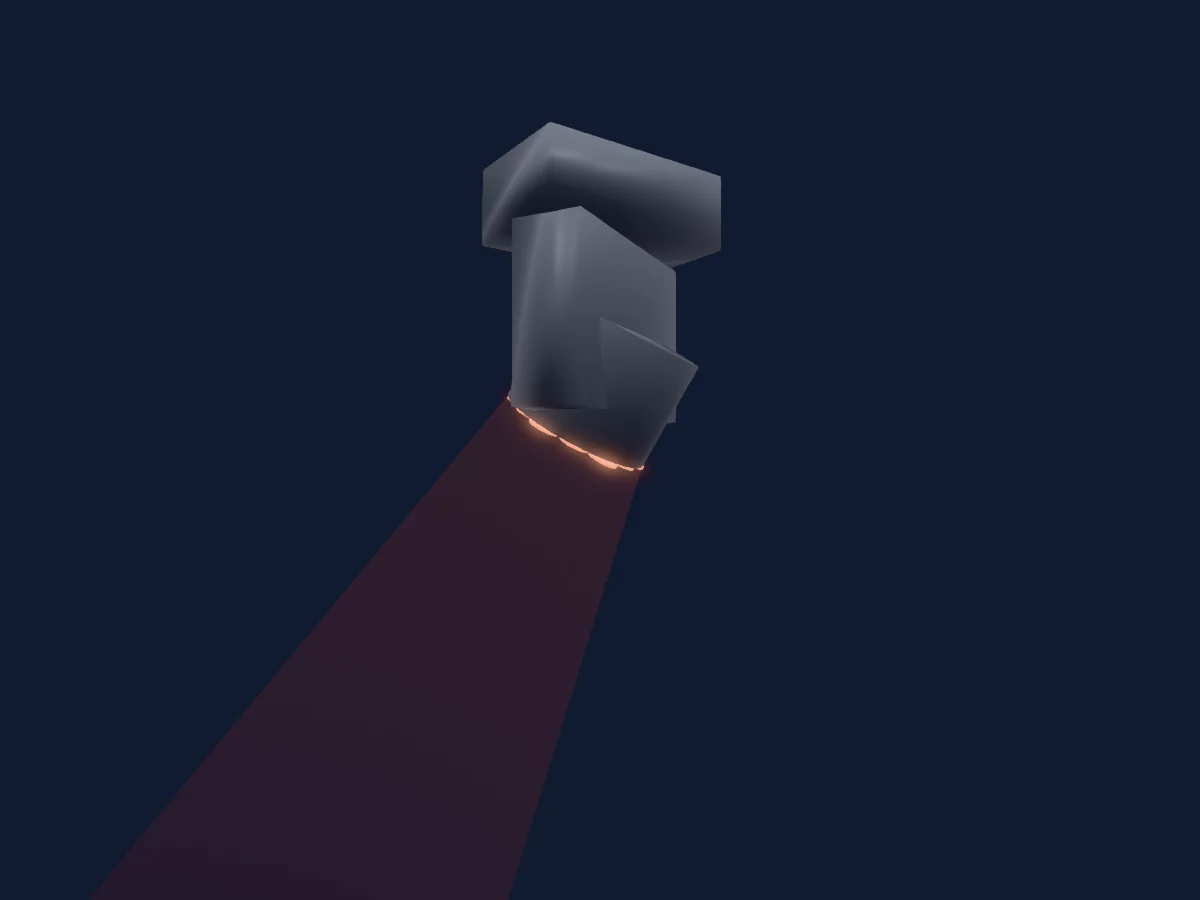
Prolights Equinox Fusion 260ZR
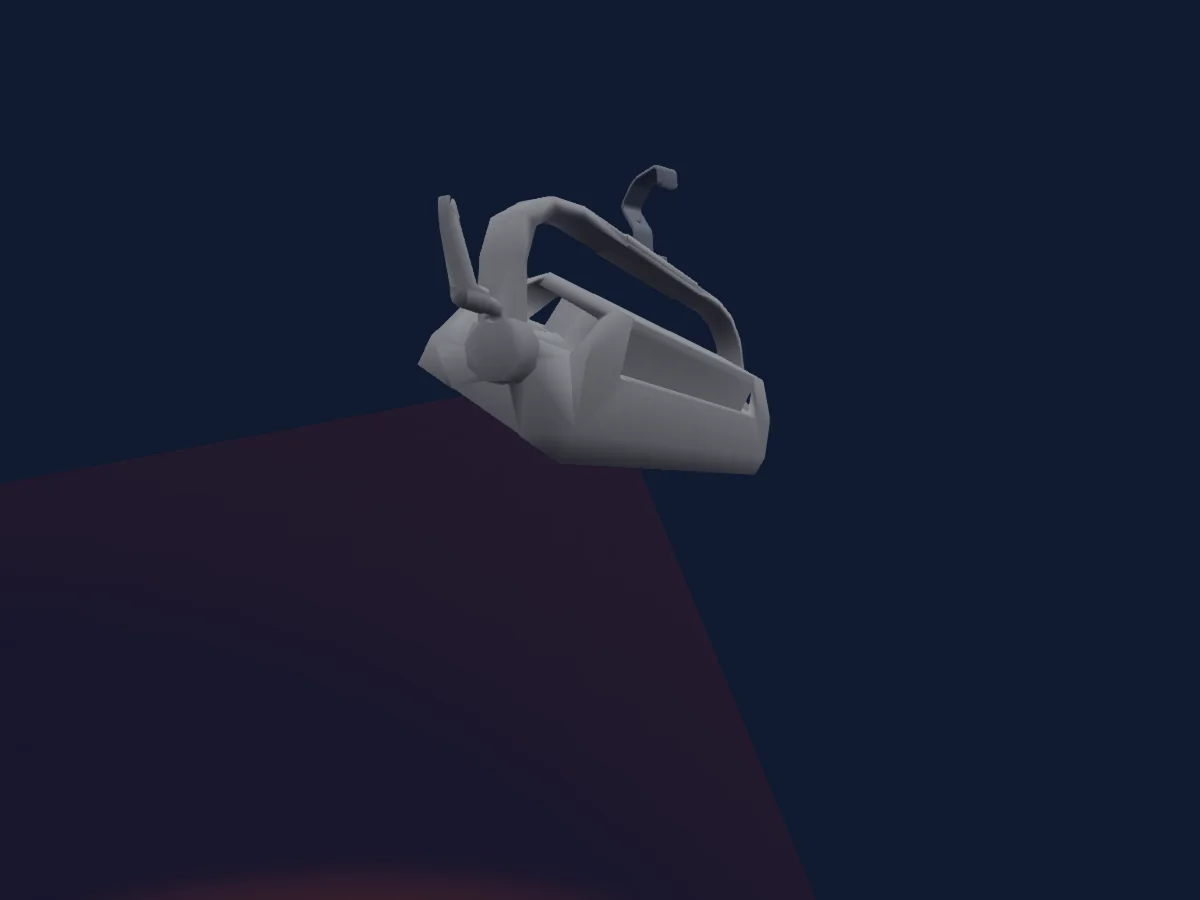
Prolights EclPanelTWCJR4X1
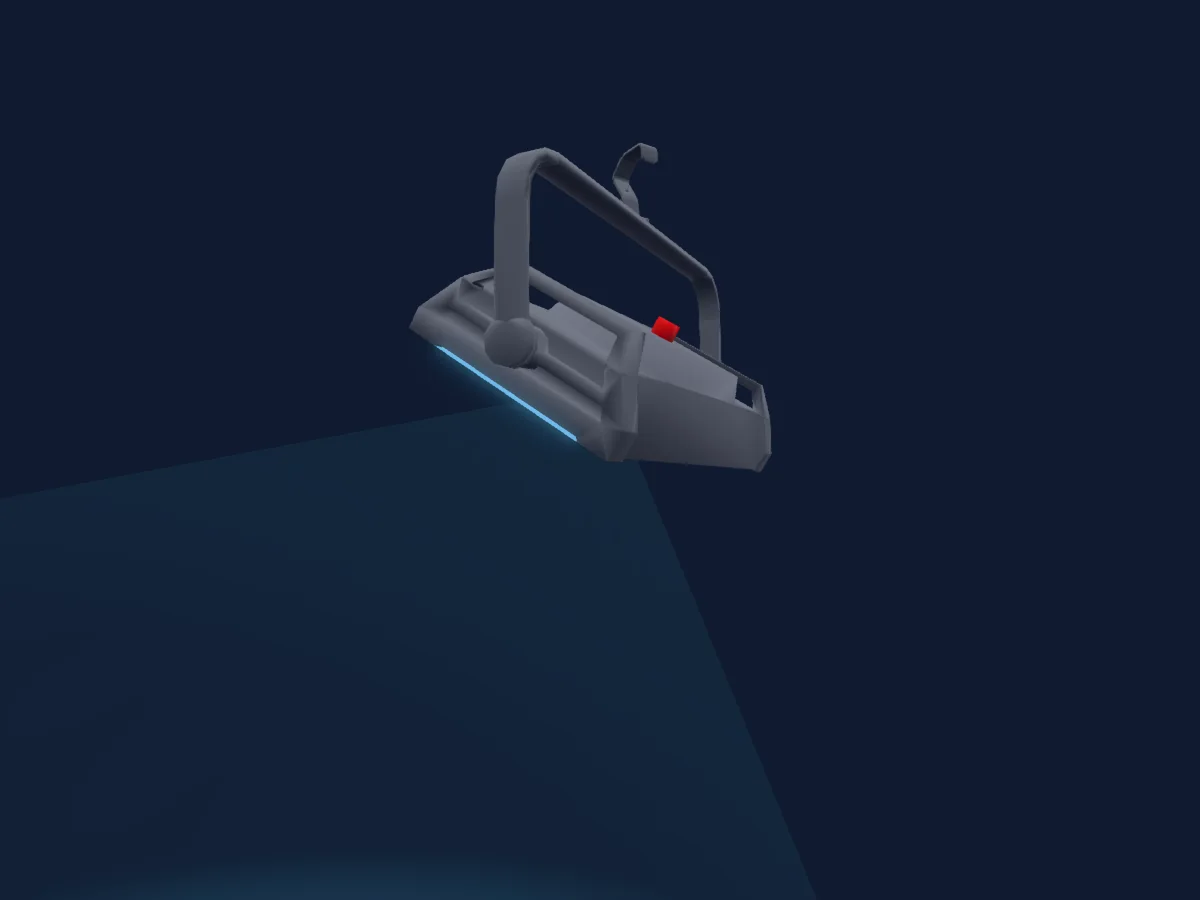
Prolights EclPanelTWC
Charts come from the fixture’s GDTF description as converted for the HitLight library. HitLight is not affiliated with Prolights.
Fixture model: gdtf-prolights-diamond19cc-2000060113
Original HitLight parametric reconstruction. Manufacturer drawings and photographs used as dimensional and visual references; no third-party mesh or photographic texture incorporated. Approximate planning model; not hardware verified.
Creator: HitLight