 HitLight
PRstage Dimmer Pack 4
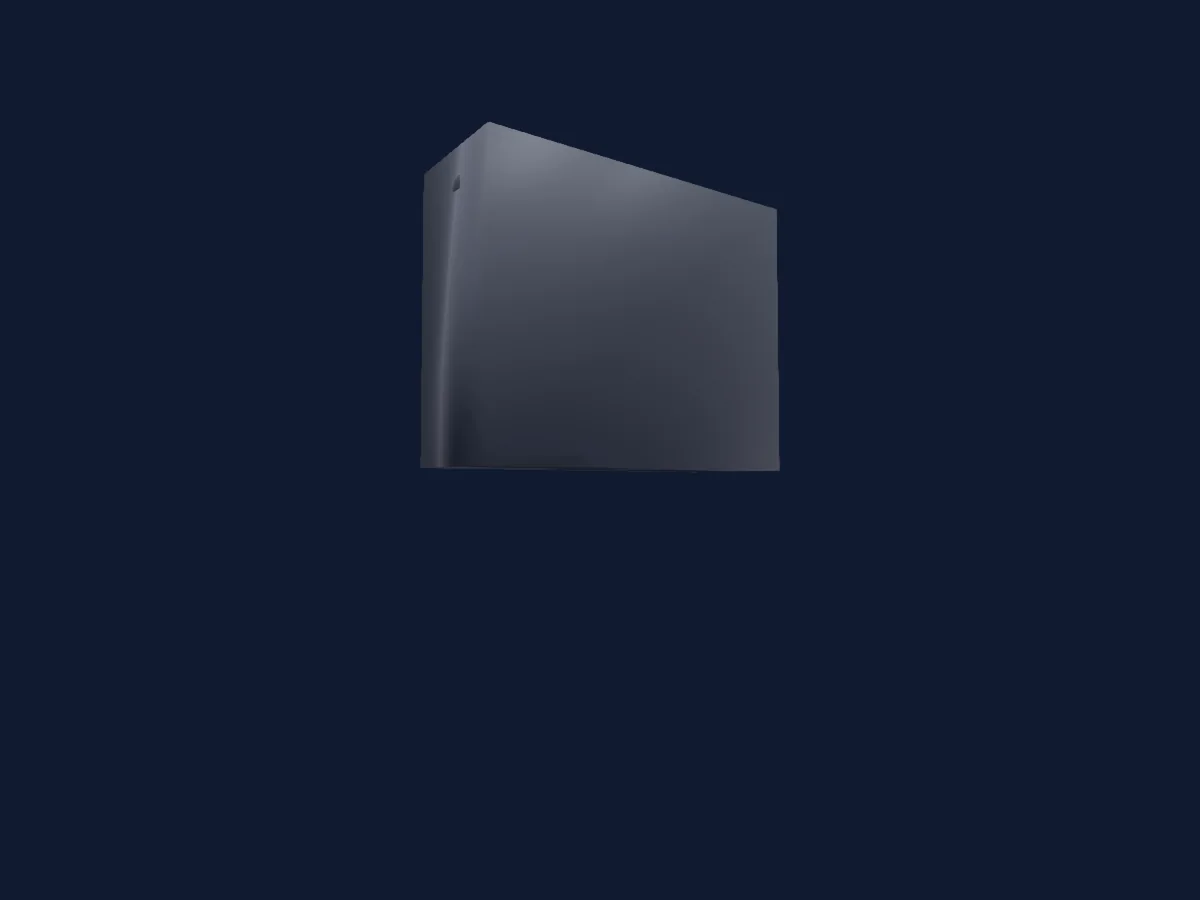
DMX chart, 5 DMX modes and a 3D preview. 4 / 5 / 8 DMX channels.
What it can do
- Effect speed
- Dimmer
Safety-relevant functions: Built-in effect programmes. Check how these behave on your own fixture before a show.
DMX modes and channel charts
| Mode | Channels | In HitLight |
|---|---|---|
| Mode 1 - 4CH DM4 | 4 | Ready in HitLight |
| Mode 2 - 4CH DM4-MFP | 4 | Ready in HitLight |
| Mode 4 - SW4 | 4 | Not supported in HitLight yet |
| Mode 5 - SW4-M | 5 | Not supported in HitLight yet |
| Mode 3 - DM4-MFP | 8 | Ready in HitLight |
Mode 1 - 4CH DM4
Ready in HitLight4 DMX channels · Download this chart as CSV
| Channel | Function | Default | DMX values |
|---|---|---|---|
| 1 | Dimmer | 0 | 2 value ranges
|
| 2 | Dimmer | 0 | 2 value ranges
|
| 3 | Dimmer | 0 | 2 value ranges
|
| 4 | Dimmer | 0 | 2 value ranges
|
Mode 2 - 4CH DM4-MFP
Ready in HitLight4 DMX channels · Download this chart as CSV
| Channel | Function | Default | DMX values |
|---|---|---|---|
| 1 | Dimmer | 0 | 2 value ranges
|
| 2 | Effects1Fade | 0 | 3 value ranges
|
| 3 | Effect | 0 | 9 value ranges
|
| 4 | Effect Speed | 127 | 0–255 |
Mode 4 - SW4
Not supported in HitLight yet4 DMX channels · Download this chart as CSV
| Channel | Function | Default | DMX values |
|---|---|---|---|
| 1 | Control1 | 0 | 2 value ranges
|
| 2 | Control1 | 0 | 2 value ranges
|
| 3 | Control1 | 0 | 2 value ranges
|
| 4 | Control1 | 0 | 2 value ranges
|
Mode 5 - SW4-M
Not supported in HitLight yet5 DMX channels · Download this chart as CSV
| Channel | Function | Default | DMX values |
|---|---|---|---|
| 1 | Control1 | 100 | 4 value ranges
|
| 2 | Control1 | 0 | 2 value ranges
|
| 3 | Control1 | 0 | 2 value ranges
|
| 4 | Control1 | 0 | 2 value ranges
|
| 5 | Control1 | 0 | 2 value ranges
|
Mode 3 - DM4-MFP
Ready in HitLight8 DMX channels · Download this chart as CSV
| Channel | Function | Default | DMX values |
|---|---|---|---|
| 1 | Dimmer | 0 | 2 value ranges
|
| 2 | Effects1Fade | 0 | 3 value ranges
|
| 3 | Effect | 0 | 9 value ranges
|
| 4 | Effect Speed | 127 | 0–255 |
| 5 | Dimmer | 0 | 2 value ranges
|
| 6 | Dimmer | 0 | 2 value ranges
|
| 7 | Dimmer | 0 | 2 value ranges
|
| 8 | Dimmer | 0 | 2 value ranges
|
Use the PRstage Dimmer Pack 4 in HitLight
- Open Add fixture and search for PRstage Dimmer Pack 4.
- Choose the DMX mode set in the fixture’s own menu. HitLight gives it the lowest free start address on its universe that fits the mode’s channel count.
- Check the mode and controls against your real fixture before live use.
Related fixtures
Moving head
PRstage F400Z
11 / 13 DMX channels
PAR
PRstage PAR 543 RGBW
4 / 8 DMX channels
Profile spot
PRstage WASH 1240B RGBL
21 / 25 / 33 / 81 DMX channels
Spot
PRstage FRESNEL 400 RGBALC
6 / 9 / 16 DMX channels
Profile spot
PRstage Beam 295 Ring
24 DMX channels
Hazer
PRstage Haze Tour 1500 Oil
2 DMX channels
Charts come from the fixture’s GDTF description as converted for the HitLight library. HitLight is not affiliated with PRstage.