 HitLight
Robert Juliat 710SX
DMX chart, 1 DMX mode and a 3D preview. 1 DMX channel.
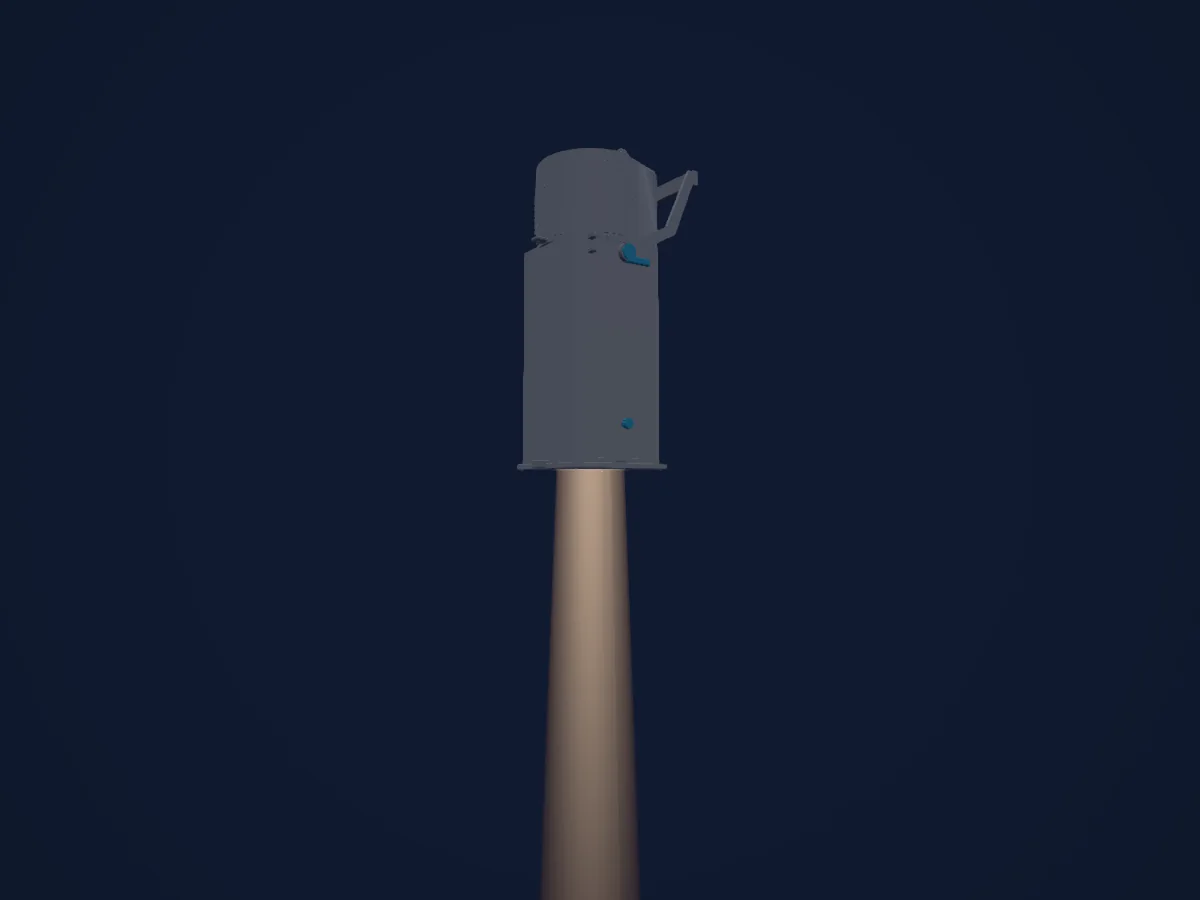
What it can do
- Dimmer
DMX modes and channel charts
| Mode | Channels | In HitLight |
|---|---|---|
| External dimmer (virtual) | 1 | Ready in HitLight |
External dimmer (virtual)
Ready in HitLight1 DMX channel · Download this chart as CSV
| Channel | Function | Default | DMX values |
|---|---|---|---|
| 1 | Dimmer | 0 | 0–255 |
Use the Robert Juliat 710SX in HitLight
- Open Add fixture and search for Robert Juliat 710SX.
- Choose the DMX mode set in the fixture’s own menu. HitLight gives it the lowest free start address on its universe that fits the mode’s channel count.
- Check the mode and controls against your real fixture before live use.
Venues with the Robert Juliat 710SX
Their saved rigs list this fixture model. Confirm the current equipment with the venue.
- Lutkovno gledališče Maribor Maribor, Slovenia
- Markant Uden, Netherlands
- Sydney Opera House Sydney, Australia
- Symphony Hall – Birmingham Birmingham, United Kingdom
Related fixtures
Profile spot
Robert Juliat 671SX VW
1 / 2 / 6 / 8 DMX channels
Profile spot
Robert Juliat 714SX2
1 DMX channel
Profile spot
Robert Juliat 671SX CW
1 / 6 DMX channels
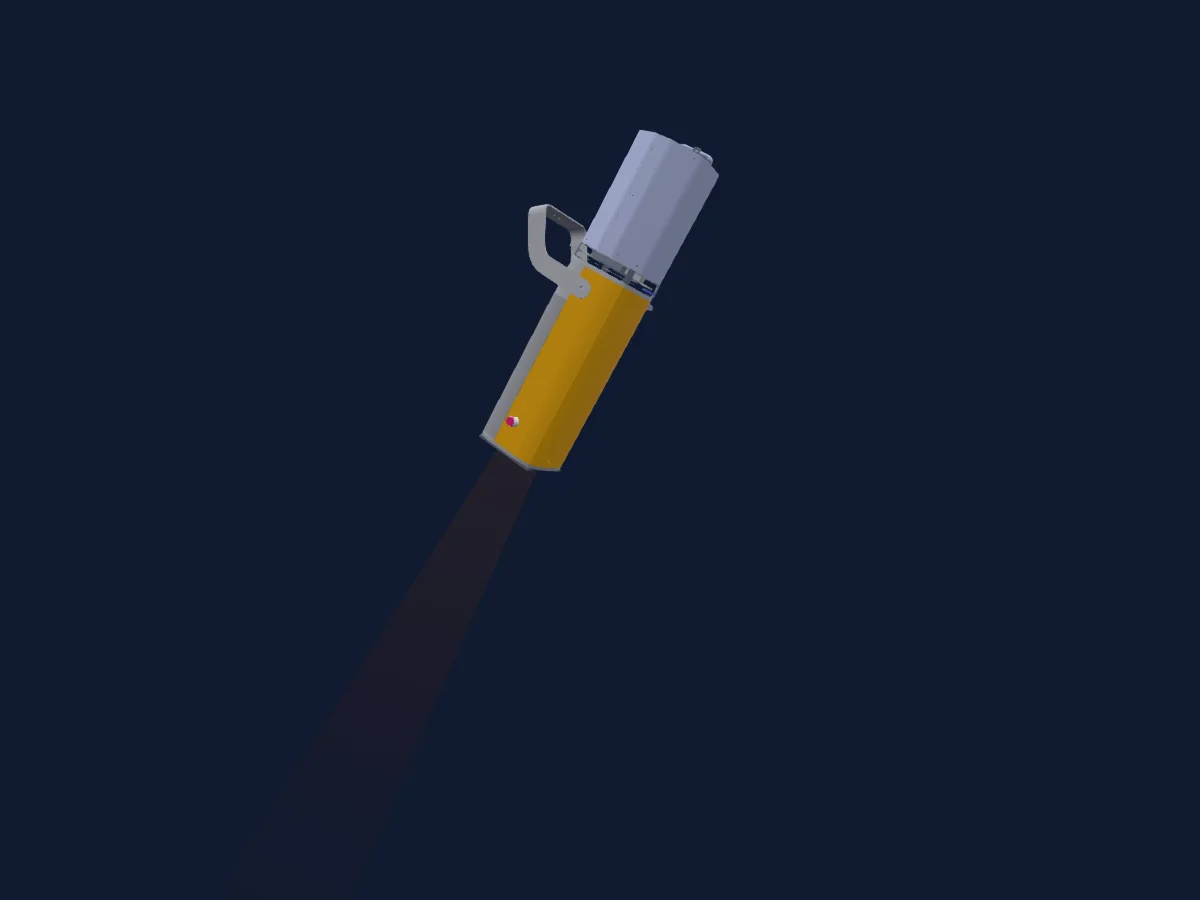
Profile spot
Robert Juliat 771SX VW
1 / 2 / 6 / 8 DMX channels
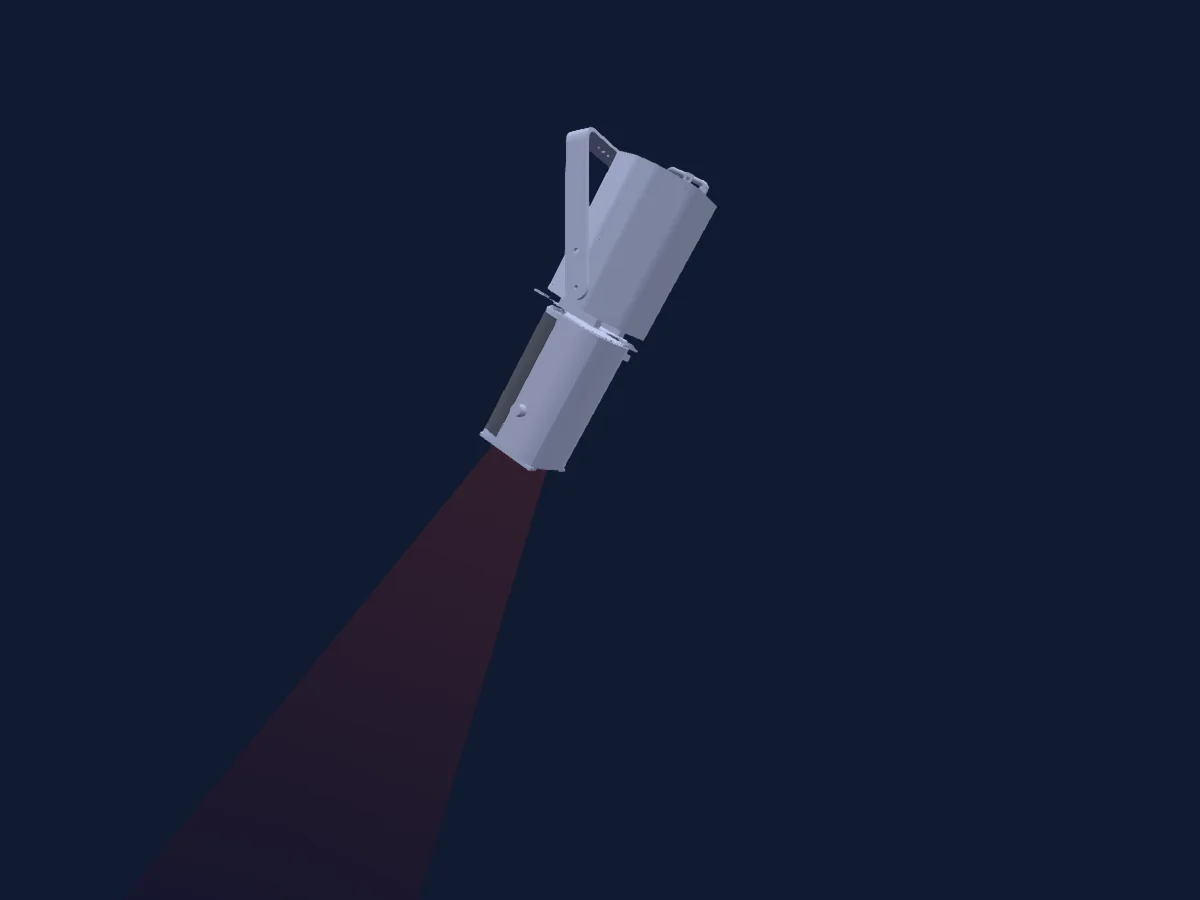
Profile spot
Robert Juliat 674SX VW
1 / 2 / 6 / 8 DMX channels
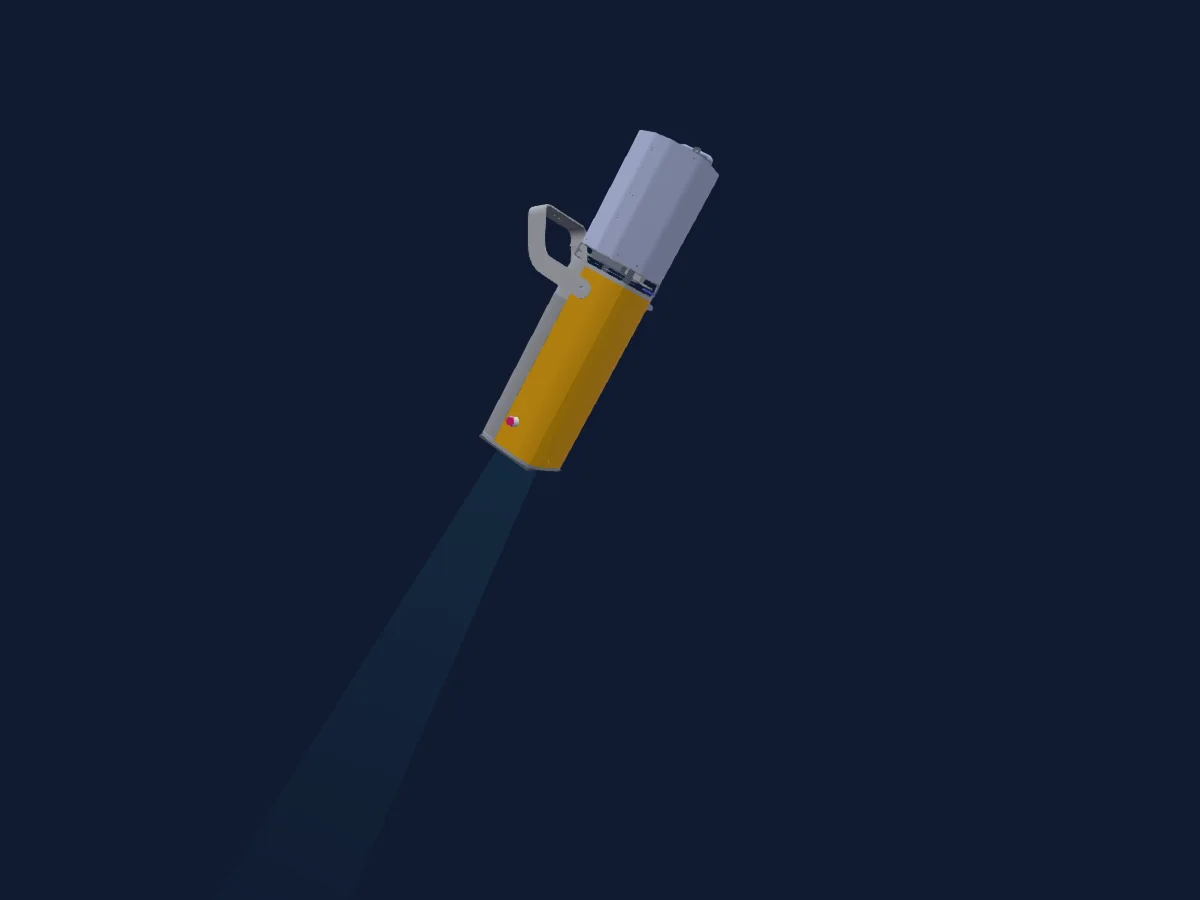
Profile spot
Robert Juliat 771SX CW
1 / 6 DMX channels
Charts come from the fixture’s GDTF description as converted for the HitLight library. HitLight is not affiliated with Robert Juliat.
Fixture model: gdtf-robert-juliat-710sx-2000061110
Original HitLight approximate primitive geometry, authored source and self-rendered views; manufacturer references remain private. No OEM mesh, photograph, texture or logo embedded. Not hardware or calibrated photometry verification.
Creator: HitLight