Skip to content
HitLight
SHEHDS · Moving head

SHEHDS Mobile App LED Beam 180W Moving Head Lighting

DMX chart, 2 DMX modes and a 3D preview. 18 / 23 DMX channels.
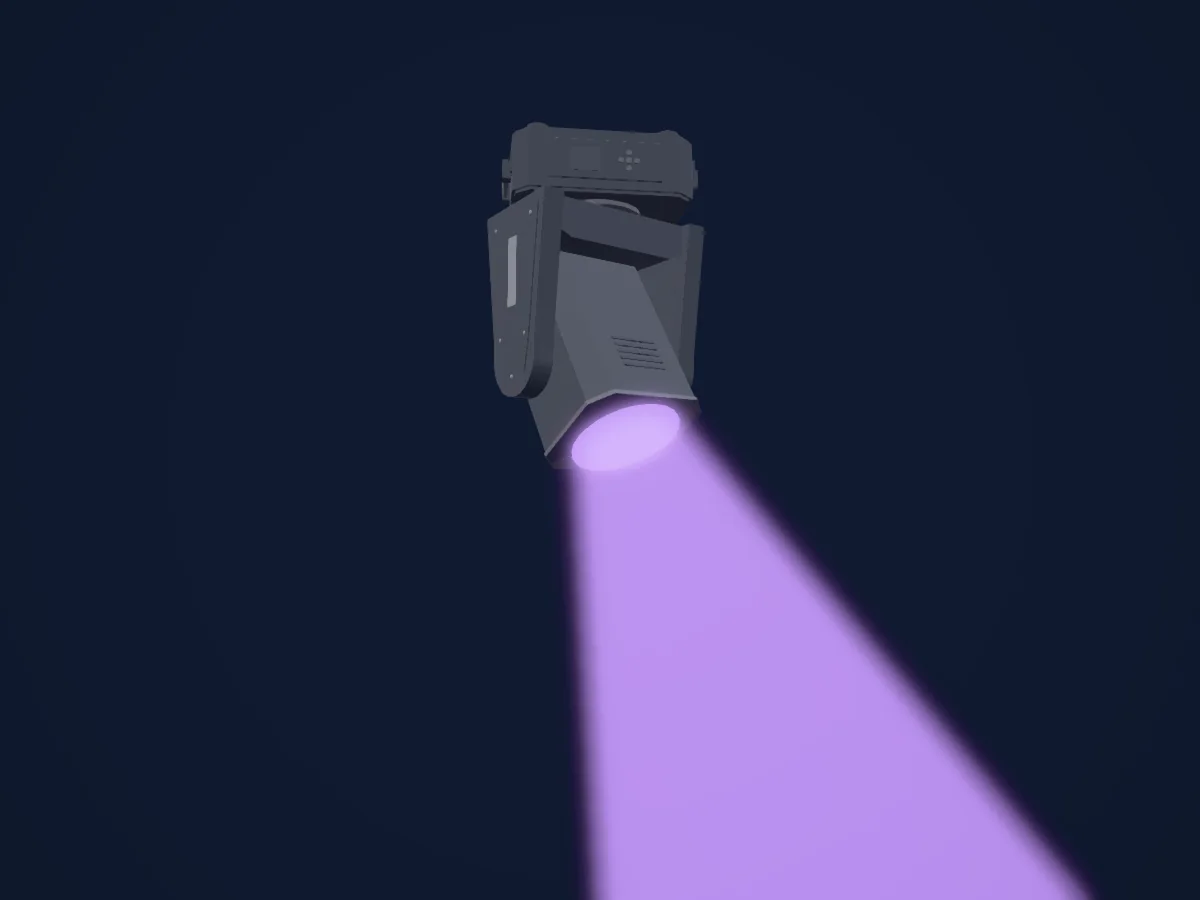
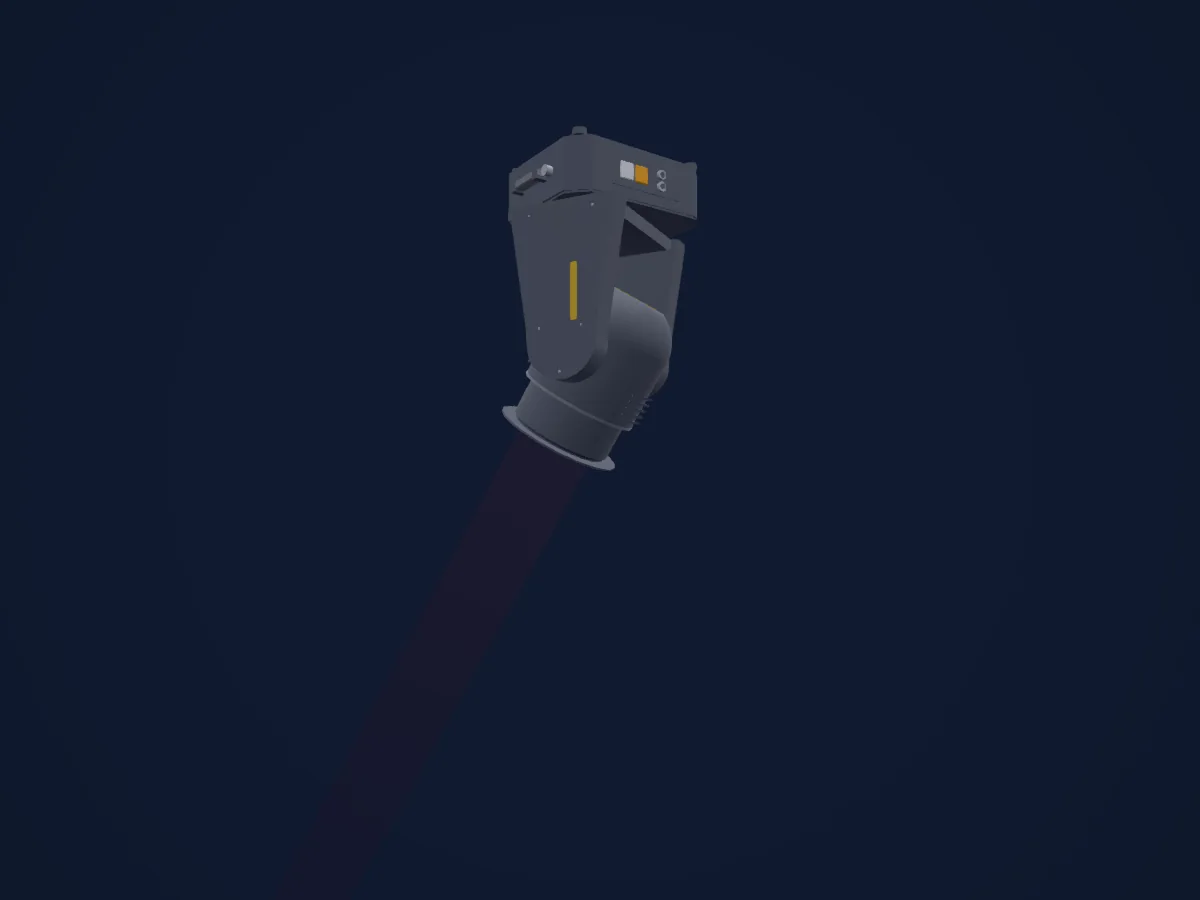
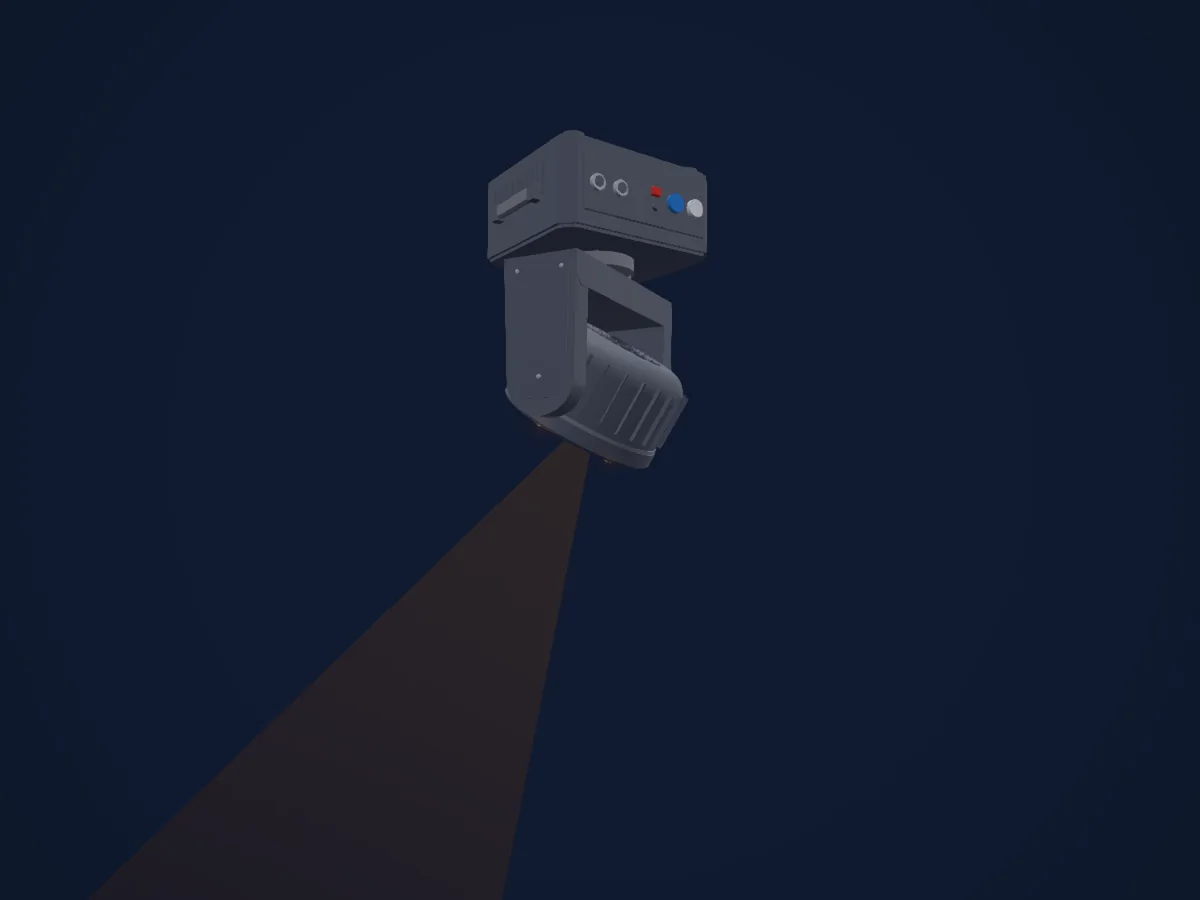
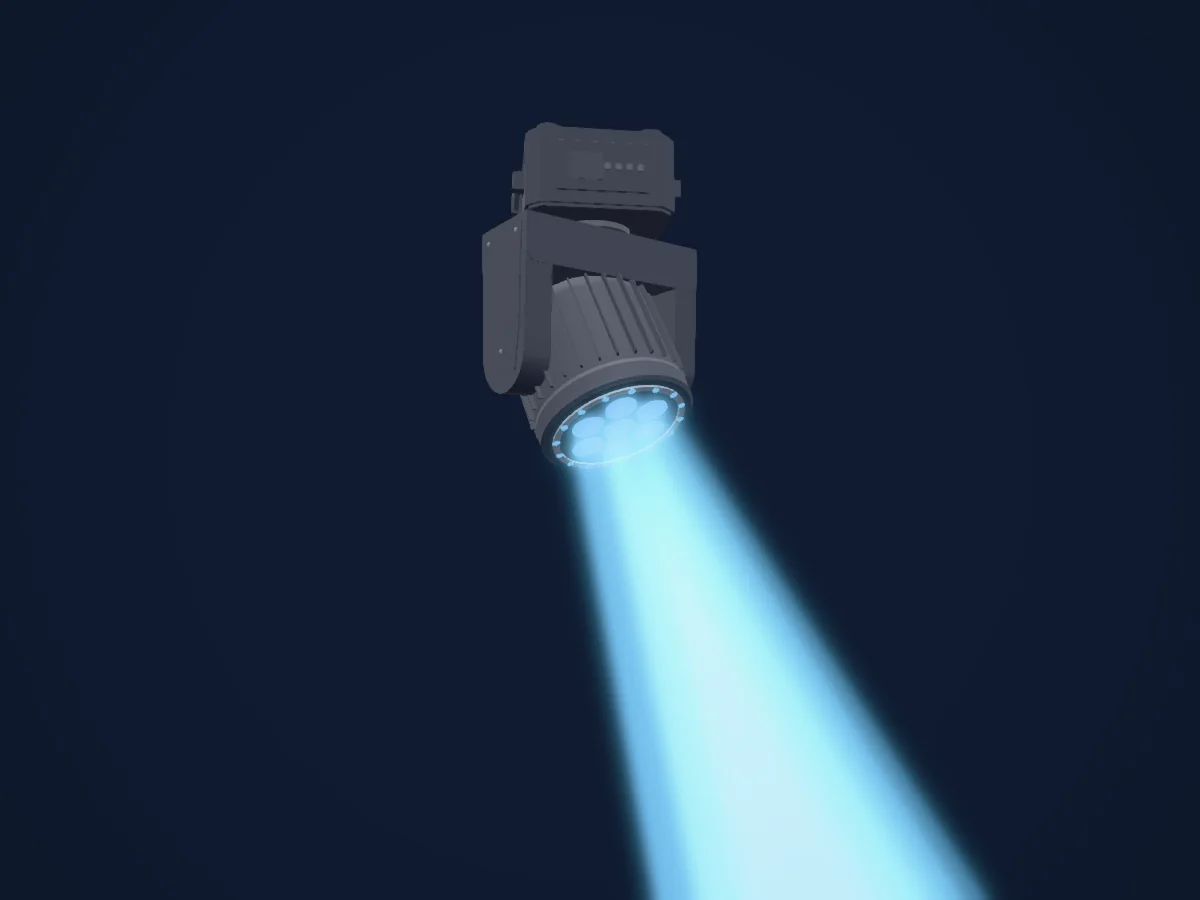
SHEHDS Mobile App LED Beam 180W Moving Head Lighting rendered in HitLight

What it can do

  • Focus
  • Frost
  • Prism
  • Prism rotation
  • Colour wheel
  • Effect speed
  • Strobe
  • Dimmer
  • Pixel control
  • Pan and tilt
  • Movement speed
  • Gobos

Safety-relevant functions: Fixture reset · Built-in effect programmes. Check how these behave on your own fixture before a show.

DMX modes and channel charts

DMX modes of SHEHDS Mobile App LED Beam 180W Moving Head Lighting
ModeChannelsIn HitLight
18CH Channels Mode18Ready in HitLight
23CHA Channels Mode23Ready in HitLight

18CH Channels Mode

Ready in HitLight

18 DMX channels · Download this chart as CSV

DMX channel chart for 18CH Channels Mode
ChannelFunctionDefaultDMX values
1Pan1280–255
2Tilt1280–255
3Position MSpeed00–255
4Pan Mode00–255
5Frost10
3 value ranges
  • 0–127 None
  • 128–191 Frost
  • 192–255 Rainbow color
6Shutter / Strobe104
7 value ranges
  • 0–3 Off
  • 4–103 Strobe1 · Shutter slow - fast 1–20 Hz
  • 104–107 Open
  • 108–207 Strobe3 · Shutter slow - fast 1–20 Hz
  • 208–212 Open
  • 213–251 Random shutter slow - fast 1–20 Hz
  • 252–255 Open
7Dimmer00–255
8Color Wheel0
32 value ranges
  • 0–4 Open (wheel slot 1)
  • 5–9 Open+Color1
  • 10–14 Color1 (wheel slot 2)
  • 15–19 Color1+Color2
  • 20–24 Color2 (wheel slot 3)
  • 25–29 Color2+Color3
  • 30–34 Color3 (wheel slot 4)
  • 35–39 Color3+Color4
  • 40–44 Color4 (wheel slot 5)
  • 45–49 Color4+Color5
  • 50–54 Color5 (wheel slot 6)
  • 55–59 Color5+Color6
  • 60–64 Color6 (wheel slot 7)
  • 65–69 Color6+Color7
  • 70–74 Color7 (wheel slot 8)
  • 75–79 Color7+Color8
  • 80–84 Color8 (wheel slot 9)
  • 85–89 Color8+Color9
  • 90–94 Color9 (wheel slot 10)
  • 95–99 Color9+Color10
  • 100–104 Color10 (wheel slot 11)
  • 105–109 Color10+Color11
  • 110–114 Color11 (wheel slot 12)
  • 115–119 Color11+Color12
  • 120–124 Color12 (wheel slot 13)
  • 125–129 Color12+Color13
  • 130–134 Color13 (wheel slot 14)
  • 135–139 Color13+Color14
  • 140–144 Color14 (wheel slot 15)
  • 145–149 Color14+Open
  • 150–202 Color rotating fast to slow
  • 203–255 Color rotating slow to fast
9Gobo0
32 value ranges
  • 0–4 Open (wheel slot 1)
  • 5–9 Gobo1 (wheel slot 2)
  • 10–14 Gobo2 (wheel slot 3)
  • 15–19 Gobo3 (wheel slot 4)
  • 20–24 Gobo4 (wheel slot 5)
  • 25–29 Gobo5 (wheel slot 6)
  • 30–34 Gobo6 (wheel slot 7)
  • 35–39 Gobo7 (wheel slot 8)
  • 40–44 Gobo8 (wheel slot 9)
  • 45–49 Gobo9 (wheel slot 10)
  • 50–54 Gobo10 (wheel slot 11)
  • 55–59 Gobo11 (wheel slot 12)
  • 60–64 Gobo12 (wheel slot 13)
  • 65–69 Gobo13 (wheel slot 14)
  • 70–74 Gobo14 (wheel slot 15)
  • 75–128 Gobo fast to slow
  • 129–131 Stop
  • 132–185 Gobo slow to fast
  • 186–190 Slow to fast Gobo1 (wheel slot 2)
  • 191–195 Slow to fast Gobo2 (wheel slot 3)
  • 196–200 Slow to fast Gobo3 (wheel slot 4)
  • 201–205 Slow to fast Gobo4 (wheel slot 5)
  • 206–210 Slow to fast Gobo5 (wheel slot 6)
  • 211–215 Slow to fast Gobo6 (wheel slot 7)
  • 216–220 Slow to fast Gobo7 (wheel slot 8)
  • 221–225 Slow to fast Gobo8 (wheel slot 9)
  • 226–230 Slow to fast Gobo9 (wheel slot 10)
  • 231–235 Slow to fast Gobo10 (wheel slot 11)
  • 236–240 Slow to fast Gobo11 (wheel slot 12)
  • 241–245 Slow to fast Gobo12 (wheel slot 13)
  • 246–250 Slow to fast Gobo13 (wheel slot 14)
  • 251–255 Slow to fast Gobo14 (wheel slot 15)
10Prism0
2 value ranges
  • 0–127 No Prism
  • 128–255 Prism on
11Prism0
2 value ranges
  • 0–127 No Prism
  • 128–255 Prism on
12Prism Rotation0
4 value ranges
  • 0–127 0-270°rotation
  • 128–190 Rotate clockwise from slow to fast
  • 191–192 Stop
  • 193–255 Counterclockwise from fast to slow
13Focus00–255
14Fixture Global Reset0
6 value ranges
  • 0–209 No function
  • 210–215 Pan/Tilt reset after 3 second
  • 216–219 No function
  • 220–235 Effect reset after 3 second
  • 236–239 No function
  • 240–255 Reset system after 3 second
15Dimmer00–255
16Shutter / Strobe0
2 value ranges
  • 0–9 None
  • 10–255 Ring effect strobe 1–20 Hz
17Effect0
2 value ranges
  • 0–7 Ring effect mode
  • 8–255 8 value transformations for effect
18Effect Speed00–255

23CHA Channels Mode

Ready in HitLight

23 DMX channels · Download this chart as CSV

DMX channel chart for 23CHA Channels Mode
ChannelFunctionDefaultDMX values
1Pan1280–255
2Pan Fine0Fine byte of Pan
3Tilt1280–255
4Tilt Fine0Fine byte of Tilt
5Position MSpeed00–255
6Pan Mode00–255
7Frost10
3 value ranges
  • 0–127 None
  • 128–191 Frost
  • 192–255 Rainbow color
8Shutter / Strobe104
7 value ranges
  • 0–3 Off
  • 4–103 Strobe1 · Shutter slow - fast 1–20 Hz
  • 104–107 Open
  • 108–207 Strobe3 · Shutter slow - fast 1–20 Hz
  • 208–212 Open
  • 213–251 Random shutter slow - fast 1–20 Hz
  • 252–255 Open
9Dimmer00–255
10Color Wheel0
32 value ranges
  • 0–4 Open (wheel slot 1)
  • 5–9 Open+Color1
  • 10–14 Color1 (wheel slot 2)
  • 15–19 Color1+Color2
  • 20–24 Color2 (wheel slot 3)
  • 25–29 Color2+Color3
  • 30–34 Color3 (wheel slot 4)
  • 35–39 Color3+Color4
  • 40–44 Color4 (wheel slot 5)
  • 45–49 Color4+Color5
  • 50–54 Color5 (wheel slot 6)
  • 55–59 Color5+Color6
  • 60–64 Color6 (wheel slot 7)
  • 65–69 Color6+Color7
  • 70–74 Color7 (wheel slot 8)
  • 75–79 Color7+Color8
  • 80–84 Color8 (wheel slot 9)
  • 85–89 Color8+Color9
  • 90–94 Color9 (wheel slot 10)
  • 95–99 Color9+Color10
  • 100–104 Color10 (wheel slot 11)
  • 105–109 Color10+Color11
  • 110–114 Color11 (wheel slot 12)
  • 115–119 Color11+Color12
  • 120–124 Color12 (wheel slot 13)
  • 125–129 Color12+Color13
  • 130–134 Color13 (wheel slot 14)
  • 135–139 Color13+Color14
  • 140–144 Color14 (wheel slot 15)
  • 145–149 Color14+Open
  • 150–202 Color rotating fast to slow
  • 203–255 Color rotating slow to fast
11Gobo0
32 value ranges
  • 0–4 Open (wheel slot 1)
  • 5–9 Gobo1 (wheel slot 2)
  • 10–14 Gobo2 (wheel slot 3)
  • 15–19 Gobo3 (wheel slot 4)
  • 20–24 Gobo4 (wheel slot 5)
  • 25–29 Gobo5 (wheel slot 6)
  • 30–34 Gobo6 (wheel slot 7)
  • 35–39 Gobo7 (wheel slot 8)
  • 40–44 Gobo8 (wheel slot 9)
  • 45–49 Gobo9 (wheel slot 10)
  • 50–54 Gobo10 (wheel slot 11)
  • 55–59 Gobo11 (wheel slot 12)
  • 60–64 Gobo12 (wheel slot 13)
  • 65–69 Gobo13 (wheel slot 14)
  • 70–74 Gobo14 (wheel slot 15)
  • 75–128 Gobo fast to slow
  • 129–131 Stop
  • 132–185 Gobo slow to fast
  • 186–190 Slow to fast Gobo1 (wheel slot 2)
  • 191–195 Slow to fast Gobo2 (wheel slot 3)
  • 196–200 Slow to fast Gobo3 (wheel slot 4)
  • 201–205 Slow to fast Gobo4 (wheel slot 5)
  • 206–210 Slow to fast Gobo5 (wheel slot 6)
  • 211–215 Slow to fast Gobo6 (wheel slot 7)
  • 216–220 Slow to fast Gobo7 (wheel slot 8)
  • 221–225 Slow to fast Gobo8 (wheel slot 9)
  • 226–230 Slow to fast Gobo9 (wheel slot 10)
  • 231–235 Slow to fast Gobo10 (wheel slot 11)
  • 236–240 Slow to fast Gobo11 (wheel slot 12)
  • 241–245 Slow to fast Gobo12 (wheel slot 13)
  • 246–250 Slow to fast Gobo13 (wheel slot 14)
  • 251–255 Slow to fast Gobo14 (wheel slot 15)
12Prism0
2 value ranges
  • 0–127 No Prism
  • 128–255 Prism on
13Prism0
2 value ranges
  • 0–127 No Prism
  • 128–255 Prism on
14Prism Rotation0
4 value ranges
  • 0–127 0-270°rotation
  • 128–190 Rotate clockwise from slow to fast
  • 191–192 Stop
  • 193–255 Counterclockwise from fast to slow
15Focus00–255
16Fixture Global Reset0
6 value ranges
  • 0–209 No function
  • 210–215 Pan/Tilt reset after 3 second
  • 216–219 No function
  • 220–235 Effect reset after 3 second
  • 236–239 No function
  • 240–255 Reset system after 3 second
17Dimmer00–255
18Shutter / Strobe0
2 value ranges
  • 0–9 None
  • 10–255 Ring effect strobe 1–20 Hz
19Red00–255
20Green00–255
21Blue00–255
22Effect0
2 value ranges
  • 0–7 Ring effect mode
  • 8–255 8 value transformations for effect
23Effect Speed00–255

Use the SHEHDS Mobile App LED Beam 180W Moving Head Lighting in HitLight

  1. Open Add fixture and search for SHEHDS Mobile App LED Beam 180W Moving Head Lighting.
  2. Choose the DMX mode set in the fixture’s own menu. HitLight gives it the lowest free start address on its universe that fits the mode’s channel count.
  3. Check the mode and controls against your real fixture before live use.

Charts come from the fixture’s GDTF description as converted for the HitLight library. HitLight is not affiliated with SHEHDS.

Fixture model: gdtf-shehds-mobile-app-led-beam-180w-moving-head-lighting-2611100227
Creator: HitLight
Modifications: Original HitLight 3D housing: scripted parametric geometry modelled by HitLight from public product photos and the manufacturer's published dimensions. No manufacturer imagery, CAD, meshes or GDTF models are redistributed.

Patch it, then let the music run the lights.

HitLight finds these fixtures in its library, patches them on the next free address and previews your rig in 3D before a single light is plugged in.

Open HitLight ↗Download HitLight