 HitLight
Showtec Helix S5000 Q4
DMX chart, 3 DMX modes and a 3D preview. 4 / 6 / 20 DMX channels.
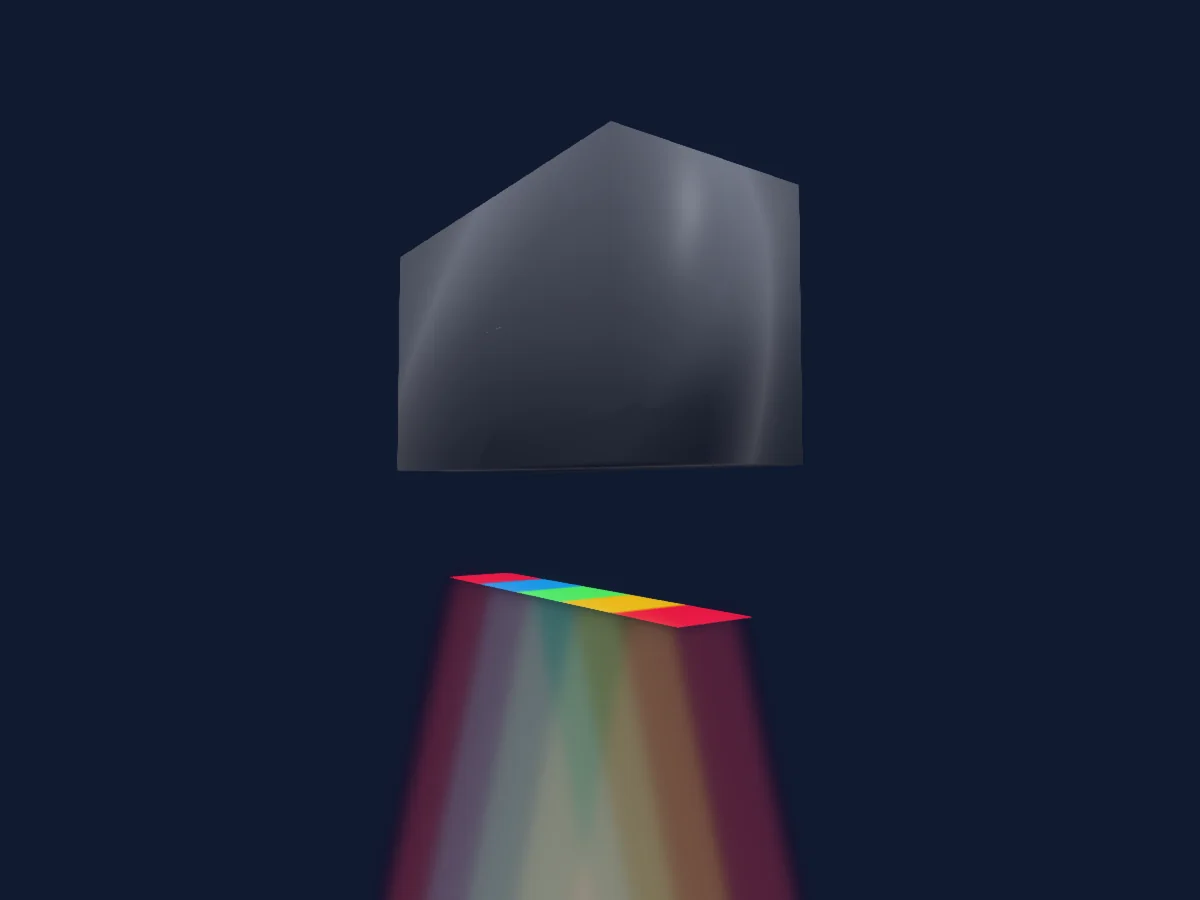
What it can do
- Extra LED colours
- RGB colour mixing
- Dimmer
- Pixel control
DMX modes and channel charts
| Mode | Channels | In HitLight |
|---|---|---|
| 6 channels 1 | 4 | Ready in HitLight |
| 6 channels | 6 | Ready in HitLight |
| 20 channels | 20 | Ready in HitLight |
6 channels 1
Ready in HitLight4 DMX channels · Download this chart as CSV
| Channel | Function | Default | DMX values |
|---|---|---|---|
| 1 | Red | 0 | 0–255 |
| 2 | Green | 0 | 0–255 |
| 3 | Blue | 0 | 0–255 |
| 4 | White | 0 | 0–255 |
6 channels
Ready in HitLight6 DMX channels · Download this chart as CSV
| Channel | Function | Default | DMX values |
|---|---|---|---|
| 1 | Dimmer | 0 | 0–255 |
| 2 | Red | 0 | 0–255 |
| 3 | Green | 0 | 0–255 |
| 4 | Blue | 0 | 0–255 |
| 5 | White | 0 | 0–255 |
| 6 | Strobe Frequency | 0 | 2 value ranges
|
20 channels
Ready in HitLight20 DMX channels · Download this chart as CSV
| Channel | Function | Default | DMX values |
|---|---|---|---|
| 1 | Red | 0 | 0–255 |
| 2 | Green | 0 | 0–255 |
| 3 | Blue | 0 | 0–255 |
| 4 | White | 0 | 0–255 |
| 5 | Red | 0 | 0–255 |
| 6 | Green | 0 | 0–255 |
| 7 | Blue | 0 | 0–255 |
| 8 | White | 0 | 0–255 |
| 9 | Red | 0 | 0–255 |
| 10 | Green | 0 | 0–255 |
| 11 | Blue | 0 | 0–255 |
| 12 | White | 0 | 0–255 |
| 13 | Red | 0 | 0–255 |
| 14 | Green | 0 | 0–255 |
| 15 | Blue | 0 | 0–255 |
| 16 | White | 0 | 0–255 |
| 17 | Red | 0 | 0–255 |
| 18 | Green | 0 | 0–255 |
| 19 | Blue | 0 | 0–255 |
| 20 | White | 0 | 0–255 |
Use the Showtec Helix S5000 Q4 in HitLight
- Open Add fixture and search for Showtec Helix S5000 Q4.
- Choose the DMX mode set in the fixture’s own menu. HitLight gives it the lowest free start address on its universe that fits the mode’s channel count.
- Check the mode and controls against your real fixture before live use.
Venues with the Showtec Helix S5000 Q4
Their saved rigs list this fixture model. Confirm the current equipment with the venue.
- Stadthalle am Schloss Aschaffenburg, Germany
Related fixtures
PAR
Showtec IP Pixelstrip 80
120 / 240 DMX channels
PAR
Showtec Star Dream 4x6 RGB
28 DMX channels
PAR
Showtec Spectral CYC 1500
3 / 4 / 5 / 6 / 7 DMX channels
PAR
Showtec Cameleon Flood 15 Q4
4 / 6 / 10 DMX channels
PAR
Showtec Revo 6
9 DMX channels
PAR
Showtec ACT flood 200 8ch
8 DMX channels
Charts come from the fixture’s GDTF description as converted for the HitLight library. HitLight is not affiliated with Showtec.