Skip to content
HitLight
Strand Lighting · Profile spot

Strand Lighting Leko LED FC

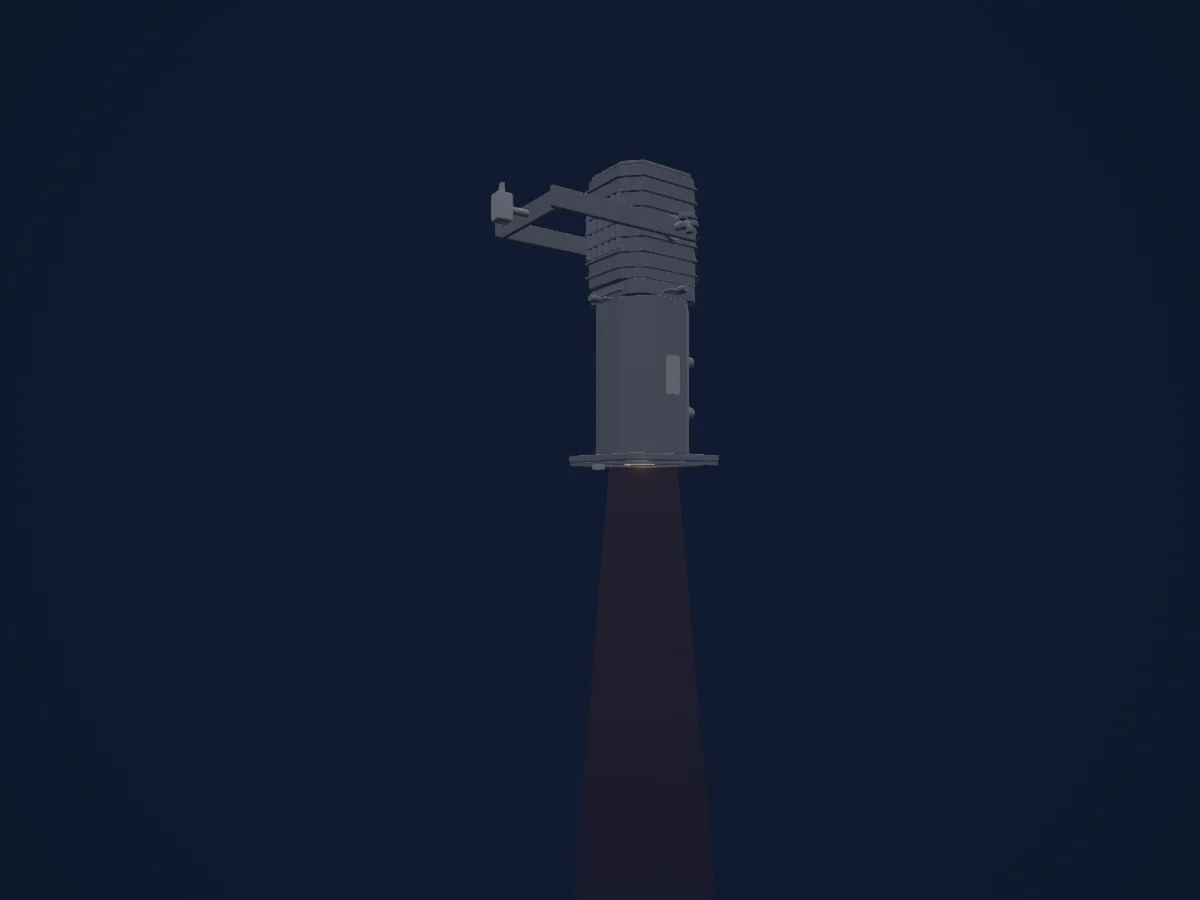
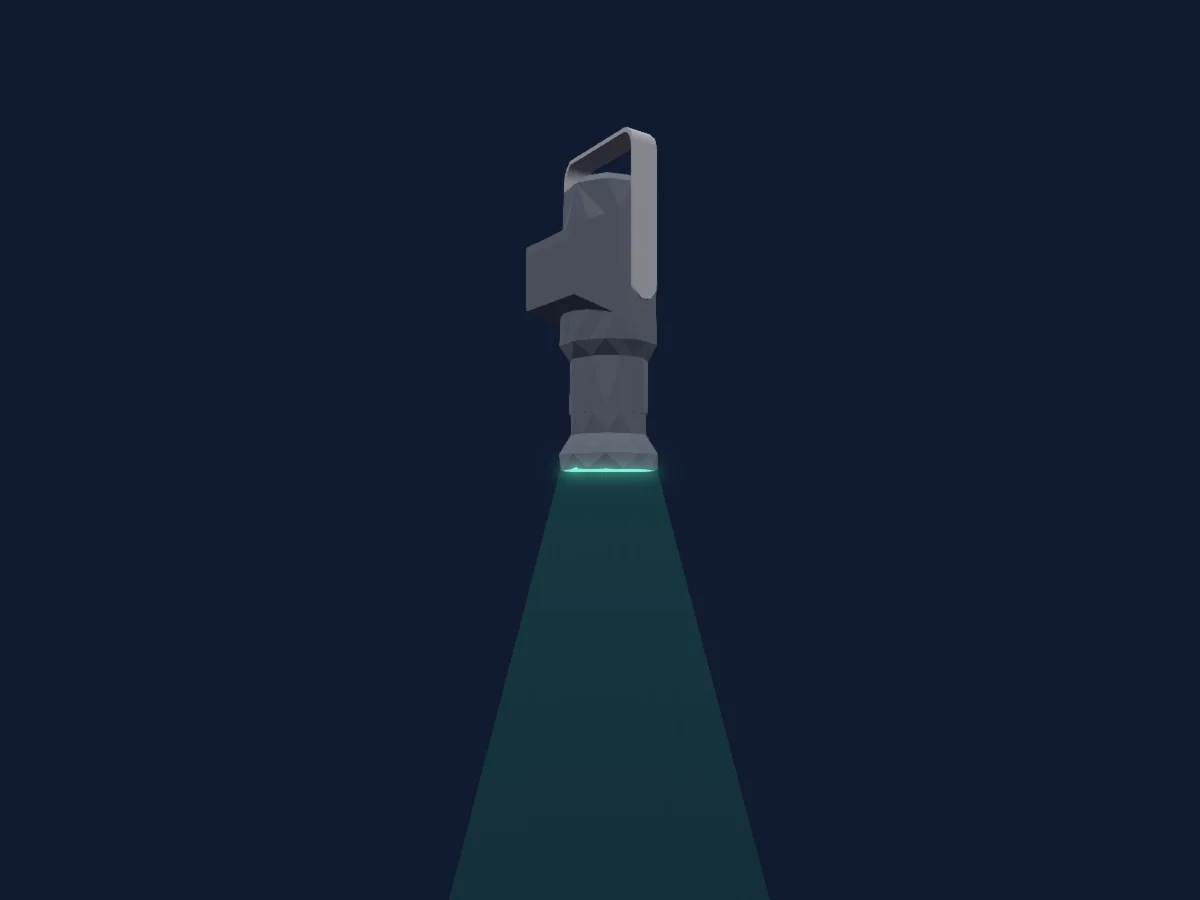
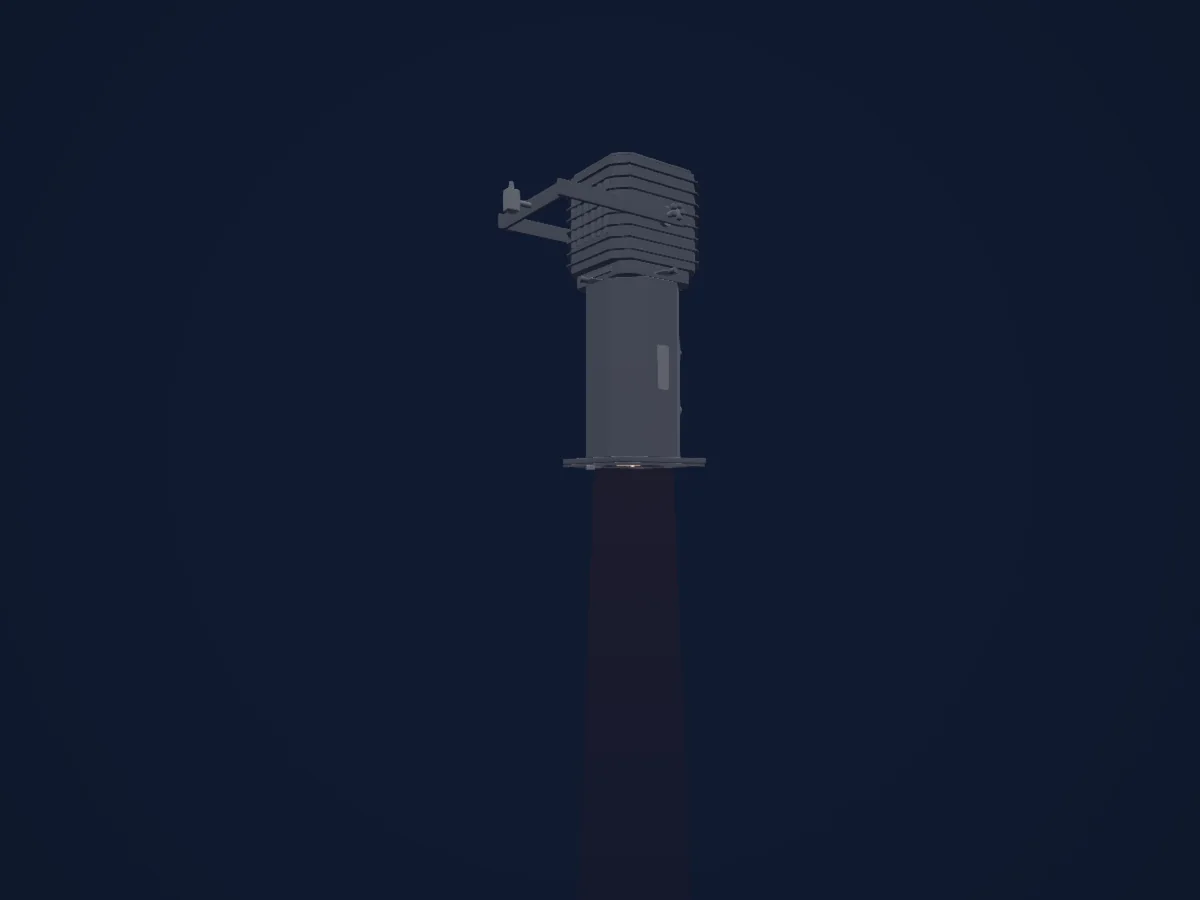
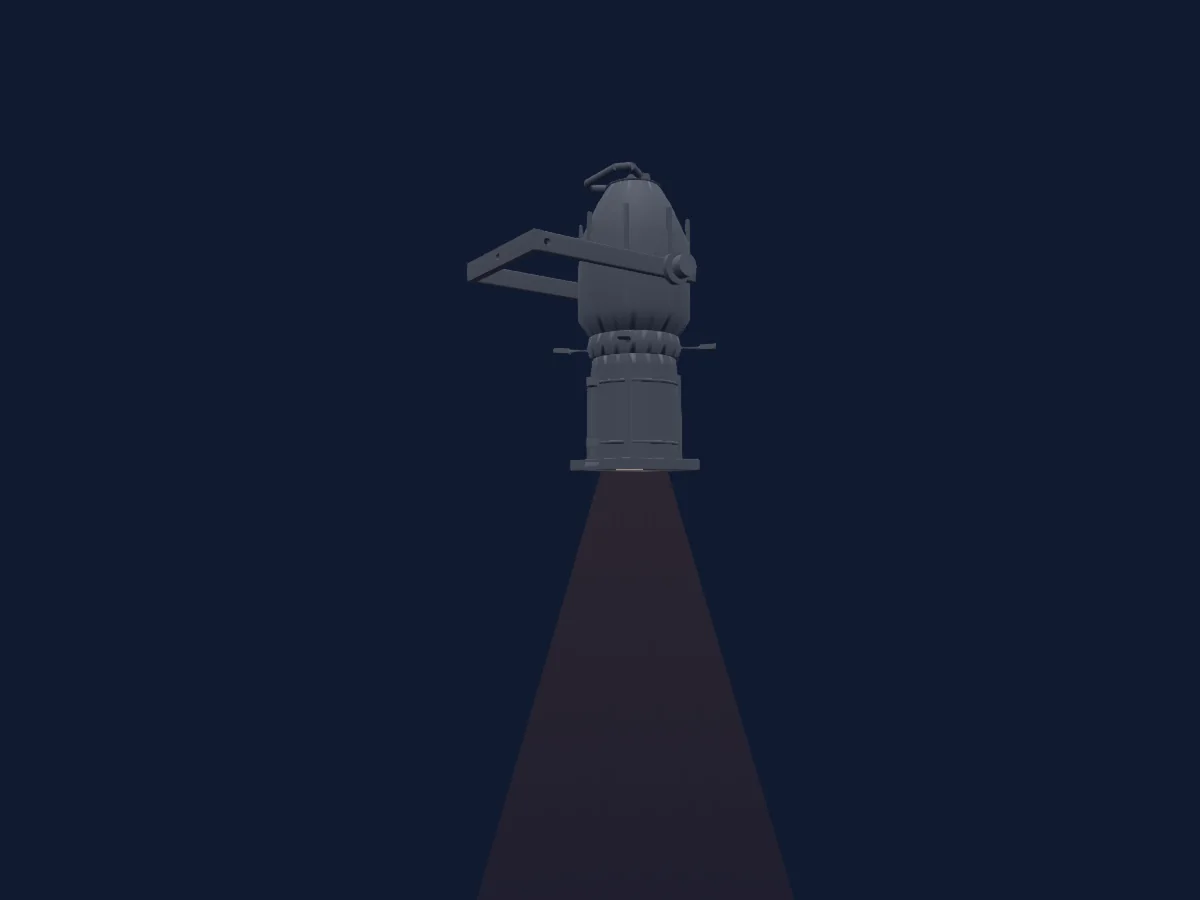
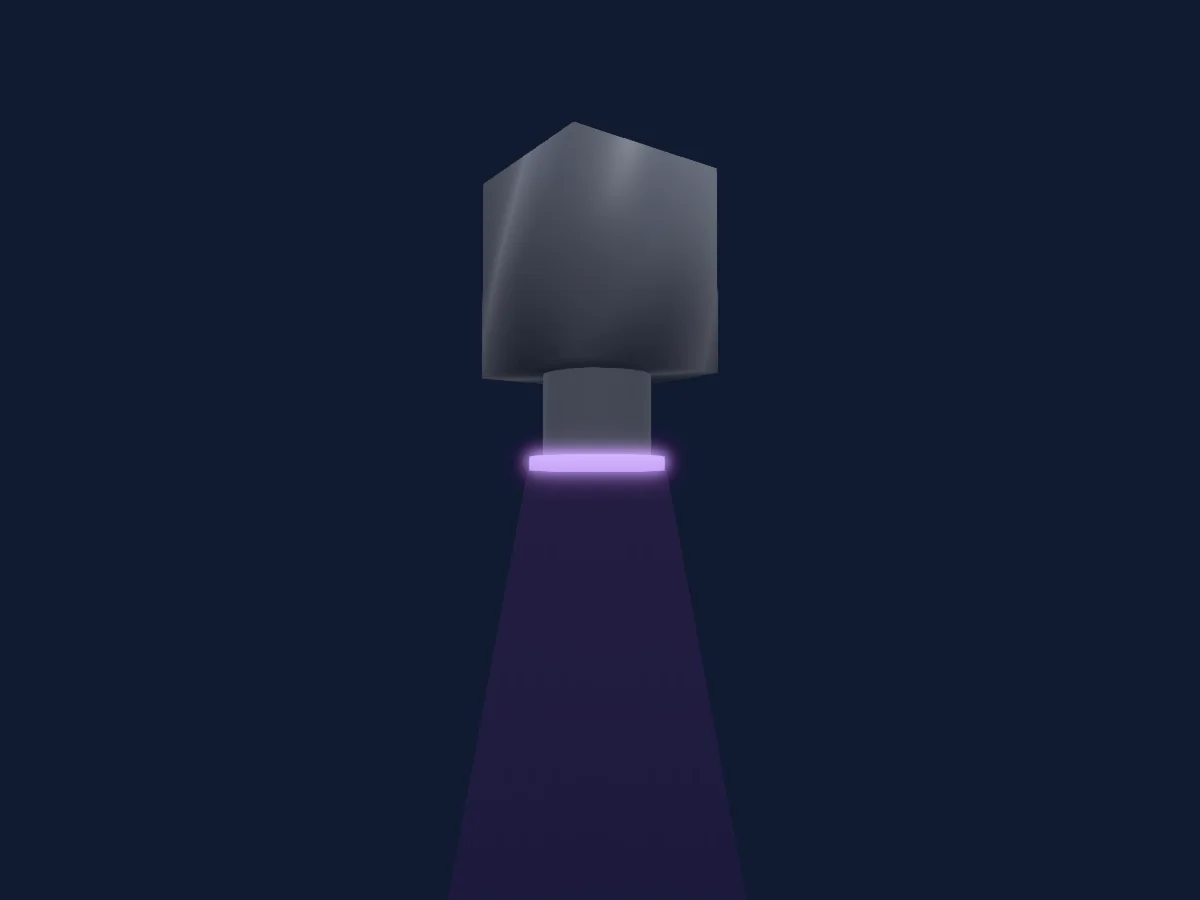
DMX chart, 3 DMX modes and a 3D preview. 4 / 14 / 18 DMX channels.
What it can do

  • Extra LED colours
  • RGB colour mixing
  • Colour temperature
  • Colour wheel
  • Strobe
  • Dimmer

Safety-relevant functions: Fixture reset · Service functions · Strobe. Check how these behave on your own fixture before a show.

DMX modes and channel charts

DMX modes of Strand Lighting Leko LED FC
ModeChannelsIn HitLight
Quick Color Mode (SQCC) 4ch4Ready in HitLight
Smart Color Mode (SSCC) 14ch14Ready in HitLight
Open Source Mode (SOCC) 18ch18Ready in HitLight

Quick Color Mode (SQCC) 4ch

Ready in HitLight

4 DMX channels · Download this chart as CSV

DMX channel chart for Quick Color Mode (SQCC) 4ch
ChannelFunctionDefaultDMX values
1Dimmer0
2 value ranges
  • 0–254 Closed
  • 255–255 Open
2Dimmer Fine0Fine byte of Dimmer
3Shutter / Strobe0
6 value ranges
  • 0–9 Open
  • 10–99 Strobe S>>>>>F
  • 100–109 Open
  • 110–179 Lighting Strobe S>>>>>F
  • 180–189 Open
  • 190–255 Random Strobe S>>>>>F
4Color Effects167
34 value ranges
  • 0–10 Open
  • 11–14 Moroccan Pink
  • 15–18 Pink
  • 19–22 Flesh Pink
  • 23–26 Bright Rose
  • 27–30 Follies Pink
  • 31–34 Fuchsia Pink
  • 35–38 Surprise Pink
  • 39–42 Congo Blue
  • 43–46 Blue
  • 47–50 Virgin Blue
  • 51–54 Midnight Maya
  • 55–58 Double CT Blue
  • 59–62 Slate Blue
  • 63–66 Regal Blue
  • 67–70 Full CT Blue
  • 71–74 Steel Blue
  • 75–78 Lighter Blue
  • 79–82 Cyan
  • 83–86 Marine Blue
  • 87–90 Soft Green
  • 91–94 Moss Green
  • 95–98 Green
  • 99–102 Fem Green
  • 103–106 JAS Green
  • 107–110 Pale Green
  • 111–114 Spring Yellow
  • 115–118 Yellow
  • 119–122 Deep Amber
  • 123–126 Chrome Orange
  • 127–130 Orange
  • 131–134 Magenta
  • 135–138 Flame Red
  • 139–255 Purple

Smart Color Mode (SSCC) 14ch

Ready in HitLight

14 DMX channels · Download this chart as CSV

DMX channel chart for Smart Color Mode (SSCC) 14ch
ChannelFunctionDefaultDMX values
1Dimmer0
2 value ranges
  • 0–254 Closed
  • 255–255 Open
2Dimmer Fine0Fine byte of Dimmer
3Shutter / Strobe0
6 value ranges
  • 0–9 Open
  • 10–99 Strobe S>>>>>F
  • 100–109 Open
  • 110–179 Lighting Strobe S>>>>>F
  • 180–189 Open
  • 190–255 Random Strobe S>>>>>F
4Color Effects10
34 value ranges
  • 0–10 Open
  • 11–14 Moroccan Pink
  • 15–18 Pink
  • 19–22 Flesh Pink
  • 23–26 Bright Rose
  • 27–30 Follies Pink
  • 31–34 Fuchsia Pink
  • 35–38 Surprise Pink
  • 39–42 Congo Blue
  • 43–46 Blue
  • 47–50 Virgin Blue
  • 51–54 Midnight Maya
  • 55–58 Double CT Blue
  • 59–62 Slate Blue
  • 63–66 Regal Blue
  • 67–70 Full CT Blue
  • 71–74 Steel Blue
  • 75–78 Lighter Blue
  • 79–82 Cyan
  • 83–86 Marine Blue
  • 87–90 Soft Green
  • 91–94 Moss Green
  • 95–98 Green
  • 99–102 Fem Green
  • 103–106 JAS Green
  • 107–110 Pale Green
  • 111–114 Spring Yellow
  • 115–118 Yellow
  • 119–122 Deep Amber
  • 123–126 Chrome Orange
  • 127–130 Orange
  • 131–134 Magenta
  • 135–138 Flame Red
  • 139–255 Purple
5Reserved 500–255
6Control10
21 value ranges
  • 0–5 Idle
  • 6–10 Full ReCal/Wake up
  • 11–20 Fixture shutdown
  • 21–25 Display - Menu ON
  • 26–30 Display - Menu OFF
  • 31–35 Tungsten Dimming On
  • 36–40 Tungsten Dimming Off
  • 41–45 Dimming Curve Linear
  • 46–50 Dimming Curve S-Curve
  • 51–60 Dimming Curve Square Law
  • 61–65 Dimmer Snap On
  • 66–90 Dimmer Snap Off
  • 91–95 Color Calibration On
  • 96–110 Color Calibration Off
  • 111–115 Standard Mode
  • 116–120 Studio Mode
  • 121–135 Whisper Mode
  • 136–140 Fan On
  • 141–150 Fan Auto
  • 151–170 Record User Color Preset
  • 171–255 Reset fixture to default
7Color Add C00–255
8Color Add C Fine0Fine byte of Color Add C
9Color Add Y00–255
10Color Add Y Fine0Fine byte of Color Add Y
11Color Add M00–255
12Color Add M Fine0Fine byte of Color Add M
13C TO75
12 value ranges
  • 0–24 1800K
  • 25–49 2700K
  • 50–74 3000K
  • 75–99 3200K
  • 100–124 4000K
  • 125–149 4500K
  • 150–174 5000K
  • 175–199 5600K
  • 200–224 6500K
  • 225–249 8000K
  • 250–250 10000K
  • 251–255 Reserved
14Color RGBQuality0
6 value ranges
  • 0–10 No function
  • 11–29 Full minus Green
  • 30–69 -99% -> -1%
  • 70–129 No function
  • 130–189 1% -> 99%
  • 190–255 Full Plus Green

Open Source Mode (SOCC) 18ch

Ready in HitLight

18 DMX channels · Download this chart as CSV

DMX channel chart for Open Source Mode (SOCC) 18ch
ChannelFunctionDefaultDMX values
1Dimmer0
2 value ranges
  • 0–254 Closed
  • 255–255 Open
2Dimmer Fine0Fine byte of Dimmer
3Shutter / Strobe0
6 value ranges
  • 0–9 Open
  • 10–99 Strobe S>>>>>F
  • 100–109 Open
  • 110–179 Lighting Strobe S>>>>>F
  • 180–189 Open
  • 190–255 Random Strobe S>>>>>F
4Color Effects10
34 value ranges
  • 0–10 Open
  • 11–14 Moroccan Pink
  • 15–18 Pink
  • 19–22 Flesh Pink
  • 23–26 Bright Rose
  • 27–30 Follies Pink
  • 31–34 Fuchsia Pink
  • 35–38 Surprise Pink
  • 39–42 Congo Blue
  • 43–46 Blue
  • 47–50 Virgin Blue
  • 51–54 Midnight Maya
  • 55–58 Double CT Blue
  • 59–62 Slate Blue
  • 63–66 Regal Blue
  • 67–70 Full CT Blue
  • 71–74 Steel Blue
  • 75–78 Lighter Blue
  • 79–82 Cyan
  • 83–86 Marine Blue
  • 87–90 Soft Green
  • 91–94 Moss Green
  • 95–98 Green
  • 99–102 Fem Green
  • 103–106 JAS Green
  • 107–110 Pale Green
  • 111–114 Spring Yellow
  • 115–118 Yellow
  • 119–122 Deep Amber
  • 123–126 Chrome Orange
  • 127–130 Orange
  • 131–134 Magenta
  • 135–138 Flame Red
  • 139–255 Purple
5Reserved 500–255
6Control10
21 value ranges
  • 0–5 Idle
  • 6–10 Full ReCal/Wake up
  • 11–20 Fixture shutdown
  • 21–25 Display - Menu ON
  • 26–30 Display - Menu OFF
  • 31–35 Tungsten Dimming On
  • 36–40 Tungsten Dimming Off
  • 41–45 Dimming Curve Linear
  • 46–50 Dimming Curve S-Curve
  • 51–60 Dimming Curve Square Law
  • 61–65 Dimmer Snap On
  • 66–90 Dimmer Snap Off
  • 91–95 Color Calibration On
  • 96–110 Color Calibration Off
  • 111–115 Standard Mode
  • 116–120 Studio Mode
  • 121–135 Whisper Mode
  • 136–140 Fan On
  • 141–150 Fan Auto
  • 151–170 Record User Color Preset
  • 171–255 Reset fixture to default
7Red2550–255
8Red Fine255Fine byte of Red
9Green2550–255
10Green Fine255Fine byte of Green
11Blue2550–255
12Blue Fine255Fine byte of Blue
13Color Add RY2550–255
14Color Add RY Fine255Fine byte of Color Add RY
15Color Add GY2550–255
16Color Add GY Fine255Fine byte of Color Add GY
17Color Add C2550–255
18Color Add C Fine255Fine byte of Color Add C

Use the Strand Lighting Leko LED FC in HitLight

  1. Open Add fixture and search for Strand Lighting Leko LED FC.
  2. Choose the DMX mode set in the fixture’s own menu. HitLight gives it the lowest free start address on its universe that fits the mode’s channel count.
  3. Check the mode and controls against your real fixture before live use.

Charts come from the fixture’s GDTF description as converted for the HitLight library. HitLight is not affiliated with Strand Lighting.

Patch it, then let the music run the lights.

HitLight finds these fixtures in its library, patches them on the next free address and previews your rig in 3D before a single light is plugged in.

Open HitLight ↗Download HitLight