 HitLight
Strand Patt. 743
DMX chart, 1 DMX mode and a 3D preview. 1 DMX channel.
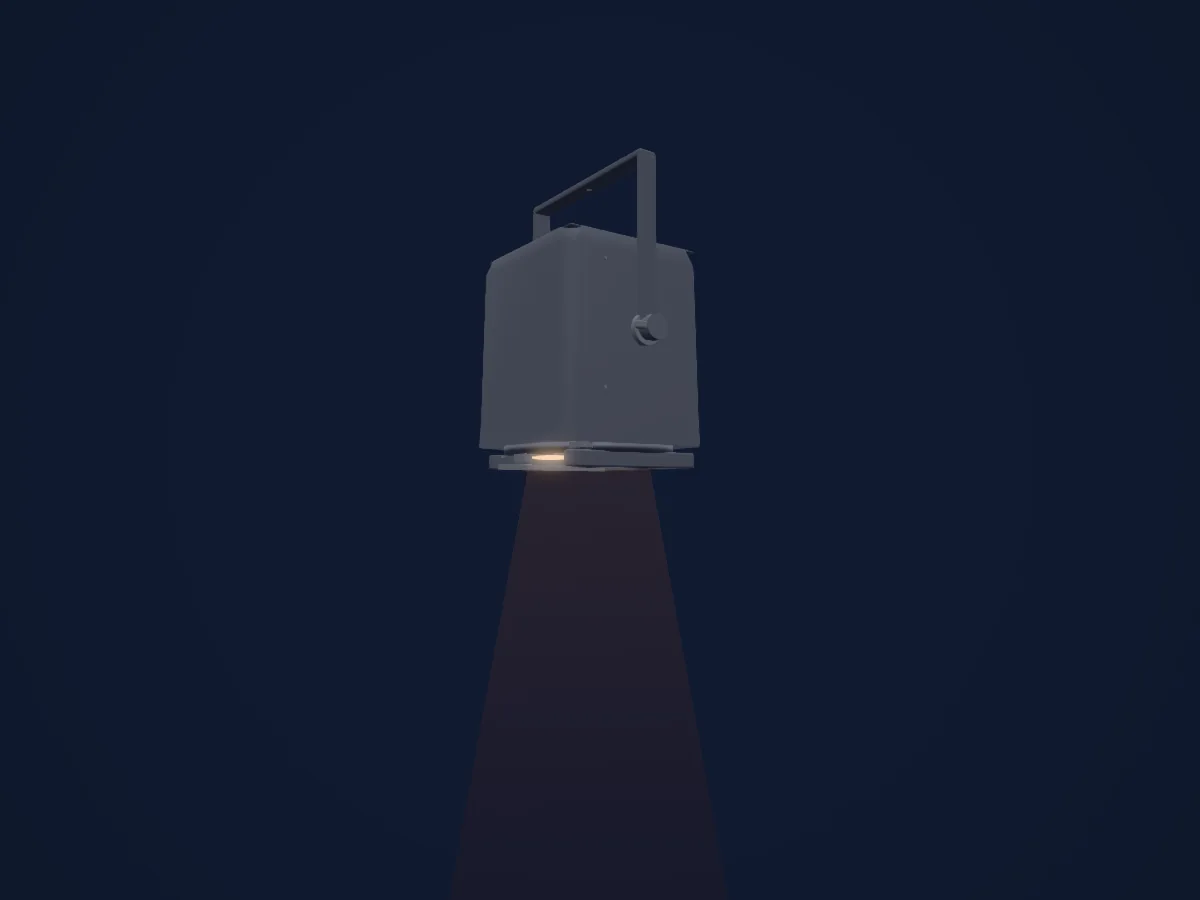
What it can do
- Dimmer
DMX modes and channel charts
| Mode | Channels | In HitLight |
|---|---|---|
| Provisional external dimmer (virtual) | 1 | Ready in HitLight |
Provisional external dimmer (virtual)
Ready in HitLight1 DMX channel · Download this chart as CSV
| Channel | Function | Default | DMX values |
|---|---|---|---|
| 1 | Dimmer | 0 | 0–255 |
Use the Strand Patt. 743 in HitLight
- Open Add fixture and search for Strand Patt. 743.
- Choose the DMX mode set in the fixture’s own menu. HitLight gives it the lowest free start address on its universe that fits the mode’s channel count.
- Check the mode and controls against your real fixture before live use.
Venues with the Strand Patt. 743
Their saved rigs list this fixture model. Confirm the current equipment with the venue.
- Chelmsford Theatre Chelmsford, United Kingdom
- EM Forster Theatre Tonbridge, United Kingdom
- Rotherham Civic Theatre Rotherham, United Kingdom
- Salisbury Playhouse Salisbury, United Kingdom
- The Cockpit London, United Kingdom
Related fixtures
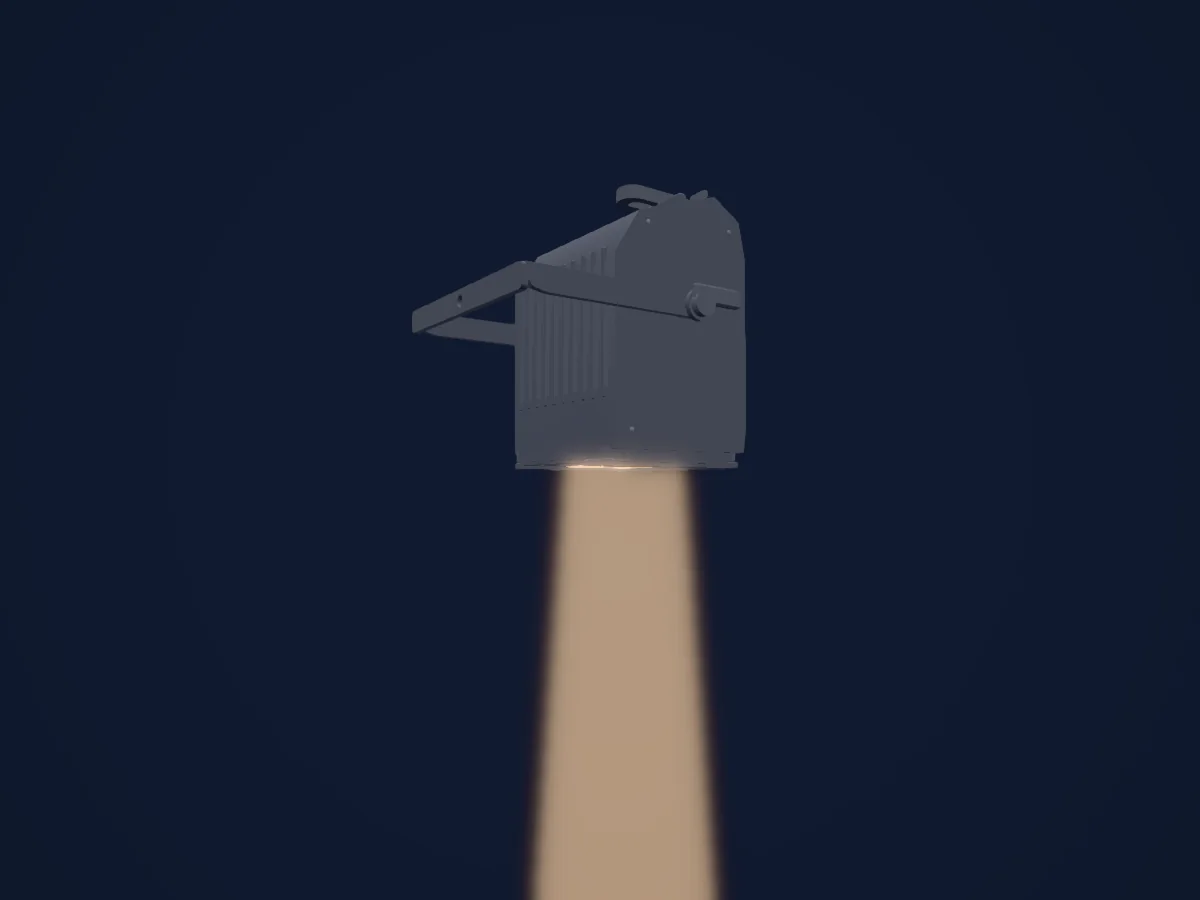
Spot
Strand Quartet F
1 DMX channel
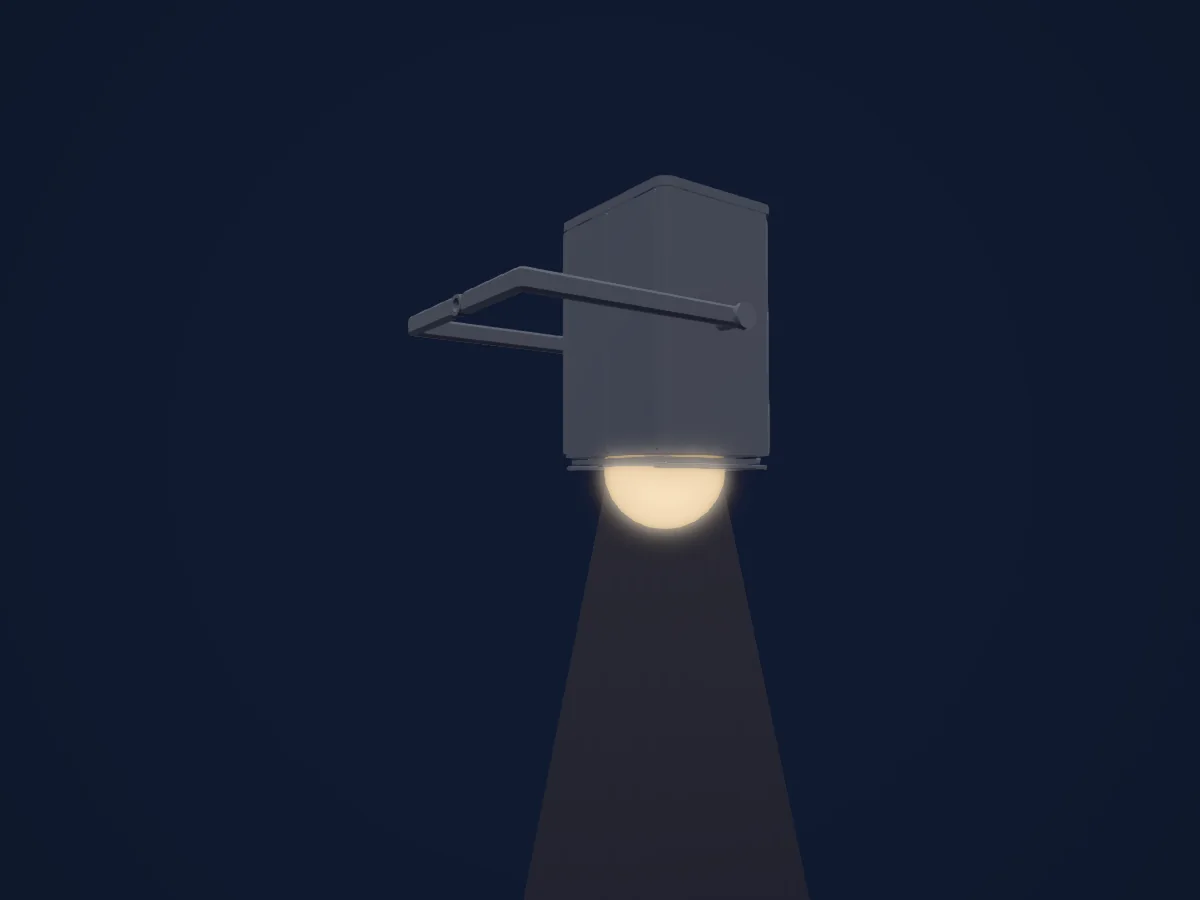
Spot
Strand Quartet PC
1 DMX channel
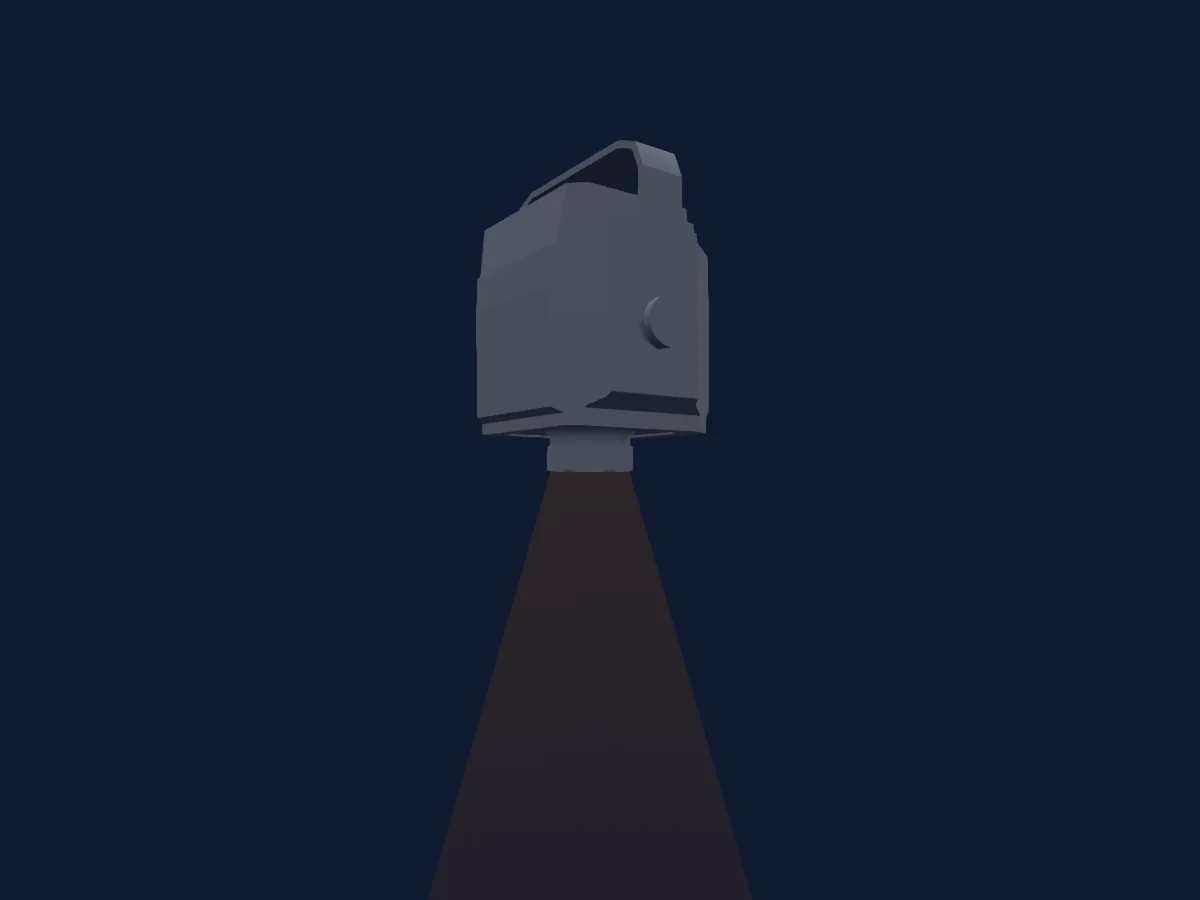
Prolights
Prolights MosaicoFX100_LGBM
8 DMX channels
Showtec
Showtec Titan Strobe 100 FX
4 / 8 / 11 / 52 DMX channels
ETC
ETC Source Four Zoom 15-30
1 DMX channel
Lupo
Lupo DAYLED 650 PRO 3200K
1 / 2 / 3 / 6 DMX channels
Charts come from the fixture’s GDTF description as converted for the HitLight library. HitLight is not affiliated with Strand.
Fixture model: gdtf-strand-patt-743-202611051006
Original HitLight mesh/XML/renders. Private original manufacturer/archival references are not redistributed. Estimated planning model, no hardware acceptance.
Creator: HitLight