Skip to content
HitLight
Terbly · PAR

Terbly T400C

DMX chart, 2 DMX modes and a 3D preview. 13 / 19 DMX channels.
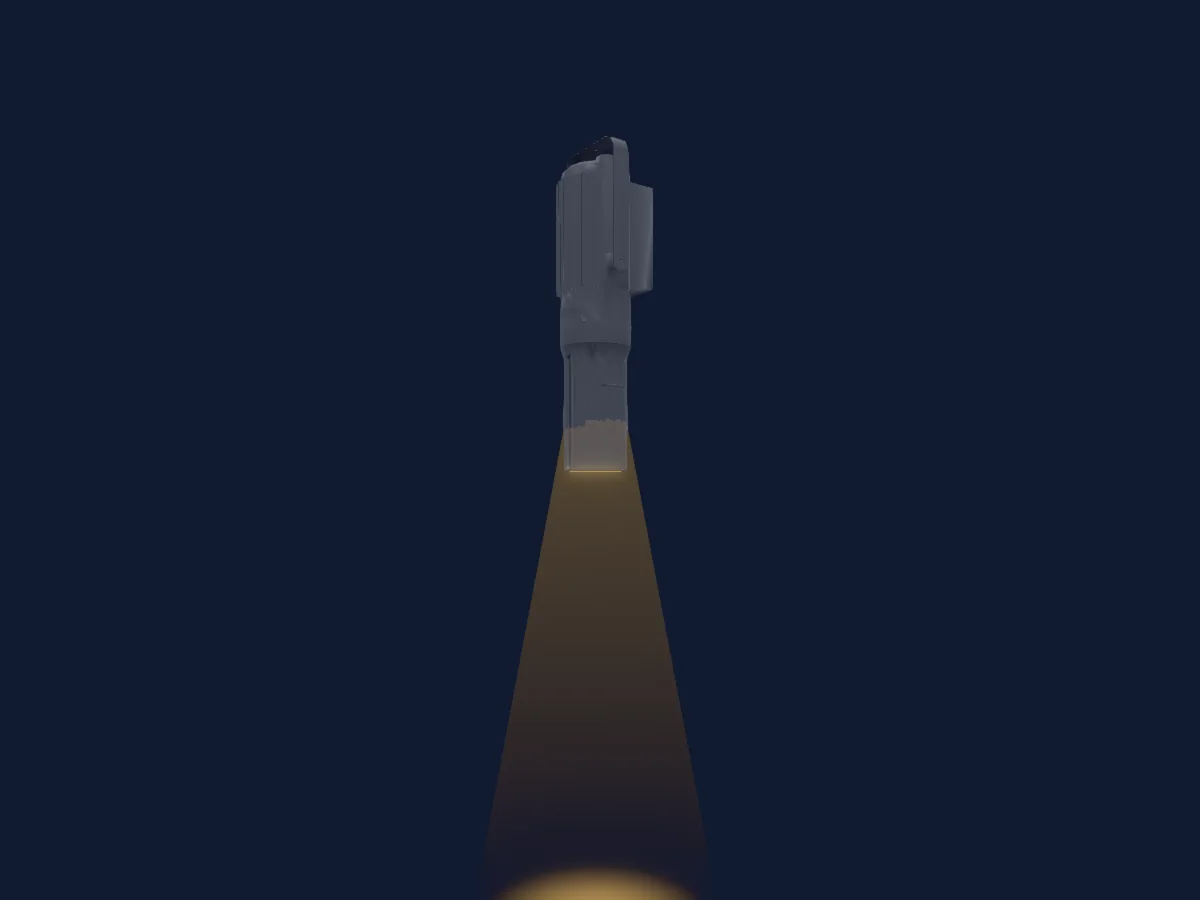
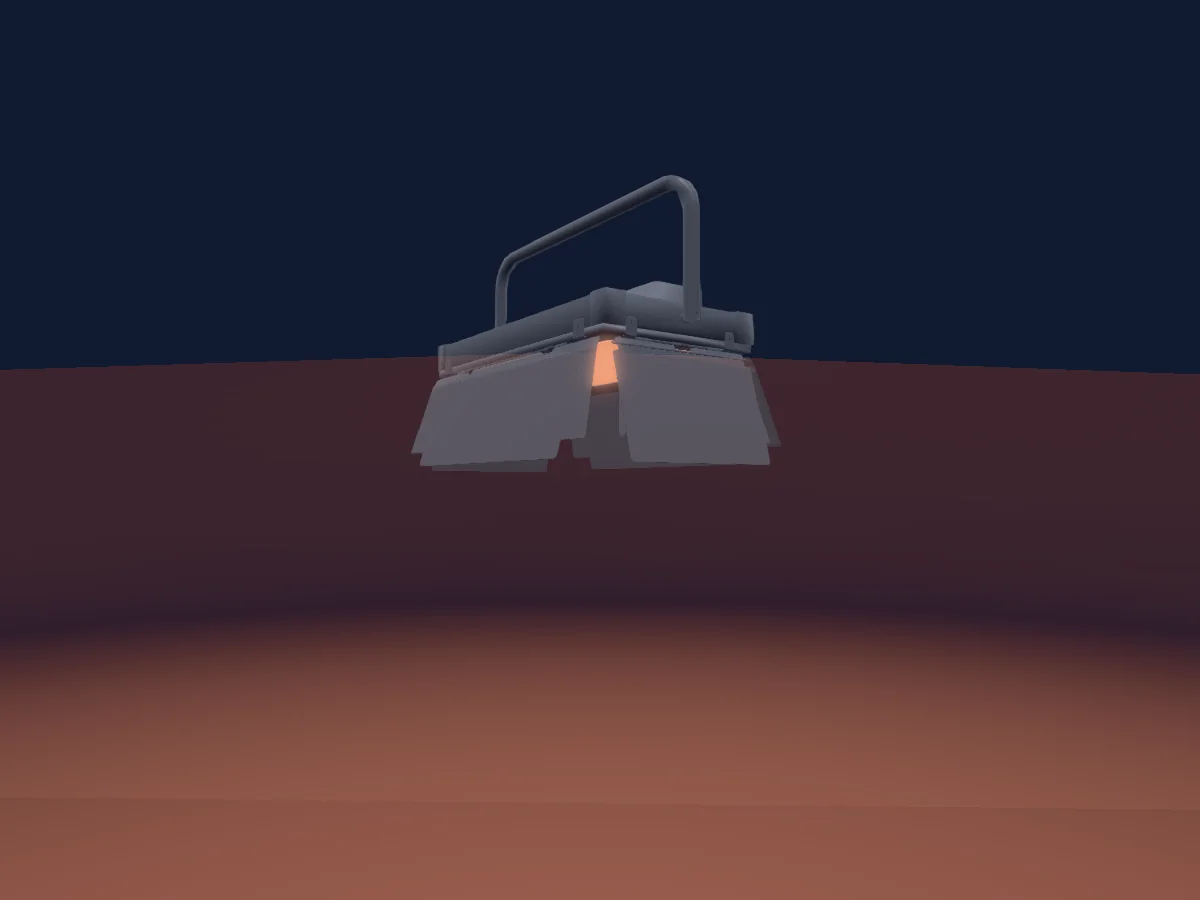
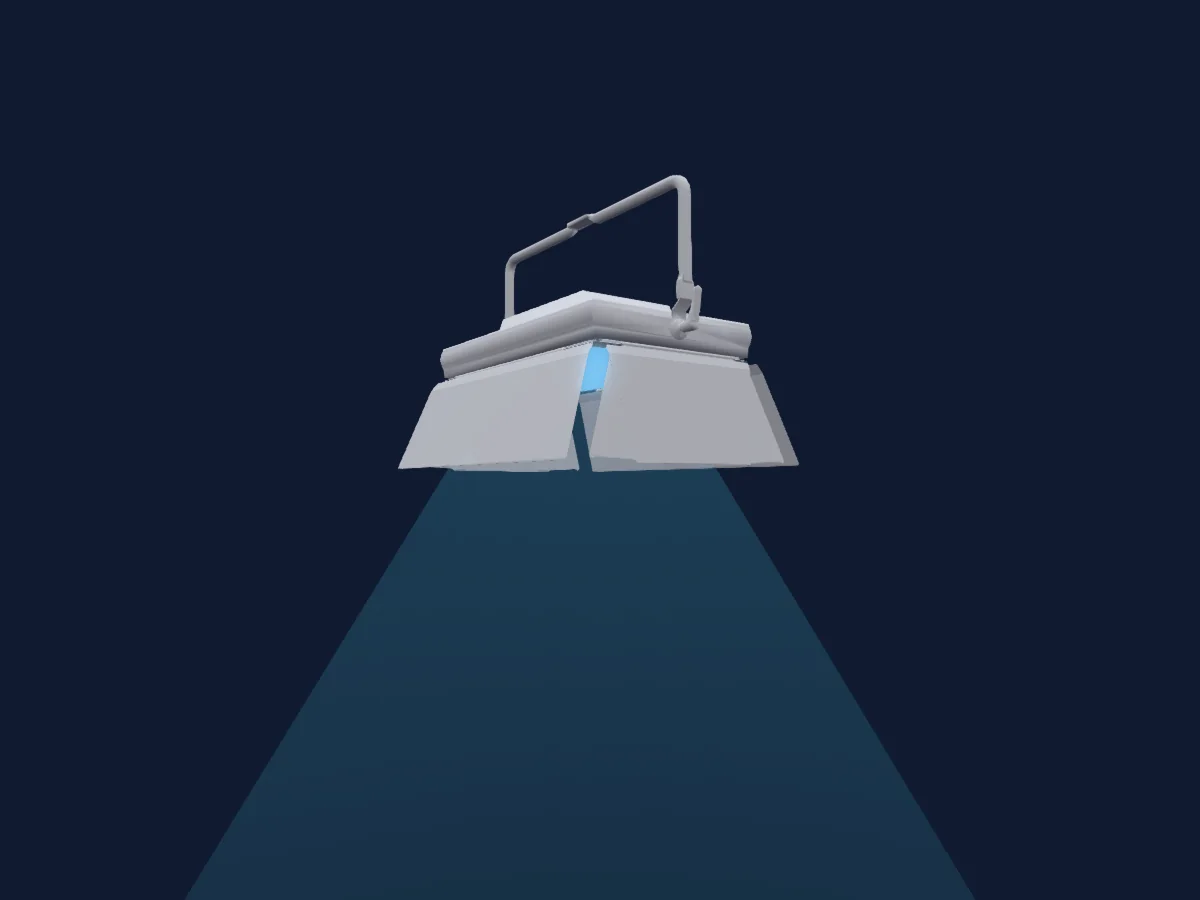
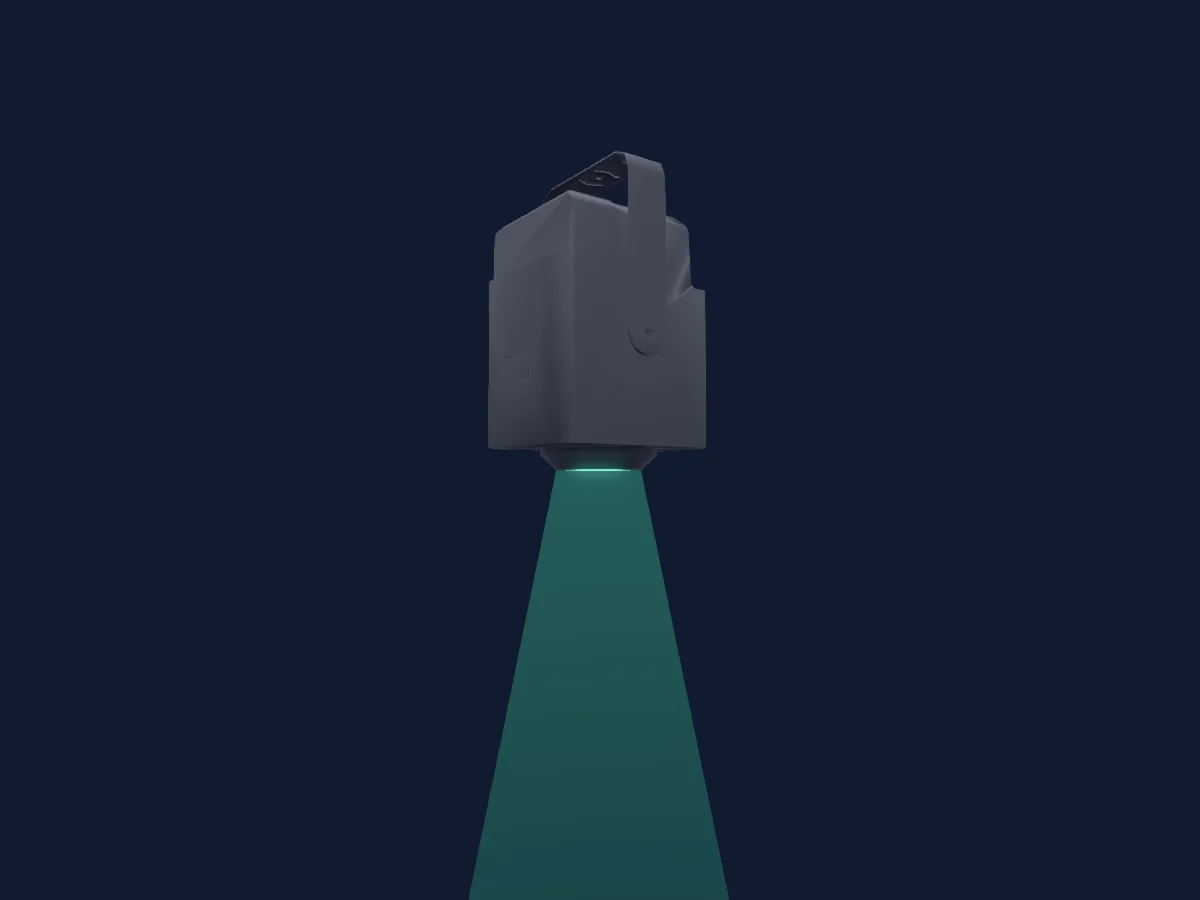
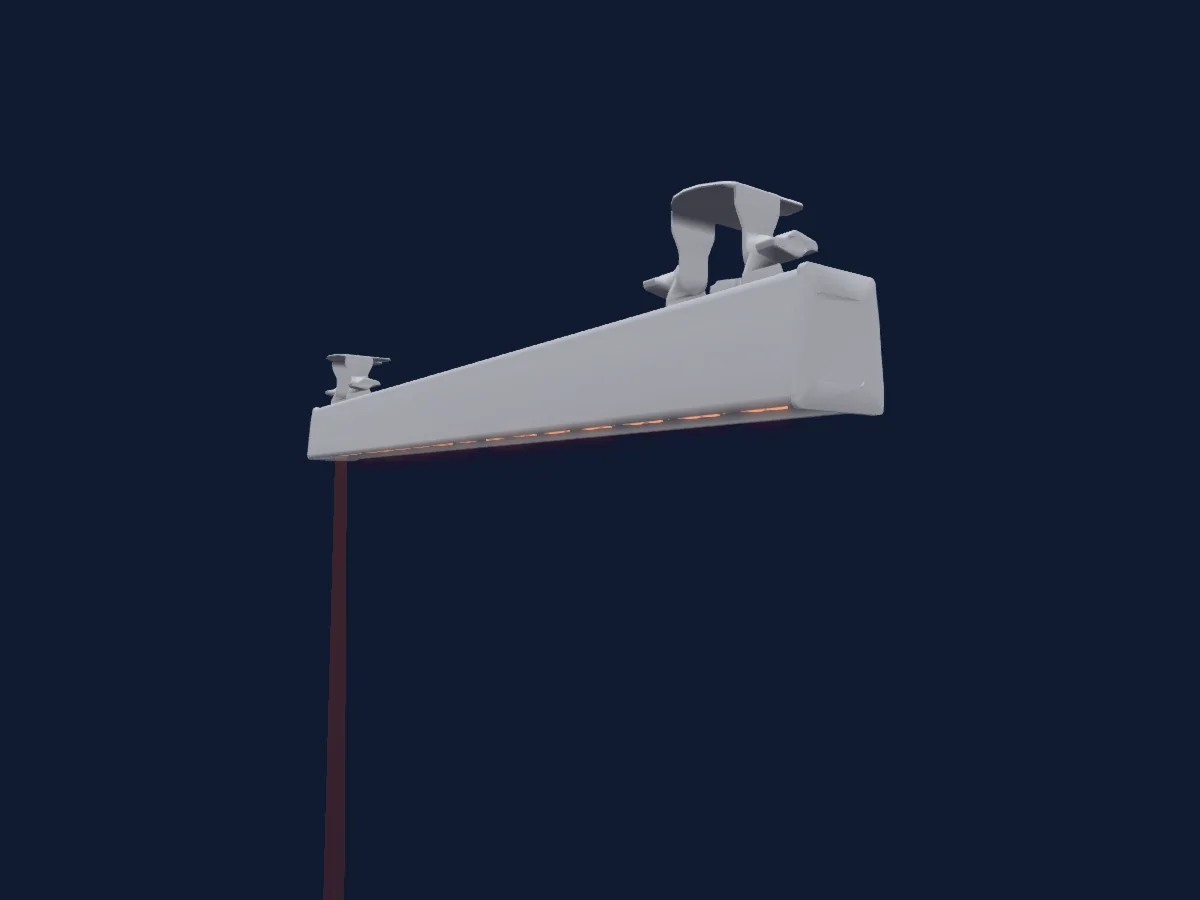
Terbly T400C rendered in HitLight

What it can do

  • Extra LED colours
  • RGB colour mixing
  • Colour temperature
  • Colour wheel
  • Strobe
  • Dimmer

Safety-relevant functions: Service functions. Check how these behave on your own fixture before a show.

DMX modes and channel charts

DMX modes of Terbly T400C
ModeChannelsIn HitLight
13 Ch13Ready in HitLight
19 Ch19Ready in HitLight

13 Ch

Ready in HitLight

13 DMX channels · Download this chart as CSV

DMX channel chart for 13 Ch
ChannelFunctionDefaultDMX values
1Red2550–255
2Green2550–255
3Blue2550–255
4Color Add GY00–255
5Color Add RY00–255
6C TO0
8 value ranges
  • 0–4 No function
  • 5–9 White 2200K
  • 10–14 White 3200K
  • 15–19 White 4200K
  • 20–24 White 5600K
  • 25–29 White 6500K
  • 30–34 White 8000K
  • 35–255 2200K--8000K
7Shutter / Strobe31
7 value ranges
  • 0–31 Open
  • 32–126 min Strobe
  • 127–127 max Strobe
  • 128–189 min Pulse
  • 190–190 max Pulse
  • 191–254 Random · min Rnd 1–24.6 Hz
  • 255–255 Random · max Rnd 25 Hz
8Dimmer0
2 value ranges
  • 0–254 Closed
  • 255–255 Open
9Color Calibration Mode0
2 value ranges
  • 0–254 Color Calibration closed
  • 255–255 Color Calibration open
10Dimmer Curve0
6 value ranges
  • 0–20 Standard
  • 21–40 Stage
  • 41–60 TV
  • 61–80 Architectural
  • 81–100 Theatre
  • 101–255 Default to Unit Setting
11Fan Mode0
4 value ranges
  • 0–20 unused
  • 21–40 Auto
  • 41–60 Full
  • 61–255 Theatre
12Color Macro100–255
13Color Presets0
31 value ranges
  • 0–15 unused
  • 16–23 104 China Red
  • 24–31 114 Ling Xiao
  • 32–39 120 Begonia Red
  • 40–47 203 Golden Orange
  • 48–55 208 Realgar
  • 56–63 212 Light Wheat Yellow
  • 64–71 302 Imperial Yellow
  • 72–79 308 Light Yellow
  • 80–87 311 Moon White
  • 88–95 401 Willow Green
  • 96–103 405 Green Mustard
  • 104–111 410 Pale Cyan
  • 112–119 502 Parrot Green
  • 120–127 508 Grass Green
  • 128–135 517 Cold Blue
  • 136–143 602 Sparkling Cove
  • 144–151 608 Light Green
  • 152–159 618 Light Pale Cyan
  • 160–167 703 Ultramarine Blue
  • 168–175 709 Emerald Blue
  • 176–183 715 Cyan Cloud
  • 184–191 803 Dark lavender
  • 192–199 808 Dusk Purple
  • 200–207 812 Light Wind Chime
  • 208–215 901 Ravishing Purple
  • 216–223 909 Plum Sauce Purple
  • 224–231 916 Kao Mauve
  • 232–239 1004 Magenta
  • 240–247 1013 Wild Rose Pink
  • 248–255 1022 Sakura Pink

19 Ch

Ready in HitLight

19 DMX channels · Download this chart as CSV

DMX channel chart for 19 Ch
ChannelFunctionDefaultDMX values
1Red2550–255
2Red Fine255Fine byte of Red
3Green2550–255
4Green Fine255Fine byte of Green
5Blue2550–255
6Blue Fine255Fine byte of Blue
7Color Add GY00–255
8Color Add GY Fine0Fine byte of Color Add GY
9Color Add RY00–255
10Color Add RY Fine0Fine byte of Color Add RY
11C TO0
8 value ranges
  • 0–4 No function
  • 5–9 White 2200K
  • 10–14 White 3200K
  • 15–19 White 4200K
  • 20–24 White 5600K
  • 25–29 White 6500K
  • 30–34 White 8000K
  • 35–255 2200K--8000K
12Shutter / Strobe31
7 value ranges
  • 0–31 Open
  • 32–126 min Strobe
  • 127–127 max Strobe
  • 128–189 min Pulse
  • 190–190 max Pulse
  • 191–254 Random · min Rnd 1–24.6 Hz
  • 255–255 Random · max Rnd 25 Hz
13Dimmer0
2 value ranges
  • 0–254 Closed
  • 255–255 Open
14Dimmer Fine0Fine byte of Dimmer
15Color Calibration Mode0
2 value ranges
  • 0–254 Color Calibration closed
  • 255–255 Color Calibration open
16Dimmer Curve0
6 value ranges
  • 0–20 Standard
  • 21–40 Stage
  • 41–60 TV
  • 61–80 Architectural
  • 81–100 Theatre
  • 101–255 Default to Unit Setting
17Fan Mode0
4 value ranges
  • 0–20 unused
  • 21–40 Auto
  • 41–60 Full
  • 61–255 Theatre
18Color Macro100–255
19Color Presets0
31 value ranges
  • 0–15 unused
  • 16–23 104 China Red
  • 24–31 114 Ling Xiao
  • 32–39 120 Begonia Red
  • 40–47 203 Golden Orange
  • 48–55 208 Realgar
  • 56–63 212 Light Wheat Yellow
  • 64–71 302 Imperial Yellow
  • 72–79 308 Light Yellow
  • 80–87 311 Moon White
  • 88–95 401 Willow Green
  • 96–103 405 Green Mustard
  • 104–111 410 Pale Cyan
  • 112–119 502 Parrot Green
  • 120–127 508 Grass Green
  • 128–135 517 Cold Blue
  • 136–143 602 Sparkling Cove
  • 144–151 608 Light Green
  • 152–159 618 Light Pale Cyan
  • 160–167 703 Ultramarine Blue
  • 168–175 709 Emerald Blue
  • 176–183 715 Cyan Cloud
  • 184–191 803 Dark lavender
  • 192–199 808 Dusk Purple
  • 200–207 812 Light Wind Chime
  • 208–215 901 Ravishing Purple
  • 216–223 909 Plum Sauce Purple
  • 224–231 916 Kao Mauve
  • 232–239 1004 Magenta
  • 240–247 1013 Wild Rose Pink
  • 248–255 1022 Sakura Pink

Use the Terbly T400C in HitLight

  1. Open Add fixture and search for Terbly T400C.
  2. Choose the DMX mode set in the fixture’s own menu. HitLight gives it the lowest free start address on its universe that fits the mode’s channel count.
  3. Check the mode and controls against your real fixture before live use.

Charts come from the fixture’s GDTF description as converted for the HitLight library. HitLight is not affiliated with Terbly.

Patch it, then let the music run the lights.

HitLight finds these fixtures in its library, patches them on the next free address and previews your rig in 3D before a single light is plugged in.

Open HitLight ↗Download HitLight