 HitLight
ACME CINDERELLA (WASH 100)
Tableau DMX, 2 modes DMX et aperçu 3D. 15 / 25 canaux DMX.
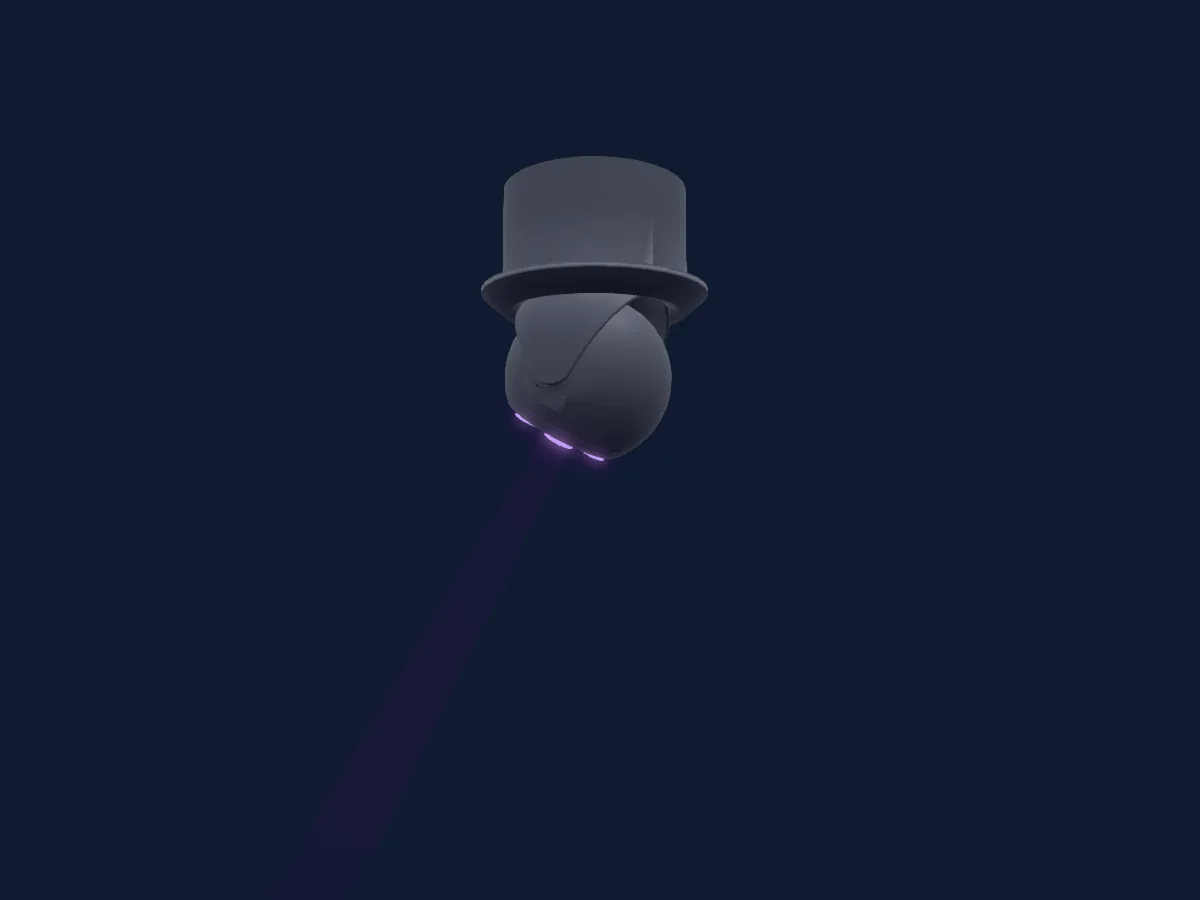
Ce qu’il sait faire
- Température de couleur
- Roue de couleurs
- Stroboscope
- Intensité
- Contrôle des pixels
- Pan et tilt
Fonctions liées à la sécurité: Réinitialisation du projecteur. Vérifiez leur comportement sur votre propre projecteur avant un spectacle.
Modes DMX et tableaux de canaux
| Mode | Canaux | Dans HitLight |
|---|---|---|
| Mode 2 15CH | 15 | Prêt dans HitLight |
| Mode 1 25CH | 25 | Prêt dans HitLight |
Mode 2 15CH
Prêt dans HitLight15 canaux DMX · Télécharger ce tableau en CSV
| Canal | Fonction | Par défaut | Valeurs DMX |
|---|---|---|---|
| 1 | Pan | 127 | 0–255 |
| 2 | Pan Fine | 255 | Octet fin de Pan |
| 3 | Tilt | 127 | 0–255 |
| 4 | Tilt Fine | 255 | Octet fin de Tilt |
| 5 | P TSpeed | 0 | 0–255 |
| 6 | Red | 255 | 0–255 |
| 7 | Green | 255 | 0–255 |
| 8 | Blue | 255 | 0–255 |
| 9 | White | 0 | 0–255 |
| 10 | Color Wheel | 0 | 47 plages de valeurs
|
| 11 | C TO | 0 | 0–255 |
| 12 | Shutter / Strobe | 12 | 14 plages de valeurs
|
| 13 | Dimmer | 0 | 0–255 |
| 14 | Dimmer Fine | 0 | Octet fin de Dimmer |
| 15 | Function | 0 | 13 plages de valeurs
|
Mode 1 25CH
Prêt dans HitLight25 canaux DMX · Télécharger ce tableau en CSV
| Canal | Fonction | Par défaut | Valeurs DMX |
|---|---|---|---|
| 1 | Pan | 127 | 0–255 |
| 2 | Pan Fine | 255 | Octet fin de Pan |
| 3 | Tilt | 127 | 0–255 |
| 4 | Tilt Fine | 255 | Octet fin de Tilt |
| 5 | P TSpeed | 0 | 0–255 |
| 6 | Shutter / Strobe | 12 | 14 plages de valeurs
|
| 7 | Dimmer | 0 | 0–255 |
| 8 | Dimmer Fine | 0 | Octet fin de Dimmer |
| 9 | Function | 0 | 13 plages de valeurs
|
| 10 | Red | 255 | 0–255 |
| 11 | Green | 255 | 0–255 |
| 12 | Blue | 255 | 0–255 |
| 13 | White | 0 | 0–255 |
| 14 | Red | 255 | 0–255 |
| 15 | Green | 255 | 0–255 |
| 16 | Blue | 255 | 0–255 |
| 17 | White | 0 | 0–255 |
| 18 | Red | 255 | 0–255 |
| 19 | Green | 255 | 0–255 |
| 20 | Blue | 255 | 0–255 |
| 21 | White | 0 | 0–255 |
| 22 | Red | 255 | 0–255 |
| 23 | Green | 255 | 0–255 |
| 24 | Blue | 255 | 0–255 |
| 25 | White | 0 | 0–255 |
Utiliser ACME CINDERELLA (WASH 100) dans HitLight
- Ouvrez Ajouter un projecteur et recherchez ACME CINDERELLA (WASH 100).
- Choisissez le mode DMX réglé dans le menu du projecteur. HitLight lui attribue la plus basse adresse de départ libre de son univers qui peut accueillir le nombre de canaux du mode.
- Vérifiez le mode et les commandes sur votre vrai projecteur avant toute utilisation en direct.
Projecteurs associés
Lyre
ACME NEBULA CW (CM-250Z CW)
7 / 9 / 10 canaux DMX

Lyre
ACME EYES CVW (BEAM 50C VW)
12 / 27 canaux DMX
Lyre
ACME DETONATOR (BEAM 200 IV INT)
16 canaux DMX
Lyre
ACME GEIST BEAM(XA 500 BEAM)
17 / 24 canaux DMX
Lyre
ACME NEOZONE (CM 800Z)
10 / 17 / 21 / 76 / 86 canaux DMX
Lyre
ACME ANDROMEDA (XP 480 BSW)
19 / 26 canaux DMX
Les tableaux proviennent de la description GDTF du projecteur, convertie pour la bibliothèque HitLight. HitLight n’a aucun lien avec ACME.