Aller au contenu
HitLight
ACME · PAR

ACME STAGE PAR 100 COLOUR (LED-PAR100 RGBA IP)

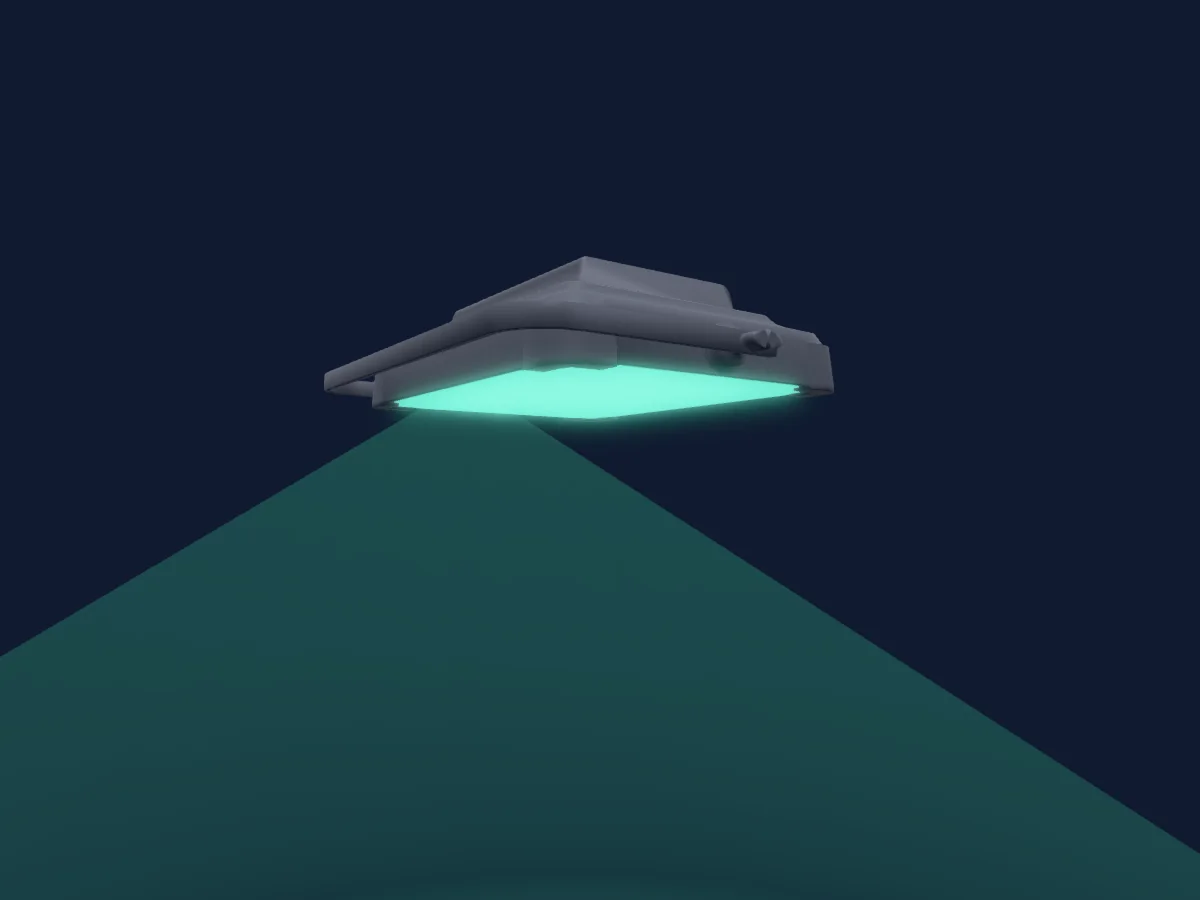
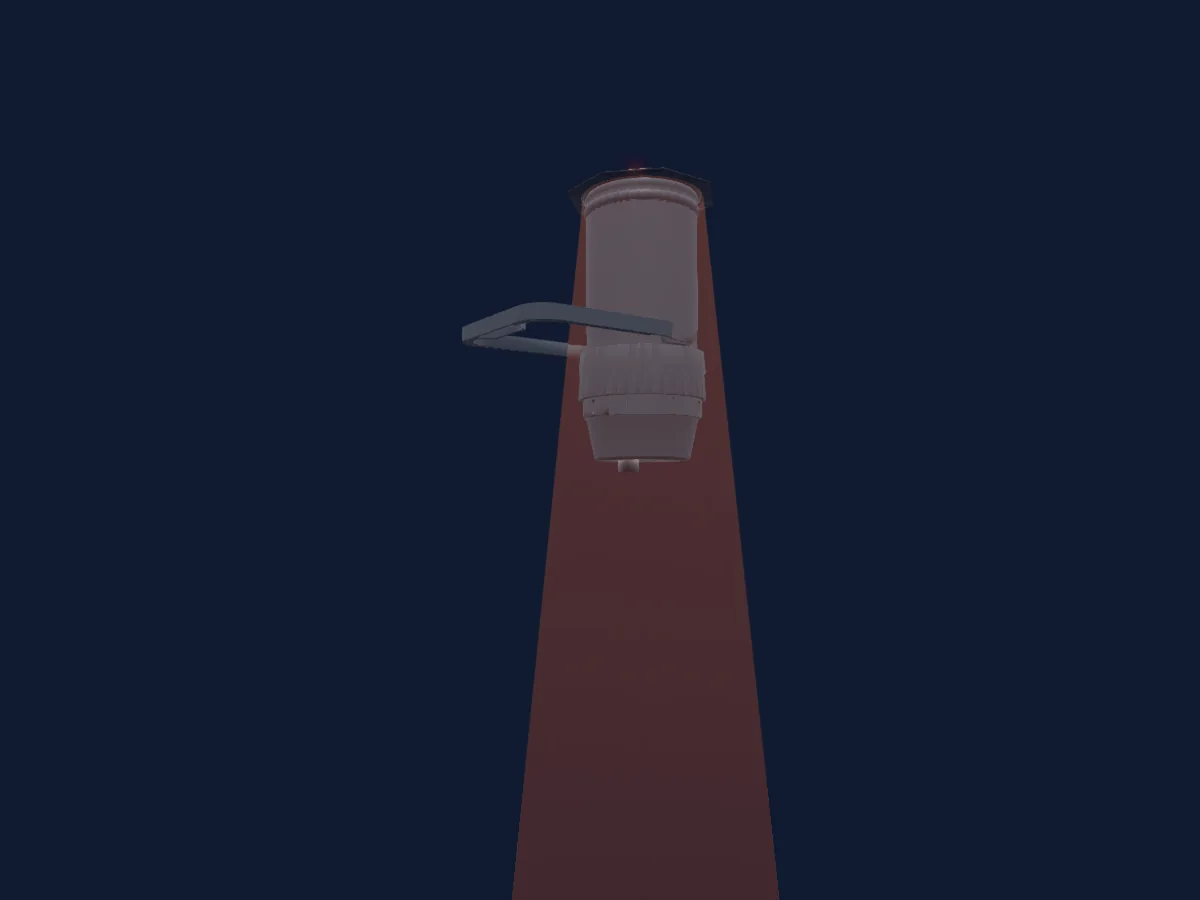
Tableau DMX, 4 modes DMX et aperçu 3D. 4 / 6 / 7 / 8 canaux DMX.
Ce qu’il sait faire

  • Couleurs LED supplémentaires
  • Mélange de couleurs RVB
  • Roue de couleurs
  • Stroboscope
  • Intensité

Modes DMX et tableaux de canaux

Modes DMX de ACME STAGE PAR 100 COLOUR (LED-PAR100 RGBA IP)
ModeCanauxDans HitLight
Mode 3 4 DMX4Prêt dans HitLight
Mode 2 6 DMX6Prêt dans HitLight
Mode 3 7DMX7Prêt dans HitLight
Mode 4 8DMX8Prêt dans HitLight

Mode 3 4 DMX

Prêt dans HitLight

4 canaux DMX · Télécharger ce tableau en CSV

Tableau des canaux DMX de Mode 3 4 DMX
CanalFonctionPar défautValeurs DMX
1Red2550–255
2Green2550–255
3Blue2550–255
4White00–255

Mode 2 6 DMX

Prêt dans HitLight

6 canaux DMX · Télécharger ce tableau en CSV

Tableau des canaux DMX de Mode 2 6 DMX
CanalFonctionPar défautValeurs DMX
1Red2550–255
2Green2550–255
3Blue2550–255
4White00–255
5Dimmer00–255
6Shutter / Strobe0
8 plages de valeurs
  • 0–5 Open1
  • 6–122 min Strobe
  • 123–123 max Strobe
  • 124–127 Open2
  • 128–168 Shutter Random 1 · Shutter Ran1 2–6 Hz
  • 169–208 Shutter Random 2 · Shutter Ran2 7–11 Hz
  • 209–249 Shutter Random 3 · Shutter Ran3 12–16 Hz
  • 250–255 Open3

Mode 3 7DMX

Prêt dans HitLight

7 canaux DMX · Télécharger ce tableau en CSV

Tableau des canaux DMX de Mode 3 7DMX
CanalFonctionPar défautValeurs DMX
1Red2550–255
2Green2550–255
3Blue2550–255
4White00–255
5Color Wheel0
34 plages de valeurs
  • 0–7 Open (wheel slot 1)
  • 8–15 color1 (wheel slot 2)
  • 16–22 color 2 (wheel slot 3)
  • 23–30 color 3 (wheel slot 4)
  • 31–37 color 4 (wheel slot 5)
  • 38–45 color 5 (wheel slot 6)
  • 46–52 color 6 (wheel slot 7)
  • 53–60 color 7 (wheel slot 8)
  • 61–67 color 8 (wheel slot 9)
  • 68–75 color 9 (wheel slot 10)
  • 76–82 color 10 (wheel slot 11)
  • 83–90 color 11 (wheel slot 12)
  • 91–97 color 12 (wheel slot 13)
  • 98–105 color 13 (wheel slot 14)
  • 106–112 color 14 (wheel slot 15)
  • 113–120 color 31 (wheel slot 16)
  • 121–127 color 32 (wheel slot 17)
  • 128–135 color 15 (wheel slot 18)
  • 136–142 color 16 (wheel slot 19)
  • 143–150 color 17 (wheel slot 20)
  • 151–157 color 18 (wheel slot 21)
  • 158–165 color 19 (wheel slot 22)
  • 166–172 color 20 (wheel slot 23)
  • 173–180 color 21 (wheel slot 24)
  • 181–187 color 22 (wheel slot 25)
  • 188–195 color 23 (wheel slot 26)
  • 196–202 color 24 (wheel slot 27)
  • 203–210 color 25 (wheel slot 28)
  • 211–217 color 26 (wheel slot 29)
  • 218–225 color 27 (wheel slot 30)
  • 226–232 color 28 (wheel slot 31)
  • 233–240 color 29 (wheel slot 32)
  • 241–247 color 30 (wheel slot 33)
  • 248–255 color 33 (wheel slot 34)
6Dimmer00–255
7Shutter / Strobe0
8 plages de valeurs
  • 0–5 Open1
  • 6–122 min Strobe
  • 123–123 max Strobe
  • 124–127 Open2
  • 128–168 Shutter Random 1 · Shutter Ran1 2–6 Hz
  • 169–208 Shutter Random 2 · Shutter Ran2 7–11 Hz
  • 209–249 Shutter Random 3 · Shutter Ran3 12–16 Hz
  • 250–255 Open3

Mode 4 8DMX

Prêt dans HitLight

8 canaux DMX · Télécharger ce tableau en CSV

Tableau des canaux DMX de Mode 4 8DMX
CanalFonctionPar défautValeurs DMX
1Red2550–255
2Green2550–255
3Blue2550–255
4White00–255
5Color Wheel0
34 plages de valeurs
  • 0–7 Open (wheel slot 1)
  • 8–15 color1 (wheel slot 2)
  • 16–22 color 2 (wheel slot 3)
  • 23–30 color 3 (wheel slot 4)
  • 31–37 color 4 (wheel slot 5)
  • 38–45 color 5 (wheel slot 6)
  • 46–52 color 6 (wheel slot 7)
  • 53–60 color 7 (wheel slot 8)
  • 61–67 color 8 (wheel slot 9)
  • 68–75 color 9 (wheel slot 10)
  • 76–82 color 10 (wheel slot 11)
  • 83–90 color 11 (wheel slot 12)
  • 91–97 color 12 (wheel slot 13)
  • 98–105 color 13 (wheel slot 14)
  • 106–112 color 14 (wheel slot 15)
  • 113–120 color 31 (wheel slot 16)
  • 121–127 color 32 (wheel slot 17)
  • 128–135 color 15 (wheel slot 18)
  • 136–142 color 16 (wheel slot 19)
  • 143–150 color 17 (wheel slot 20)
  • 151–157 color 18 (wheel slot 21)
  • 158–165 color 19 (wheel slot 22)
  • 166–172 color 20 (wheel slot 23)
  • 173–180 color 21 (wheel slot 24)
  • 181–187 color 22 (wheel slot 25)
  • 188–195 color 23 (wheel slot 26)
  • 196–202 color 24 (wheel slot 27)
  • 203–210 color 25 (wheel slot 28)
  • 211–217 color 26 (wheel slot 29)
  • 218–225 color 27 (wheel slot 30)
  • 226–232 color 28 (wheel slot 31)
  • 233–240 color 29 (wheel slot 32)
  • 241–247 color 30 (wheel slot 33)
  • 248–255 color 33 (wheel slot 34)
6Dimmer00–255
7Dimmer Fine0Octet fin de Dimmer
8Shutter / Strobe0
8 plages de valeurs
  • 0–5 Open1
  • 6–122 min Strobe
  • 123–123 max Strobe
  • 124–127 Open2
  • 128–168 Shutter Random 1 · Shutter Ran1 2–6 Hz
  • 169–208 Shutter Random 2 · Shutter Ran2 7–11 Hz
  • 209–249 Shutter Random 3 · Shutter Ran3 12–16 Hz
  • 250–255 Open3

Utiliser ACME STAGE PAR 100 COLOUR (LED-PAR100 RGBA IP) dans HitLight

  1. Ouvrez Ajouter un projecteur et recherchez ACME STAGE PAR 100 COLOUR (LED-PAR100 RGBA IP).
  2. Choisissez le mode DMX réglé dans le menu du projecteur. HitLight lui attribue la plus basse adresse de départ libre de son univers qui peut accueillir le nombre de canaux du mode.
  3. Vérifiez le mode et les commandes sur votre vrai projecteur avant toute utilisation en direct.

Les tableaux proviennent de la description GDTF du projecteur, convertie pour la bibliothèque HitLight. HitLight n’a aucun lien avec ACME.

Patchez-le, puis laissez la musique piloter la lumière.

HitLight trouve ces projecteurs dans sa bibliothèque, les patche sur la prochaine adresse libre et affiche votre installation en 3D avant même de brancher une seule lumière.

Ouvrir HitLight ↗Télécharger HitLight