Aller au contenu
HitLight
Ali Express · Lyre

Ali Express Mini740-Pixel-BEE

Tableau DMX, 2 modes DMX et aperçu 3D. 23 / 51 canaux DMX.
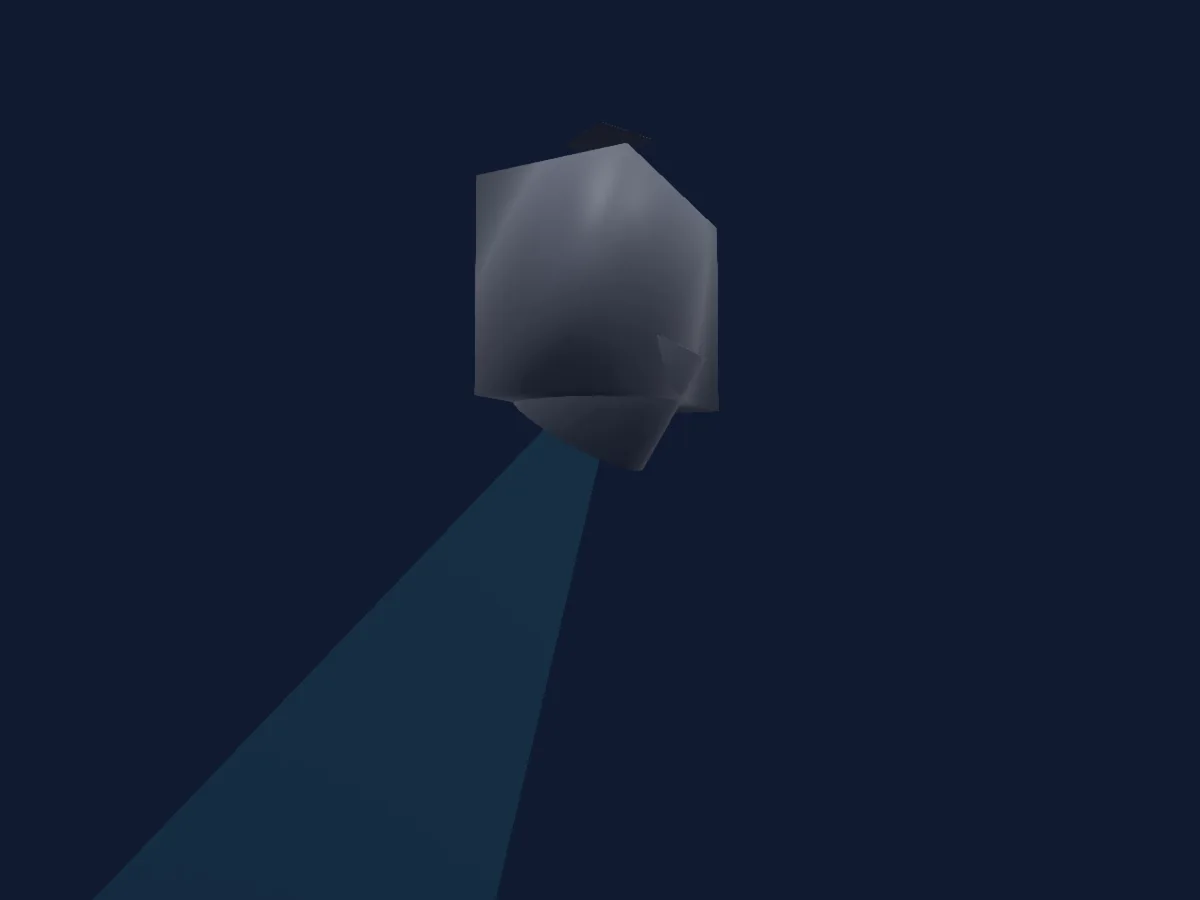
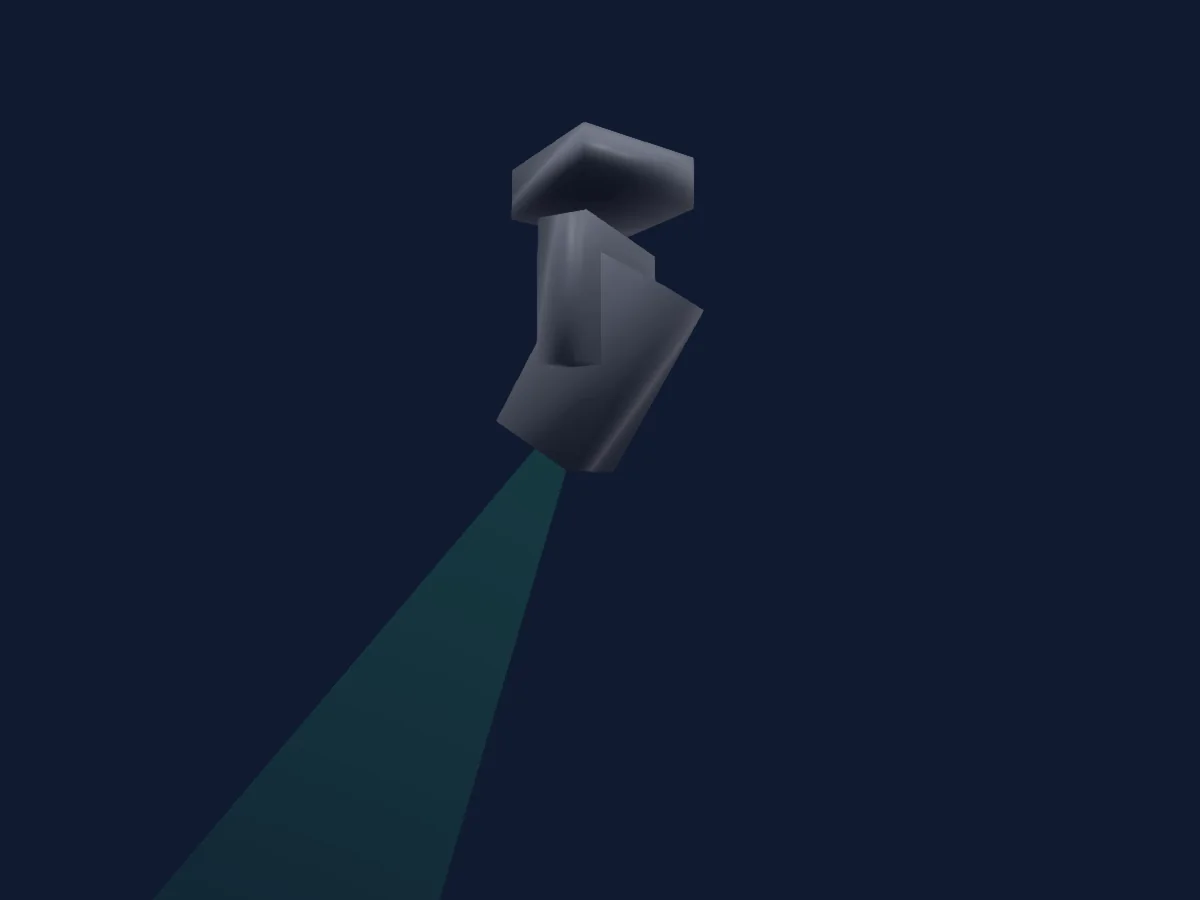
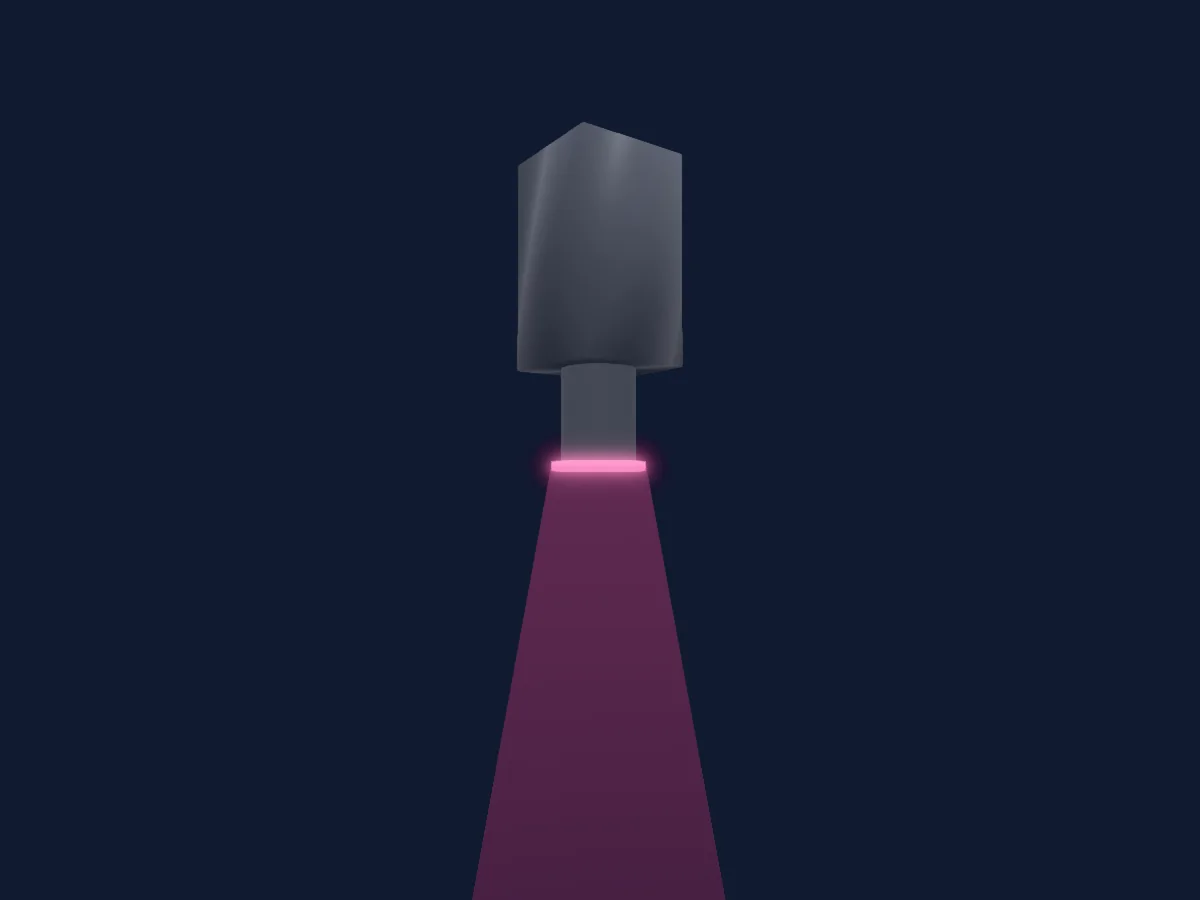
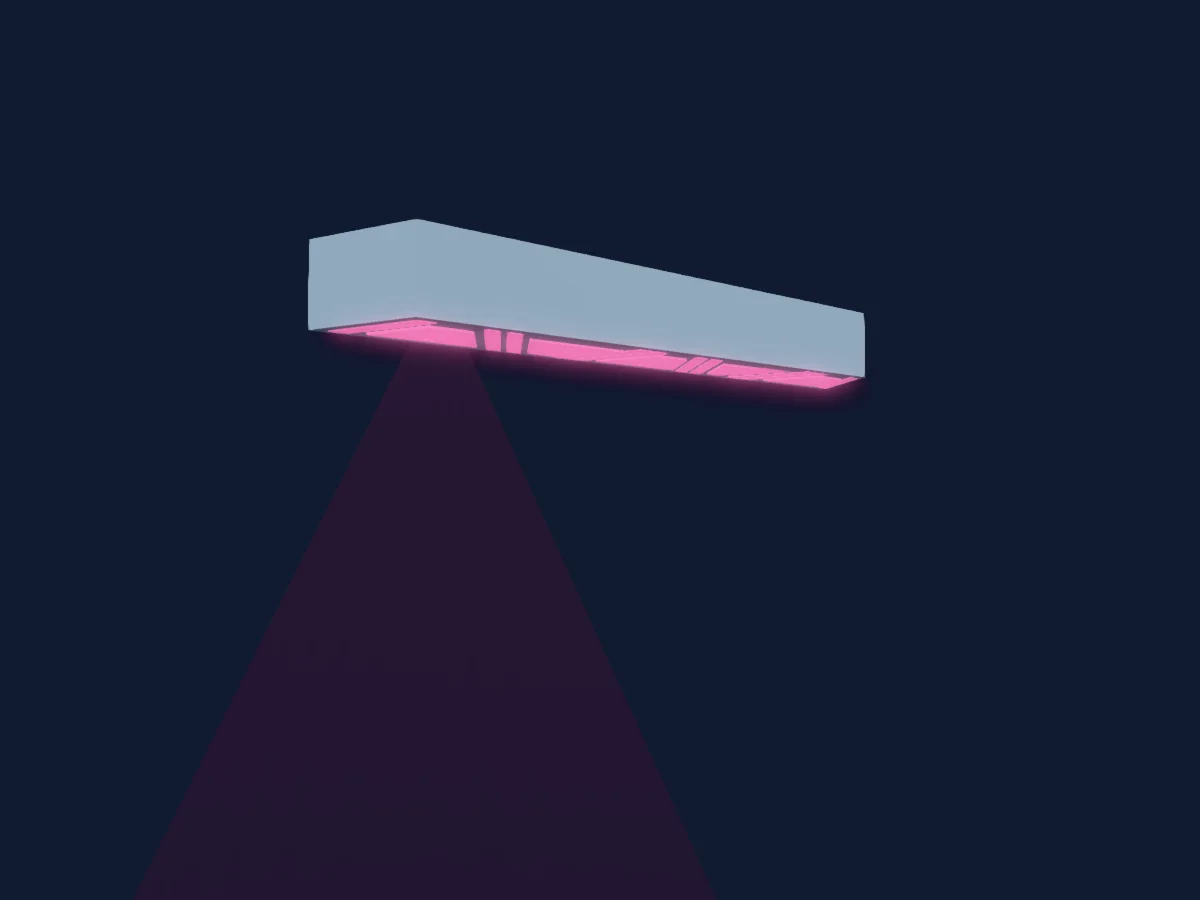
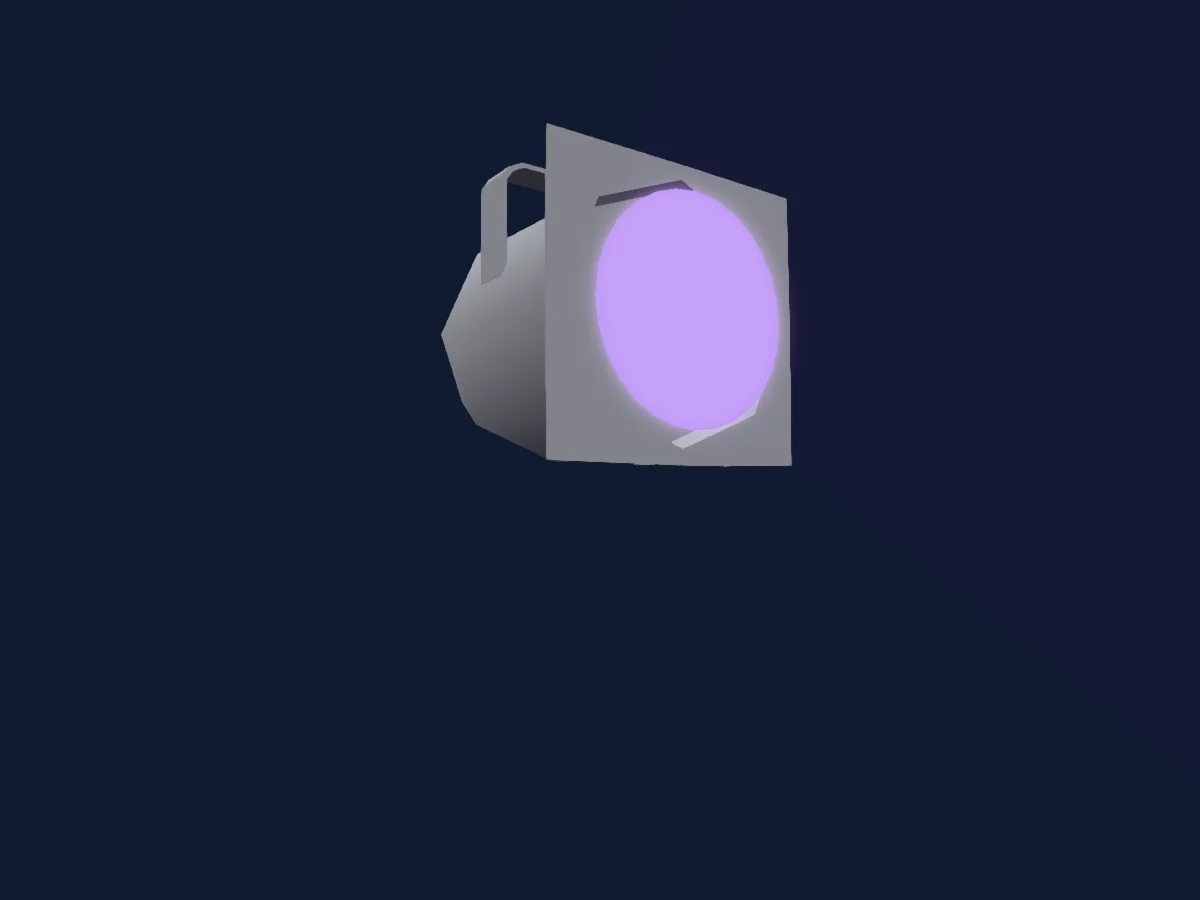
Ali Express Mini740-Pixel-BEE rendu dans HitLight

Ce qu’il sait faire

  • Zoom
  • Couleurs LED supplémentaires
  • Mélange de couleurs RVB
  • Température de couleur
  • Roue de couleurs
  • Vitesse des effets
  • Stroboscope
  • Intensité
  • Contrôle des pixels
  • Vitesse de mouvement

Fonctions liées à la sécurité: Réinitialisation du projecteur · Programmes d’effets intégrés. Vérifiez leur comportement sur votre propre projecteur avant un spectacle.

Modes DMX et tableaux de canaux

Modes DMX de Ali Express Mini740-Pixel-BEE
ModeCanauxDans HitLight
23ch23Prêt dans HitLight
51ch51Prêt dans HitLight

23ch

Prêt dans HitLight

23 canaux DMX · Télécharger ce tableau en CSV

Tableau des canaux DMX de 23ch
CanalFonctionPar défautValeurs DMX
1Pan1280–255
2Pan Fine0Octet fin de Pan
3Tilt1280–255
4Tilt Fine0Octet fin de Tilt
5Position MSpeed0
2 plages de valeurs
  • 0–254 Fast
  • 255–255 Slow
6Zoom128
3 plages de valeurs
  • 0–10 Wide max
  • 11–254 BeamShaper Widest
  • 255–255 Narrow
7Beam Shaper0
8 plages de valeurs
  • 0–62 0 degree
  • 63–126 30 degree
  • 127–127 60 degree
  • 128–189 rotate CW fast
  • 190–190 rotate CW slow
  • 191–192 rotate stop
  • 193–254 rotate CCW slow
  • 255–255 rotate CCW fast
8Dimmer0
2 plages de valeurs
  • 0–254 Closed
  • 255–255 Open
9Shutter / Strobe255
10 plages de valeurs
  • 0–4 Closed
  • 5–102 Strobe slow
  • 103–103 Strobe fast
  • 104–107 NoFeature1
  • 108–206 Pulse slow
  • 207–207 Pulse fast
  • 208–212 NoFeature2
  • 213–250 Strobe random slow
  • 251–251 Strobe random fast
  • 255–255 Open
10Red2550–255
11Green2550–255
12Blue2550–255
13White00–255
14C TO0
3 plages de valeurs
  • 0–0 CTO off
  • 1–254 CTO 8500k
  • 255–255 CTO 2800k
15Color Macro100–255
16Effect0
48 plages de valeurs
  • 0–9 No effect
  • 10–14 pixel 1 (center)
  • 15–19 pixel 2
  • 20–24 pixel 3
  • 25–29 pixel 4
  • 30–34 pixel 5
  • 35–39 pixel 6
  • 40–44 pixel 7
  • 45–49 ring
  • 50–54 pixel 2-3
  • 55–59 pixel 5-6-7
  • 60–64 pixel 1-2
  • 65–69 pixel 1-4-5
  • 70–74 pixel 1-2-3-7
  • 75–79 pixel 1-3-6 (horizontal line)
  • 80–84 pixel 1-2-3-5-6 (butterfly)
  • 85–89 pixel 4-7 (2 dots)
  • 90–94 pixel 3-4-6-7 (4 dots)
  • 95–99 pixel 2-4-6 (3 dots)
  • 100–104 pixel 1-2-3-4-7
  • 105–124 off
  • 125–129 rainbow (center transp)
  • 130–134 rainbow soft tints (center transp)
  • 135–139 green (center transp)
  • 140–144 1 pix red 1 pix green (transp)
  • 145–149 red green
  • 150–154 cyan yellow
  • 155–159 magenta green
  • 160–164 yellow propellor
  • 165–169 1 pix blue 1 pix magenta
  • 170–174 3 pix R G B
  • 175–179 yellow blue
  • 180–184 magenta horizontal line
  • 185–189 red butterfly
  • 190–194 magenta ring green center
  • 195–199 yellow congo butterfly
  • 200–204 red C M Y
  • 205–209 rainbow
  • 210–214 green congo rose
  • 215–219 red green line
  • 220–224 3 pix blue
  • 225–229 ring yellow blue red
  • 230–234 yellow propellor RGB dots
  • 235–239 rainbow (2 pix off)
  • 240–244 soft tints line
  • 245–249 soft green magenta line
  • 250–254 red
  • 255–255 green
17Effect 20
51 plages de valeurs
  • 0–9 No effect
  • 10–14 int rotate + center
  • 15–19 int rotate 1 pix
  • 20–24 int in out
  • 25–29 int rotate 2 pix
  • 30–34 int rotate 2 pix (3 step)
  • 35–39 int rotate 3 pix
  • 40–44 int rotate 3 pix (3 step)
  • 45–49 int left right
  • 50–54 int rotate 1 pix center on
  • 55–59 int rotate 2 pix center on
  • 60–64 int rotate 2 pix (3 step) center on
  • 65–69 int rotate 3 pix center on
  • 70–74 int rotate 3 pix (3 step) center on
  • 75–79 int 3 part horizontal
  • 80–84 int fan
  • 85–89 int fan invert
  • 90–94 int fan no center
  • 95–99 int fan invert no center
  • 100–104 int odd even
  • 105–109 int 3 part vertical
  • 110–114 int 2 part 4 pixels vertical
  • 115–119 int 2 part 4 pixels horizontal
  • 120–124 int washing machine
  • 125–129 int odd even center on
  • 130–134 rainbow rotate 6 pix (center transp)
  • 135–139 soft tints rotate 6 pix (center transp)
  • 140–144 rainbow all (center transp)
  • 145–149 rainbow rotate 2 pix transp
  • 150–154 red green fill rotate
  • 155–159 cyan yellow fill rotate
  • 160–164 magenta green fill rotate
  • 165–169 rainbow all step 2p
  • 170–174 rainbow fan (no center)
  • 175–179 rainbow rotate 2 pix
  • 180–184 yellow congo fill rotate
  • 185–189 rainbow 3 part horizontal
  • 190–194 rainbow fan invert
  • 195–199 rainbow ring / center
  • 200–204 rainbow odd even
  • 205–209 rainbow mix 1
  • 210–214 rainbow mix 2
  • 215–219 rainbow mix 3
  • 220–224 red green blue
  • 225–229 rainbow 3 part vertical
  • 230–234 rainbow rotate 2 pix (no center)
  • 235–239 rainbow mix 4
  • 240–244 rainbow rotate 2 pix off
  • 245–249 all G M C R B Y
  • 250–254 rainbow fan
  • 255–255 soft tints horizontal
18Effect Speed 2127
4 plages de valeurs
  • 0–126 CW fast
  • 127–127 CW slow
  • 128–254 CCW slow
  • 255–255 CCW fast
19No Feature00–255
20No Feature00–255
21No Feature00–255
22No Feature00–255
23Control10
2 plages de valeurs
  • 0–127 No function
  • 128–255 Reset

51ch

Prêt dans HitLight

51 canaux DMX · Télécharger ce tableau en CSV

Tableau des canaux DMX de 51ch
CanalFonctionPar défautValeurs DMX
1Pan1280–255
2Pan Fine0Octet fin de Pan
3Tilt1280–255
4Tilt Fine0Octet fin de Tilt
5Position MSpeed0
2 plages de valeurs
  • 0–254 Fast
  • 255–255 Slow
6Zoom128
3 plages de valeurs
  • 0–10 Wide max
  • 11–254 BeamShaper Widest
  • 255–255 Narrow
7Beam Shaper0
8 plages de valeurs
  • 0–62 0 degree
  • 63–126 30 degree
  • 127–127 60 degree
  • 128–189 rotate CW fast
  • 190–190 rotate CW slow
  • 191–192 rotate stop
  • 193–254 rotate CCW slow
  • 255–255 rotate CCW fast
8Dimmer0
2 plages de valeurs
  • 0–254 Closed
  • 255–255 Open
9Shutter / Strobe255
10 plages de valeurs
  • 0–4 Closed
  • 5–102 Strobe slow
  • 103–103 Strobe fast
  • 104–107 NoFeature1
  • 108–206 Pulse slow
  • 207–207 Pulse fast
  • 208–212 NoFeature2
  • 213–250 Strobe random slow
  • 251–251 Strobe random fast
  • 255–255 Open
10No Feature00–255
11No Feature00–255
12No Feature00–255
13No Feature00–255
14C TO0
3 plages de valeurs
  • 0–0 CTO off
  • 1–254 CTO 8500k
  • 255–255 CTO 2800k
15Color Macro100–255
16Effect0
29 plages de valeurs
  • 0–104 No effect
  • 105–124 off
  • 125–129 rainbow (center transp)
  • 130–134 rainbow soft tints (center transp)
  • 135–139 green (center transp)
  • 140–144 1 pix red 1 pix green (transp)
  • 145–149 red green
  • 150–154 cyan yellow
  • 155–159 magenta green
  • 160–164 yellow propellor
  • 165–169 1 pix blue 1 pix magenta
  • 170–174 3 pix R G B
  • 175–179 yellow blue
  • 180–184 magenta horizontal line
  • 185–189 red butterfly
  • 190–194 magenta ring green center
  • 195–199 yellow congo butterfly
  • 200–204 red C M Y
  • 205–209 rainbow
  • 210–214 green congo rose
  • 215–219 red green line
  • 220–224 3 pix blue
  • 225–229 ring yellow blue red
  • 230–234 yellow propellor RGB dots
  • 235–239 rainbow (2 pix off)
  • 240–244 soft tints line
  • 245–249 soft green magenta line
  • 250–254 red
  • 255–255 green
17Effect 20
27 plages de valeurs
  • 0–129 No effect
  • 130–134 rainbow rotate 6 pix (center transp)
  • 135–139 soft tints rotate 6 pix (center transp)
  • 140–144 rainbow all (center transp)
  • 145–149 rainbow rotate 2 pix transp
  • 150–154 red green fill rotate
  • 155–159 cyan yellow fill rotate
  • 160–164 magenta green fill rotate
  • 165–169 rainbow all step 2p
  • 170–174 rainbow fan (no center)
  • 175–179 rainbow rotate 2 pix
  • 180–184 yellow congo fill rotate
  • 185–189 rainbow 3 part horizontal
  • 190–194 rainbow fan invert
  • 195–199 rainbow ring / center
  • 200–204 rainbow odd even
  • 205–209 rainbow mix 1
  • 210–214 rainbow mix 2
  • 215–219 rainbow mix 3
  • 220–224 red green blue
  • 225–229 rainbow 3 part vertical
  • 230–234 rainbow rotate 2 pix (no center)
  • 235–239 rainbow mix 4
  • 240–244 rainbow rotate 2 pix off
  • 245–249 all G M C R B Y
  • 250–254 rainbow fan
  • 255–255 soft tints horizontal
18Effect Speed 2127
4 plages de valeurs
  • 0–126 CW fast
  • 127–127 CW slow
  • 128–254 CCW slow
  • 255–255 CCW fast
19No Feature00–255
20No Feature00–255
21No Feature00–255
22No Feature00–255
23Control10
2 plages de valeurs
  • 0–127 No function
  • 128–255 Reset
24Red2550–255
25Green2550–255
26Blue2550–255
27White00–255
28Red2550–255
29Green2550–255
30Blue2550–255
31White00–255
32Red2550–255
33Green2550–255
34Blue2550–255
35White00–255
36Red2550–255
37Green2550–255
38Blue2550–255
39White00–255
40Red2550–255
41Green2550–255
42Blue2550–255
43White00–255
44Red2550–255
45Green2550–255
46Blue2550–255
47White00–255
48Red2550–255
49Green2550–255
50Blue2550–255
51White00–255

Utiliser Ali Express Mini740-Pixel-BEE dans HitLight

  1. Ouvrez Ajouter un projecteur et recherchez Ali Express Mini740-Pixel-BEE.
  2. Choisissez le mode DMX réglé dans le menu du projecteur. HitLight lui attribue la plus basse adresse de départ libre de son univers qui peut accueillir le nombre de canaux du mode.
  3. Vérifiez le mode et les commandes sur votre vrai projecteur avant toute utilisation en direct.

Les tableaux proviennent de la description GDTF du projecteur, convertie pour la bibliothèque HitLight. HitLight n’a aucun lien avec Ali Express.

Patchez-le, puis laissez la musique piloter la lumière.

HitLight trouve ces projecteurs dans sa bibliothèque, les patche sur la prochaine adresse libre et affiche votre installation en 3D avant même de brancher une seule lumière.

Ouvrir HitLight ↗Télécharger HitLight