Aller au contenu
HitLight
Clay Paky · Lyre

Clay Paky XTYLOS

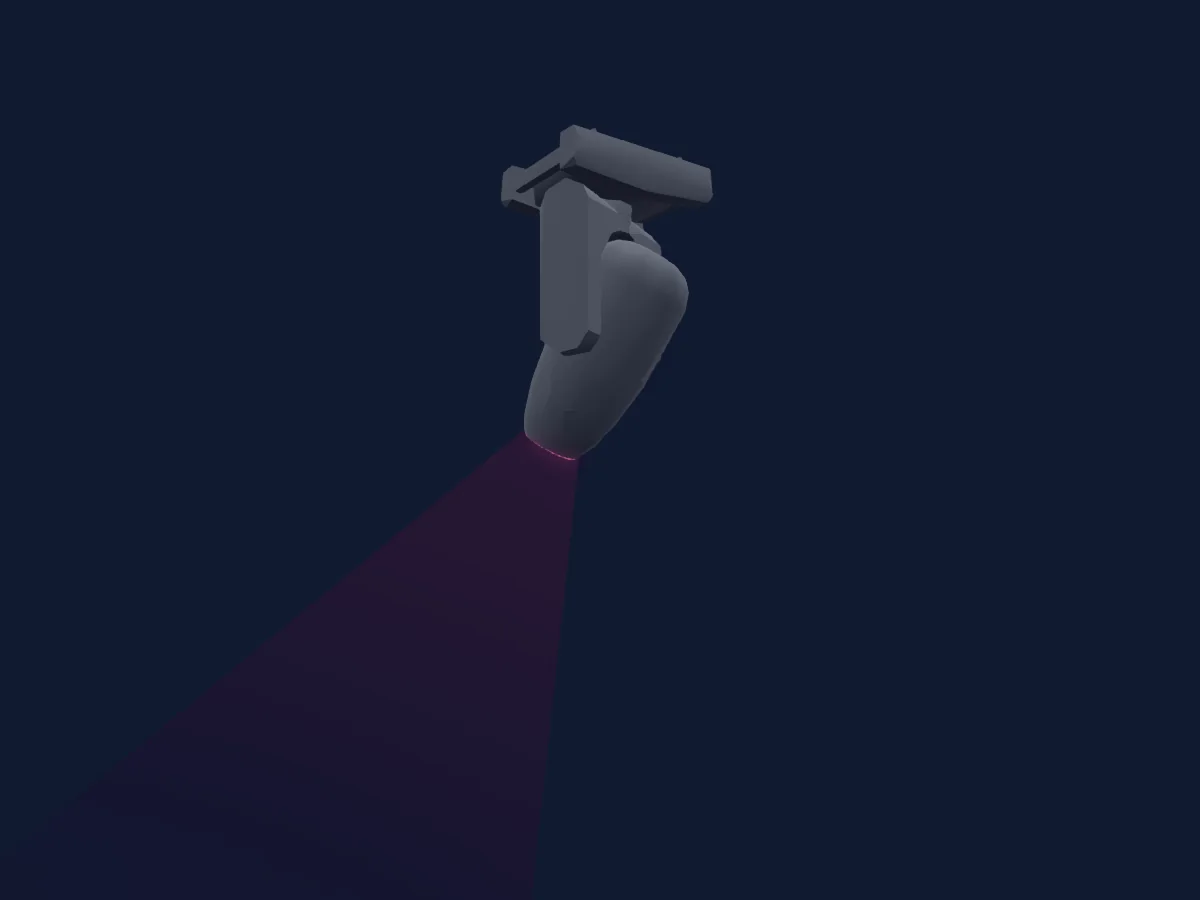
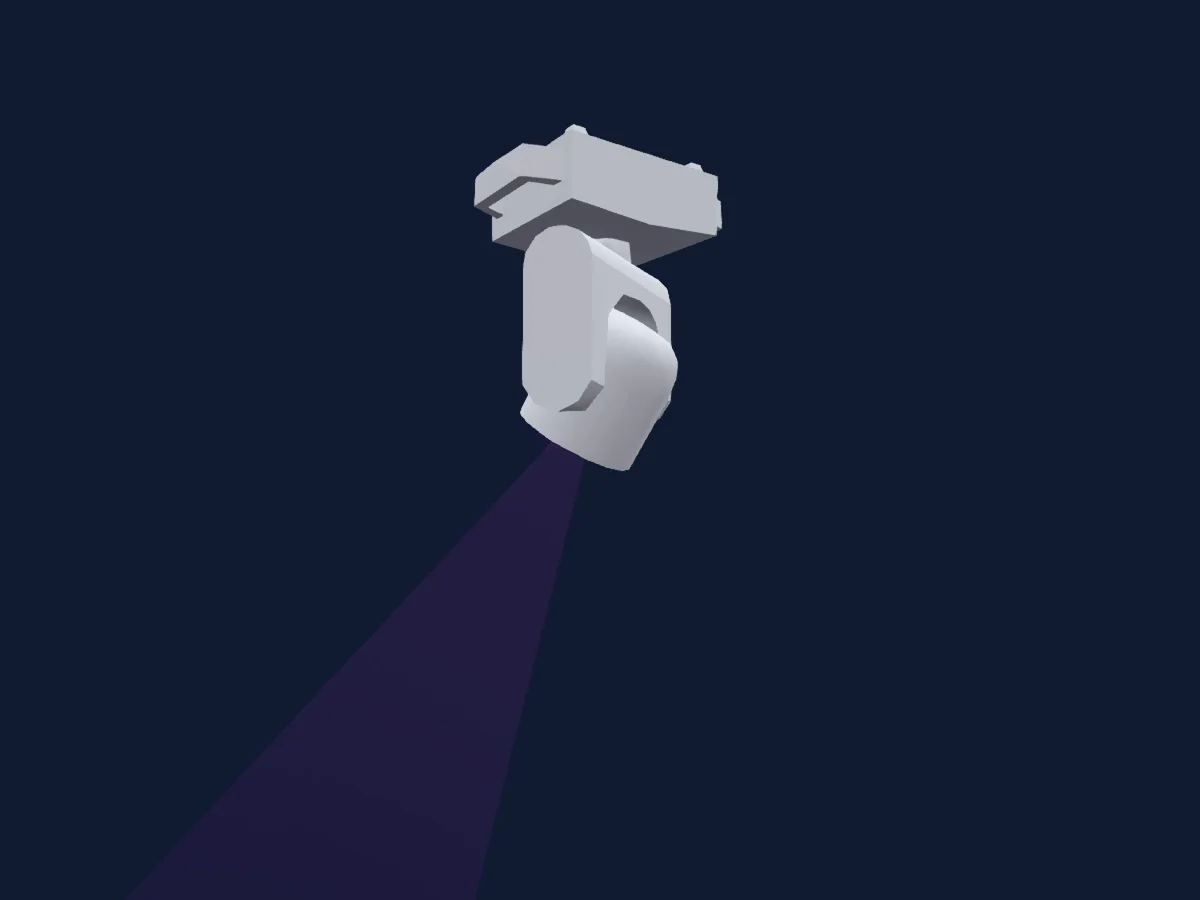
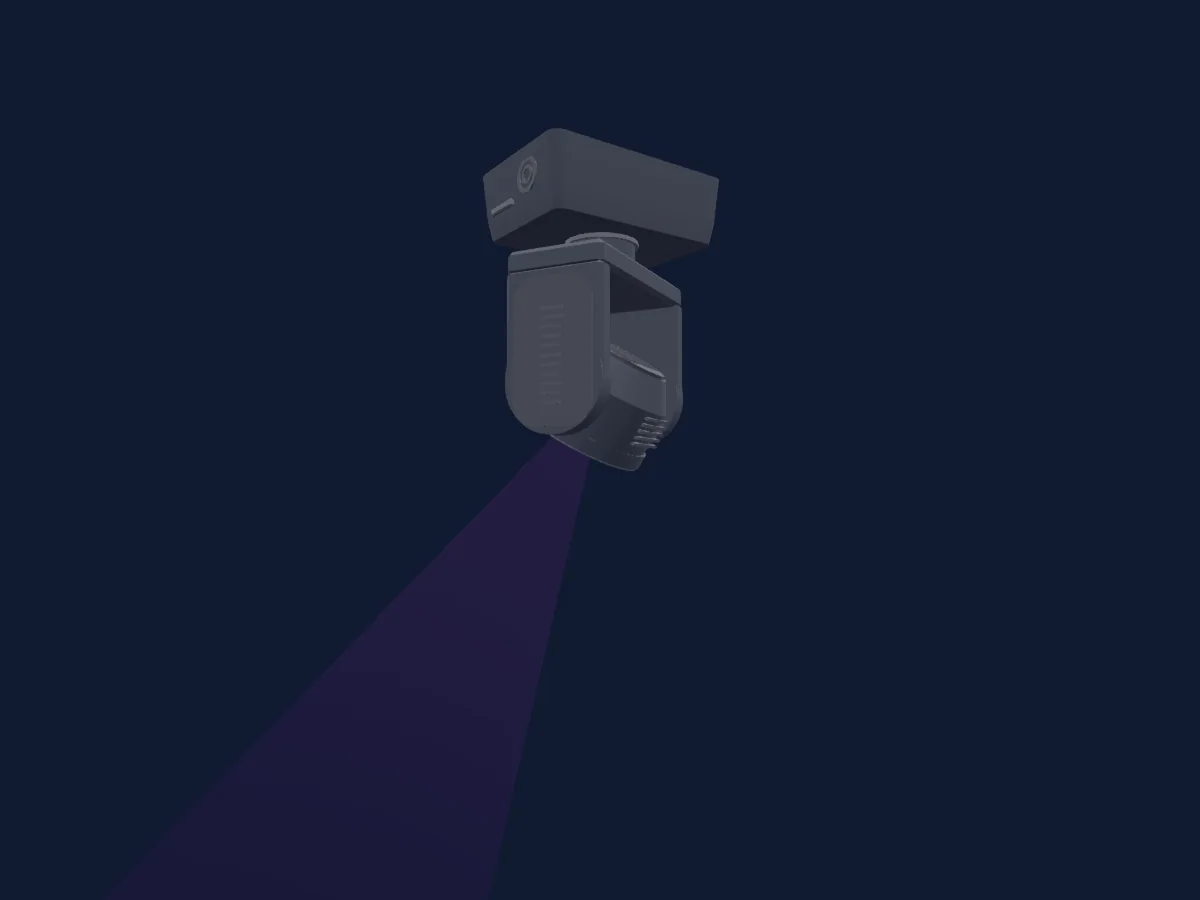
Tableau DMX, 1 mode DMX et aperçu 3D. 31 canaux DMX.
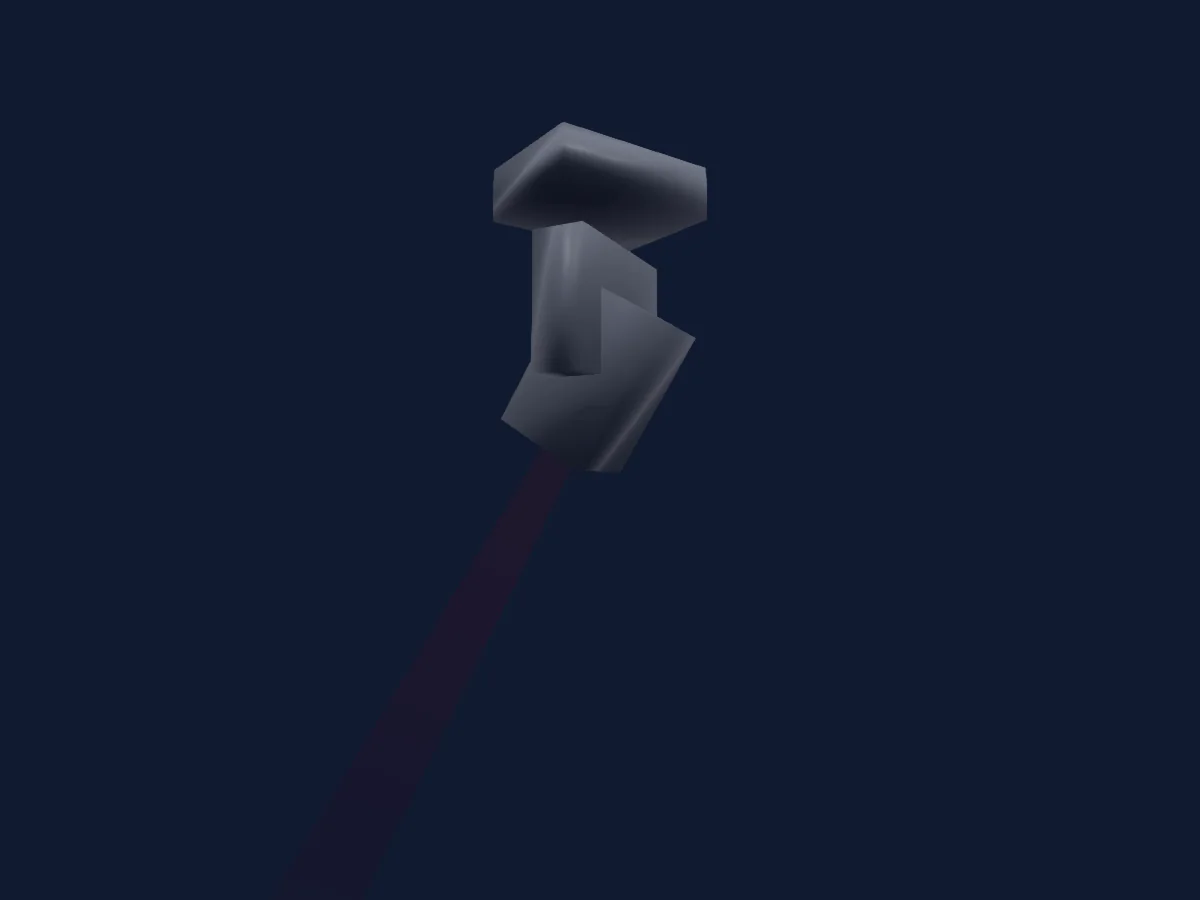
Clay Paky XTYLOS rendu dans HitLight

Ce qu’il sait faire

  • Mise au point
  • Prisme
  • Rotation du prisme
  • Mélange de couleurs RVB
  • Température de couleur
  • Intensité
  • Gobos
  • Rotation des gobos

Fonctions liées à la sécurité: Réinitialisation du projecteur · Fonctions de maintenance. Vérifiez leur comportement sur votre propre projecteur avant un spectacle.

Modes DMX et tableaux de canaux

Modes DMX de Clay Paky XTYLOS
ModeCanauxDans HitLight
Default31Prêt dans HitLight

Default

Prêt dans HitLight

31 canaux DMX · Télécharger ce tableau en CSV

Tableau des canaux DMX de Default
CanalFonctionPar défautValeurs DMX
1Red2550–255
2Red Fine255Octet fin de Red
3Green2550–255
4Green Fine255Octet fin de Green
5Blue2550–255
6Blue Fine255Octet fin de Blue
7C TO0
4 plages de valeurs
  • 0–0 Raw mode
  • 1–127 8000K
  • 128–254 5250K
  • 255–255 2500K
8Control10
31 plages de valeurs
  • 0–11 NO USE
  • 12–16 Limited Output ON
  • 17–21 Limited Output OFF
  • 22–27 SOZ - HD 25m (smart mode only)
  • 28–32 SOZ - HD 21m (smart mode only)
  • 33–37 SOZ - HD 18m (smart mode only)
  • 38–42 SOZ - HD 15m (smart mode only)
  • 43–47 Check Start
  • 48–52 Check Stop
  • 53–57 BAZ - Symmetric
  • 58–62 BAZ - Pan 180
  • 63–67 BAZ - Custom Tilt 1
  • 68–72 BAZ - Custom Pan 1
  • 73–78 BAZ - Custom Pan 2
  • 79–83 BAZ - Custom Tilt 2
  • 84–93 Free
  • 94–99 BAZ - Invert OFF
  • 100–104 BAZ - Invert ON
  • 105–108 BAZ Reset
  • 109–113 SOZ - Symmetric
  • 114–118 SOZ - Pan 180 (smart mode only)
  • 119–123 SOZ - Custom Tilt 1 (smart mode only)
  • 124–129 SOZ - Custom Pan 1 (smart mode only)
  • 130–134 SOZ - Custom Pan2 (smart mode only)
  • 135–139 SOZ - Custom Tilt 2 (smart mode only)
  • 140–149 Free
  • 150–154 SOZ- Invert OFF (smart mode only)
  • 155–159 SOZ - Invert ON (smart mode only)
  • 160–164 SOZ - RESET
  • 165–169 Complete Channel Reset
  • 170–255 Free (All functions are activated/selected passing through the unused levels range and staying in the necessary range f
9Dimmer0
2 plages de valeurs
  • 0–254 Closed
  • 255–255 Open
10Dimmer Fine0Octet fin de Dimmer
11Shutter1Strobe104
13 plages de valeurs
  • 0–3 Close
  • 4–52 Strobe LOW
  • 53–102 Strobe MID
  • 103–103 Strobe HIGH
  • 104–107 Open
  • 108–156 Pulse Strobe LOW
  • 157–206 Pulse Strobe MID
  • 207–207 Pulse Strobe HIGH
  • 208–212 Open
  • 213–225 Random Strobe LOW
  • 226–238 Random Strobe MID
  • 239–251 Random Strobe HIGH
  • 252–255 Open
12Gobo0
26 plages de valeurs
  • 0–5 Open
  • 6–11 gobo 1 1 (wheel slot 2)
  • 12–17 gobo 1 2 (wheel slot 3)
  • 18–23 gobo 1 3 (wheel slot 4)
  • 24–29 gobo 1 4 (wheel slot 5)
  • 30–35 gobo 1 5 (wheel slot 6)
  • 36–41 gobo 1 6 (wheel slot 7)
  • 42–47 gobo 1 7 (wheel slot 8)
  • 48–53 gobo 1 8 (wheel slot 9)
  • 54–59 gobo 1 9 (wheel slot 10)
  • 60–65 gobo 1 10 (wheel slot 11)
  • 66–71 gobo 1 11 (wheel slot 12)
  • 72–113 CCW
  • 114–117 STOP
  • 118–159 CW
  • 160–168 gobo 1 shake (wheel slot 2)
  • 169–177 gobo 2 shake (wheel slot 3)
  • 178–186 gobo 3 shake (wheel slot 4)
  • 187–194 gobo 4 shake (wheel slot 5)
  • 195–203 gobo 5 shake (wheel slot 6)
  • 204–212 gobo 6 shake (wheel slot 7)
  • 213–221 gobo 7 shake (wheel slot 8)
  • 222–229 gobo 8 shake (wheel slot 9)
  • 230–238 gobo 9 shake (wheel slot 10)
  • 239–247 gobo 10 shake (wheel slot 11)
  • 248–255 gobo 11 shake (wheel slot 12)
13Gobo 20
15 plages de valeurs
  • 0–16 Open (wheel slot 1)
  • 17–32 gobo 2 1 (wheel slot 2)
  • 33–48 gobo 2 2 (wheel slot 3)
  • 49–64 gobo 2 3 (wheel slot 4)
  • 65–81 gobo 2 4 (wheel slot 5)
  • 82–97 gobo 2 5 (wheel slot 6)
  • 98–113 gobo 2 6 (wheel slot 7)
  • 114–129 gobo 2 7 (wheel slot 8)
  • 130–147 gobo 2 1 shake (wheel slot 2)
  • 148–165 gobo 2 2 shake (wheel slot 3)
  • 166–183 gobo 2 3 shake (wheel slot 4)
  • 184–201 gobo 2 4 shake (wheel slot 5)
  • 202–219 gobo 2 5 shake (wheel slot 6)
  • 220–237 gobo 2 6 shake (wheel slot 7)
  • 238–255 gobo 2 7 shake (wheel slot 8)
14Gobo Rotation191
9 plages de valeurs
  • 0–20 0-90
  • 21–41 90-180
  • 42–62 180-270
  • 63–83 270-360
  • 84–104 360-450
  • 105–127 450-540
  • 128–190 CW
  • 191–192 Stop
  • 193–255 CCW
15Gobo Rotation Fine0Octet fin de Gobo Rotation
16Prism0
9 plages de valeurs
  • 0–25 Open (wheel slot 1)
  • 26–51 6 Facets (wheel slot 2)
  • 52–77 Elliptical (wheel slot 3)
  • 78–103 6 Facets pyramidal (wheel slot 4)
  • 104–129 Frost (wheel slot 5)
  • 130–161 6 Facets Prizm Shake Slow-Fast (wheel slot 2)
  • 162–192 Elliptical Prizm Shake Slow-Fast (wheel slot 3)
  • 193–224 6 Facets pyramidal Prizm Shake Slow-Fast (wheel slot 4)
  • 225–255 Frost Shake Slow-Fast (wheel slot 5)
17Prism Rotation0
9 plages de valeurs
  • 0–21 0-90
  • 22–42 90-180
  • 43–63 180-270
  • 64–84 270-360
  • 85–105 360-450
  • 106–127 450-540
  • 128–190 CCW
  • 191–192 STOP
  • 193–255 CW
18Prism0
2 plages de valeurs
  • 0–127 Open (wheel slot 1)
  • 128–255 16 Multi Facets Prizm (wheel slot 2)
19Prism Rotation191
9 plages de valeurs
  • 0–21 0-90
  • 22–42 90-180
  • 43–63 180-270
  • 64–84 270-360
  • 85–105 360-450
  • 106–127 450-540
  • 128–190 CW
  • 191–192 STOP
  • 193–255 CCW
20Control20
2 plages de valeurs
  • 0–0 NO FADE
  • 1–255 Linear Fading (SOZ only)
21Focus00–255
22Focus Fine0Octet fin de Focus
23Pan1280–255
24Pan Fine0Octet fin de Pan
25Tilt1280–255
26Tilt Fine0Octet fin de Tilt
27Function0
4 plages de valeurs
  • 0–11 NO USE
  • 12–24 Fast Pan/Tilt SPEED
  • 25–37 Nomal Pan/Tilt SPEED
  • 38–255 Free (The functions are activated/selected passing through the unused levels range and staying in the necessary range f
28Fixture Calibration Reset0
4 plages de valeurs
  • 0–25 NO USE
  • 26–76 Effects RESET
  • 77–127 Pan/Tilt RESET
  • 128–255 Fixture RESET
29Mode0
12 plages de valeurs
  • 0–11 NO USE
  • 12–12 4700 Hz
  • 13–13 6000 Hz
  • 14–14 7300 Hz
  • 15–15 8600 Hz
  • 16–16 10000 Hz
  • 17–17 12000 Hz
  • 18–18 15000 Hz
  • 19–19 17578 Hz
  • 20–20 20000 Hz
  • 21–21 22000 Hz
  • 22–255 Free ( The functions are activated/selected passing through the unused levels range and staying in the necessary range
30L EDFrequency00–255
31Control30
2 plages de valeurs
  • 0–0 NO FADE
  • 1–255 Linear Fading (BAZ only)

Utiliser Clay Paky XTYLOS dans HitLight

  1. Ouvrez Ajouter un projecteur et recherchez Clay Paky XTYLOS.
  2. Choisissez le mode DMX réglé dans le menu du projecteur. HitLight lui attribue la plus basse adresse de départ libre de son univers qui peut accueillir le nombre de canaux du mode.
  3. Vérifiez le mode et les commandes sur votre vrai projecteur avant toute utilisation en direct.

Les tableaux proviennent de la description GDTF du projecteur, convertie pour la bibliothèque HitLight. HitLight n’a aucun lien avec Clay Paky.

Patchez-le, puis laissez la musique piloter la lumière.

HitLight trouve ces projecteurs dans sa bibliothèque, les patche sur la prochaine adresse libre et affiche votre installation en 3D avant même de brancher une seule lumière.

Ouvrir HitLight ↗Télécharger HitLight