Aller au contenu
HitLight
JB Lighting · Lyre

JB Lighting Varyscan P2 250 HTI

Tableau DMX, 2 modes DMX et aperçu 3D. 22 canaux DMX.
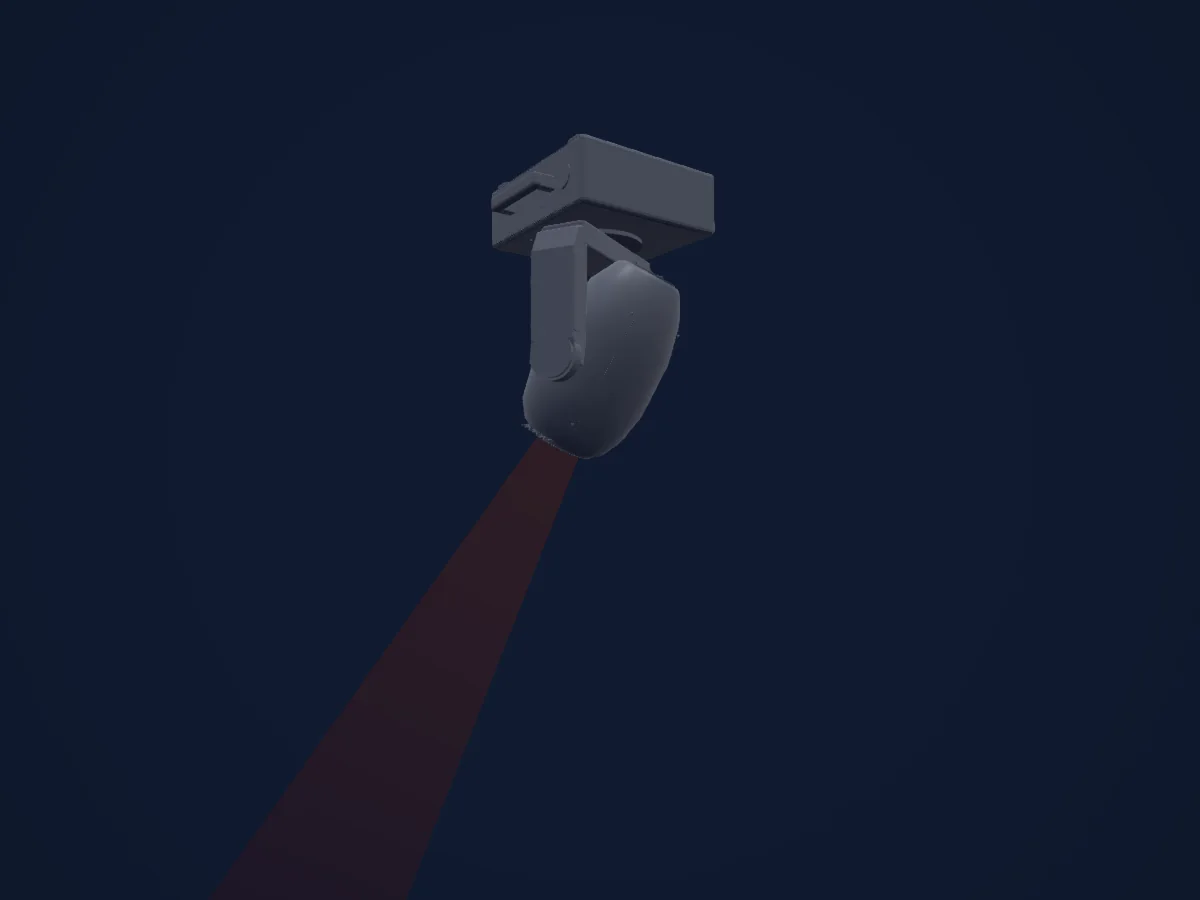
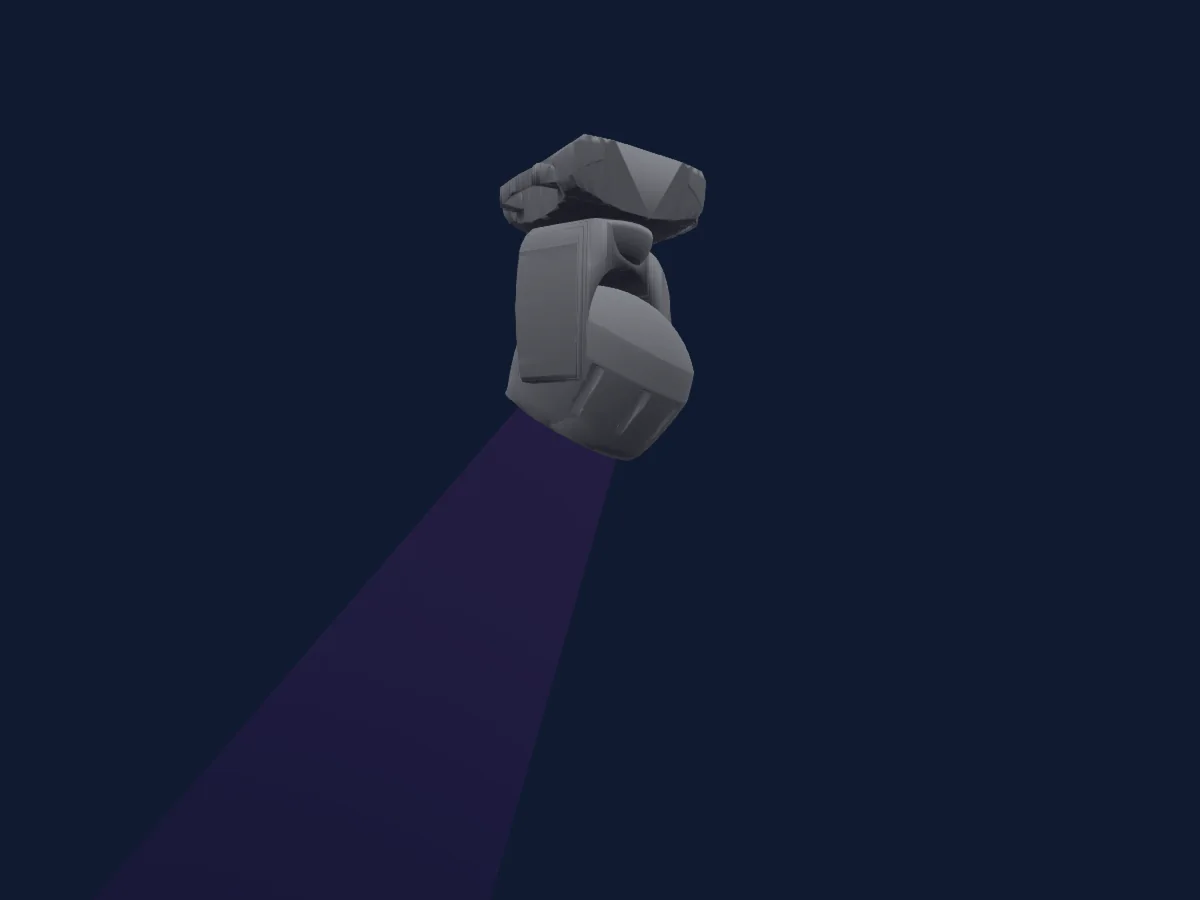
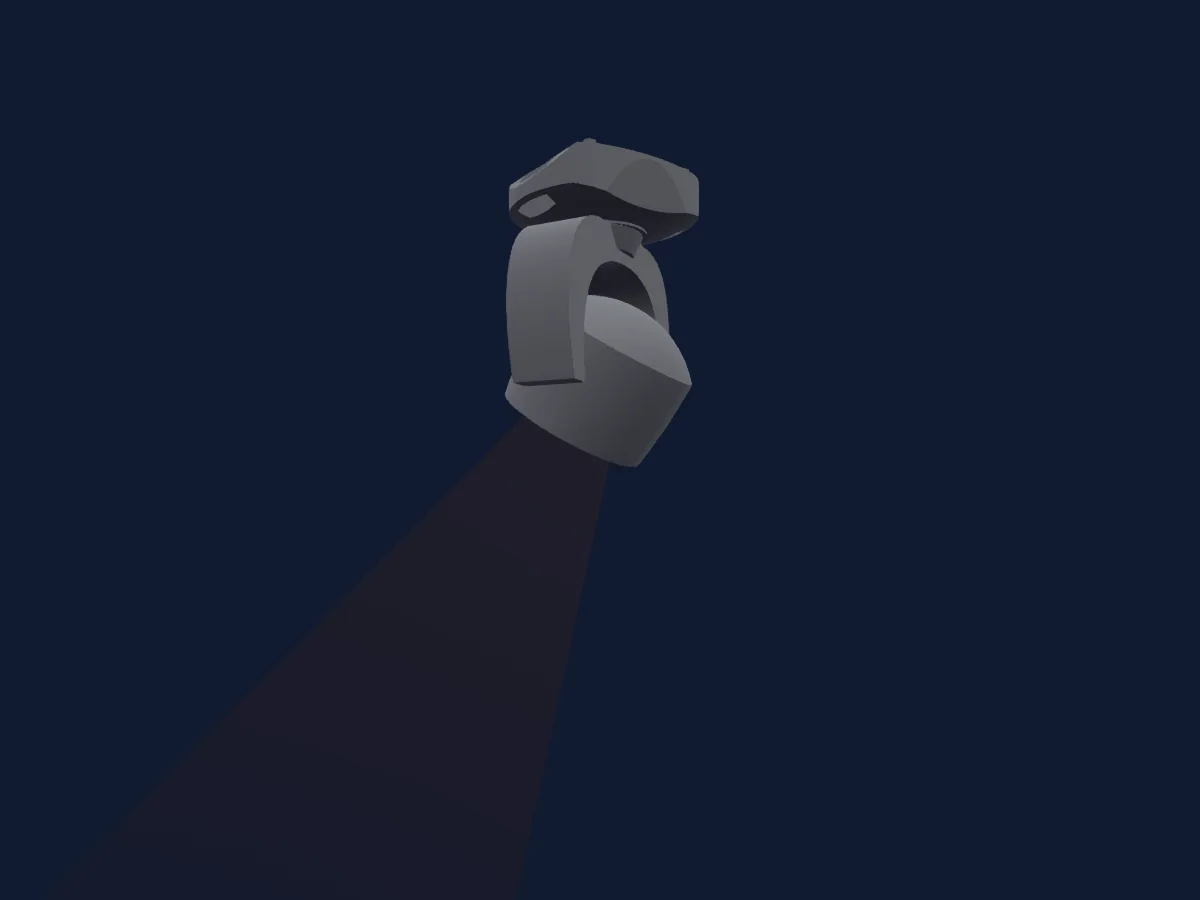
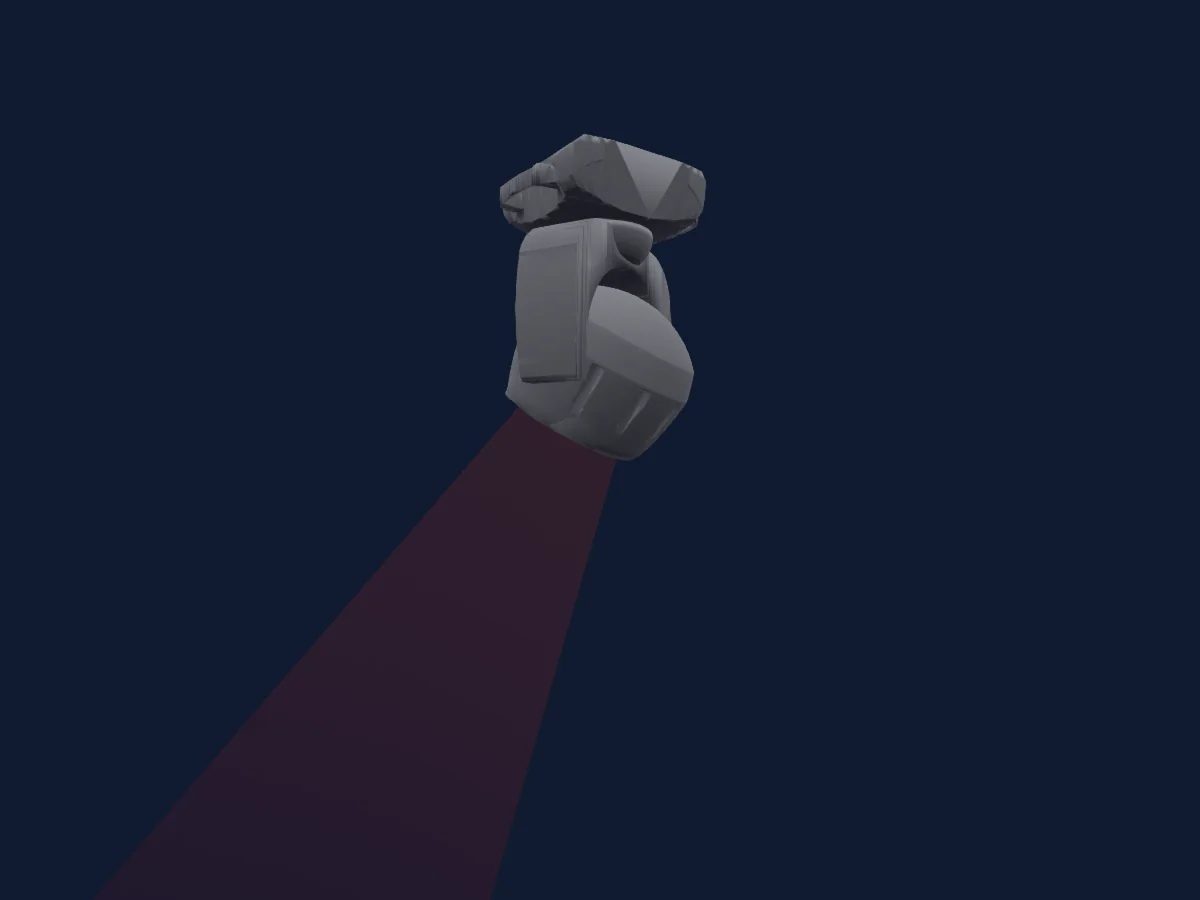
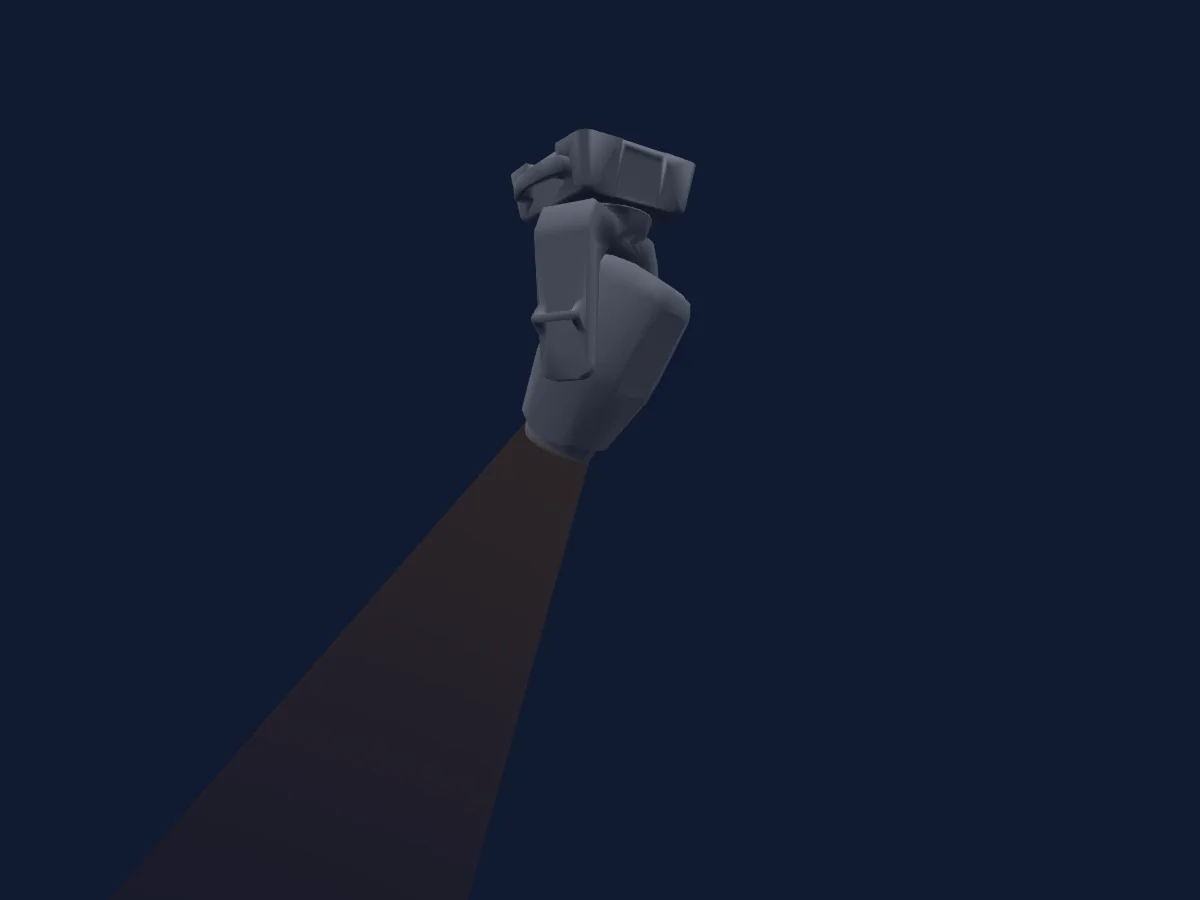
JB Lighting Varyscan P2 250 HTI rendu dans HitLight

Ce qu’il sait faire

  • Mise au point
  • Rotation du prisme
  • Intensité
  • Pan et tilt
  • Rotation des gobos

Fonctions liées à la sécurité: Allumage et extinction de la lampe · Réinitialisation du projecteur. Vérifiez leur comportement sur votre propre projecteur avant un spectacle.

Modes DMX et tableaux de canaux

Modes DMX de JB Lighting Varyscan P2 250 HTI
ModeCanauxDans HitLight
HOG22CH provisional22Prêt dans HitLight
JB22CH provisional22Prêt dans HitLight

HOG22CH provisional

Prêt dans HitLight

22 canaux DMX · Télécharger ce tableau en CSV

Tableau des canaux DMX de HOG22CH provisional
CanalFonctionPar défautValeurs DMX
1Pan1280–255
2Pan Fine0Octet fin de Pan
3Tilt1280–255
4Tilt Fine0Octet fin de Tilt
5Control0
4 plages de valeurs
  • 0–231 Safe
  • 232–239 Lamp off after3seconds
  • 240–247 Reset after1second
  • 248–255 Lamp on
6Shutter / Strobe0
21 plages de valeurs
  • 0–15 Shutter closed
  • 16–111 Shutter open
  • 112–125 Periodic strobe slow to fast
  • 126–126 Shutter open
  • 127–127 Shutter closed
  • 128–142 Periodic pulse opening fast to slow
  • 143–143 Shutter open
  • 144–158 Periodic pulse closing fast to slow
  • 159–159 Shutter closed
  • 160–174 Shutter9 strobe · Shutter fade0percent transition speed fast0.6sec to slow4.8sec
  • 175–175 Shutter open
  • 176–190 Shutter11 strobe · Shutter fade100percent transition speed fast0.6sec to slow4.8sec
  • 191–191 Shutter closed
  • 192–206 Shutter random100percent fast0.6sec to slow4.8sec
  • 207–207 Shutter open
  • 208–222 Shutter random0percent fast0.6sec to slow4.8sec
  • 223–223 Shutter closed
  • 224–238 Random fade0percent fast0.6sec to slow4.8sec
  • 239–239 Shutter open
  • 240–254 Random fade100percent fast0.6sec to slow4.8sec
  • 255–255 Shutter open
7Dimmer00–255
8No Feature00–255
9Focus00–255
10No Feature00–255
11No Feature00–255
12Gobo0
13 plages de valeurs
  • 0–15 Gobo wheel open (wheel slot 1)
  • 16–31 Gobo1
  • 32–47 Gobo2
  • 48–63 Gobo3
  • 64–79 Gobo4
  • 80–127 Gobo5
  • 128–135 Gobo0 shake fast to slow
  • 136–143 Gobo1 shake fast to slow
  • 144–151 Gobo2 shake fast to slow
  • 152–159 Gobo3 shake fast to slow
  • 160–175 Gobo4 shake fast to slow
  • 176–191 Gobo5 shake fast to slow
  • 192–255 Safe (heldpattern unpublished)
13Gobo Rotation0
4 plages de valeurs
  • 0–191 Gobo positioning (angular mapping unpublished)
  • 192–222 Rotation anticlockwise fast to slow
  • 223–224 Rotation stop
  • 225–255 Rotation clockwise slow to fast
14Color Wheel0
20 plages de valeurs
  • 0–3 white (wheel slot 1)
  • 4–7 white/red
  • 8–11 red (wheel slot 3)
  • 12–15 red/yellow
  • 16–19 yellow (wheel slot 5)
  • 20–23 yellow/magenta
  • 24–27 magenta (wheel slot 7)
  • 28–31 magenta/green
  • 32–35 green (wheel slot 9)
  • 36–39 green/orange
  • 40–43 orange (wheel slot 11)
  • 44–47 orange/blue
  • 48–51 blue (wheel slot 13)
  • 52–55 blue/cyan
  • 56–59 cyan (wheel slot 15)
  • 60–63 cyan/white
  • 64–191 Colour positioning (uncalibrated)
  • 192–222 Colour wheel clockwise fast to slow
  • 223–224 Colour wheel rotation stop
  • 225–255 Colour wheel anticlockwise slow to fast
15Color Wheel 20
7 plages de valeurs
  • 0–15 Open (wheel slot 1)
  • 16–31 CTB daylight filter (wheel slot 2)
  • 32–47 CTO artificial light filter (wheel slot 3)
  • 48–63 Pink (wheel slot 4)
  • 64–79 Cyan (wheel slot 5)
  • 80–127 Frost (wheel slot 6)
  • 128–255 Colour macros in combination with primary colour wheel (wheel slot 7)
16No Feature00–255
17Prism0
2 plages de valeurs
  • 0–15 No prism
  • 16–255 Prism active; secondarycolourwheel inactive
18Prism Rotation0
4 plages de valeurs
  • 0–191 Prism positioning (angular mapping unpublished)
  • 192–222 Rotation clockwise fast to slow
  • 223–224 Rotation stop
  • 225–255 Rotation anticlockwise slow to fast
19No Feature00–255
20Pan Tilt Speed0
2 plages de valeurs
  • 0–3 Tracking realtime
  • 4–255 Delayed fast to slow
21Control0
2 plages de valeurs
  • 0–3 Effects realtime
  • 4–255 Effects delayed slow to fast
22Control0
6 plages de valeurs
  • 0–95 No function
  • 96–127 Blackout at pan tilt
  • 128–159 Blackout at gobo colour prism
  • 160–191 Blackout at gobo colour prism focus
  • 192–223 Blackout at gobo colour prism pan tilt
  • 224–255 Blackout at gobo colour prism focus pan tilt

JB22CH provisional

Prêt dans HitLight

22 canaux DMX · Télécharger ce tableau en CSV

Tableau des canaux DMX de JB22CH provisional
CanalFonctionPar défautValeurs DMX
1Pan1280–255
2Tilt1280–255
3Pan Fine0Octet fin de Pan
4Tilt Fine0Octet fin de Tilt
5Control0
4 plages de valeurs
  • 0–231 Safe
  • 232–239 Lamp off after3seconds
  • 240–247 Reset after1second
  • 248–255 Lamp on
6Shutter / Strobe0
21 plages de valeurs
  • 0–15 Shutter closed
  • 16–111 Shutter open
  • 112–125 Periodic strobe slow to fast
  • 126–126 Shutter open
  • 127–127 Shutter closed
  • 128–142 Periodic pulse opening fast to slow
  • 143–143 Shutter open
  • 144–158 Periodic pulse closing fast to slow
  • 159–159 Shutter closed
  • 160–174 Shutter9 strobe · Shutter fade0percent transition speed fast0.6sec to slow4.8sec
  • 175–175 Shutter open
  • 176–190 Shutter11 strobe · Shutter fade100percent transition speed fast0.6sec to slow4.8sec
  • 191–191 Shutter closed
  • 192–206 Shutter random100percent fast0.6sec to slow4.8sec
  • 207–207 Shutter open
  • 208–222 Shutter random0percent fast0.6sec to slow4.8sec
  • 223–223 Shutter closed
  • 224–238 Random fade0percent fast0.6sec to slow4.8sec
  • 239–239 Shutter open
  • 240–254 Random fade100percent fast0.6sec to slow4.8sec
  • 255–255 Shutter open
7Dimmer00–255
8No Feature00–255
9Focus00–255
10No Feature00–255
11No Feature00–255
12Gobo0
13 plages de valeurs
  • 0–15 Gobo wheel open (wheel slot 1)
  • 16–31 Gobo1
  • 32–47 Gobo2
  • 48–63 Gobo3
  • 64–79 Gobo4
  • 80–127 Gobo5
  • 128–135 Gobo0 shake fast to slow
  • 136–143 Gobo1 shake fast to slow
  • 144–151 Gobo2 shake fast to slow
  • 152–159 Gobo3 shake fast to slow
  • 160–175 Gobo4 shake fast to slow
  • 176–191 Gobo5 shake fast to slow
  • 192–255 Safe (heldpattern unpublished)
13Gobo Rotation0
4 plages de valeurs
  • 0–191 Gobo positioning (angular mapping unpublished)
  • 192–222 Rotation anticlockwise fast to slow
  • 223–224 Rotation stop
  • 225–255 Rotation clockwise slow to fast
14Color Wheel0
20 plages de valeurs
  • 0–3 white (wheel slot 1)
  • 4–7 white/red
  • 8–11 red (wheel slot 3)
  • 12–15 red/yellow
  • 16–19 yellow (wheel slot 5)
  • 20–23 yellow/magenta
  • 24–27 magenta (wheel slot 7)
  • 28–31 magenta/green
  • 32–35 green (wheel slot 9)
  • 36–39 green/orange
  • 40–43 orange (wheel slot 11)
  • 44–47 orange/blue
  • 48–51 blue (wheel slot 13)
  • 52–55 blue/cyan
  • 56–59 cyan (wheel slot 15)
  • 60–63 cyan/white
  • 64–191 Colour positioning (uncalibrated)
  • 192–222 Colour wheel clockwise fast to slow
  • 223–224 Colour wheel rotation stop
  • 225–255 Colour wheel anticlockwise slow to fast
15Color Wheel 20
7 plages de valeurs
  • 0–15 Open (wheel slot 1)
  • 16–31 CTB daylight filter (wheel slot 2)
  • 32–47 CTO artificial light filter (wheel slot 3)
  • 48–63 Pink (wheel slot 4)
  • 64–79 Cyan (wheel slot 5)
  • 80–127 Frost (wheel slot 6)
  • 128–255 Colour macros in combination with primary colour wheel (wheel slot 7)
16No Feature00–255
17Prism0
2 plages de valeurs
  • 0–15 No prism
  • 16–255 Prism active; secondarycolourwheel inactive
18Prism Rotation0
4 plages de valeurs
  • 0–191 Prism positioning (angular mapping unpublished)
  • 192–222 Rotation clockwise fast to slow
  • 223–224 Rotation stop
  • 225–255 Rotation anticlockwise slow to fast
19No Feature00–255
20Pan Tilt Speed0
2 plages de valeurs
  • 0–3 Tracking realtime
  • 4–255 Delayed fast to slow
21Control0
2 plages de valeurs
  • 0–3 Effects realtime
  • 4–255 Effects delayed slow to fast
22Control0
6 plages de valeurs
  • 0–95 No function
  • 96–127 Blackout at pan tilt
  • 128–159 Blackout at gobo colour prism
  • 160–191 Blackout at gobo colour prism focus
  • 192–223 Blackout at gobo colour prism pan tilt
  • 224–255 Blackout at gobo colour prism focus pan tilt

Utiliser JB Lighting Varyscan P2 250 HTI dans HitLight

  1. Ouvrez Ajouter un projecteur et recherchez JB Lighting Varyscan P2 250 HTI.
  2. Choisissez le mode DMX réglé dans le menu du projecteur. HitLight lui attribue la plus basse adresse de départ libre de son univers qui peut accueillir le nombre de canaux du mode.
  3. Vérifiez le mode et les commandes sur votre vrai projecteur avant toute utilisation en direct.

Lieux équipés du JB Lighting Varyscan P2 250 HTI

Leurs installations enregistrées comprennent ce modèle de projecteur. Vérifiez l’équipement actuel auprès du lieu.

Les tableaux proviennent de la description GDTF du projecteur, convertie pour la bibliothèque HitLight. HitLight n’a aucun lien avec JB Lighting.

Fixture model: gdtf-jb-lighting-varyscan-p2-250-hti-2611036002
Original HitLight parametric reconstruction. Manufacturer drawings and photographs used as dimensional and visual references; no third-party mesh or photographic texture incorporated. Approximate planning model; not hardware verified.
Creator: HitLight

Patchez-le, puis laissez la musique piloter la lumière.

HitLight trouve ces projecteurs dans sa bibliothèque, les patche sur la prochaine adresse libre et affiche votre installation en 3D avant même de brancher une seule lumière.

Ouvrir HitLight ↗Télécharger HitLight