Aller au contenu
HitLight
Laserworld · Laser

Laserworld DS-3000RGB MK3

Tableau DMX, 2 modes DMX et aperçu 3D. 19 / 34 canaux DMX.
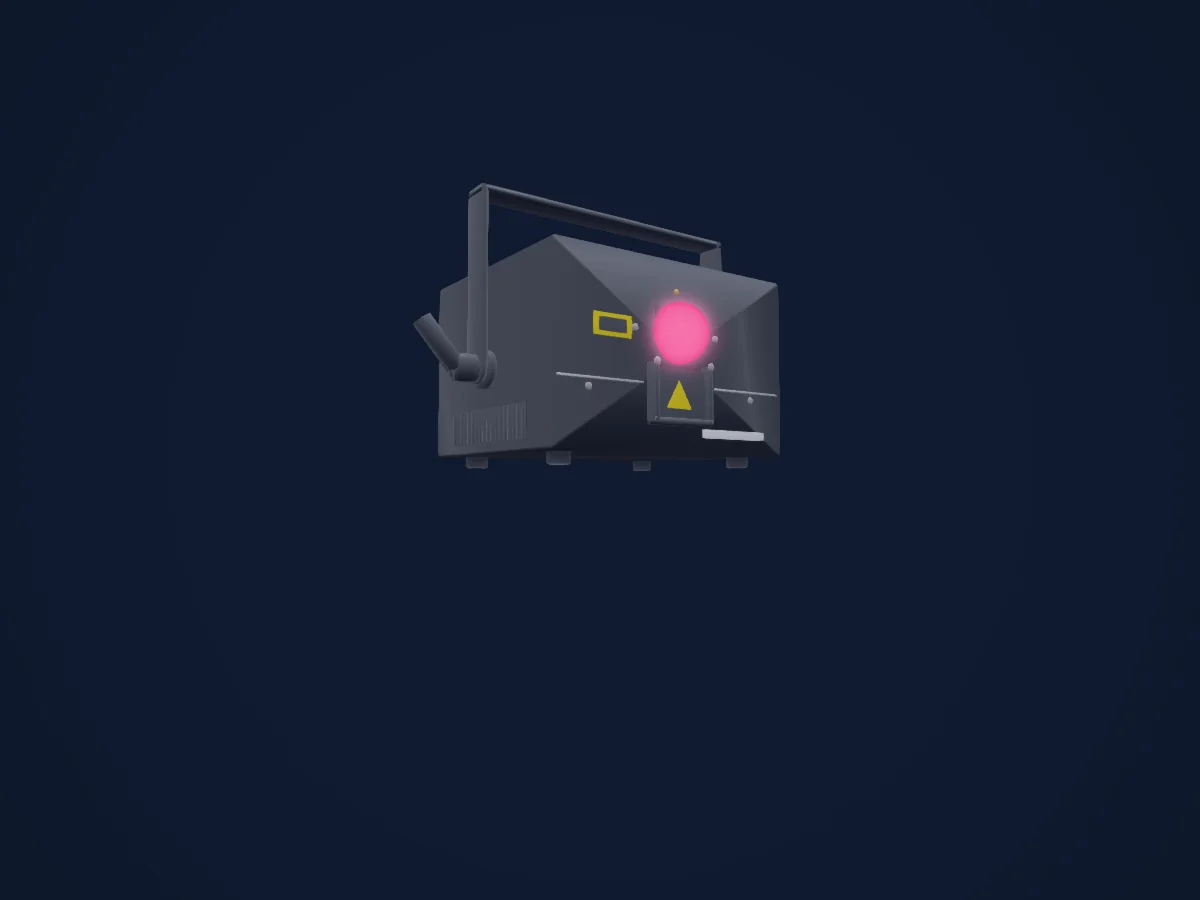
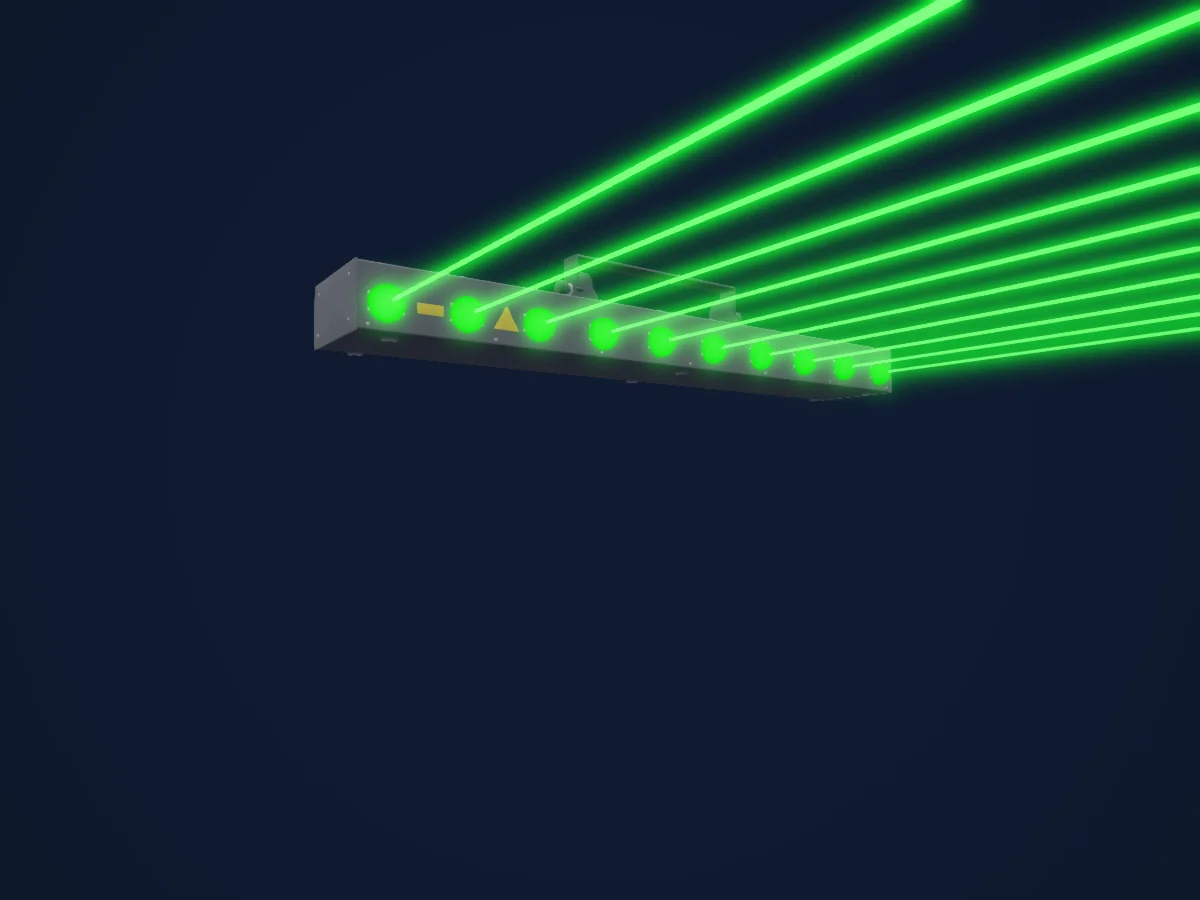
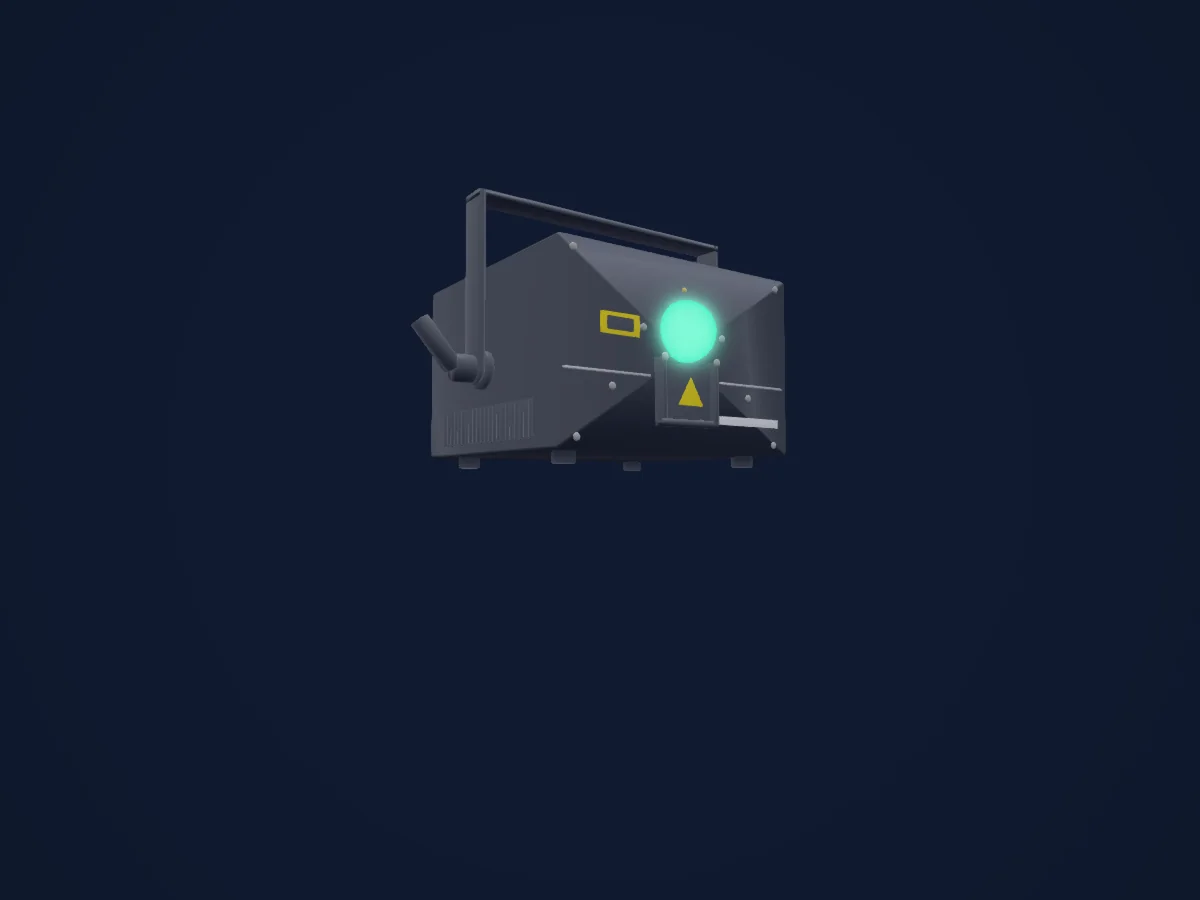
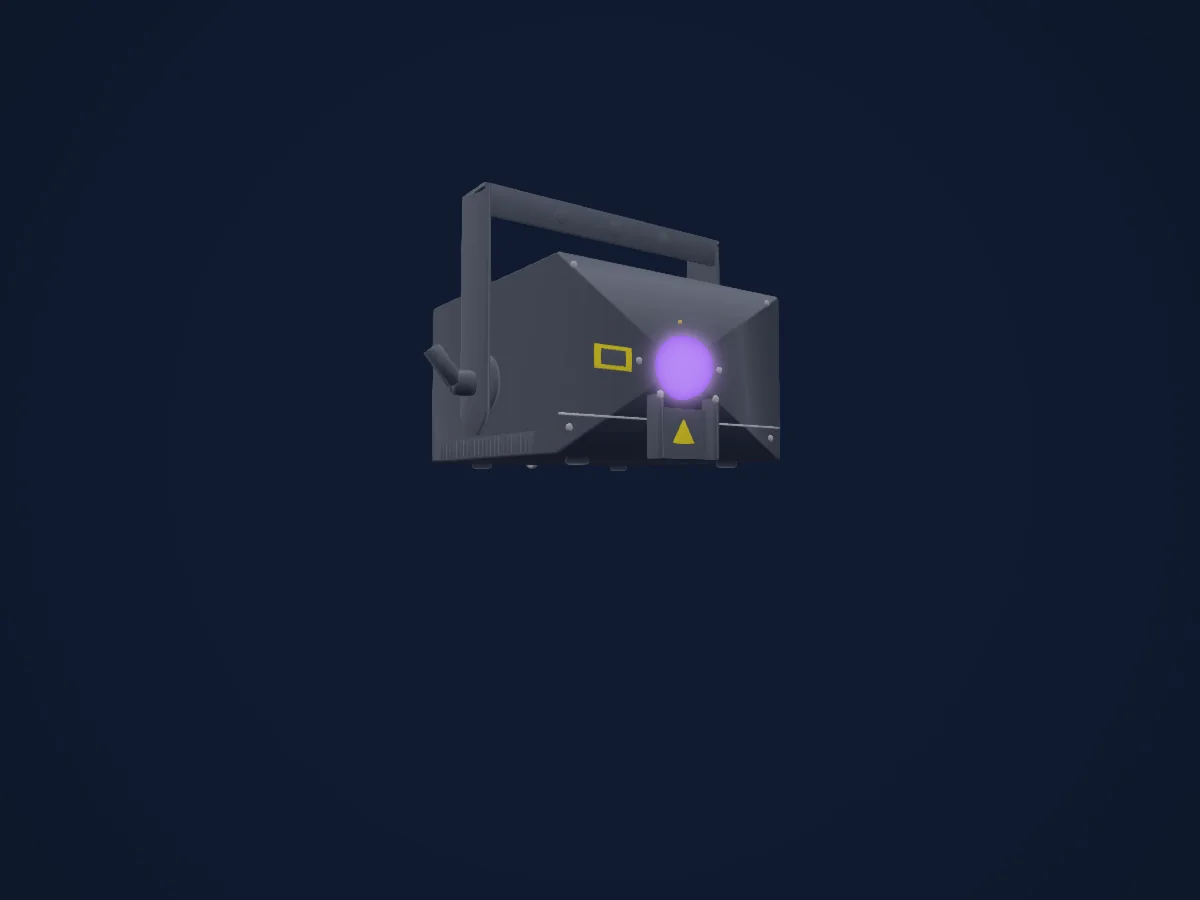
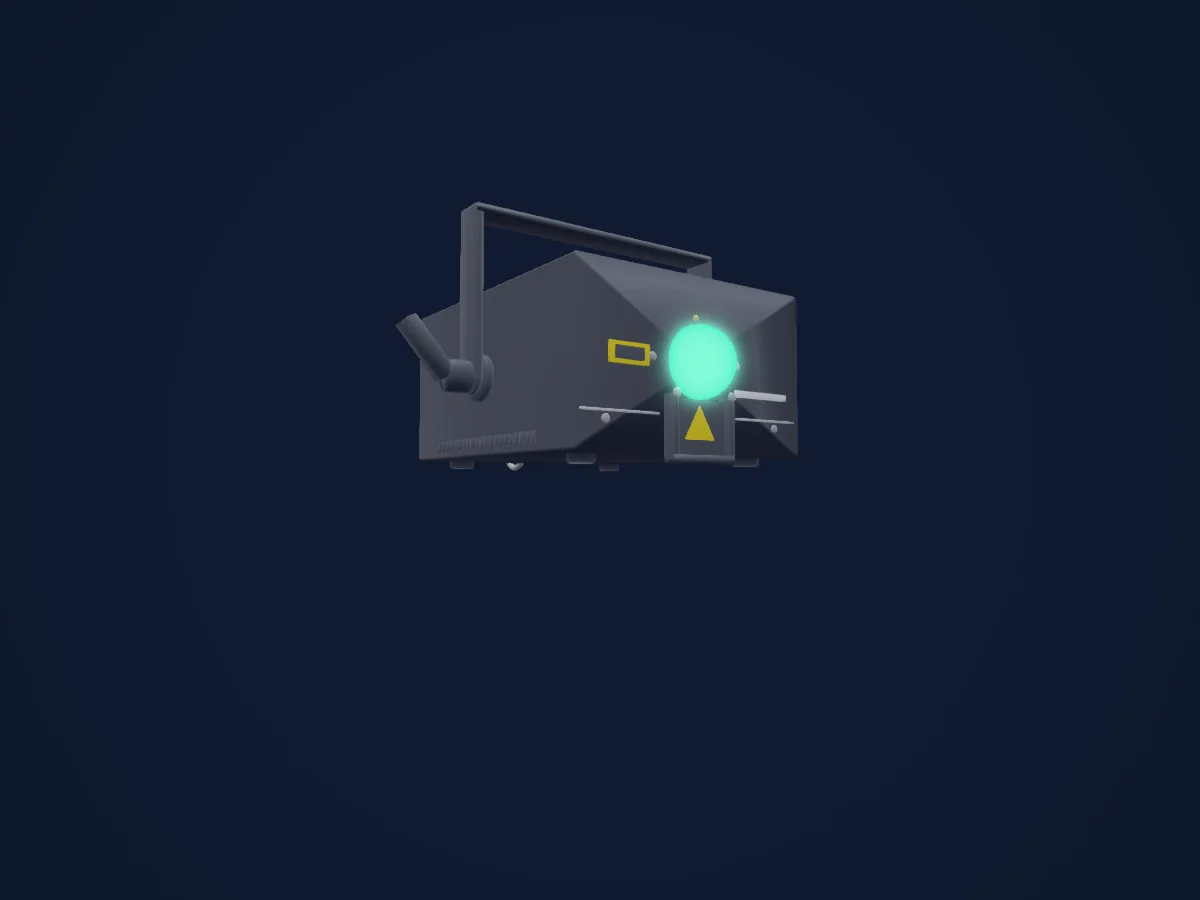
Laserworld DS-3000RGB MK3 rendu dans HitLight

Ce qu’il sait faire

  • Mélange de couleurs RVB
  • Roue de couleurs
  • Stroboscope
  • Intensité
  • Pan et tilt
  • Gobos
  • Rotation des gobos

Fonctions liées à la sécurité: Émission laser. Vérifiez leur comportement sur votre propre projecteur avant un spectacle.

Modes DMX et tableaux de canaux

Modes DMX de Laserworld DS-3000RGB MK3
ModeCanauxDans HitLight
DJ Mode19Limité dans HitLight
Professional Mode34Prêt dans HitLight

DJ Mode

Limité dans HitLight

19 canaux DMX · Télécharger ce tableau en CSV

Tableau des canaux DMX de DJ Mode
CanalFonctionPar défautValeurs DMX
1Dimmer0
2 plages de valeurs
  • 0–0 Laser off
  • 1–255 Increase intensity (full intensity = 255)
2Gobo0
64 plages de valeurs
  • 0–0 Blackout (000.ild must not exist) (wheel slot 1)
  • 1–1 001.ild (wheel slot 2)
  • 2–2 002.ild (wheel slot 3)
  • 3–3 003.ild (wheel slot 4)
  • 4–4 004.ild (wheel slot 5)
  • 5–5 005.ild (wheel slot 6)
  • 6–6 006.ild (wheel slot 7)
  • 7–7 007.ild (wheel slot 8)
  • 8–8 008.ild (wheel slot 9)
  • 9–9 009.ild (wheel slot 10)
  • 10–10 010.ild (wheel slot 11)
  • 11–11 011.ild (wheel slot 12)
  • 12–12 012.ild (wheel slot 13)
  • 13–13 013.ild (wheel slot 14)
  • 14–14 014.ild (wheel slot 15)
  • 15–15 015.ild (wheel slot 16)
  • 16–16 016.ild (wheel slot 17)
  • 17–17 017.ild (wheel slot 18)
  • 18–18 018.ild (wheel slot 19)
  • 19–19 019.ild (wheel slot 20)
  • 20–20 020.ild (wheel slot 21)
  • 21–21 021.ild (wheel slot 22)
  • 22–22 022.ild (wheel slot 23)
  • 23–23 023.ild (wheel slot 24)
  • 24–24 024.ild (wheel slot 25)
  • 25–25 025.ild (wheel slot 26)
  • 26–26 026.ild (wheel slot 27)
  • 27–27 027.ild (wheel slot 28)
  • 28–28 028.ild (wheel slot 29)
  • 29–29 029.ild (wheel slot 30)
  • 30–30 030.ild (wheel slot 31)
  • 31–31 031.ild (wheel slot 32)
  • 32–32 032.ild (wheel slot 33)
  • 33–33 033.ild (wheel slot 34)
  • 34–34 034.ild (wheel slot 35)
  • 35–35 035.ild (wheel slot 36)
  • 36–36 036.ild (wheel slot 37)
  • 37–37 037.ild (wheel slot 38)
  • 38–38 038.ild (wheel slot 39)
  • 39–39 039.ild (wheel slot 40)
  • 40–40 040.ild (wheel slot 41)
  • 41–41 041.ild (wheel slot 42)
  • 42–42 042.ild (wheel slot 43)
  • 43–43 043.ild (wheel slot 44)
  • 44–44 044.ild (wheel slot 45)
  • 45–45 045.ild (wheel slot 46)
  • 46–46 046.ild (wheel slot 47)
  • 47–47 047.ild (wheel slot 48)
  • 48–48 048.ild (wheel slot 49)
  • 49–49 049.ild (wheel slot 50)
  • 50–50 050.ild (wheel slot 51)
  • 51–51 051.ild (wheel slot 52)
  • 52–52 052.ild (wheel slot 53)
  • 53–53 053.ild (wheel slot 54)
  • 54–54 054.ild (wheel slot 55)
  • 55–55 055.ild (wheel slot 56)
  • 56–56 056.ild (wheel slot 57)
  • 57–57 057.ild (wheel slot 58)
  • 58–58 058.ild (wheel slot 59)
  • 59–59 059.ild (wheel slot 60)
  • 60–60 060.ild (wheel slot 61)
  • 61–61 061.ild (wheel slot 62)
  • 62–62 062.ild (wheel slot 63)
  • 63–63 063.ild (wheel slot 64)
3Laser Framerate0
2 plages de valeurs
  • 0–15 Standard speed: 50 fps
  • 16–255 Increasing speed from 0 fps to 100 fps
4Laser Size0
3 plages de valeurs
  • 0–127 Decreasing size X + Y-axis
  • 128–191 Decreasing size X-axis
  • 192–255 Decreasing size Y-axis
5Laser Auto Size0
4 plages de valeurs
  • 0–63 Full size
  • 64–127 Changing size automatically X + Y-axis (increasing speed)
  • 128–191 Changing size automatically X-axis (increasing speed)
  • 192–255 Changing size automatically Y-axis (increasing speed)
6Gobo Rotation0
3 plages de valeurs
  • 0–192 Manual rotation
  • 193–224 Automatic rotation anti-clockwise (increasing speed)
  • 225–255 Automatic rotation clockwise (increasing speed)
7Pan0
2 plages de valeurs
  • 0–0 0 = center
  • 1–255 Position X-axis
8Pan Fine0Octet fin de Pan
9Tilt0
2 plages de valeurs
  • 0–0 0 = center
  • 1–255 Position Y-axis
10Tilt Fine0Octet fin de Tilt
11Laser Color Effect0
4 plages de valeurs
  • 0–15 Show pattern in original colors
  • 16–79 Show pattern in different colors (monochrome)
  • 80–143 Re-color effects: Original colors are replaced by new colors
  • 144–255 Automatic change of re-color effects
12Laser Fade Effect0
3 plages de valeurs
  • 0–127 Smooth color fade effect to the re-color effect;Value of channel 11 must be >15!
  • 128–192 Blocking color effect to the re-color effect; Value of channel 11 must be >15!
  • 193–255 Automatic change of color fade effects
13Shutter / Strobe0
2 plages de valeurs
  • 0–15 Open
  • 16–255 Increasing strobe effect
14Laser Operation Mode0
6 plages de valeurs
  • 0–19 DMX
  • 20–83 Automatic position X & Y-axis
  • 84–147 Automatic position X-axis
  • 148–211 Automatic position Y-axis
  • 212–233 Demonstration mode
  • 234–255 Sound-to-light
15Laser Scan Speed0
2 plages de valeurs
  • 0–31 Default
  • 32–255 Increasing scan speed (from 5 kpps to 30 kpps)
16Laser Safety Zone Size0
4 plages de valeurs
  • 0–63 Size of horizontal safety zone; Safety zone is the bottom part
  • 64–127 Size of horizontal safety zone; Safety zone is the upper part
  • 128–191 Size of vertical safety zone; Safety zone is the left part
  • 192–255 Size of the vertical safety zone; Safety zone is the right part
17Laser Safety Zone Intensity0
3 plages de valeurs
  • 0–0 No reduction
  • 1–128 Decrease brightness up to half brightness
  • 129–255 Decrease brightness up to blackout
18Laser Blanking0
2 plages de valeurs
  • 0–192 Manual select how much of the laser pattern shall be blanked
  • 193–255 Automatic blanking (increasing speed)
19Laser Blank Shift0
2 plages de valeurs
  • 0–192 Manual select the pattern part the blanking of channel 18 shall be applied to
  • 193–255 Automatic blank shift (increasing speed)

Professional Mode

Prêt dans HitLight

34 canaux DMX · Télécharger ce tableau en CSV

Tableau des canaux DMX de Professional Mode
CanalFonctionPar défautValeurs DMX
1Dimmer0
2 plages de valeurs
  • 0–0 Laser off
  • 1–255 Increase intensity (full intensity = 255)
2Gobo0
64 plages de valeurs
  • 0–0 Blackout (000.ild must not exist) (wheel slot 1)
  • 1–1 001.ild (wheel slot 2)
  • 2–2 002.ild (wheel slot 3)
  • 3–3 003.ild (wheel slot 4)
  • 4–4 004.ild (wheel slot 5)
  • 5–5 005.ild (wheel slot 6)
  • 6–6 006.ild (wheel slot 7)
  • 7–7 007.ild (wheel slot 8)
  • 8–8 008.ild (wheel slot 9)
  • 9–9 009.ild (wheel slot 10)
  • 10–10 010.ild (wheel slot 11)
  • 11–11 011.ild (wheel slot 12)
  • 12–12 012.ild (wheel slot 13)
  • 13–13 013.ild (wheel slot 14)
  • 14–14 014.ild (wheel slot 15)
  • 15–15 015.ild (wheel slot 16)
  • 16–16 016.ild (wheel slot 17)
  • 17–17 017.ild (wheel slot 18)
  • 18–18 018.ild (wheel slot 19)
  • 19–19 019.ild (wheel slot 20)
  • 20–20 020.ild (wheel slot 21)
  • 21–21 021.ild (wheel slot 22)
  • 22–22 022.ild (wheel slot 23)
  • 23–23 023.ild (wheel slot 24)
  • 24–24 024.ild (wheel slot 25)
  • 25–25 025.ild (wheel slot 26)
  • 26–26 026.ild (wheel slot 27)
  • 27–27 027.ild (wheel slot 28)
  • 28–28 028.ild (wheel slot 29)
  • 29–29 029.ild (wheel slot 30)
  • 30–30 030.ild (wheel slot 31)
  • 31–31 031.ild (wheel slot 32)
  • 32–32 032.ild (wheel slot 33)
  • 33–33 033.ild (wheel slot 34)
  • 34–34 034.ild (wheel slot 35)
  • 35–35 035.ild (wheel slot 36)
  • 36–36 036.ild (wheel slot 37)
  • 37–37 037.ild (wheel slot 38)
  • 38–38 038.ild (wheel slot 39)
  • 39–39 039.ild (wheel slot 40)
  • 40–40 040.ild (wheel slot 41)
  • 41–41 041.ild (wheel slot 42)
  • 42–42 042.ild (wheel slot 43)
  • 43–43 043.ild (wheel slot 44)
  • 44–44 044.ild (wheel slot 45)
  • 45–45 045.ild (wheel slot 46)
  • 46–46 046.ild (wheel slot 47)
  • 47–47 047.ild (wheel slot 48)
  • 48–48 048.ild (wheel slot 49)
  • 49–49 049.ild (wheel slot 50)
  • 50–50 050.ild (wheel slot 51)
  • 51–51 051.ild (wheel slot 52)
  • 52–52 052.ild (wheel slot 53)
  • 53–53 053.ild (wheel slot 54)
  • 54–54 054.ild (wheel slot 55)
  • 55–55 055.ild (wheel slot 56)
  • 56–56 056.ild (wheel slot 57)
  • 57–57 057.ild (wheel slot 58)
  • 58–58 058.ild (wheel slot 59)
  • 59–59 059.ild (wheel slot 60)
  • 60–60 060.ild (wheel slot 61)
  • 61–61 061.ild (wheel slot 62)
  • 62–62 062.ild (wheel slot 63)
  • 63–63 063.ild (wheel slot 64)
3Laser Framerate128
3 plages de valeurs
  • 0–127 Increasing speed from 0 fps to 50 fps
  • 128–128 Standard speed 50 fps
  • 129–255 Increasing speed from 50 fps to 100 fps
4Pan1280–255
5Pan Fine0Octet fin de Pan
6Tilt1280–255
7Tilt Fine0Octet fin de Tilt
8Gobo Rotation1280–255
9Gobo Rotation Fine0Octet fin de Gobo Rotation
10Horizontal Size00–255
11Vertical Size00–255
12Inversion0
4 plages de valeurs
  • 0–63 None
  • 64–127 Invert X-axis
  • 128–191 Invert Y-axis
  • 192–255 Invert X + Y-axis
13Color Macro1240
10 plages de valeurs
  • 0–15 Original pattern colors
  • 16–47 red (16)
  • 48–79 yellow (48)
  • 80–111 green (80)
  • 112–143 cyan (112)
  • 144–175 blue (144)
  • 176–207 purple (176)
  • 208–223 White with half intensity for each color channel
  • 224–239 White with full intensity for each color channel
  • 240–255 Enables channels 14 -16 to select a specific hue
14Color RGBRed2550–255
15Color RGBGreen2550–255
16Color RGBBlue2550–255
17Shutter / Strobe0
2 plages de valeurs
  • 0–15 Open
  • 16–255 Increasing strobe effect
18Laser Scan Speed0
2 plages de valeurs
  • 0–15 Default
  • 16–255 Increasing scan speed (from 5 kpps to 40 kpps)
19Laser Safety Zone Size0
4 plages de valeurs
  • 0–63 Size of horizontal safety zone; Safety zone is the bottom part
  • 64–127 Size of horizontal safety zone; Safety zone is the upper part
  • 128–191 Size of vertical safety zone; Safety zone is the left part
  • 192–255 Size of the vertical safety zone; Safety zone is the right part
20Laser Safety Zone Intensity00–255
21Color Balance Red00–255
22Color Balance Green00–255
23Color Balance Blue00–255
24Laser Mode Select10
7 plages de valeurs
  • 0–133 Show Mode
  • 134–135 Setup Mode (only in combination with channel 25)
  • 136–203 Show Mode
  • 204–205 Save Settings (only in combination with channel 25)
  • 206–210 Show Mode
  • 211–212 Reset Settings (only in combination with channel 25)
  • 213–255 Show Mode
25Laser Mode Select20
7 plages de valeurs
  • 0–31 Show Mode
  • 32–33 Reset Settings (only in combination with channel 24)
  • 34–93 Show Mode
  • 94–95 Setup Mode (only in combination with channel 24)
  • 96–167 Show Mode
  • 168–169 Save Settings (only in combination with channel 24)
  • 170–255 Show Mode
26Laser Geo Trapezoid X1270–255
27Laser Geo Trapezoid Y1270–255
28Laser Geo Barrel X1270–255
29Laser Geo Barrel Y1270–255
30No Feature00–255
31No Feature00–255
32No Feature00–255
33No Feature00–255
34No Feature00–255

Utiliser Laserworld DS-3000RGB MK3 dans HitLight

  1. Ouvrez Ajouter un projecteur et recherchez Laserworld DS-3000RGB MK3.
  2. Choisissez le mode DMX réglé dans le menu du projecteur. HitLight lui attribue la plus basse adresse de départ libre de son univers qui peut accueillir le nombre de canaux du mode.
  3. Vérifiez le mode et les commandes sur votre vrai projecteur avant toute utilisation en direct.

Les tableaux proviennent de la description GDTF du projecteur, convertie pour la bibliothèque HitLight. HitLight n’a aucun lien avec Laserworld.

Fixture model: gdtf-laserworld-ds-3000rgb-mk3-202611091703
Creator: HitLight
Modifications: Original HitLight 3D housing: scripted parametric geometry modelled by HitLight from public product photos and the manufacturer's published dimensions. No manufacturer imagery, CAD, meshes or GDTF models are redistributed.

Patchez-le, puis laissez la musique piloter la lumière.

HitLight trouve ces projecteurs dans sa bibliothèque, les patche sur la prochaine adresse libre et affiche votre installation en 3D avant même de brancher une seule lumière.

Ouvrir HitLight ↗Télécharger HitLight