Aller au contenu
HitLight
Martin · Découpe

Martin MAC 350 Entour

Tableau DMX, 2 modes DMX et aperçu 3D. 14 / 17 canaux DMX.
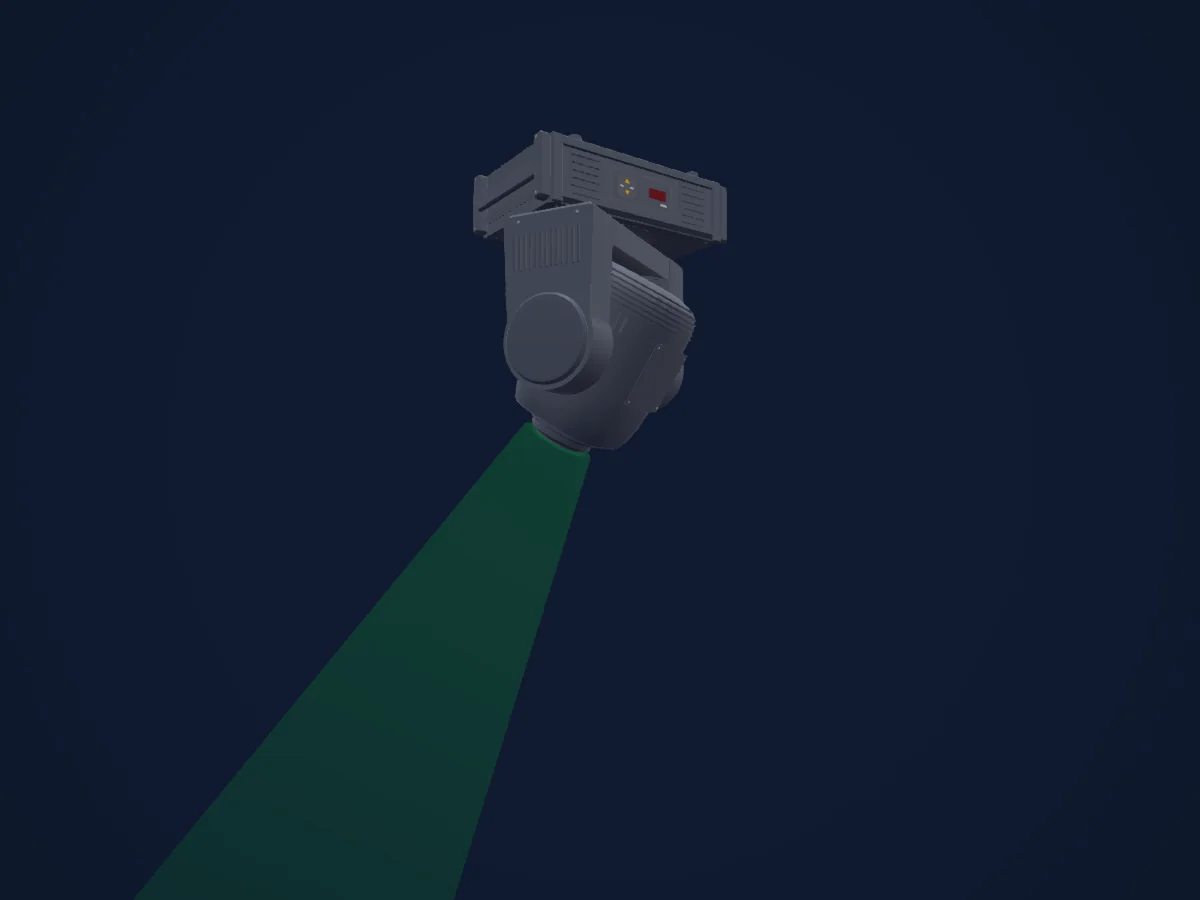
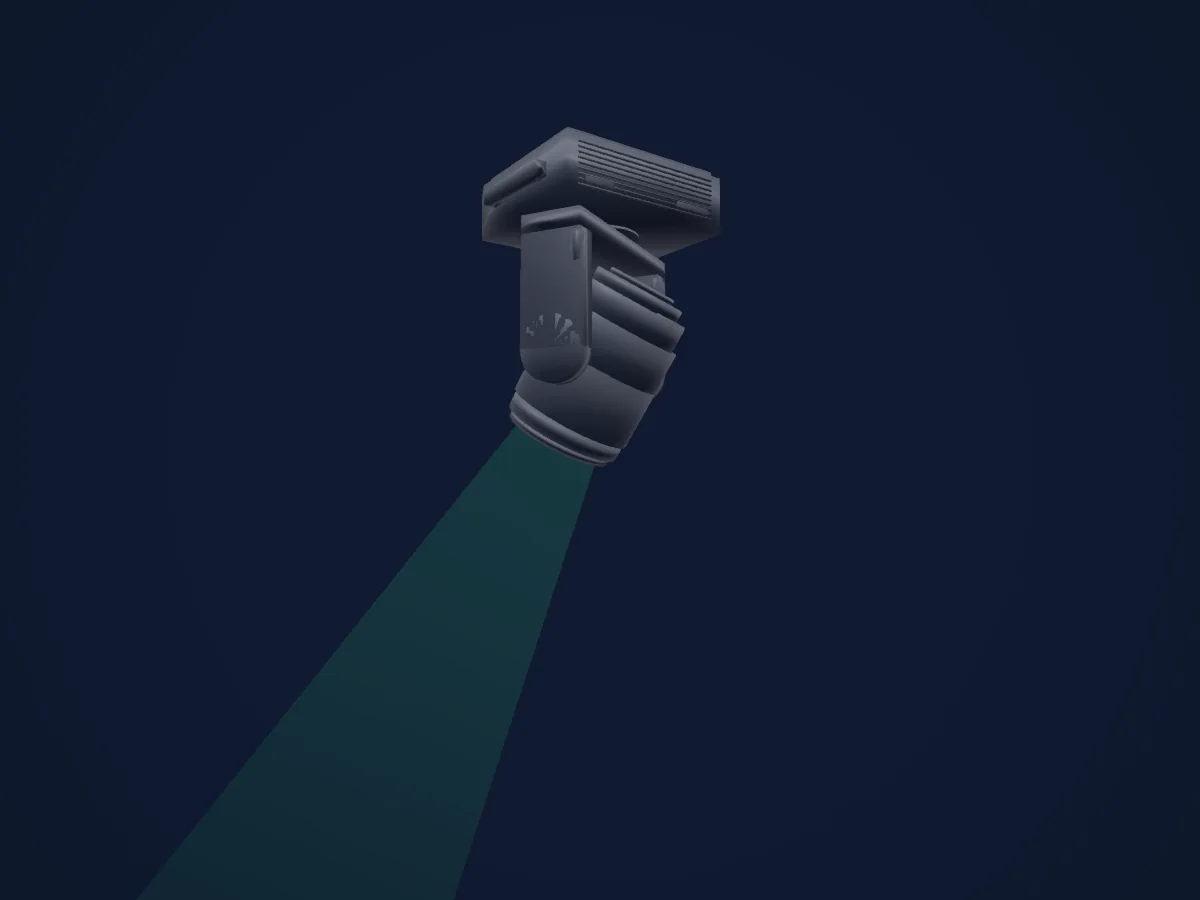
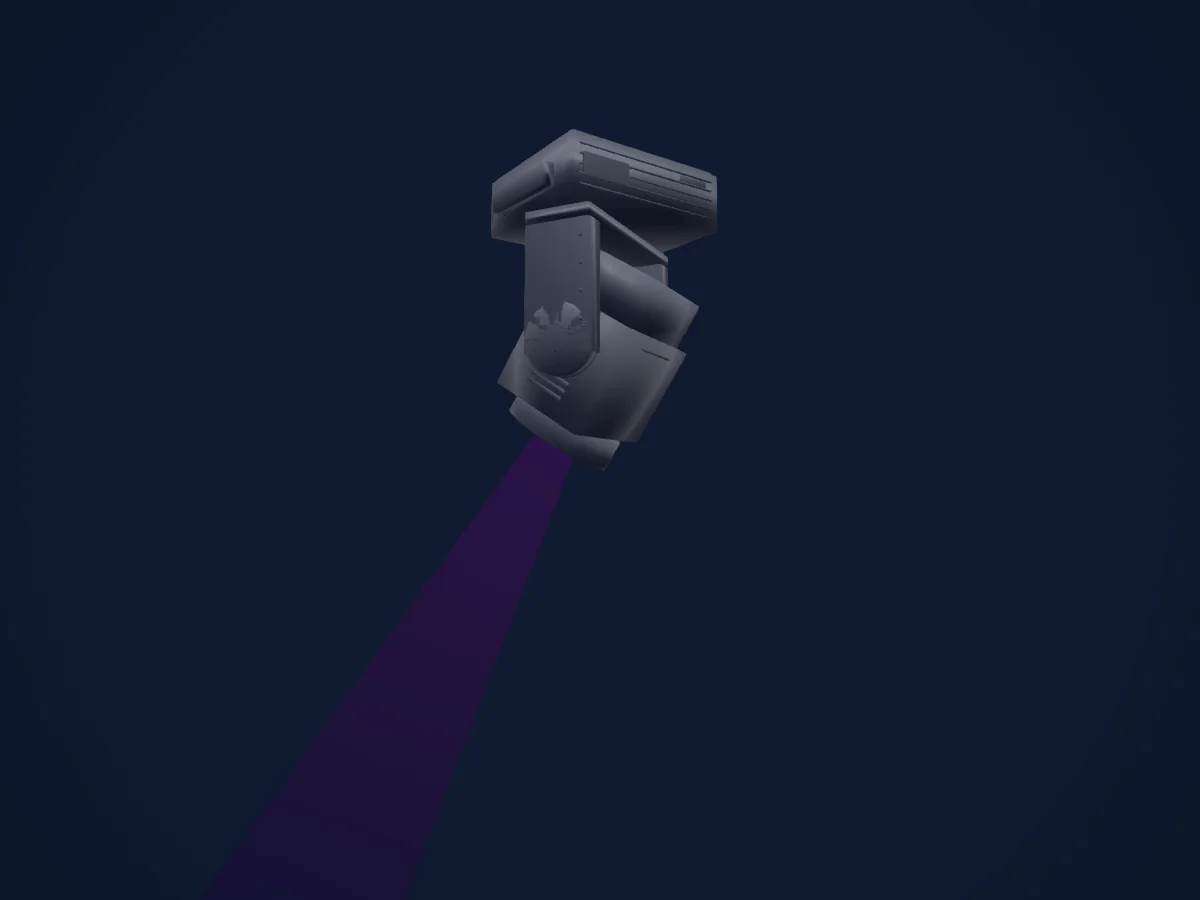
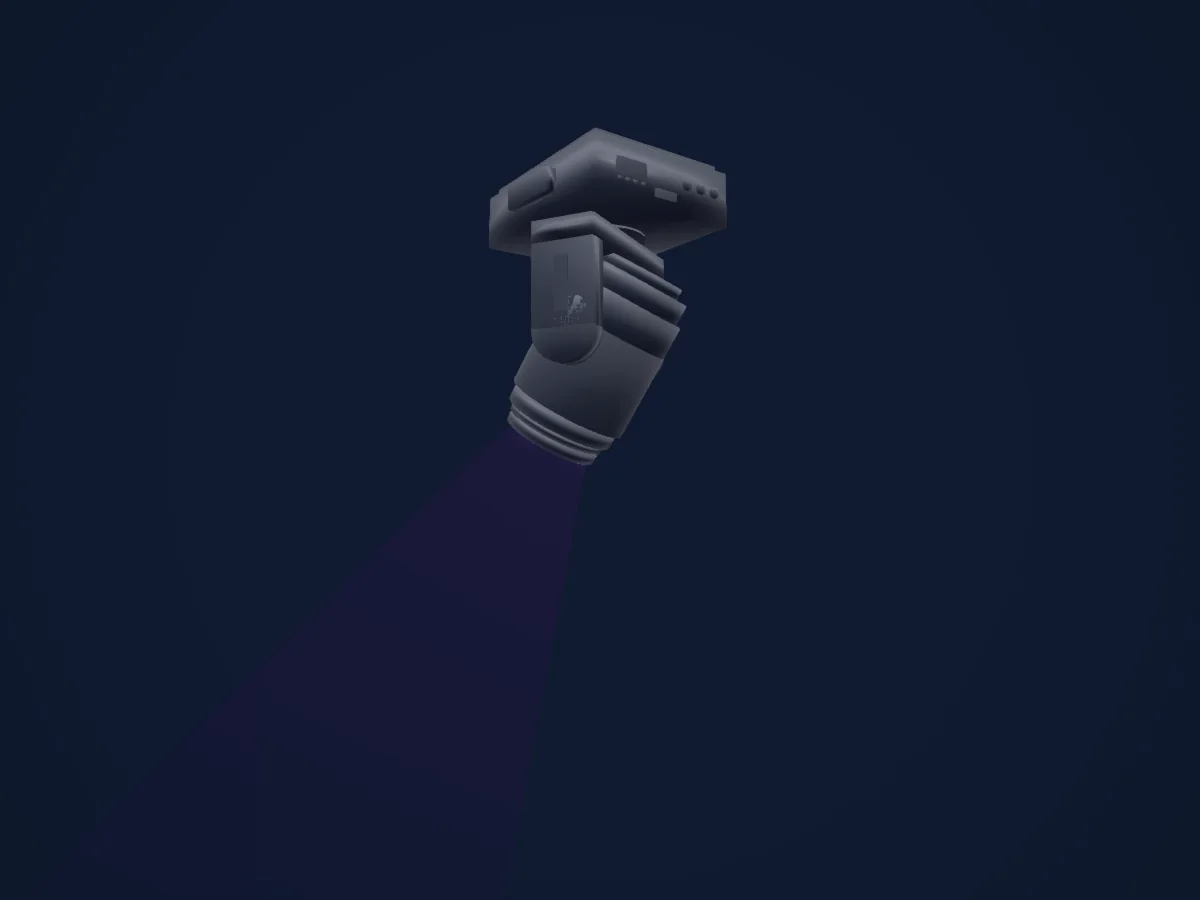
Martin MAC 350 Entour rendu dans HitLight

Ce qu’il sait faire

  • Mise au point
  • Iris
  • Roue de couleurs
  • Intensité
  • Pan et tilt
  • Vitesse de mouvement
  • Gobos

Fonctions liées à la sécurité: Réinitialisation du projecteur · Programmes d’effets intégrés. Vérifiez leur comportement sur votre propre projecteur avant un spectacle.

Modes DMX et tableaux de canaux

Modes DMX de Martin MAC 350 Entour
ModeCanauxDans HitLight
14CH (provisional)14Prêt dans HitLight
17CH (provisional)17Prêt dans HitLight

14CH (provisional)

Prêt dans HitLight

14 canaux DMX · Télécharger ce tableau en CSV

Tableau des canaux DMX de 14CH (provisional)
CanalFonctionPar défautValeurs DMX
1Shutter / Strobe0
22 plages de valeurs
  • 0–19 Shutter closed
  • 20–49 Shutter open
  • 50–64 Strobe1 fast to slow
  • 65–69 Shutter open
  • 70–84 Strobe2 fast to slow
  • 85–89 Shutter open
  • 90–104 Strobe3 fast to slow
  • 105–109 Shutter open
  • 110–124 Strobe4 fast to slow
  • 125–129 Shutter open
  • 130–144 Strobe5 fast to slow
  • 145–149 Shutter open
  • 150–164 Strobe6 fast to slow
  • 165–169 Shutter open
  • 170–184 Strobe7 fast to slow
  • 185–189 Shutter open
  • 190–204 Strobe8 fast to slow
  • 205–209 Shutter open
  • 210–224 Strobe9 fast to slow
  • 225–229 Shutter open
  • 230–244 Strobe10 fast to slow
  • 245–255 Shutter open
2Dimmer00–255
3Color Wheel0
37 plages de valeurs
  • 0–0 Open white (wheel slot 1)
  • 1–15 Open white / Blue (wheel slot 1)
  • 16–16 Blue (wheel slot 2)
  • 17–31 Blue / Green (wheel slot 2)
  • 32–32 Green (wheel slot 3)
  • 33–47 Green / Orange (wheel slot 3)
  • 48–48 Orange (wheel slot 4)
  • 49–63 Orange / Yellow (wheel slot 4)
  • 64–64 Yellow (wheel slot 5)
  • 65–79 Yellow / Pink (wheel slot 5)
  • 80–80 Pink (wheel slot 6)
  • 81–95 Pink / Magenta (wheel slot 6)
  • 96–96 Magenta (wheel slot 7)
  • 97–111 Magenta / Congo (wheel slot 7)
  • 112–112 Congo (wheel slot 8)
  • 113–127 Congo / Red (wheel slot 8)
  • 128–128 Red (wheel slot 9)
  • 129–143 Red / Open (wheel slot 9)
  • 144–144 Open (wheel slot 1)
  • 145–148 Red (wheel slot 9)
  • 149–152 Congo (wheel slot 8)
  • 153–156 Magenta (wheel slot 7)
  • 157–160 Pink (wheel slot 6)
  • 161–164 Yellow (wheel slot 5)
  • 165–168 Orange (wheel slot 4)
  • 169–172 Green (wheel slot 3)
  • 173–176 Blue (wheel slot 2)
  • 177–180 Open white (wheel slot 1)
  • 181–203 CW fast to slow
  • 204–207 Color wheel stop
  • 208–230 CCW slow to fast
  • 231–235 Music fast
  • 236–239 Music medium
  • 240–243 Music slow
  • 244–247 Random fast
  • 248–251 Random medium
  • 252–255 Random slow
4Gobo0
30 plages de valeurs
  • 0–3 Open gobo indexing bank
  • 4–7 Jessica Rose indexing bank
  • 8–11 Cathedral Spikes indexing bank
  • 12–15 Galaxy Breakup indexing bank
  • 16–19 Fabrick indexing bank
  • 20–23 Dipple indexing bank
  • 24–27 Blue Ripple indexing bank
  • 28–31 Open gobo rotation bank
  • 32–35 Jessica Rose rotation bank
  • 36–39 Cathedral Spikes rotation bank
  • 40–43 Galaxy Breakup rotation bank
  • 44–47 Fabrick rotation bank
  • 48–51 Dipple rotation bank
  • 52–55 Blue Ripple rotation bank
  • 56–66 Jessica Rose shake slow to fast
  • 67–77 Cathedral Spikes shake slow to fast
  • 78–88 Galaxy Breakup shake slow to fast
  • 89–99 Fabrick shake slow to fast
  • 100–110 Dipple shake slow to fast
  • 111–132 Blue Ripple shake slow to fast
  • 133–143 Dipple shake slow to fast
  • 144–154 Fabrick shake slow to fast
  • 155–165 Galaxy Breakup shake slow to fast
  • 166–176 Cathedral Spikes shake slow to fast
  • 177–187 Jessica Rose shake slow to fast
  • 188–215 CW slow to fast
  • 216–243 CCW fast to slow
  • 244–247 Music fast
  • 248–251 Music medium
  • 252–255 Music slow
5Control00–255
6Iris0
6 plages de valeurs
  • 0–199 Iris open to closed
  • 200–215 Iris closed
  • 216–229 Opening pulse fast to slow
  • 230–243 Closing pulse fast to slow
  • 244–249 Random opening pulse
  • 250–255 Random closing pulse
7Focus00–255
8No Feature0
42 plages de valeurs
  • 0–5 No Macro
  • 6–11 Macro1.1
  • 12–17 Macro1.2
  • 18–23 Macro1.3
  • 24–29 Macro1.4
  • 30–35 Macro2.1
  • 36–41 Macro2.2
  • 42–47 Macro2.3
  • 48–53 Macro2.4
  • 54–59 Macro3.1
  • 60–65 Macro3.2
  • 66–71 Macro3.3
  • 72–77 Macro3.4
  • 78–83 Macro4.1
  • 84–89 Macro4.2
  • 90–95 Macro4.3
  • 96–101 Macro4.4
  • 102–107 Macro5.1
  • 108–113 Macro5.2
  • 114–119 Macro5.3
  • 120–125 Macro5.4
  • 126–131 Macro6.1
  • 132–137 Macro6.2
  • 138–143 Macro6.3
  • 144–149 Macro6.4
  • 150–155 Macro7.1
  • 156–161 Macro7.2
  • 162–167 Macro7.3
  • 168–173 Macro7.4
  • 174–179 Macro8.1
  • 180–185 Macro8.2
  • 186–191 Macro8.3
  • 192–197 Macro8.4
  • 198–203 Macro9.1
  • 204–209 Macro9.2
  • 210–215 Macro9.3
  • 216–221 Macro9.4
  • 222–227 Macro10.1
  • 228–233 Macro10.2
  • 234–239 Macro10.3
  • 240–245 Macro10.4
  • 246–255 Reserved no effect
9No Feature0
42 plages de valeurs
  • 0–5 No Macro
  • 6–11 Macro1.1
  • 12–17 Macro1.2
  • 18–23 Macro1.3
  • 24–29 Macro1.4
  • 30–35 Macro2.1
  • 36–41 Macro2.2
  • 42–47 Macro2.3
  • 48–53 Macro2.4
  • 54–59 Macro3.1
  • 60–65 Macro3.2
  • 66–71 Macro3.3
  • 72–77 Macro3.4
  • 78–83 Macro4.1
  • 84–89 Macro4.2
  • 90–95 Macro4.3
  • 96–101 Macro4.4
  • 102–107 Macro5.1
  • 108–113 Macro5.2
  • 114–119 Macro5.3
  • 120–125 Macro5.4
  • 126–131 Macro6.1
  • 132–137 Macro6.2
  • 138–143 Macro6.3
  • 144–149 Macro6.4
  • 150–155 Macro7.1
  • 156–161 Macro7.2
  • 162–167 Macro7.3
  • 168–173 Macro7.4
  • 174–179 Macro8.1
  • 180–185 Macro8.2
  • 186–191 Macro8.3
  • 192–197 Macro8.4
  • 198–203 Macro9.1
  • 204–209 Macro9.2
  • 210–215 Macro9.3
  • 216–221 Macro9.4
  • 222–227 Macro10.1
  • 228–233 Macro10.2
  • 234–239 Macro10.3
  • 240–245 Macro10.4
  • 246–255 Reserved no effect
10Pan1280–255
11Tilt1280–255
12Pan Tilt Speed0
4 plages de valeurs
  • 0–2 Tracking mode
  • 3–245 Vector fast to slow
  • 246–251 Reserved future use
  • 252–255 Blackout while moving
13Control0
5 plages de valeurs
  • 0–2 Tracking mode
  • 3–245 Vector fast to slow
  • 246–248 Tracking SCUT OFF
  • 249–251 Tracking SCUT ON
  • 252–255 Blackout while moving
14No Feature0
32 plages de valeurs
  • 0–9 No function
  • 10–14 Reset entire fixture
  • 15–19 No function
  • 20–24 Reset effects
  • 25–29 No function
  • 30–34 Reset pan tilt
  • 35–39 No function
  • 40–44 Pan tilt speed NORM
  • 45–49 Pan tilt speed FAST
  • 50–54 Pan tilt speed SLOW
  • 55–59 Reserved
  • 60–64 No function
  • 65–69 Fan Full
  • 70–74 No function
  • 75–79 Fan Regulated
  • 80–84 No function
  • 85–89 Fan Silent
  • 90–94 No function
  • 95–99 Dimmer LIN
  • 100–104 No function
  • 105–109 Dimmer SQR
  • 110–114 No function
  • 115–119 Dimmer ISQR
  • 120–124 No function
  • 125–129 Dimmer SCUR
  • 130–134 No function
  • 135–139 Calibrated output
  • 140–144 No function
  • 145–149 Raw maximum output
  • 150–154 No function
  • 155–249 Reserved
  • 250–255 Illuminate display

17CH (provisional)

Prêt dans HitLight

17 canaux DMX · Télécharger ce tableau en CSV

Tableau des canaux DMX de 17CH (provisional)
CanalFonctionPar défautValeurs DMX
1Shutter / Strobe0
22 plages de valeurs
  • 0–19 Shutter closed
  • 20–49 Shutter open
  • 50–64 Strobe1 fast to slow
  • 65–69 Shutter open
  • 70–84 Strobe2 fast to slow
  • 85–89 Shutter open
  • 90–104 Strobe3 fast to slow
  • 105–109 Shutter open
  • 110–124 Strobe4 fast to slow
  • 125–129 Shutter open
  • 130–144 Strobe5 fast to slow
  • 145–149 Shutter open
  • 150–164 Strobe6 fast to slow
  • 165–169 Shutter open
  • 170–184 Strobe7 fast to slow
  • 185–189 Shutter open
  • 190–204 Strobe8 fast to slow
  • 205–209 Shutter open
  • 210–224 Strobe9 fast to slow
  • 225–229 Shutter open
  • 230–244 Strobe10 fast to slow
  • 245–255 Shutter open
2Dimmer00–255
3Color Wheel0
37 plages de valeurs
  • 0–0 Open white (wheel slot 1)
  • 1–15 Open white / Blue (wheel slot 1)
  • 16–16 Blue (wheel slot 2)
  • 17–31 Blue / Green (wheel slot 2)
  • 32–32 Green (wheel slot 3)
  • 33–47 Green / Orange (wheel slot 3)
  • 48–48 Orange (wheel slot 4)
  • 49–63 Orange / Yellow (wheel slot 4)
  • 64–64 Yellow (wheel slot 5)
  • 65–79 Yellow / Pink (wheel slot 5)
  • 80–80 Pink (wheel slot 6)
  • 81–95 Pink / Magenta (wheel slot 6)
  • 96–96 Magenta (wheel slot 7)
  • 97–111 Magenta / Congo (wheel slot 7)
  • 112–112 Congo (wheel slot 8)
  • 113–127 Congo / Red (wheel slot 8)
  • 128–128 Red (wheel slot 9)
  • 129–143 Red / Open (wheel slot 9)
  • 144–144 Open (wheel slot 1)
  • 145–148 Red (wheel slot 9)
  • 149–152 Congo (wheel slot 8)
  • 153–156 Magenta (wheel slot 7)
  • 157–160 Pink (wheel slot 6)
  • 161–164 Yellow (wheel slot 5)
  • 165–168 Orange (wheel slot 4)
  • 169–172 Green (wheel slot 3)
  • 173–176 Blue (wheel slot 2)
  • 177–180 Open white (wheel slot 1)
  • 181–203 CW fast to slow
  • 204–207 Color wheel stop
  • 208–230 CCW slow to fast
  • 231–235 Music fast
  • 236–239 Music medium
  • 240–243 Music slow
  • 244–247 Random fast
  • 248–251 Random medium
  • 252–255 Random slow
4Gobo0
30 plages de valeurs
  • 0–3 Open gobo indexing bank
  • 4–7 Jessica Rose indexing bank
  • 8–11 Cathedral Spikes indexing bank
  • 12–15 Galaxy Breakup indexing bank
  • 16–19 Fabrick indexing bank
  • 20–23 Dipple indexing bank
  • 24–27 Blue Ripple indexing bank
  • 28–31 Open gobo rotation bank
  • 32–35 Jessica Rose rotation bank
  • 36–39 Cathedral Spikes rotation bank
  • 40–43 Galaxy Breakup rotation bank
  • 44–47 Fabrick rotation bank
  • 48–51 Dipple rotation bank
  • 52–55 Blue Ripple rotation bank
  • 56–66 Jessica Rose shake slow to fast
  • 67–77 Cathedral Spikes shake slow to fast
  • 78–88 Galaxy Breakup shake slow to fast
  • 89–99 Fabrick shake slow to fast
  • 100–110 Dipple shake slow to fast
  • 111–132 Blue Ripple shake slow to fast
  • 133–143 Dipple shake slow to fast
  • 144–154 Fabrick shake slow to fast
  • 155–165 Galaxy Breakup shake slow to fast
  • 166–176 Cathedral Spikes shake slow to fast
  • 177–187 Jessica Rose shake slow to fast
  • 188–215 CW slow to fast
  • 216–243 CCW fast to slow
  • 244–247 Music fast
  • 248–251 Music medium
  • 252–255 Music slow
5Control00–255
6Control Fine0Octet fin de Control
7Iris0
6 plages de valeurs
  • 0–199 Iris open to closed
  • 200–215 Iris closed
  • 216–229 Opening pulse fast to slow
  • 230–243 Closing pulse fast to slow
  • 244–249 Random opening pulse
  • 250–255 Random closing pulse
8Focus00–255
9No Feature0
42 plages de valeurs
  • 0–5 No Macro
  • 6–11 Macro1.1
  • 12–17 Macro1.2
  • 18–23 Macro1.3
  • 24–29 Macro1.4
  • 30–35 Macro2.1
  • 36–41 Macro2.2
  • 42–47 Macro2.3
  • 48–53 Macro2.4
  • 54–59 Macro3.1
  • 60–65 Macro3.2
  • 66–71 Macro3.3
  • 72–77 Macro3.4
  • 78–83 Macro4.1
  • 84–89 Macro4.2
  • 90–95 Macro4.3
  • 96–101 Macro4.4
  • 102–107 Macro5.1
  • 108–113 Macro5.2
  • 114–119 Macro5.3
  • 120–125 Macro5.4
  • 126–131 Macro6.1
  • 132–137 Macro6.2
  • 138–143 Macro6.3
  • 144–149 Macro6.4
  • 150–155 Macro7.1
  • 156–161 Macro7.2
  • 162–167 Macro7.3
  • 168–173 Macro7.4
  • 174–179 Macro8.1
  • 180–185 Macro8.2
  • 186–191 Macro8.3
  • 192–197 Macro8.4
  • 198–203 Macro9.1
  • 204–209 Macro9.2
  • 210–215 Macro9.3
  • 216–221 Macro9.4
  • 222–227 Macro10.1
  • 228–233 Macro10.2
  • 234–239 Macro10.3
  • 240–245 Macro10.4
  • 246–255 Reserved no effect
10No Feature0
42 plages de valeurs
  • 0–5 No Macro
  • 6–11 Macro1.1
  • 12–17 Macro1.2
  • 18–23 Macro1.3
  • 24–29 Macro1.4
  • 30–35 Macro2.1
  • 36–41 Macro2.2
  • 42–47 Macro2.3
  • 48–53 Macro2.4
  • 54–59 Macro3.1
  • 60–65 Macro3.2
  • 66–71 Macro3.3
  • 72–77 Macro3.4
  • 78–83 Macro4.1
  • 84–89 Macro4.2
  • 90–95 Macro4.3
  • 96–101 Macro4.4
  • 102–107 Macro5.1
  • 108–113 Macro5.2
  • 114–119 Macro5.3
  • 120–125 Macro5.4
  • 126–131 Macro6.1
  • 132–137 Macro6.2
  • 138–143 Macro6.3
  • 144–149 Macro6.4
  • 150–155 Macro7.1
  • 156–161 Macro7.2
  • 162–167 Macro7.3
  • 168–173 Macro7.4
  • 174–179 Macro8.1
  • 180–185 Macro8.2
  • 186–191 Macro8.3
  • 192–197 Macro8.4
  • 198–203 Macro9.1
  • 204–209 Macro9.2
  • 210–215 Macro9.3
  • 216–221 Macro9.4
  • 222–227 Macro10.1
  • 228–233 Macro10.2
  • 234–239 Macro10.3
  • 240–245 Macro10.4
  • 246–255 Reserved no effect
11Pan1280–255
12Pan Fine0Octet fin de Pan
13Tilt1280–255
14Tilt Fine0Octet fin de Tilt
15Pan Tilt Speed0
4 plages de valeurs
  • 0–2 Tracking mode
  • 3–245 Vector fast to slow
  • 246–251 Reserved future use
  • 252–255 Blackout while moving
16Control0
5 plages de valeurs
  • 0–2 Tracking mode
  • 3–245 Vector fast to slow
  • 246–248 Tracking SCUT OFF
  • 249–251 Tracking SCUT ON
  • 252–255 Blackout while moving
17No Feature0
32 plages de valeurs
  • 0–9 No function
  • 10–14 Reset entire fixture
  • 15–19 No function
  • 20–24 Reset effects
  • 25–29 No function
  • 30–34 Reset pan tilt
  • 35–39 No function
  • 40–44 Pan tilt speed NORM
  • 45–49 Pan tilt speed FAST
  • 50–54 Pan tilt speed SLOW
  • 55–59 Reserved
  • 60–64 No function
  • 65–69 Fan Full
  • 70–74 No function
  • 75–79 Fan Regulated
  • 80–84 No function
  • 85–89 Fan Silent
  • 90–94 No function
  • 95–99 Dimmer LIN
  • 100–104 No function
  • 105–109 Dimmer SQR
  • 110–114 No function
  • 115–119 Dimmer ISQR
  • 120–124 No function
  • 125–129 Dimmer SCUR
  • 130–134 No function
  • 135–139 Calibrated output
  • 140–144 No function
  • 145–149 Raw maximum output
  • 150–154 No function
  • 155–249 Reserved
  • 250–255 Illuminate display

Utiliser Martin MAC 350 Entour dans HitLight

  1. Ouvrez Ajouter un projecteur et recherchez Martin MAC 350 Entour.
  2. Choisissez le mode DMX réglé dans le menu du projecteur. HitLight lui attribue la plus basse adresse de départ libre de son univers qui peut accueillir le nombre de canaux du mode.
  3. Vérifiez le mode et les commandes sur votre vrai projecteur avant toute utilisation en direct.

Lieux équipés du Martin MAC 350 Entour

Leurs installations enregistrées comprennent ce modèle de projecteur. Vérifiez l’équipement actuel auprès du lieu.

Les tableaux proviennent de la description GDTF du projecteur, convertie pour la bibliothèque HitLight. HitLight n’a aucun lien avec Martin.

Fixture model: gdtf-martin-mac-350-entour-2611035106
Creator: HitLight
Modifications: Original HitLight 3D housing: scripted parametric geometry modelled by HitLight from public product photos and the manufacturer's published dimensions. No manufacturer imagery, CAD, meshes or GDTF models are redistributed.

Patchez-le, puis laissez la musique piloter la lumière.

HitLight trouve ces projecteurs dans sa bibliothèque, les patche sur la prochaine adresse libre et affiche votre installation en 3D avant même de brancher une seule lumière.

Ouvrir HitLight ↗Télécharger HitLight